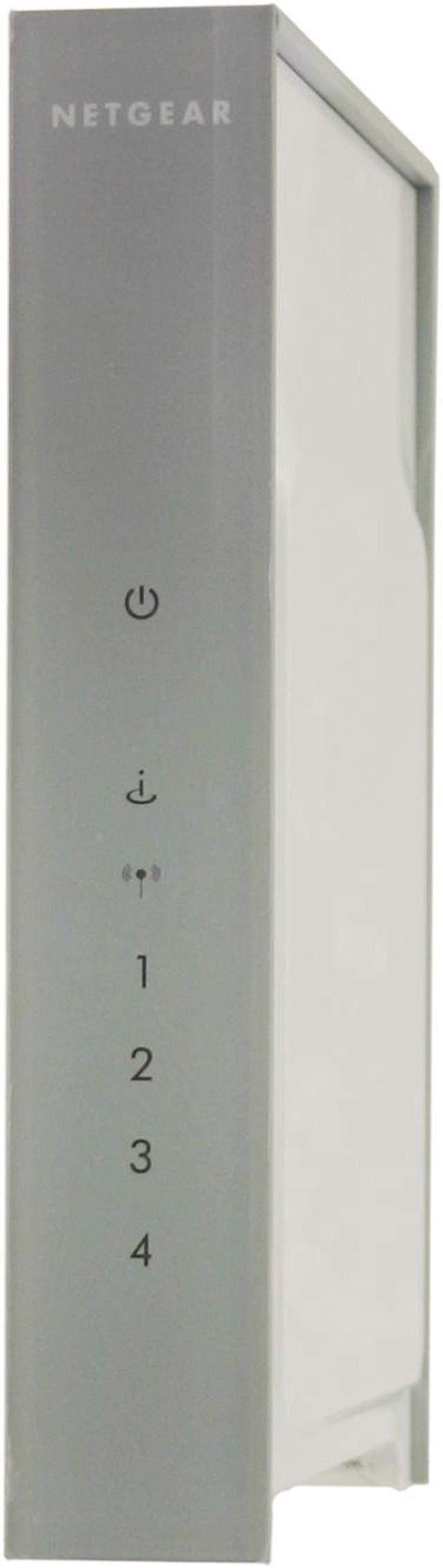
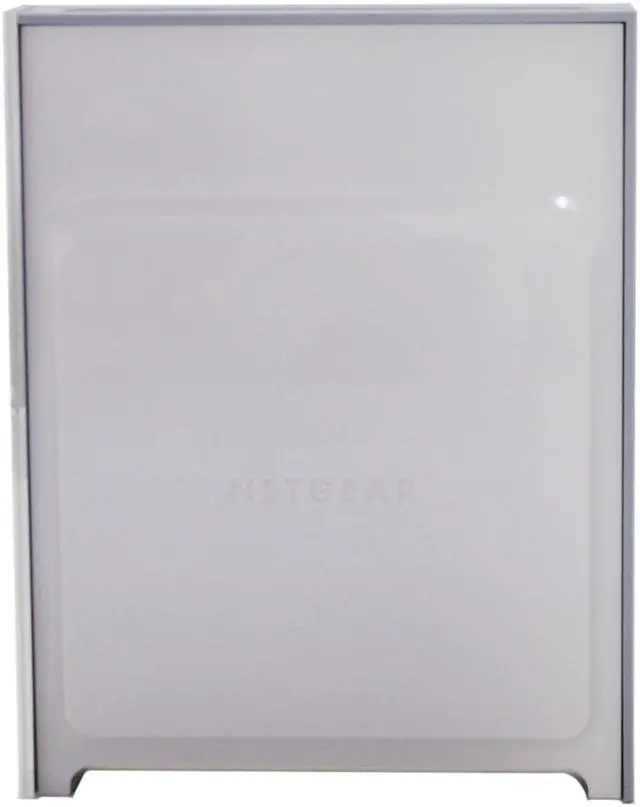
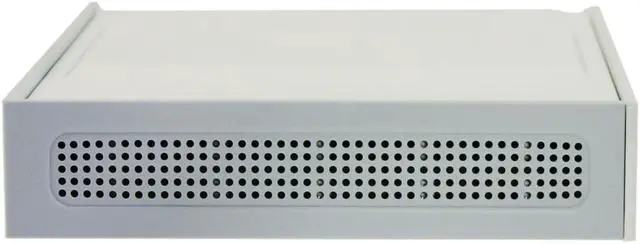
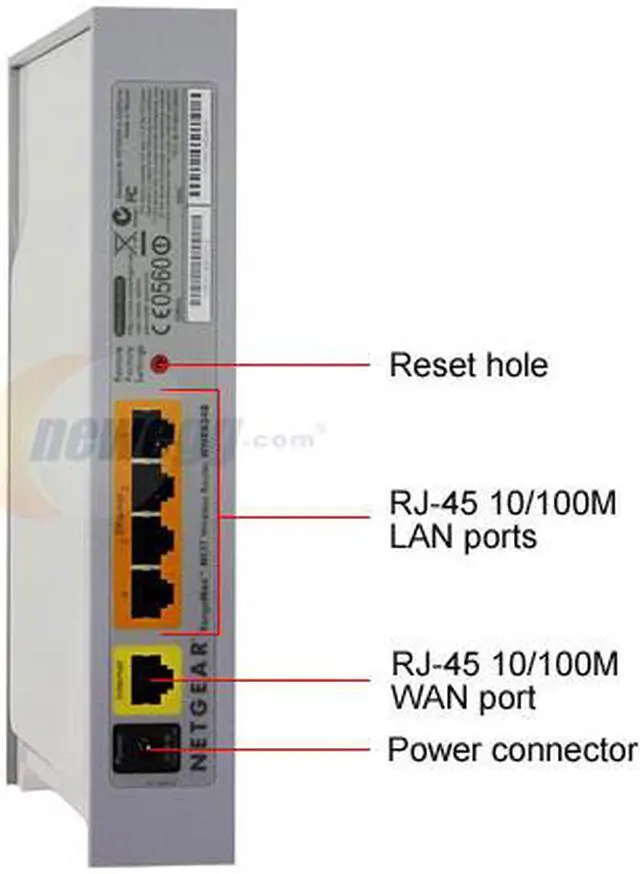
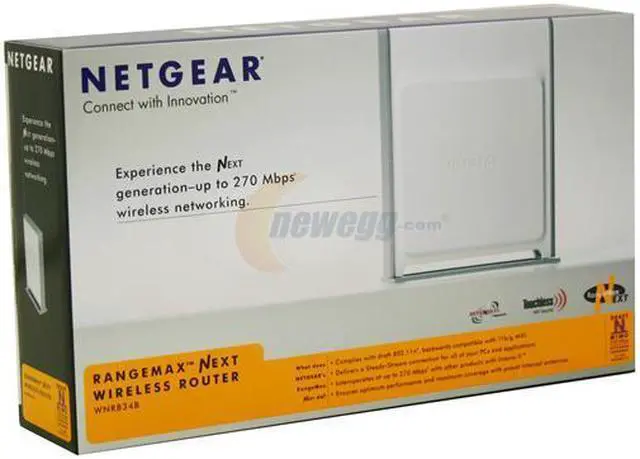
Do you want the extended range and speed that the new Draft-N with MIMO routers provide but don't want your office to look like the antenna farm at SETI? Then the WNR834B from Netgear is for you. This sleek white and grey box has the three pre-tuned antennae hidden away inside the housing. The front panel has discrete indicator lights in the pattern familiar to Netgear users while the back has color coded RJ45 ports for LAN and WAN connections, plus a power port. This makes physical setup fast and easy.
You've gotten the hardware set up, now what? The Smart Wizard installation and WiFi Protected Setup connects and secures your network. If you are using Netgear adapters that also have Touchless WiFi Security they will communicate with the router and automatically configure the security protocols.
Now that you've gotten it set up it’s time to enjoy speeds up to 15x faster with 10x greater coverage area than Wireless G. The QoS algorithms prioritize data transmission for high quality streaming of HD video, gaming and VoIP calls.
Do you want the extended range and speed that the new Draft-N with MIMO routers provide but don't want your office to look like the antenna farm at SETI? Then the WNR834B from Netgear is for you. This sleek white and grey box has the three pre-tuned antennae hidden away inside the housing. The front panel has discrete indicator lights in the pattern familiar to Netgear users while the back has color coded RJ45 ports for LAN and WAN connections, plus a power port. This makes physical setup fast and easy.
You've gotten the hardware set up, now what? The Smart Wizard installation and WiFi Protected Setup connects and secures your network. If you are using Netgear adapters that also have Touchless WiFi Security they will communicate with the router and automatically configure the security protocols.
Now that you've gotten it set up it’s time to enjoy speeds up to 15x faster with 10x greater coverage area than Wireless G. The QoS algorithms prioritize data transmission for high quality streaming of HD video, gaming and VoIP calls.
 RangeMax Next Wireless-n NetworkRangeMax NEXT extends wireless network possibilities by providing Steady-Stream wireless connections at a maximum of 300Mbps. RangeMax NEXT is compliant with draft 802.11n, legacy b and g wireless standards. A RangeMax NEXT Wireless-N network creates and maintains stable connections and maximum bandwidth to surf the Internet, download MP3s, make Internet phone calls, share files, play network games, and stream high-definition videos simultaneously at any distance in the home or office.
 TOPDOG WirelessThe draft 802.11n wireless standard utilizes advanced MIMO (Multi-In, Multi-Out) technology to deliver incredible speeds and ranges, and for the first time provides wireless interoperability at peerless speeds with other products using Top Dog technology.
 Steady-Stream TechnologySteady-Stream technology ensures maximum streaming bandwidth for all applications throughout your home or office all at once.
 Touchless WiFi SecurityTouchless WiFi Security makes it a breeze to create reliable network security including WEP, WPA-PSK and WPA2-PSK, while the NETGEAR's Smart Wizard simplifies setup.

 Holiday Shipping Details & Extended Holiday Returns



 RangeMax Next Wireless-n NetworkRangeMax NEXT extends wireless network possibilities by providing Steady-Stream wireless connections at a maximum of 300Mbps. RangeMax NEXT is compliant with draft 802.11n, legacy b and g wireless standards. A RangeMax NEXT Wireless-N network creates and maintains stable connections and maximum bandwidth to surf the Internet, download MP3s, make Internet phone calls, share files, play network games, and stream high-definition videos simultaneously at any distance in the home or office.
 TOPDOG WirelessThe draft 802.11n wireless standard utilizes advanced MIMO (Multi-In, Multi-Out) technology to deliver incredible speeds and ranges, and for the first time provides wireless interoperability at peerless speeds with other products using Top Dog technology.
 Steady-Stream TechnologySteady-Stream technology ensures maximum streaming bandwidth for all applications throughout your home or office all at once.
 Touchless WiFi SecurityTouchless WiFi Security makes it a breeze to create reliable network security including WEP, WPA-PSK and WPA2-PSK, while the NETGEAR's Smart Wizard simplifies setup.