Newegg.com - A great place to buy computers, computer parts, electronics, software, accessories, and DVDs online. With great prices, fast shipping, and top-rated customer service - once you know, you Newegg.

If you are reading this message, Please click this link to reload this page.(Do not use your browser's "Refresh" button). Please email us if you're running the latest version of your browser and you still see this message.

Newegg.com - Computers, Computer Parts and Electronics

My Account

MyNeweggBrowse Entire SiteShop All BrandsHelp & Info
topNavRowBottom  

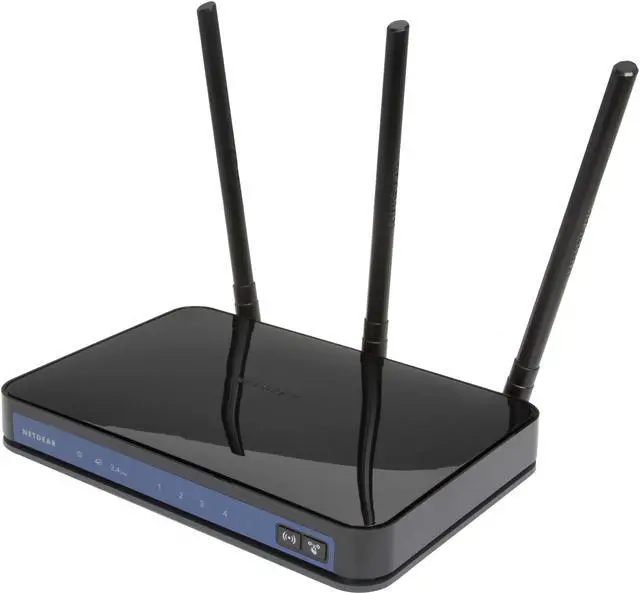
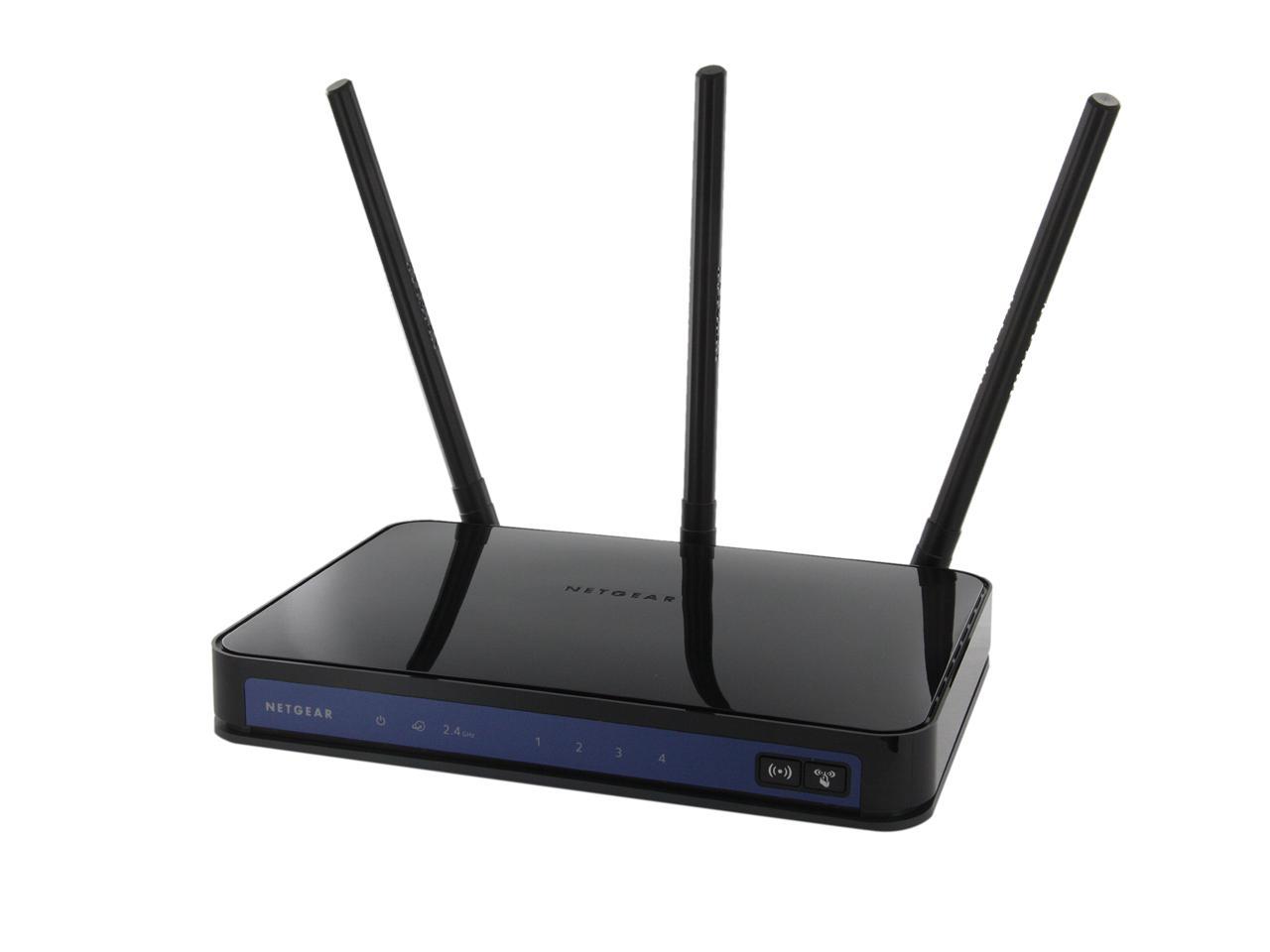
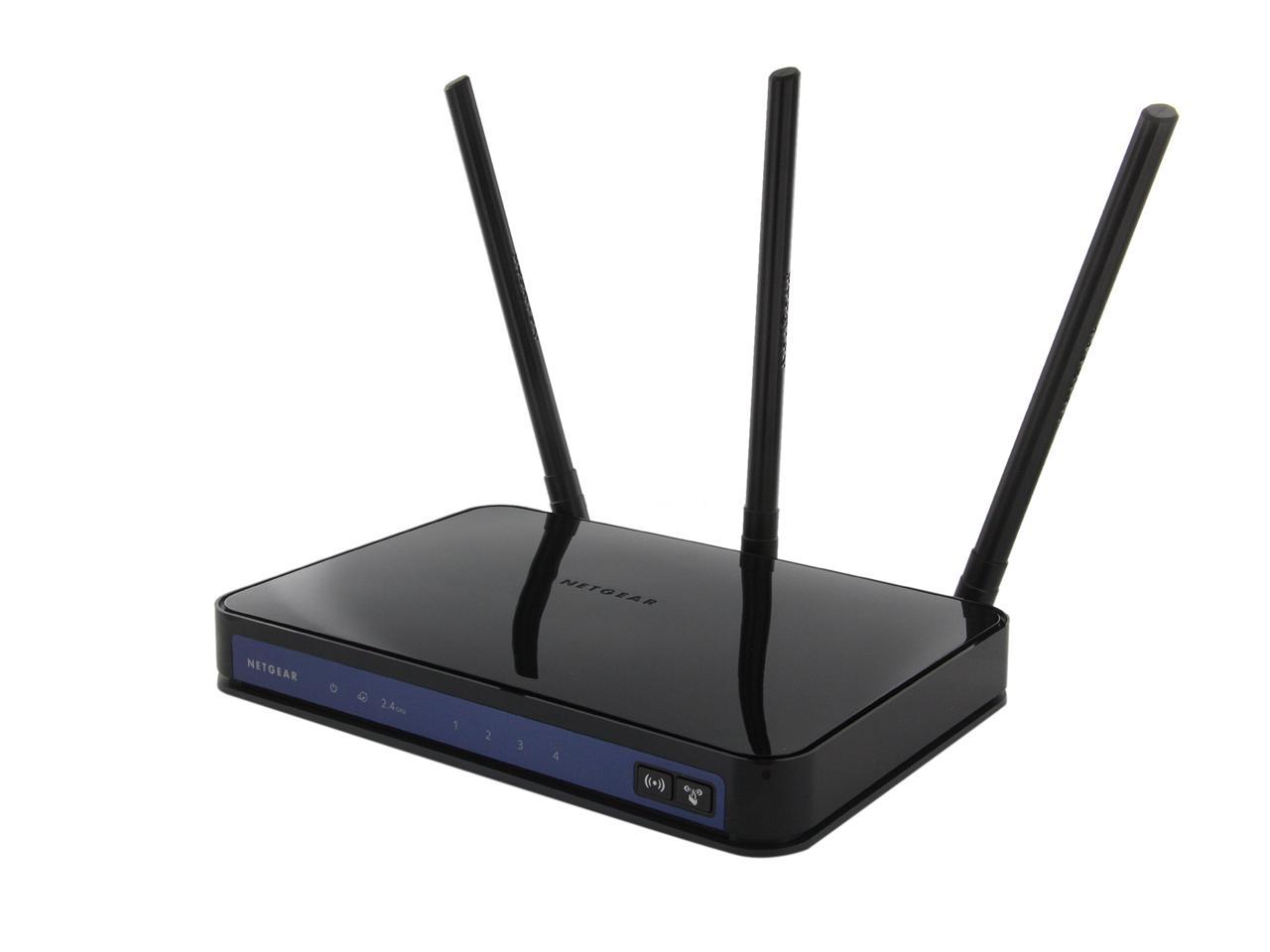
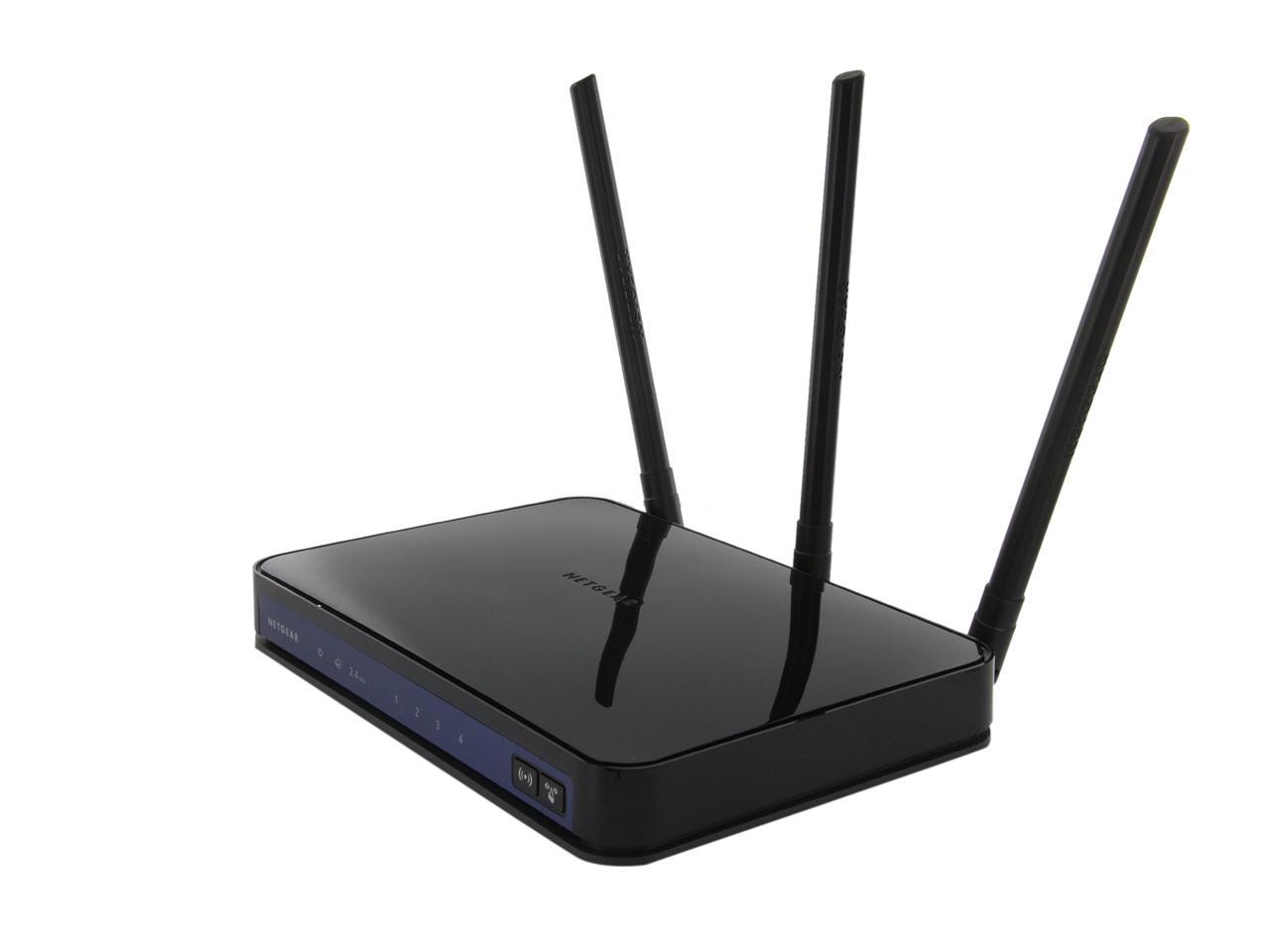
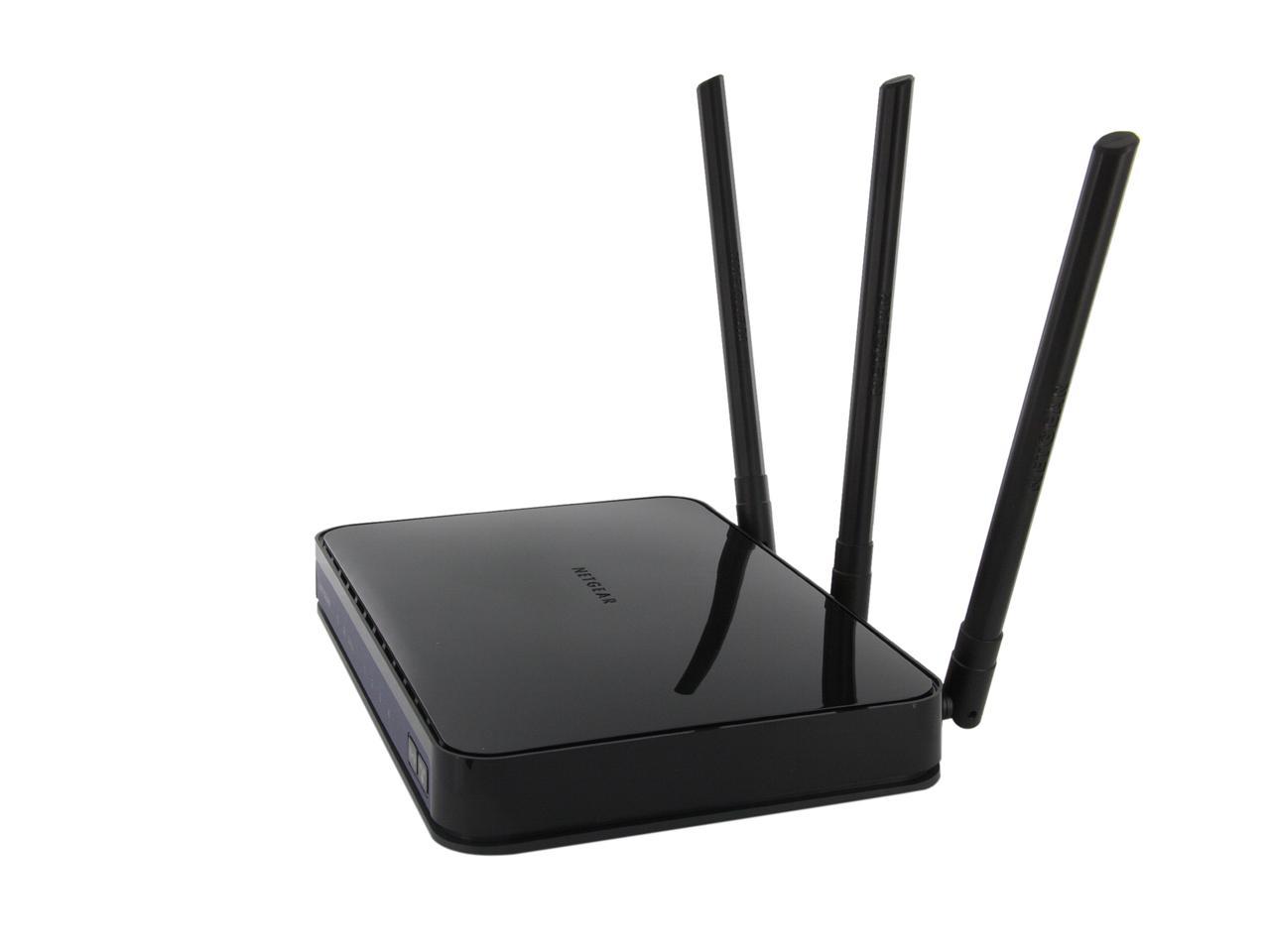
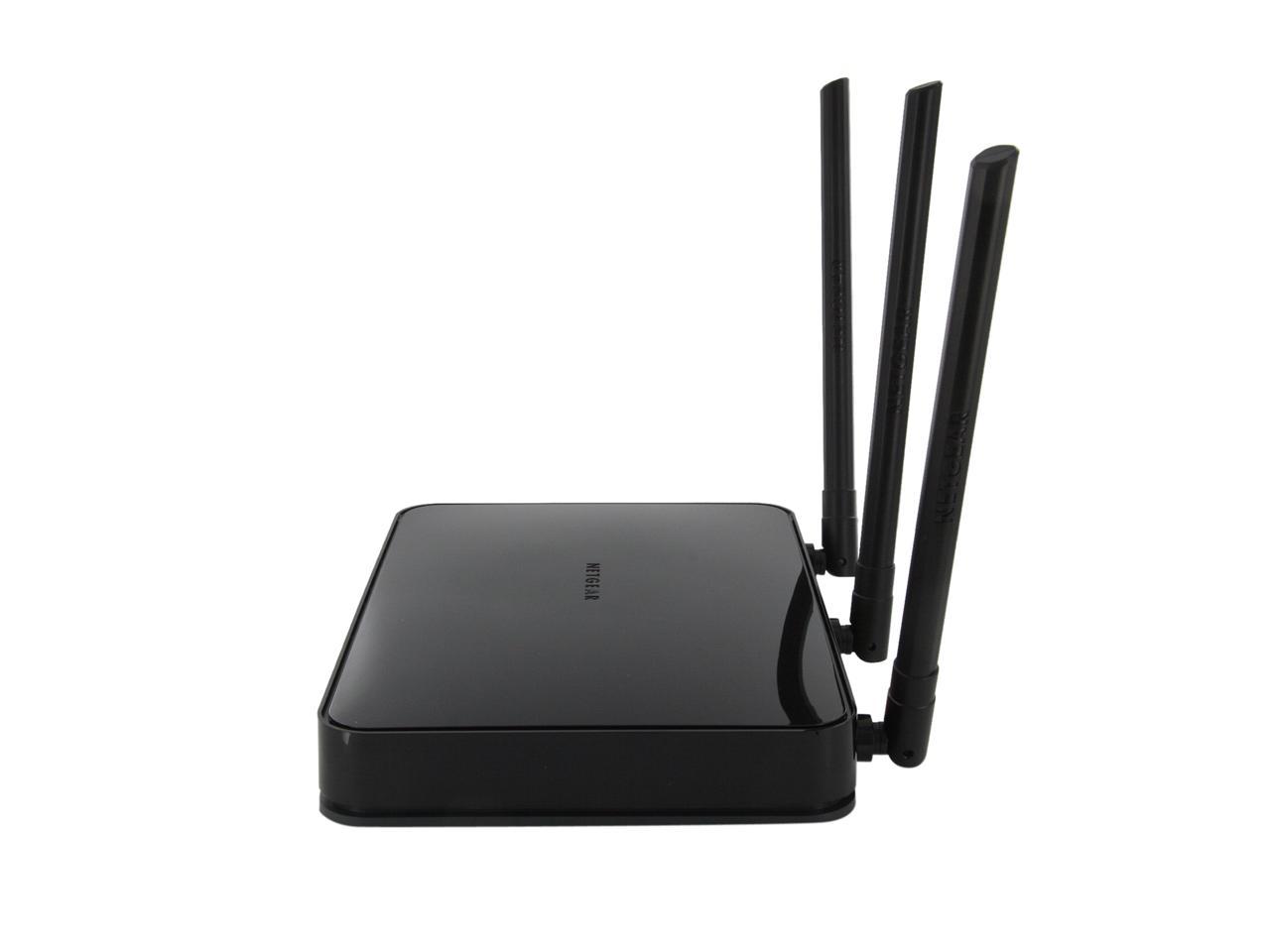
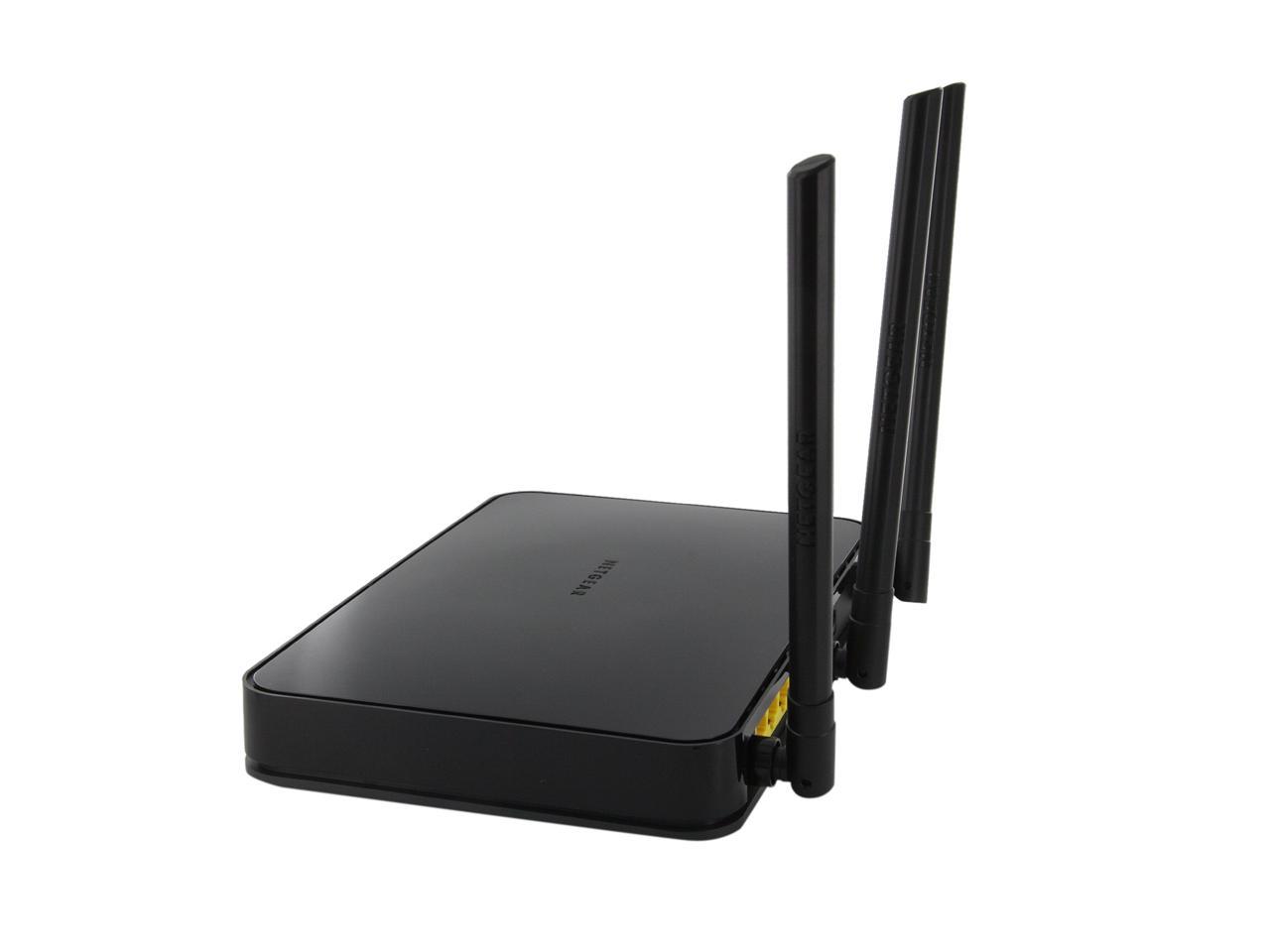
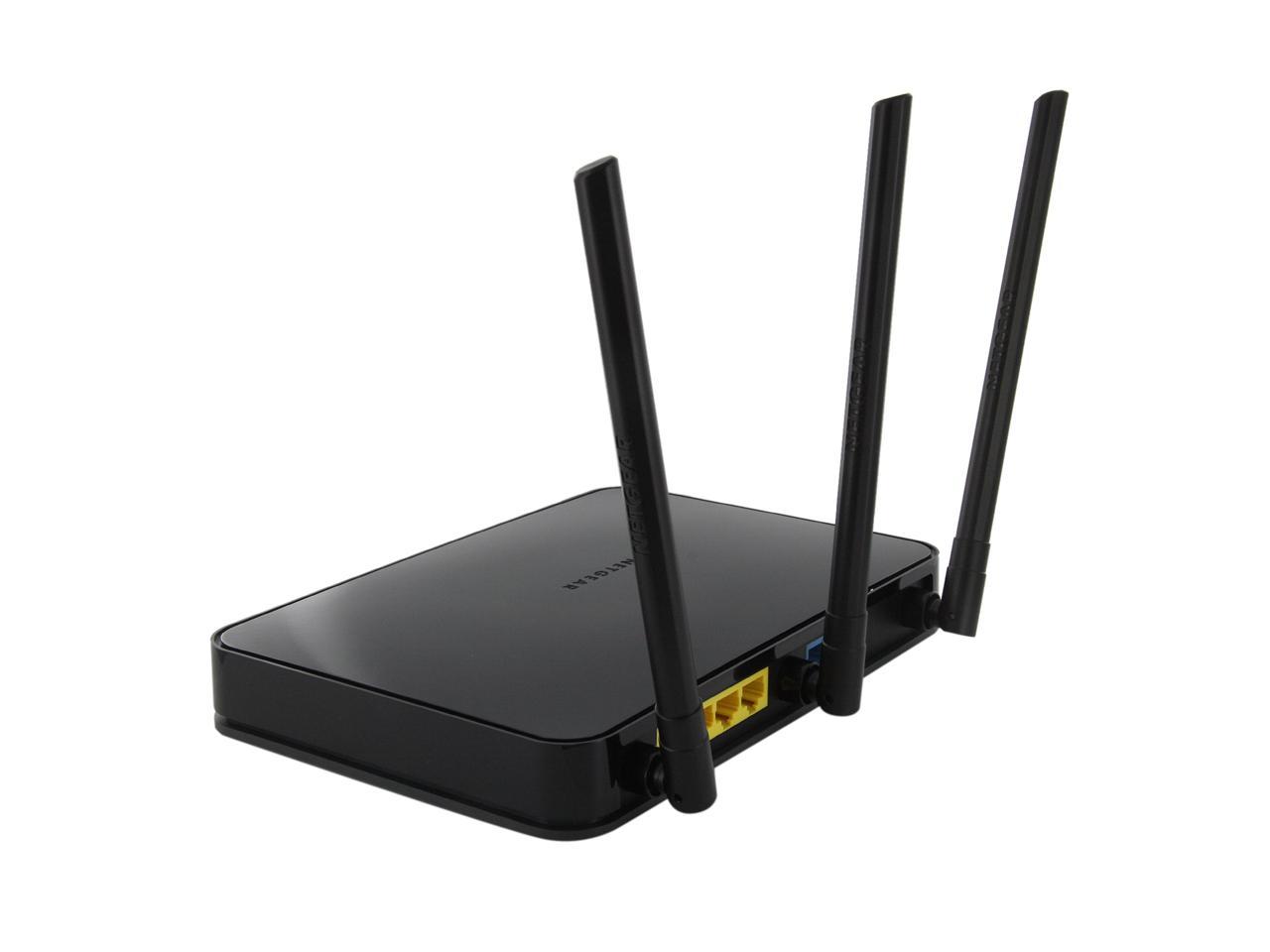
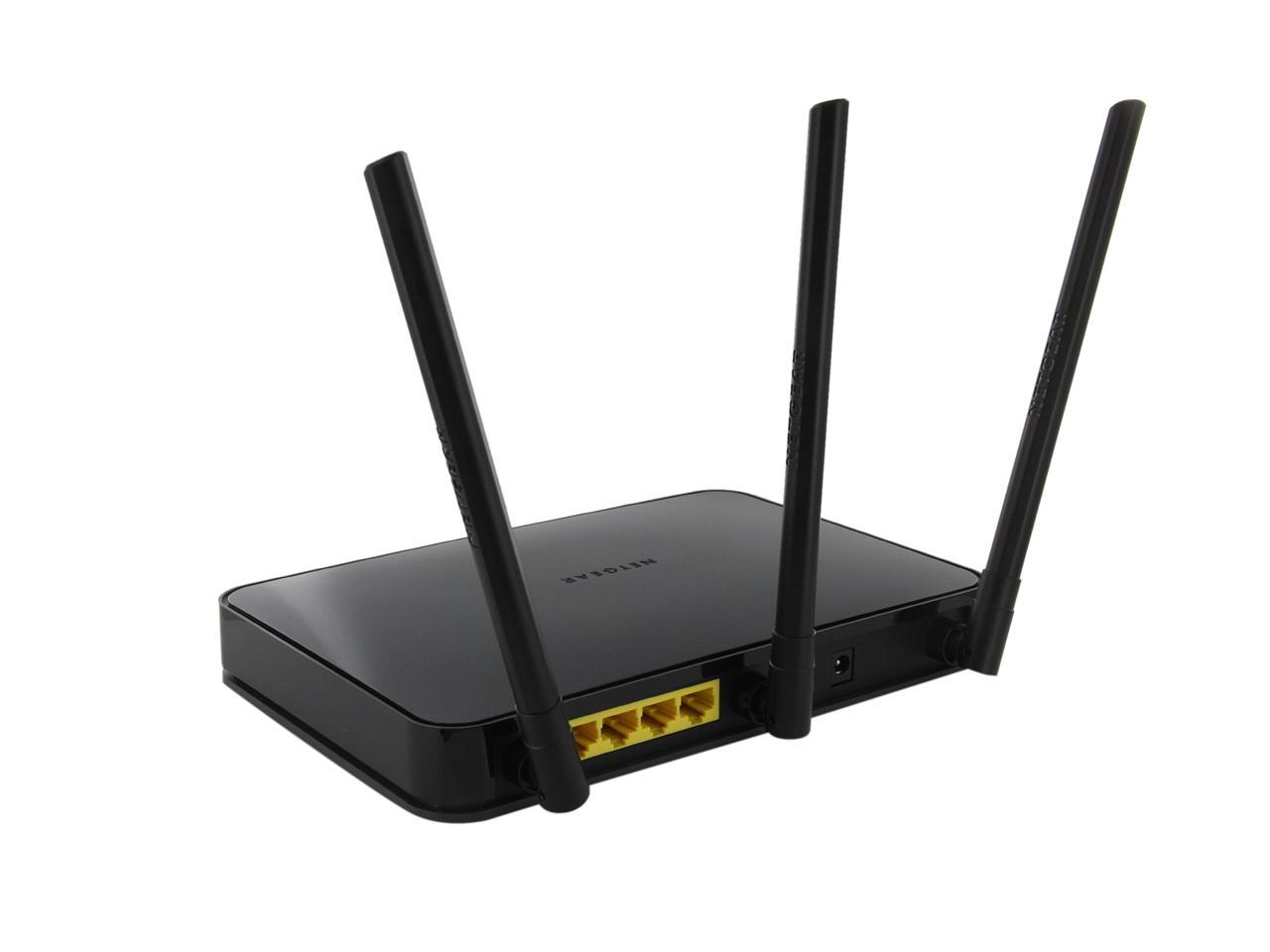
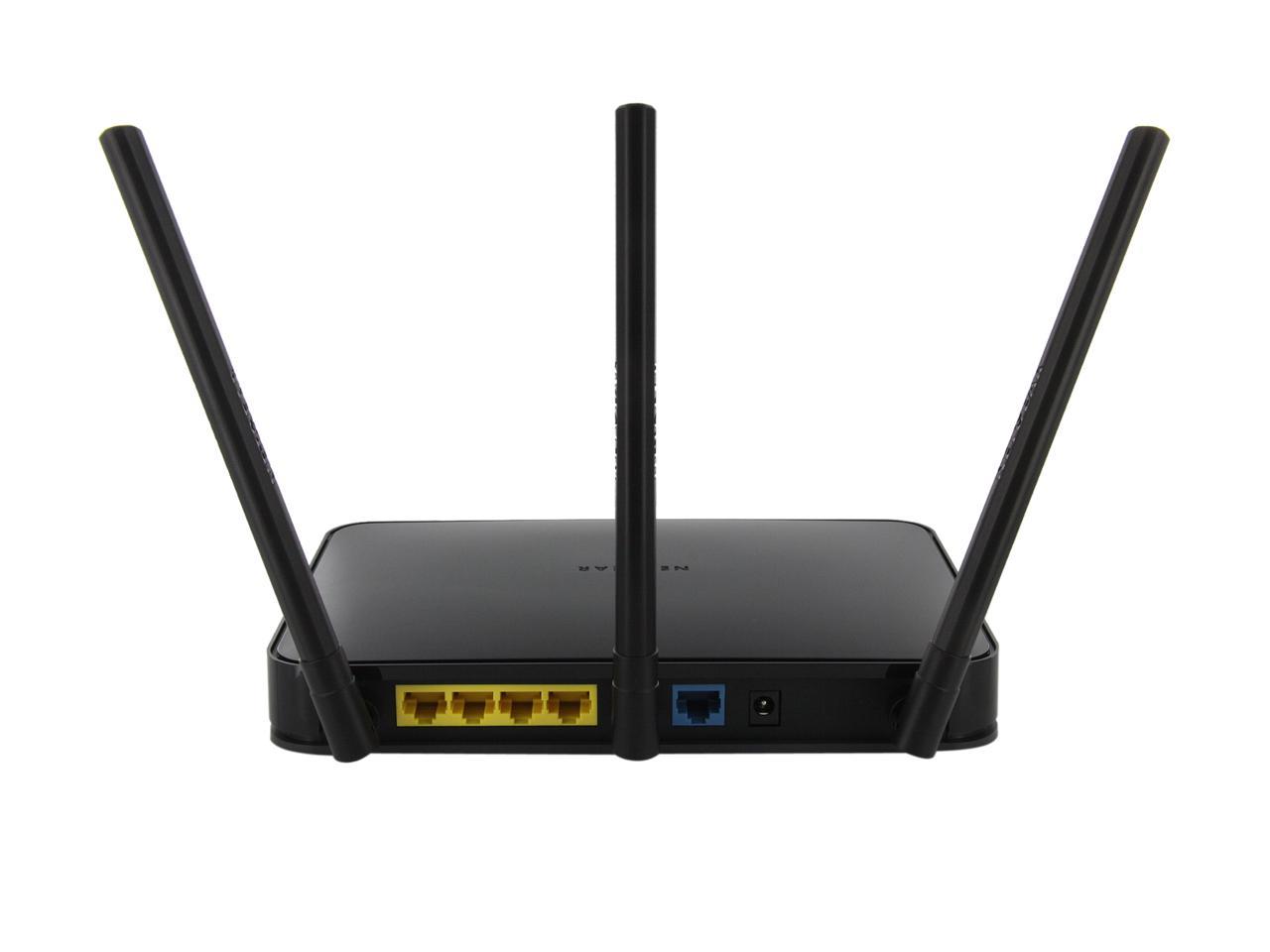
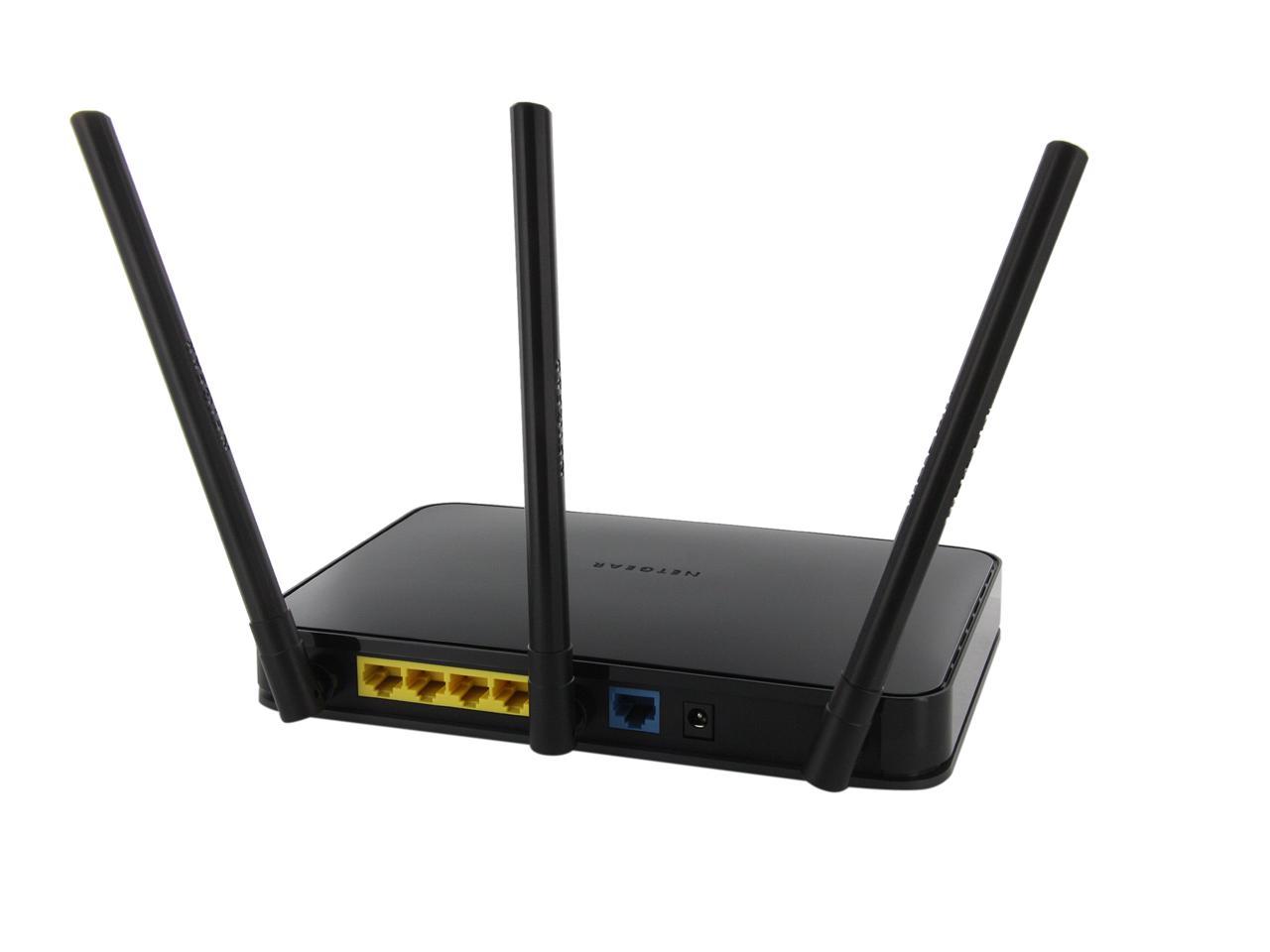
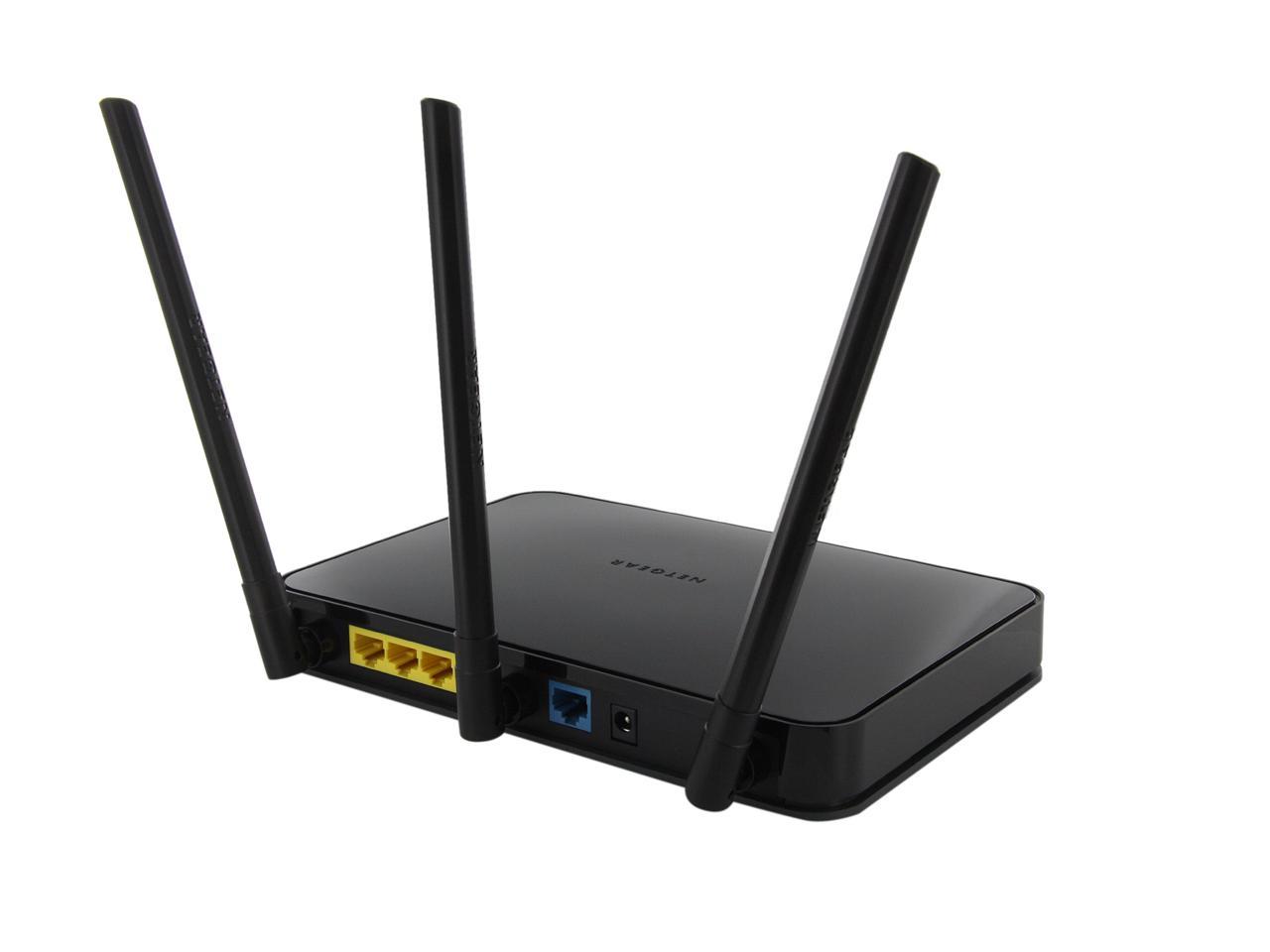
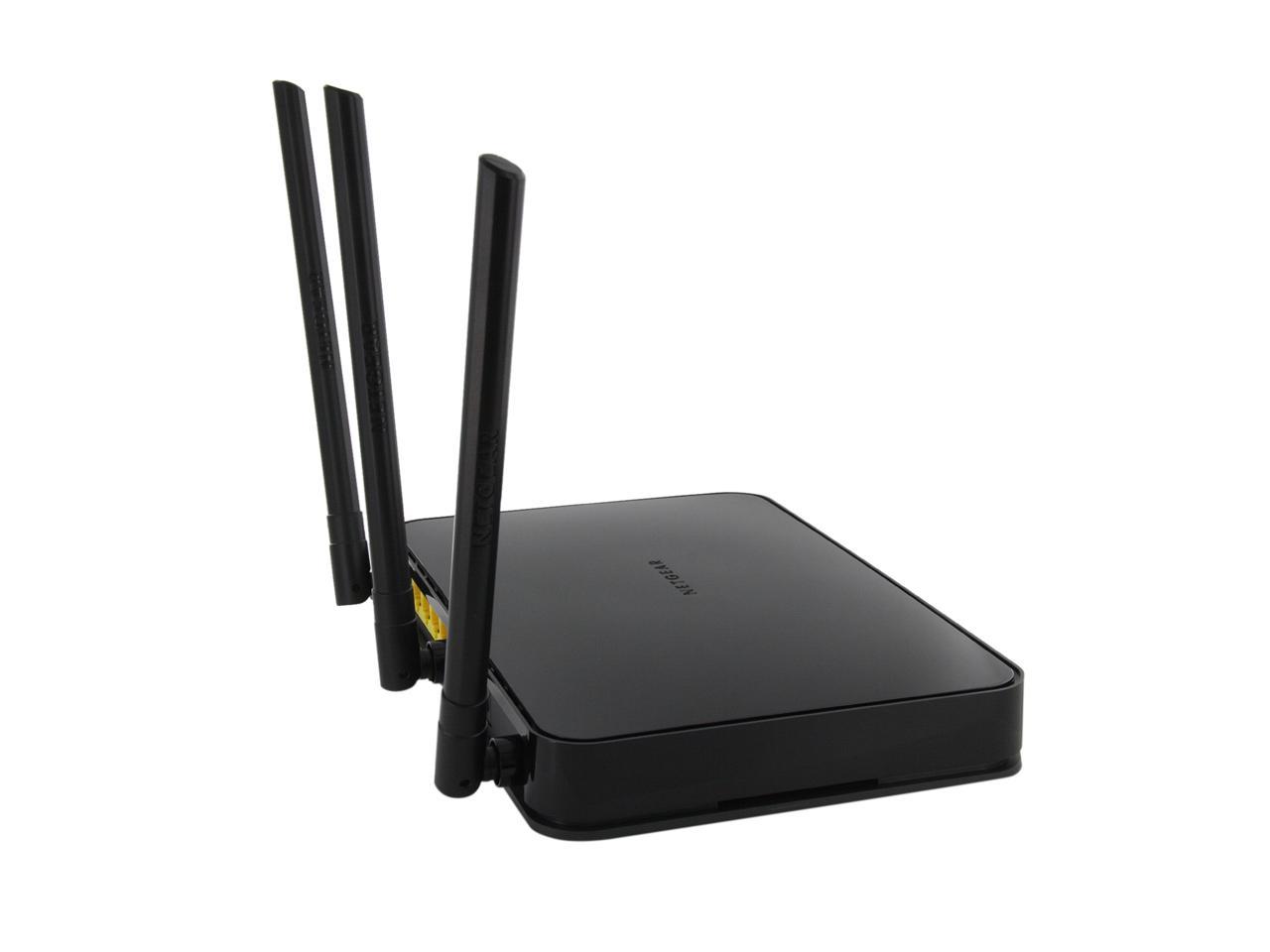
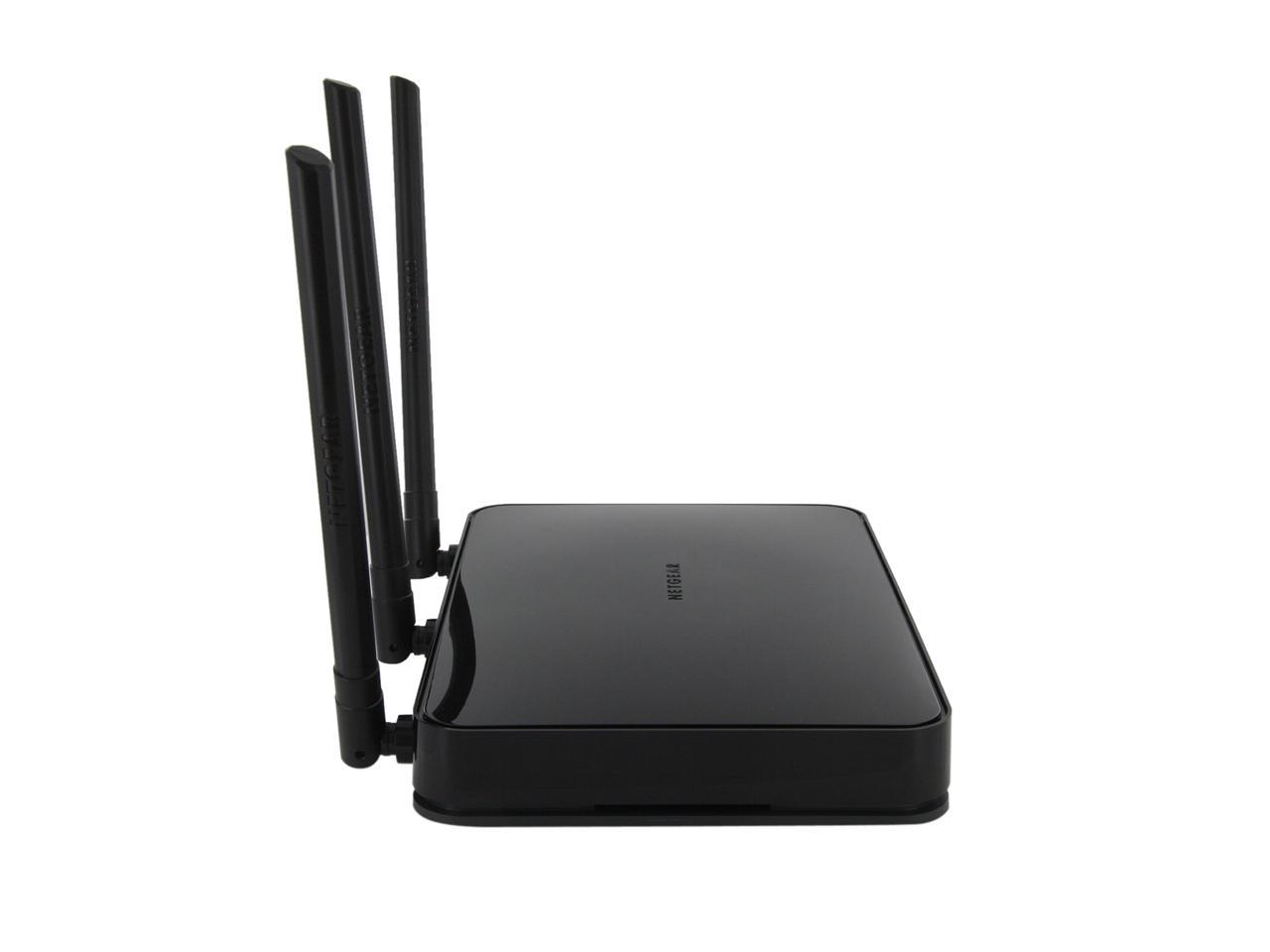
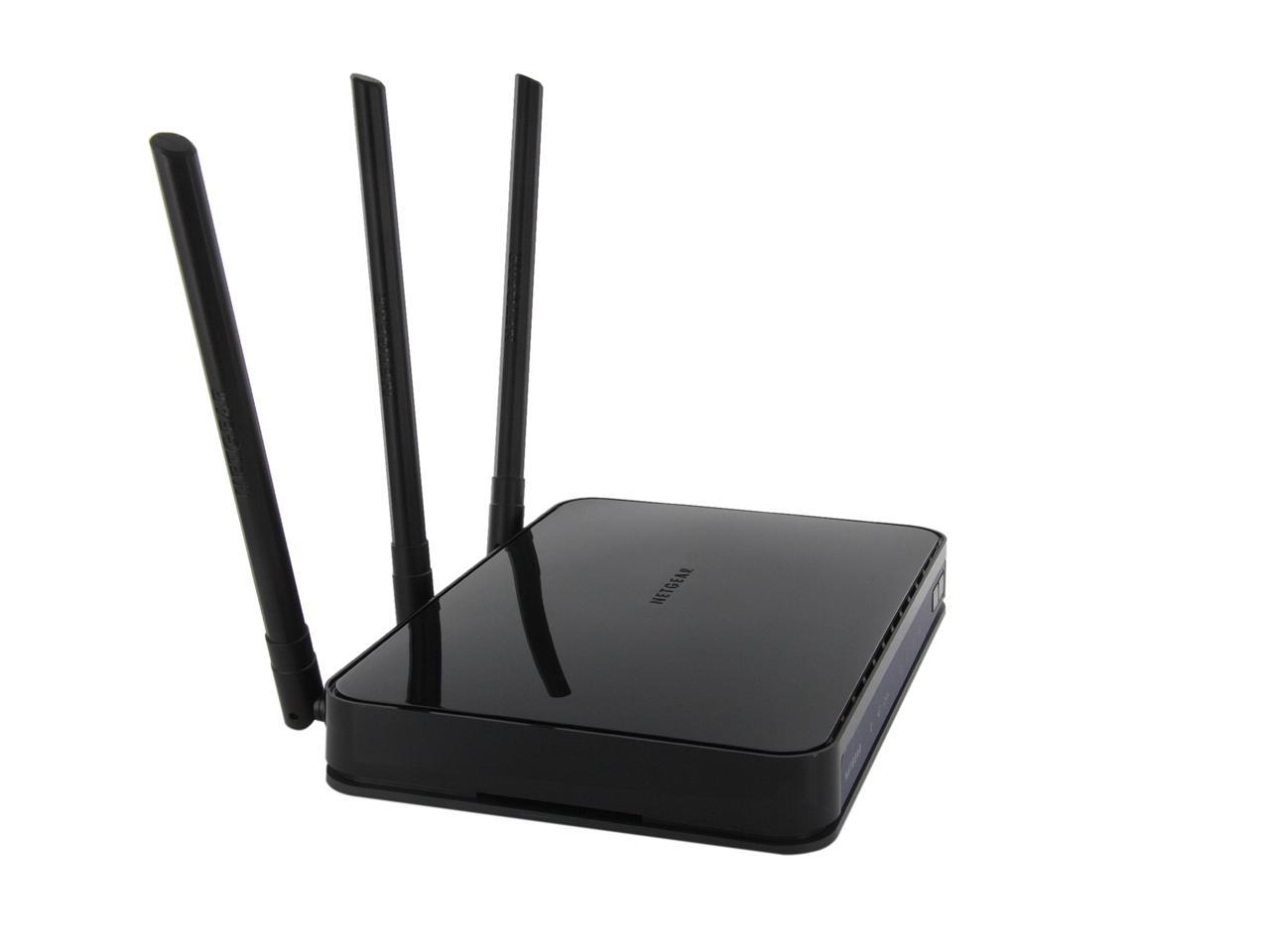
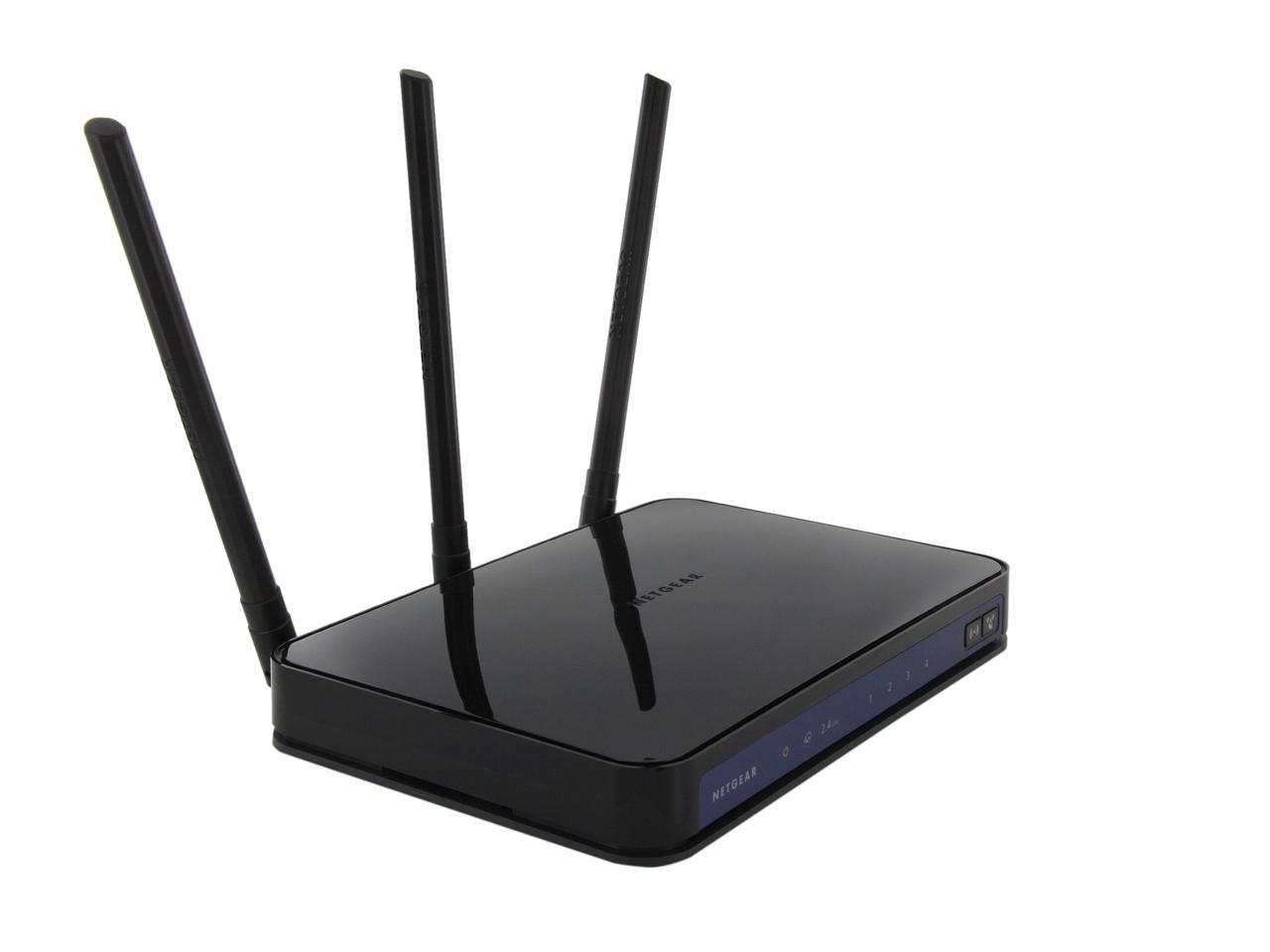
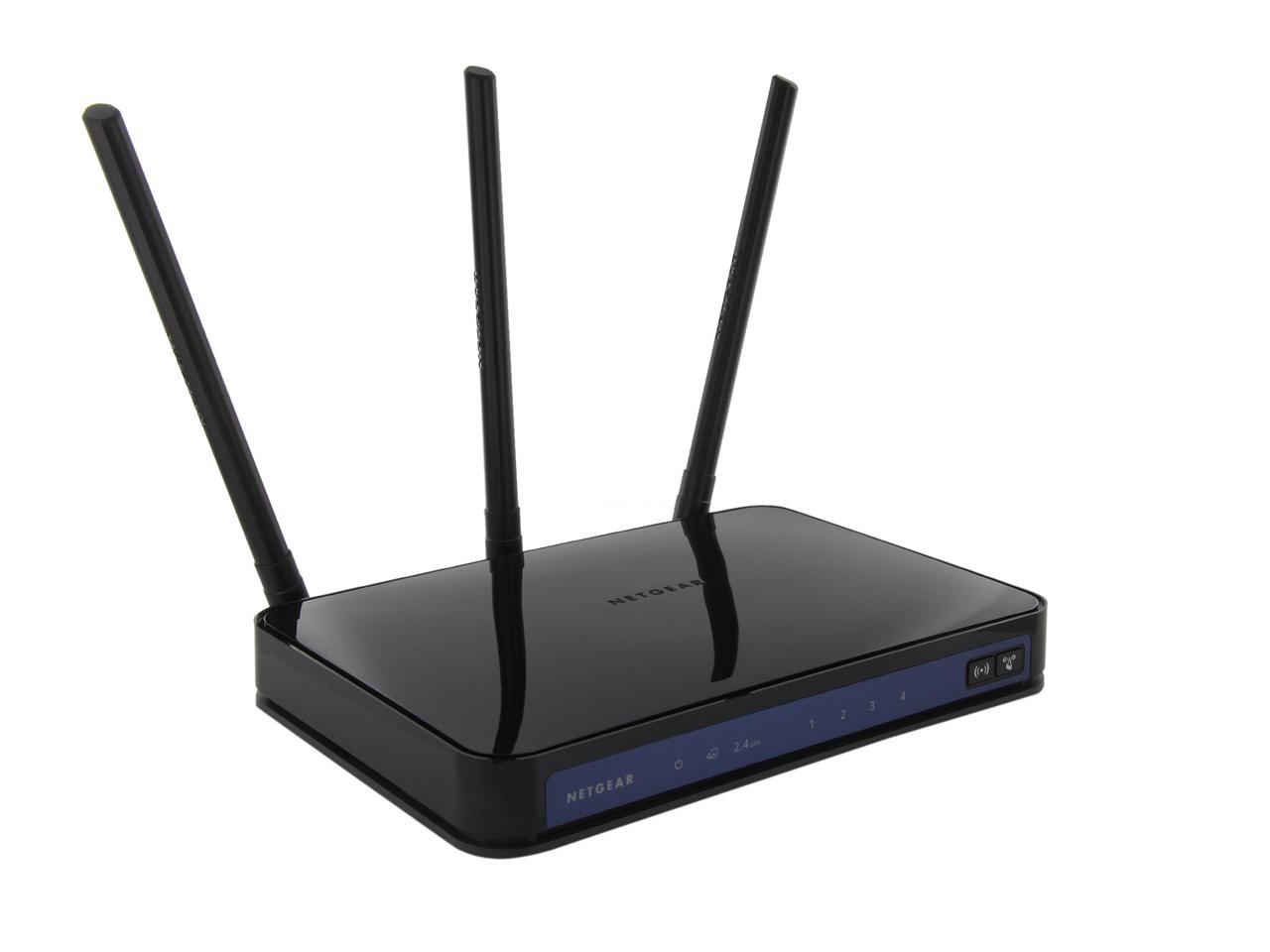
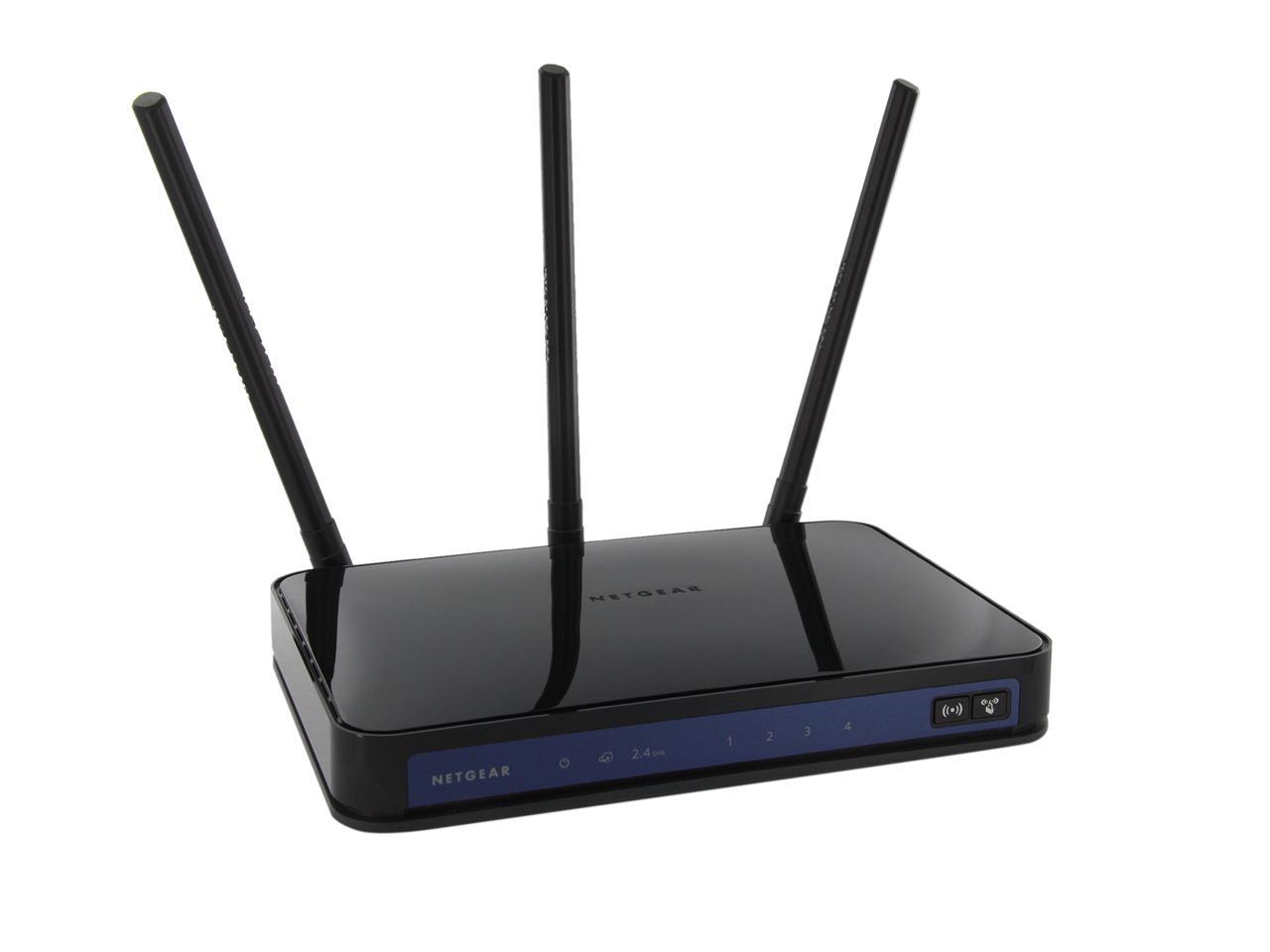
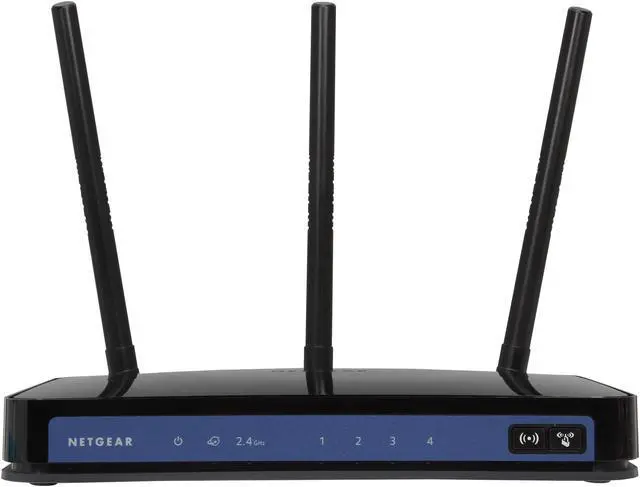
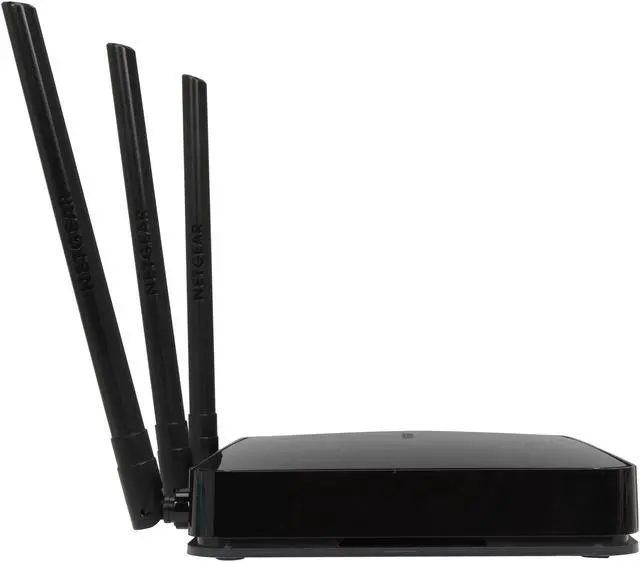
NETGEAR WNR3500L-100NAS 802.11b/g/n RangeMax Wireless-N Gigabit router up to 300Mbps/ DD-WRT Open Source support/ USB x1

Average Rating

4 out of 5 eggs(52 reviews)

In stock. Limit 5 per order.

Was: $149.99
 Add to Cart
  • Add to WishlistAdd to Wishlist
  • Log In RequiredPrice Alert
  • PrintPrint This Page
  • Email This Page Facebook Twitter Sharethis Share...
Protect Your Investment!
(more info)
Free Shipping (restrictions apply)
Buzz
Initial Impressions ...
5 out of 5 eggs
Replaced my refurbished WNR3500 V1 router with this model so that I can load DD-WRT onto it later. This router is smaller, ...
— msonnabe 12/30/2009
Very nice router / weak USB
4 out of 5 eggs
Gigabit all around is nice. Phsically well laid out with good cooling. On/Off button a nice but simple touch. Very ...
— DJS 5/1/2010


50% Buy Rate

After viewing this page, 50% of our customers chose to purchase this item.

Quick Info
Manufacturer Warranty
  • Manufacturer Limited Warranty period (parts): 1 year
  • Manufacturer Limited Warranty period (labor): 1 year


Return Policies

This item is covered by Newegg.com's Standard Return Policy.

  • Return for refund within: 30 days
  • Return for replacement within: 30 days
  • Restocking Fee: Yes
Financing

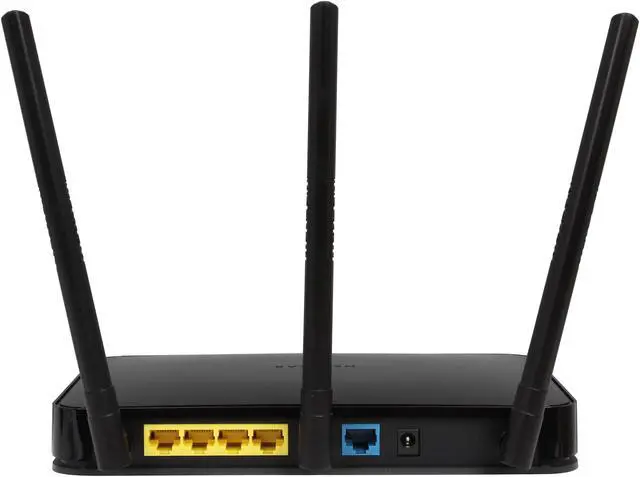
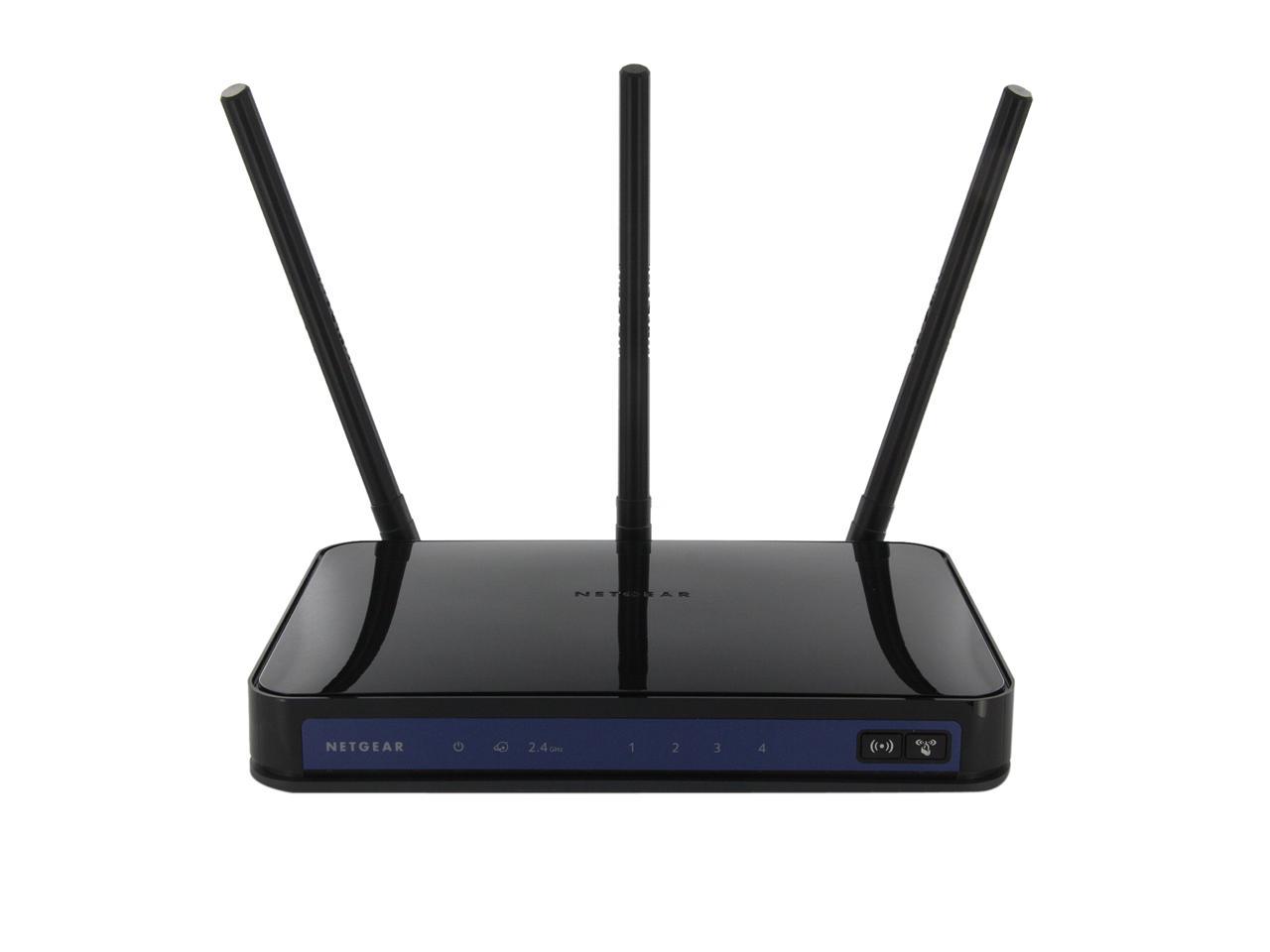
Do you want the extended range and speed that the new Draft-N with MIMO routers provide but don't want your office to look like the antenna farm at SETI? Then the WNR3500L-100NAS from Netgear is just for you. This sleek box has pre-tuned internal antennae hidden away inside the housing. The front panel has discrete indicator lights in the pattern familiar to Netgear users while the back has color coded RJ45 ports for LAN and WAN connections, plus a power port and USB port. This makes physical setup fast and easy.

Featuring 480 MHz MIPS 74K CPU, 8 MB Flash and 64 MB RAM, the Netgear WNR3500L-100NAS deliver high performance to even run business-class applications. It is an open-source wireless-N router with Gigabit wired port for Linux developers and open-source enthusiasts and supports 3rd party software to enhance its performance.

Supporting IEEE 802.11n standards, the NETGEAR WNR3500L-100NAS provides faster speeds and greater coverage area than Wireless G. The QoS algorithms prioritize data transmission for high quality streaming of HD video, gaming and VoIP calls.

  • newegg RangeMax Wireless-N Using multiple streams of data that dynamically adapt to interference, the RangeMax Wireless-N technology extends your network coverage area and step up your connection speed.
  • newegg Wireless Security The Netgear WNR3500L-100NAS wireless router supports 64/128-bit WEP, WPA2 and WPA-PSK/WPA2-PSK encryption for highly secured data transfers on your wireless network.
  • newegg ReadyShare Technology The Netgear WNR3500L-100NAS wireless router features ReadyShare technology to provide fast and easy shared access to an external USB storage device.
  • newegg Gigabit Network Connection The Netgear WNR3500L-100NAS features 1Gigabit WAN port and 4 Gigabit LAN ports to provide up to 10x faster speeds than most 100M network connections and excellent usability for both home and office network.
  • newegg Push 'N' Connect Technology Connect any Push 'N' Connect technology-enabled wireless device to the Netgear WNR3500L-100NAS quickly and securely with the least effort, even if you do not remember your security password.
  • newegg QoS Support The Netgear WNR3500L-100NAS features advanced Quality of Service (QoS) to prioritize time-sensitive online traffic for smooth Internet phone calls (VoIP) and responsive gaming.

Get the most from your Netgear Inc. WNR3500L-100NAS with these extras!

Select Additional Items
Services Service Net Replacement Extended Warranty PlanThe product will be replaced and shipped directly to you at no charge.
Popular Recertified: NETGEAR WNDA3100-100NAR USB 2.0 RangeMax Dual Band Wireless-N AdapterRecertified: NETGEAR WNDA3100-100NAR USB 2.0 RangeMax Dual Band Wireless-N Adapter0
MOTOROLA SB6120 Up to 160 Mbps Downstream, up to 120 Mbps Upstream Broadscape DOCSIS 3.0 Cable ModemMOTOROLA SB6120 Up to 160 Mbps Downstream, up to 120 Mbps Upstream Broadscape DOCSIS 3.0 Cable Modem1
Add to cart

Learn more about the Netgear Inc. WNR3500L-100NAS

Model
Brand
NETGEAR
Model
WNR3500L-100NAS
Spec
Standards
IEEE 802.11b/g/n
Security
Wi-Fi Protected Access (WPA2-PSK, WPA-PSK) and WEP
WPA/WPA2
WPA2
Ports
1 x 10/100/1000M WAN; 4 x 10/100/1000M LAN
Wireless Data Rates
Up to 300Mbps
Antenna
Internal Antenna
Interface
USB 2.0
System Requirements
Broadband (cable, DSL) modem and service with Ethernet port
2.4 GHz 802.11n 2.0 adapter or 802.11 b/g wireless adapter. Or, Ethernet adapter and cable for each computer
Microsoft Windows Vista, XP, 2000, Mac OS, UNIX, or Linux
Internet Explorer, Safari or FireFox
Dimensions
6.89" x 5.12" x 1.38"
Weight
0.72 lbs.
Features
Features
Open-source Wireless-N router with Gigabit wired ports for Linux developers and open-source enthusiasts.

Open-source community website and development Partner program with downloadable applications, user guide, forums, blogs and downloads at www.myopenrouter.com

High Performance Broadcom 480 MHz MIPS 74K CPU, 8 MB Flash and 64 MB RAM to even run business-class applications

Popular Linux Firmware—DD-WRT, Open-WRT and Tomato available on Open-source community website

NEW Development Partner Program—development partnership with several 3rd party software vendors to develop custom applications on WNR3500L. Please visit www.myopenrouter.com to join the partner program and see the custom applications that are released or under development

Please check more Linux information and update from http://www.myopenrouter.com/

Power Adapter Warranty : 1 year
Manufacturer Warranty
Parts
1 year limited
Labor
1 year limited

Customer Reviews of the Netgear Inc. WNR3500L-100NAS

Do you own this product? Write a Review
Filter Results
Go
  • NormRhodes
  • 8/30/2010 11:11:10 PM
  • Tech Level: above average
  • Ownership: 1 week to 1 month
  • Verified Owner
5 out of 5 eggsPretty Good Netgear Router

Pros: Good Speed
Easy to use UI
Easy Setup

Cons: Dropped Connection Once (minor)

Other Thoughts: When I got this router, I was expecting this to be another failed netgear product. However I was completely surprised when it was the opposite. Right out of the box I hooked it up and had it running smoothly within 2-3 minutes. This is the one NetGear router I will give props to.

Did you find this review helpful? Yes No

  • Jim D
  • 8/25/2010 4:28:37 PM
  • Tech Level: above average
  • Ownership: 1 month to 1 year
  • Verified Owner
5 out of 5 eggsAwesome

Pros: Just works
Better signal strength over distance than old D-Link
Very reliable

Cons: Not dual band

Other Thoughts: I'm using the latest update to the stock firmware. It's working so well I didn't want to scroo around with it.
Replaced an older D-Link DIR-655. I think it was overheating.
Even without 3 external antennas,
3-story house. Router in utility room on 2nd floor.
Way better signal strength in my upstairs bedroom.
Way more reliable wireless Internet connection all through the house.
4 housemates also using this for their wireless Internet access.
I liked this so well I bought a 2nd one for another house I own and run like a long-term vacation condo, for the 5 people living there.
This router I just took a flyer on. I was going to use a Buffalo WZR-300NH I think is the model that I have, but I messed up the DD-WRT install on the Buffalo, and it wasn't stable, then I did a quick trial with this Netgear WNR3500L, and the quick trial went so unbelievably better than all else that I stuck with it.
Next I'll try the USB port for storage devices.

Did you find this review helpful? Yes No

  • !NC!Blade
  • 8/25/2010 4:09:37 PM
  • Tech Level: above average
  • Ownership: 1 day to 1 week
  • Verified Owner
5 out of 5 eggsWorks as Intended

Pros: No drops as of yet. Wireless N is a bonus. Better range than the Belkin router I had and seems a bit quicker. Ran Comcast speed test, download went from 16Mbs on Belkin F5D7234-4 to 21Mbs in this router.

Cons: None, no issues

Other Thoughts: I had a Belkin wireless G which had intermittted drops up to 10 per day when in high use (gaming or watching online movies) . No such issues with this router. I have had not a single drop for the last 4 days. That is all I wanted. Only updated Netgear firmware and didn't bother to install DD-WRT since it seems to already work great for gaming and large downloads.

Did you find this review helpful? Yes No

  • Shaun
  • 8/23/2010 2:57:49 PM
  • Tech Level: above average
  • Ownership: 1 week to 1 month
  • Verified Owner
3 out of 5 eggsGood base, extras buggy

Pros: Base features like gigabit ethernet, 802.11n, and setup work well.

Cons: Readyshare is buggy, wireless G clients tend to lose DHCP assignment every few hours, requiring a reboot.

Did you find this review helpful? Yes No

  • ECPC
  • 8/21/2010 1:22:30 PM
  • Tech Level: above average
  • Ownership: 1 month to 1 year
1 out of 5 eggsHorrible

Pros: Non

Cons: Horrible, cuts off over and over and over. The wired and the wireless connections are unstable at best. Have tried so many things to make this router work correctly for the last 4 to 5 month however, I don't think the router will stay online long enough for me to finish this review, no joke. Not mention USB port just disappears at will.

Other Thoughts: I'm writing a very short review to make sure I can stay online long enough to finish writing this review. I'll be buying a new router from a different manufacturer very soon .

Did you find this review helpful? Yes No

  • NickJG
  • 8/16/2010 10:45:21 AM
  • Tech Level: above average
  • Ownership: 1 month to 1 year
  • Verified Owner
4 out of 5 eggsAlmost Perfect!

Pros: Wireless signal on this router is tremendous. Upgraded from a five year old wireless gaming router and signal strength to my PS3, Laptop and Office PC went up by at least 30% and this thing is in the same location as the old. The old one also had three antennas, so this is a welcome design.

Cons: Netgear firmware is SLOW. It's painful to go through some of the options. I bought this for the open source support in case I ever want to go that direction. For now, the features of the stock firmware are great.

Docked one egg for performance as well as the DHCP server not remembering MAC Addresses natively without setting manual reservations. If you reboot the router, the systems connected get new IP addresses. This may be fixed with third party firmware.

Other Thoughts: Overall, I'm extremely happy with this. It's not perfect (so it doesn't get 5 eggs in my book), but it's near perfect. Easily worth the money paid.

Did you find this review helpful? Yes No

  • N/A
  • 8/6/2010 12:58:19 PM
  • Tech Level: above average
  • Ownership: 1 day to 1 week
  • Verified Owner
5 out of 5 eggsNetgear

Pros: Very easy to set up. Router automatically found the updated firmware and did the upgrade. In less than 10 mins, everything is done. This router sends strong signal and never needs to reboot. I had D-Link DIR655 before. NETGEAR is the winner!

Cons: None

Did you find this review helpful? Yes No

  • dayzed
  • 8/5/2010 9:25:10 AM
  • Tech Level: above average
  • Ownership: 1 day to 1 week
5 out of 5 eggsVery Impressed

Pros: 5 eggs all the way! I do system/database administration for a living for medium and large size companies so I have plenty of experience. I bought this wireless router for my home and have owned it for 1 week. I am very impressed with it. Price is descent, unit stays cool, 1000Mbps LAN ports. I have installed the dd-wrt firmware and now I can block p2p and torrent downloads on my network with just a couple of clicks. I can look at cpu load, WAN/LAN/WLAN traffic load, do QOS, turn the thing into an apache server, ftp server, run python, samba shares or whatever, plus pretty much anything you can imagine a $600 dollar SOHO router could do. I also turned the tx power down to around 10 from the default 70 to save the life of the router and I still get 70% signal throughout my home. Everything is rock solid no wireless disconnects. Nice part is the router doesn't need to reboot every time a setting is changed.

Cons: None so far. For some having an internal antenna might be a problem if they wanted to do an antenna upgrade, but not in my case.

Other Thoughts: The usb is nice but also having a sd slot would be even better. Most mp3 devices have the capability these days to expand on memory using sd, why not wireless routers.

Did you find this review helpful? Yes No

  • N/A
  • 8/4/2010 10:41:28 PM
  • Tech Level: above average
  • Ownership: 1 month to 1 year
  • Verified Owner
5 out of 5 eggsAlways have problems with DHCP... don't know if its Windows or my Routers

Pros: Finally glad I upgraded to Wireless N and Gigabit LAN. I had all these devices with capabilities limited to the speed of my old faithful the Linksys WRT54g. Didn't use installation cd, I just assumed the default Set up was easy and when I received it I immediately upgraded to DD-WRT. I have a Roku XR player that never got a good signal across the house until now.

Cons: Has so many bright lights! Oh well... nothing some opaque tape can't fix. I don't really have cons except maybe the stand but then I found out it was removable so it lays on its side and its so light that I put something on top of it so the lan cables don't pull it down.

Other Thoughts: When I first got it, my entire family would complain about getting disconnected constantly. I would usually end up unplugging it and hope for the best. It never resolved the problem so I changed the firmware to Tomato, that didn't work either. I cloned my mac address thinking that maybe my isp doesn't tolerate routers, that didn't work either. I am guessing it had to do with the DHCP settings but I didn't mess with them on the router, I just set everyone's ips manually and the problem went away. I am back to using DD-WRT and I never experience any other problems.

1 out of 1 people found this review helpful. Did you? Yes No

  • Mary
  • 8/3/2010 6:36:33 AM
  • Tech Level: above average
  • Ownership: 1 month to 1 year
5 out of 5 eggsDoes not work with vista 64 bits

Pros: Surprise, the software does not support vista 64 bits, so I had to connect to an older computer using windows XP to do the install.
But I have to say that install is a breeze, with perfect step by step instructions. Anyone can do it.
Performances on my home network are greatly improved compare to my old netgear N router

Cons: All these flashy bright led lights.. Do not install that "christmas tree" in your bedroom.. or you won't sleep anymore! At least you won't need any night light!

Other Thoughts: It's $50 less now than 2 months ago! Great buy.

1 out of 1 people found this review helpful. Did you? Yes No

Shop by Region: United States | Canada | China
Affiliated Sites:
NeweggBusiness
For Business Needs
EggXpert.com
Newegg Community
|NeweggMall.com
Shop Multiple Retailers
VeriSignReseller RatingsReliability Seal1This site protected by Trustwave's Trusted Commerce programInc500
Policy & Agreement | Privacy Policy  © 2000-2010 Newegg Inc.  All rights reserved.
If the Adobe Reader does not appear when you click on a link for a PDF file, you can download Adobe Reader from the Adobe web site. nassau