Skip to: |

Newegg.com - A great place to buy computers, computer parts, electronics, software, accessories, and DVDs online. With great prices, fast shipping, and top-rated customer service - once you know, you Newegg.

If you are reading this message, Please click this link to reload this page.(Do not use your browser's "Refresh" button). Please email us if you're running the latest version of your browser and you still see this message.

Newegg.com - Computer Parts, Laptops, Electronics, HDTVs, Digital Cameras and More!

  • | Wish List
  • Help
Home
Home > 
Computer Hardware > 
Networking > 
Wireless Networking > 
Wireless Routers > 
Netgear Inc. > 
Item#: N82E16833122378

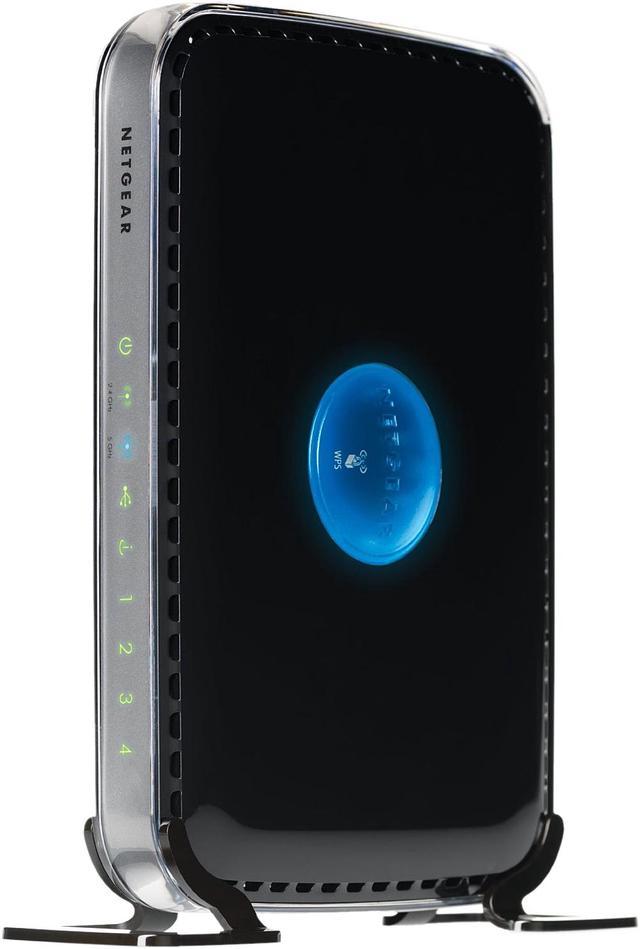
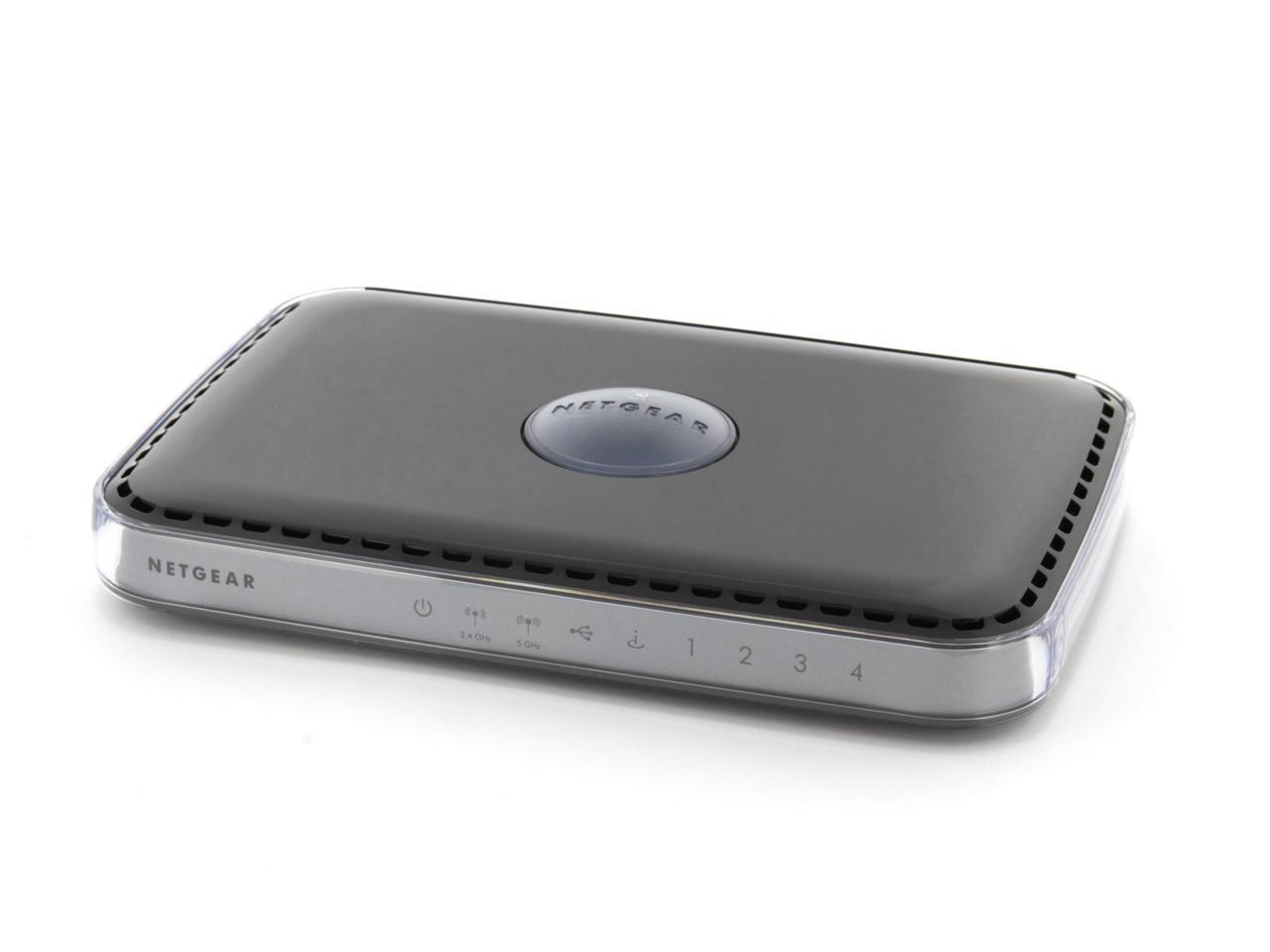
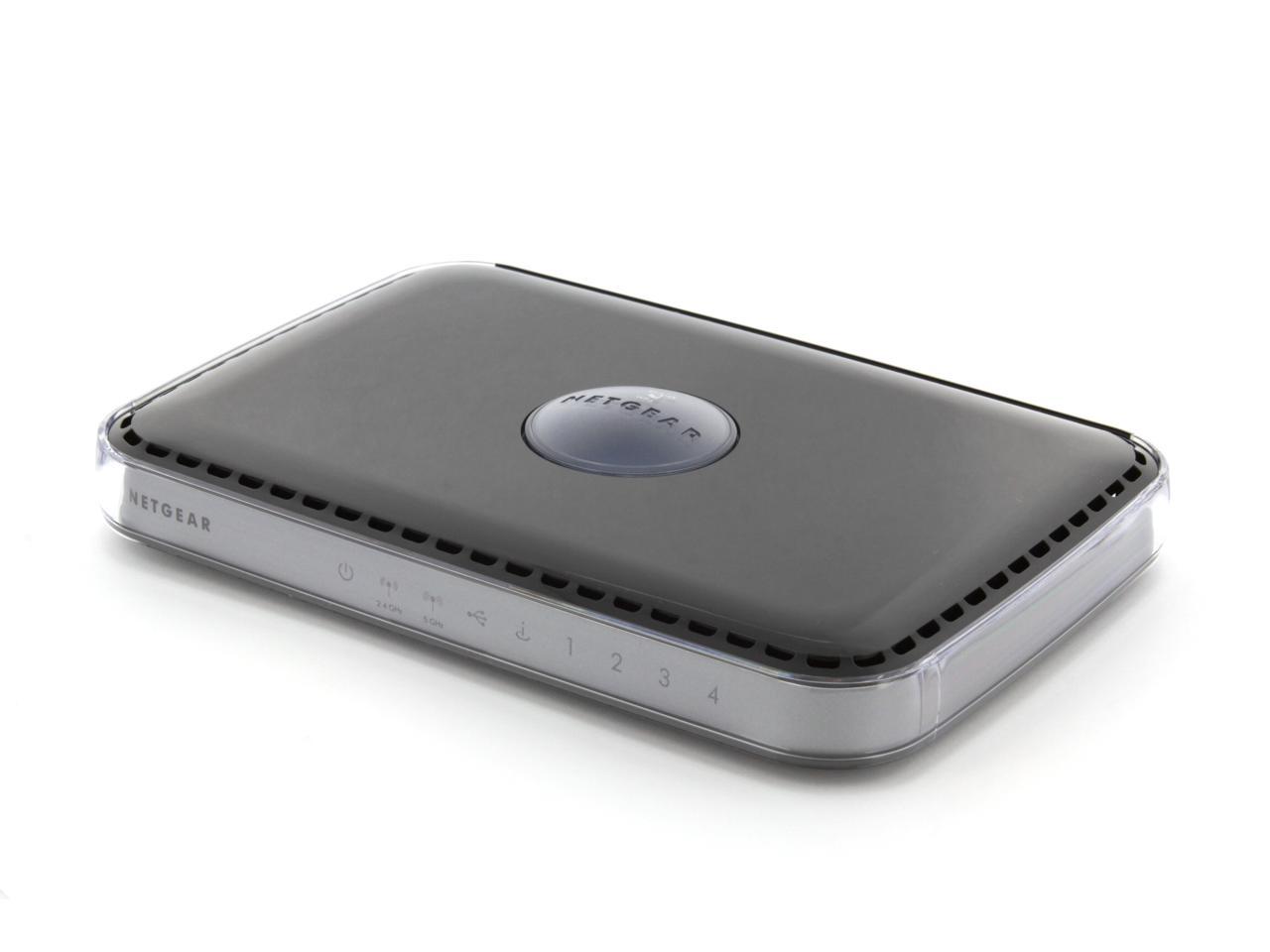
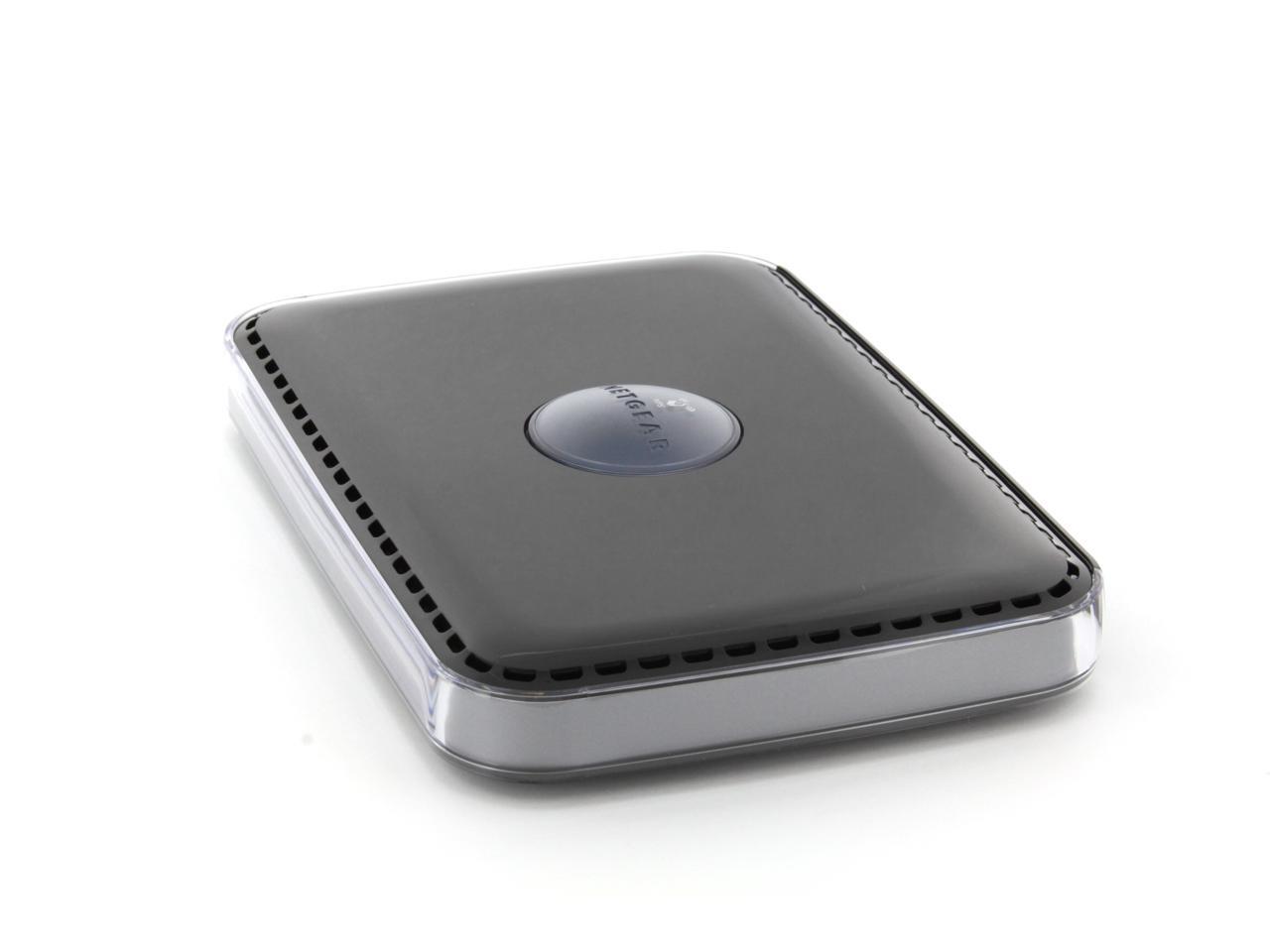
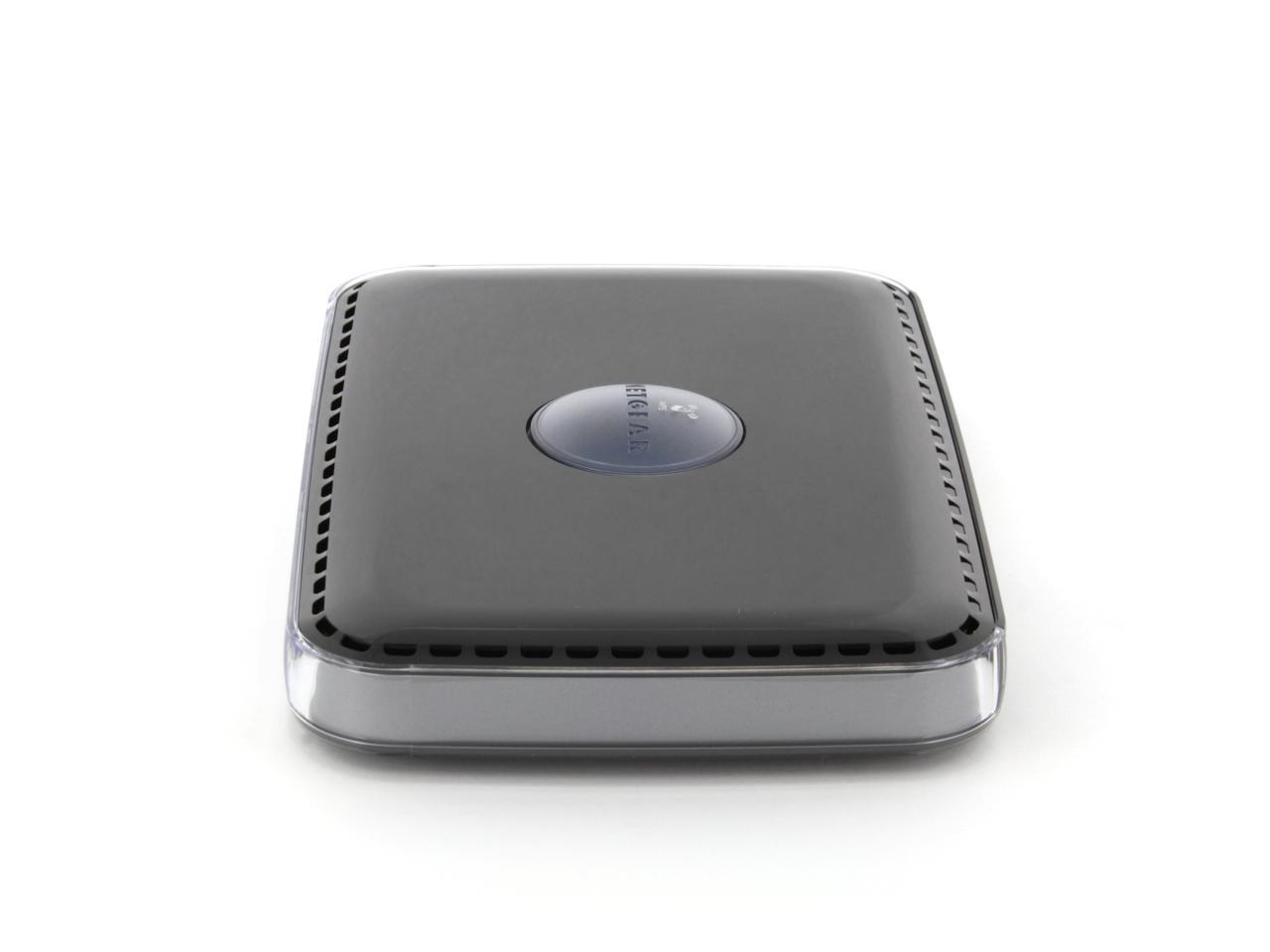
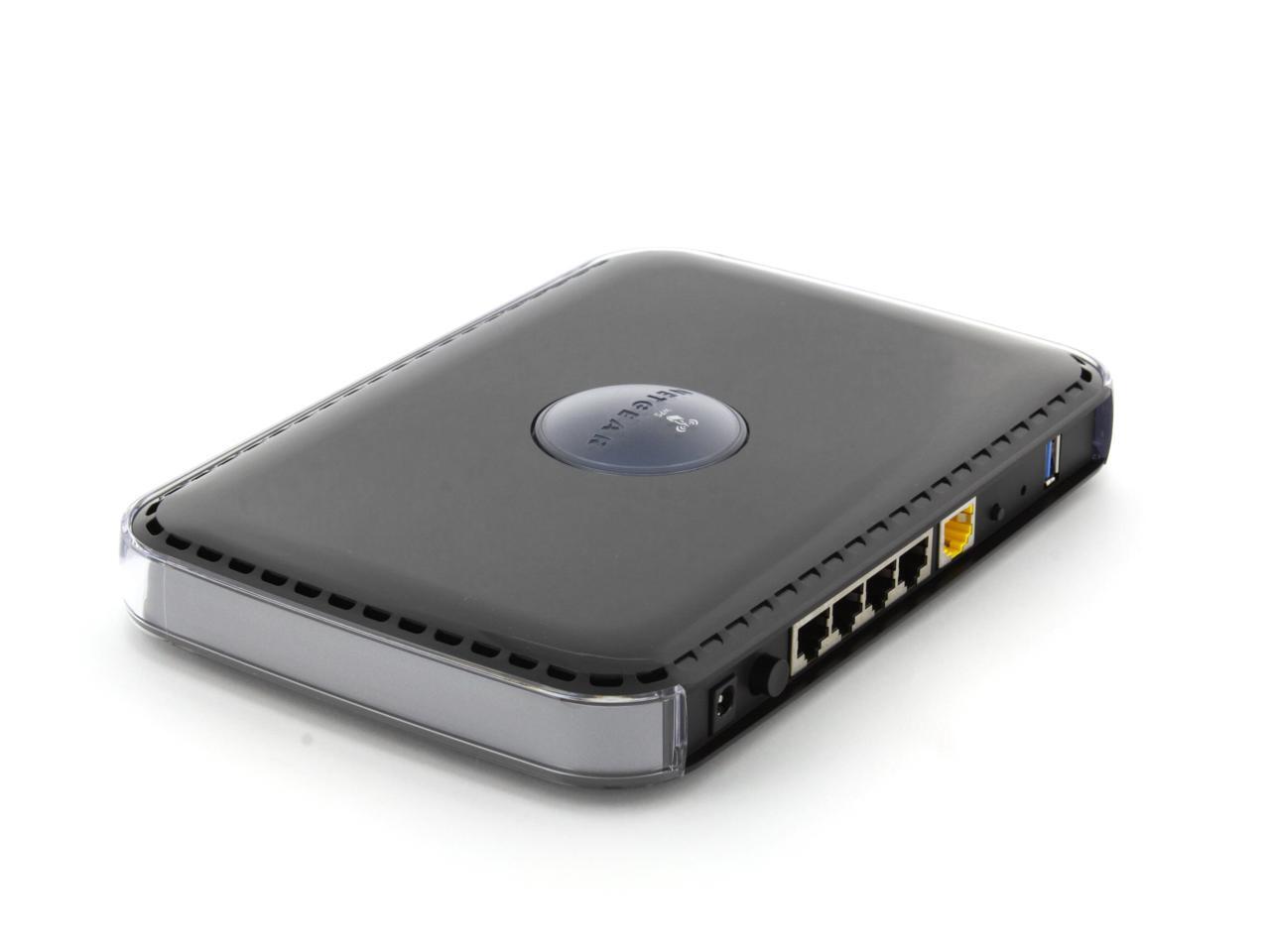
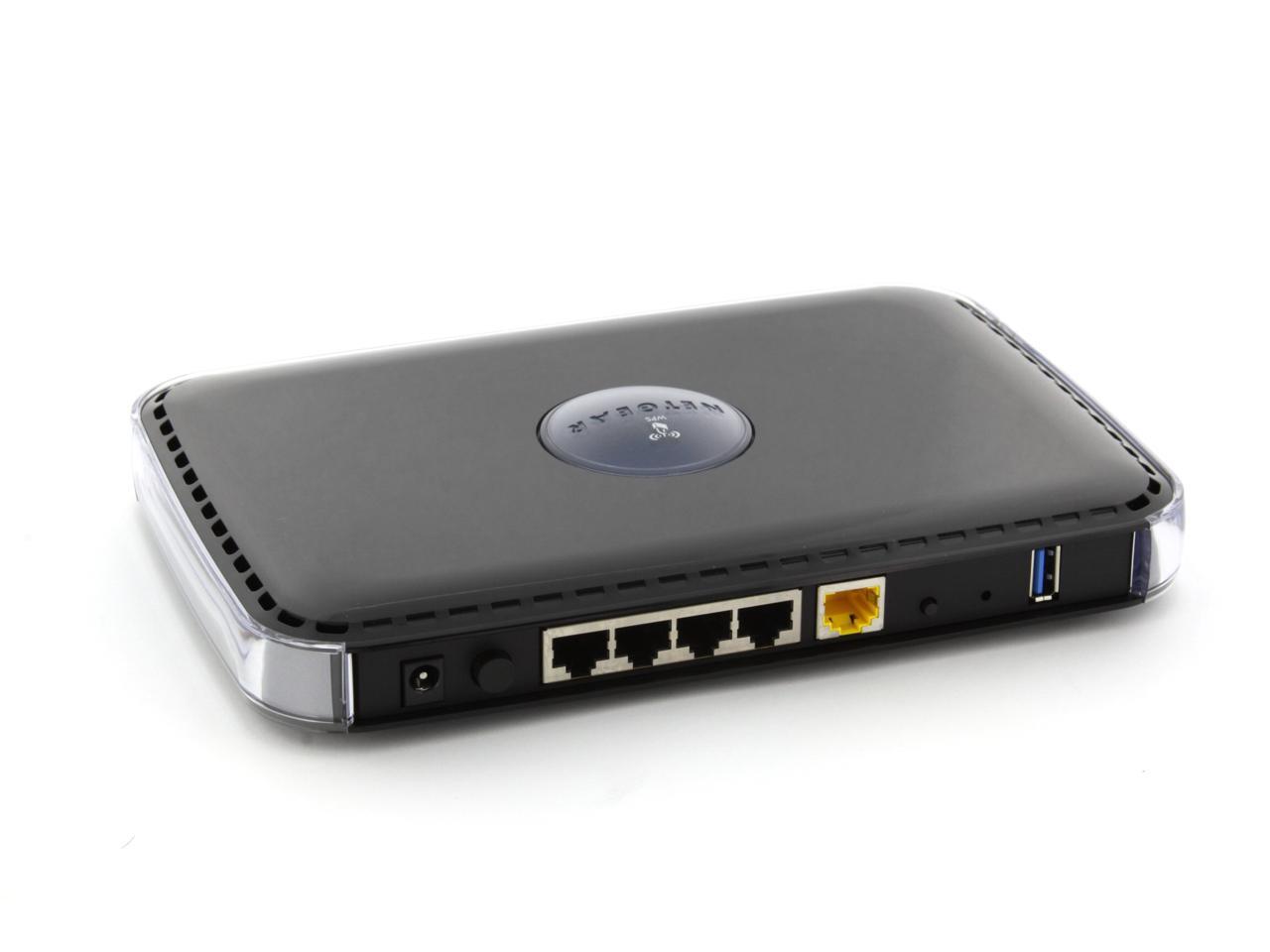
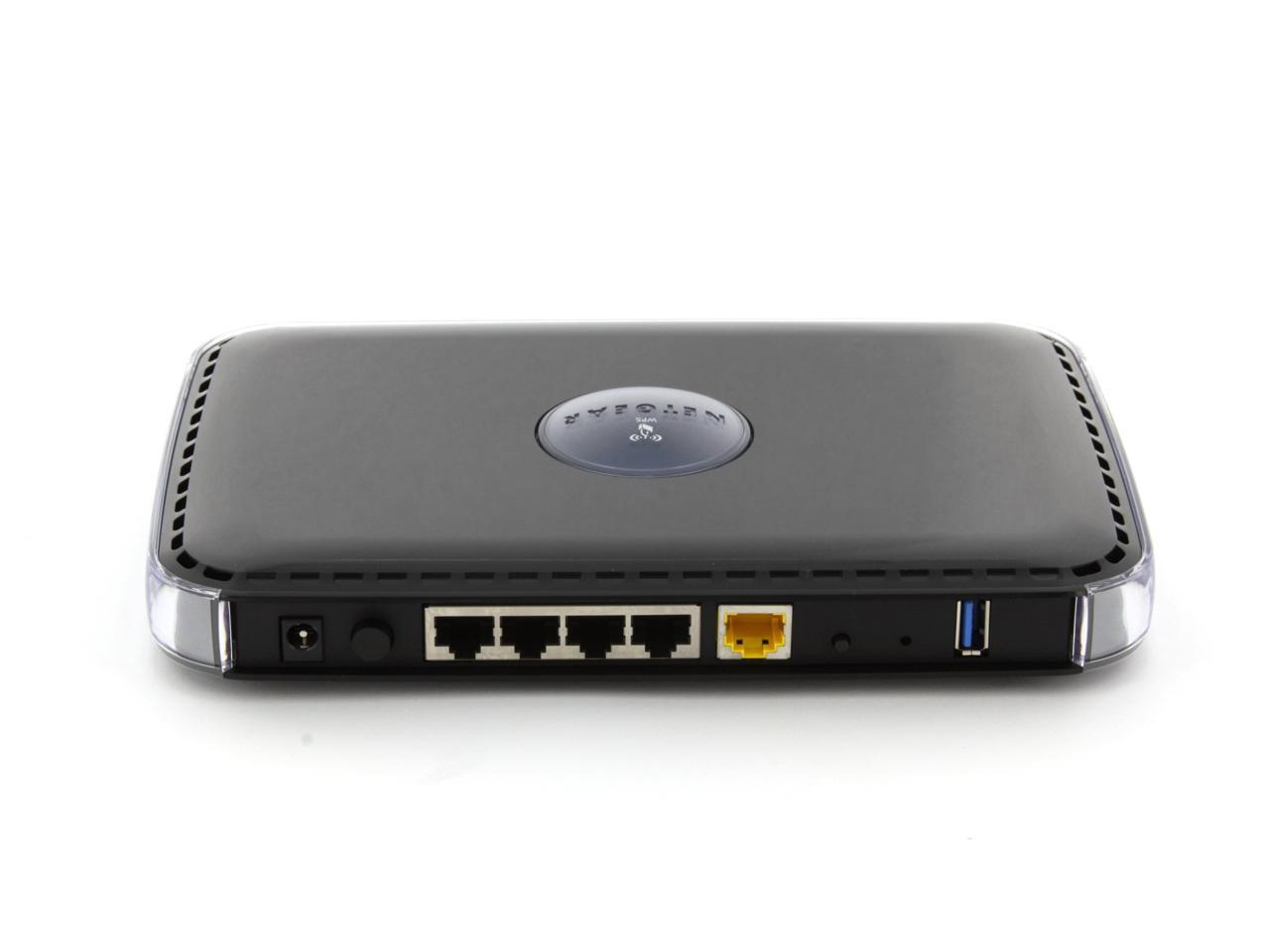
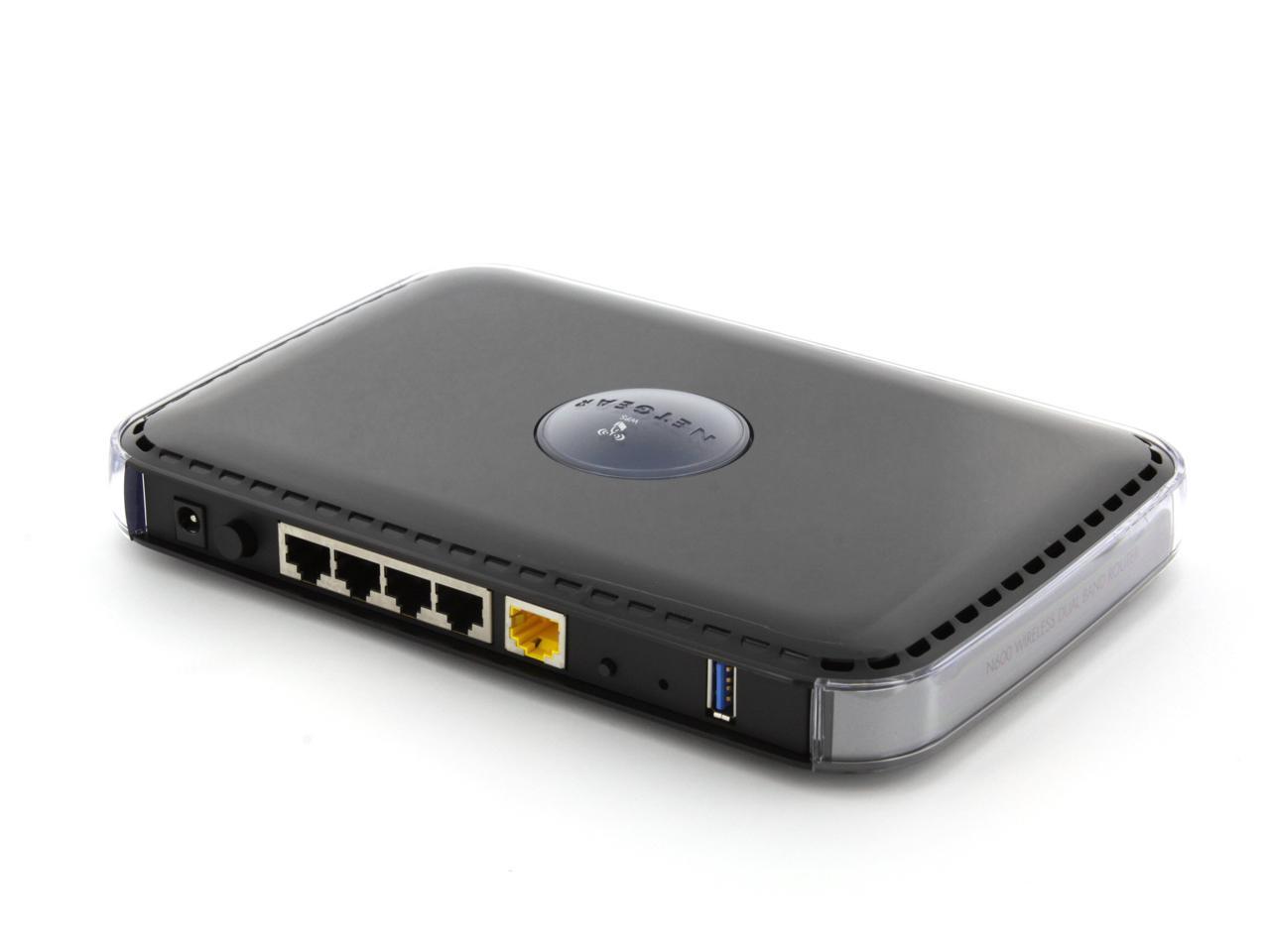
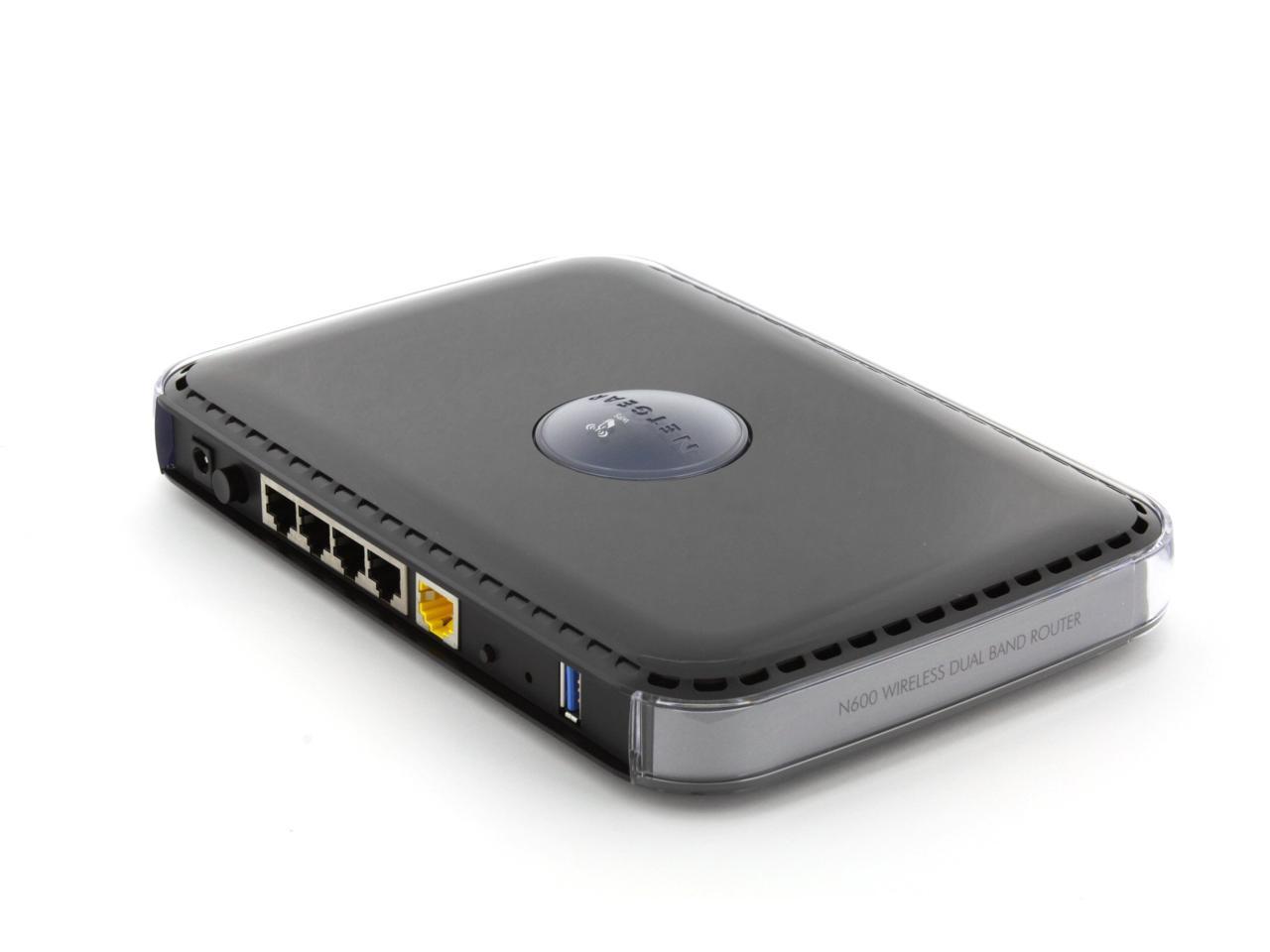
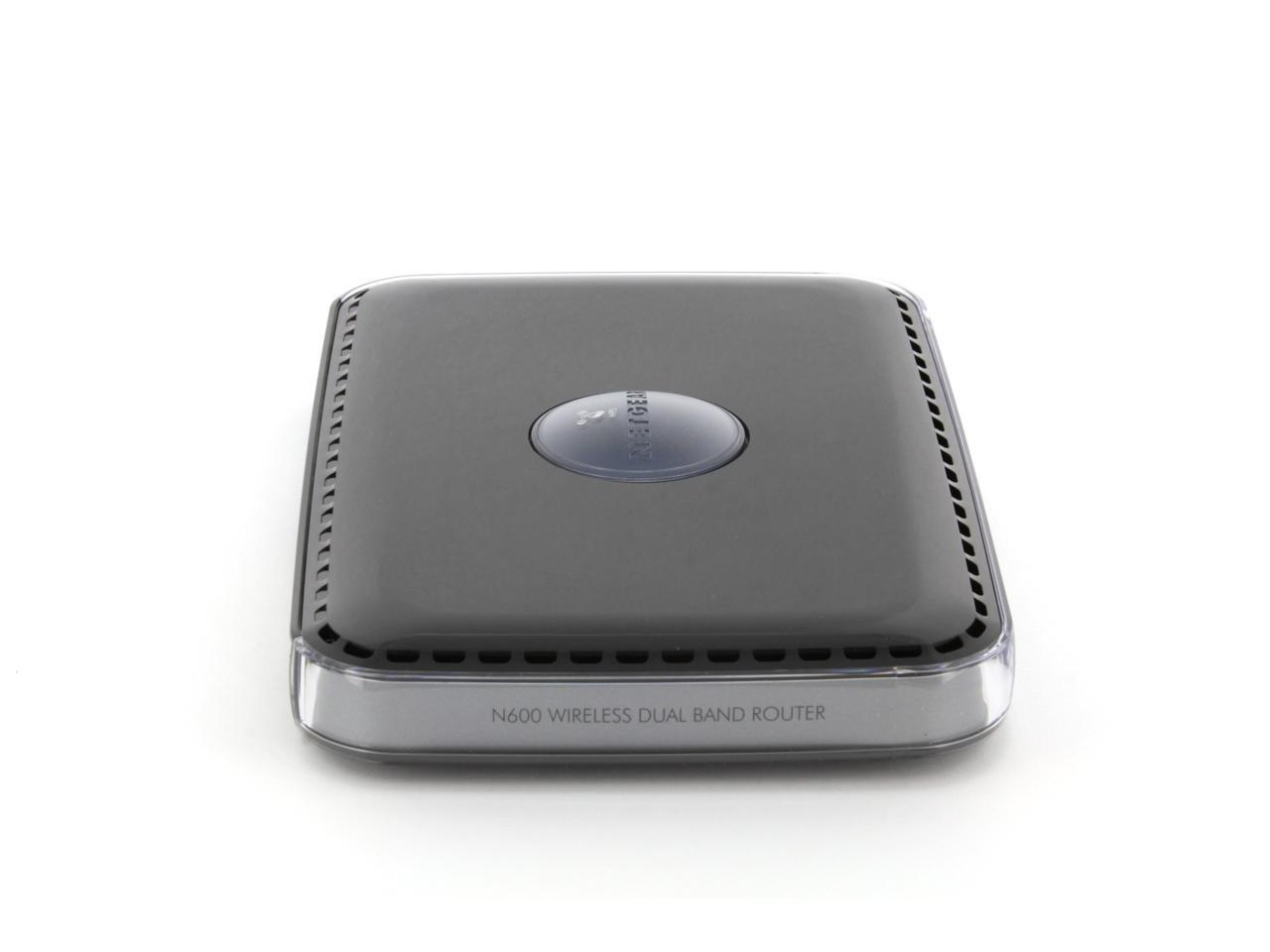
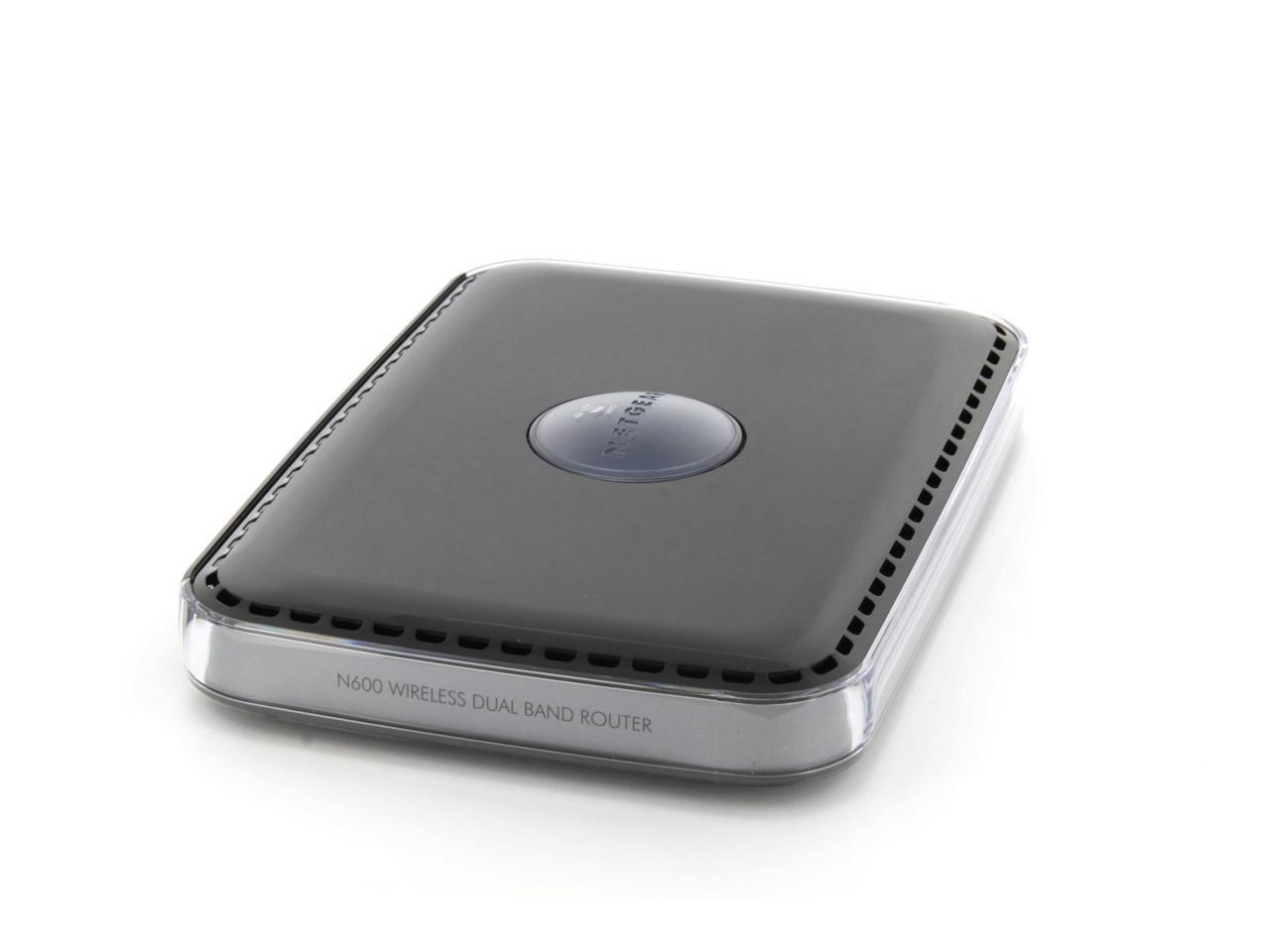
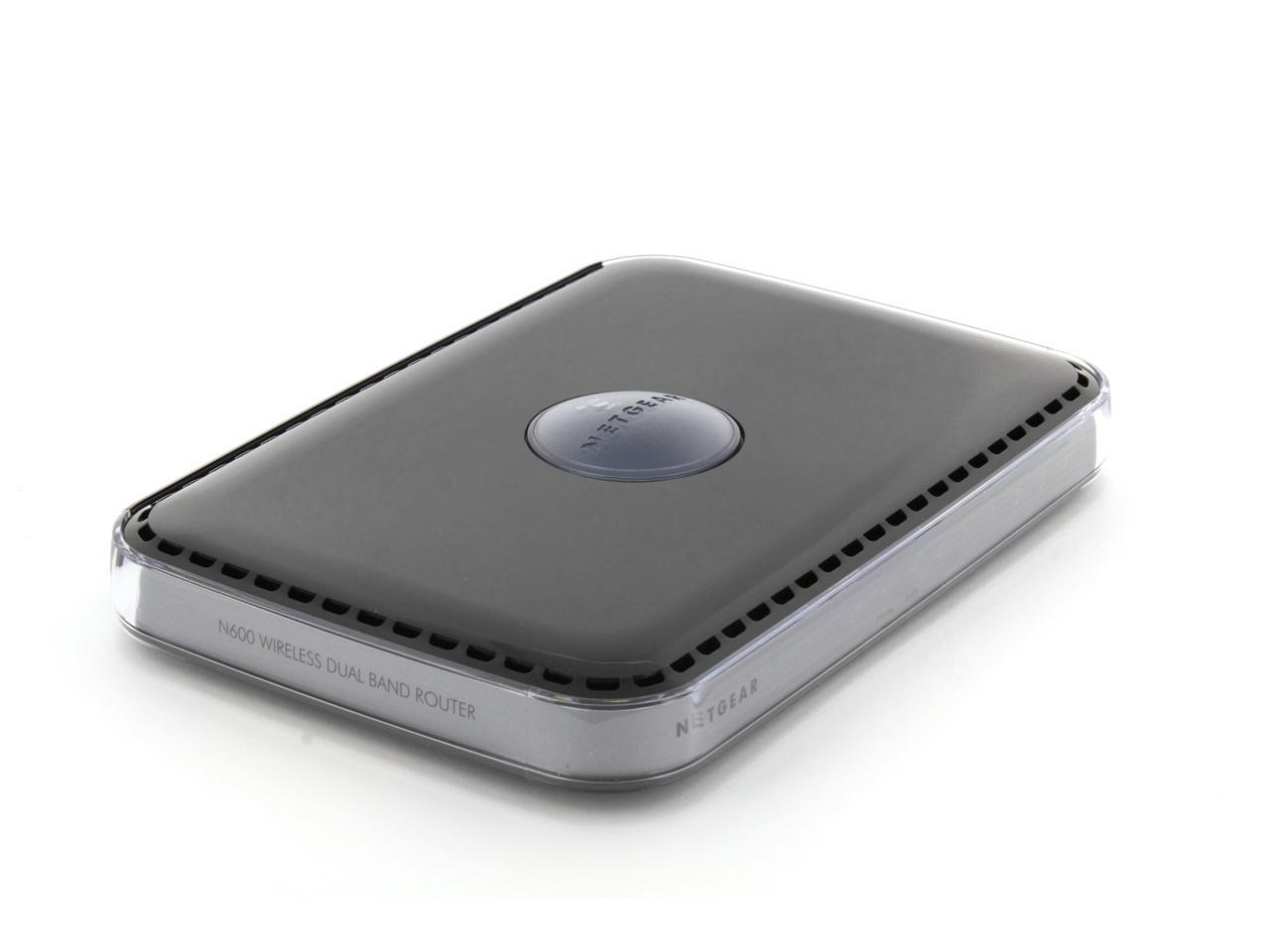
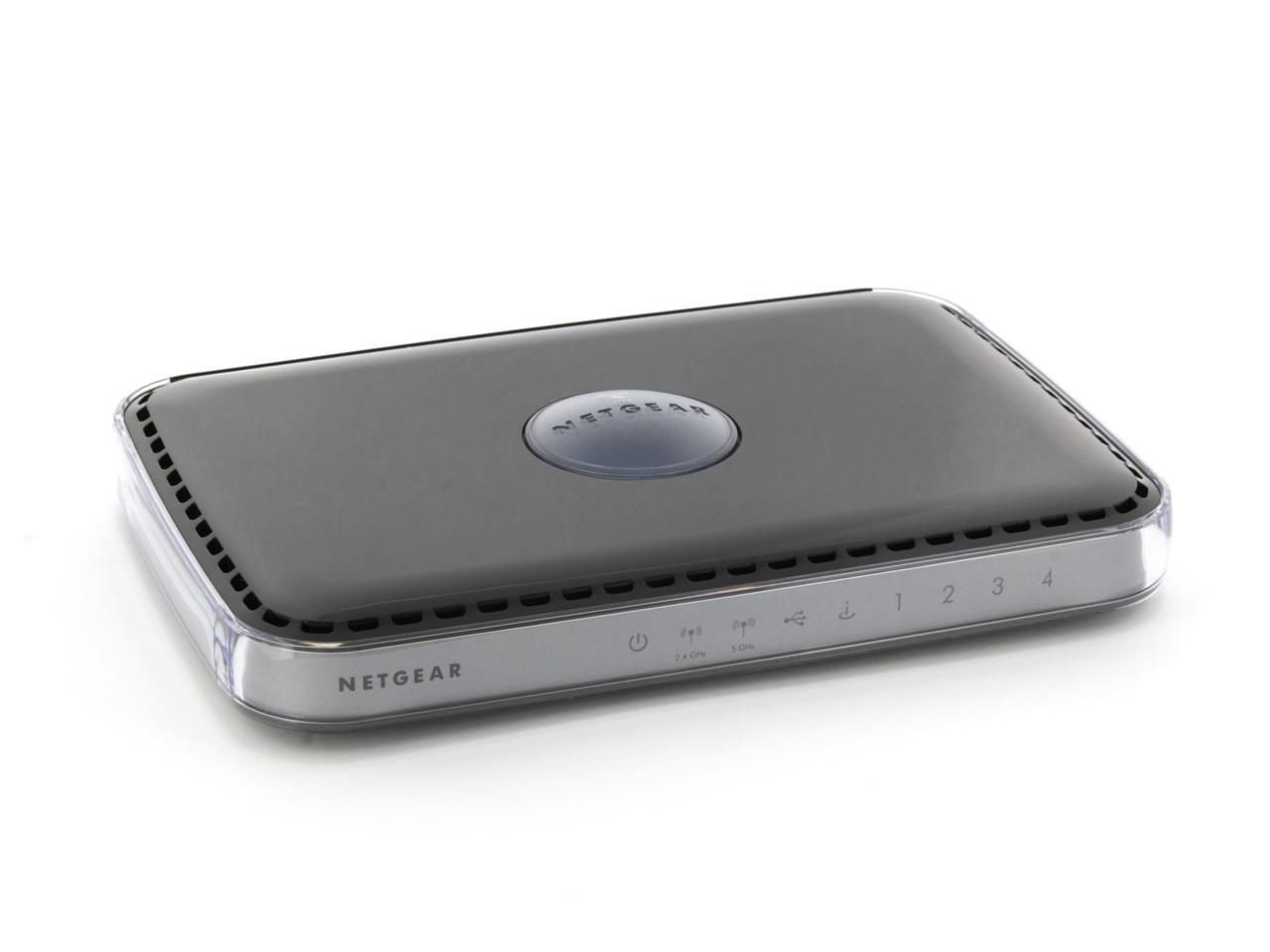
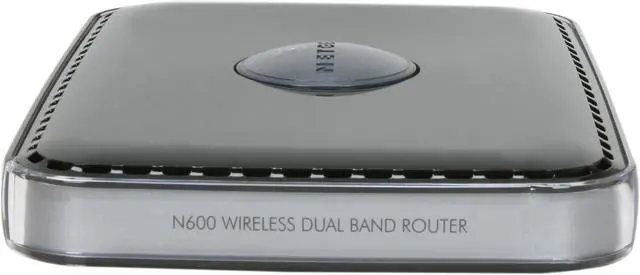
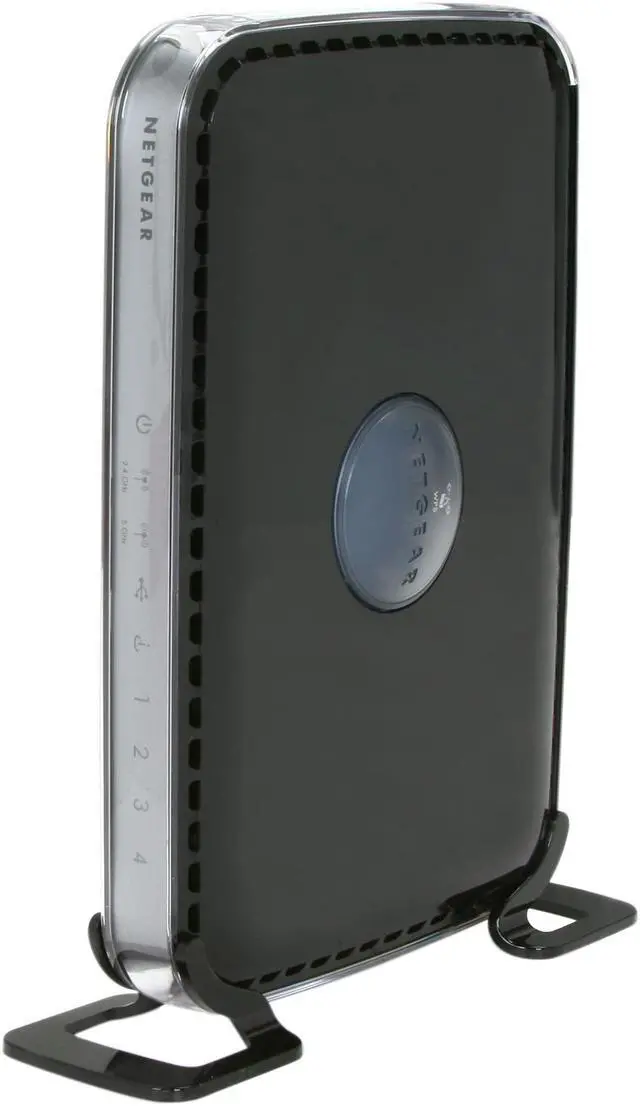
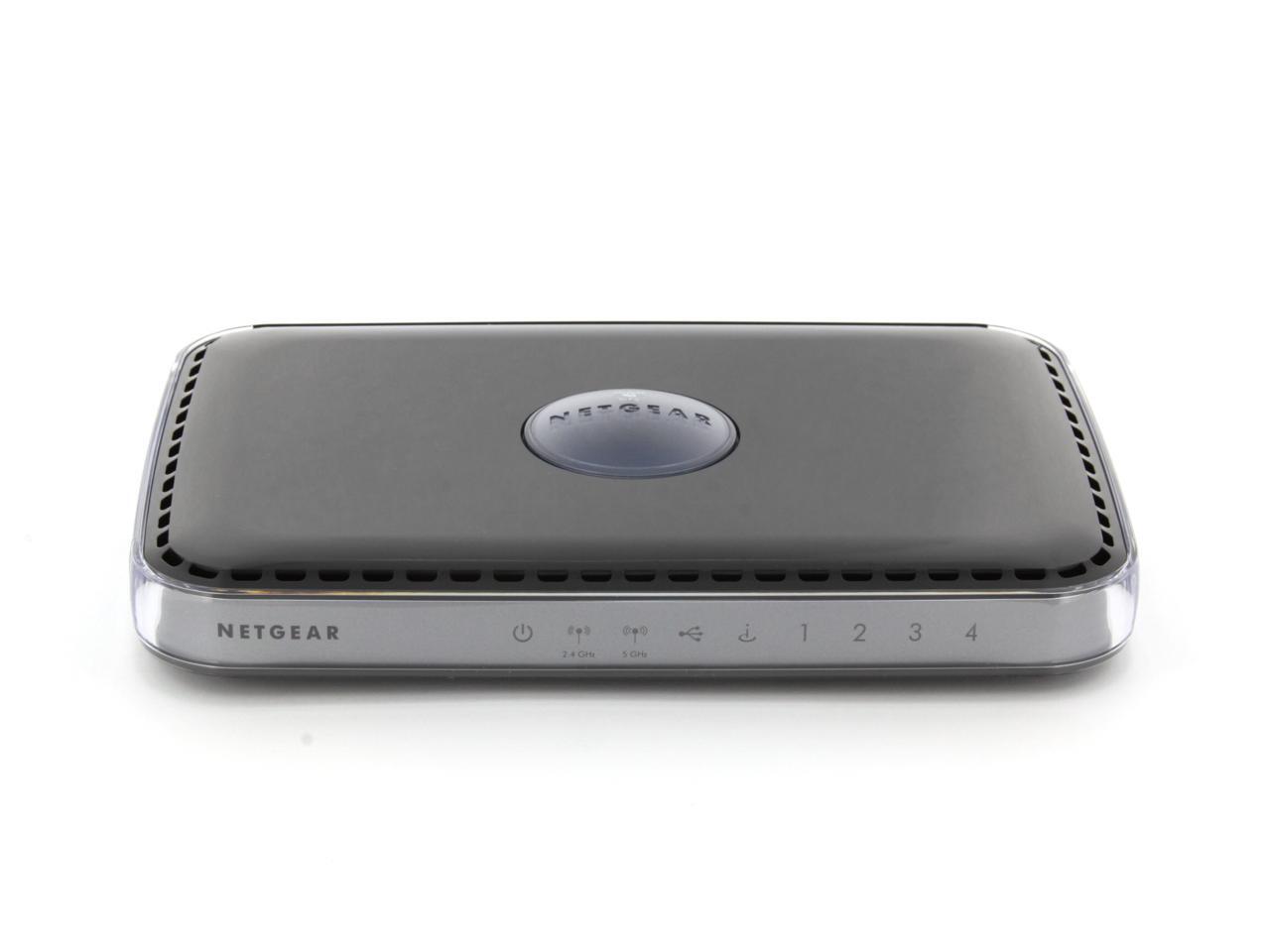
NETGEAR WNDR3400-100NAS N600 Wireless Router Simultaneous Dual Band IEEE 802.11a/b/g/n 2.4/5GHz 10/100 Mbps Ethernet Port x4

  • N600 300Mbps + 300Mbps
  • QoS
  • ReadyShare USB Storage Access
  • Simultaneous Dual Band
  • NETGEAR Genie w/ Airprint
  • Fast Ethernet
  • Window 8 compatible
  • Pin It
  • Email this page
ICON Loading...

Netgear Logo


Fast Multimedia Streaming – High Performance

The NETGEAR N600 Wireless Dual Band Router (WNDR3400) offers the high performance wireless Internet access needed for demanding applications, such as streaming multimedia and multiplayer gaming. Simultaneous Dual Band provides the best performance and minimizes interference by providing two independent, dedicated networks. The ReadySHARE USB storage allows you to convert your USB Hard drive to a network storage drive for backup.

The NETGEAR Difference – WNDR3400


  • Simultaneous Dual Band 300 + 300 Mbps
  • ReadyShare USB Storage
  • DLNA Media Server
 
Applications

Ideal for HD Video Streaming


Access and Share USB Storage


Better online Gaming and Media Streaming 

WNDR3400


Network Speed

Fast WiFi Speed Fast WiFi Speed – N600 Dual Band WiFi delivers 300 + 300Mbps for combined wireless speeds up to 600Mbps


Wireless Range

Good Range Good Range – Powerful WiFi amplifiers deliver improved wireless range for larger homes


Reliable Connections

Simultaneous Dual Band Simultaneous Dual Band – Wireless access on both 2.4- and 5-GHz bands concurrently, reduces WiFi interference & doubles total available bandwidth


Ease of Use

NETGEAR Genie NETGEAR Genie – Easy-to-use dashboard to monitor, control & repair home networks


Push N Connect Push ‘N’ Connect – Secure push button WiFi connections using WiFi Protected Setup (WPS)


Wifi and Power On/Off Wifi & Power On/Off – Convenient power savings to power down the entire router and/or just WiFi


Sharing

ReadySHARE USB ReadySHARE USB – Wirelessly access and share USB hard drives


Security

WNDR3400_box Live Parental Controls Live Parental Controls – Centralized and easy-to-use website filtering for all devices connected to the Internet via the router


Guest Network Access Guest Network Access – Separate and secure WiFi access for guests using your home network


Choose the Wireless Router that fits your needs

 
Model # WNDR3400 WNDR3700 WNDR3800 WNDR4000 WNDR4500 R6200 R6300
  N600 WiFi Dual Band Router N600 WiFi Dual Band Gigabit Router N600 WiFi Dual Band Gigabit Router – Premium Edition N750 WiFi Dual Band Gigabit Router N900 WiFi Dual Band Gigabit Router R6200 WiFi Dual Band Router R6300 WiFi Dual Band Router
Performance              
Combined WiFi Speed N600 N600 N600 N750 N900 1200 1750
WiFi Range good good good better best ultimate ultimate
WiFi Transmit Power To Maximize Range Good Better Better Best Best Ultimate Ultimate
No. of USB Ports 1 1 1 1 2 1 2
Ethernet Ports – 4 LAN + 1 WAN 10/100 Ethernet Gigabit Ethernet Gigabit Ethernet Gigabit Ethernet Gigabit Ethernet Gigabit Ethernet Gigabit Ethernet
USB Storage Access Speed Better Best Best Best Best Ultimate Ultimate
Features              
Live Parental Control yes yes yes yes yes yes yes
Broadband Usage Meter yes yes yes yes yes yes yes
Guest Networks yes yes yes yes yes yes yes
DLNA Media Streaming   yes yes yes yes yes yes
Easy Install With Smartphones/Tablet     yes yes yes yes yes
Premium Features              
Genie – Dashboard Control yes yes yes yes yes yes yes
ReadySHARE Printer     yes   yes yes yes
Dedicated Video Mode     yes        
ReadySHARE Cloud     yes        
ClearChannel Selector     yes        
Time Machine Compatible     yes        
TIVO Extended Storage     yes        


NETGEAR Genie

Easy-to-use dashboard to monitor, control & repair home networks

Genie_Dashboard

NetworkMap


Learn more about the Netgear Inc. WNDR3400-100NAS

Model

Brand
NETGEAR
Model
WNDR3400-100NAS

Spec

Standards
IEEE 802.11a/b/g/n
Security
Wi-Fi Protected Access (WPA/WPA2-PSK) and WEP
Double firewall protection (SPI and NAT firewall)
Denial-of-service (DoS) attack prevention
WPA/WPA2
WPA2
Ports
1 x 10/100M WAN; 4 x 10/100M LAN
Wireless Data Rates
Up to 300+300Mbps
Frequency Band
2.4GHz/5GHz
Antenna
Internal Antenna
Interface
USB 2.0
Wireless Adapter included
No
System Requirements
Broadband (cable, DSL) Internet service and modem with Ethernet connection
2.4 or 5.0 GHz 802.11a/b/g/n specification wireless adapter or an Ethernet adapter and cable for each computer
Microsoft Windows 7, Vista, XP, 2000, Mac OS, UNIX, or Linux
Microsoft Internet Explorer 5.0, Firefox 2.0 or Safari 1.4 or higher
Dimensions
8.8" x 6.0" x 1.2"
Weight
1.2 lbs.

Features

Features
Performance:
530 MHz powerful MIPS 32-bit processor
Memory: 8 MB flash and 64 MB RAM
Advanced Quality of Service (QoS)
Supports Wireless Multimedia (WMM) based QoS

Advanced Features:
Live Parental Controls with flexible and customizable filter settings
Simultaneous Dual Band-runs both 2.4 and 5GHz bands at the same time
ReadySHARE USB-Wirelessly share a USB hard drive with Macs and PCs
Multiple SSID guest networks (separate security and access restrictions)
Broadband usage meter measures Internet usage
Power and Wi-Fi on/off buttons.

Dedicated Wi-Fi for video and gaming

NETGEAR Genie-Easy dashboard control

Window 8 compatible

Packaging

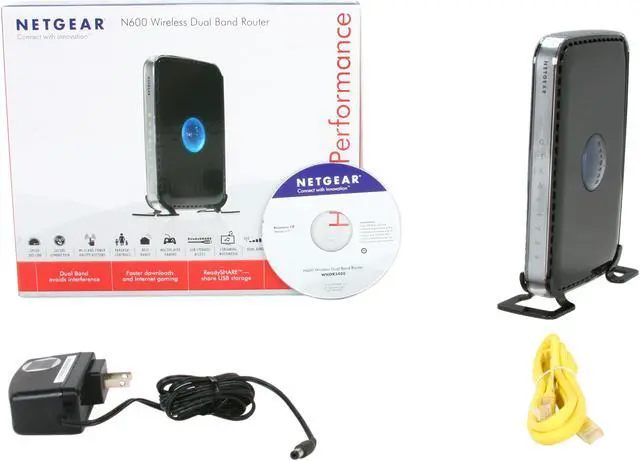
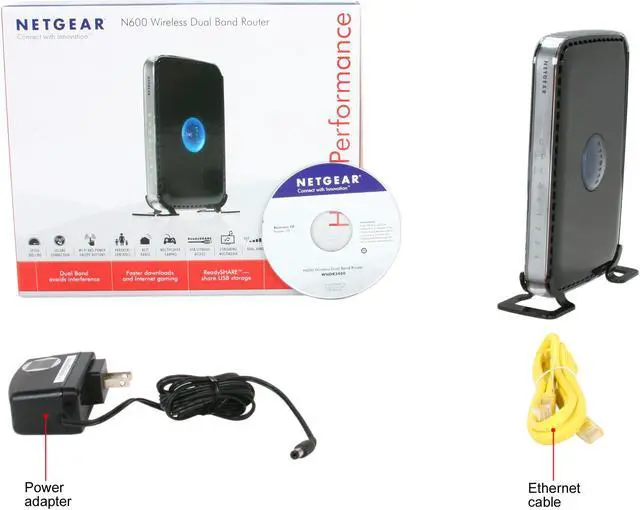
Package Contents
N600 Wireless Dual Band Router (WNDR3400)
Stand
Ethernet cable
Smart Wizard installation CD
Power adapter, localized to country of sale

Manufacturer Warranty

Parts
Lifetime limited
Labor
Lifetime limited

Quick Info

Warranty

  • Limited Warranty period (parts): Lifetime
  • Limited Warranty period (labor): Lifetime


Customer Reviews of the Netgear Inc. WNDR3400-100NAS

Do you own this product? Write a Review

Filter Results

Go
  • SSEiYah
  • 5/5/2013 10:22:08 PM
  • Tech Level: High
  • Ownership: more than 1 year

1 out of 5 eggsPoor Range on both 2.4 and 5hz bands, even with DDWRT

Pros: Inexpensive, very stable once you install DDWRT

Cons: Even the latest stock Netgear firmware from 2013 this is unstable and will cause connections to "cycle" frequently which is a pain. This means it disconnects then connects again after a few seconds. Only fix is to restart (unplug, wait plug it back in), then it works fine for a few weeks or a few days depending on its "mood".

I only get -64dbi on 2.4ghz band and -71dbi on the 5ghz band upstairs. With my Linksys E4200 with ddwrt with stock settings gets -55dbi and -60dbi respectively. Both mounted in the same location running on the same channels. This means the Netgear maintains a 50-60Mbps connection and Linksys will maintain a 72-114Mbps connection.

Other Thoughts: If you can afford something that costs twice as much range, just get an ASUS, it will have far better range as long as you use inSSIDer or something to figure out which channels are open.

Manufacturer Response:

Hello SSEiYah,

We are sorry that your aren't 100% satisfied with the WNDR3400. If you would like for our technicians to take a look and see if they can help-- they would be more than glad to. They can be reached at support.netgear.com

If you would like to reach us directly you can email us at newegg@netgear.com. Please provide a copy and paste of your review and any detailed information that you can add.

Regards,

NETGEAR Team

Did you find this review helpful? Yes No

  • dmtulsa
  • 4/27/2013 9:21:31 AM
  • Tech Level: High
  • Ownership: 1 month to 1 year

2 out of 5 eggsWorked for awhile

Pros: I like the Genie interface, easy to setup

Cons: It worked great for a few weeks then it had to be rebooted daily. Now it constantly drops out. The 5ghz has a range of 10' maybe

Other Thoughts: I'm getting tired of replacing routers. Ive tried many brands and all fail in less than a year. Guess I'll try Asus next. For the money I've spent so far I could have bought a hi end router. We have 2 Cisco 891W that have been running 24/7 for 3-4 years. Yes their $1200, $600-900 used. At $600 I'd be money ahead for what these junk home routers cost in constant replacement. If my next router fails I'll byte the bullet and get one used.

Manufacturer Response:

Hi Dmtulsa,

We are sorry to hear that you needing to reboot the wndr3400 daily. There are a few things we recommend trying-- the first being check out the support page and upgrade to the latest firmware:
http://support.netgear.com/product/WNDR3400v1

Another thing you can do is contact our support team, they are always happy to help! They can be reached at support.netgear.com

We hope this helps,

NETGEAR Team

Did you find this review helpful? Yes No

  • Scott
  • 4/19/2013 5:43:06 AM
  • Tech Level: Somewhat High
  • Ownership: more than 1 year

2 out of 5 eggsGreat When It Works

Pros: A lot of functionality... when it works.

Cons: Everything is "good" for days and sometimes weeks at a time. Then, it begins "cycling" connections. You can sit right beside the router, watch your connection drop, reconnect, then drop again in 20-30 second cycles. Sometimes power-cycling the router fixes the problem, sometimes changing channels does, and sometimes nothing helps.

I haven't read every review here, but I notice that Netgear isn't responding to anyone. I truly doubt that I'll ever buy another of their products.

Manufacturer Response:

Hello Scott,

We are truly sorry for the issues that you have had with the WNDR3400. Have you tried contacting our support team about your disconnect issue? They are always glad to help; they can be reached at support.netgear.com.

If for some reason support is unable to assist, please feel free to contact us directly at newegg@netgear.com. Provide any case numbers you received from support, as well any additional information you can add.

Regards,
NETGEAR Team

Did you find this review helpful? Yes No

  • N/A
  • 4/18/2013 2:21:16 PM
  • Tech Level: Somewhat High
  • Ownership: more than 1 year

4 out of 5 eggsGood FAST router

Pros: Good router for the money, VERY stable IF its kept cool.

Cons: Like most other routers it runs on the bleeding edge of what its (non-existent) cooling is capable of, I cracked mine open and added heat-sinks to the CPU, RAM, and Radio chip. Sadly this is a ritual I have had to perform to almost all my "retail" Wireless routers if I want them to last much longer than a week before they start "locking up".

Other Thoughts: I would down rate them more for the pathetic cooling if it wasn't industry standard in ALL "retail" sector units.

I have 2 of these (my house and my parents house) both running for over a year now solid and stable with heatsink mods.

Did you find this review helpful? Yes No

  • chris
  • 4/7/2013 9:42:25 PM
  • Tech Level: High
  • Ownership: more than 1 year
  • Verified Owner

2 out of 5 eggsWorks great for a while

Pros: Great initially. Used to work well with at least Intel wireless adapters.

Cons: Works poorly with just about anything else. Started dropping connections consistently with my phone and my wife's tablet. I would mess around with the wireless settings, and that would fix things for a while. Seems like you need to have high-quality client adapters and a lot of luck to use this router.

Did you find this review helpful? Yes No

  • Shubham
  • 4/1/2013 1:17:08 PM
  • Tech Level: High
  • Ownership: more than 1 year

5 out of 5 eggsA device you want to setup once in your life!!

Pros: easy setup.
Good coverage.

Cons: Didn't find any

Other Thoughts: It's been more then an year I am using it and no issues at all. I never ever looked at it again and thats what you want. I am using it for more then 8 devices at my house and no issues at all.

Did you find this review helpful? Yes No

  • TheBeardedNeck
  • 2/15/2013 3:27:02 PM
  • Tech Level: Somewhat High
  • Ownership: more than 1 year

1 out of 5 eggsFrustrating

Pros: Very easy to set up and install. Went from in box to set up and running in around 10 minutes.

Cons: At the 6 month point, I noticed some sluggishness. Then the crashes starting happening. Netgear's tech support is somewhere between non-existent and horrible. Finally found that setting a permanent channel HELPS (doesn't completely fix the crashing and you are forced to manually change the operating channel daily), but here's the fun part: you can only make changes to the wireless settings when you are

1. Connected to the internet (not in the middle of a crash)

and

2. Not in the middle of a WPS process (you guessed it, recovering from a crash).

Crashes happen at minute intervals. This has been a very frustrating experience, coupled with poor service in the form of outsourced tech support, who's only response is to remove the power cord and restart the modem.

Other Thoughts: Not recommended for any living thing.

2 out of 3 people found this review helpful. Did you? Yes No

  • DOS
  • 1/29/2013 9:52:39 AM
  • Tech Level: High
  • Ownership: more than 1 year

3 out of 5 eggsWNDR 3400 V1

Pros: Advertised features at the time I bought this router were great. Range is decent. Dual network and USB port.
HDD streams through the usb port without major problems.

Cons: Frequent wireless network problems, which present themselves by devices not finding the network even though the router displays the network as present. A frequency change usually fixes this but it reappears frequently. After about a year the hick-ups are more frequent.

Other Thoughts: Running the latest firmware for the version 1. It has had the above mentioned issues since firmware one and no update really fixed the issue. I will go with a different router now.

2 out of 2 people found this review helpful. Did you? Yes No

  • N/A
  • 1/27/2013 12:31:50 AM
  • Tech Level: Somewhat High
  • Ownership: 1 week to 1 month

2 out of 5 eggsConstant connection drop

Pros: A lot of features in the interface. I typically use DD-WRT but it is not supported on this model, but after going through the setup I found that this has a lot of features that I like to use on DD-WRT.

Cons: The 5 GHz Wireless N radio constantly drops connection and doesn't reappear for nearly 30 seconds. I have not experienced this yet on the 2.4 Ghz radio so I am not sure what the issue is. I never get the speeds I am suppose to no matter how close I am to the router. I only get 3 MBps when transferring on my local network. (There is only 2 other 5 GHz networks in my neighborhood so it not an issue of interference) It has only 100mbit ethernet ports which means I cannot connect anything fast into it or the speed will be lowered.

Other Thoughts: This Netgear recently replaced a Netgear WNDR3700 ($160) which lasted 1.5 years before completely dying. The WNDR3700 replaced a Linksys WRT610N ($220) which lasted under a year before constant restarts and connection drops. With all the issues I have been having from all of these high-end routers, I feel that you can't get good routers anymore. No matter how much the price, the routers always have something wrong and seem to fail fast. Linksys use to be the best since their parent was Cisco, but since 2005 I have seen a steady downfall to the quality of their routers. Netgear seemed like a good brand years ago but abruptly stopped after the many Netgear products that I have experienced random failure with. I guess the next brand I will try is Asus. They seem to get pretty good reviews here on Newegg and I personally have a couple Asus products am more than happy with.

If you want something that will last, look for another brand, let alone another router. Stay away from Netgear and Linksys.

2 out of 2 people found this review helpful. Did you? Yes No

  • Locke
  • 1/12/2013 3:15:06 PM
  • Tech Level: High
  • Ownership: 1 week to 1 month
  • Eggxpert Review

1 out of 5 eggsBuyer beware

Pros: It has NAT and DDWRT
Easy guest network
Decent signal if close to router

Cons: Poor signal when just a little further away than "same room," crashed on me twice, and multiple connectivity issues. I am supposed to be reviewing this product as an EggXpert but I am so frustrated with it that I'm quitting now and I'm going to reject any further router reviews for awhile. I don't want to screw with any more of them thanks to this product! Buyer beware!

Other Thoughts: Netgear is usually my preferred brand for routers, but they have missed the boat on this one

Did you find this review helpful? Yes No

ICON Loading...
Are you an E-Blast Insider? Subscribe Newegg e-Blast

Buzz

dangerous

1 out of 5 eggs
Wireless capability suddenly dropped. When checking the router I found it so hot it had scorched the plastic mat it was on. ...
— 8/1/2011

I Don't Understand the Poor Reviews

4 out of 5 eggs
- Multiple SSID's, which is great if you own a DS Lite.
- Dual band functionality
- Stable and Reliable Connection
- ...
— cpatel 12/15/2010


PayPal
Shop without retyping payment details. Secure shopping made faster.
Check out with PayPal.

Financing


Home
Home > 
Computer Hardware > 
Networking > 
Wireless Networking > 
Wireless Routers > 
Netgear Inc. > 
Item#: N82E16833122378
LOADING... LOADING...
Shop by Region: United States | Canada | China
Follow us:   RSS Feeds Youtube
VeriSign Reliability Seal1This site protected by Trustwave's Trusted Commerce program Inc500
Policy & Agreement | Privacy Policy  © 2000-2013 Newegg Inc.  All rights reserved.
If the Adobe Reader does not appear when you click on a link for a PDF file, you can download Adobe Reader from the Adobe web site. nassau