The D-Link EBR-2310 keeps your network extremely secure, with a built-in firewall to protect your network from hackers and other malicious attacks. And to give you even more peace-of-mind, the EBR-2310 includes sophisticated parental controls to monitor your children's internet usage and block inappropriate content.
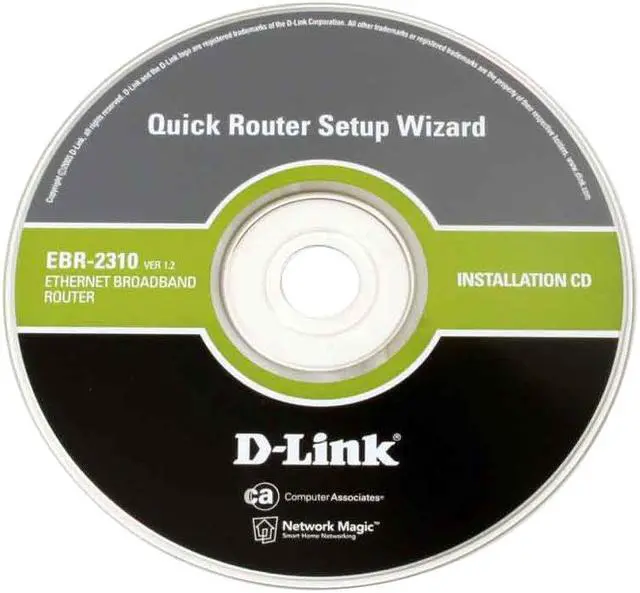
It’s a cinch to set up and install. The EBR-2310’s Quick Router Setup Wizard guides you through the process of setting up your network in minutes. Additionally, the browser-based setup interface means that all of the router's features and functions are simple to access, configure, edit—and, most of all, protect from unwanted access! For a simple wired network for your home or small office, the easy-to-use D-Link EBR-2310 gets the job done.
Perfect for home or small office use, the D-Link EBR-2310 offers superior connectivity and excellent security at a price that's just right. With four 10/100Mbps Ethernet connectors, the EBR-2310 can connect up to four PCs or other network devices. Advanced switching technology effectively and efficiently manages your network traffic so that your data keeps flowing, no matter how much of it there is.
The D-Link EBR-2310 keeps your network extremely secure, with a built-in firewall to protect your network from hackers and other malicious attacks. And to give you even more peace-of-mind, the EBR-2310 includes sophisticated parental controls to monitor your children's internet usage and block inappropriate content.
It’s a cinch to set up and install. The EBR-2310’s Quick Router Setup Wizard guides you through the process of setting up your network in minutes. Additionally, the browser-based setup interface means that all of the router's features and functions are simple to access, configure, edit—and, most of all, protect from unwanted access! For a simple wired network for your home or small office, the easy-to-use D-Link EBR-2310 gets the job done.
 Simple NetworkingThe D-Link EBR-2310 features one 10/100Mbps WAN port for broadband modem connection and four 10/100Mbps Ethernet ports for connections to up to four Ethernet-enabled PCs or network devices. The router integrates switching capabilities to efficiently manage your network traffic.
 Security ProtectionThe D-Link EBR-2310 features a built-in firewall to safeguard your network from hackers and malicious attacks. Parental control features are included to monitor Internet usage and block inappropriate content.
 Easy to Install and UseWith the Quick Router Setup Wizard, set up your network in minutes! A built-in Cable Tester Utility is included to help you diagnose and troubleshoot physical cable problems.



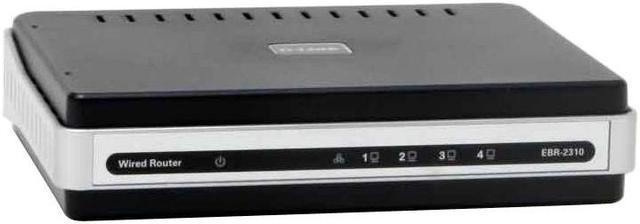
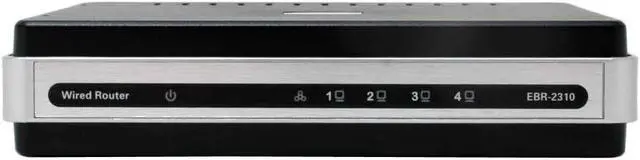
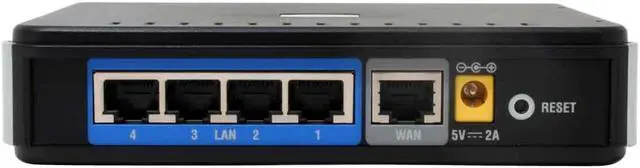
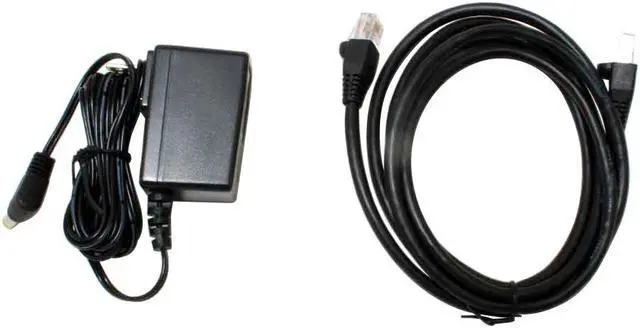
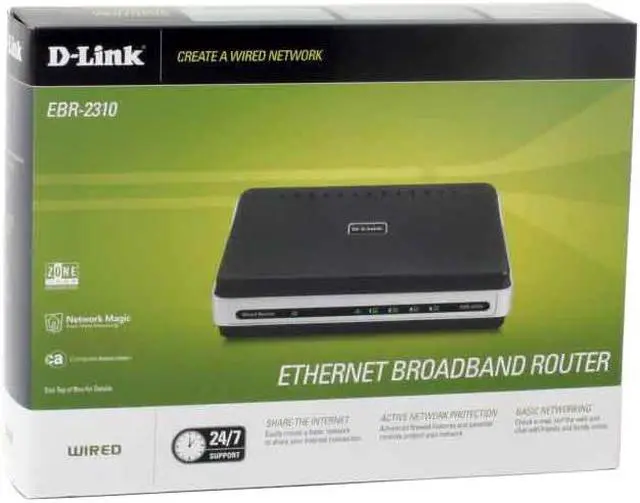



 Simple NetworkingThe D-Link EBR-2310 features one 10/100Mbps WAN port for broadband modem connection and four 10/100Mbps Ethernet ports for connections to up to four Ethernet-enabled PCs or network devices. The router integrates switching capabilities to efficiently manage your network traffic.
 Security ProtectionThe D-Link EBR-2310 features a built-in firewall to safeguard your network from hackers and malicious attacks. Parental control features are included to monitor Internet usage and block inappropriate content.
 Easy to Install and UseWith the Quick Router Setup Wizard, set up your network in minutes! A built-in Cable Tester Utility is included to help you diagnose and troubleshoot physical cable problems.