Skip to: |

Newegg.com - A great place to buy computers, computer parts, electronics, software, accessories, and DVDs online. With great prices, fast shipping, and top-rated customer service - once you know, you Newegg.

If you are reading this message, Please click this link to reload this page.(Do not use your browser's "Refresh" button). Please email us if you're running the latest version of your browser and you still see this message.

Newegg.com - Computer Parts, Laptops, Electronics, HDTVs, Digital Cameras and More!

  • | Wish List
  • Help
Home
Home > 
Computer Hardware > 
Networking > 
Wireless Networking > 
Wireless Routers > 
TP-LINK > 
Item#: N82E16833704030

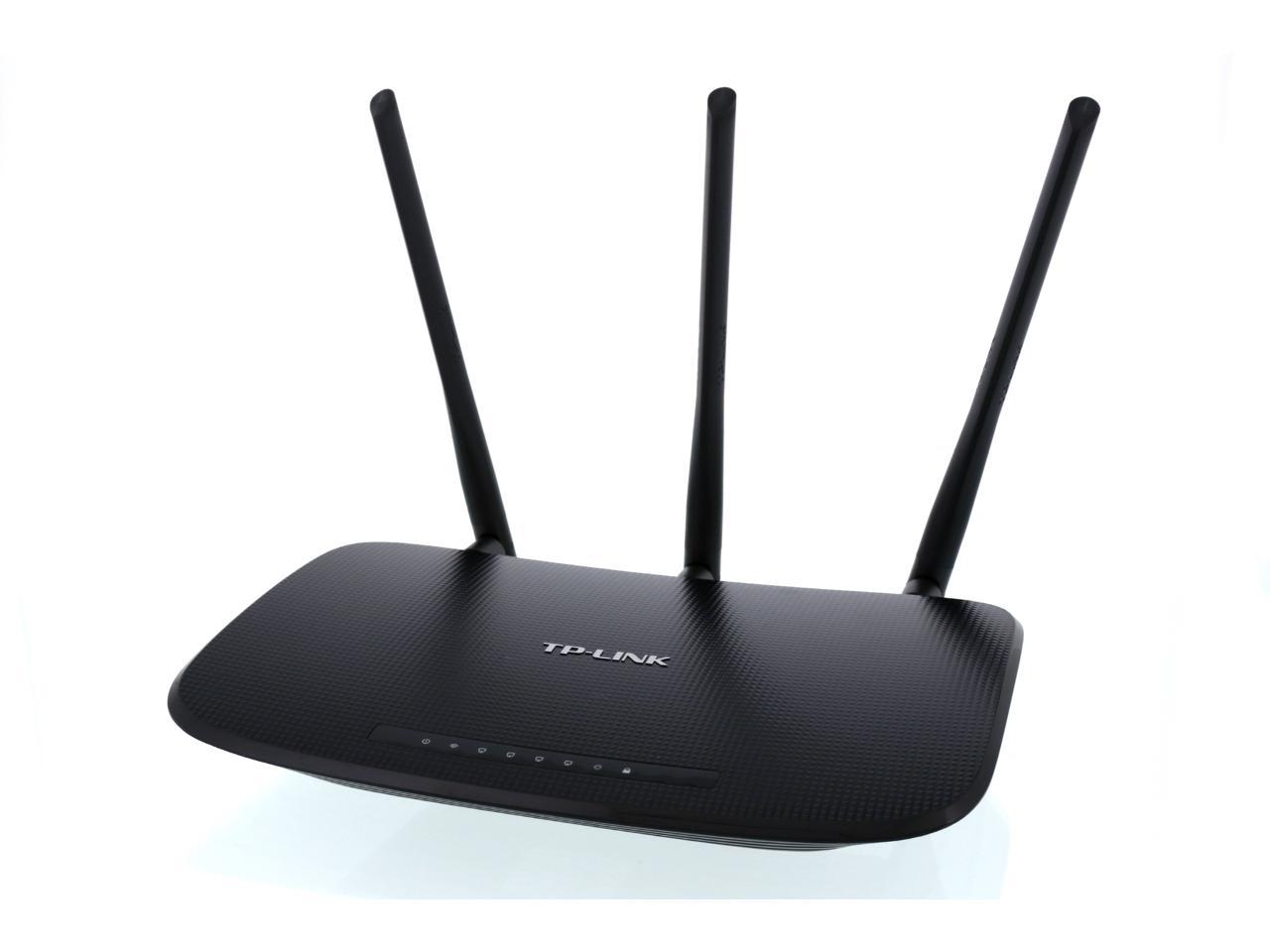
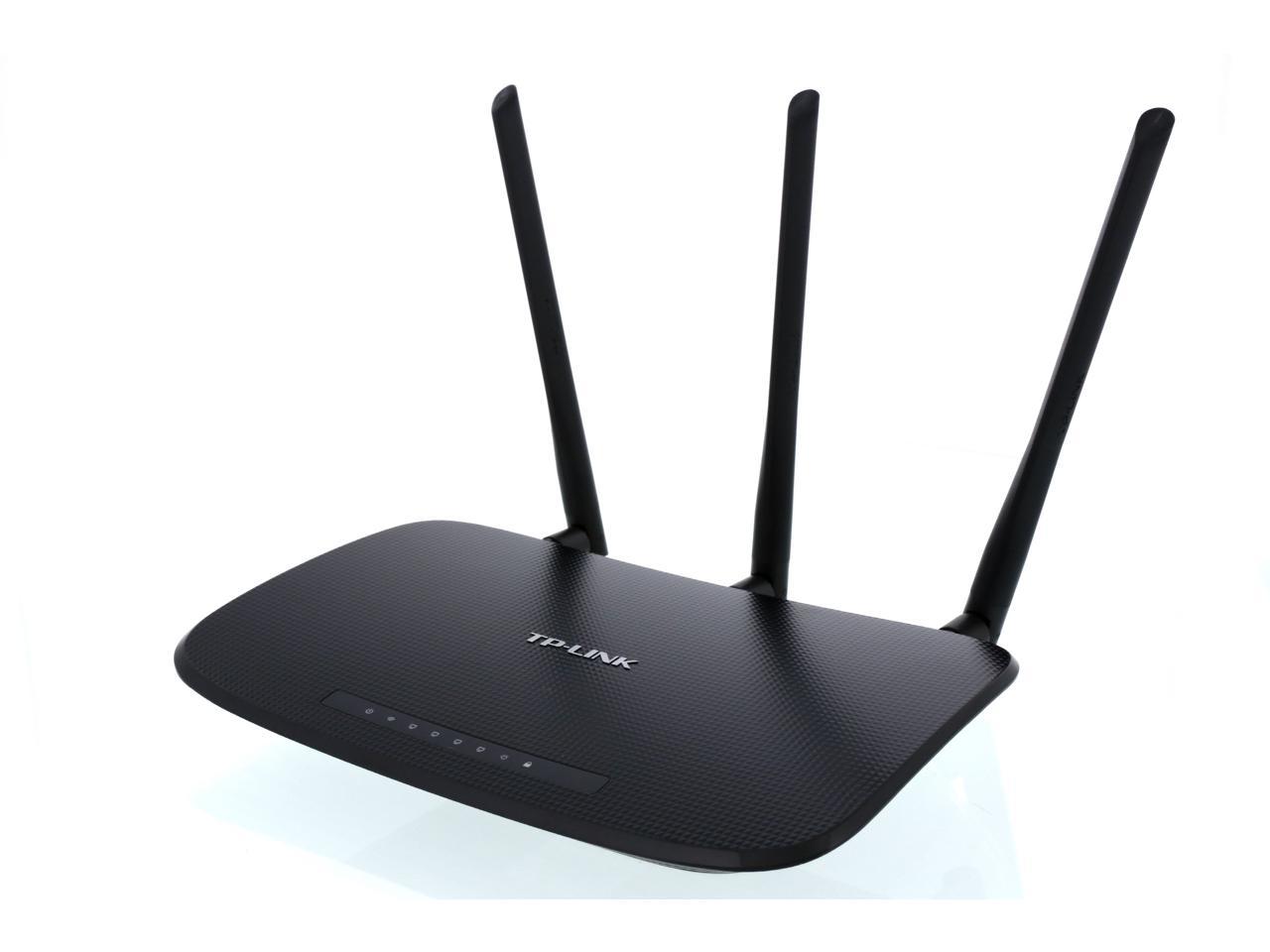
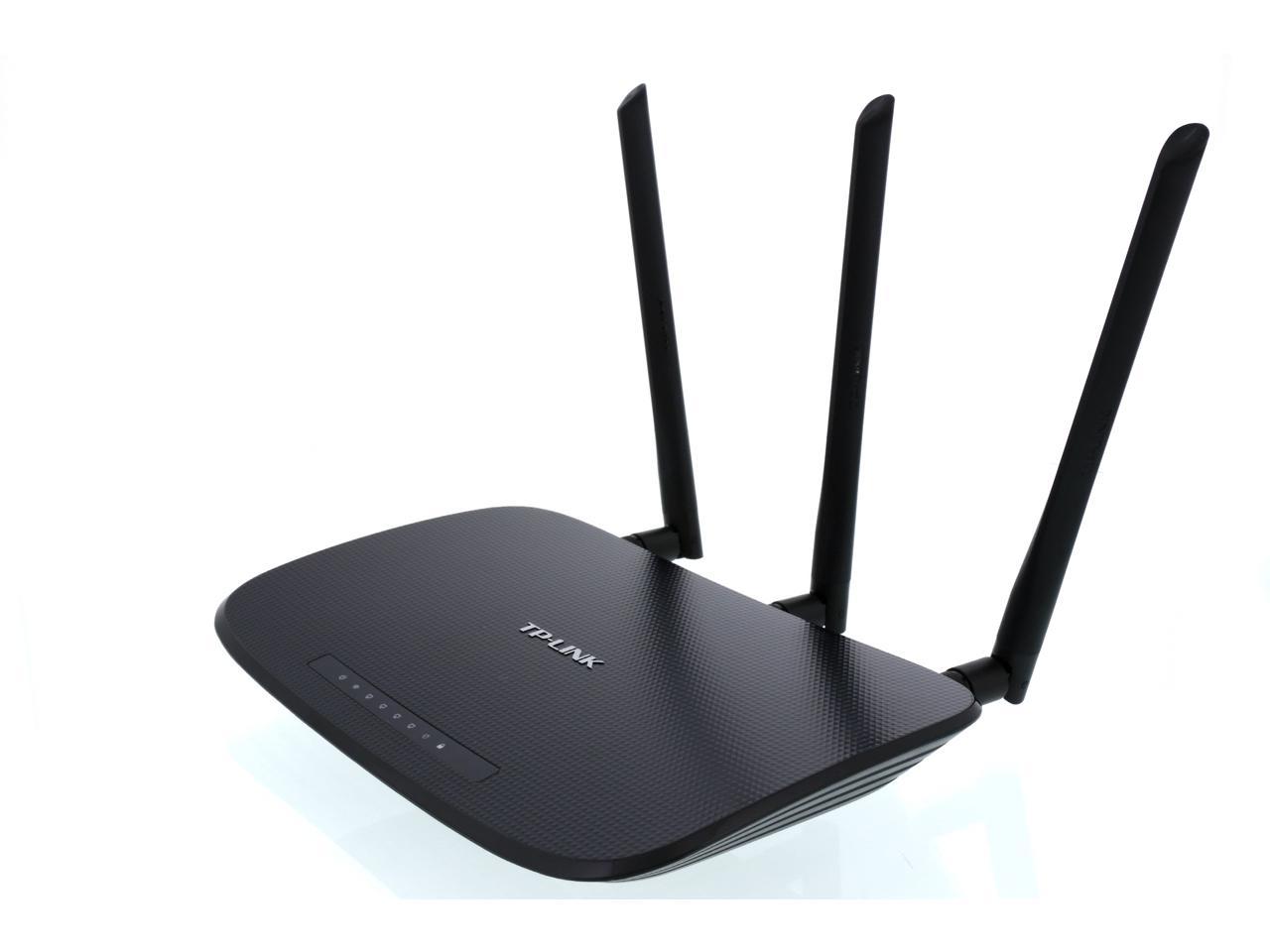
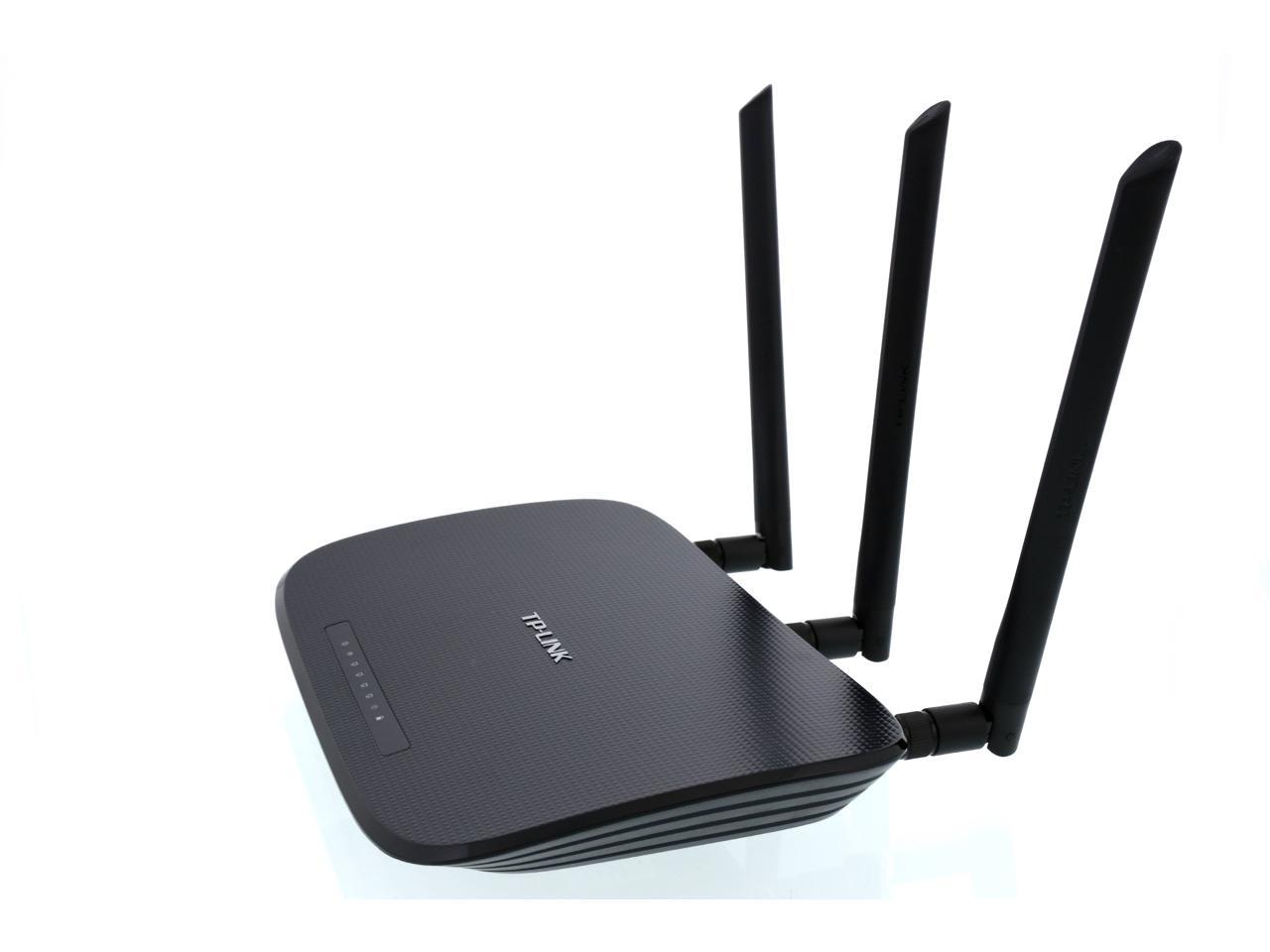
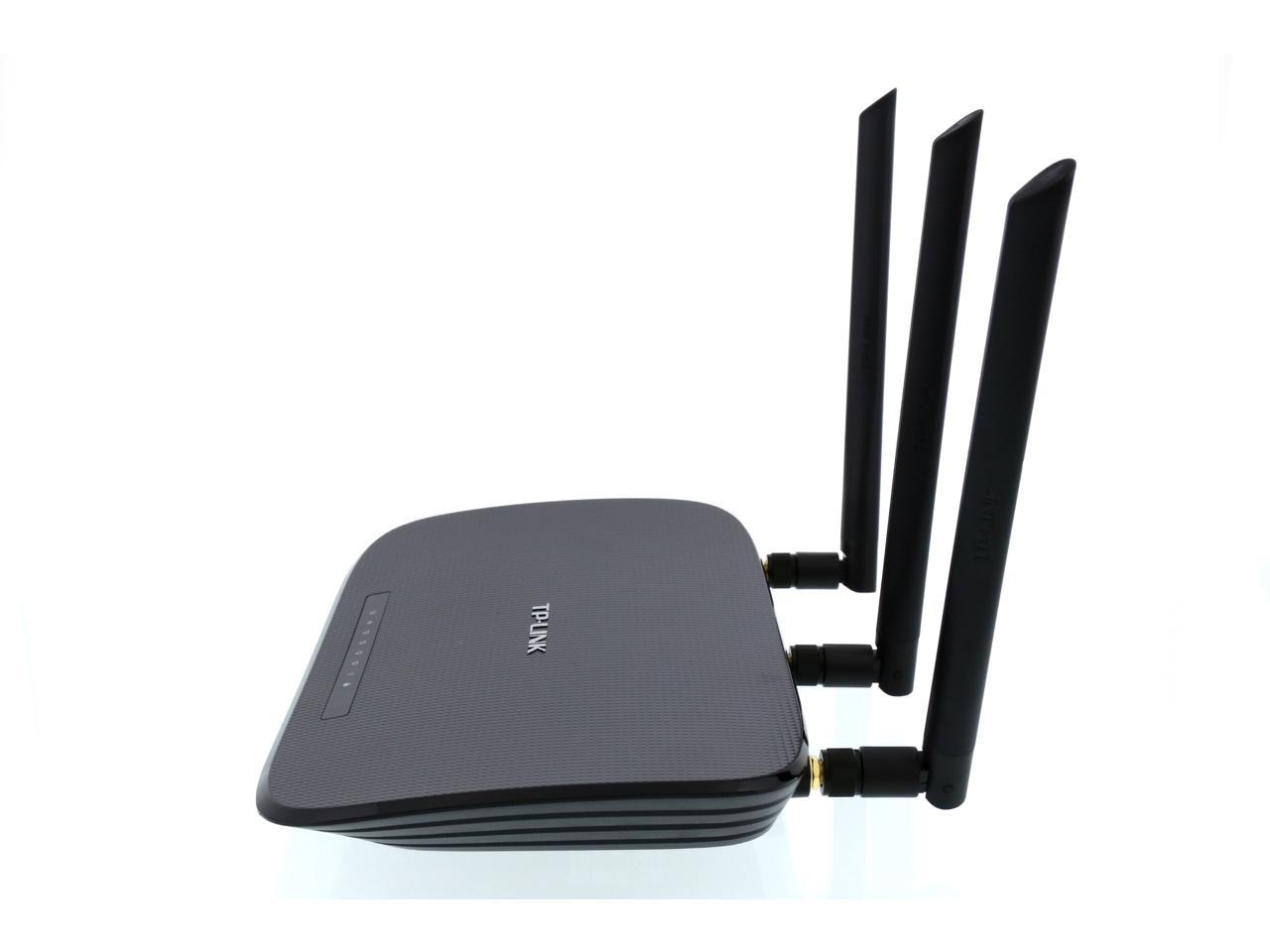
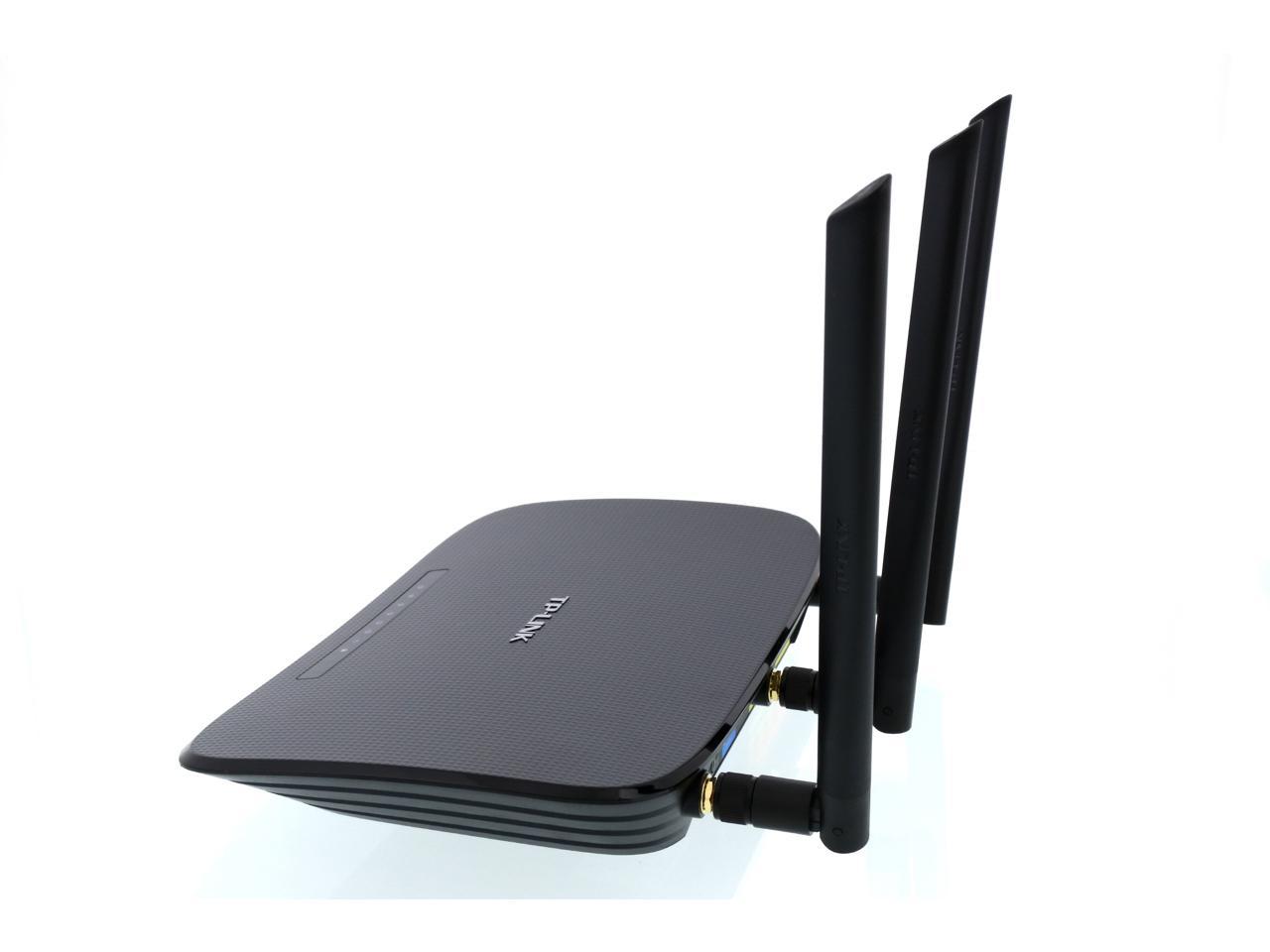
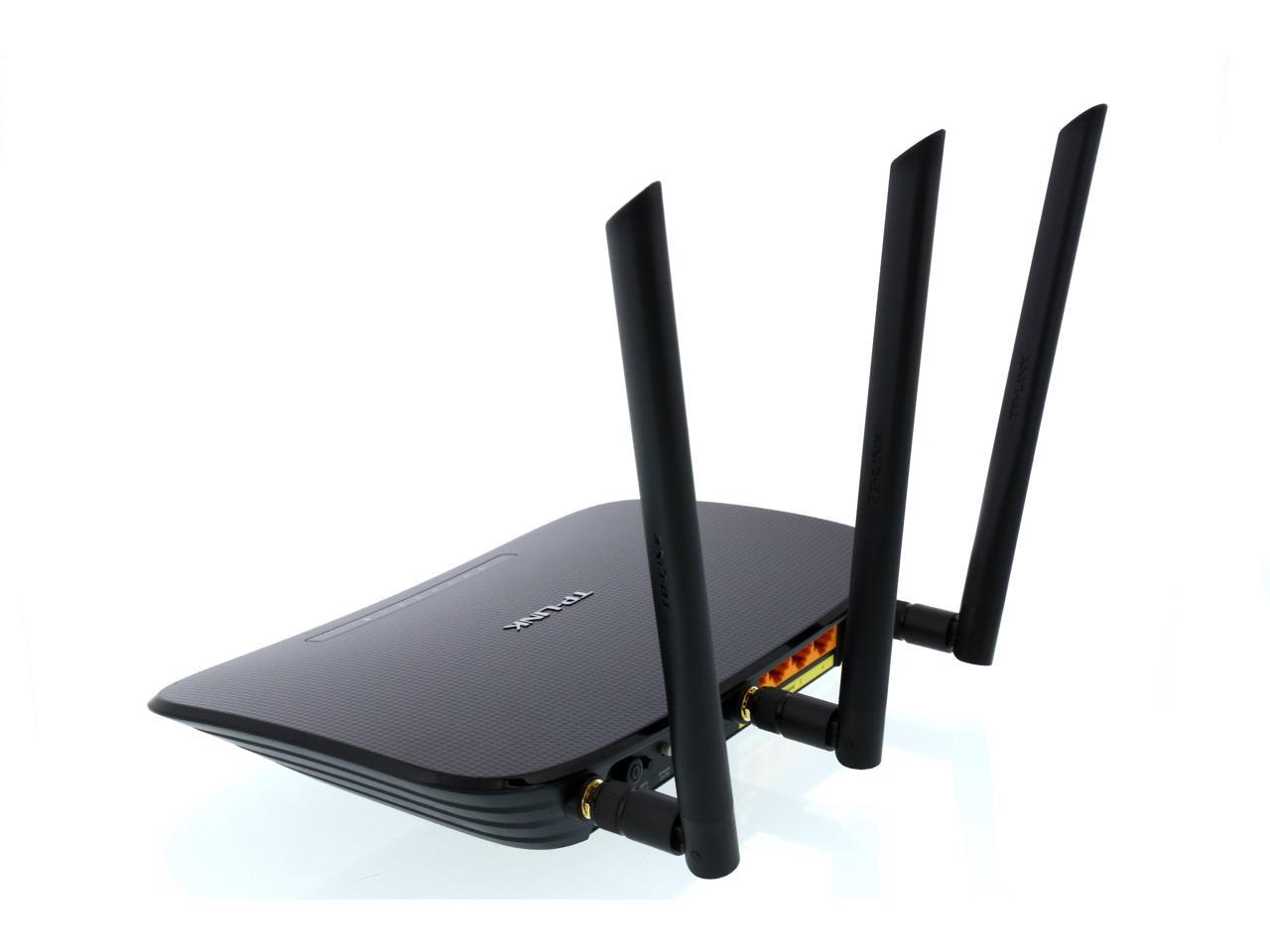
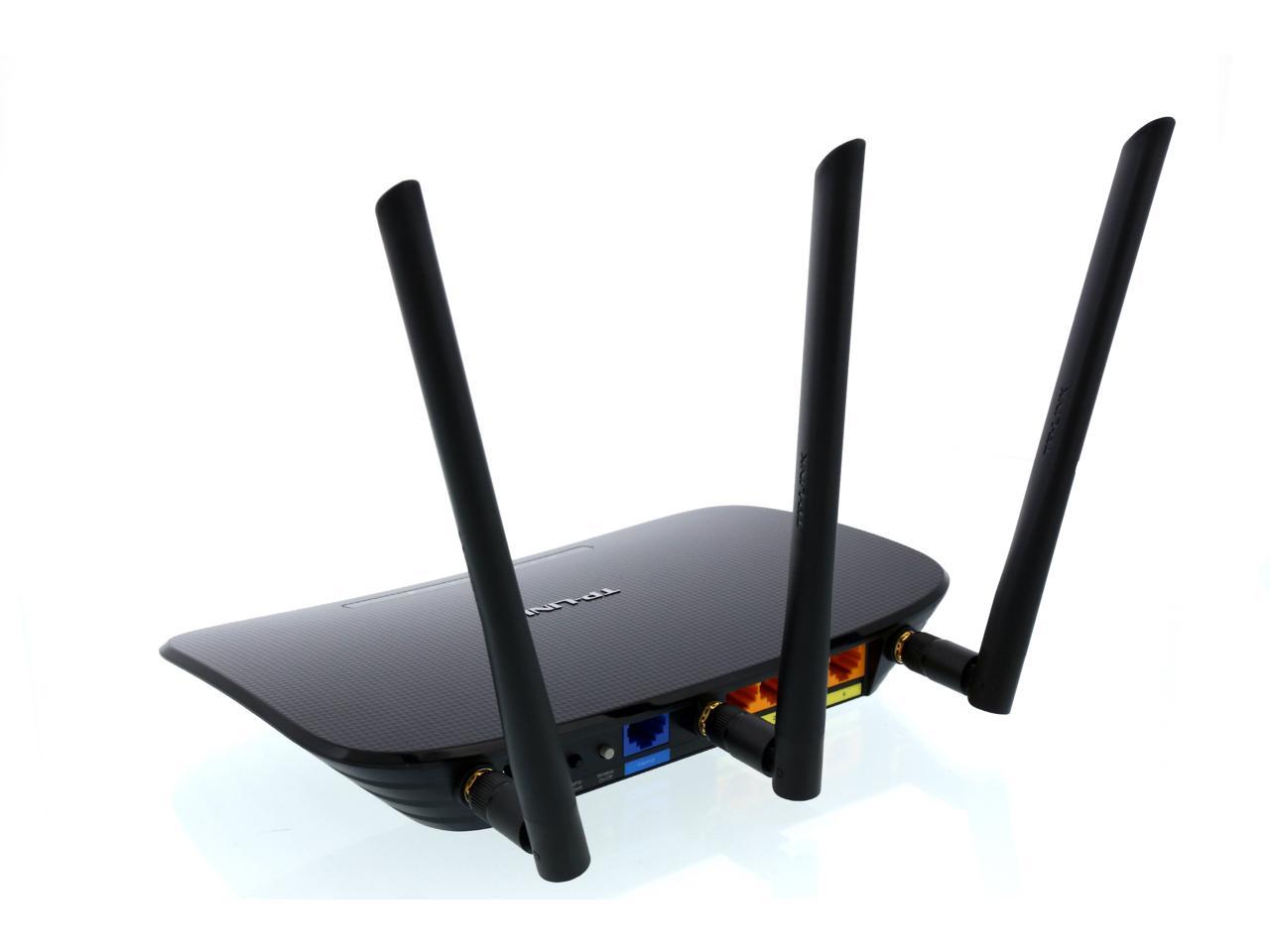
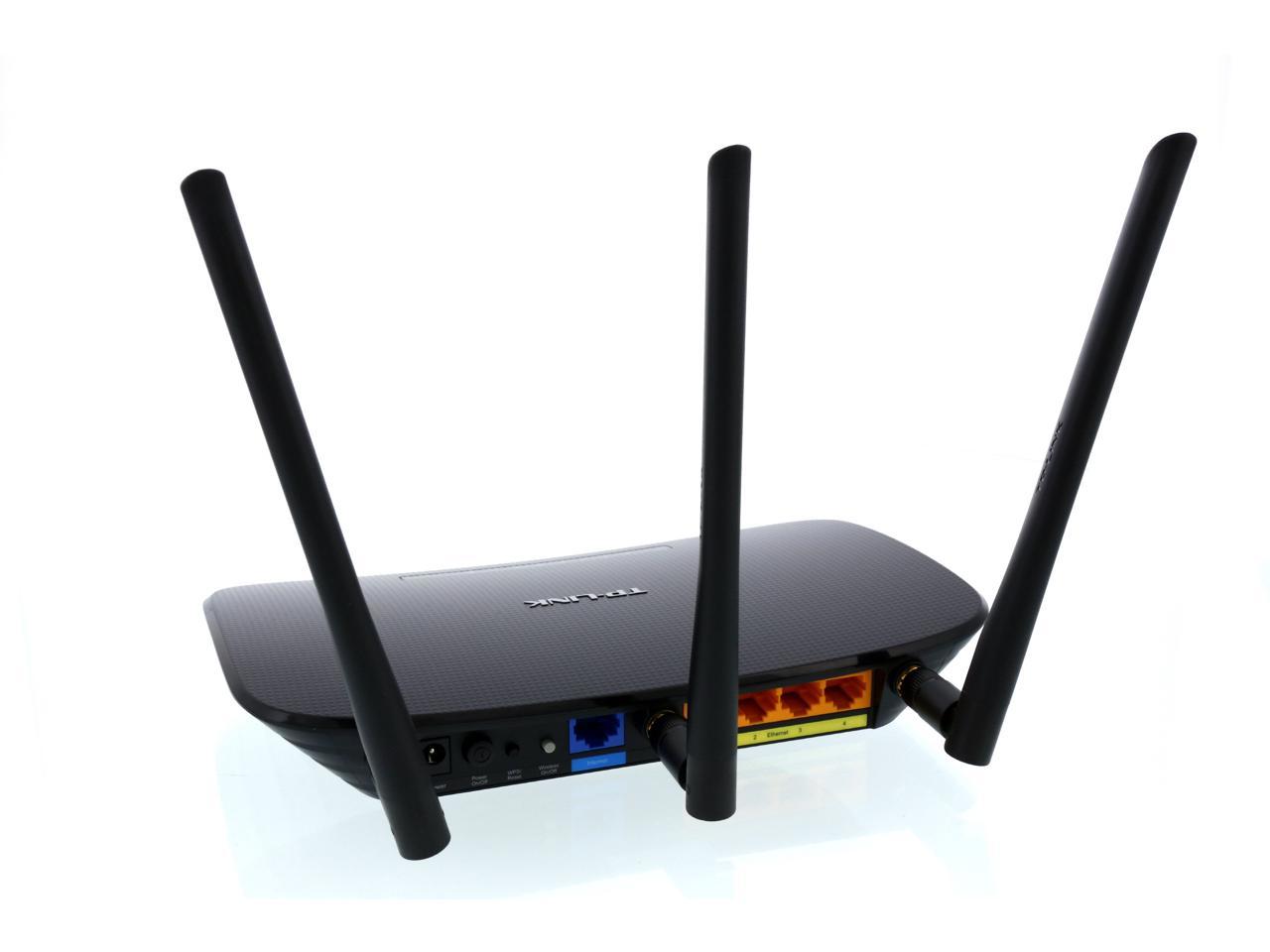
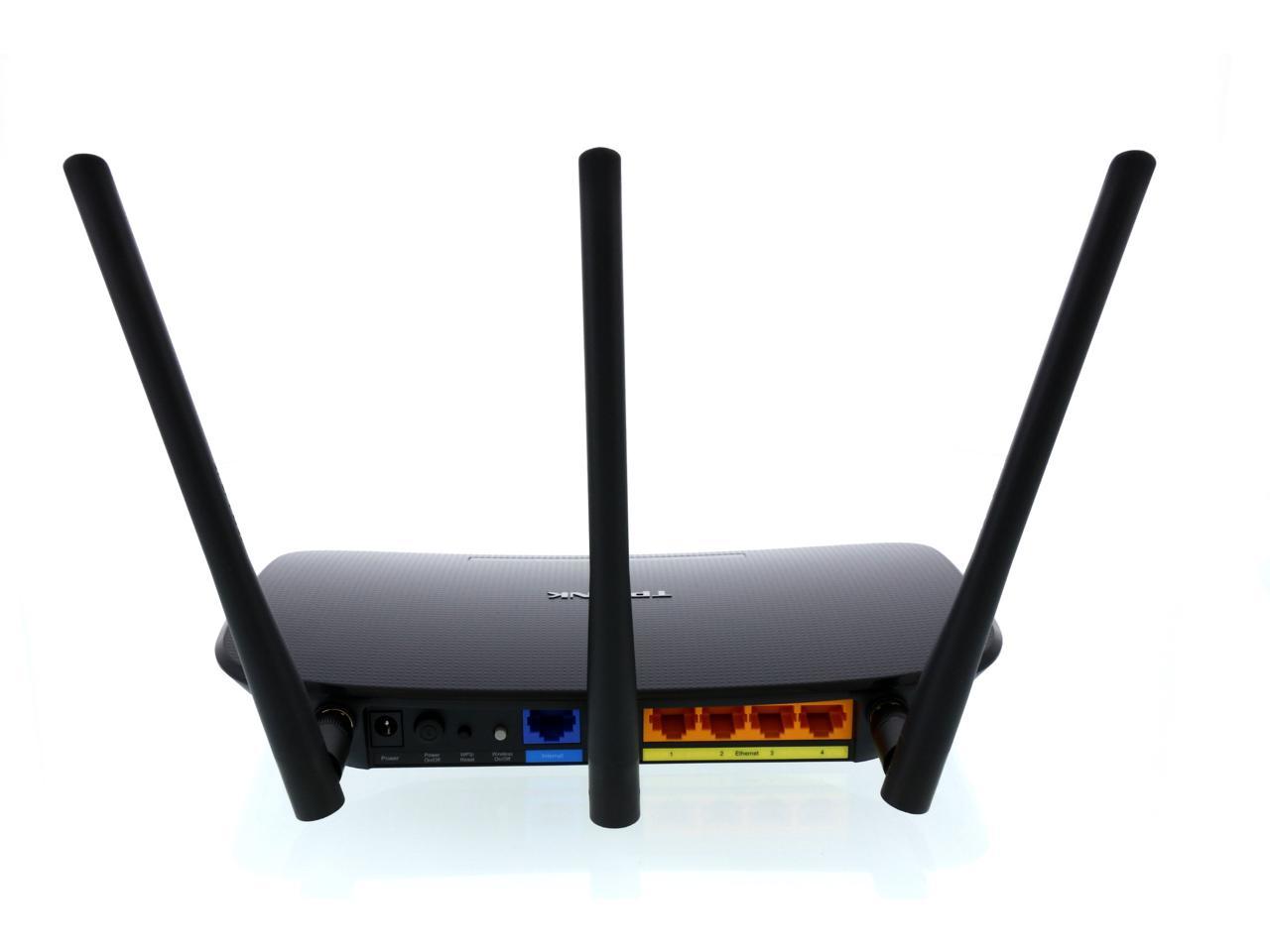
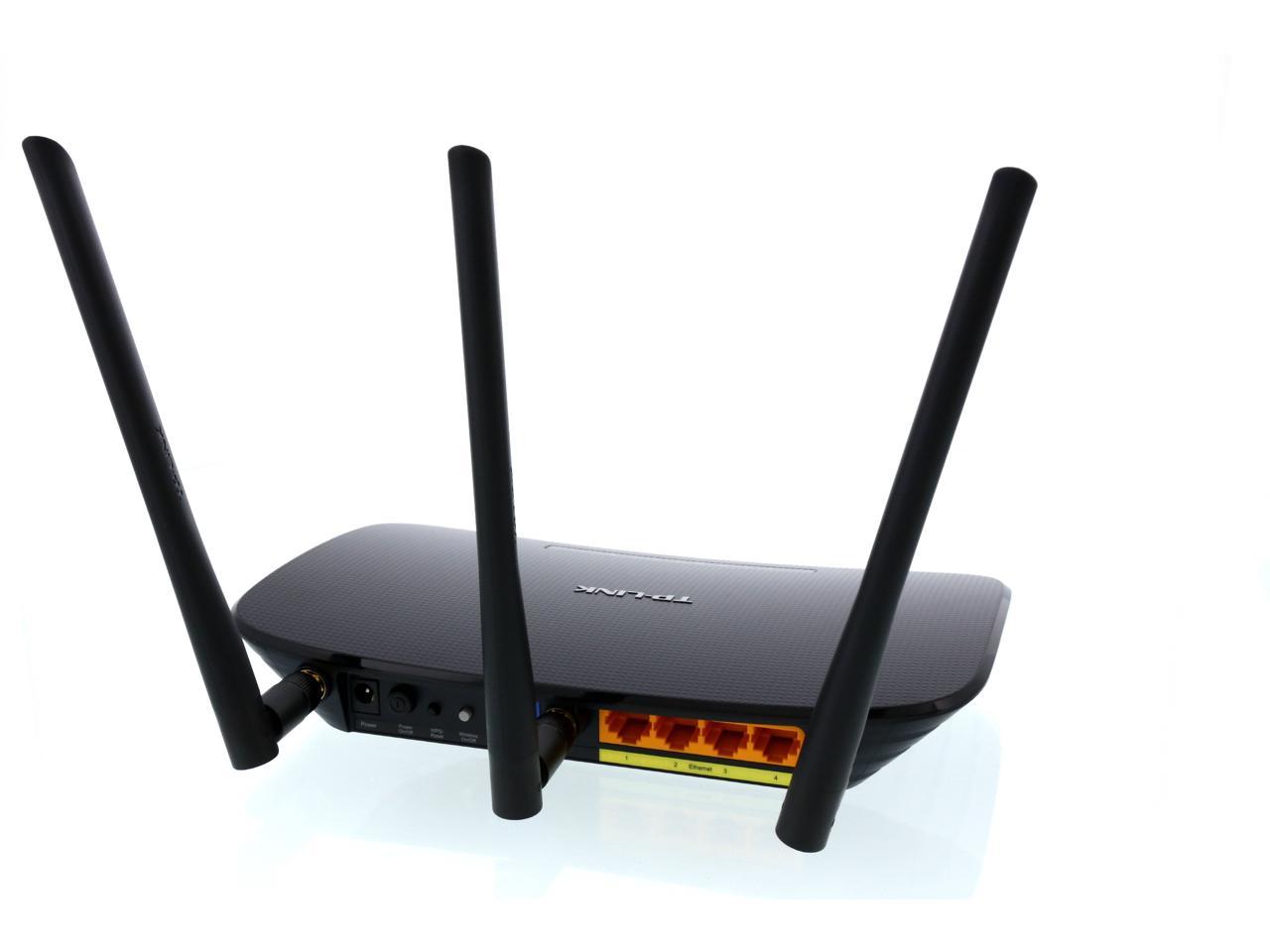
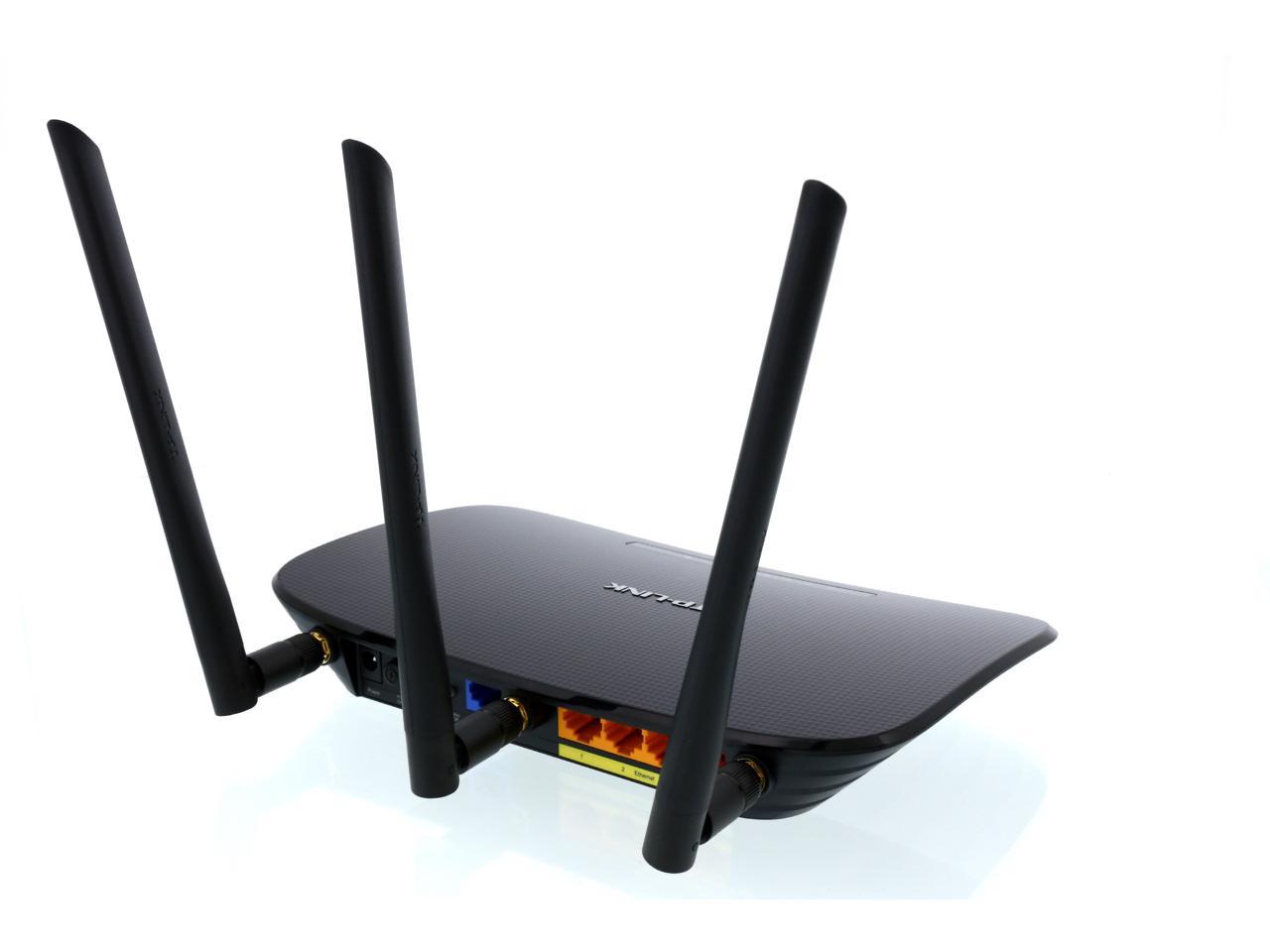
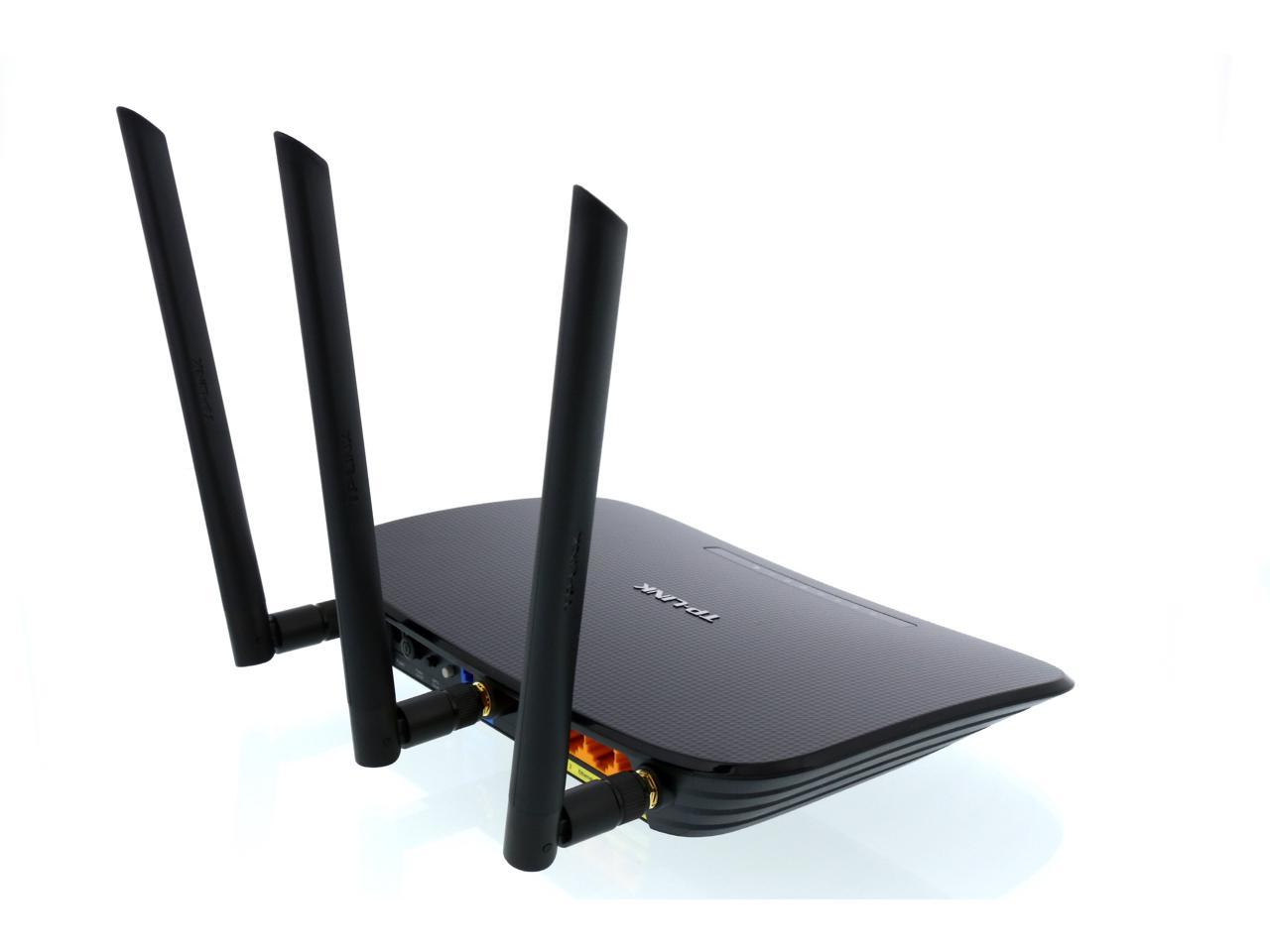
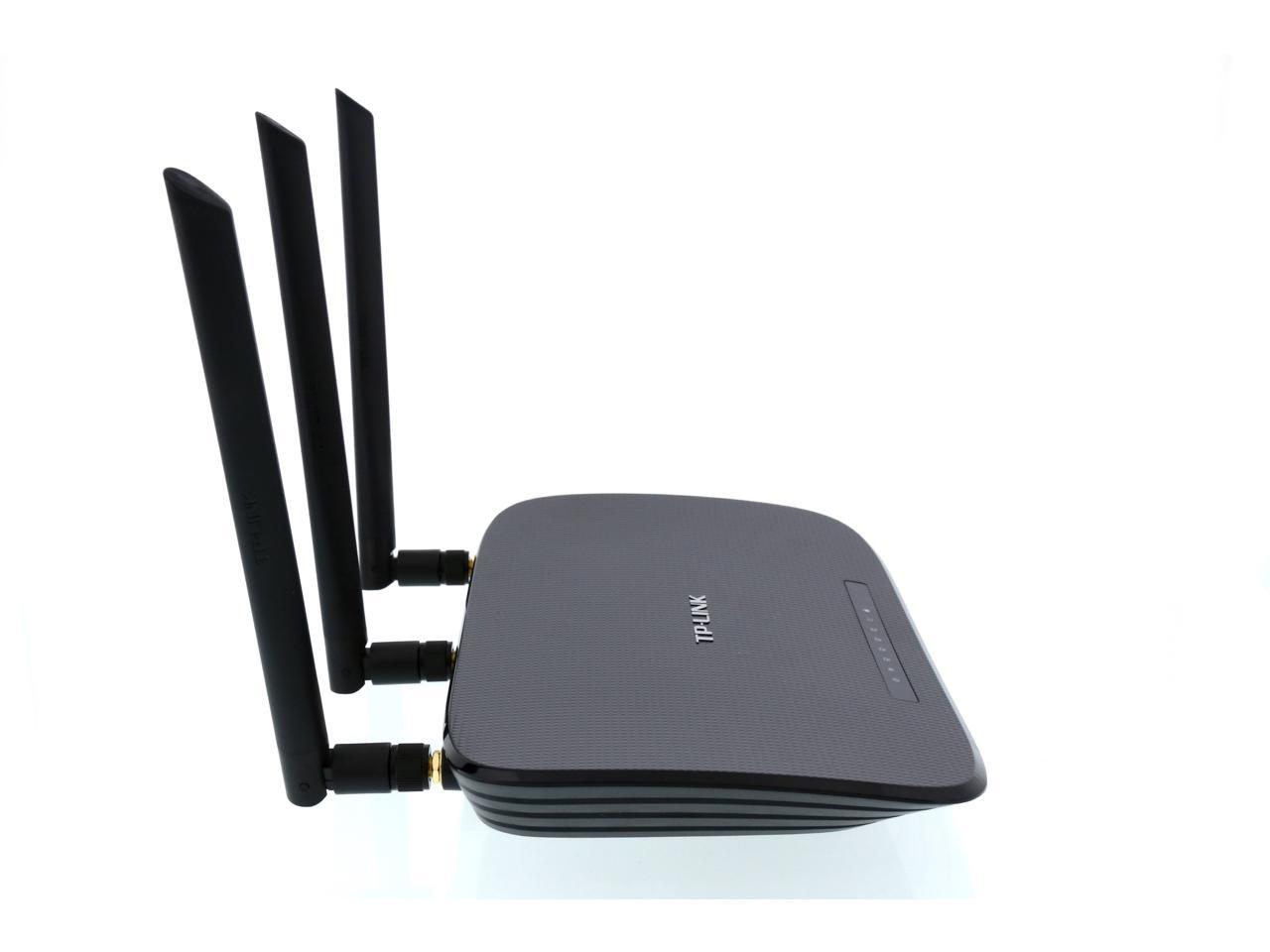
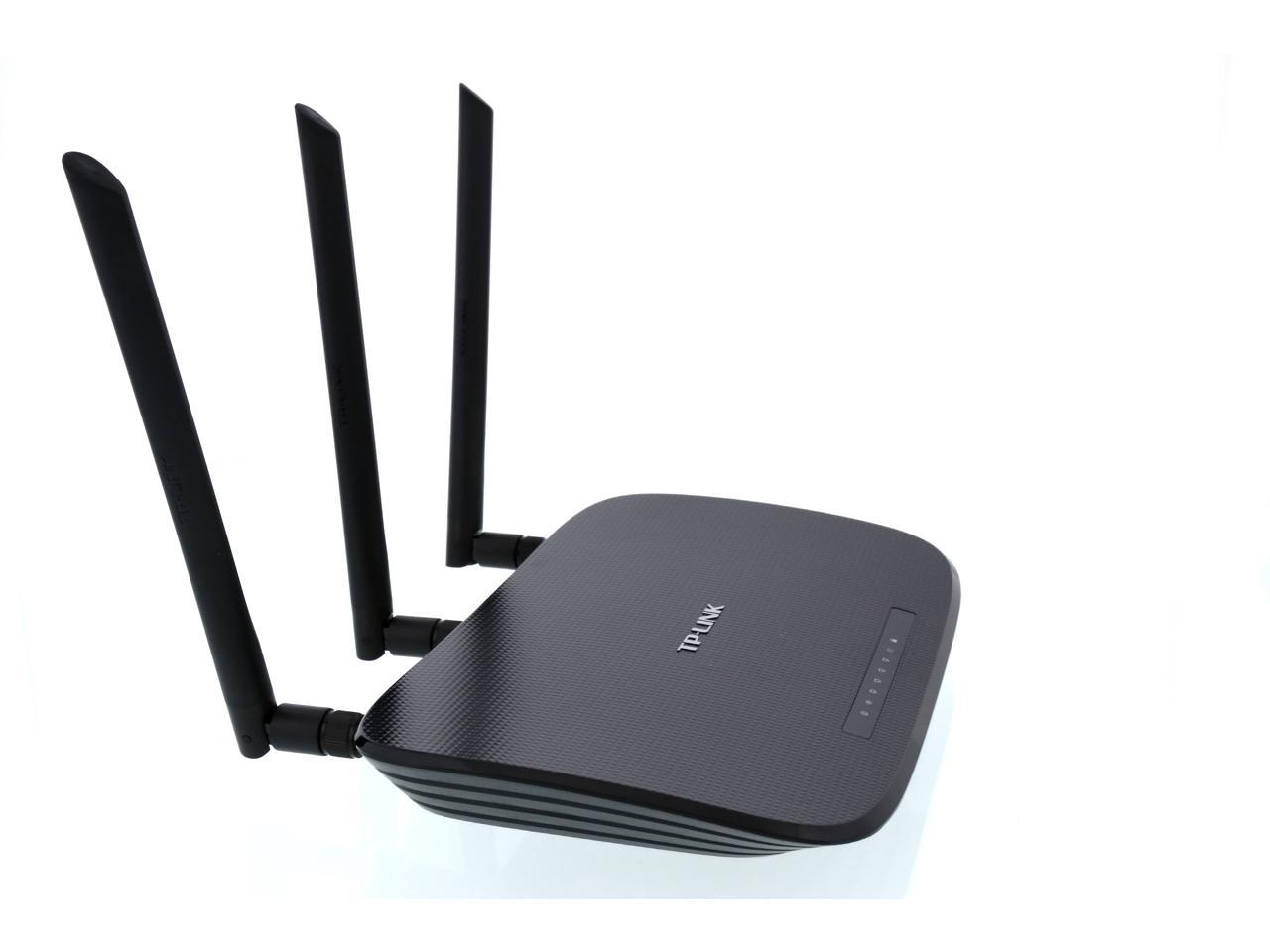
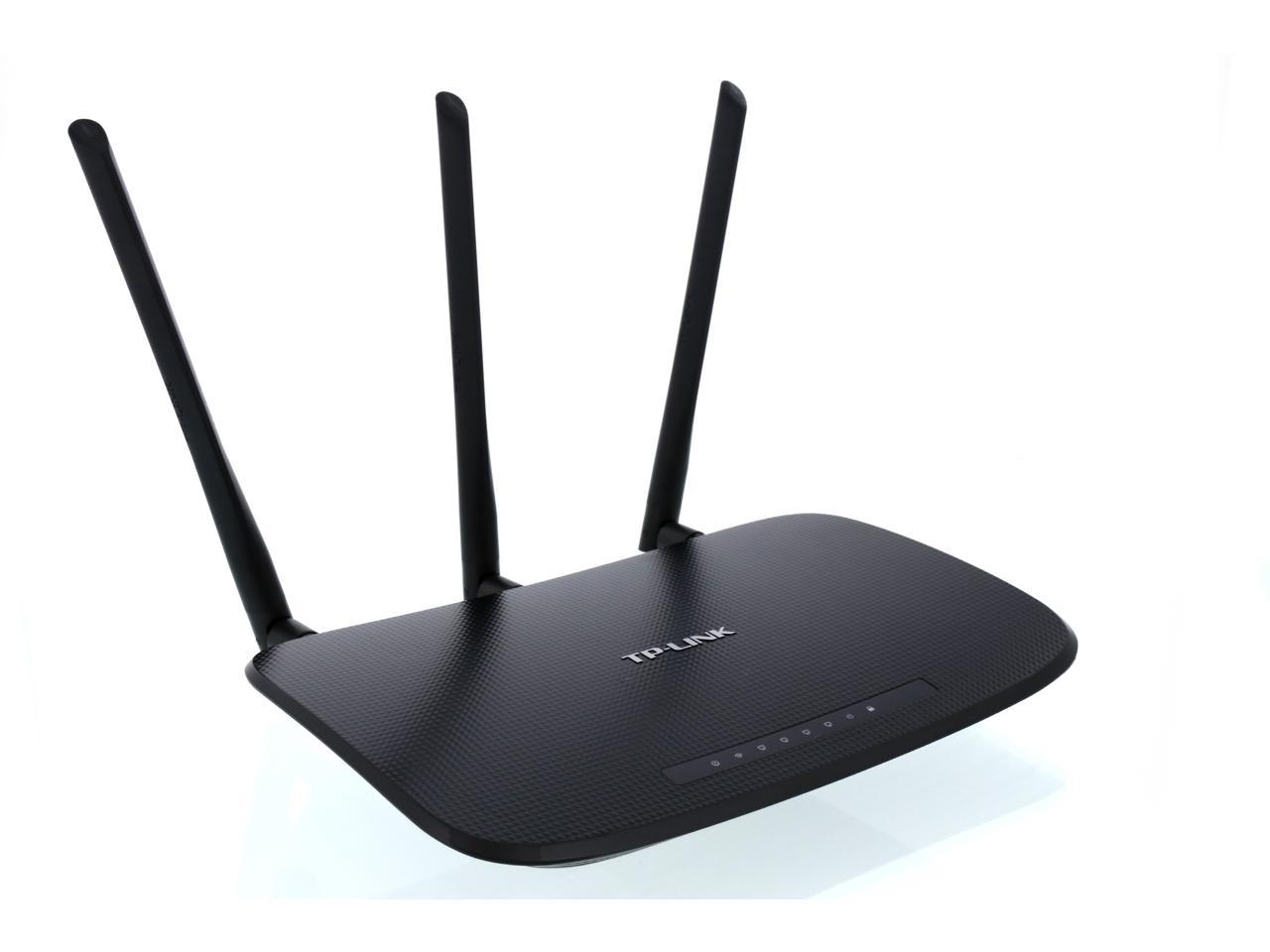
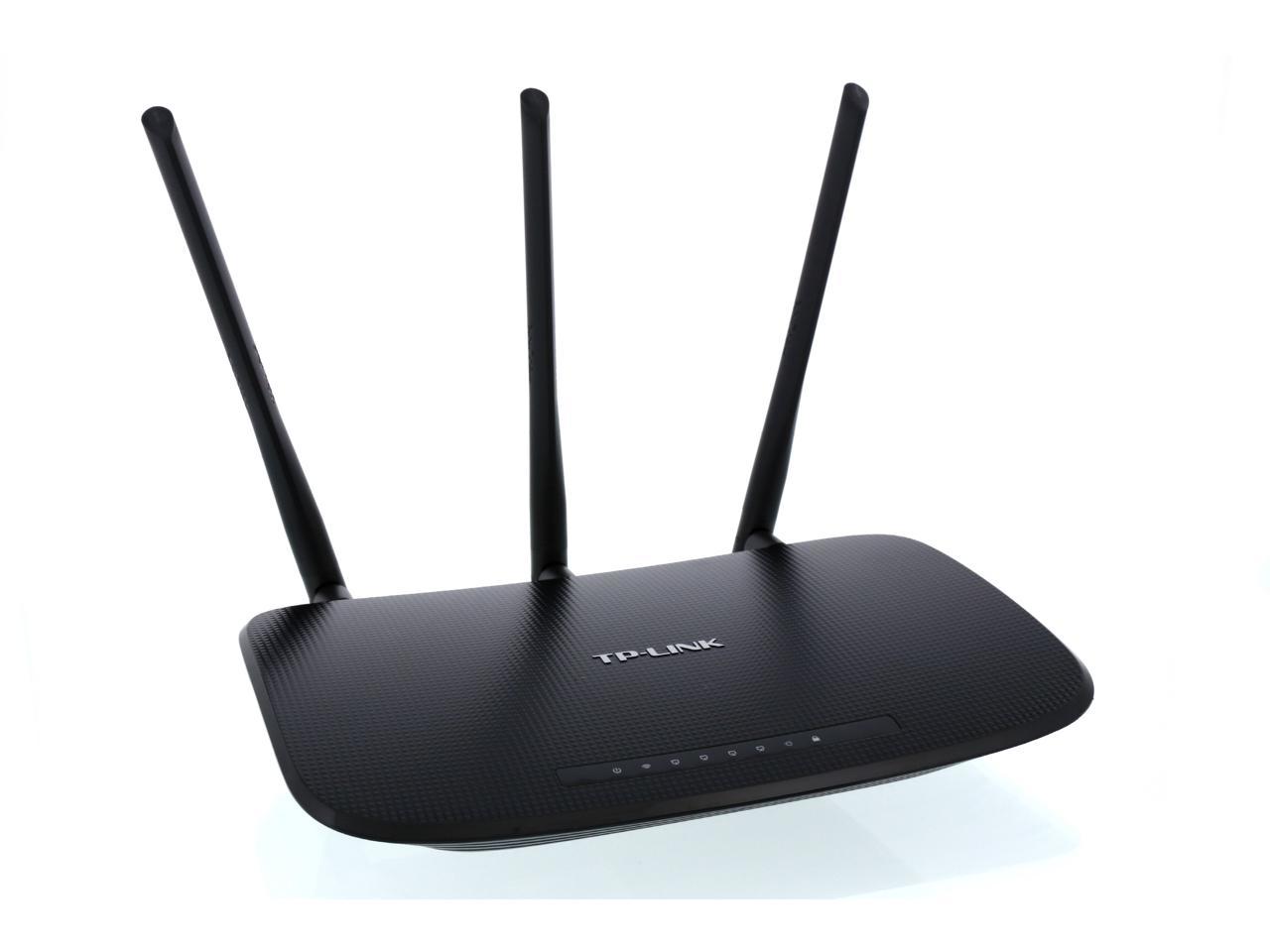
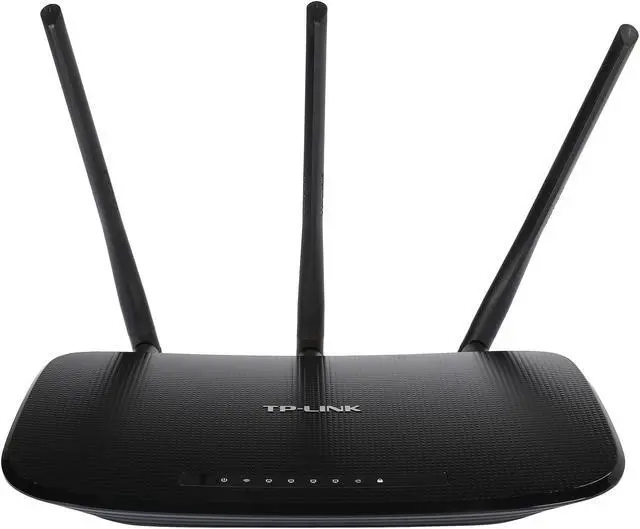
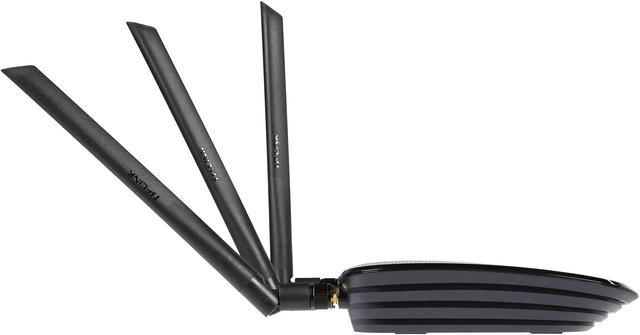
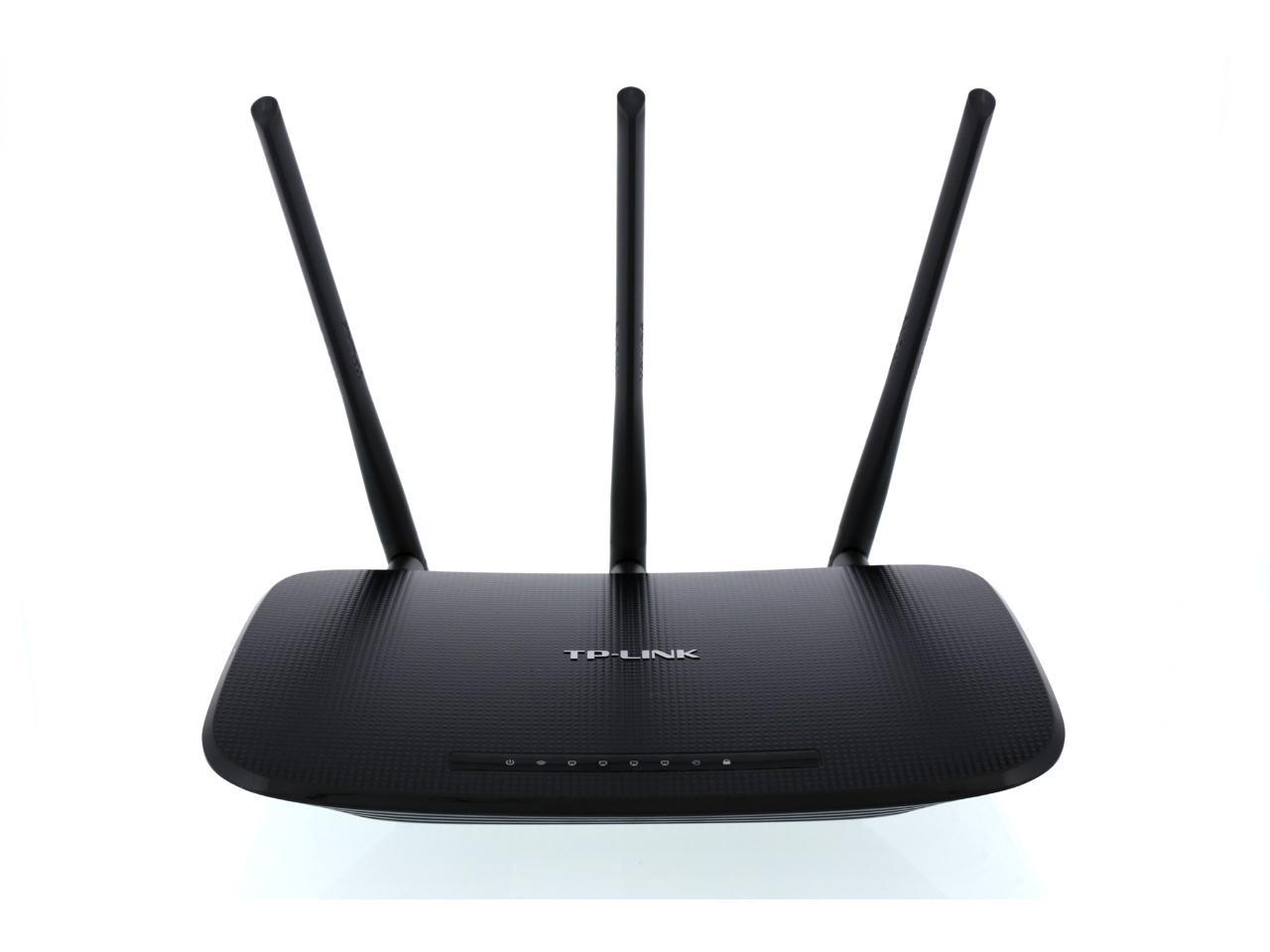
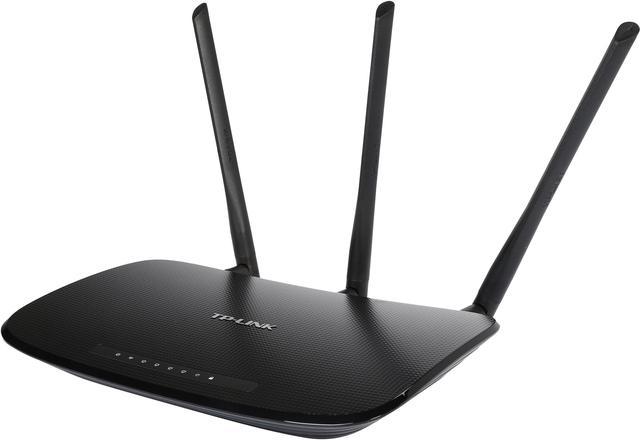
TP-LINK TL-WR941ND Wireless N300 Home Router, 300Mbps, 3 detachable antennas, IP QoS, WPS Button

  • 802.11b/g/n 300Mbps
  • Good home/dorm router
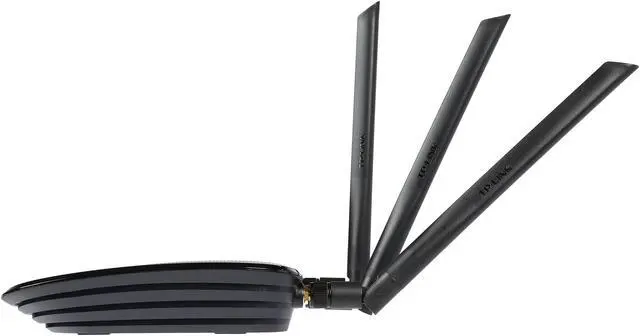
  • 3 External antennas
  • Live Parental Control
  • IP based bandwidth control
  • Stable Signals with CCA Technology
  • WPA/WPA2
  • Easy installation
  • Pin It
  • Email this page
ICON Loading...

Multiple security options including 64/128/152-bit WEP / WPA / WPA2, WPA-PSK / WPA2-PSK delivers rock solid protection for your network. A good list of features such as WDS wireless bridge for seamless bridging to expand your wireless network, parental control function managing the internet access of children or employee’s computer, Auto-mail function for system log, IP based QoS function for reasonable bandwidth allocation and more make the TL-WR941ND a perfect choice for your apartment or small office.

  • newegg Wireless-N Compliant with IEEE 802.11n standard, the TP-LINK TL-WR941ND delivers up to 18X the transfer speed and 6X the operation range of conventional 11g products, and remains compatible with 11g products.
  • newegg Signal Sustain Technology (SST) By simultaneously transmitting across three spatially-diverse paths and incorporating information from three receivers simultaneously within the signal processing at the receiver, the TP-LINK TL-WR941ND dramatically increase link robustness and throughput, greatly reduced connection drops, and achieves average 50 percent greater sustained throughput at range than 2x2 MIMO system.
  • newegg Clear Channel Assessment (CCA) Applying the existing WLAN listen-before-talk rule to the bandwidth needed for binding channels, and using the clear channel selection feature, the TP-LINK TL-WR941ND can automatically avoid channel conflicts and fully realizes the advantage of channel binding, greatly enhancing the wireless performance.
  • newegg Wireless Security The TP-LINK TL-WR941ND wireless router supports 64/128/152-bit WEP / WPA / WPA2, WPA-PSK / WPA2-PSK encryption for highly secured data transfers on your wireless network.
  • newegg Quick Secure Setup By simply pressing the "QSS" button on the router, the Quick Security Setup can almost instantly setup your security and automatically establish a WPA2 secure connection. Moreover, you don't need to remember a password.
  • newegg QoS Support The TP-LINK TL-WR941ND features advanced Quality of Service (QoS) to prioritize time-sensitive online traffic for smooth Internet phone calls (VoIP) and responsive gaming.

Learn more about the TP-LINK TL-WR941ND

Model

Brand
TP-LINK
Model
TL-WR941ND

Spec

Standards
IEEE 802.3/3u, IEEE 802.11b/g/n
Security
64/128/152-bit WEP / WPA / WPA2,WPA-PSK / WPA2-PSK
WPA/WPA2
WPA2
Ports
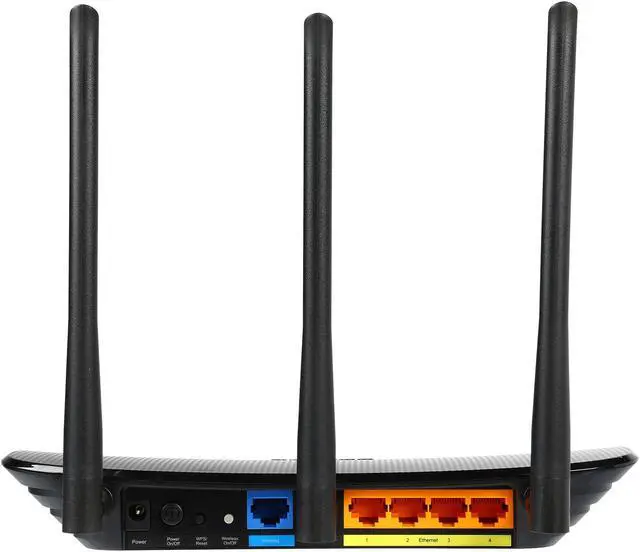
1 x 10/100M WAN; 4 x 10/100M LAN
Wireless Data Rates
Up to 300Mbps
Frequency Band
2.4GHz - 2.4835GHz
Antenna
3 x 3dBi Detachable Omni Directional Antenna (RP-SMA)
Receiver Sensitivity
270M: -68dBm@10% PER
130M: -68dBm@10% PER
108M: -68dBm@10% PER
54M: -68dBm@10% PER
11M: -85dBm@8% PER
6M: -88dBm@10% PER
1M: -90dBm@8% PER
Interface
Ethernet Port
VPN support
PPTP, L2TP, IPSec (ESP Head)
Power Adapter
9VDC / 0.85A
Wireless Adapter included
No
System Requirements
OS: Microsoft Windows 98SE, NT, 2000, XP, Vista or Windows 7, MAC OS, NetWare, UNIX or Linux.
Dimensions
7.9" x 5.5" x 1.2"
Temperature
0°C - 40°C (32°F - 104°F)
Humidity
10% - 90% (Non-Condensing)

Features

Features
Wireless Functions: Enable/Disable Wireless Radio, WDS Bridge, WMM, Wireless Statistics

WAN Type: Dynamic IP/Static IP/PPPoE/ PPTP(Dual Access)/L2TP(Dual Access)/BigPond

DHCP: Server, Client, DHCP Client List, Address Reservation

Quality of Service: WMM, Bandwidth Control

Port Forwarding: Virtual Server,Port Triggering, UPnP, DMZ

Dynamic DNS: DynDns, Comexe, NO-IP

Access Control:
Parental Control, Local Management Control, Host List, Access Schedule, Rule Management

Firewall Security:
DoS, SPI Firewall
IP Address Filter/MAC Address Filter/Domain Filter
IP and MAC Address Binding

Management:
Access Control
Local Management
Remote Management

Wireless N speed up to 300Mbps makes it ideal for bandwidth consuming or interruption sensitive applications like video streaming, online gaming and VoIP

3T3R MIMO delivers greater throughput at range versus conventional 2T2R

Packaging

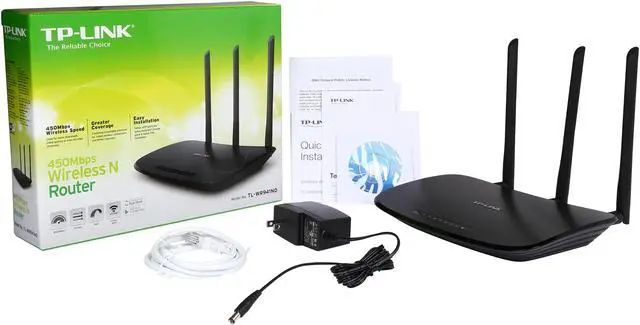
Package Contents
TL-WR941ND
3 Detachable Omni Directional Antennas
Power supply unit
Resource CD
Quick Installation Guide

Manufacturer Warranty

Parts
2 years limited
Labor
2 years limited

Quick Info

Warranty

  • Limited Warranty period (parts): 2 years
  • Limited Warranty period (labor): 2 years


Customer Reviews of the TP-LINK TL-WR941ND

Do you own this product? Write a Review

Filter Results

Go
  • Sean
  • 12/24/2012 12:33:29 PM
  • Tech Level: High
  • Ownership: 1 month to 1 year

5 out of 5 eggsGreat Router

Pros: This router is great. Wireless connection never drops off. One reviewer said there's no QoS function which is wrong. TP-LINK just used 'Bandwidth Control' as the name of QoS function. Another reviewer said 'Not reliable under load'. But he also mentioned it's DD-WRT firmware. I've tried several version of DD-WRT firmwares. None of them is stable as stock firmware. If you search DD-WRT forum the you will know currently there's no perfect DD-WRT firmware version for this router yet. They all have bug(s). I think this router's stock firmware is pretty good. It has more than enough functions for regular users. Don't need to try DD-WRT at all. The stock firmware handle NAS, network printer very well. Besides, TP-LINK technical support is great. It's 24/7.

Cons: None.

Other Thoughts: I would recommend this router to everybody.

Did you find this review helpful? Yes No

  • thecraze
  • 10/13/2012 1:11:01 PM
  • Tech Level: Somewhat High
  • Ownership: more than 1 year
  • Verified Owner

5 out of 5 eggsVery reliable for me

Pros: Inexpensive.

Cons: Confusing user interface on settings.

Other Thoughts: I haven't had any problems with this router in the 3+ years I've had this. Even with a broken antennae (from pets knocking it around), it works fine.

Did you find this review helpful? Yes No

  • N/A
  • 7/3/2012 11:41:31 PM
  • Tech Level: Average
  • Ownership: 1 month to 1 year

1 out of 5 eggsChoppy Service, Convoluted Software = Useless

Pros: It's cheap
The router's software allows you to do change just about anything

Cons: The "help" with this router's software is written as though you're an engineer. I've always been a huge nerd, and I've never seen so many unexplained acronyms!

Even with the unintelligible instructions, what makes this drop from 2 eggs to 1 is the drops. Every single day, the connection just arbitrarily dies and I have to reset this router--and usually three or more times. Choose ANYONE else before TP Link

Other Thoughts: I "upgraded" to this waste of metal and plastic because I thought the 6 year old Belkin gave me inconsistent service. I learned my lesson the hard way, though I hope you don't do the same.

Manufacturer Response:

Dear Customer,

We are sorry to hear of your drops of connection with the device. If you are connecting via wireless when you encounter this may we recommend you do set the wireless channel to a static channel such as 1,3,6,9 for example to see if this helps you resolve your issues. If you have not done so already please attempt to flash the device to the latest firmware to see if this too might help you in resolving your issues.

Best Regards!
TP-LINK Support Force
Toll Free Tech Support: 866-225-8139
Support.usa@tp-link.com

0 out of 3 people found this review helpful. Did you? Yes No

  • Mike
  • 4/17/2012 10:43:18 AM
  • Tech Level: Somewhat High
  • Ownership: 1 day to 1 week
  • Verified Owner

5 out of 5 eggsWorks great

Pros: Nice router, worked right out of the box, just follow the instructions and run the install and setup CD. I didn't notice it running hot as some have mentioned but I only have 1 wireless laptop receiving a signal and hard wired to a desktop. Two other hard wired connections are to a Directv receiver and Blu-Ray player, of course all of these don't run at the same time. I like the speed when using the laptop.

Cons: None yet.

Did you find this review helpful? Yes No

  • N/A
  • 3/30/2012 9:24:16 AM
  • Tech Level: High
  • Ownership: 1 week to 1 month
  • Verified Owner

4 out of 5 eggsdoes the job

Pros: Its fast when running n-type wireless devices and has been relatively reliable since I installed it.

Cons: Make sure you run the disk first before logging into the router as you will notice a completely different firmware is pre-installed on new devices... not a problem but I got ahead of myself and hit a few hiccups. Another thing is this router isn't very friendly with older wireless devices while using 802.11n in dynamic mode. It still works but requires them to reset often to stay on the network.

Other Thoughts: looks nice?

no Qos... had to use my old Linksys as a gatekeeper for some of my bandwidth-hogging devices.

Did you find this review helpful? Yes No

  • N/A
  • 2/29/2012 6:23:50 AM
  • Tech Level: Average
  • Ownership: 1 day to 1 week

2 out of 5 eggsGolden Lan, Garbage Wireless

Pros: Beautiful exterior. Three antennae can be a little tricky to screw in, but once the LAN cables are in, this baby's rockin.

Cons: Wireless setup is a NIGHTmare.

After 3 hours of changing passwords, changing security settings, playing with laptop network security properties and countless reboots, nothing has been resolved. While the booklet that comes with the router does have pictures along with text descriptions, this amounted to nothing. Should I really retreat back to my 5 year old Belkin?

Did you find this review helpful? Yes No

  • case
  • 12/2/2011 12:07:29 AM
  • Tech Level: High
  • Ownership: 1 week to 1 month
  • Verified Owner

5 out of 5 eggsvery fast

Pros: Works well easy to install. Great price

Cons: Onnce in awhile it drops internet connection but I could be my interenet provider cause my last one did the same thing and it was a diferent model.

Did you find this review helpful? Yes No

  • Gary near Manhattan
  • 7/20/2011 12:19:50 PM
  • Tech Level: Somewhat High
  • Ownership: more than 1 year
  • Verified Owner

2 out of 5 eggsWorks great in first year, after that....

Pros: Powerful range (can reach from basement to 3rd floor with at least 3 bars of signal strength), very good speeds when signal is strong. I'd used a few other routers in the past, and this one seemed to be the strongest performer for range. The built-in firmware is reasonably good for most purposes. It is fairly easy to navigate and make settings.

Cons: Does not work reliably for the long run, even when device has reasonable air circulation. DD-WRT support is weak, so I've avoided trying to load it on this router. I wish it did support it, as it looks like in most cases DD-WRT firmware improves router performance.

Other Thoughts: Ownership: ~2 years. The first year was terrific. On the 3rd floor of our house, I would get 3-4 bars of signal strength in the "sweet spot" areas. All was fine for the 1st year.

After ~1 year, the router started kicking off clients. This has nothing to do with the ISP , nor signal strength. You will be connected with 3 bars and then suddenly you've lost the signal. The PC signal strength indicator doesn't drop down to 2 or 1 bars at that point--it's a sudden drop. This behavior is INCONSISTENT. For some reason, on very hot or cold days, or if it's raining hard outside, the router drops clients frequently. Otherwise, it'll generally be OK. But the router is inside the house, in the basement where the temp is consistently in the upper 60's/low 70's! It makes no sense to me.

I upgraded the firmware and for 1-2 months, the drops were less frequent. Gradually, they got worse again. Figures this product was discontinued! If it lasted, I would give it 4 stars.

Did you find this review helpful? Yes No

  • Stan
  • 5/20/2011 11:17:06 AM
  • Tech Level: High
  • Ownership: 1 month to 1 year

2 out of 5 eggsNot reliable under load

Pros: When new, with DD-WRT firmware;

-Fast, wired and wireless
-Strong wireless signal
-Good QoS

-price; wasted money, but not as bad as other routers.

Cons: Does not last a year if used heavly;

-wireless signal strength getting noticably weak

-connection starting to drop often, wired and wireless

Other Thoughts: Using this in a rental house, 6-7 people in rooms, all of us are in our 20's and use the internet a lot for gaming/movies/music/etc. LOTS of heavy usage, so we keep going through routers like they're nothing.

I set it up in a downstairs closet, sitting on a USB powered laptop cooler (yes the modems USB port provides power) right out of the box to keep overheating from being an issue.

I rent a room upstairs and the wireless signal was greatly improved over the old router, and my computers wired speed got a LARGE boost. QoS works great at preventing the network from bogging down if someone in the house uses P2P.

But now, a couple months later, I get constant massive lag spikes while gaming or watching netflix...bad enough to get disconnected from games and to interrupt movie playback.

Sometimes I also use my iphone to watch netflix, and the wifi connection is constantly dropping now, switching to cellular and back.

Time to look for yet another router.

1 out of 2 people found this review helpful. Did you? Yes No

  • The Cleeze
  • 3/23/2011 8:54:29 PM
  • Tech Level: High
  • Ownership: less than 1 day

5 out of 5 eggsWorks great for cable modem/wireless internet

Pros: So far so good. Setup was no problem, firmware easy to install (but more to say about that), quick to reboot. No problems so far, and seems a bit faster than the Linksys I was replacing.

Cons: First off, there is strange firmware naming convention. Apparently, there's a 'version number' for TP-Link routers of the same model number - for this one, there was a firmware for v1, v2, v3, and v4. I figured v4 was the latest version OF THE FIRMWARE, but it's actually a specific version OF THE ROUTER. If you notice this in time, it isn't hard to find what version your router is, but this is a silly convention and it's easy to see how it would cause confusion... not sure if this router has a fail safe for that, or if it lets you overwrite the wrong firmware - I caught the mistake in time.

Other Thoughts: Besides the firmware thing, no issues. I hear you have to power up your network hardware in a particular order - so just READ THE INSTRUCTIONS, and you'll be ok. Not difficult. Requires no tech knowledge, and a small amount of common sense ("plug this into that, like the picture here... turn on.").

Half the price of the Linksys, and doesn't have the issues that linksys does (certain linksys models will drop connections in high traffic areas). External antennae are also a plus - better signal strength.

Cable modem, multiple computers and gaming consoles - no problems yet.

1 out of 2 people found this review helpful. Did you? Yes No

ICON Loading...

Protect Your Investment!

    • (more options) read warranty details
Are you an E-Blast Insider? Subscribe Newegg e-Blast

Buzz

Fast performing, strong signal router, but some troubles

4 out of 5 eggs
Get excellent speeds through this router. Range is very impressive (router in basement, reaches to 3rd floor). ...
— xevious 11/19/2010

Best router @ this price range

5 out of 5 eggs
-Exceptional range
-Very complete firmware with bandwidth control
-Parental control
-Easy to setup
-Very stable
-1 ...
— nitz 11/13/2010


PayPal
Shop without retyping payment details. Secure shopping made faster.
Check out with PayPal.

Financing


Home
Home > 
Computer Hardware > 
Networking > 
Wireless Networking > 
Wireless Routers > 
TP-LINK > 
Item#: N82E16833704030
LOADING... LOADING...
Shop by Region: United States | Canada | China
Follow us:   RSS Feeds Youtube
VeriSign Reliability Seal1This site protected by Trustwave's Trusted Commerce program Inc500
Policy & Agreement | Privacy Policy  © 2000-2013 Newegg Inc.  All rights reserved.
If the Adobe Reader does not appear when you click on a link for a PDF file, you can download Adobe Reader from the Adobe web site. nassau