Skip to: |

Newegg.com - A great place to buy computers, computer parts, electronics, software, accessories, and DVDs online. With great prices, fast shipping, and top-rated customer service - once you know, you Newegg.

If you are reading this message, Please click this link to reload this page.(Do not use your browser's "Refresh" button). Please email us if you're running the latest version of your browser and you still see this message.

Newegg.com - Computer Parts, Laptops, Electronics, HDTVs, Digital Cameras and More!

  • | Wish List
  • Help
Search all
Search

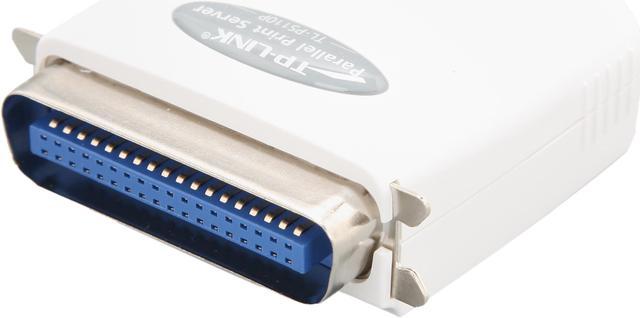
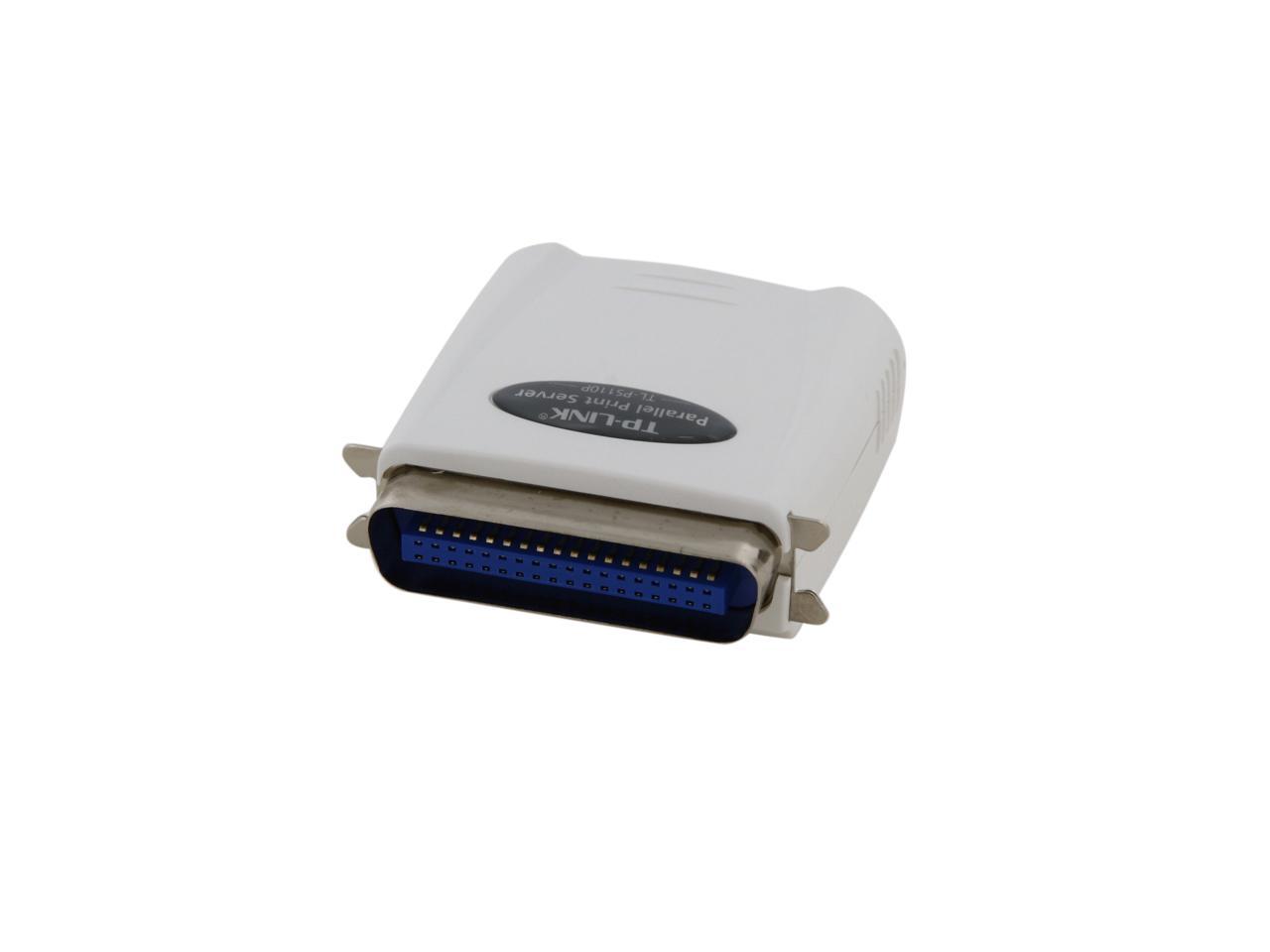
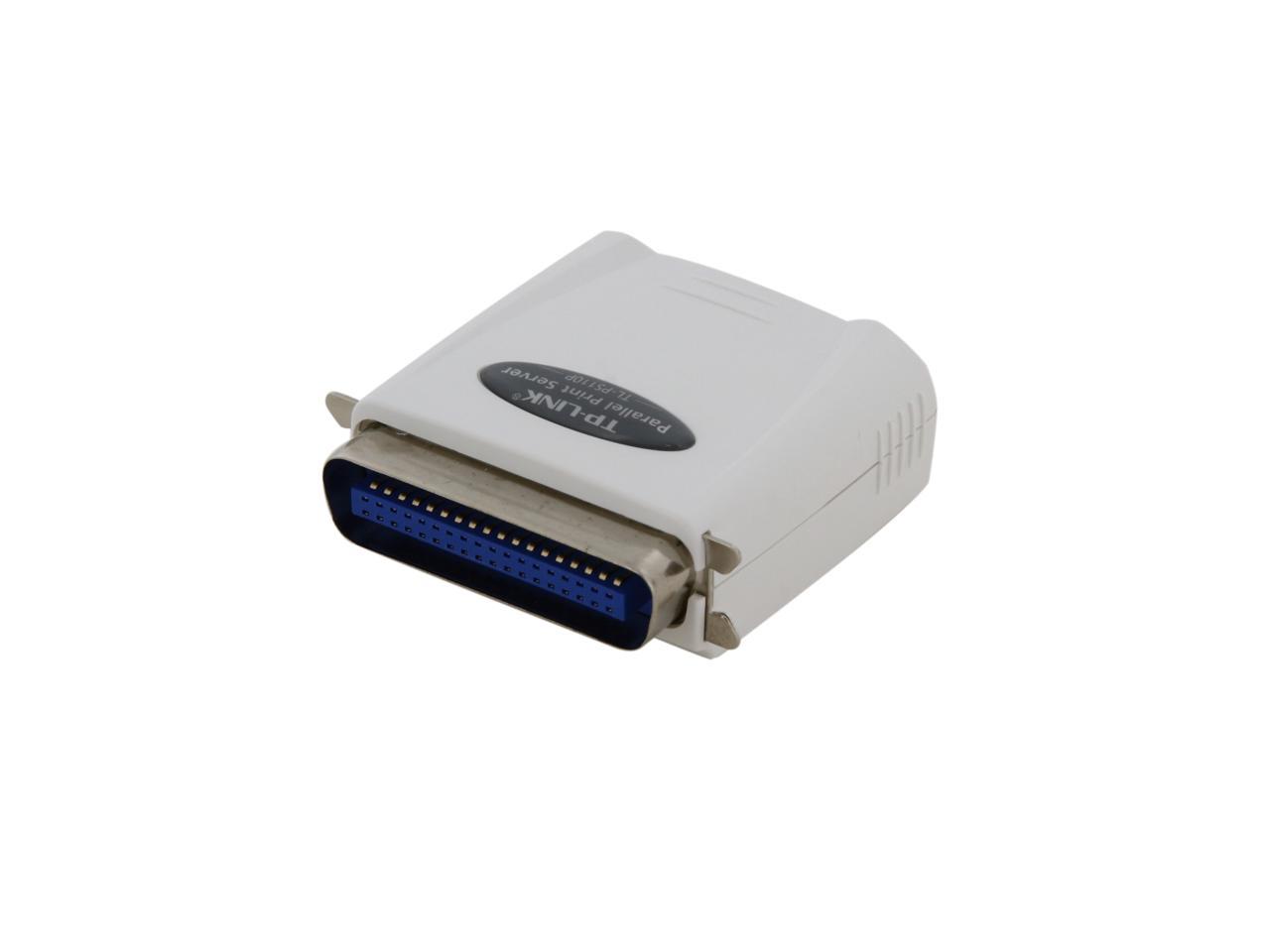
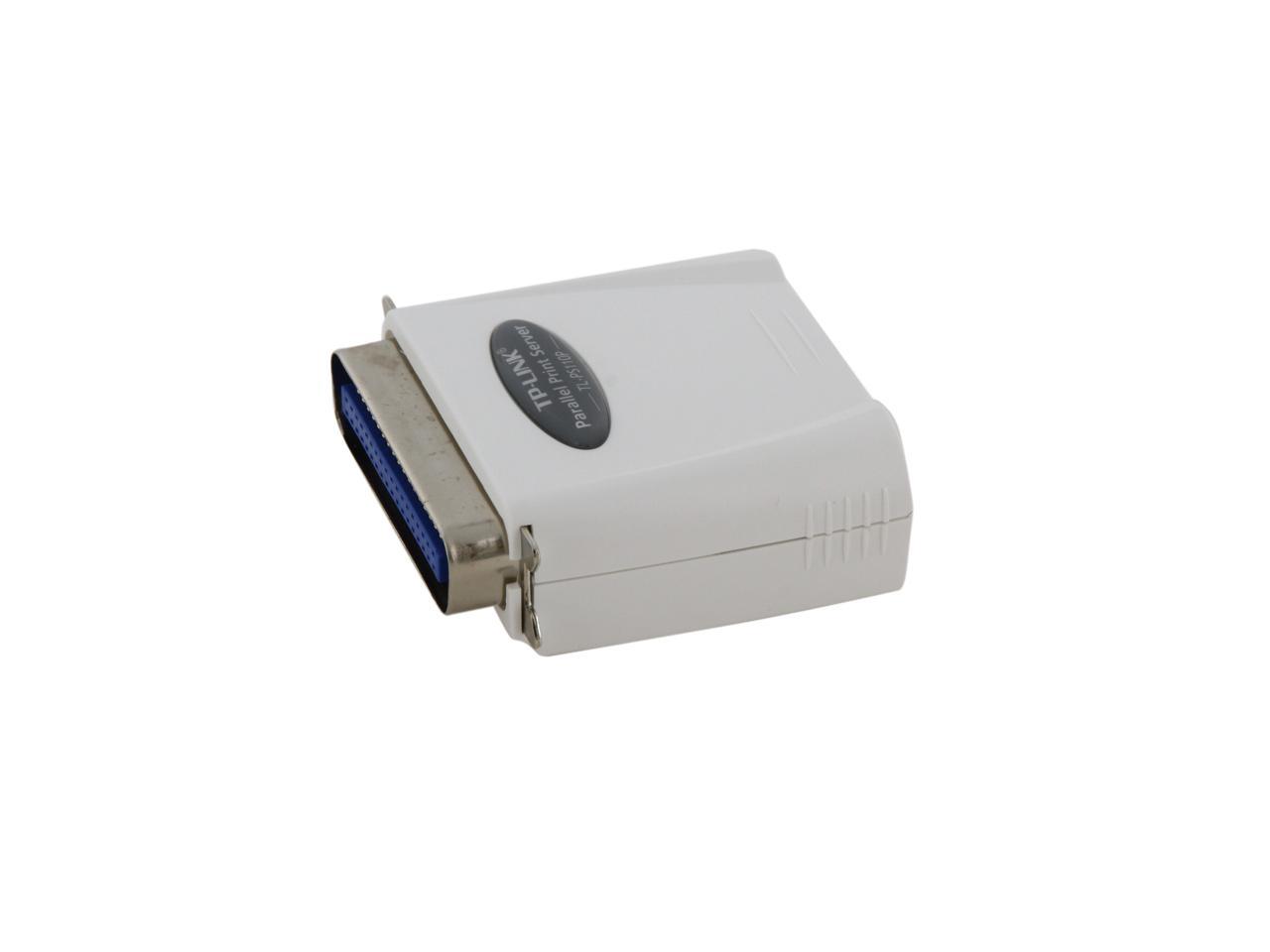
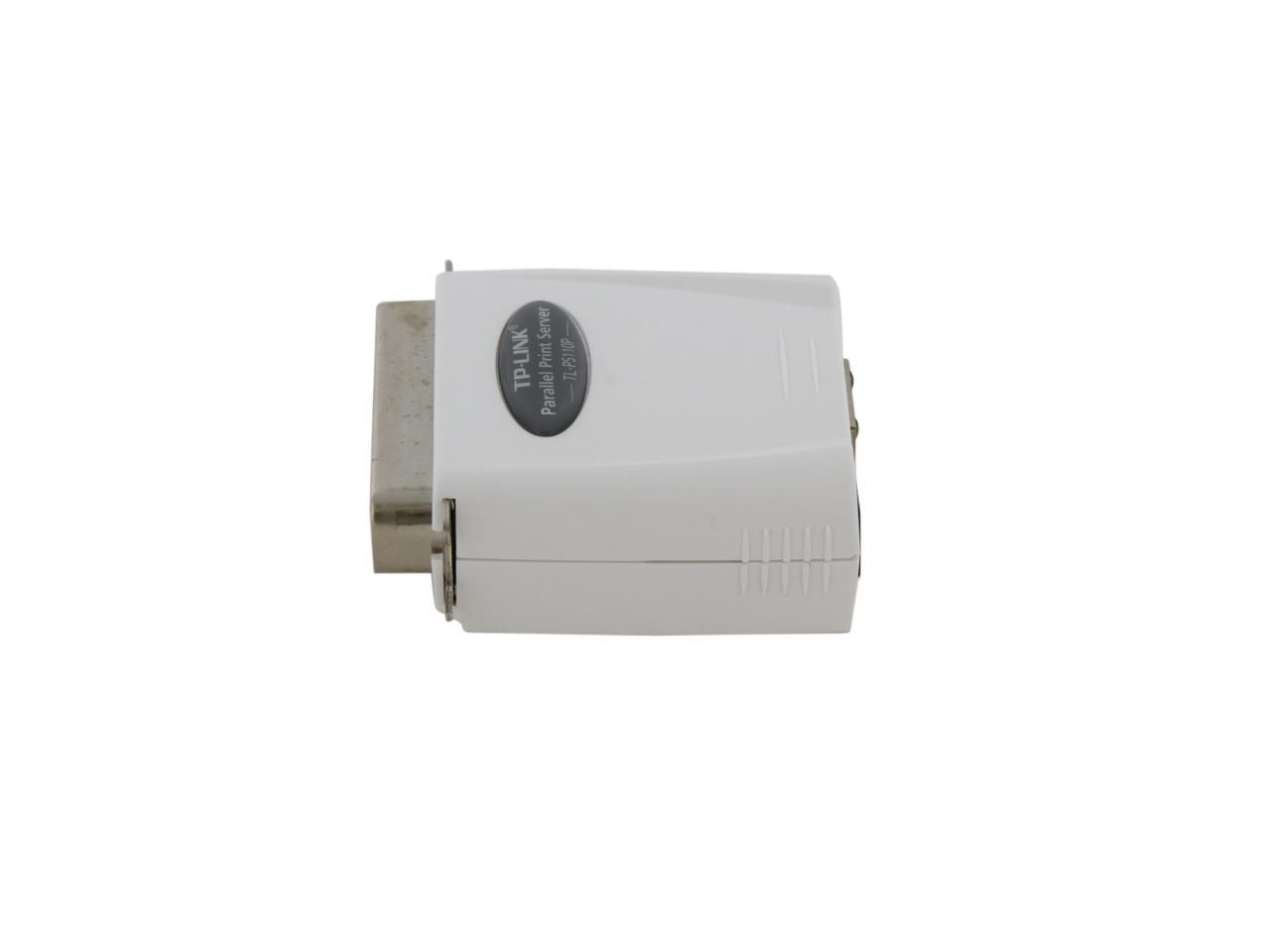
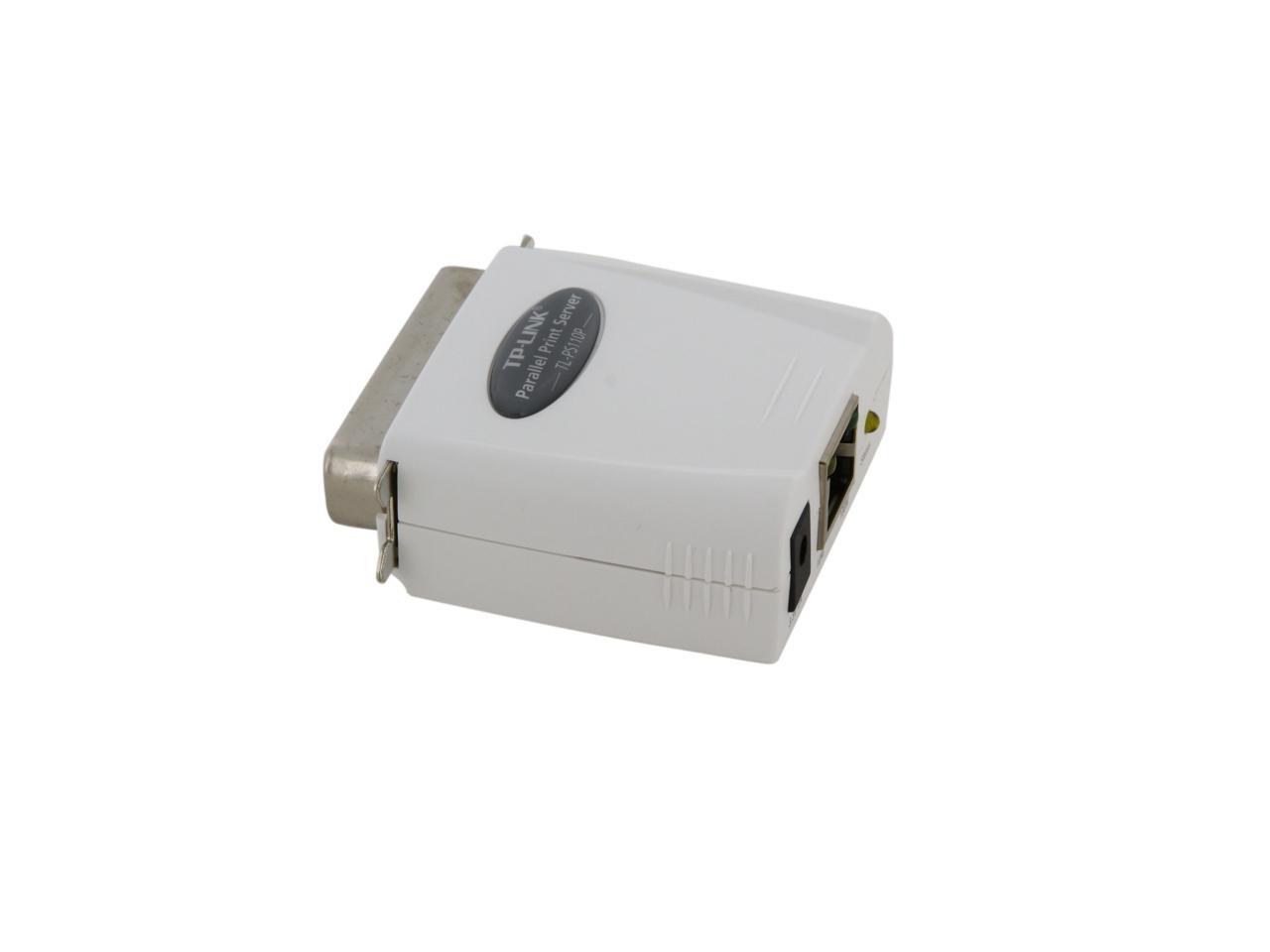
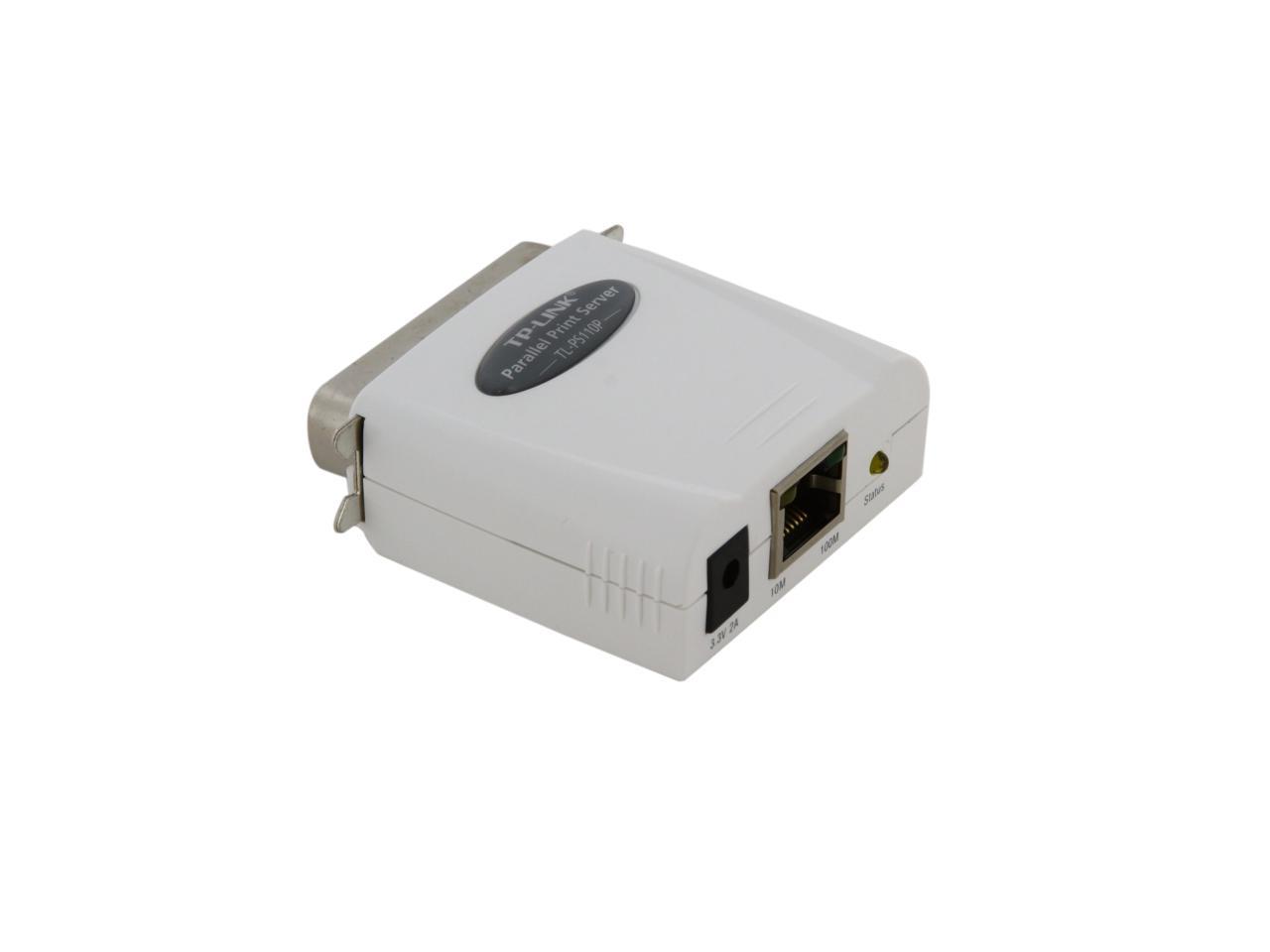
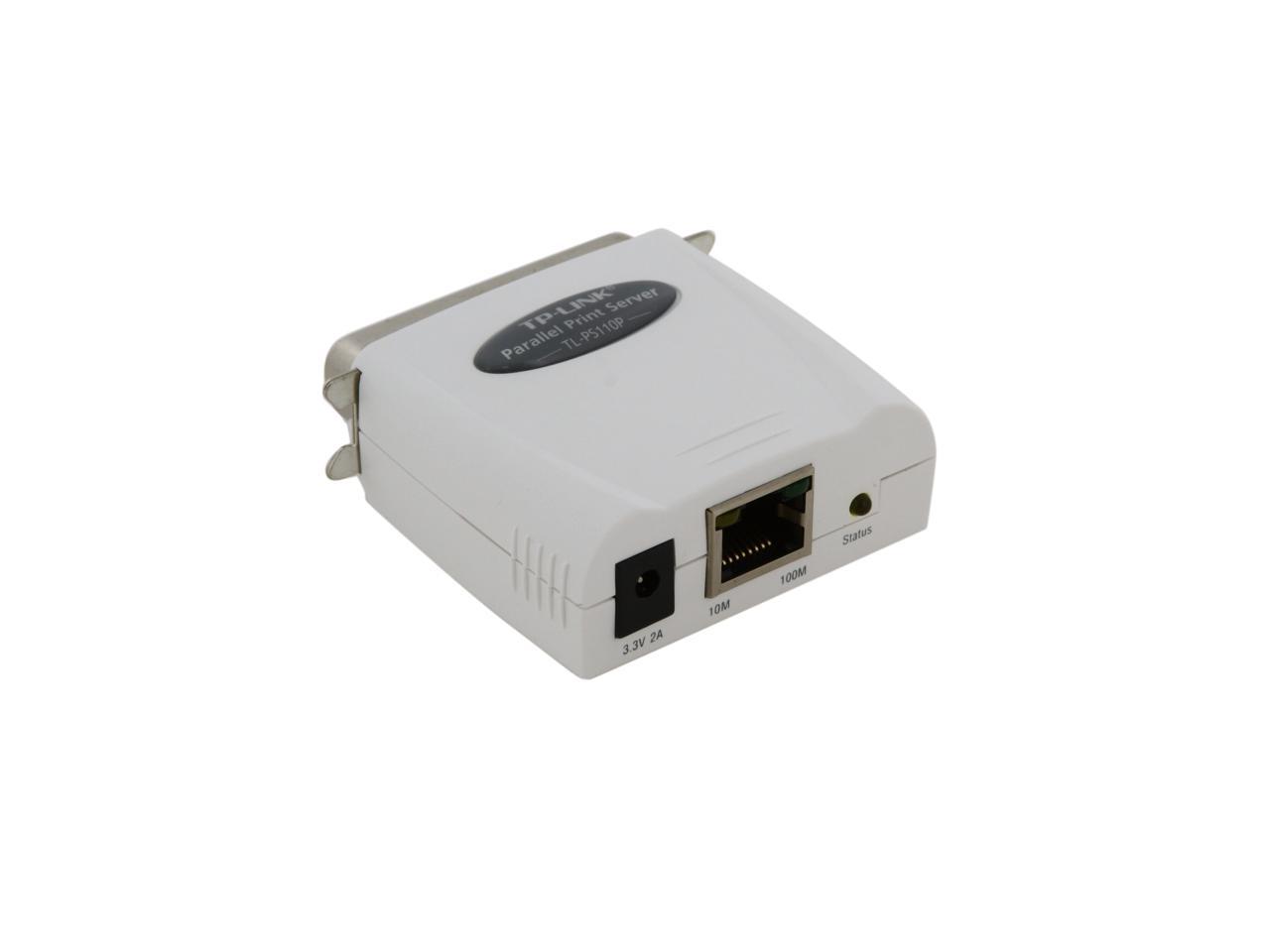
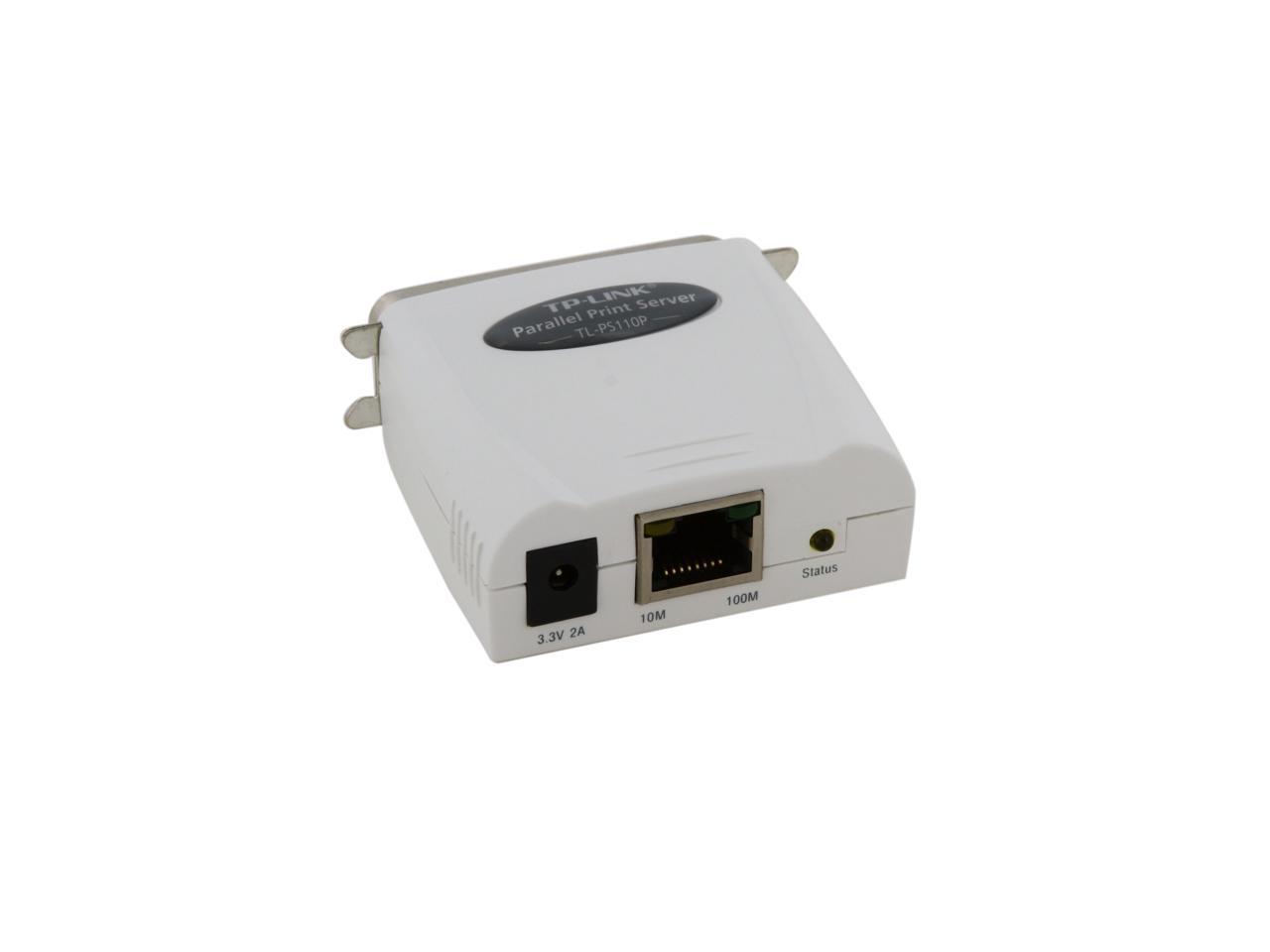
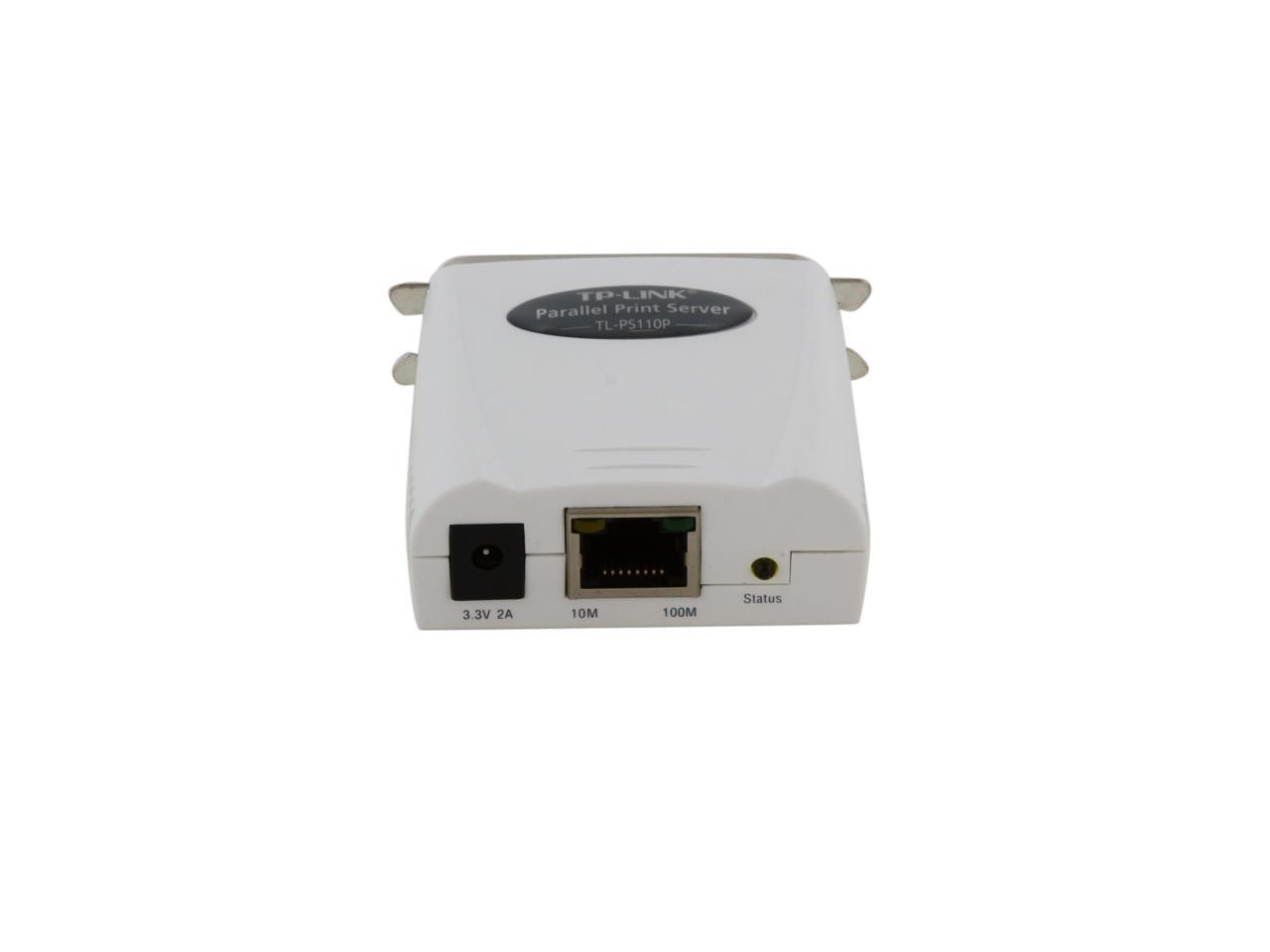
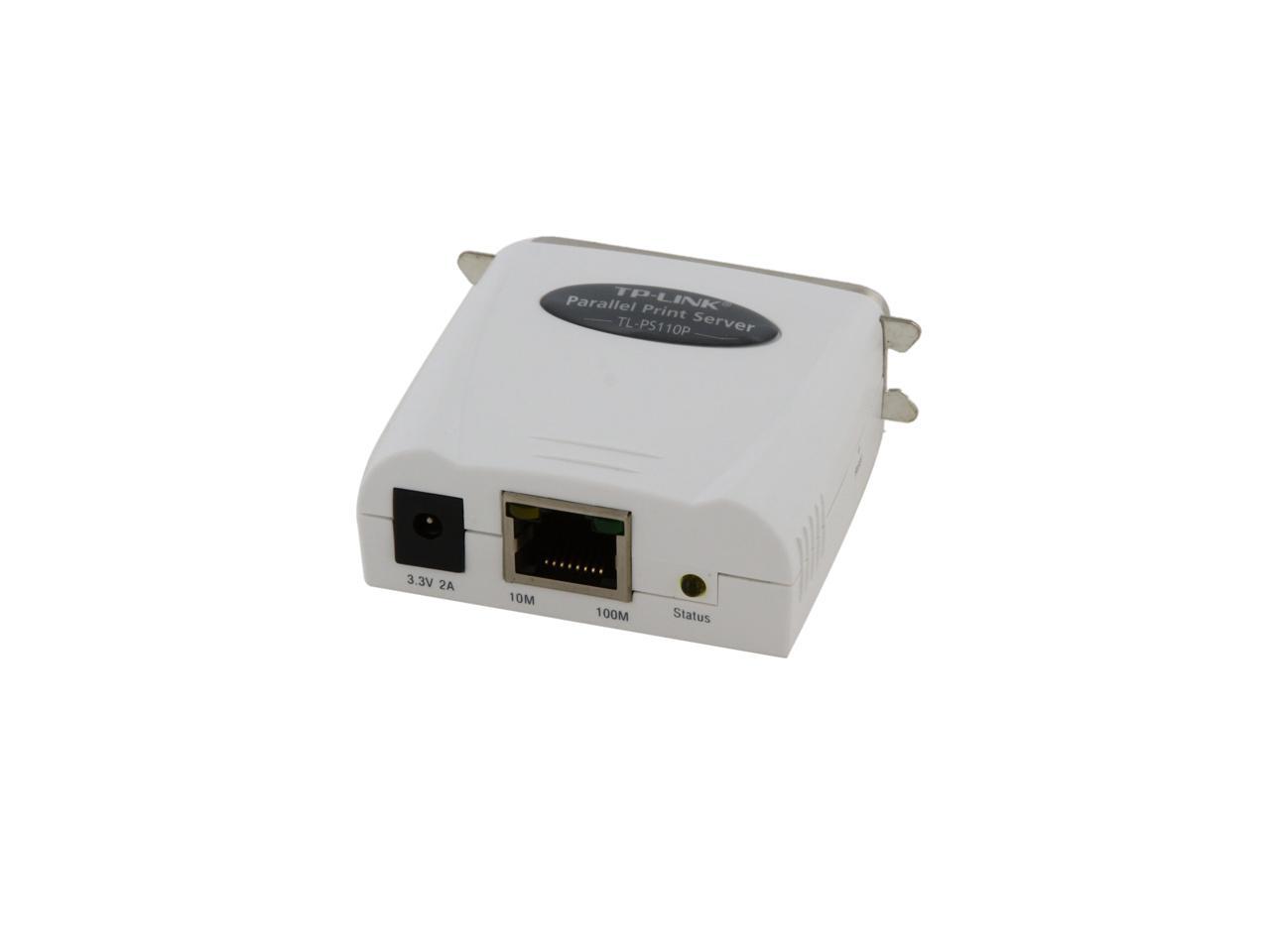
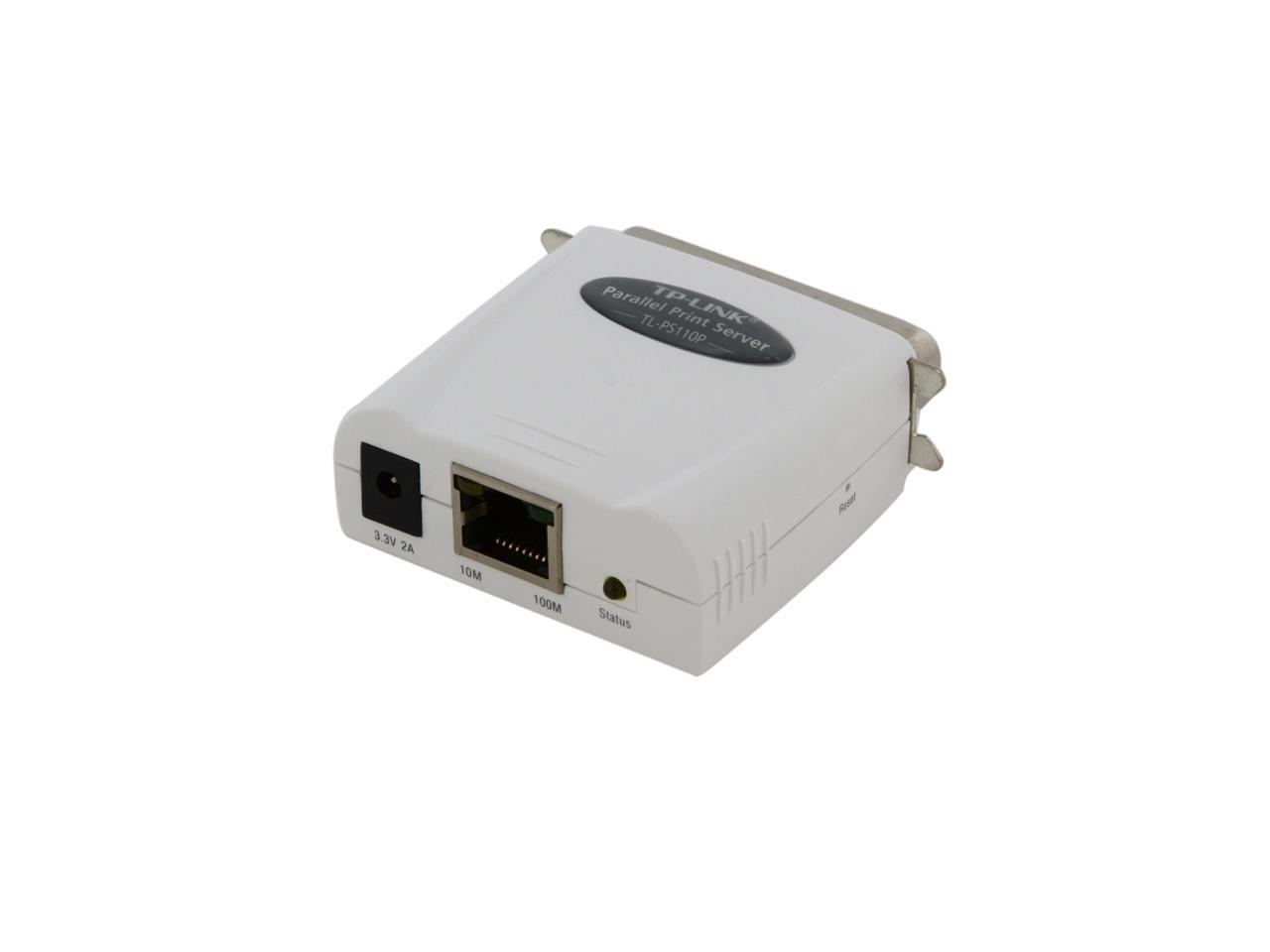
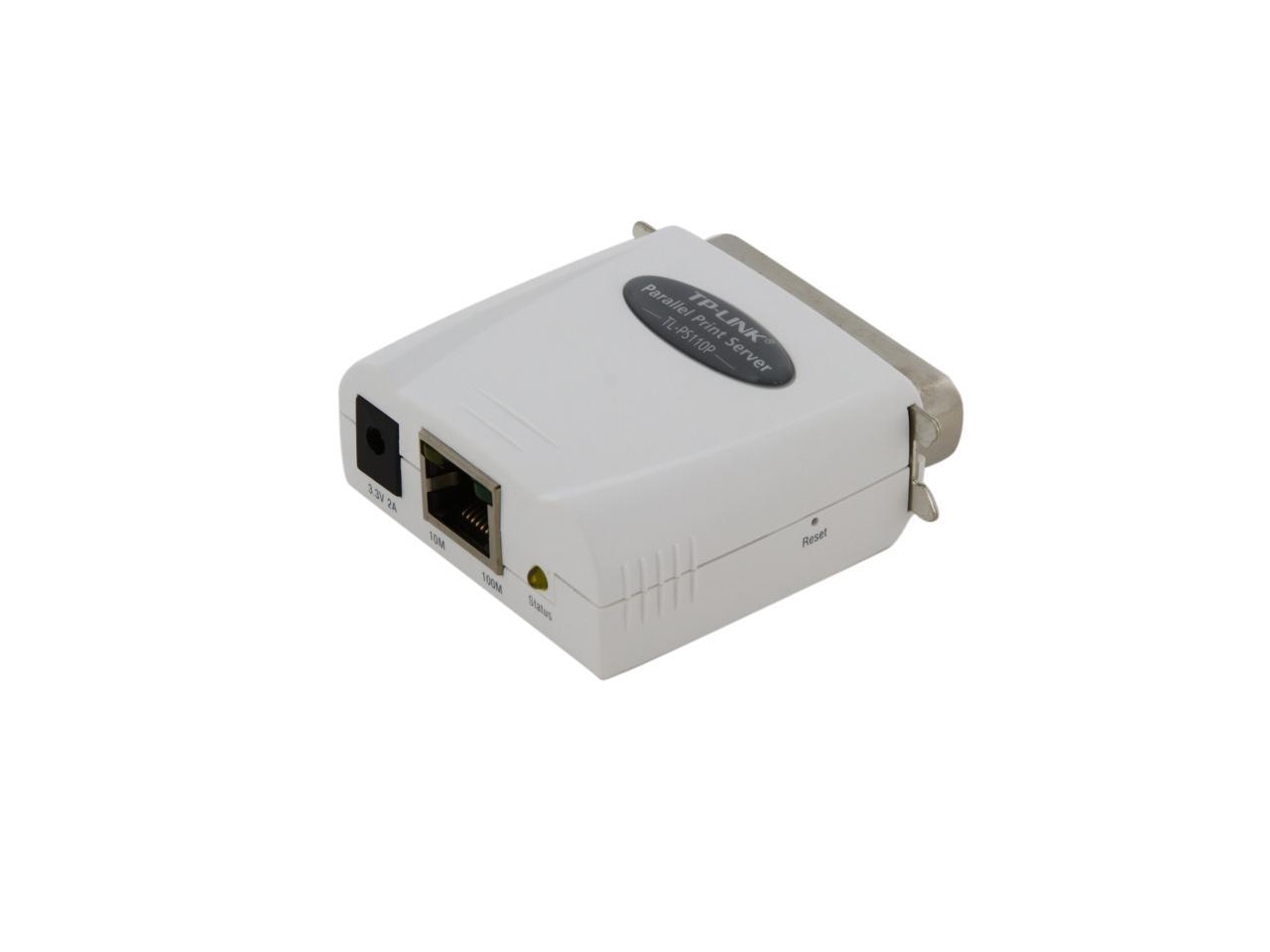
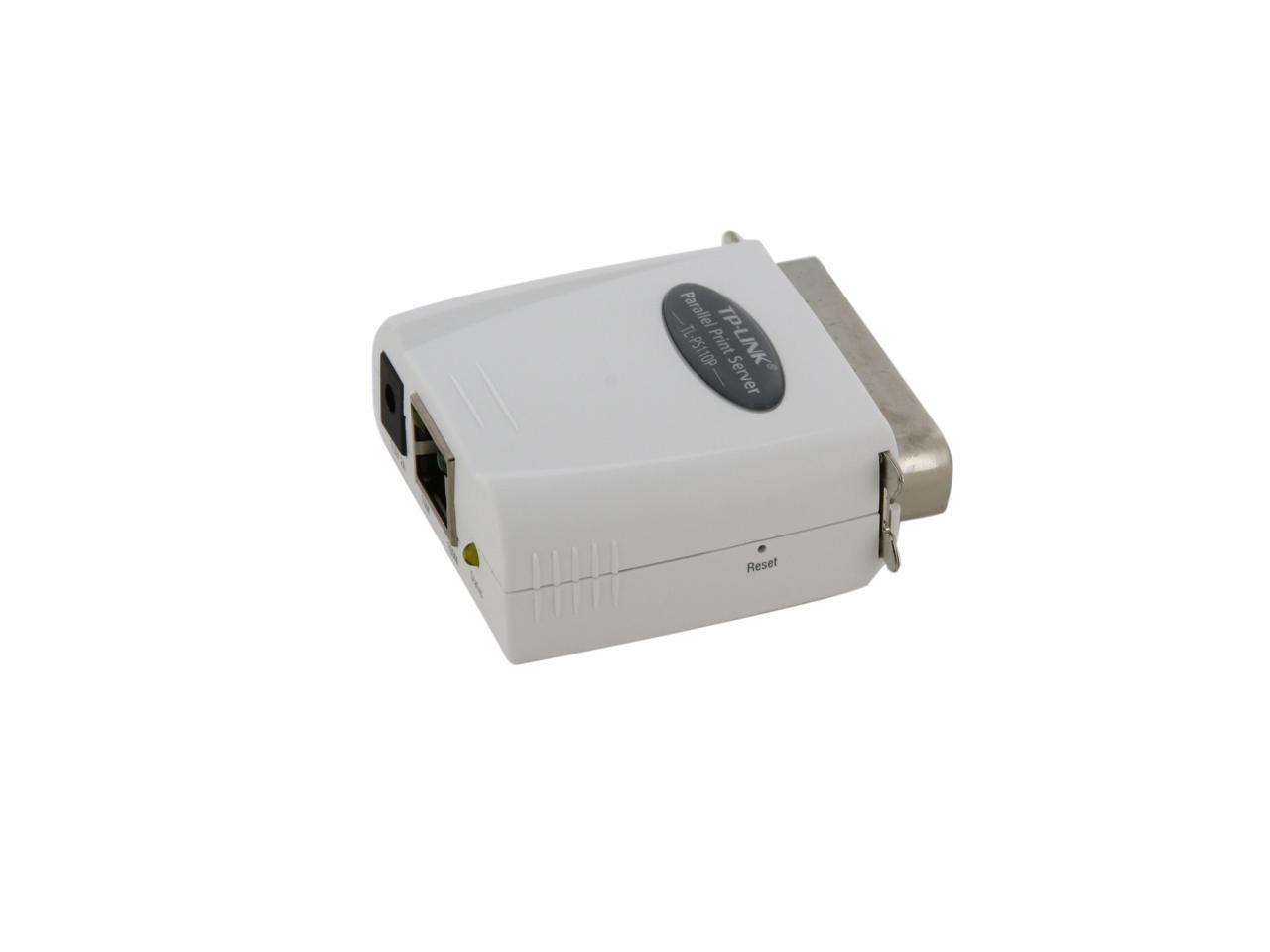
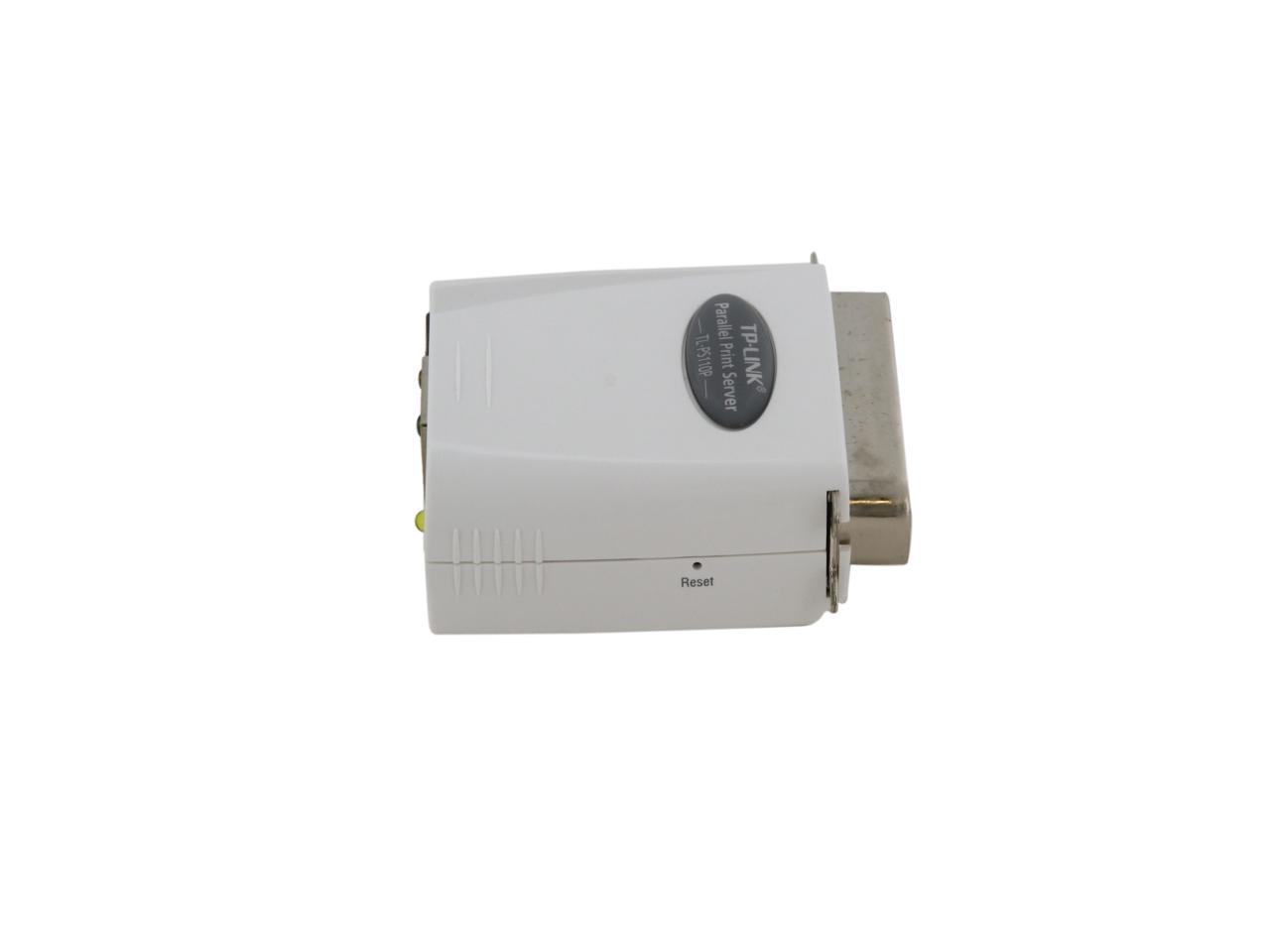
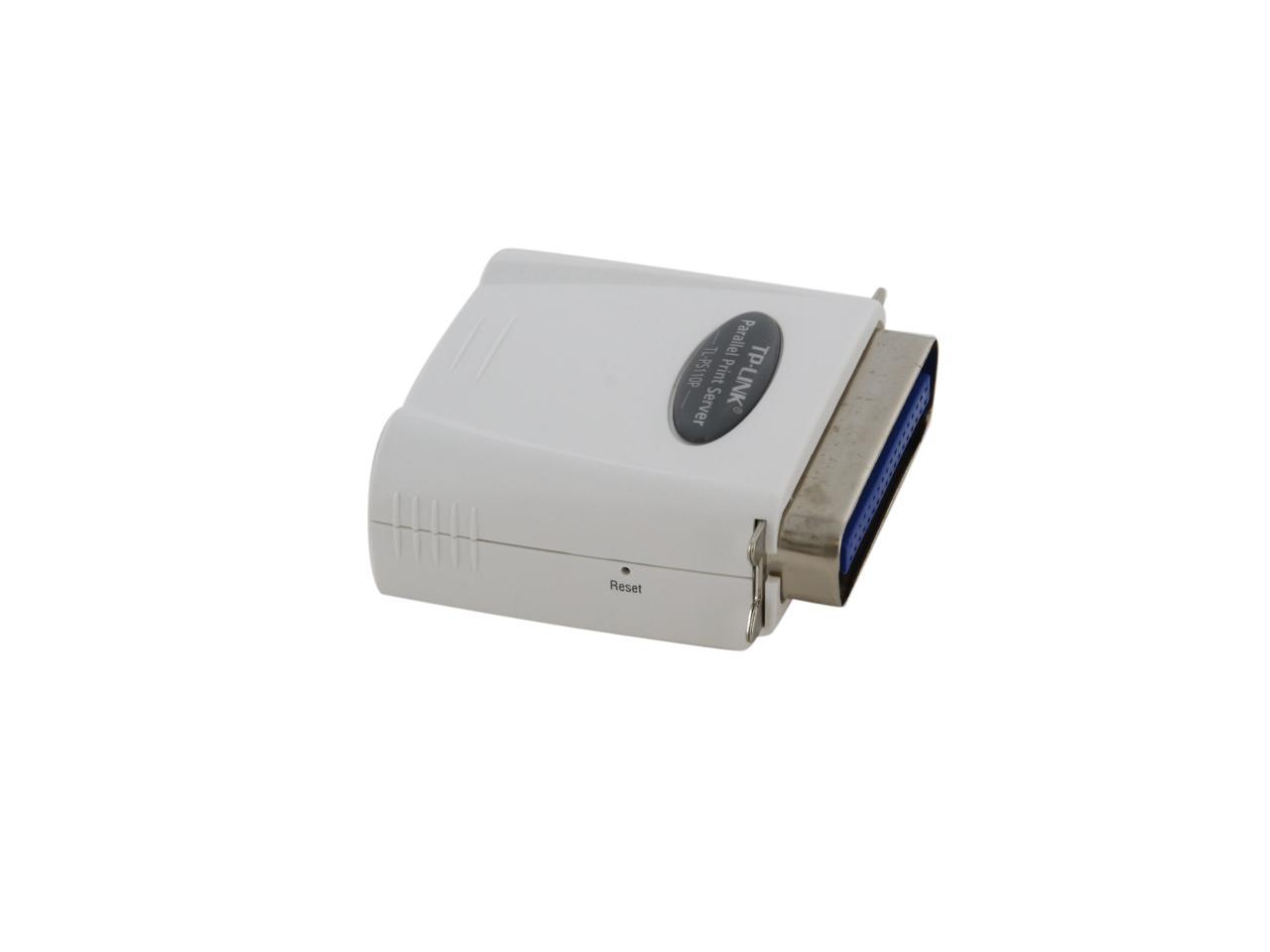
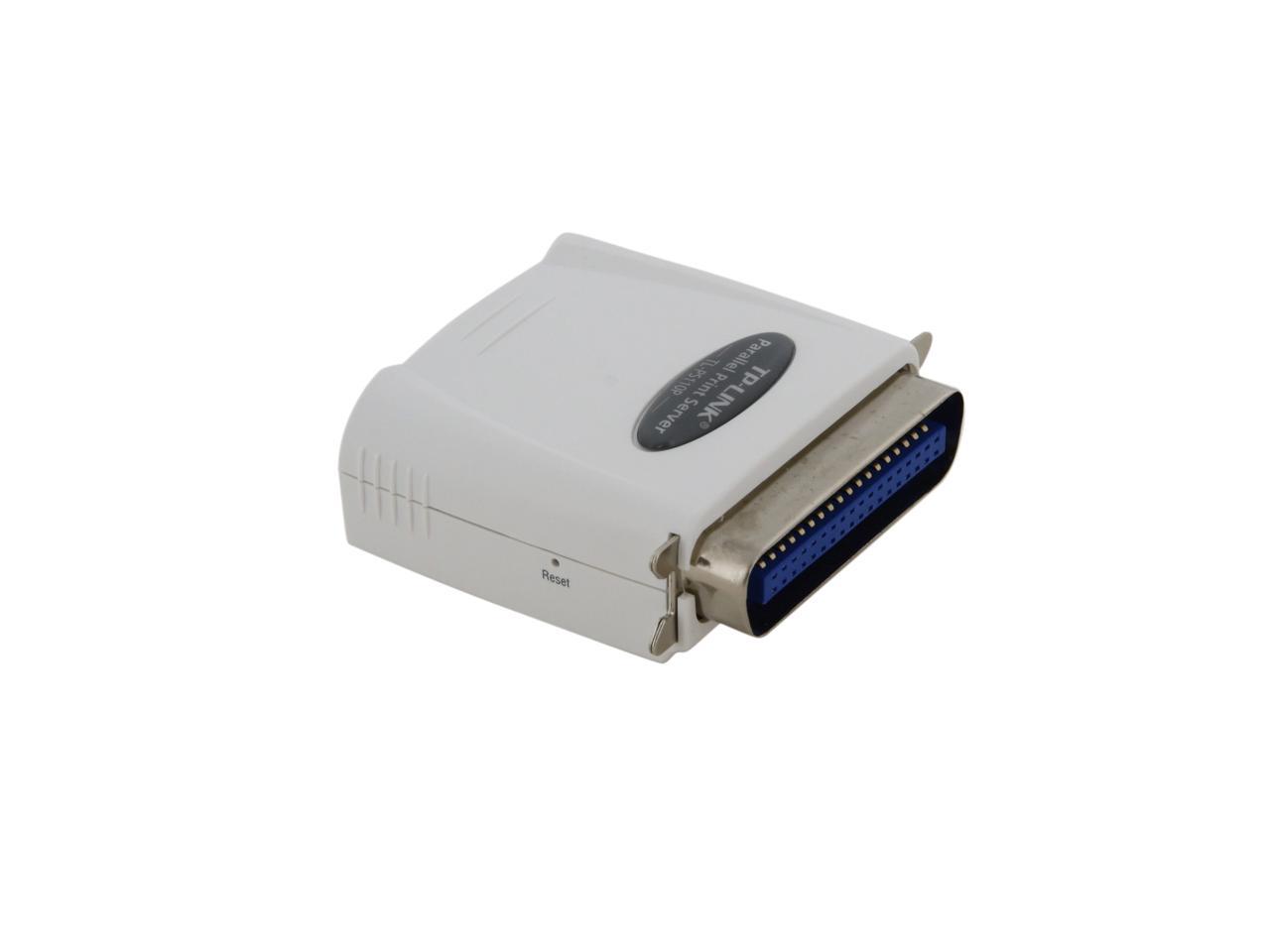
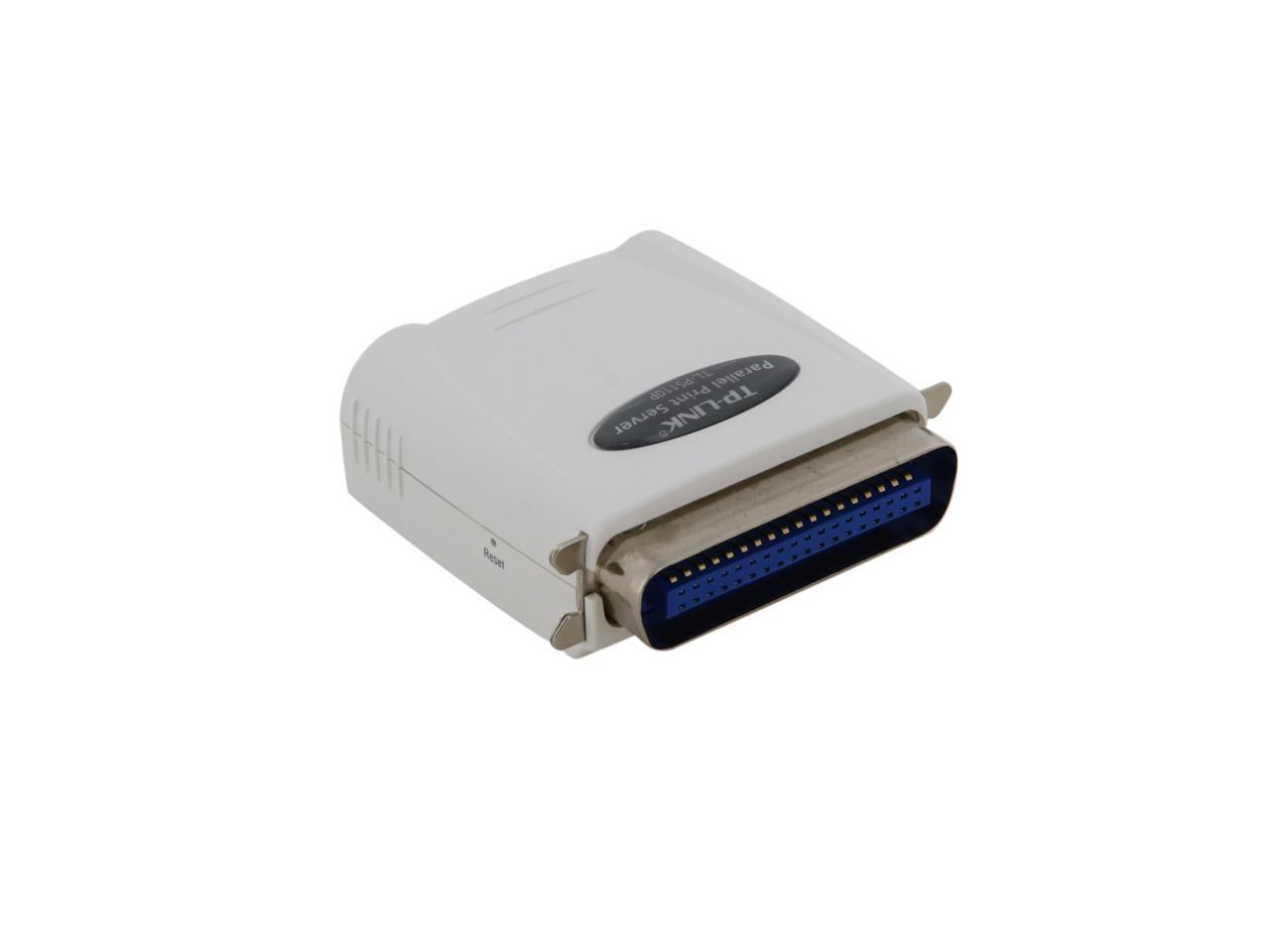
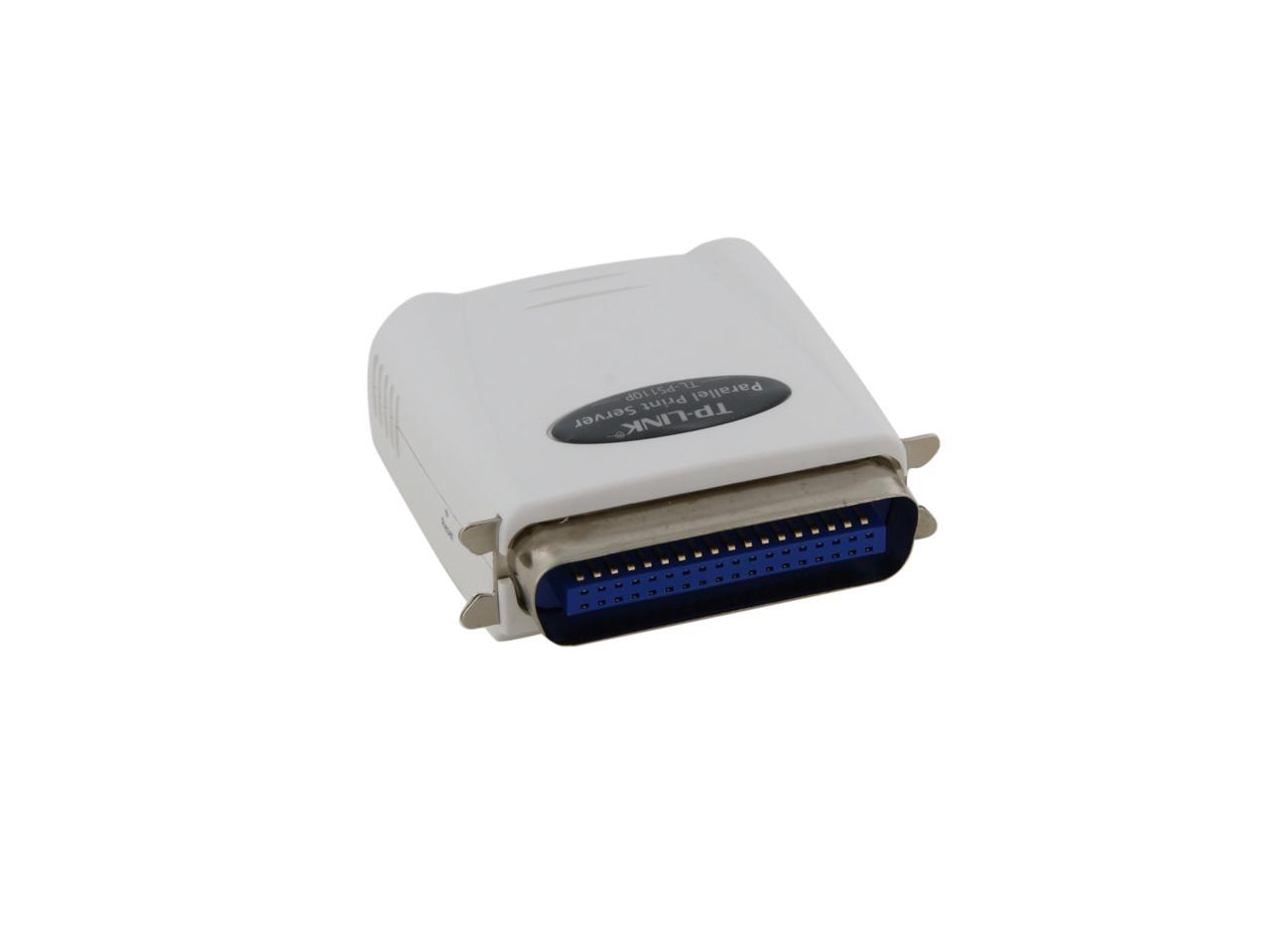
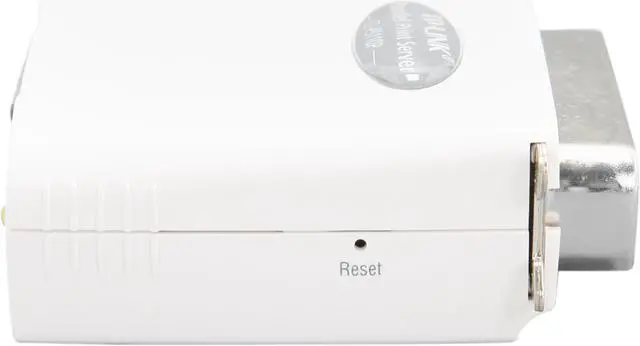
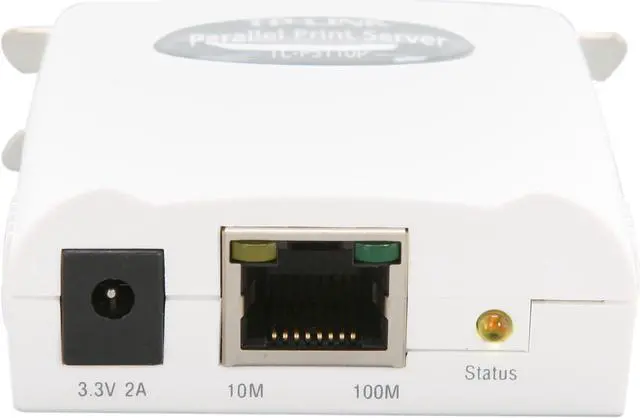
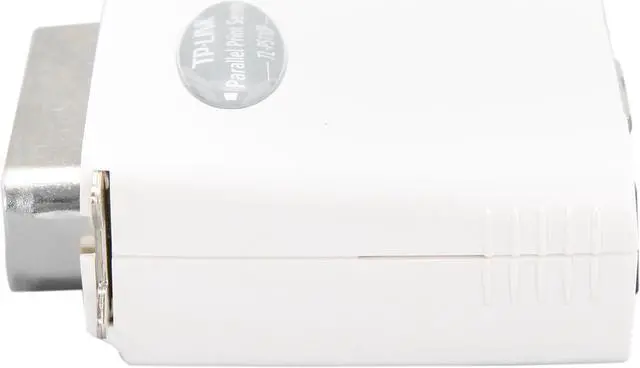
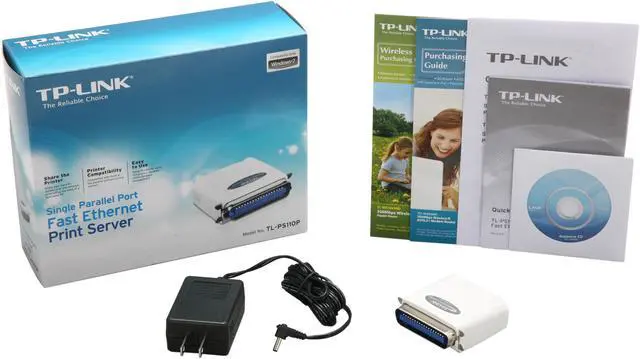
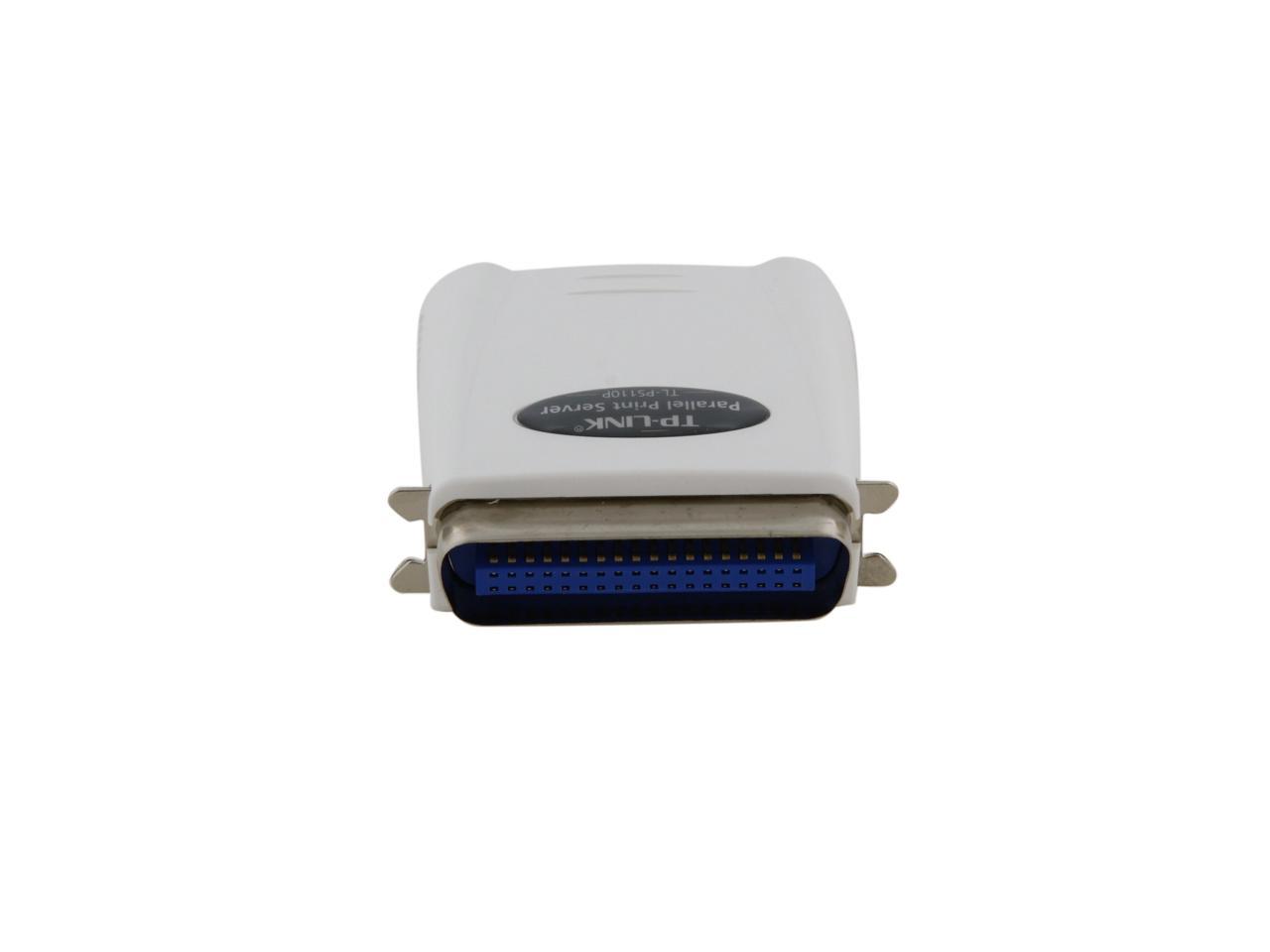
TP-LINK TL-PS110P Fast Ethernet Print Server RJ45 Parallel

  • RJ45
  • Parallel
  • 10/100Mbps
  • Pin It
  • Email this page
ICON Loading...


Learn more about the TP-LINK TL-PS110P

Model

Brand
TP-LINK
Model
TL-PS110P

Spec

Network Connection
RJ45
Network Speed
10/100Mbps
Printer Connection
Parallel
Protocols
TCP/IP, IPX/SPX, NetBEUI, Apple Talk, LPR, IPP/SMB, RAW TCP
Operating Systems Supported
Windows 9X/Me
Windows NT/2000/2003/XP/Vista/7
Mac OS 8.0 or higher
UNIX/Linux
Netware 3.12 or higher (Bindery/NDS)
Temperature
0° ~ 40° C
Humidity
0%~70% non-condensing

Features

Features
1 DB-36-pin male Centronic port, supporting bi-directional communication, 1 Fast Ethernet RJ-45 Port (10/100Mbps auto sensing)
Supports DHCP (client)
Supports E-mail Alert
Provides print job log
Supports bi-directional communication
Supports Internet Printing Protocol (IPP) and SMB
Supports Web, Telnet, PSAdmin, HP Web JetAdmin / HP JetAdmin management
Supports POST (Power On Self Test)
Supports firmware upgrade

Manufacturer Warranty

Parts
1 year limited
Labor
1 year limited

Quick Info

Warranty

  • Limited Warranty period (parts): 1 year
  • Limited Warranty period (labor): 1 year


Customer Reviews of the TP-LINK TL-PS110P

Do you own this product? Write a Review

Filter Results

Go
  • Disappointed
  • 4/23/2013 2:11:06 PM
  • Tech Level: Average
  • Ownership: less than 1 day
  • Verified Owner

2 out of 5 eggsPrint Server Fail

Pros: None

Cons: Can't get it to work with my LaserJet 4100 HP because I have a iMac and the software doesn't work with mac OS, atleast there is nothing on the website or paperwork that indicates it.

1 out of 1 people found this review helpful. Did you? Yes No

  • MattInSoCal
  • 3/25/2013 8:13:50 PM
  • Tech Level: High
  • Ownership: 1 month to 1 year
  • Verified Owner

5 out of 5 eggsWorks after a bit of futzing

Pros: - Small
- Works as expected
- Fits in the cable access area of my HPLJ6 with the door closed (barely)

Cons: - Uses a separate AC adapter instead of using power from the printer.
- Have to route that power cable and plug into a second outlet.

Other Thoughts: It takes a bit of futzing to get this to work, and setting up the printer on your various PCs can be a little bit of a chore, but once you get through all that it does work seamlessly. The only real problem I have had is that I get print timeouts because I'm having a network problem but the printer shows as online - in other words, there is not remote status reporting via the Windows print dialogs.

One other thing that irritated me is that I wanted to name my printer a specific way but I had to conform to its name scheme for which I don't particularly care. Minor quibble for which I'm not deducting points.

Also, it's a bummer that it doesn't allow my printer to have Airprint functionality; I'd like if it did but again no markdown for that.

All in all I'm very happy, especially for the price.

Did you find this review helpful? Yes No

  • N/A
  • 3/16/2013 11:03:24 AM
  • Tech Level: High
  • Ownership: 1 week to 1 month
  • Verified Owner

2 out of 5 eggsRight price, but a pain to get working

Pros: The device is simple and unobtrusive.

Cons: It was anything but easy to get to work in my case. I was able to see the device on my home network, but not to get it to work with my Oki laser printer without a lot fooling with it. TP-Link's tech support (via e-mail) was responsive but not really very helpful. It took a lot of trial and error, trying a number of nonstandard printer settings before one finally worked.

Other Thoughts: I'm not sure I would recommend it.

Manufacturer Response:

Dear Customer,

We're sorry to see that you are having issues with this product.
Please check if your printer is compatible with TL-PS110P.
http://www.tp-link.com/resources/document/TL-PS110P_Compatibility_List_2.pdf

If it's compatible but still cannot work, please feel free to contact me:
howard.he@tp-link.com
We would arrange our technicians to call you back and resolve the issue.

We really appreciate you taking the time to check out our TP-Link products and we hope that you will be able to check out more in the future.

Best Regards!

TP-LINK Support Team
support@tp-link.com
(866) 225-8139
http://www.tp-link.com/us/support
http://www.facebook.com/TPLINK

Did you find this review helpful? Yes No

  • dbweber
  • 3/3/2013 5:25:53 AM
  • Tech Level: High
  • Ownership: 1 week to 1 month
  • Verified Owner

5 out of 5 eggsjust works

Pros: Plug it in, program it and let it work. I purchased 4 of these to replace D-Link usb print servers that kept dropping off the network. These have been flawless. Always best to lock them down with a static IP.

Cons: Of course you need a printer with a parallel port like the Brother lasers I'm using. Like all network print servers the printer cannot be a gdi unit. That is, some cheaper inkjets or mfc printers will not work because of the way they do bidirectional data flow. But any PCL or PS printer will work fine.

Did you find this review helpful? Yes No

  • NoNewPrinter
  • 1/26/2013 12:07:38 PM
  • Tech Level: Average
  • Ownership: 1 day to 1 week
  • Verified Owner

5 out of 5 eggsPerfect for HP LaserJet 4L

Pros: Connected to my old LaserJet 4L's parallel port and accessed via my Windows 8 PC. The installation was easy and worked the first time around. Absolutely no problems. I would highly recommend this for the price, ease of installation, and usability.

Cons: None

Did you find this review helpful? Yes No

  • N/A
  • 1/19/2013 5:52:48 AM
  • Tech Level: High
  • Ownership: 1 week to 1 month
  • Verified Owner

5 out of 5 eggs

Pros: Works as specified

Cons: none

Did you find this review helpful? Yes No

  • Wayne
  • 11/2/2012 6:21:15 AM
  • Tech Level: Somewhat High
  • Ownership: 1 week to 1 month
  • Verified Owner

5 out of 5 eggsWorks great

Pros: Works great. There is no driver. It is a remote device, accessed with a web browser (like a router). Default address is 192.168.0.10. My network uses 192.168.1.xx, so I just logged in and changed it to 192.168.1.10. Multiple network computers can share the printer, it's great.

Cons: None. It fits in the laser printer case, but it does also need a AC power connection.

Did you find this review helpful? Yes No

  • Joshua
  • 10/5/2012 12:28:30 PM
  • Tech Level: Average
  • Ownership: less than 1 day
  • Verified Owner

4 out of 5 eggs

Pros: Tiny. Easy to administer from the web interface.

Cons: No apparent IPv6 support.

Other Thoughts: Bought this for our manufacturing office. For the cost of one cartridge for their ancient inkjet this print server allows them to use their existing copier as a network printer.

I have no idea what software comes on the cd. Installation was as easy as plugging it in, configuring one workstation with an ip address in the 192.168.0.0 network, and setting a new ip address on the web interface.

Did you find this review helpful? Yes No

  • dave
  • 9/19/2012 4:54:09 PM
  • Tech Level: Somewhat High
  • Ownership: 1 month to 1 year
  • Verified Owner

5 out of 5 eggsWorks great

Pros: Works well to interface older printers with newer networks. Buffer helps improve data stream consistency to printers. Simple tool for setup. Does just what it needs to do.

Cons: none

Other Thoughts: We use these with older Roland wide format printers 54" wide. Used to use Netgear PS101 but now these as the netgear ones are no longer made. These work great.

Did you find this review helpful? Yes No

  • Candide08
  • 8/20/2012 2:06:36 PM
  • Tech Level: Somewhat High
  • Ownership: 1 day to 1 week
  • Verified Owner

3 out of 5 eggsIt Works....

Pros: It works, eventually.

Cons: Do not even try to use the software than ships with this.

The software that comes with it is useless - does not work. I manually set up an IP port and the device worked.

Then I checked their web site, downloaded a newer version of software specifically for this model and that did work when installed on another PC - it successfully created the correct port.

Other Thoughts: For $36 how much can I complain?

Did you find this review helpful? Yes No

ICON Loading...
Are you an E-Blast Insider? Subscribe Newegg e-Blast

Buzz

Perfect for an old LaserJet 6P

5 out of 5 eggs
- Perfectly small: a perfect fit in an old HP 6P
- Relatively trouble-free network setup
- Speedy 100mb connection ...
— Mr. Print Server 4/27/2011

Print Server Fail

2 out of 5 eggs
Can't get it to work with my LaserJet 4100 HP because I have a iMac and the software doesn't work with mac OS, atleast ...
— Disappointed 4/23/2013


PayPal
Shop without retyping payment details. Secure shopping made faster.
Check out with PayPal.

Financing


LOADING... LOADING...
Shop by Region: United States | Canada | China
VeriSign Click for the BBB Business Review of this Computers - Supplies & Parts in Whittier CAThis site protected by Trustwave's Trusted Commerce program Inc500
Policy & Agreement | Privacy Policy  © 2000-2013 Newegg Inc.  All rights reserved.
If the Adobe Reader does not appear when you click on a link for a PDF file, you can download Adobe Reader from the Adobe web site. nassau