Newegg.com - A great place to buy computers, computer parts, electronics, software, accessories, and DVDs online. With great prices, fast shipping, and top-rated customer service - once you know, you Newegg.
If you are reading this message, Please click this link to reload this page.(Do not use your browser's "Refresh" button). Please email us if you're running the latest version of your browser and you still see this message.
WarrantyBeyond any applicable Newegg return policy, this item is warranted independently by the product's Manufacturer or a Third party. Below is a summary provided for convenience only and may not be accurate or current.
Read full details.
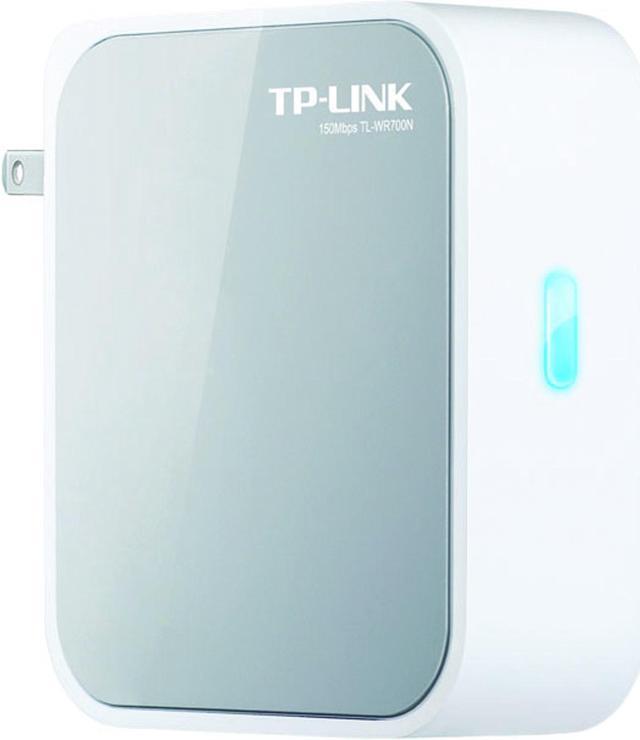
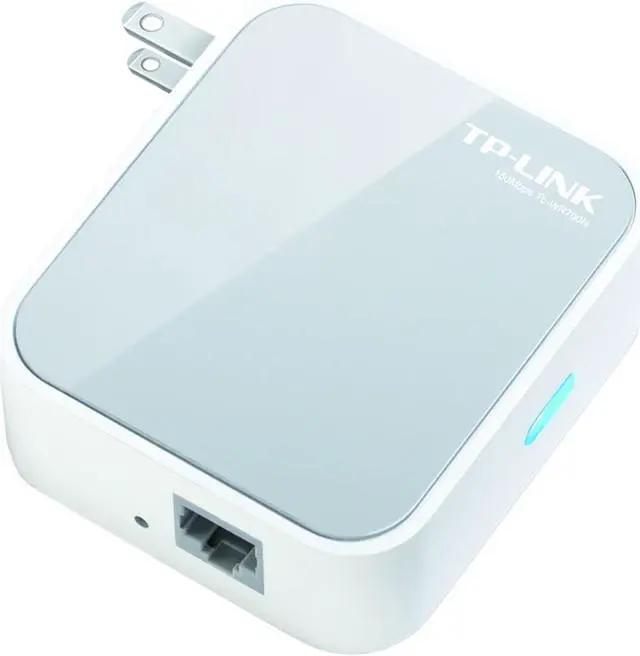
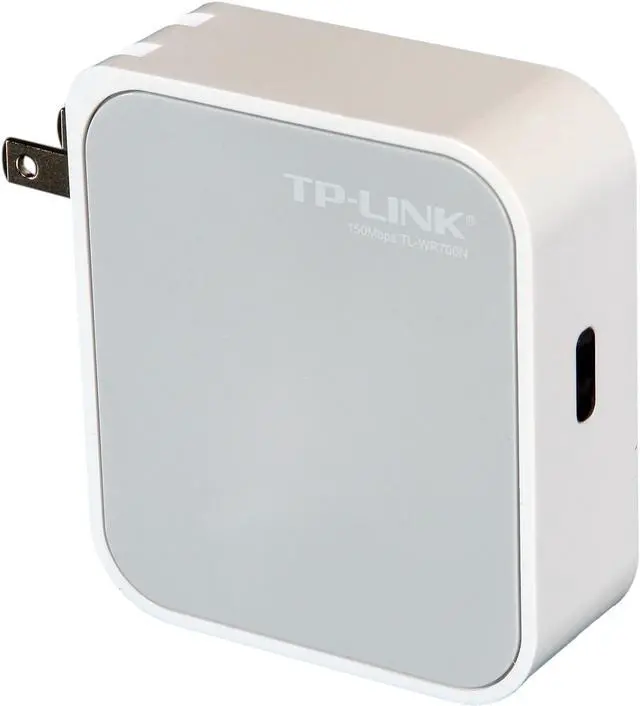
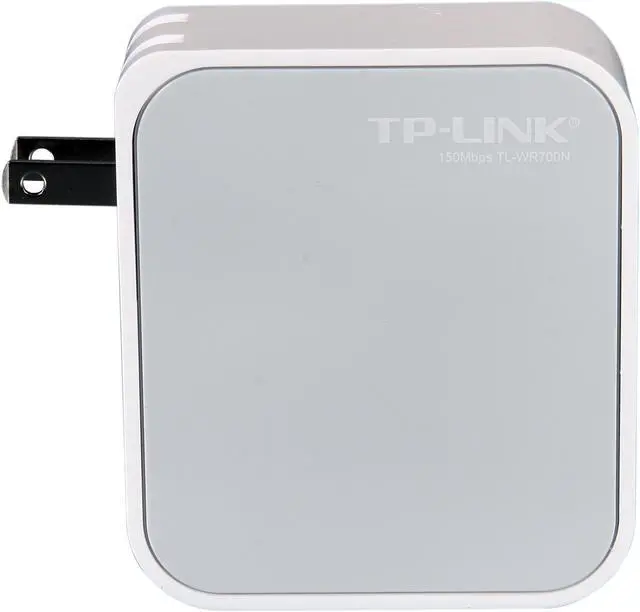
Pros: Small, sleek, and many features! You can use this little guy as a Router, AP, Bridge, or Repeater. Grabbed the wireless network I setup instantly and boosted signal to the entire second floor of my client's home (large home). I coupled this to a 802.11N Linksys X2000.
Cons: Not many, unless you are not familiar with Networking. You have to configure with a laptop and change your IP Settings to get on it's network address/subnet so as to configure the device. The instructions are a wee bit small, but they break everything down for you. Not really a big deal, just requires a liitle bit of knowledge.
Other Thoughts: This thing is awesome. I was blown away with it working as a repeater. Had a weak signal upstairs from main router, but after I configured this guy as a repeater and set it to the Wireless Router's network, BOOM! The entire house has excellent signal strength (fairly large home).
Did you find this review helpful?
Thanks for the valuable feedback you provided!
N/A
5/1/2012 7:17:11 PM
Tech Level: 5/5
Ownership: 2/5
Verified Owner
Rating: 5/5Cool little device...
Pros: Small form factor and seems to get a solid wireless signal. The firmware menus are easy to navigate and the setup was very easy. It's serving as a wireless adapter for the XBox and works perfectly.
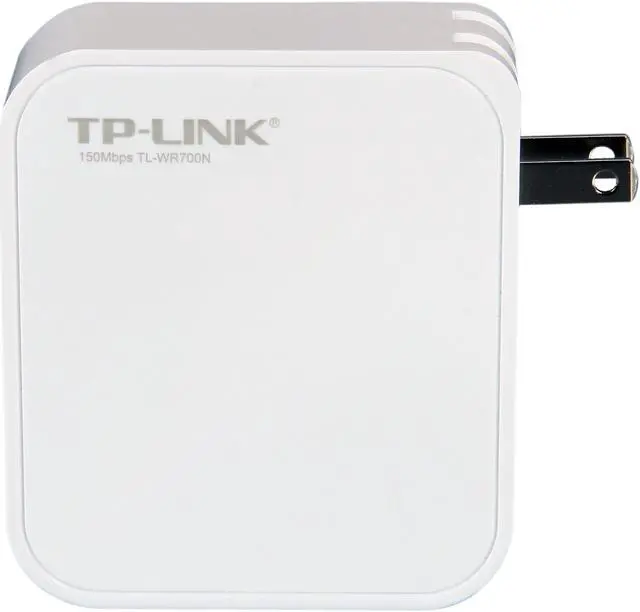
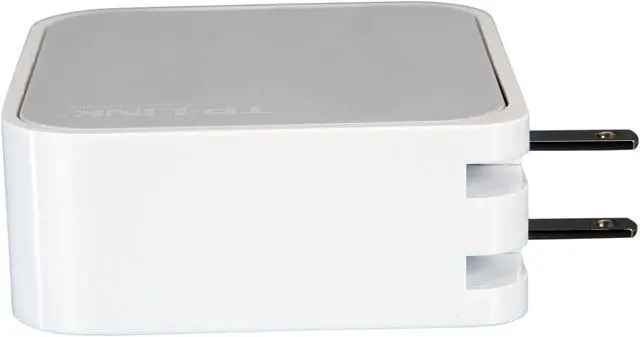
Cons: Not really cons - but I'd make one simple suggestion for improvement... It would be nice if the plug was the other way so that it would fit better on a power strip.
Other Thoughts: Can't beat this thing as an inexpensive gaming adapter. I was using an old router, but this is much smalller and very simple to setup. Bottom line - it's really cool.
Did you find this review helpful?
Thanks for the valuable feedback you provided!
Scotter
4/25/2012 12:49:58 PM
Tech Level: 4/5
Ownership: 3/5
Verified Owner
Rating: 5/5Excellent device
Pros: It has been excellent – it was the most seamless and simple networking experience I have every had – it just worked perfectly out of the box! This has really set a new standard for great product in my book, if only the I-PAD was this good at networking.
Cons: None that I found.
Did you find this review helpful?
Thanks for the valuable feedback you provided!
Chet
4/18/2012 11:36:43 AM
Tech Level: 4/5
Ownership: 2/5
Verified Owner
Rating: 1/5Two Hours!!!
Pros: It's white.
Cons: Two hours on tech support (once I got through) and they never did get this deck of cards to work. Sending it back.
Manufacturer Response:
Dear Chet,
This is Shania from TP-LINK Support Team.
We sincerely apologize for any inconvenience caused by our product.
TL-WR700N has integrated several features. It’s a little bit complex to install it than a unifunctional product. However, we will try our best to improve the service efficiency. Thank you.
Have a nice day!
Best Regards! TP-LINK Support Team http://www.tp-link.com/us/support http://www.facebook.com/TPLINK
Did you find this review helpful?
Thanks for the valuable feedback you provided!
Hitmeilikeit
4/7/2012 5:35:04 AM
Tech Level: 4/5
Ownership: 3/5
Verified Owner
Rating: 2/5
Pros: Signal strength. The range is fantastic. When it worked it more than made up for the lack of signal strength from my main router.
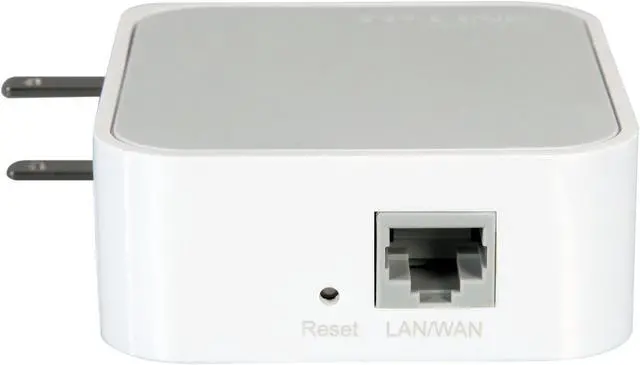
Cons: After about two solid weeks of use, my PC, XBox 360, and PS3 all drop connection after a span of anywhere between 30 minutes to 2 hours. As of right now, I can't connect to it at all, and when I do, it doesn't have network access. Have tried the reset button, rest to factory settings, multiple modes and settings. Very disappointed, especially after seeing the success of others. I really wanted this to work.
Manufacturer Response:
Hitmeilikeit, This is Howard from TP-LINK. The first step is to isolate the problem. Please unplug the TL-WR700N and check if you still encounter the same problem. If yes, we can tell that's the main router's problem. Otherwise, it's the TL-WR700N which causes the problem. You can contact our tech support for a RMA replacement. Hotline: 866-225-8139.
For detail configuration guide, you can refer to our website: http://www.tp-link.com/en/products/details/?model=TL-WR700N#app
Best Regards! TP-LINK Support Force
If the above suggestion is helpful to you, could you please update your review and rate? Thank you!
Did you find this review helpful?
Thanks for the valuable feedback you provided!
patrice
4/6/2012 10:38:43 PM
Tech Level: 4/5
Ownership: 3/5
Verified Owner
Rating: 5/5Easy peasy and portable
Pros: compact, no wires and cables to keep track of when traveling, takes no desk space, clear instructions are in English (past complaints of Chinese directions have been fixed), current firmware already on device I received.
Cons: Can't think of any.
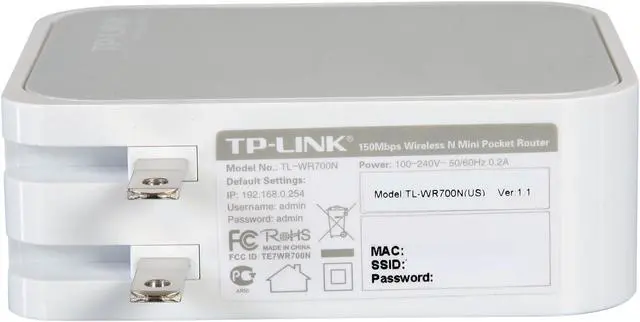
Other Thoughts: I set this up in 10 minutes, and I've never set up a wireless router. Followed the directions to go to an IP address in a browser and change the device name and password to my own (device name and password defaults are printed on device) The only thing the directions did not state for this process that would have been helpful is that the default access code to the website is "admin" for both user name and password...after I entered "guest" and "1234" it told me that, but I scratched my head reading the directions trying to figure out if the device name and password were to be used--nope, just "admin"; once in you change that.
Did you find this review helpful?
Thanks for the valuable feedback you provided!
dalego
3/27/2012 5:49:53 PM
Tech Level: 3/5
Ownership: 3/5
Verified Owner
Rating: 5/5Great product
Pros: Works flawlessly, I've tried all the different modes of operation and everything works great and the signal I am getting is great too, quality of the product is great too, I thought I would be getting some cheap plastic due to the price but I was wrong. setup was easy as long as you read the guide.
Cons: none so far
Did you find this review helpful?
Thanks for the valuable feedback you provided!
TheGreekster
3/24/2012 10:33:43 AM
Tech Level: 4/5
Ownership: 3/5
Verified Owner
Rating: 5/5Great Product
Pros: I use it as a repeater of n signal in our brick house, it works as advertised in our bad spots. I am encourage to buy more TP-Link products.
Cons: None
Did you find this review helpful?
Thanks for the valuable feedback you provided!
Tuned to a Natural E
3/24/2012 7:22:04 AM
Tech Level: 5/5
Ownership: 2/5
Verified Owner
Rating: 4/5Perfect temporary wireless access
Pros: Affordable Good range Strong, steady signal Simply designed, simple to use
Cons: Misleading instructions
Other Thoughts: My Cisco router didn't have a port to connect a better antenna, and I couldn't justify spending $90 or more for a repeater to get the signal out to my porch. So I picked up this sweet little box and set it up as an access point about 50 feet from the porch. Problem solved.
Now the signal strength meter is solid green from every point in my house and yard. I have a different password for the TP-Link signal, so I don't have to share my regular network password with visitors when they bring their laptops over.
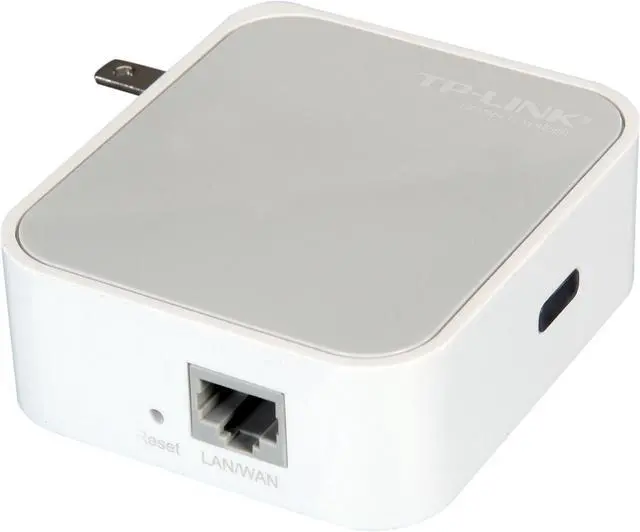
The only drawback, as noted in other reviews, is the ambiguity of the instructions. The user guide is unclear on basic setup steps like connecting the device to a computer via network cable and configuring the IP address manually. True, the guide tells you how to configure the IP address, but it also says you can obtain one automatically. Fact is, you MUST configure it manually.
Did you find this review helpful?
Thanks for the valuable feedback you provided!
landymac
3/20/2012 4:35:16 PM
Tech Level: 3/5
Ownership: 2/5
Verified Owner
Rating: 5/5A must have
Pros: This thing is amazing. The same as Apple Airport at 1/3 of the price.
Cons: None
1 out of 1 people found this review helpful.
Did you?
Thanks for the valuable feedback you provided!
Select a Plan & Save
Repairs & Replacements are costly.
Being covered pays off.
You're Covered
100% Parts & Labor
24/7 Customer Support
Hassle-Free Claims Process
Provided by Service Net A+ rated by Better Business Bureau
Service Express
Repairs or Replacements in 5 days or less or your money back