Skip to: |

Newegg.com - A great place to buy computers, computer parts, electronics, software, accessories, and DVDs online. With great prices, fast shipping, and top-rated customer service - once you know, you Newegg.

If you are reading this message, Please click this link to reload this page.(Do not use your browser's "Refresh" button). Please email us if you're running the latest version of your browser and you still see this message.

Newegg.com - Computer Parts, Laptops, Electronics, HDTVs, Digital Cameras and More!

  • | Wish List
  • Help
Home
Home > 
Computer Hardware > 
Networking > 
Wireless Networking > 
Wireless Routers > 
TP-LINK > 
Item#: N82E16833704150

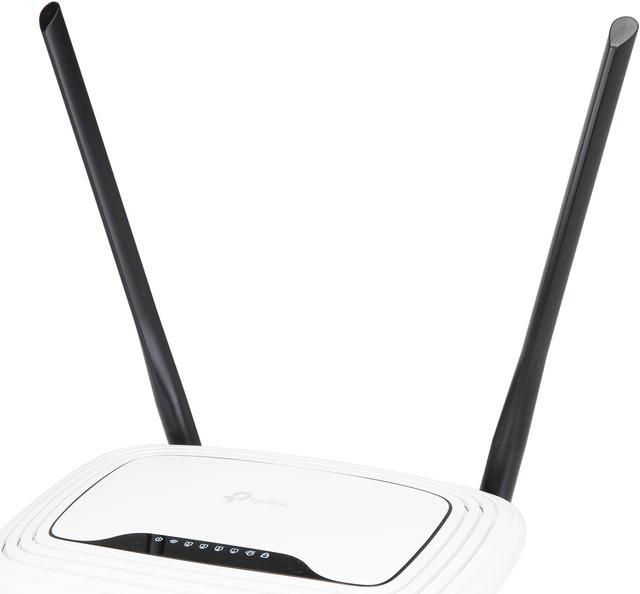
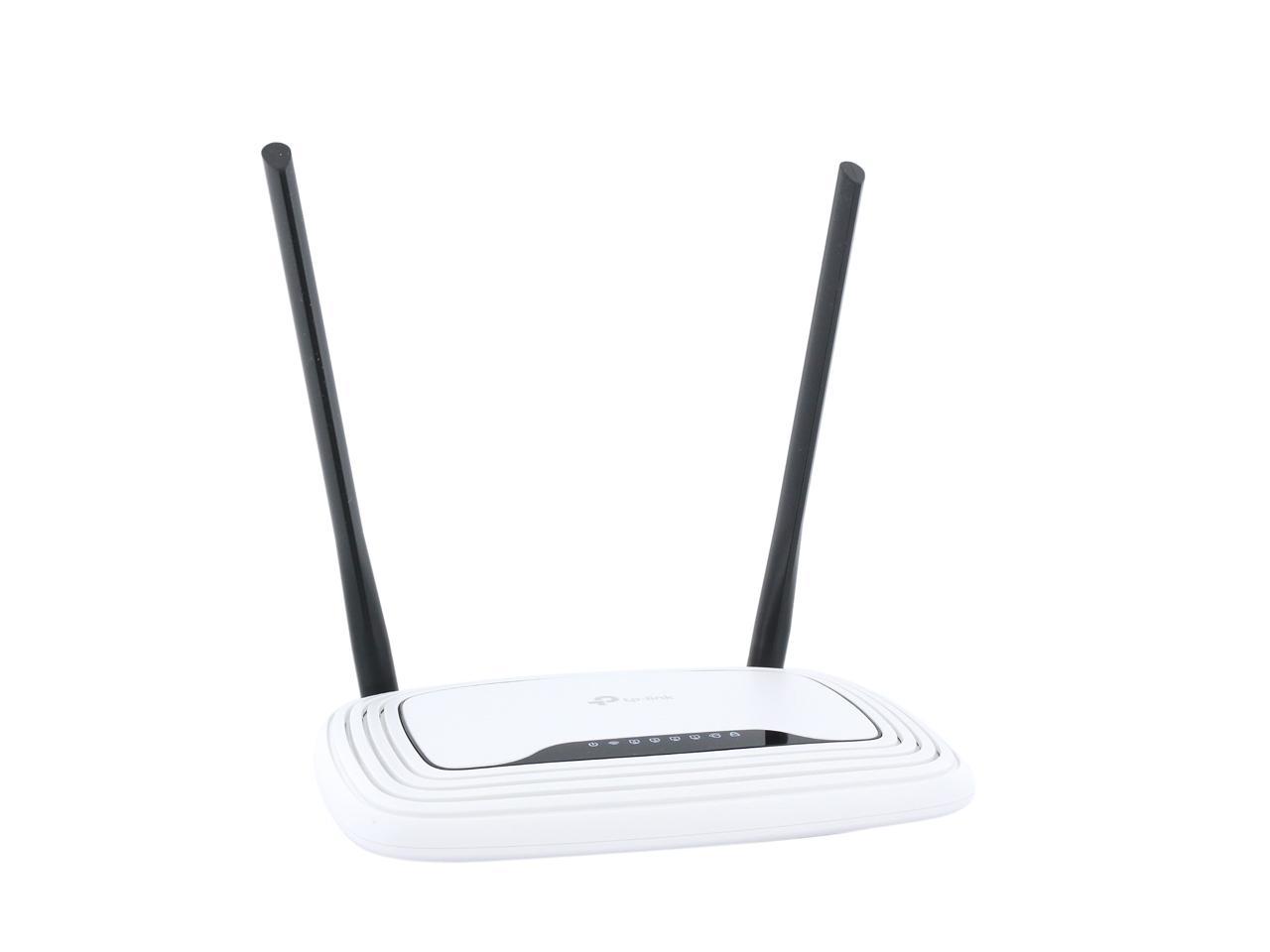
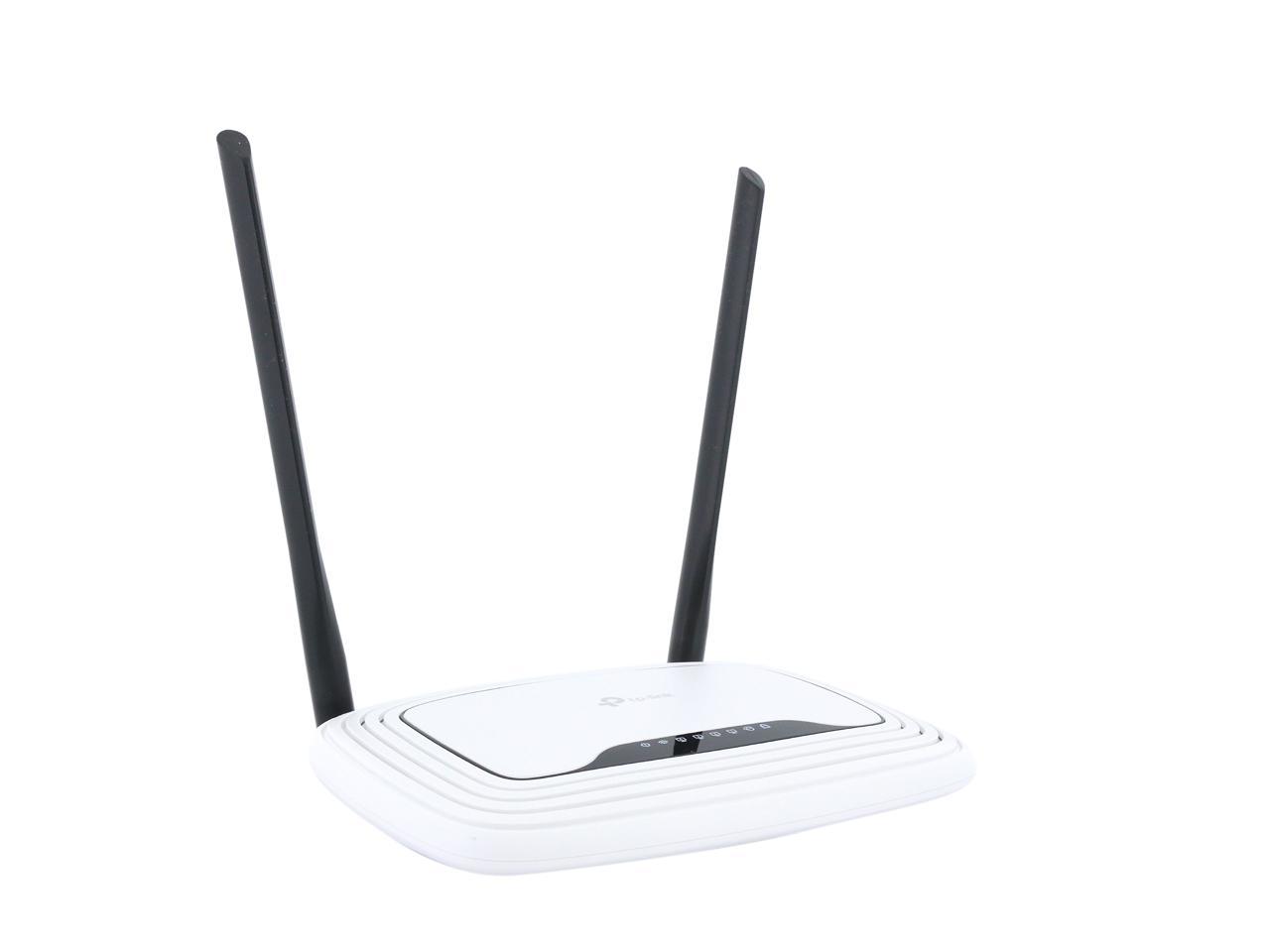
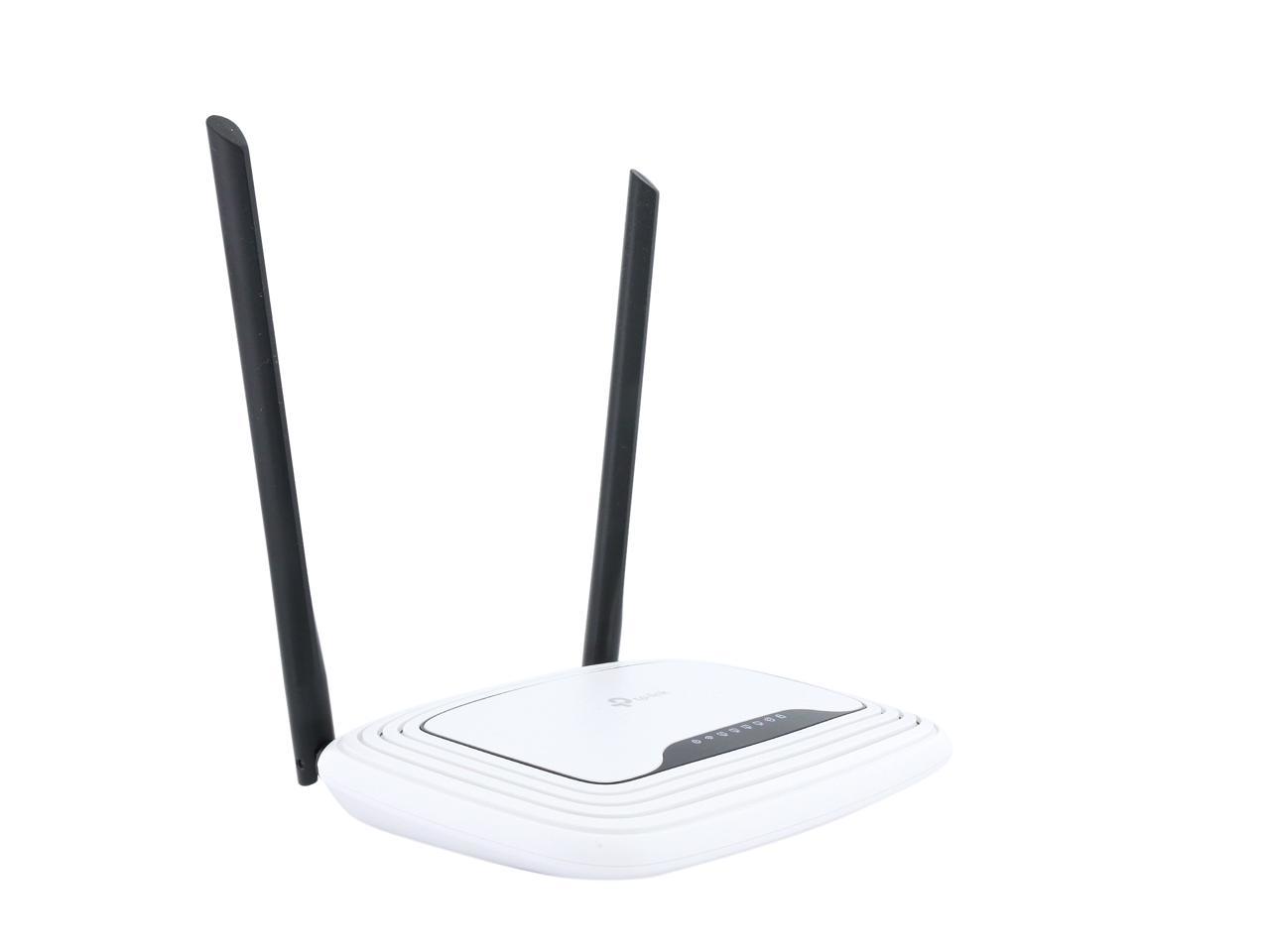
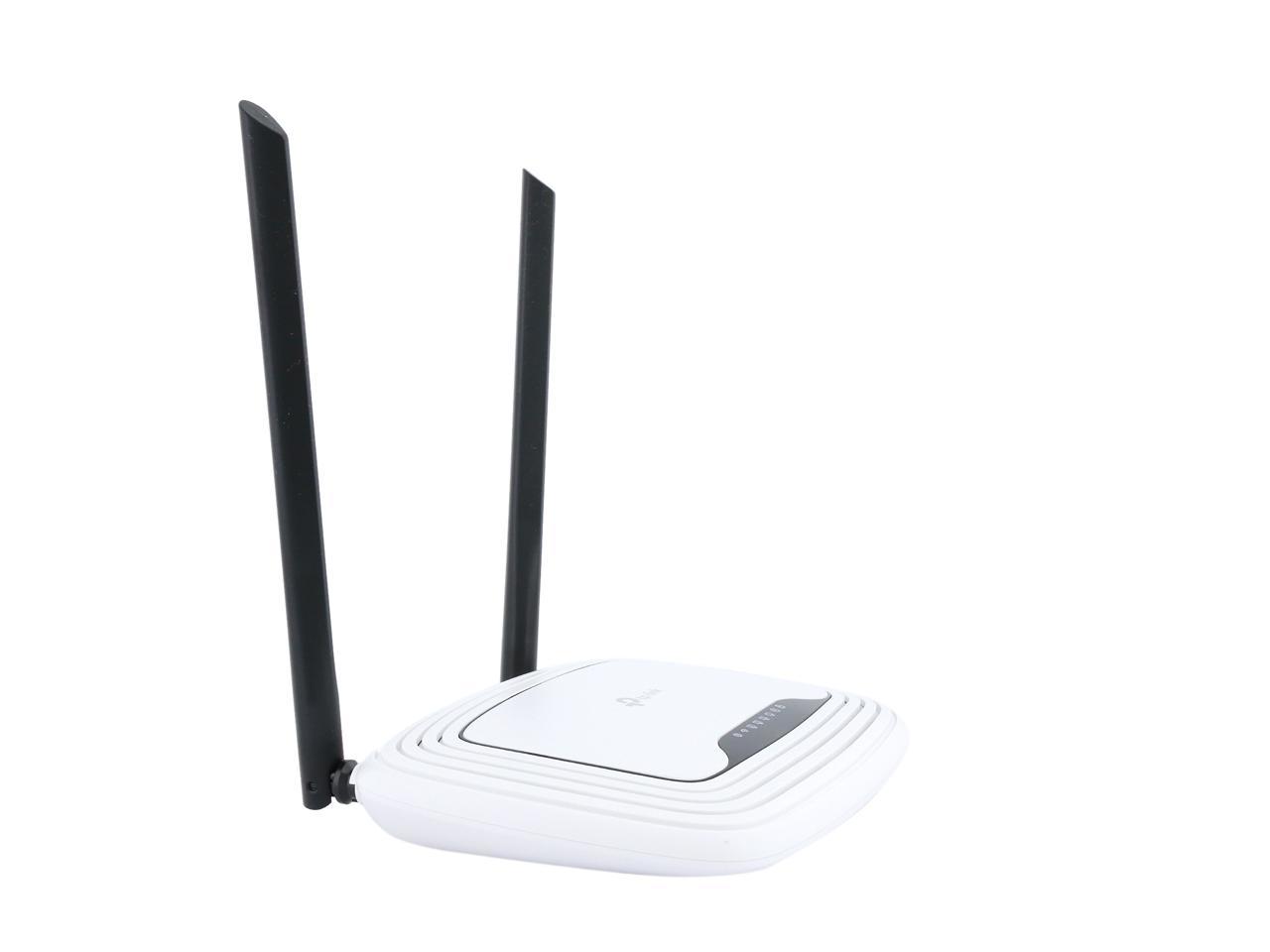
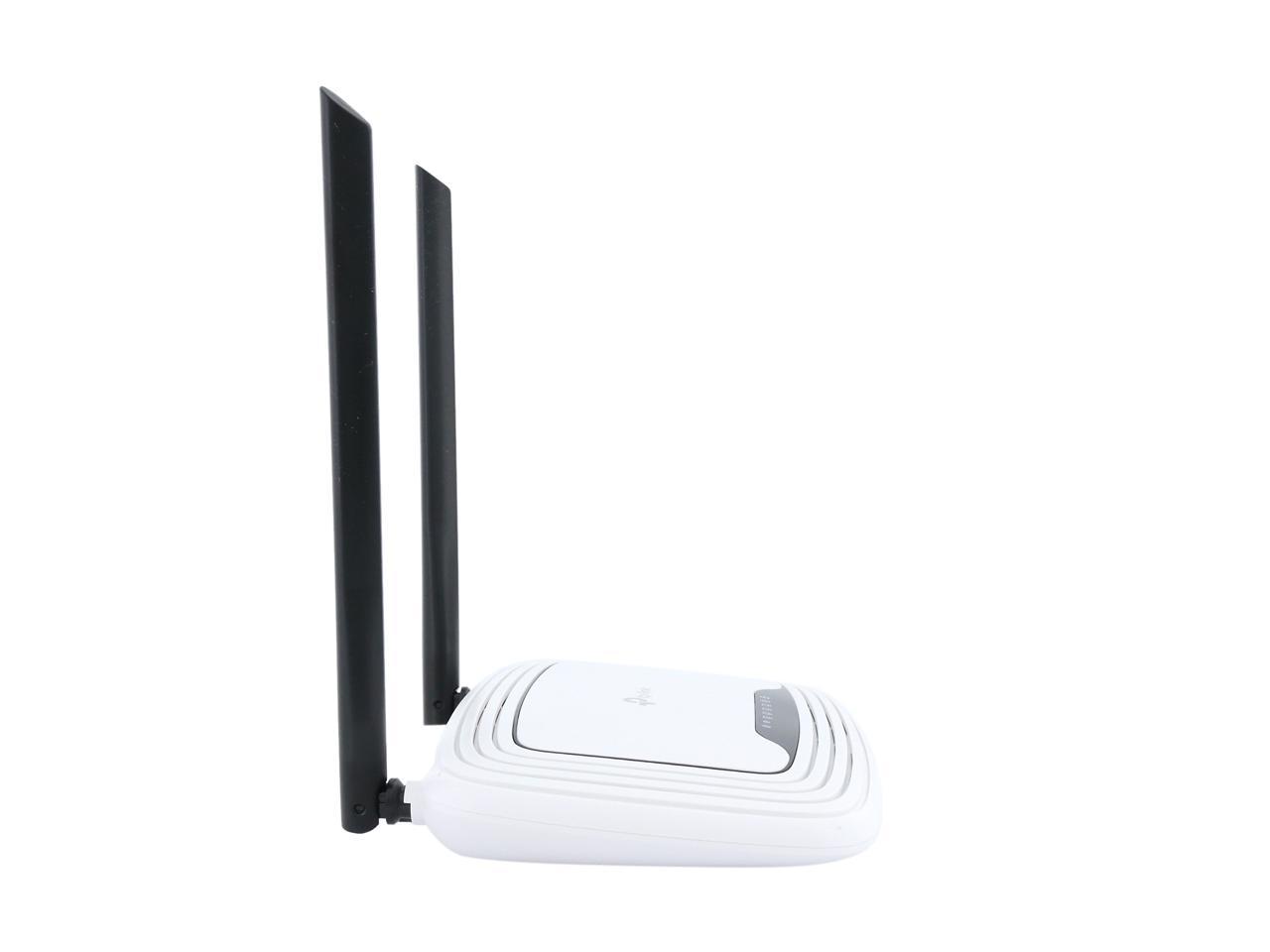
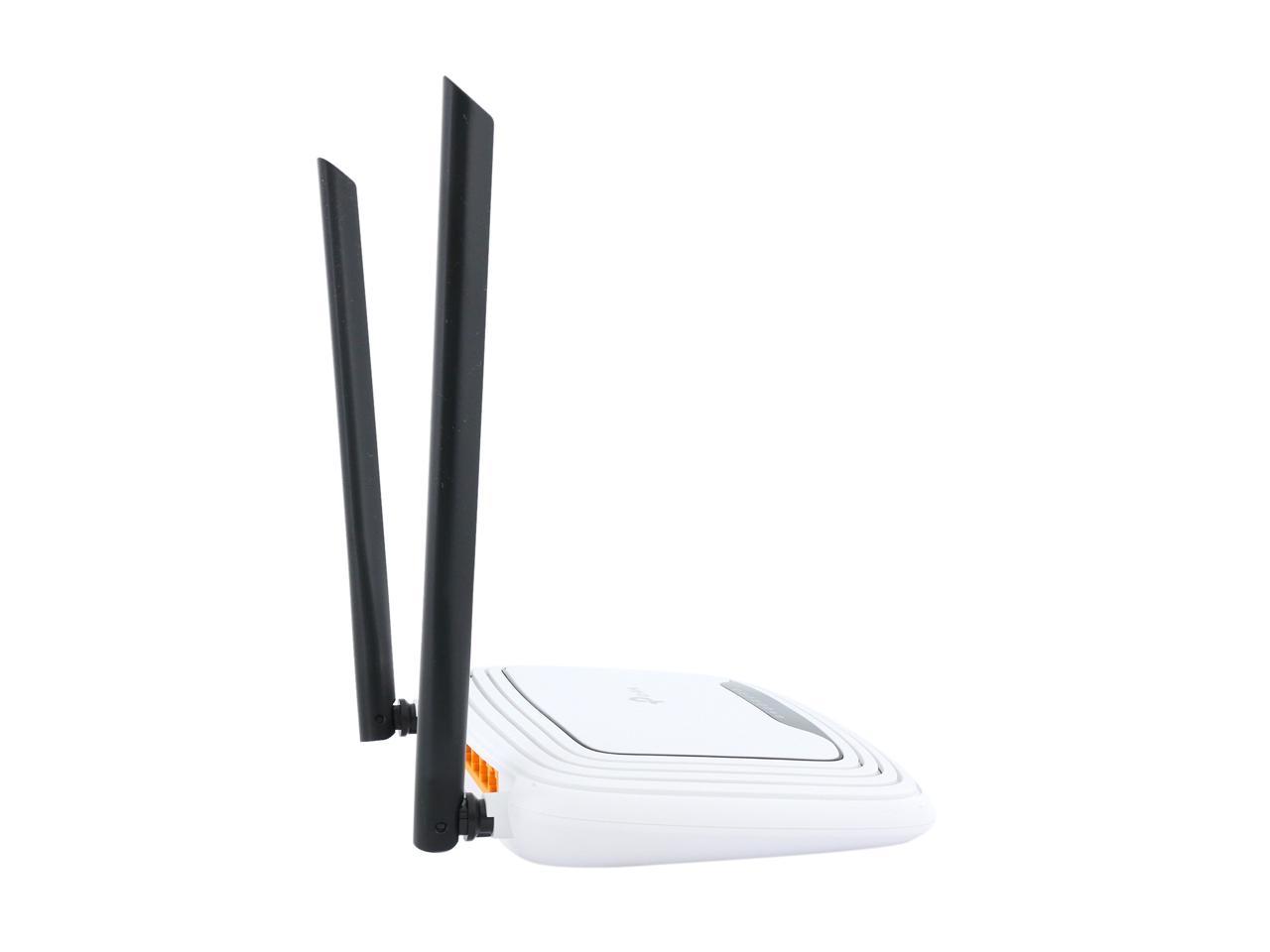
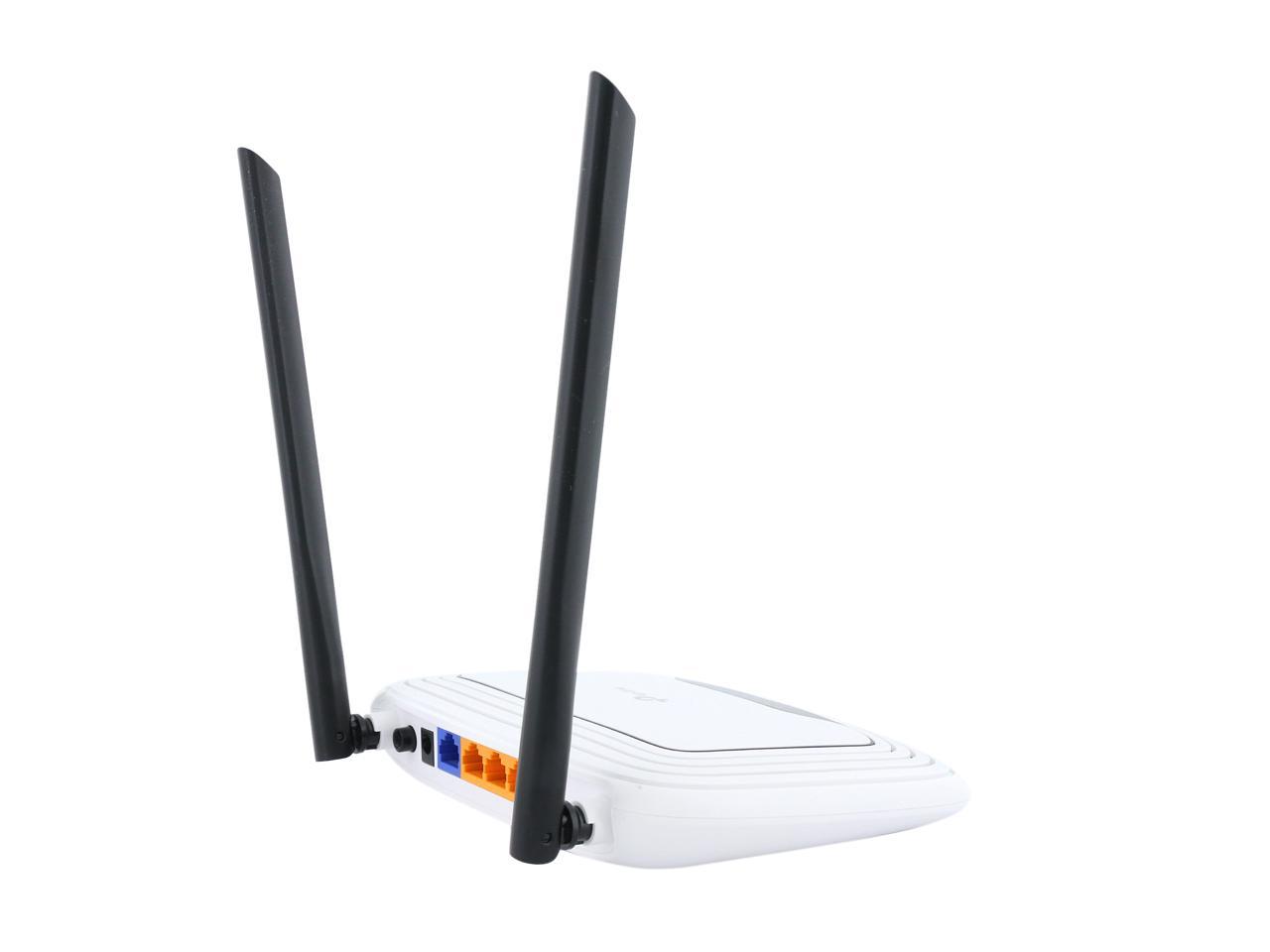
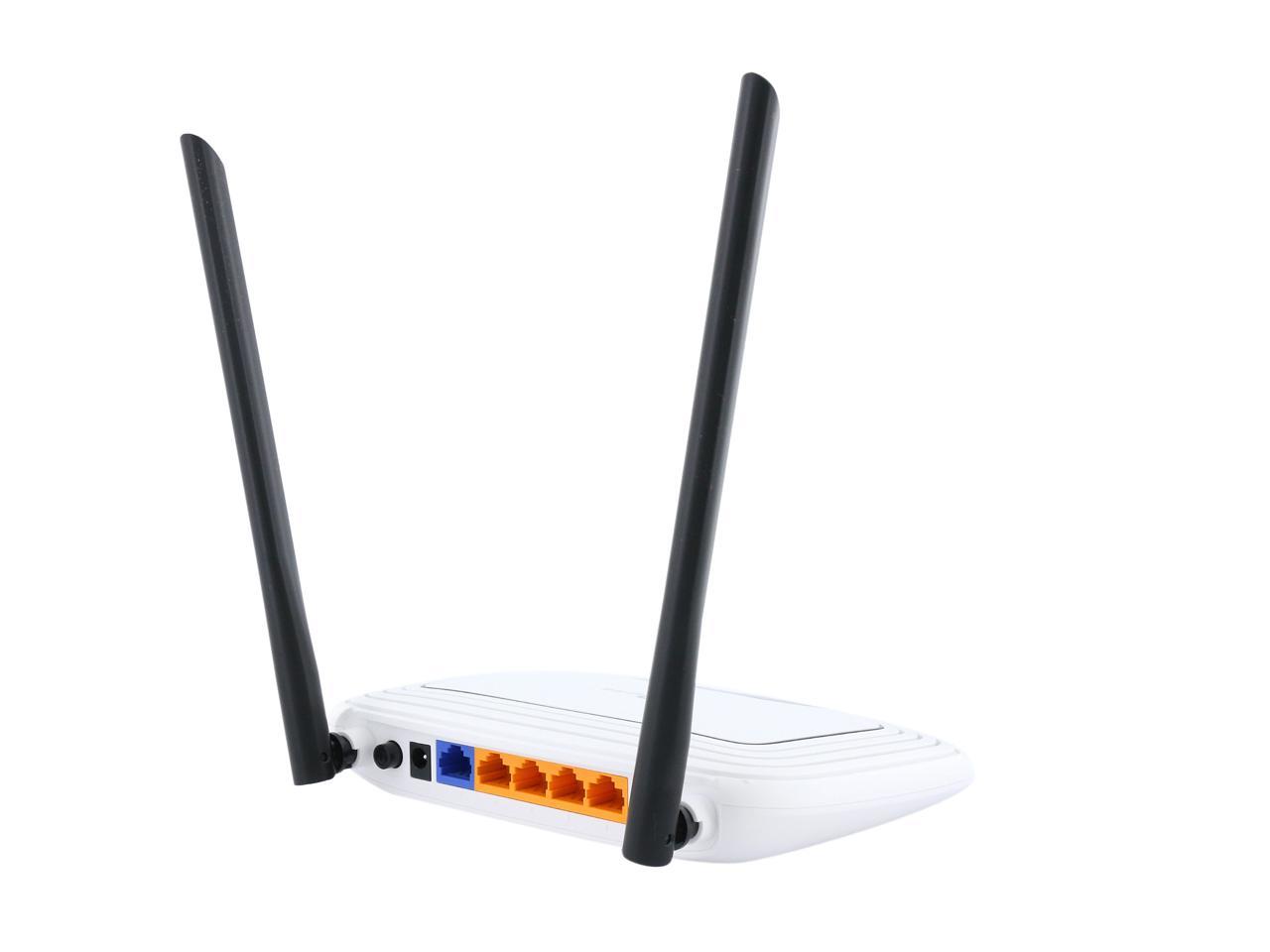
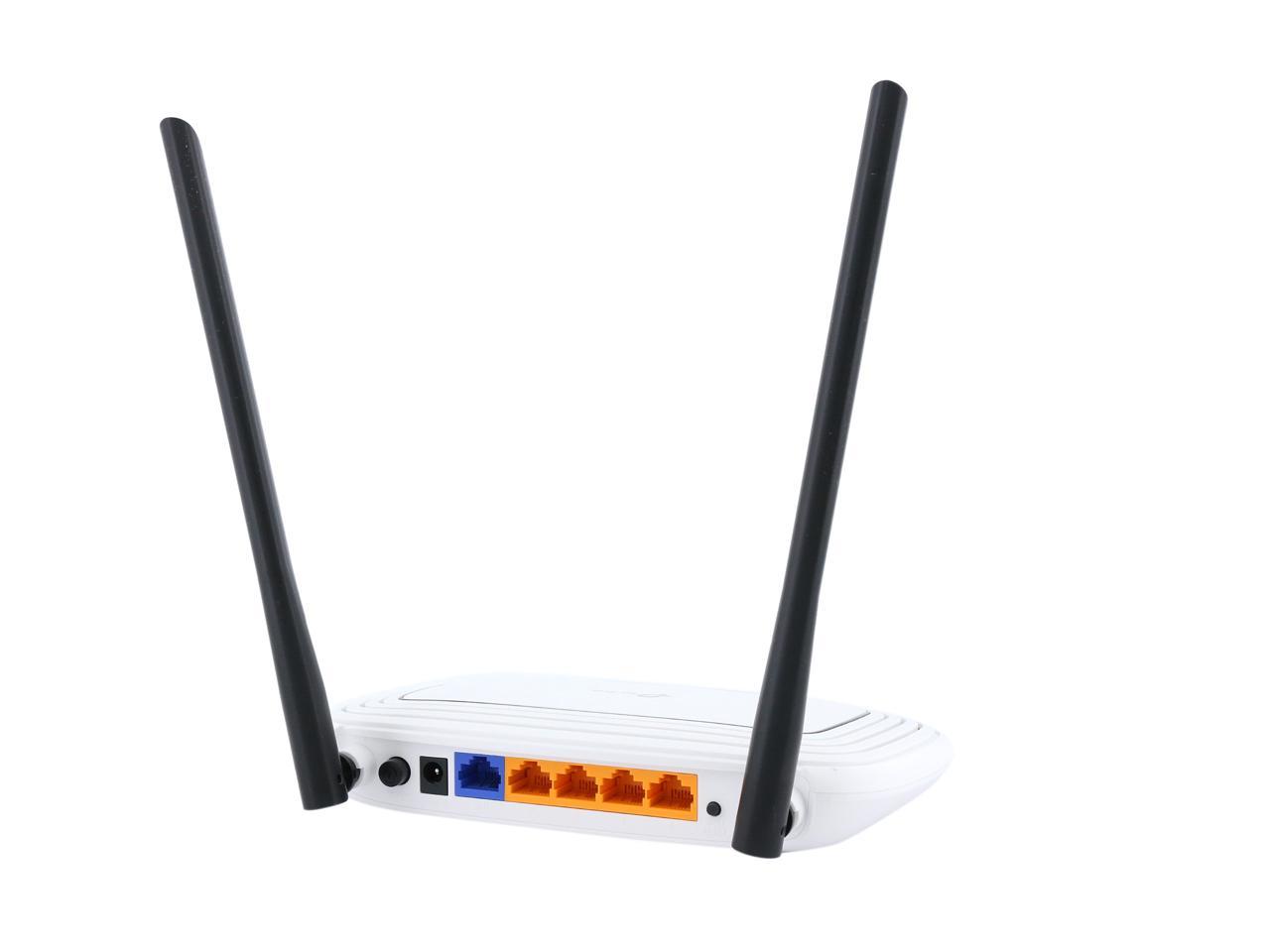
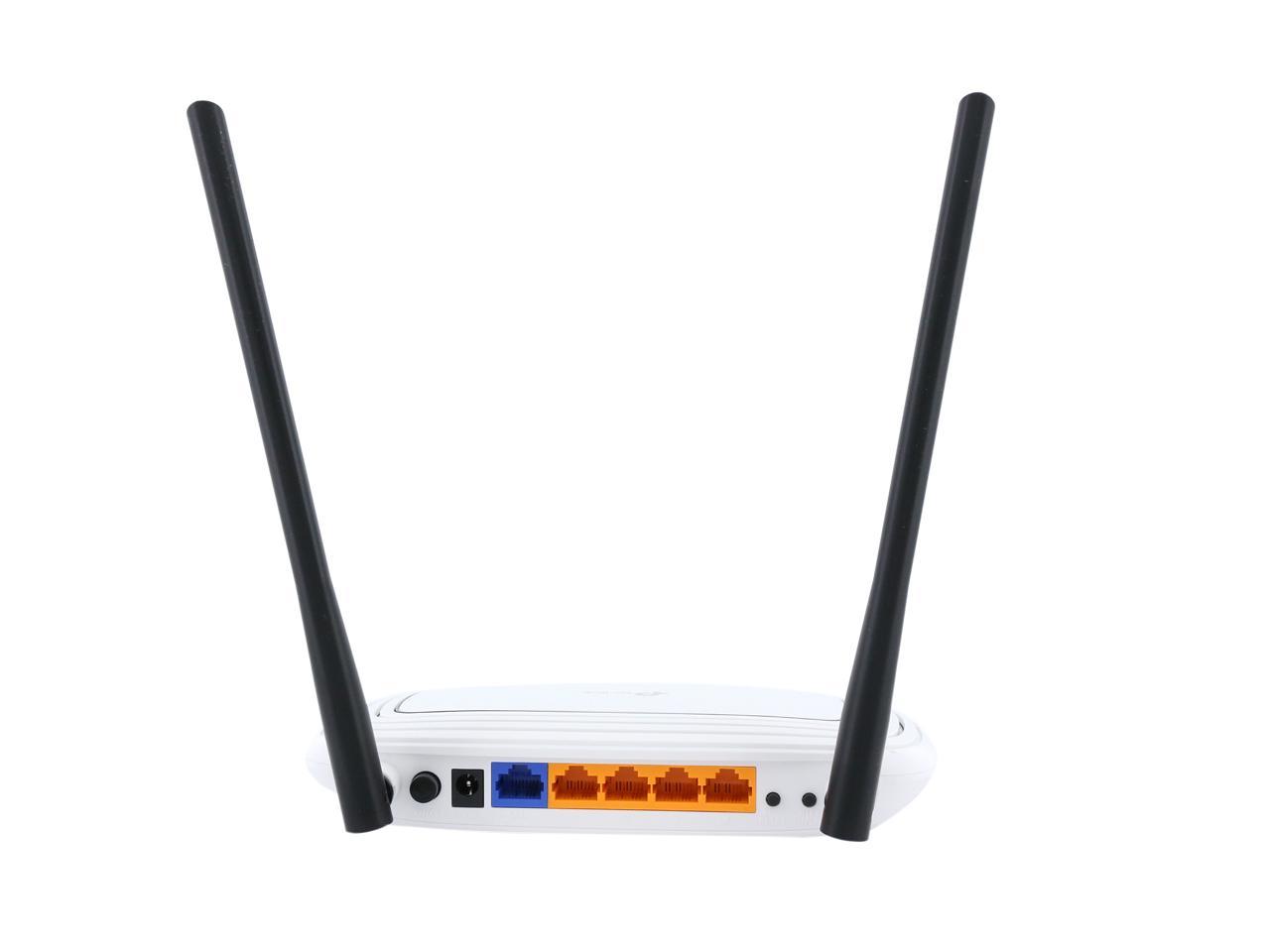
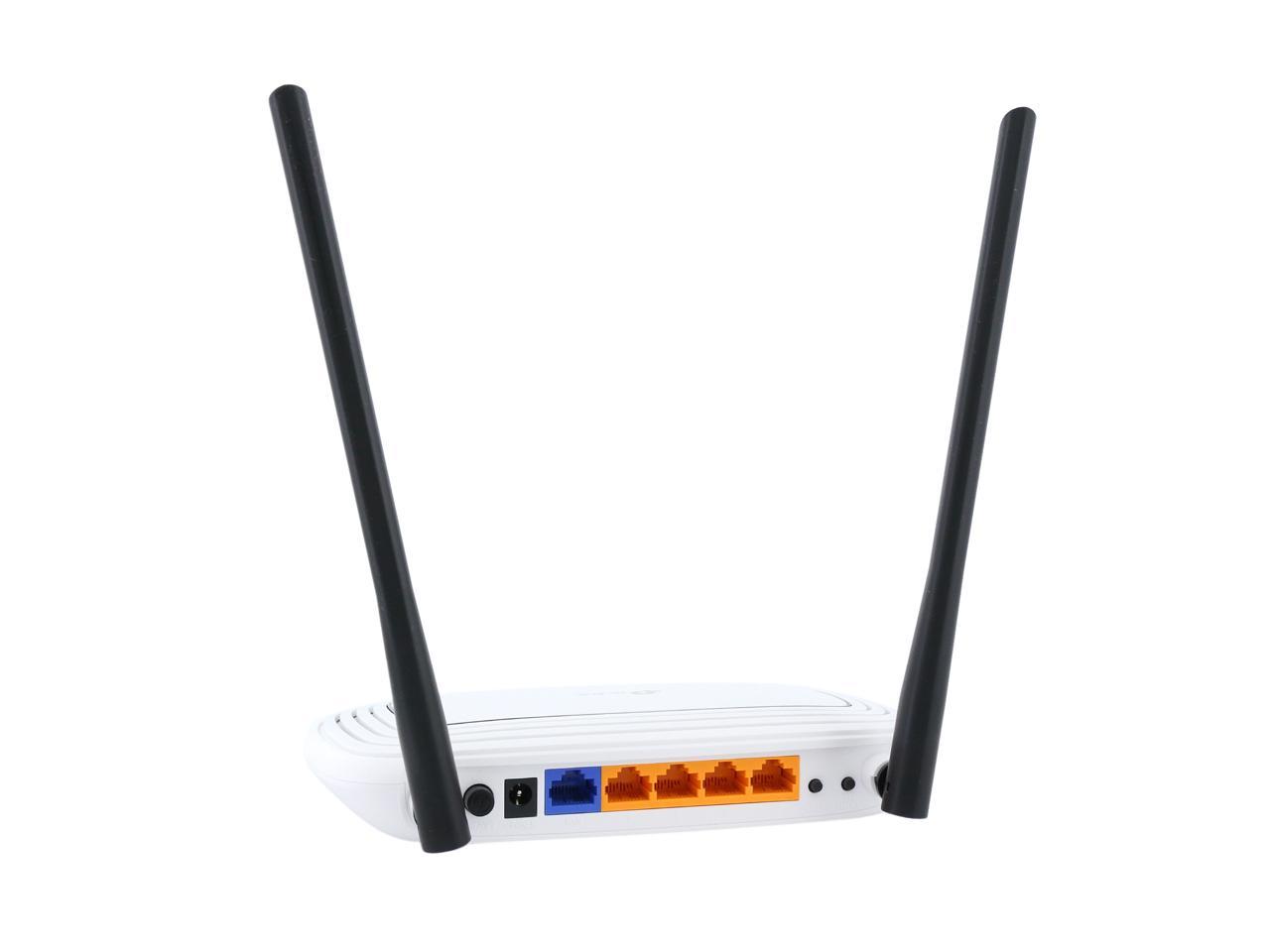
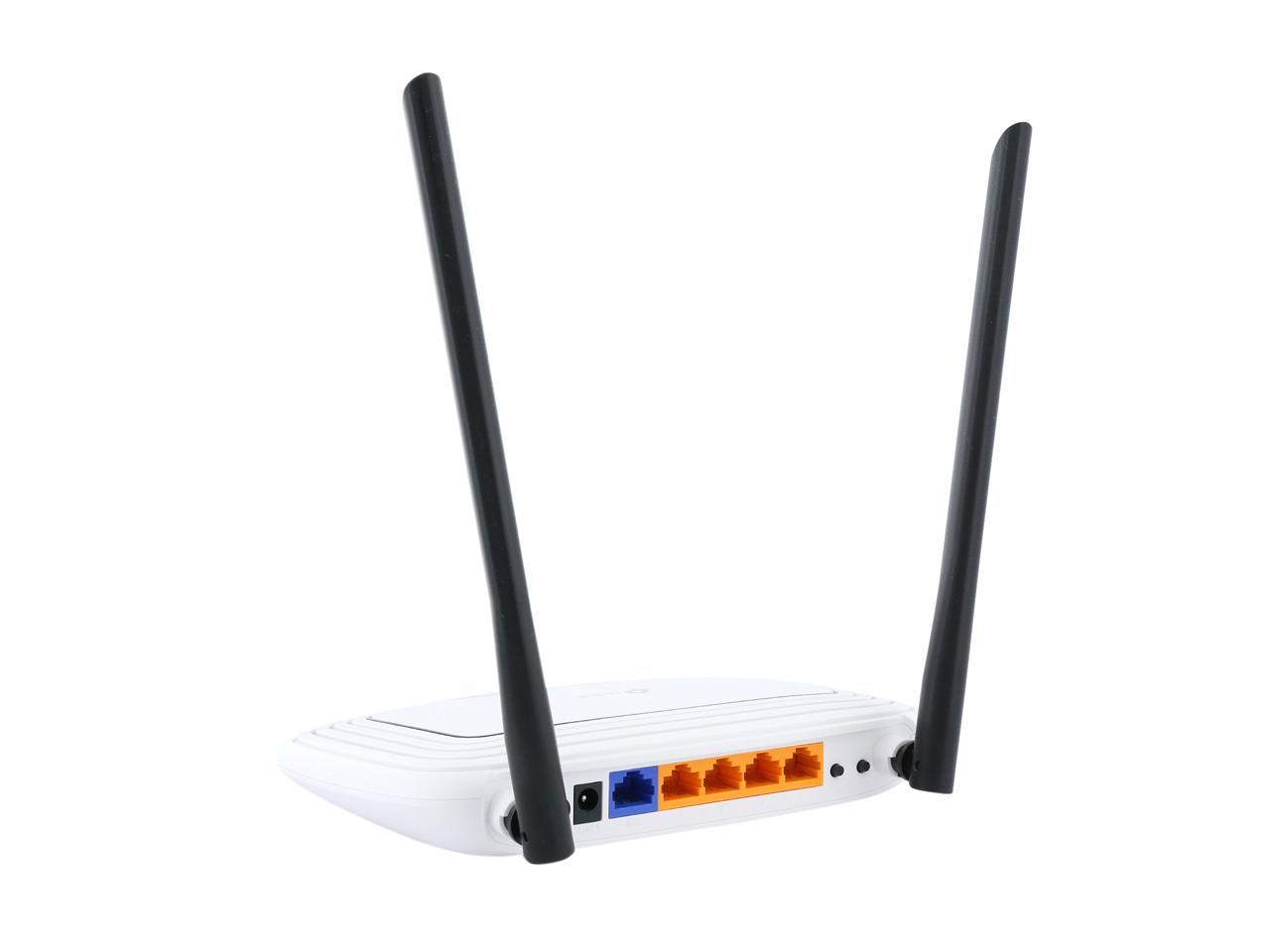
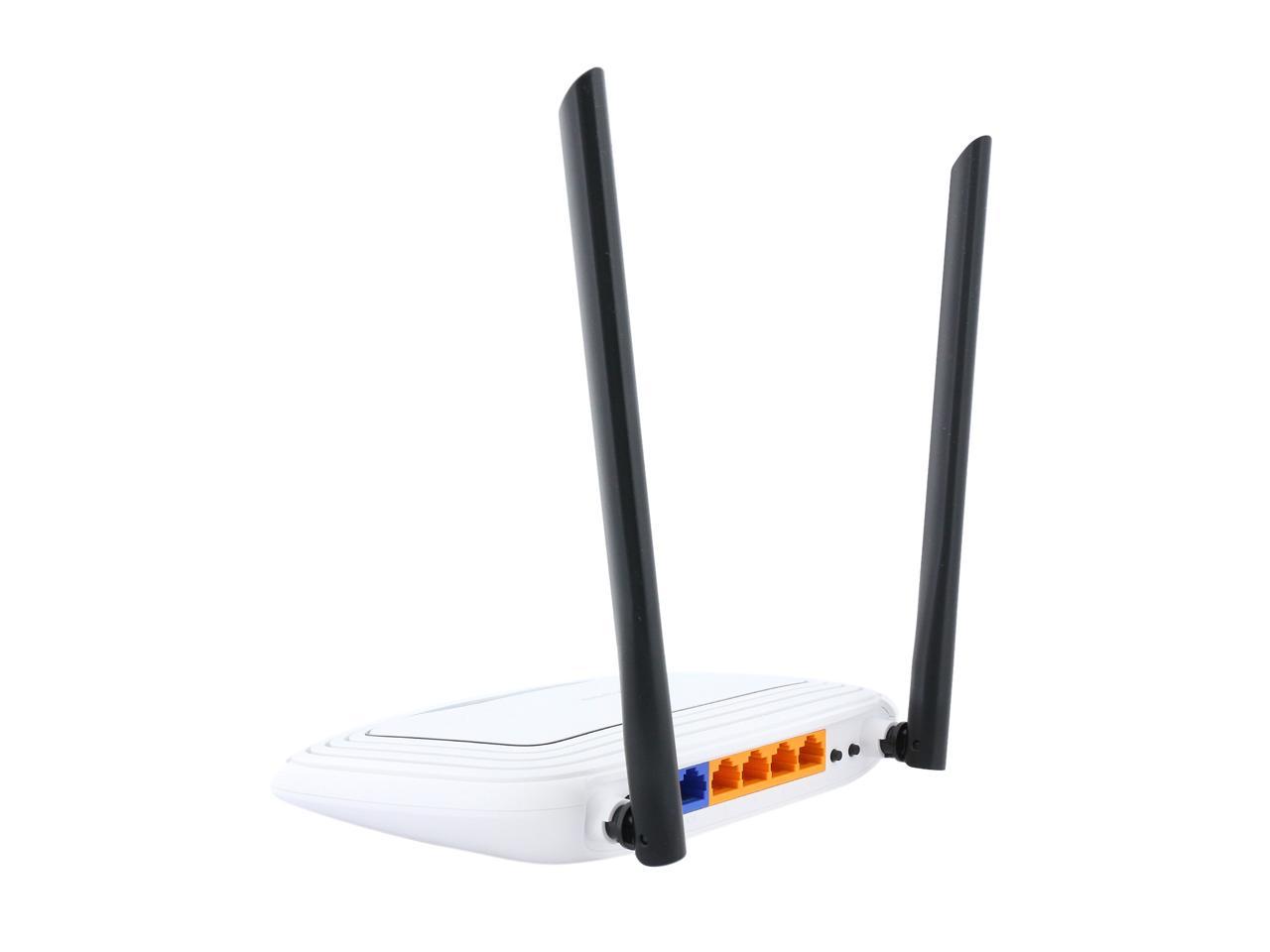
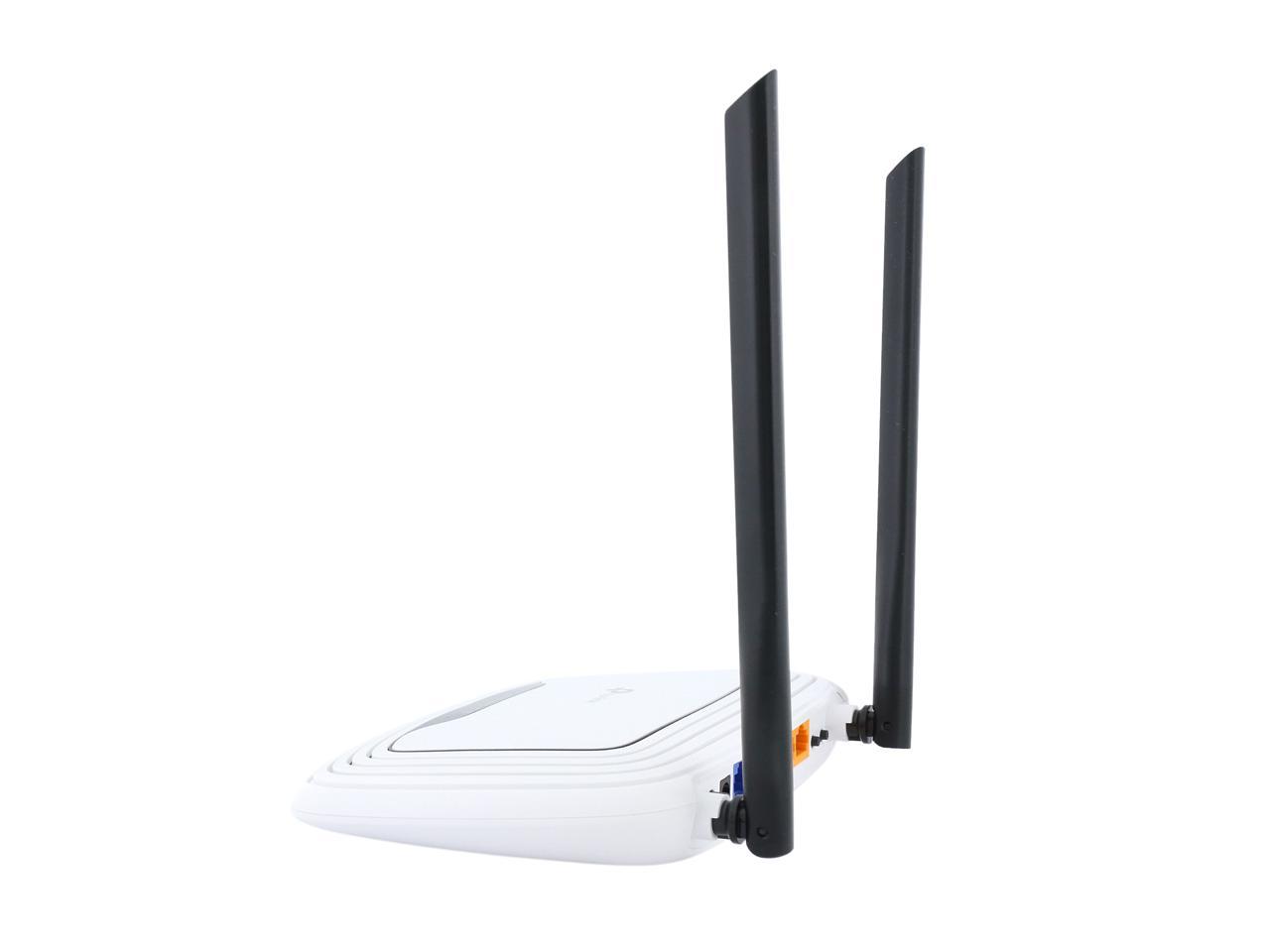
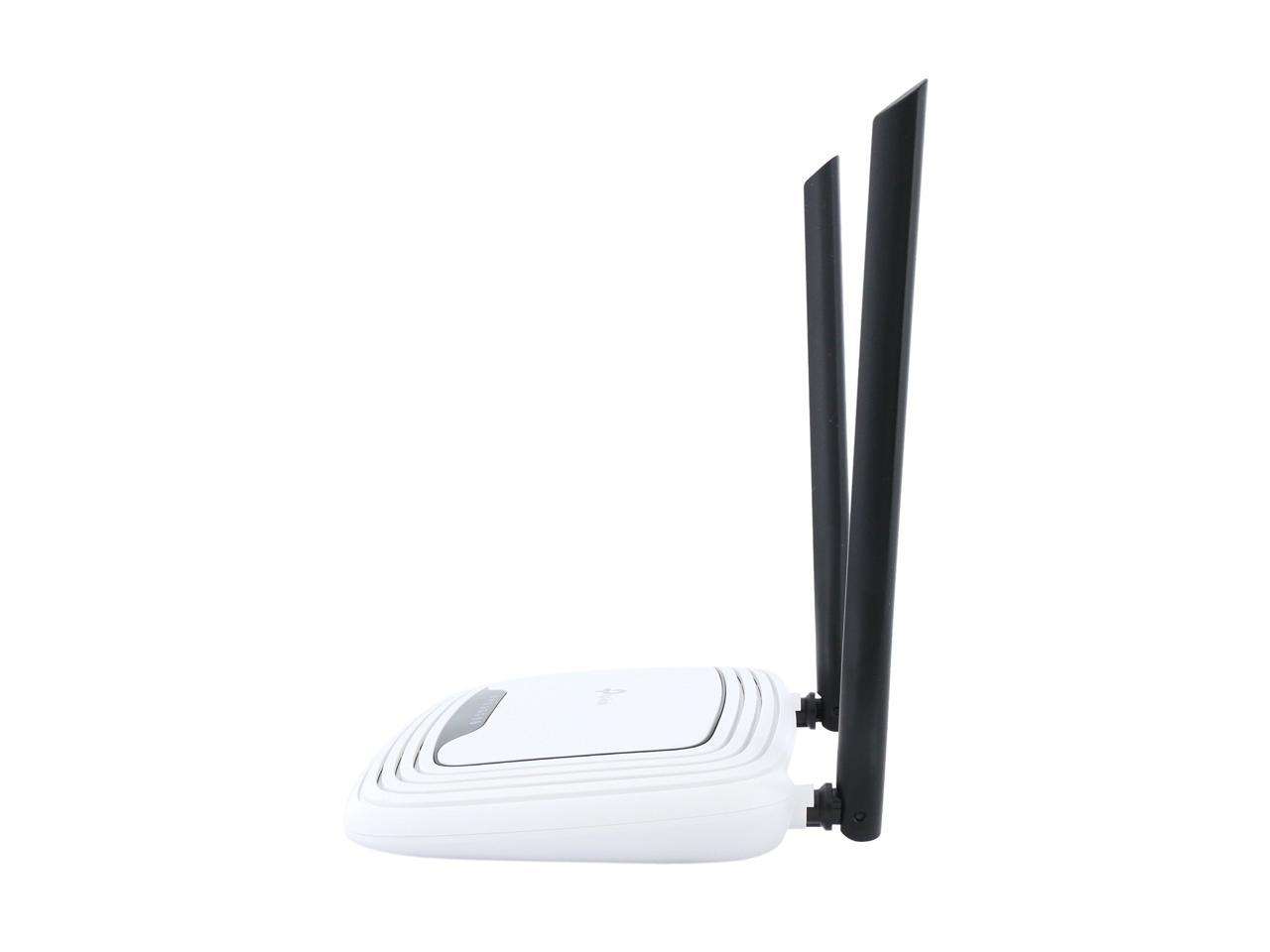
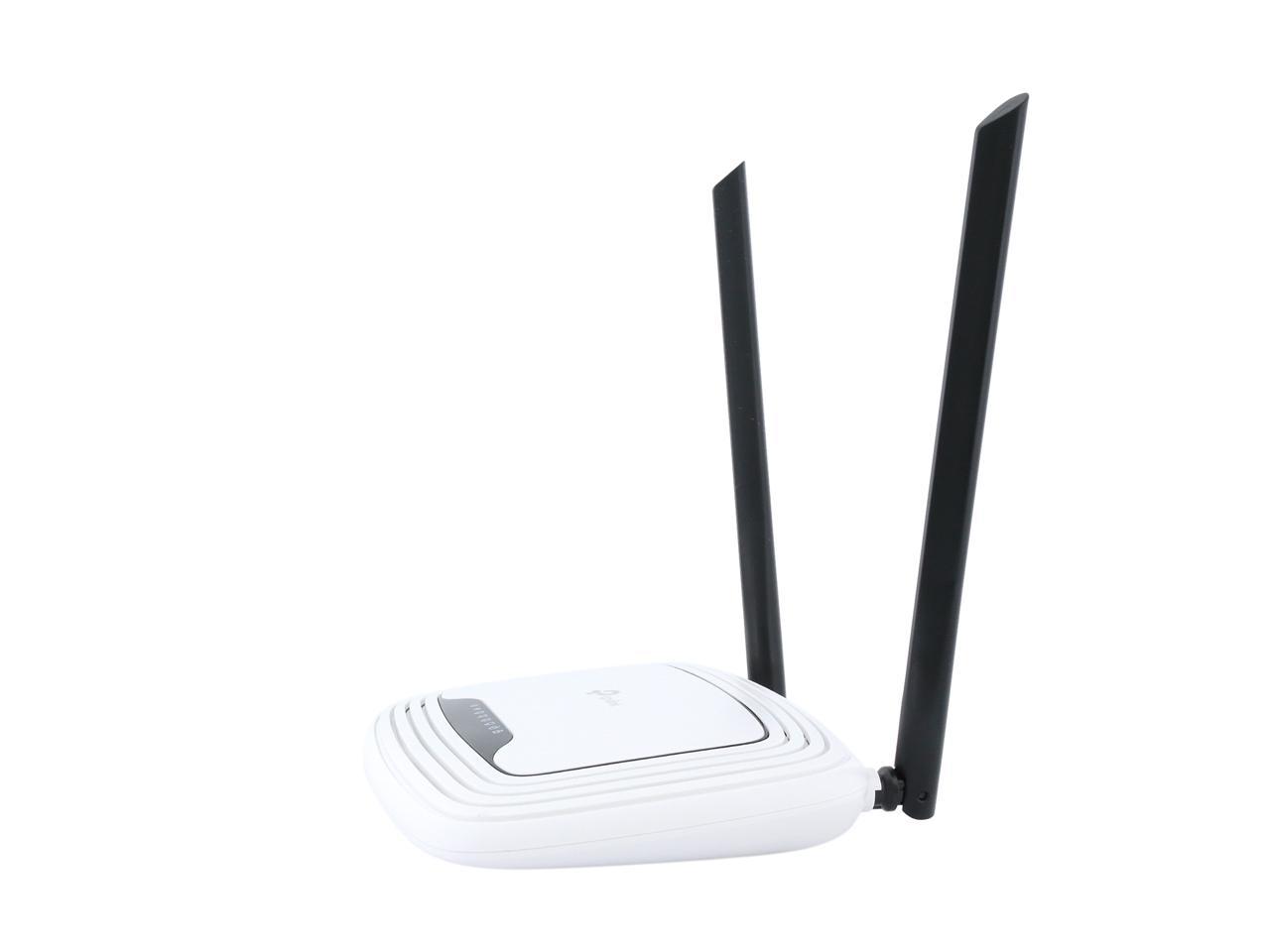
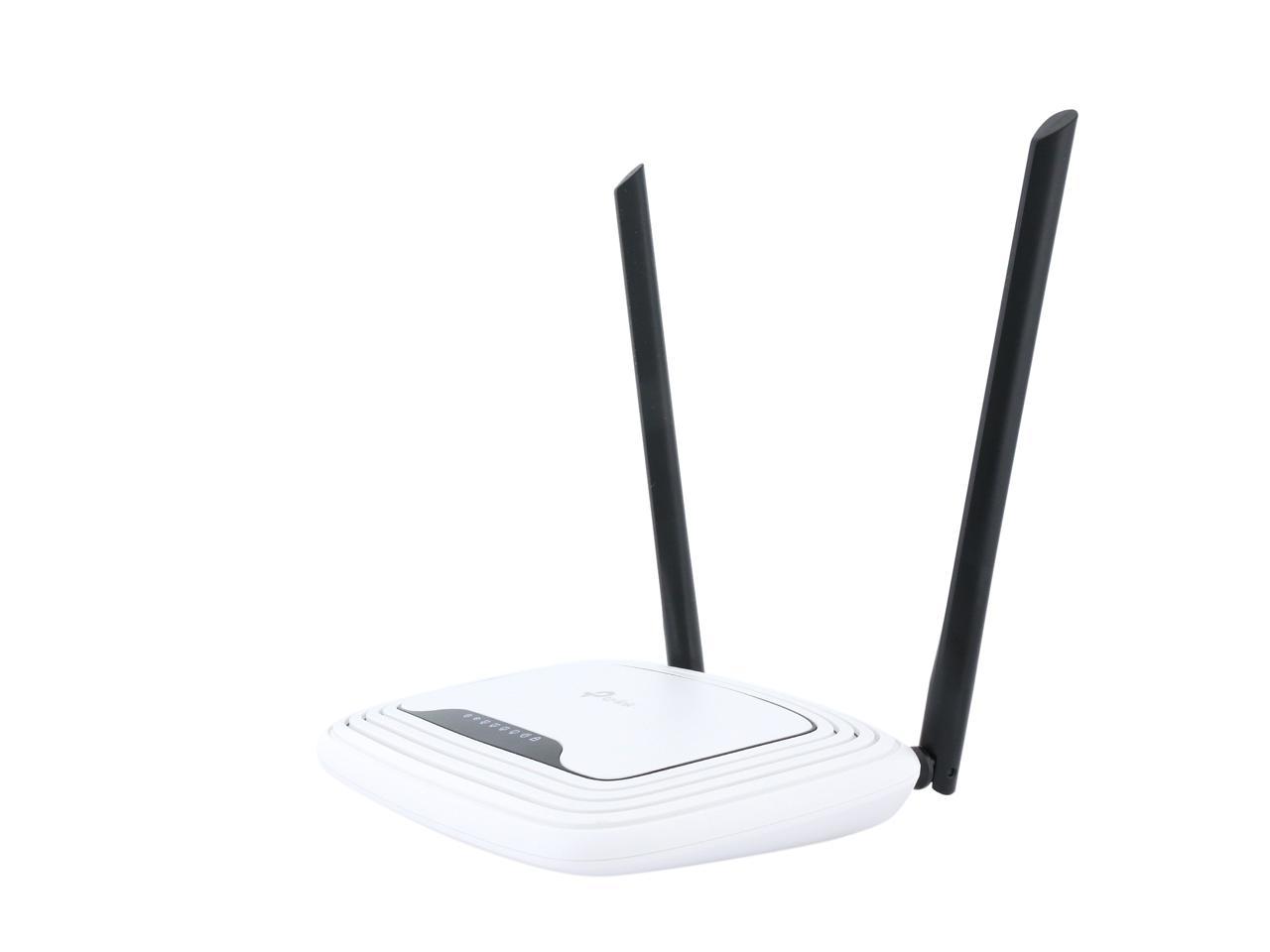
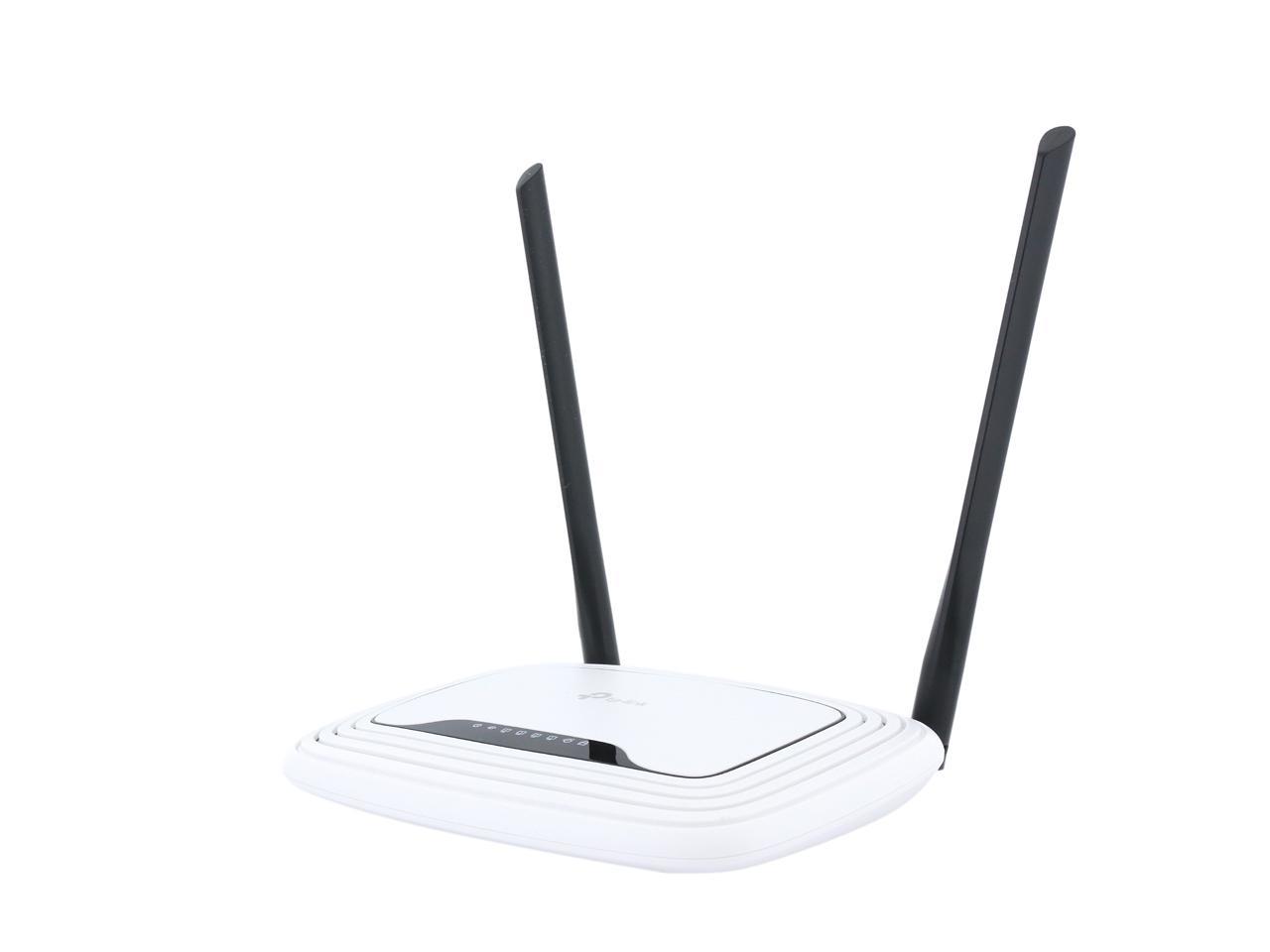
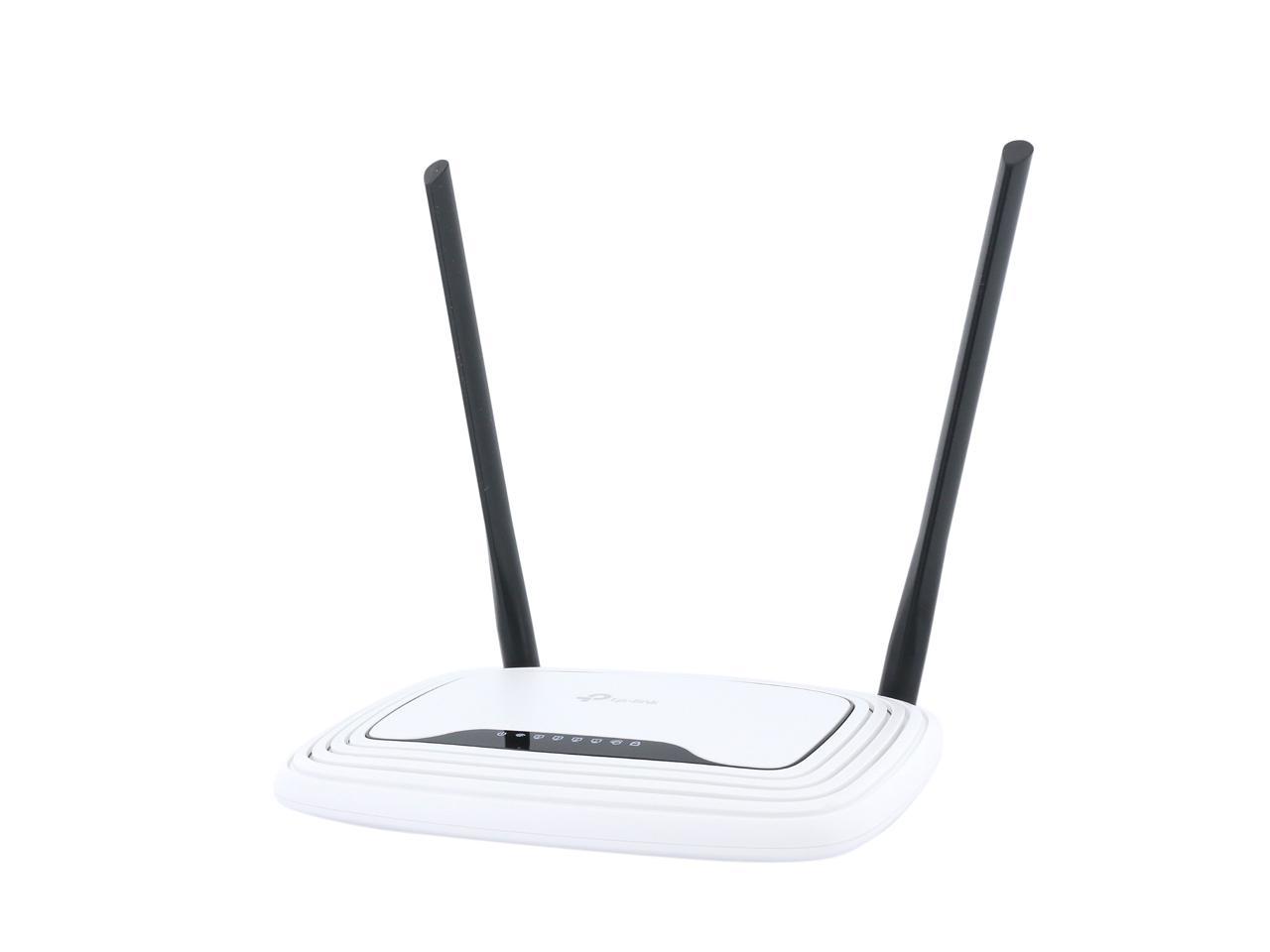
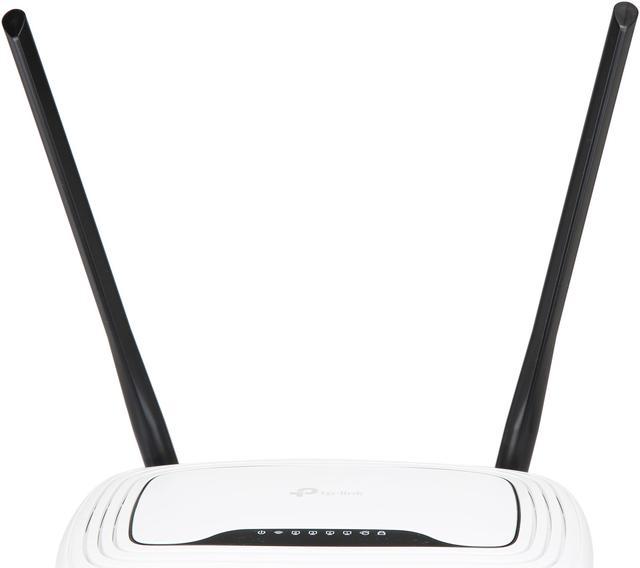
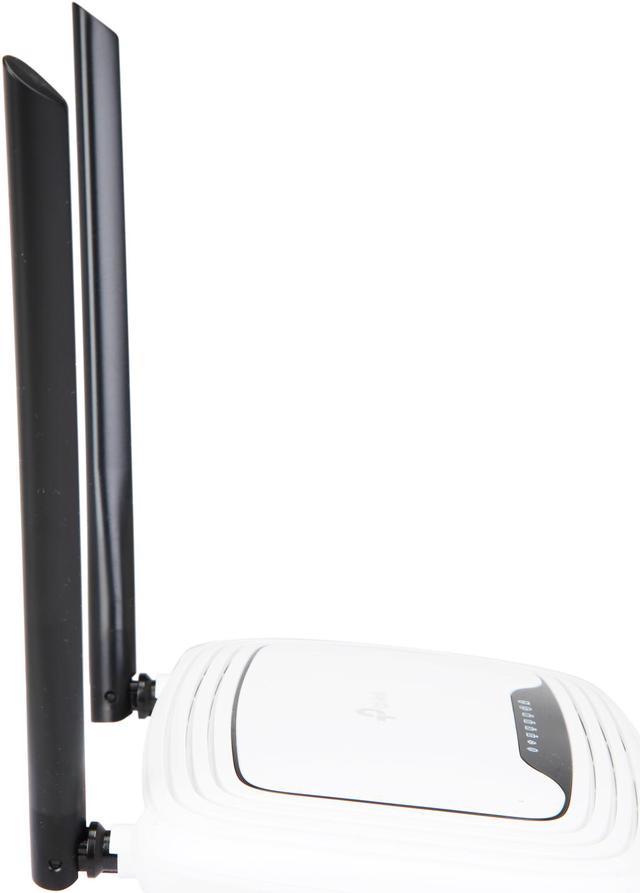
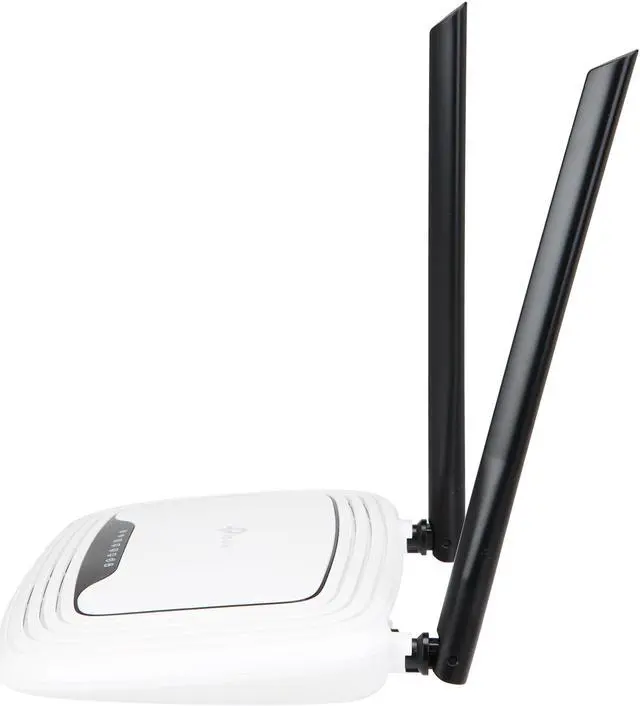
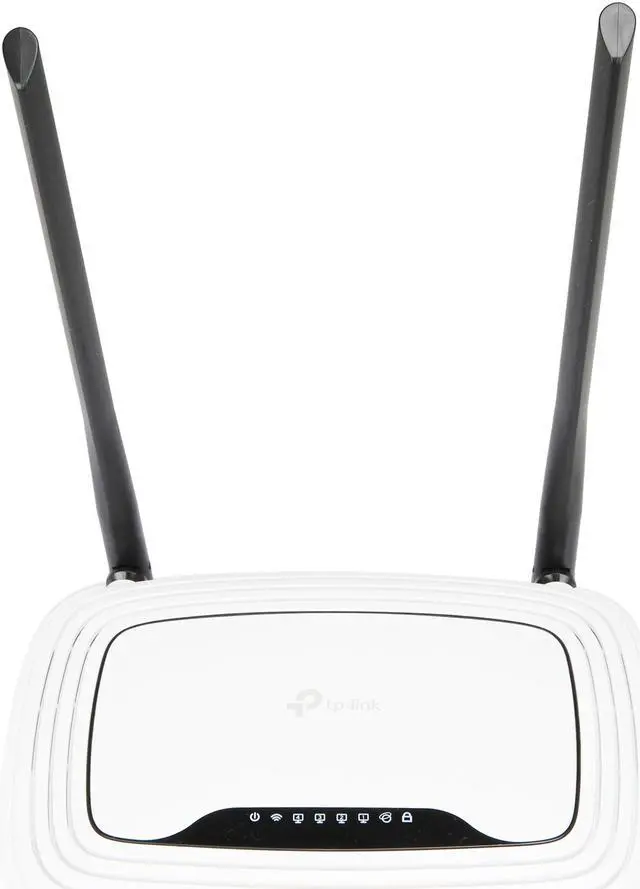
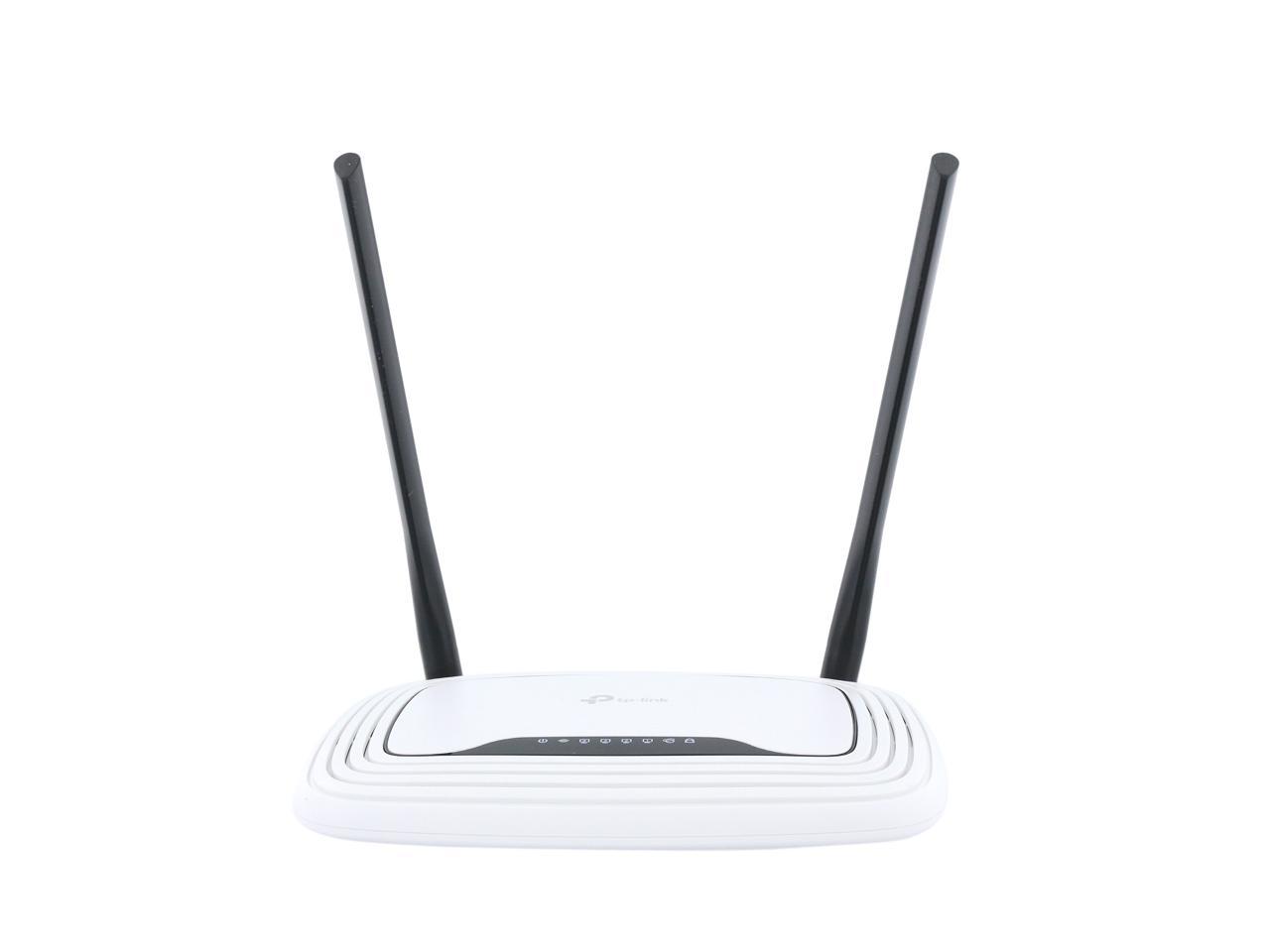
TP-LINK TL-WDR3500 Dual Band Wireless N600 Router, 2.4GHz 300Mbps+5GHz 300Mbps, USB port, IP QoS, Wireless On/Off Switch

  • Simultaneous Dual Band,300+300Mbps
  • USB Storage, Printer, Media Server
  • IP based bandwidth control
  • Wireless On/Off Switch
  • Live Parental Control
  • 2 External antennas
  • WPA/WPA2
  • Windows 8 compatible
  • Pin It
  • Email this page
ICON Loading...


Learn more about the TP-LINK TL-WDR3500

Model

Brand
TP-LINK
Model
TL-WDR3500

Spec

Standards
IEEE 802.3/3u, IEEE 802.11a/b/g/n
Security
64/128-bit WEP,WPA / WPA2,WPA-PSK/ WPA2-PSK encryption
WPA/WPA2
WPA2
Ports
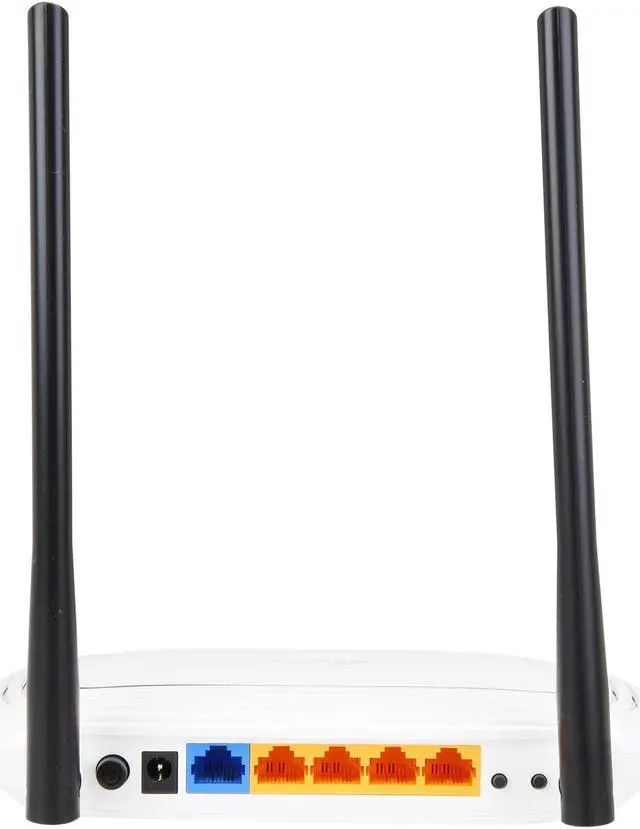
1 x 10/100M WAN; 4 x 10/100M LAN
Buttons
WPS/Reset Button
Wireless On/Off Switch
Power On/Off Button
Wireless Data Rates
Up to 300+300Mbps
Frequency Band
2.4GHz/5GHz
Antenna
2 external detachable dual band antennas (RP-SMA)
Receiver Sensitivity
270M_2.4G: -70dBm
195M_2.4G: -71dBm
130M_2.4G: -74dBm
54M_2.4G: -79dBm
6M_2.4G: -94dBm
270M_5G: -67dBm
195M_5G: -70dBm
130M_5G: -73dBm
54M_5G: -79dBm
6M_5G: -92dBm
Interface
USB 2.0
VPN support
PPTP, L2TP, IPSec
Power Adapter
12VDC / 1.0A
Wireless Adapter included
No
Dimensions
8.9" x 5.5" x 1.3"
Temperature
0°C - 40°C (32°F - 104°F)
Humidity
10% - 90%, Non-Condensing

Features

Features
Simultaneous 2.4GHz 300Mbps and 5GHz 300Mbps connections for 600Mbps of total available bandwidth

1 USB Port - Easily share printers, files or media with your friends or family locally or over the internet

WAN Type: Dynamic IP/Static IP/PPPoE/PPTP (Dual Access)/L2TP (Dual Access)/BigPond

DHCP: Server, Client, DHCP Client List,Address Reservation

Quality of Service: WMM, Bandwidth Control

Port Forwarding: Virtual Server, Port Triggering, UPnP, DMZ

Dynamic DNS: DynDns, Comexe, NO-IP

Access Control: Parental Control, Local Management Control, Host List, Access Schedule, Rule Management

Firewall Security:
DoS, SPI Firewall
IP Address Filter/MAC Address Filter/Domain Filter
IP and MAC Address Binding

USB Sharing: Support Samba(Storage)/FTP Server/Media Server/Printer Server

Management:
Management Access Control
Local Management
Remote Management

System Requirements: Microsoft Windows 98SE, NT, 2000, XP, Vista or Windows 7, MAC OS, NetWare, UNIX or Linux.

Packaging

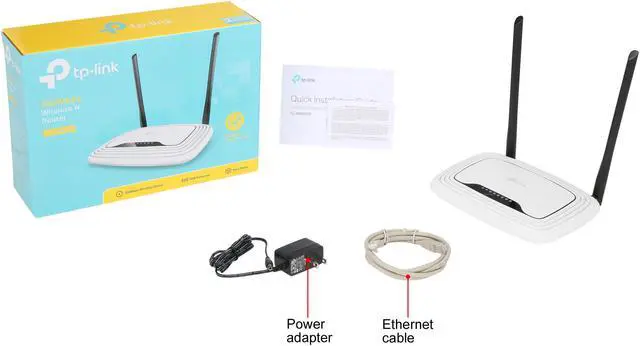
Package Contents
TL-WDR3500
2 detachable dual band antennas
Power supply unit
Resource CD
Quick Installation Guide

Quick Info

Warranty

  • Limited Warranty period (parts): 1 year
  • Limited Warranty period (labor): 1 year


Customer Reviews of the TP-LINK TL-WDR3500

Do you own this product? Write a Review

Filter Results

Go
  • N/A
  • 4/6/2013 8:09:51 PM
  • Tech Level: Somewhat High
  • Ownership: 1 day to 1 week
  • Verified Owner

2 out of 5 eggsBe weary

Pros: Decent price for a dual band

Cons: For whatever reason, a netbook of mine will not pick it up and my other devices are only able to recognize one of the bands at a time. Ive look into the other reviews and noticed the firmware update available. After downloading the update, when I try to run it, it is not an executable file and I have no way of knowing how to make it (.bin file) work. So, I called the tp-link tech support to try and get some help. In the end I hung up on them because I CANNOT UNDERSTAND THE OUTSOURCED EMPLOYEES THEY KEEP ON HAND. The forums are of no help either. I how you reply to this with more insight on how to make your stuff work properly

Other Thoughts: Its a risk buying this. Do it at your own risk

Manufacturer Response:

Dear customer,
We apologize for any inconvenience caused by the router.

For the wireless issue, only DUAL BAND wireless devices can recognize and connect to the 5GHz wireless network.
For example new laptops that support IEEE802.11 ABGN or cell phones like iPhone 5.
Old devices may not be able to support 5GHz wireless, such as iPhone 4S.

To upgrade the router, we need to access the device managment page, go to System Tools --> Firmware Upgrade to upgrade the bin file.

If you need further info, please feel free to contact me. So that we will have our senior US-based engineer call you back.

howard.he@tp-link.com

We really hope that you will check out TP-Link products in the future and we encourage you to reach out to us if you are having any further issues.

Best Regards!
TP-LINK Support Team
support@tp-link.com
(866) 225-8139
http://www.tp-link.com/us/support
http://www.facebook.com/TPLINK

0 out of 2 people found this review helpful. Did you? Yes No

  • N/A
  • 2/22/2013 2:18:54 PM
  • Tech Level: Average
  • Ownership: 1 week to 1 month
  • Verified Owner

5 out of 5 eggsGreat product

Pros: Works good strong signal all around the house.

Cons: none that i can find yet.

Did you find this review helpful? Yes No

  • jfitzi33
  • 2/19/2013 6:41:46 PM
  • Tech Level: High
  • Ownership: 1 day to 1 week
  • Verified Owner

1 out of 5 eggsLook Elsewhere

Pros: 1. It's cheap.
2. Dual Band.
3. Others seem to have had better luck

Cons: Worked for 2 days. Locked up the 3rd. Then almost every day after that. As in it wouldn't even respond to pings, or able to login locked up. A power cycle and it would be back for a few hours. Tried a reset to factory defaults but same issues. Went back to my old Zyxel with no issues and sent this one back for RMA. Spend the extra money and get a better Buffalo or Linksys dual band router.

Other Thoughts: As others have mentioned, when you set ip reservations you only get IP and MAC. There is no custom field to enter a name associated with the IP and MAC. This is the case with all fields involving ip addresses and MAC. What kind of router doesn't allow for comments?! Also, this router is not compatible with DDWRT just FYI.

Manufacturer Response:

Hello Jfitzi,

We are sad to see that this device didn't work for you. We have released a new firmware last month that tries to fix and address most of these issues:
http://www.tp-link.com/us/support/download/?model=TL-WDR3500&version=V1#tbl_j

We understand your concern with the lack of a comment box on the ip and MAC addresses. We enjoy your feedback and getting data like this to see what concerns our users. This is something hat we will definitely look into. You are also correct as DD-WRT isn't supported on this device; as well as OpenWRT. You will see that our other dual band models WDR3600 and WDR4300 are actually compatible with both firmwares.

Thanks again for checking out our products and we hope you will be able to play with our newer products in the future.

Best Regards!
TP-LINK Support Team
support@tp-link.com
(866) 225-8139
http://www.tp-link.com/us/support
http://www.facebook.com/TPLINK

Did you find this review helpful? Yes No

  • Chris Bizarre
  • 2/13/2013 9:39:37 PM
  • Tech Level: Somewhat High
  • Ownership: 1 week to 1 month
  • Verified Owner

5 out of 5 eggsReally love it!

Pros: -Looks good
-Light
-Strong signal
-Cheap
-Great and easy to use software interface

Cons: Can be a little tricky for those who don't know much about computers and networking

Other Thoughts: Works perfectly! I had some problems with it the first week. At first, I thought it was broken.Turns out, it wasn't broken at all! I contacted TP-Link support online and they solved my problem. If your connection drops often on some computers, you just need to pick another channel and set the channel width to 20 mhz. Now my wireless network is faster than ever and working flawlessly! TP-LINK is my prime choice when it comes to networking accessories.

Did you find this review helpful? Yes No

  • JoshG
  • 2/12/2013 12:29:55 AM
  • Tech Level: Average
  • Ownership: 1 day to 1 week
  • Verified Owner

5 out of 5 eggsIt has arrived!

Pros: - Easy to set up.

- It has been performing well for me so far.

- If you're just looking for a casual router that doesn't suck then look no further! I had my doubts but this router is actually great for the price.

Cons: None so far. Hoping it stays that way.

Other Thoughts: For the past 5 years we've had too many router problems but it seems like that's about to change.

I'll give it a 5 of 5 since it has already surpassed my last two routers in performance.

Did you find this review helpful? Yes No

  • JoshG
  • 2/8/2013 10:18:10 AM
  • Tech Level: Average
  • Ownership: less than 1 day

4 out of 5 eggsGoing to buy this.

Pros: Ratings are decent.

Cons: I have to wait for it to arrive.

Other Thoughts: Buying this to replace my netgear wndr3300, Which is the worst router ever.. Every week I had to go fix my wndr3300 in order for it to work, until it finally died. Hopefully this new router router exceeds my expectations to perform better than my WNDR3300 (Which shouldn't be hard at all).

0 out of 5 people found this review helpful. Did you? Yes No

  • Sheepherder
  • 1/26/2013 8:39:12 AM
  • Tech Level: Somewhat High
  • Ownership: 1 month to 1 year
  • Eggxpert Review

4 out of 5 eggsDecent Performing Unit

Pros: 1. Setup was very easy. Just follow directions.
2. Nice appearance.

Cons: 1. Speeds were slower than I would have expected.
2. USB server did not work, for me, as expected or described.

Other Thoughts: I have setup and removed this router several times to compare to my previous router. The router was connected to Intel (I7-2600K) and AMD (x6-1090T) based computers (with wired and wireless adapter connections) and an HP Photosmart Plus wireless printer.

The installation was straightforward provided you followed the directions. Connections worked as expected. The system worked well together.

For me the USB server issue was not a problem since I had other options. While slower than expected, the system performed decently.

I'd recommend it with the understanding that some issues exist.

Did you find this review helpful? Yes No

  • carrotguy
  • 1/23/2013 5:45:01 PM
  • Tech Level: Somewhat High
  • Ownership: 1 month to 1 year
  • Eggxpert Review

4 out of 5 eggsGood Range + Media server on the Cheap

Pros: 300+300 wireless speeds, 300 on the 2.4ghz and 300 on the 5ghz band.
You can use either both bands or 1 of them if that suits your needs.

4 lan ports (albeit at 100mbps speeds)

1 USB 2.0 port (which worked with a USB 3.0 drive)

While transferring two different (connected via 100mbps lan) groups of files from the USB server to two different locations, A 720p video I was watching in VLC didnt miss a beat (this is without configuring settings) which has been a problem I have had with other routers even though they have 1gbps connections.

WDS capabilities.

Wifi on/off switch.
Unit on/off button.

Wifi range is better than most routers at this price point. (tested on both bands) I live in a small house, but I cant get internet in the back bathroom on my tablet with <$60 routers but I could get a steady connection with this router. Its hard to give a radius, but id say about 40ft. about 5-10ft better than like routers. The 5ghz range was surprisingly as good as the 2.4ghz range.

Has a built in media server, that once setup, makes watching videos or listening to music from an android tablet, ipad, windows media player or tv, nice and easy.

The built in instructions on the router webpage are pretty nice and clear, overall i liked the interface.

Cons: All of these cons, arent very serious, its just me nitpicking.

changing any wireless setting requires a full reboot, just annoying.

There is no txt file or a like explaining what changes were made in the newest firmware.

The USB file share/server worked with my seagate usb 3.0 1tb 3.5 inch external hdd but not an identical western digital version.

To access USB storage, once initialized in router, on a win7 pc you have to go to RUN, and type \\tplinklogin.net to access the drive, then you need to map it as a network drive to keep it. This is weird for me, as I would much rather be able to go to the network tab, and find the drive and map it from there, like normal, and as is so with most every other router I have used.

I found changing more than a few settings at a time in the router caused it to bug up, requiring a reboot.

After I had completed setup, it lost internet connection on me after it had been working for about 30 minutes. I ran the win7 built in diagnostic which said the dns server is not responding. On the router page I found it was automatically set to find the dns ip address. (which is normal, it just wasnt working) I changed it to manual, left the first one alone, and changed the 2nd optional dns to use 0.0.0.0 and I permanently got my internet back. (this may just be a local ISP thing, as I have found that to be a fix for customers before in regards to accessing their isp provided email.) This is odd, but I dont have to do it with most routers.

I was not able to set the router up in a different mode, like AP mode or something which would allow me to give this router internet via wifi of another router. (non WDS style, WDS requires a router built off the same chipset or identical router) AP mode at the minimum, is an option I expect to be built into a router with dual band wifi.

100mbps ports seem a little outdated to me, and I would be surprised if they cost significantly less than the other industry standard of 1gpbs ports, which have also been around for years. This limits all transfers from the usb server via lan to 100mbps, or 8Mbps. and internet too, provided you get more than 8Mbps download from your ISP (not down in Georgia anyways, Im happy to have 5Mbps)
But for local backups and pc to pc transfers or using the usb server, this is a real lag.

Not DD-WRT compatible, even though it hints it might be on the tp-link driver page. Go to dd-wrt website and you quickly find that its not.

The WPS and Reset button, are the same button. I could easily see someone unaware, accidently resetting their router trying to hook up their tv or something.

My Win7 i5 and ssd powered tablet, gets a 130mbps connection on the 2.4ghz band (tablets fault) but transferring files, 10 ft from the router, maxed out at 4Mbps, not 8 like i got from wired connection. same results on the 5ghz band.

Other Thoughts: Overall, I am decently pleased with this router.

The range is better than most at the same price point, and it includes a usb port, for file sharing or as a printer server. Again, at this price point, and coupled with better than average range, this router is a good deal.

However, it is not a tech guys router, as it lacks several of the options I would like to see, such as dd-wrt and AP mode and whatnot.

If you have lots of interference from say other routers, wireless home phones, and other electronics that use the 2.4ghz band and changing the channel doesnt help, the 5ghz band may be interference free and provide a better connection. Or if you have lots of clients connected, half could go to 2.4 and half to 5. In either scenario, I would think you would have additional routers, and this router wants to be the main one, as it does not have additional features like AP mode.

I would recommend it as a cheap router (if it is cheap at the time) that has good range and file sharing abilities. (which is actually something I have been looking for. I give it 4 eggs for this. 3 eggs if it is above $40.) And only for people who do not need any of the advanced stuff, that I think the tech guys would miss.

I would not recommend it to anyone who is looking to transfer large amounts of files on the regular or anyone who will be doing daily backups on the local network, whether wired or wirelessly due to the slow file transfer speeds. (8Mbps wired, 4Mbps wireless) But I would if you just want to use it for media.

Definitely update the firmware on your router as a lot of the wireless connections, (particularly the 5ghz band) were iffy at best before the update. And having a list of firmware fixes would have been really nice.

It is a great, cheap, media server and has better than average range and would serve well as a single family's single router.

It is not one that I would add to an existing network.

Did you find this review helpful? Yes No

5 out of 5 eggsFlexible device

Pros: A lot of very useful features. Like a network swiss army knife.
Independent dual bands (2.4ghz and 5ghz) can be separately configured or enabled/disabled
Easy to setup. Good, secure defaults.
Web interface is fast and clean. Configuration is quick. Changes that require a reboot happen fast and gracefully.
USB fileserver is flexible and easy to setup SMB and FTP up and running in seconds
Good wireless range with nice long dual aerials. Did not lose power range going upstairs.
Routing was fast and without lag. Lots of options for port forwards. UPNP port forwards worked well too.
Physical hardware switches for wireless on/off and system power (Seems trivial, but this is a really nice touch)

Cons: Only 100mbit ports
Shiny plastic surface really shows the dust
USB fileserver, while flexible and stable and responsive, is not very fast. (Topped out about 2.5 megabytes/sec for all of the various devices I tried)
Some features are not well documented, though the web based configuration interface itself is clear and doesn’t hide things from you.

Other Thoughts: I dropped this device in to my network and have not looked back. I’m pretty hard on routers. Lots of gaming (Often myself and four or five friends at once!), lots of streaming, lots of downloads, lots of wireless devices. I even run a minecraft server for my friends. Usually I expect to have to reboot a small consumer hardware router at least once a week, but this device has exceeded my expectations in that department. Rock solid. No lag, no slowdowns. No reboots needed so far.

Hardware switches for power and wireless are a nice touch. Makes rebooting the router a snap though, almost ironically, I never need to do it.

Wireless performance was very good. What I mean by good, is that all of my various wireless devices connected without issue and didn’t drop out and didn’t experience a lot of lag or jitter with internet services. Normal internet use like downloading apps, downloading games on steam, streaming video and audio, browsing, printing, skype (including video chat) all worked as you’d expect. Things used include two laptops, iphones, ipads, android tablets, a wireless laser printer, android smartphones, an xbox, a wiiu, and a ps3. In all, a mix of b and n devices in both frequency ranges. I usually don’t bother measuring bulk file transfer speed in wireless because it’s always disappointing compared to even simple 100mbit Ethernet, regardless of hardware or configuration.

The web interface is snappy and never lags. Total control of every detail from wireless settings to firewall to port forwards. I had no issues with games, and the ones that do need port forwards I had no issues dealing with. It really is a good no nonsense device for those that know what you’re doing. Easy setup? Not a clue. I put the CD back in the box and never touched it. I don’t trust those setup programs/wizards/whatever. Better just to let it assign your computer an IP, then put the device’s IP in your browser and go from there. (Hint, look at the default gateway address that was handed out via DHCP)

A small disappointment the lack of gigabit ports. I understand this is to reach a certain price point, and for most applications this is a non issue. (Or if you primarily use wireless) It just makes the device’s built in switch a little less useful. (I ended up hooking it up to a gigabit switch, which everything else is plugged in to ) I’ve only got 30megabit cable internet at the moment and it handles that just fine, but the router is probably not what you want if you’ve got superfast 100mbit+service.

I did give the USB port some use. I fully understand that a small wireless router with a usb 2.0 port is not going to be a substitute for a real fileserver, but at the same time it did not feel very fast. Topped out about 2.5 megabytes/sec regardless of the device I used. (Tried a couple of good flash drives, and two hard disks. All USB 2.0) On the plus side it was very easy to setup and worked without a hitch on all computers I tried. SMB (windows filesha

Did you find this review helpful? Yes No

  • candreae
  • 1/19/2013 5:20:12 AM
  • Tech Level: High
  • Ownership: 1 week to 1 month

4 out of 5 eggsA decent wireless experience.

Pros: This unit was very user friendly. Setup is simple enough for those who don't dive into the depths of wireless technology and robust enough for those who do. Separate settings for each band is something I haven't seen before...allowing you to give different SSIDs and security information for both. Signal strength is strong, better than my previous N router that was supposedly top-notch, and throughput is quite good.

Cons: When you unbox this unit you will be very surprised at how massive it is. It takes up quite a bit of space on my bookshelf and has no option to set it up vertically. The unit lacks gigabit Ethernet, a huge con these days and the brightness of the indicator lights (and sheer number of them) makes you want to put a towel over it.

Other Thoughts: At the end of the day this is a solid router for the average user. My wife is able to watch streaming HD content at the other end of the apartment, something our previous router could not boast about. This unit is especially strong if you have equipment functioning on the 5GHz band, where the unit really shines. The unit lost one egg due to the size of its footprint and the lack of gigabit Ethernet. If neither of these are a problem for you, consider this a 5 egg review.

Did you find this review helpful? Yes No

Compare Offers from All Sellers

Seller Name & Rating Offer Details  
ICON Loading...
Are you an E-Blast Insider? Subscribe Newegg e-Blast

Buzz

TP-Link WDR3500 Unboxed

3 out of 5 eggs
Settings Apply and Save time are quick compared to other routers I’ve used which nice for a change when you want to ...
— FuzzyLogician 11/1/2012

nice and robust

4 out of 5 eggs
super light-weight
green wireless: has a wireless on/off switch and a power on/off button
gigabit wireless ...
— CiCi 12/15/2012


PayPal
Shop without retyping payment details. Secure shopping made faster.
Check out with PayPal.

Financing


Home
Home > 
Computer Hardware > 
Networking > 
Wireless Networking > 
Wireless Routers > 
TP-LINK > 
Item#: N82E16833704150
LOADING... LOADING...
Shop by Region: United States | Canada | China
Follow us:   RSS Feeds Youtube
VeriSign Reliability Seal1This site protected by Trustwave's Trusted Commerce program Inc500
Policy & Agreement | Privacy Policy  © 2000-2013 Newegg Inc.  All rights reserved.
If the Adobe Reader does not appear when you click on a link for a PDF file, you can download Adobe Reader from the Adobe web site. nassau