



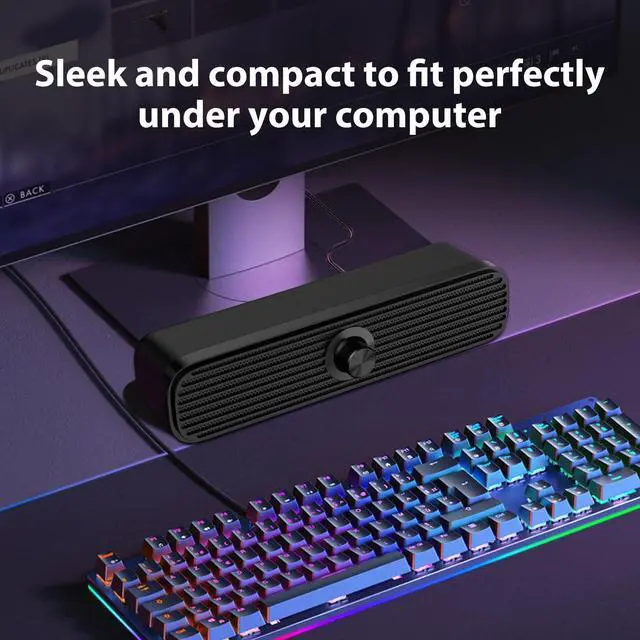


More miniature More space-saving
It can be placed anywhere.
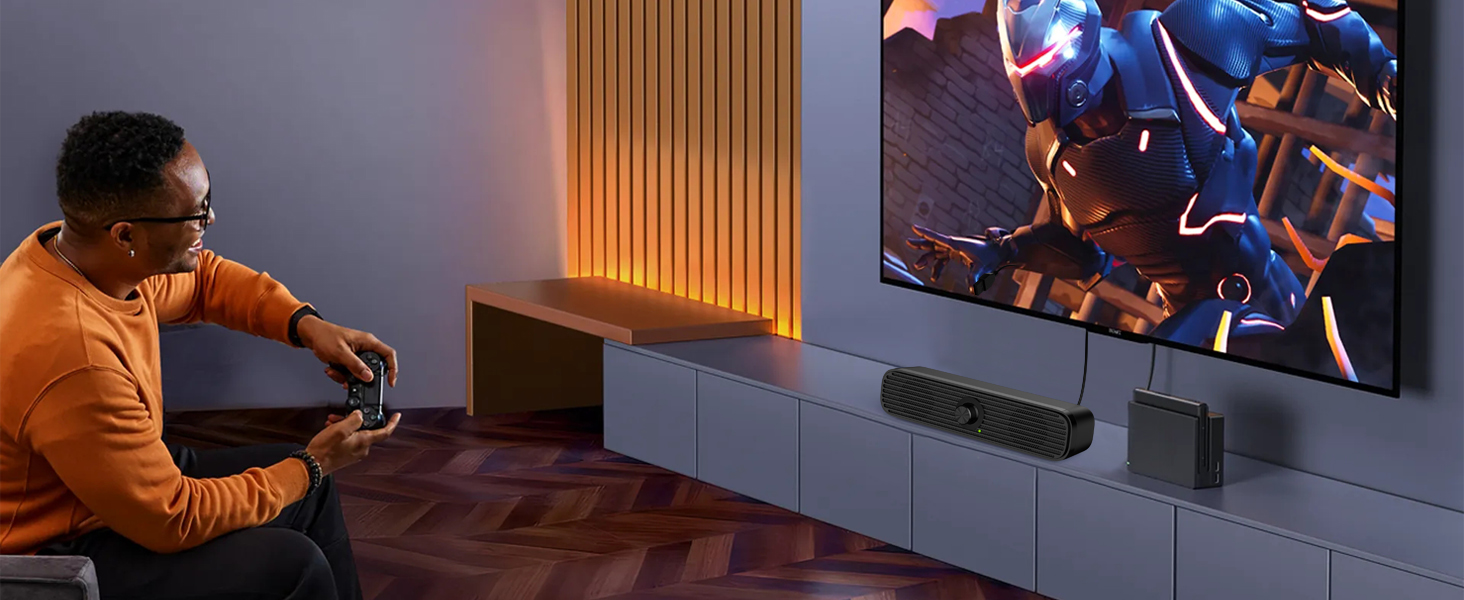
TV can also be used
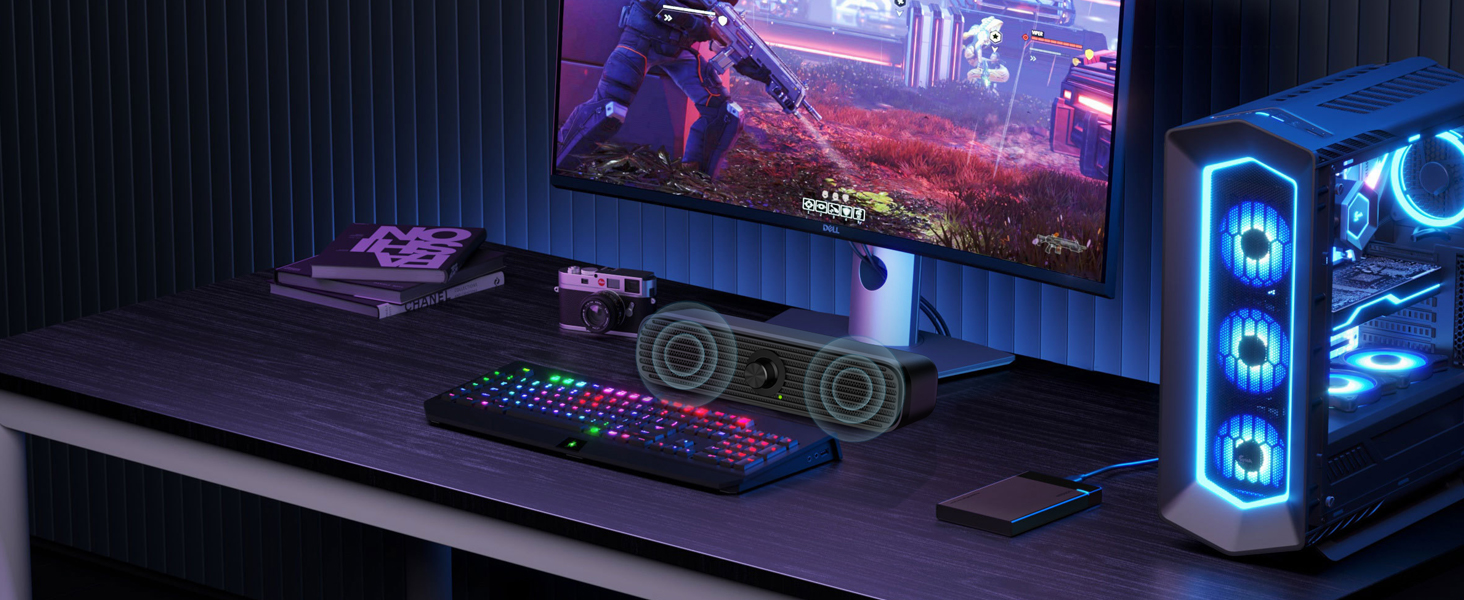
Make your gaming experience even better.
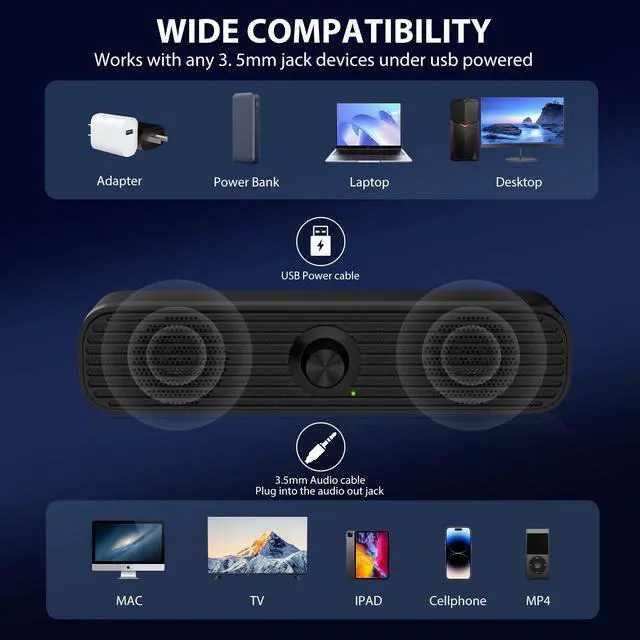
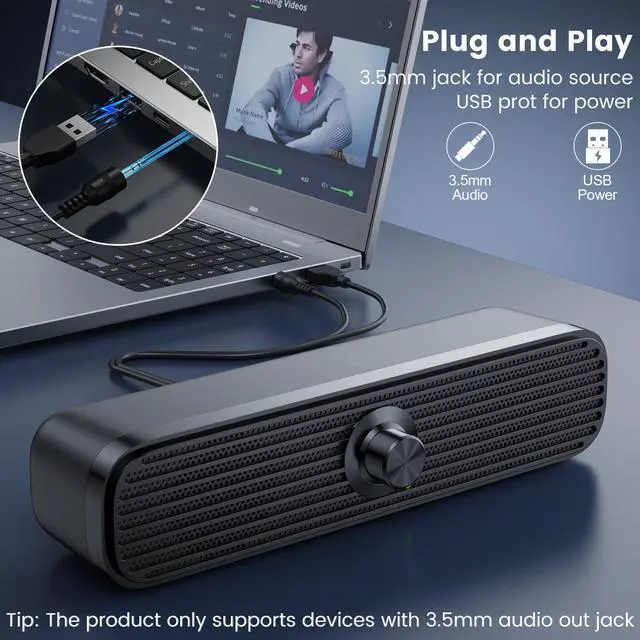
Note: Please make sure your device has the 3.5mm AUX audio out jack.
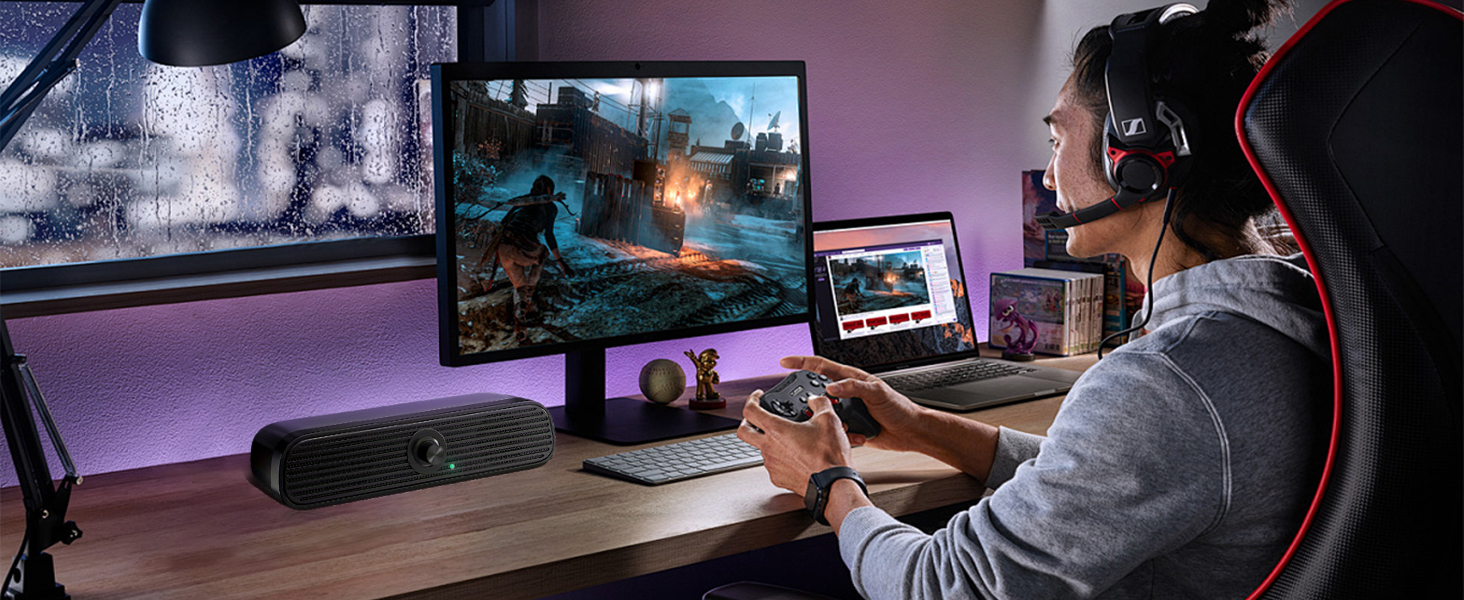
Immersive Gaming Experience
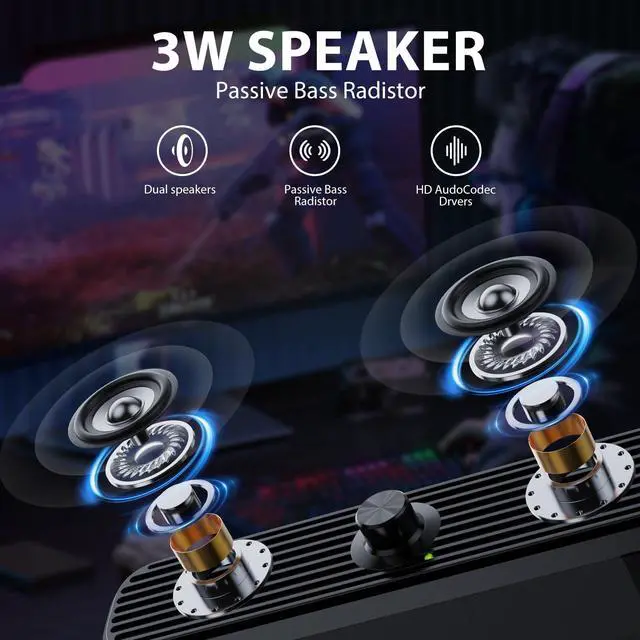
For loud, clear voice sound, low, punchy bass, and all the details you want to hear
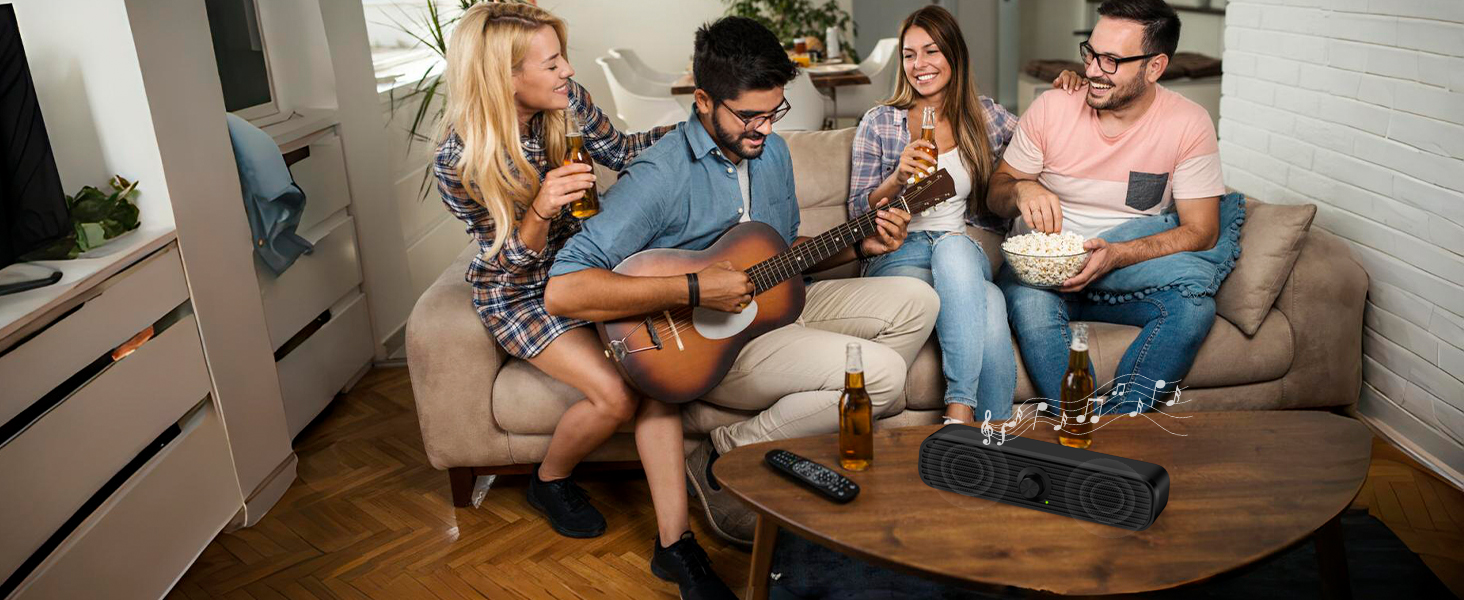
Party Godsend
Having it will make your party much more enjoyable
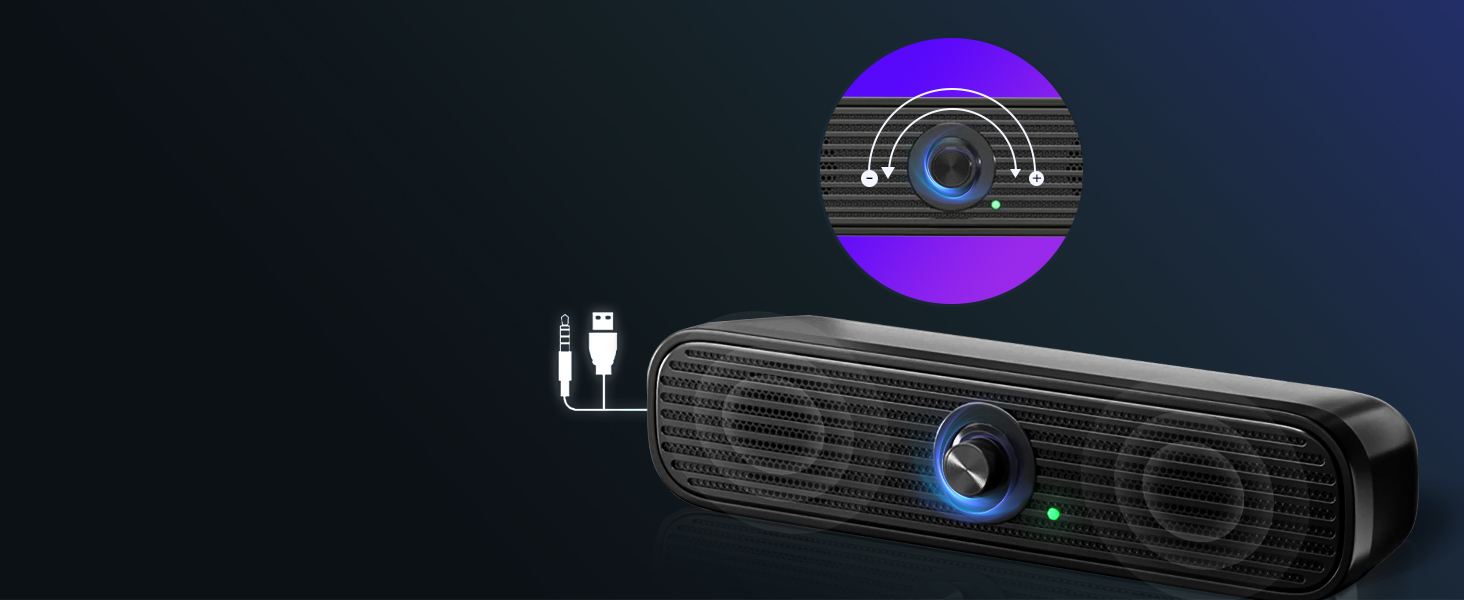
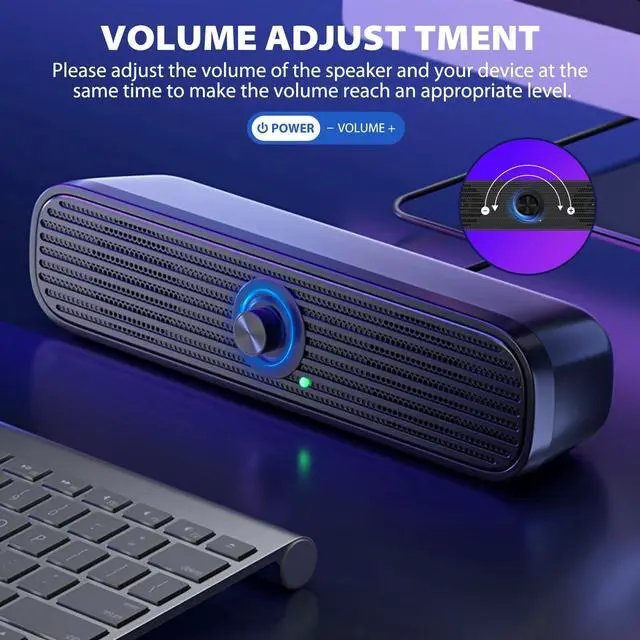
Volume Adjustment
Please rotary volume control knob of the speaker and turn up the volume of your device.

Why is there no sound output?
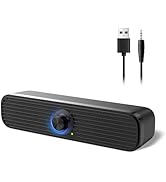
1. Please make sure the speaker is plugged into the 3.5mm AUX AUDIO OUT jack (not AUDIO IN jack) of your device.
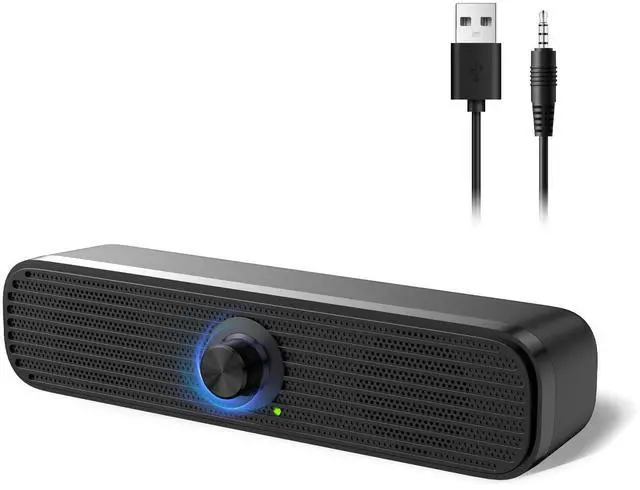
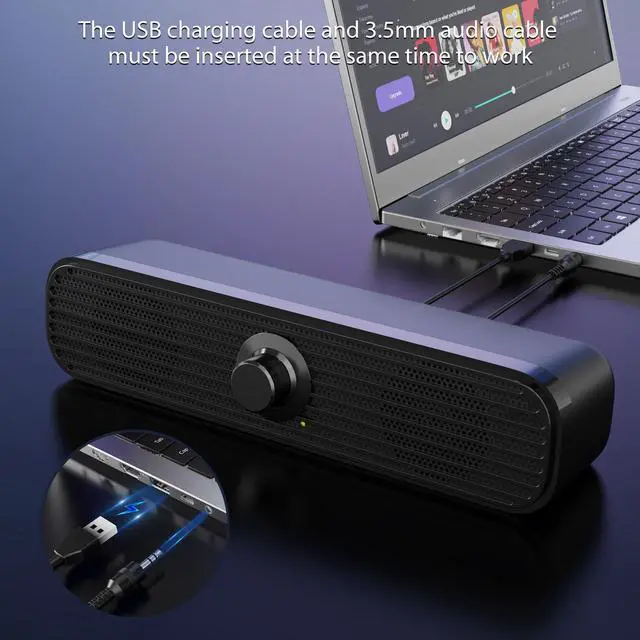
2. This speaker doesn't have built-in battery, the USB charging cable and 3.5mm audio cable must be inserted at the same time to work
Why is the sound quality poor?
1. Please make sure the 3.5mm audio cable is plugged well into your device.
2. Please use a power adapter (not included) to power the speaker to avoid the static sound.
Why is the sound not loud?
Please rotary volume control knob of the speaker and turn up the volume of your device.
Is the speaker rechargeable?
No, this speaker does not have build-in battery, the USB charging cable and 3.5mm audio cable must be inserted at the same time to work.



More miniature More space-saving
TV can also be used
Immersive Gaming Experience
Party Godsend
Volume Adjustment


It can be placed anywhere.
Make your gaming experience even better.
Note: Please make sure your device has the 3.5mm AUX audio out jack.
For loud, clear voice sound, low, punchy bass, and all the details you want to hear
Having it will make your party much more enjoyable
Please rotary volume control knob of the speaker and turn up the volume of your device.

Why is there no sound output?
1. Please make sure the speaker is plugged into the 3.5mm AUX AUDIO OUT jack (not AUDIO IN jack) of your device.
2. This speaker doesn't have built-in battery, the USB charging cable and 3.5mm audio cable must be inserted at the same time to work
Why is the sound quality poor?
1. Please make sure the 3.5mm audio cable is plugged well into your device.
2. Please use a power adapter (not included) to power the speaker to avoid the static sound.
Why is the sound not loud?
Please rotary volume control knob of the speaker and turn up the volume of your device.
Is the speaker rechargeable?
No, this speaker does not have build-in battery, the USB charging cable and 3.5mm audio cable must be inserted at the same time to work.
New Releases
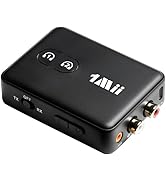
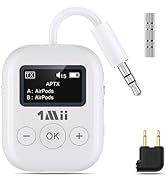
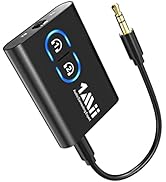
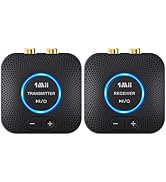
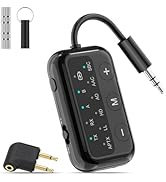
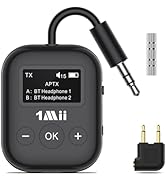
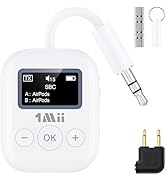
1Mii Bluetooth Transceiver
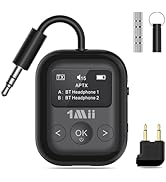
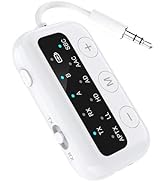
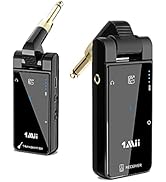
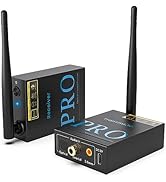
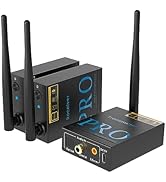
1Mii 2.4G Transceiver
Wireless audio