






MOBIK Batteries
High-quality batteries,
100% New from Manufacturer,providing long-lasting power supply.

About Mobik
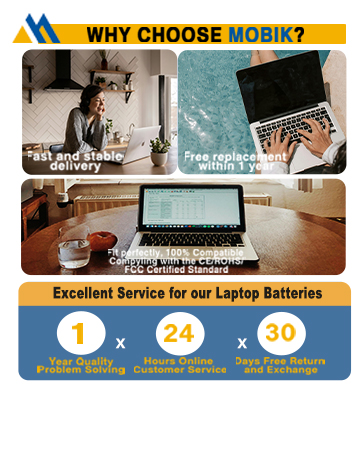
Mobik is a professional manufacturer of laptop batteries, committed to creating high quality batteries and bringing our customers very cost-effective products.
We strictly control the quality of our products and our batteries meet or exceed OEM standards, you can rest assured that shopping with us is safe and reliable.
B31N1912 Battery
Extend the lifespan of your laptop
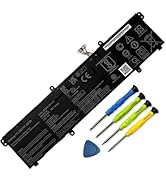
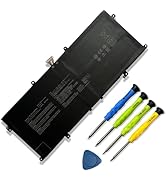
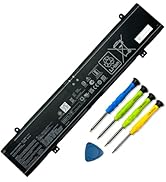
More Batteries
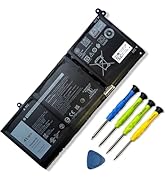
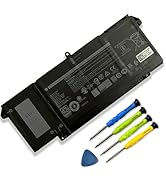
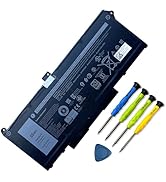
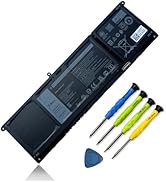
laptop Battery for Dell
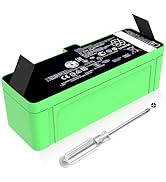
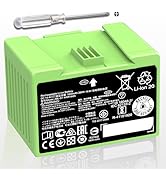
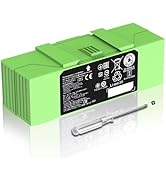
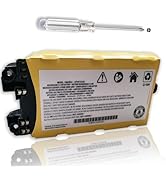
More Batteries
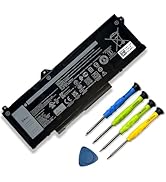
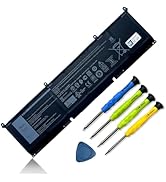
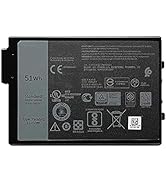
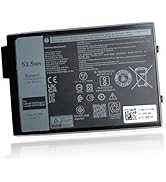
laptop Battery for Dell
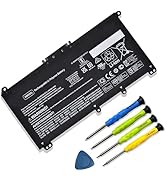
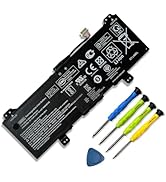
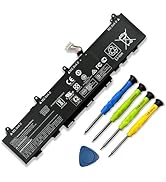

laptop Battery for HP
Installation Suggestion
You need to turn off your laptop and disconnect the power.Turn the laptop to the back, install a new battery.
Battery Installation is easy, you can search for the video about laptop battery or just find a repair technician for help.
Avoid artificial shocks, disassembly, crush or puncture. Do not dispose of it in fire or water.
Do not connect adapter for a long time while using the battery. It may damage the battery.
Battery Troubleshooting
1. It is caused by loose battery. Please remove the battery and reinstall.
2. The conductive material at the contact point between the laptop motherboard and the negative terminal of the battery is damaged. Try to confirm it with an original battery.
3. Check if the battery drive is normal. If not, please download the corresponding driver software to update it
4. After the computer is turned on, if it cannot be recognized, it is recommended to update the BIOS Settings or disconnect the old battery, hold down the power button for 20 seconds, and then connect the new battery.
Laptop Batteries Maintenance Tips
New battery:With a new battery, you'd better discharge it to 5%(not 0%) and charge up to 95%.Then cycle 3-4 times to wake up the new battery.
Overuse: Do not always run out of a battery to 0%, this would make it damaged or usage life shortened. Please recharge immediately when the battery reduced to 5%.
Charging sequence: when charging, first install the battery, then turn on the power, when fully charged, first cut off the power, then pull the power plug.


How to purchase batteries correctly?
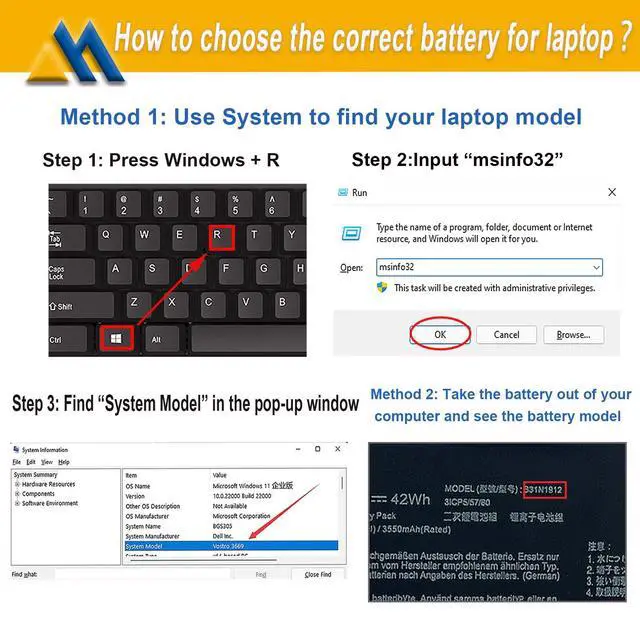
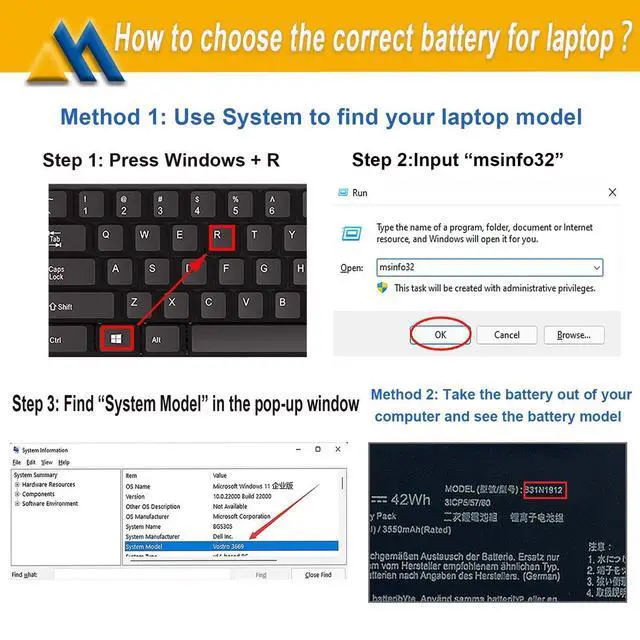
Method 1:You have to find your specific laptop model before ordering a correct battery.
How to check your laptop model?
Press [Win] + [R] , input "msinfo32" , then click "OK" to find your system model in the pop-up window.
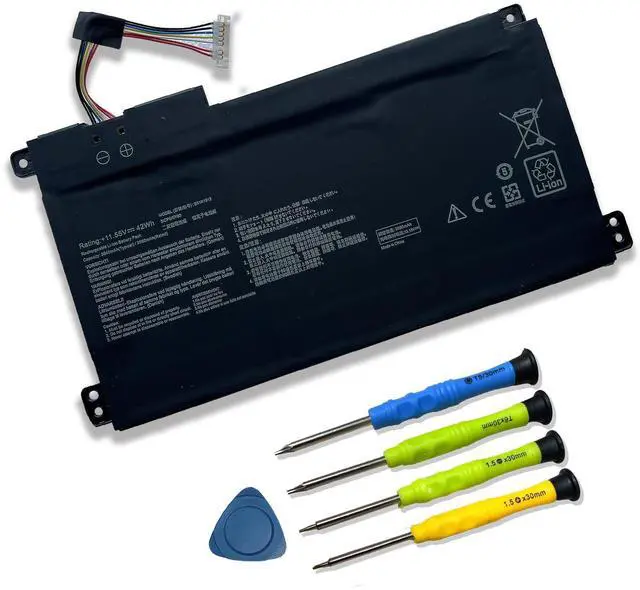
Method 2:Take the battery out of your computer, confirm your original battery model and appearance, compared with our battery image, make sure that's what you need.


About Mobik
Mobik is a professional manufacturer of laptop batteries, committed to creating high quality batteries and bringing our customers very cost-effective products. We strictly control the quality of our products and our batteries meet or exceed OEM standards, you can rest assured that shopping with us is safe and reliable.
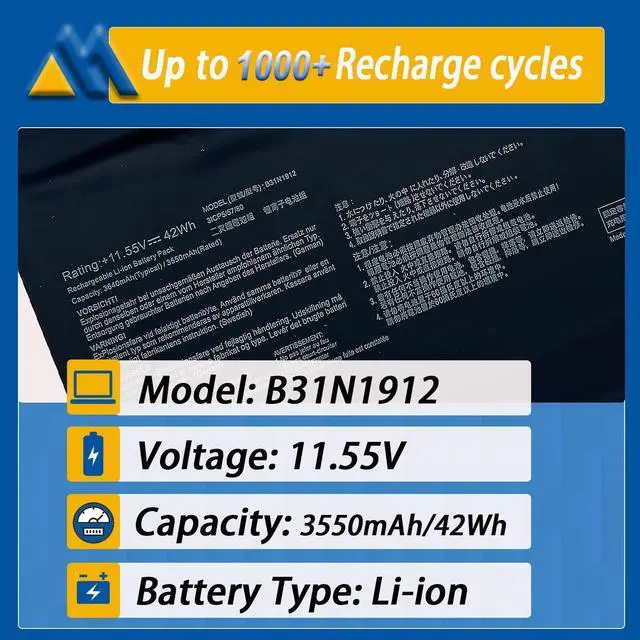
- Up to 1000+ recharge cycles
- Easy to install
- Safe use anytime
- Reliable performance
Mobik B31N1912 Battery for ASUS
Specifications:
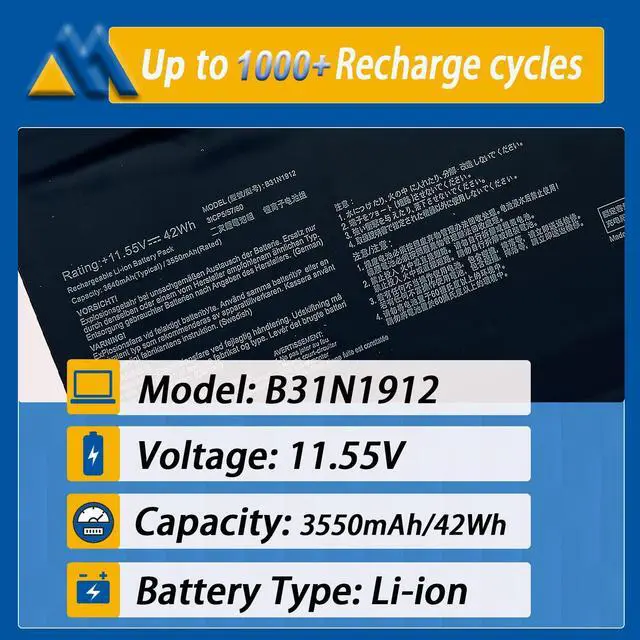
- Model:B31N1912
- Voltage: 11.55V
- Capacity: 42Wh/3550mAh
- Battery Type: Rechargeable Lithium-ion Battery
- Contion: 100% New from Manufacturer, Grade A Cell
Replacement Part Number:
B31N1912 / C31N1912 / 0B200-03680000 / 0B200-03680100
Package included:
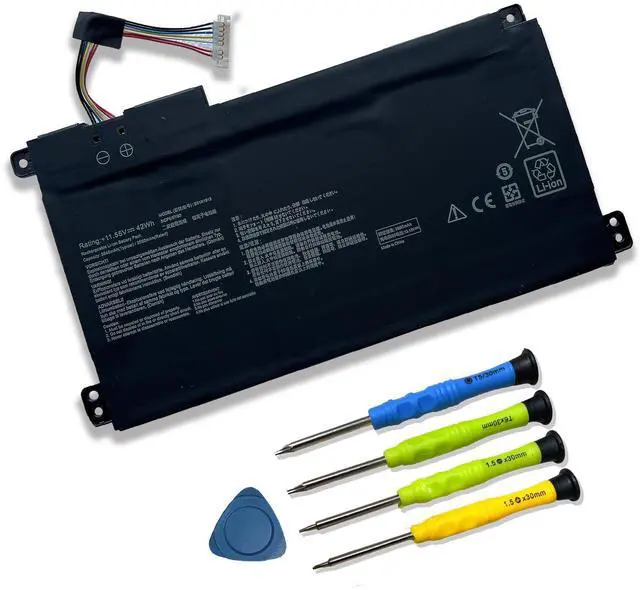
1* battery + 1* instruction manual + 1* screwdriver kit
- High-quality materials and circuit board
- 100% compatible to meet OEM specifications
- Longer Discharge Time & Quicker Charging
- Long battery life & lower power consumption
- Short circuit, overheat & overload protection

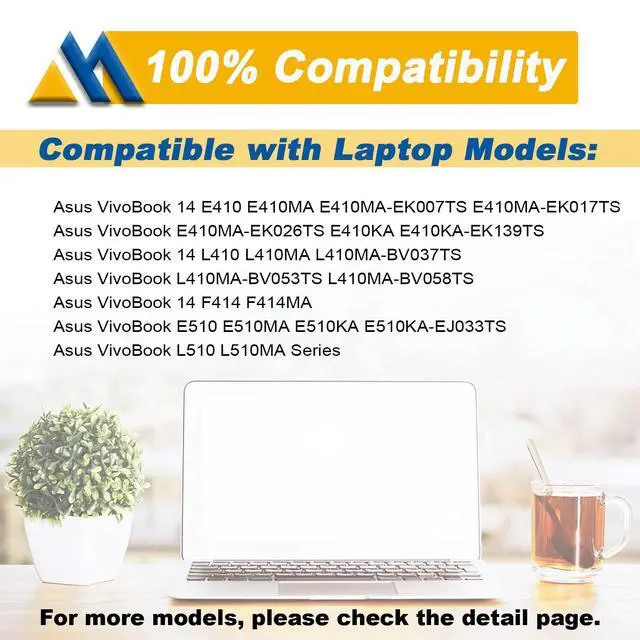
Compatible Models (use "Ctrl+F" to find your model quickly")
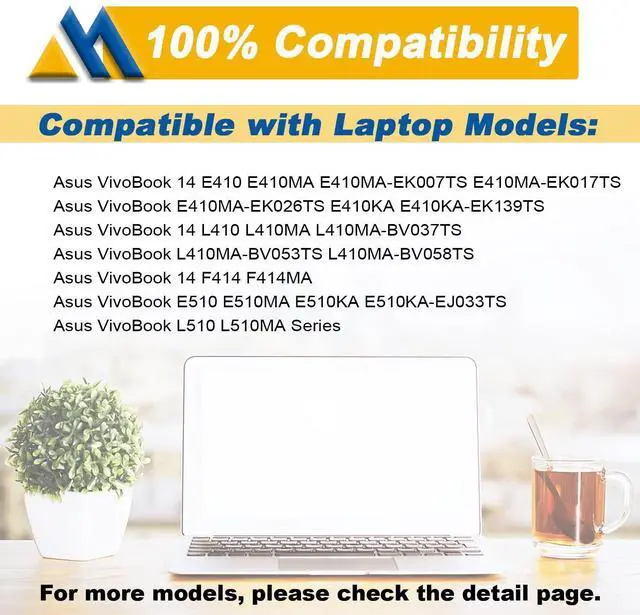
- for Asus VivoBook 14 E410MA Series:
VivoBook 14 E410MA-EK007TS / 14 E410MA-EK017TS / 14 E410MA-EK018TS / 14 E410MA-EK026TS / 14 E410MA-BV1169TS / 14 E410MA-EK028TS / 14 E410MA-EK087T / 14 E410MA-EK211T / 14 E410MA-EK319T / 14 E410MA-EK321T / 14 E410MA-EK327TS / 14 E410MA-EK367TS / 14 E410MA-EK378T / 14 E410MA-EK505T / 14 E410MA-EK542T / 14 E410MA-EK946TS / 14 E410MA-EK991TS.
- for Asus VivoBook 14 L410MA Series:
VivoBook 14 L410MA-BV037TS / 14 L410MA-BV053TS / 14 L410MA-BV058TS / L410MA-BV076TS / 14 L410MA-BV077TS.
- for Asus VivoBook E410KA-EK139TS Series.
- for Asus VivoBook E510KA-EJ033TS Series.
- for Asus VivoBook F414MA Series.
- for Asus VivoBook L510MA Series.
- for Asus VivoBook R522MA Series.
- for Asus VivoBook E510MA Series.

Safety
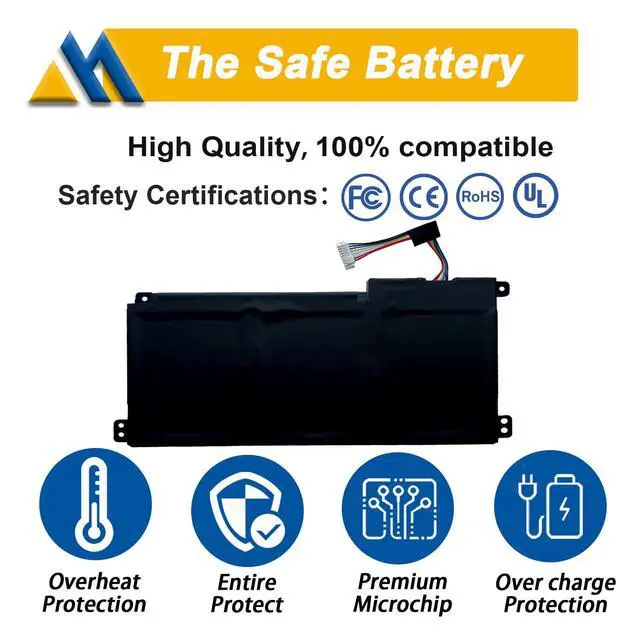
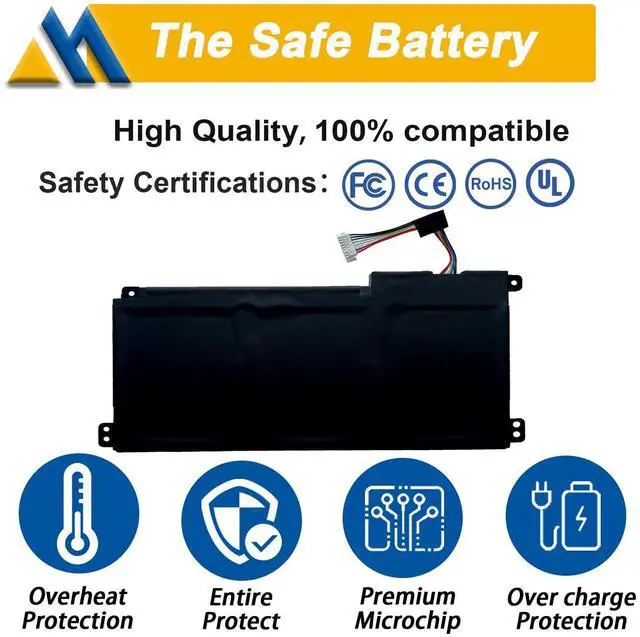
All Mobik products are certified by UL / CE / FCC / RoHS for safety. Every one of our replacement notebook batteries are tested to meet or exeed OEM specifications.

Multiple built-in protections
Each battery include multiple built-in protections such as overheating, overcurrent and overload protection for maximum safety.

Perfect Fit
All our batteries are 100% brand new, We offer new generation laptop batteries with Grade A cells, real capacity, long lasting and low power consumption.

Laptop Batteries Maintenance Tips:
New battery:With a new battery, you'd better discharge it to 5%(not 0%) and charge up to 95%.Then cycle 3-4 times to wake up the new battery.
Overuse: Do not always run out of a battery to 0%, this would make it damaged or usage life shortened. Please recharge immediately when the battery reduced to 5%.
Long-term storage:If you remove battery for a long time, it is important to cycle it (discharge => charge) regularly, at least once a month. Please store the unused battery fully charged. Do not store at low power to prevent reduce the lifespan of a battery.
Charging sequence: when charging, first install the battery, then turn on the power, when fully charged, first cut off the power, then pull the power plug.

Installation Suggestion:
- You need to turn off your laptop and disconnect the power.Turn the laptop to the back, install a new battery, and fix it with a tool.
- Battery Installation is easy, you can search for the video about laptop battery or just find a repair technician for help.
- Avoid artificial shocks, disassembly, crush or puncture. Do not dispose of it in fire or water.
- Do not connect adapter for a long time while using the battery. It may damage the battery.

Battery Troubleshooting:
1.Maybe it is caused by a loose battery, please remove the battery and reinstall it again.
2.Maybe due to conductive material damaged which the laptop motherboard and battery anode and cathode contact position, you can try to confirm it with your original battery.
3.Check whether the battery drive is in normal condition, if not, download the corresponding driver software to update.
4.When the computer is turned on, if it is not recognised, it is recommended to update the BIOS settings or please disconnecting the old battery, and holding down the power button for 20 seconds, then connect the new battery.Try a few more times.
How to purchase batteries correctly?
Method 1:You have to find your specific laptop model before ordering a correct battery.
How to check your laptop model?
Press [Win] + [R] , input "msinfo32" , then click "OK" to find your system model in the pop-up window.
Method 2:Take the battery out of your computer, confirm your original battery model and appearance, compared with our battery image, make sure that's what you need.
Mobik B31N1912 Battery for ASUS
About Mobik
Mobik is a professional manufacturer of laptop batteries, committed to creating high quality batteries and bringing our customers very cost-effective products. We strictly control the quality of our products and our batteries meet or exceed OEM standards, you can rest assured that shopping with us is safe and reliable.
- Up to 1000+ recharge cycles
- Easy to install
- Safe use anytime
- Reliable performance
Specifications:
- Model:B31N1912
- Voltage: 11.55V
- Capacity: 42Wh/3550mAh
- Battery Type: Rechargeable Lithium-ion Battery
- Contion: 100% New from Manufacturer, Grade A Cell
Replacement Part Number:
B31N1912 / C31N1912 / 0B200-03680000 / 0B200-03680100
Package included:
1* battery + 1* instruction manual + 1* screwdriver kit
- High-quality materials and circuit board
- 100% compatible to meet OEM specifications
- Longer Discharge Time & Quicker Charging
- Long battery life & lower power consumption
- Short circuit, overheat & overload protection
Compatible Models (use "Ctrl+F" to find your model quickly")
- for Asus VivoBook 14 E410MA Series:
VivoBook 14 E410MA-EK007TS / 14 E410MA-EK017TS / 14 E410MA-EK018TS / 14 E410MA-EK026TS / 14 E410MA-BV1169TS / 14 E410MA-EK028TS / 14 E410MA-EK087T / 14 E410MA-EK211T / 14 E410MA-EK319T / 14 E410MA-EK321T / 14 E410MA-EK327TS / 14 E410MA-EK367TS / 14 E410MA-EK378T / 14 E410MA-EK505T / 14 E410MA-EK542T / 14 E410MA-EK946TS / 14 E410MA-EK991TS.
- for Asus VivoBook 14 L410MA Series:
VivoBook 14 L410MA-BV037TS / 14 L410MA-BV053TS / 14 L410MA-BV058TS / L410MA-BV076TS / 14 L410MA-BV077TS.
- for Asus VivoBook E410KA-EK139TS Series.
- for Asus VivoBook E510KA-EJ033TS Series.
- for Asus VivoBook F414MA Series.
- for Asus VivoBook L510MA Series.
- for Asus VivoBook R522MA Series.
- for Asus VivoBook E510MA Series.
Safety
All Mobik products are certified by UL / CE / FCC / RoHS for safety. Every one of our replacement notebook batteries are tested to meet or exeed OEM specifications.
Multiple built-in protections
Each battery include multiple built-in protections such as overheating, overcurrent and overload protection for maximum safety.
Perfect Fit
All our batteries are 100% brand new, We offer new generation laptop batteries with Grade A cells, real capacity, long lasting and low power consumption.
Laptop Batteries Maintenance Tips:
New battery:With a new battery, you'd better discharge it to 5%(not 0%) and charge up to 95%.Then cycle 3-4 times to wake up the new battery.
Overuse: Do not always run out of a battery to 0%, this would make it damaged or usage life shortened. Please recharge immediately when the battery reduced to 5%.
Long-term storage:If you remove battery for a long time, it is important to cycle it (discharge => charge) regularly, at least once a month. Please store the unused battery fully charged. Do not store at low power to prevent reduce the lifespan of a battery.
Charging sequence: when charging, first install the battery, then turn on the power, when fully charged, first cut off the power, then pull the power plug.
Installation Suggestion:
- You need to turn off your laptop and disconnect the power.Turn the laptop to the back, install a new battery, and fix it with a tool.
- Battery Installation is easy, you can search for the video about laptop battery or just find a repair technician for help.
- Avoid artificial shocks, disassembly, crush or puncture. Do not dispose of it in fire or water.
- Do not connect adapter for a long time while using the battery. It may damage the battery.
Battery Troubleshooting:
1.Maybe it is caused by a loose battery, please remove the battery and reinstall it again.
2.Maybe due to conductive material damaged which the laptop motherboard and battery anode and cathode contact position, you can try to confirm it with your original battery.
3.Check whether the battery drive is in normal condition, if not, download the corresponding driver software to update.
4.When the computer is turned on, if it is not recognised, it is recommended to update the BIOS settings or please disconnecting the old battery, and holding down the power button for 20 seconds, then connect the new battery.Try a few more times.
MOBIK Batteries
High-quality batteries,
100% New from Manufacturer,providing long-lasting power supply.
About Mobik
Mobik is a professional manufacturer of laptop batteries, committed to creating high quality batteries and bringing our customers very cost-effective products.
We strictly control the quality of our products and our batteries meet or exceed OEM standards, you can rest assured that shopping with us is safe and reliable.
B31N1912 Battery
Extend the lifespan of your laptop
More Batteries
laptop Battery for Dell
More Batteries
laptop Battery for Dell
laptop Battery for HP
Installation Suggestion
You need to turn off your laptop and disconnect the power.Turn the laptop to the back, install a new battery.
Battery Installation is easy, you can search for the video about laptop battery or just find a repair technician for help.
Avoid artificial shocks, disassembly, crush or puncture. Do not dispose of it in fire or water.
Do not connect adapter for a long time while using the battery. It may damage the battery.
Battery Troubleshooting
1. It is caused by loose battery. Please remove the battery and reinstall.
2. The conductive material at the contact point between the laptop motherboard and the negative terminal of the battery is damaged. Try to confirm it with an original battery.
3. Check if the battery drive is normal. If not, please download the corresponding driver software to update it
4. After the computer is turned on, if it cannot be recognized, it is recommended to update the BIOS Settings or disconnect the old battery, hold down the power button for 20 seconds, and then connect the new battery.
Laptop Batteries Maintenance Tips
New battery:With a new battery, you'd better discharge it to 5%(not 0%) and charge up to 95%.Then cycle 3-4 times to wake up the new battery.
Overuse: Do not always run out of a battery to 0%, this would make it damaged or usage life shortened. Please recharge immediately when the battery reduced to 5%.
Charging sequence: when charging, first install the battery, then turn on the power, when fully charged, first cut off the power, then pull the power plug.