




 here!
here!
I’m your shopping assistant for PC builds, upgrades, and everything tech.
Got questions? Ask away!
Start a conversation
here!
I’m your shopping assistant for PC builds, upgrades, and everything tech.
Got questions? Ask away!
Start a conversation





Any questions? Ask CelesteSM will help you find out quickly.

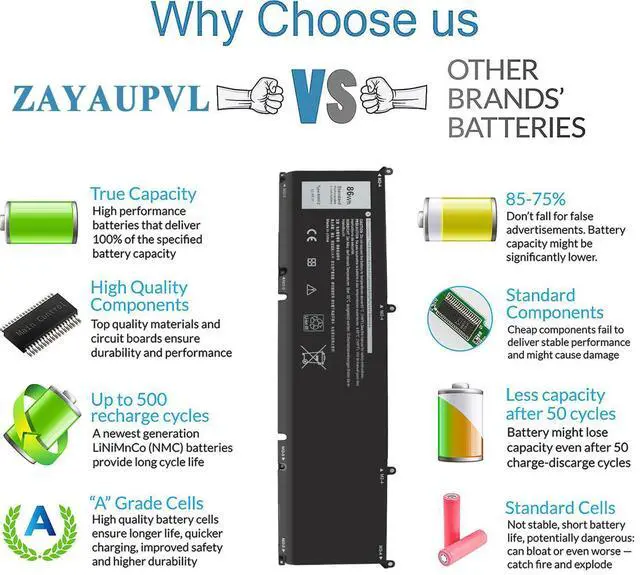
ZAYAUPVL makes notebook batteries & power adapters, selling direct to factories & consumers, skipping middlemen. We prioritize high quality, simplicity & durability. Our batteries fit all computer brands, with stable, safe, reliable performance.



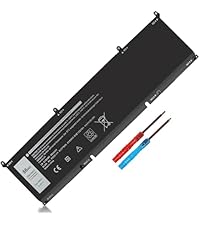 69KF2 Laptop Battery |  6GTPY Laptop Battery |  3HWPP Laptop Battery |  J60J5 Laptop Battery |  F3YGT Laptop Battery |  YRDD6 Laptop Battery | 69KF2 Laptop Battery | |
|---|---|---|---|---|---|---|---|
Customer Reviews | — | — | — | — | — | — | — |
Price | — | — | — | — | — | — | — |
Voltage | 11.4V | 11.4V | 15.2V | 7.6V | 7.6V | 11.4V | 11.4V |
Capacity | 86Wh | 97Wh | 68Wh | 55Wh | 60Wh | 42Wh | 86Wh |
Cells | 6cells | 6cells | 4cells | 6cells | 3cells | 3cells | 6cells |
CE/ROHS/UL certified standards | ? | ? | ? | ? | ? | ? | ? |
Long-lasting Battery Life | ? | ? | ? | ? | ? | ? | ? |

There are two ways to choose the right battery. Which two methods are they ?
1. Search battery model: Remove the laptop case to check and confirm the shape of the original battery. (Recommended ?)
2. Search laptop model: Pressing [Window] + [R] key and entering [msinfo32] or [dxdiag]. Click OK to find "System Model".
What do we need to pay attention to using batteries for the first time?
1.The battery must be full charged before first use
2.You need to turn off your laptop and disconnect the power when you install a new battery
2.Do Discharge the new battery use to 5%/7%(not to 0%) and then charge to 95%, and cycle 3-4 times
How should I do if we received the item doesn't work?
Our item has a 12-month replacement and a 60-day money-back . Please contact ZAYAUPVL INC. We will replace it with a new one for free
How should I preserve my laptop battery when I don’t use it?
The ideal preservation method is to charge the battery to about 40%.the battery should be used once a month, which can not only good preservation of the battery but also prevent the battery from being damaged by the complete loss of power
How should I charge my laptop battery?
It is suggested to charge the battery before the power runs out completely. It is best to charge when the remaining power is about 5-10%, and the battery should be charged in a relatively dry place.

ZAYAUPVL makes notebook batteries & power adapters, selling direct to factories & consumers, skipping middlemen. We prioritize high quality, simplicity & durability. Our batteries fit all computer brands, with stable, safe, reliable performance.
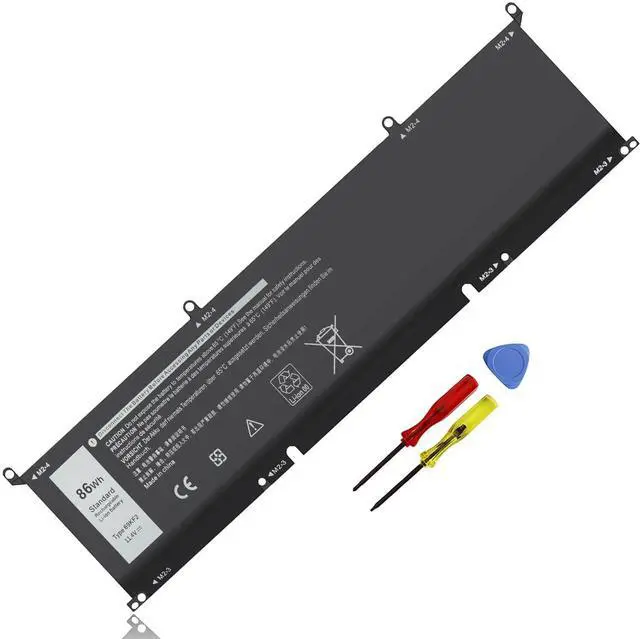
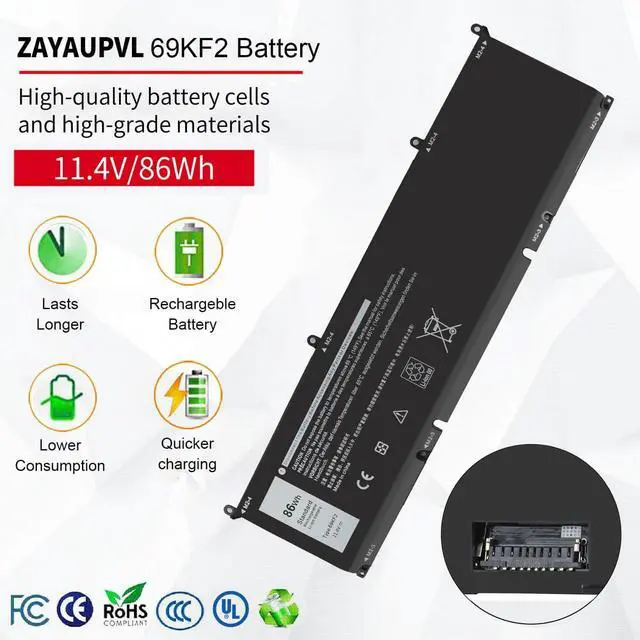
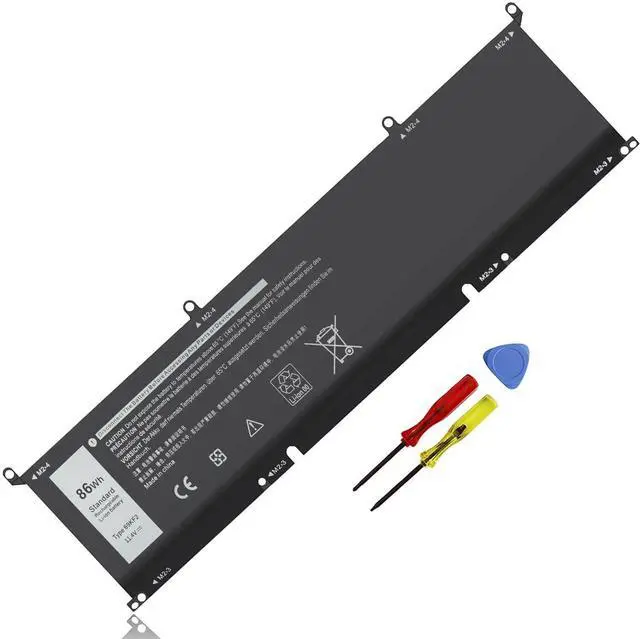
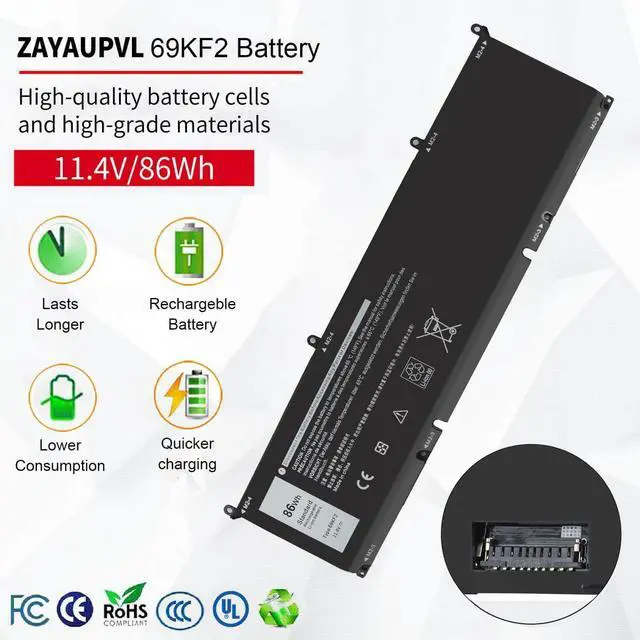
| Specifications: | Voltage: 11.4V; Capacity: 86Wh; Cells: 6-cell; The package also includes 1pcs 69KF2 battery, 2pcs screwdrivers, and 1pcs instruction; Ships from US Warehouse; Full refunds are available for any reason within 60 days of purchase; If it becomes defective within one year of your purchase, we offer a free exchange |
|---|---|
| Compatible Part Numbers: | 69KF2 70N2F M59JH 8FCTC 08FCTC 70N2F 070N2F |
| Compatible with: | Dell XPS 15 9500 Series Dell XPS 15 9510 Series |
| Compatible with: | Dell XPS 15 9520 Series Not fit for Dell XPS 15 9530( It is suitable for different battery sizes, please note.) |
| Compatible with: | Dell XPS 15 9500 2020 Series Dell XPS 15 9500 Core i7 4K UHD Series Dell Precision 5550 2020 Series |
| Compatible with: | Dell Precision 5550 Mobile Workstation Series |
| Compatible with: | Dell Precision 5560 Mobile Workstation Series |
| Compatible with: | Dell Precision 5570 Mobile Workstation Series |
| Compatible with: | Dell Alienware M15 R3 R4 R5 R6 R7 Series; Dell Alienware M15 2020 ALW15M-5758W Series; Dell Alienware M15 R3 (2020) Series; Dell Alienware M15 R4 (2021) Series; Dell Alienware M17 R3 R4 Series;Dell Alienware M17 R3 (2020) Series; Dell Alienware M15 R4 (2021) Series |
| Compatible with: | Dell G7 15 7500 Series |
| Compatible with: | Dell G7 15 7500 i7-10750H RTX 2060 (G7 15 Series) |
| Compatible with: | Dell G15 5510 5511 5520 Series |
| Compatible with: | Dell G15 5515 Ryzen Edition Series |
| Compatible with: | Dell G15 5521 Special Edition Series |
| Compatible with: | Dell Inspiron 7510 Series; Dell Inspiron 16 Plus 7610 Series; Dell Inspiron 7620 Series Dell P91F P91F001 |
| Compatible with: | Dell P45E P45E001 P45E002 Dell P87F P87F002 P87F003; Dell P100F P100F001 |
69KF2 Laptop Battery | 6GTPY Laptop Battery | 3HWPP Laptop Battery | J60J5 Laptop Battery | F3YGT Laptop Battery | YRDD6 Laptop Battery | 69KF2 Laptop Battery |
|---|---|---|---|---|---|---|
| Customer Reviews | ||||||
| — | — | — | — | — | — | — |
| Price | ||||||
| — | — | — | — | — | — | — |
| Voltage | ||||||
| 11.4V | 11.4V | 15.2V | 7.6V | 7.6V | 11.4V | 11.4V |
| Capacity | ||||||
| 86Wh | 97Wh | 68Wh | 55Wh | 60Wh | 42Wh | 86Wh |
| Cells | ||||||
| 6cells | 6cells | 4cells | 6cells | 3cells | 3cells | 6cells |
| CE/ROHS/UL certified standards | ||||||
| ? | ? | ? | ? | ? | ? | ? |
| Long-lasting Battery Life | ||||||
| ? | ? | ? | ? | ? | ? | ? |

There are two ways to choose the right battery. Which two methods are they ?
1. Search battery model: Remove the laptop case to check and confirm the shape of the original battery. (Recommended ?)
2. Search laptop model: Pressing [Window] + [R] key and entering [msinfo32] or [dxdiag]. Click OK to find "System Model".
What do we need to pay attention to using batteries for the first time?
1.The battery must be full charged before first use
2.You need to turn off your laptop and disconnect the power when you install a new battery
2.Do Discharge the new battery use to 5%/7%(not to 0%) and then charge to 95%, and cycle 3-4 times
How should I do if we received the item doesn't work?
Our item has a 12-month replacement and a 60-day money-back . Please contact ZAYAUPVL INC. We will replace it with a new one for free
How should I preserve my laptop battery when I don’t use it?
The ideal preservation method is to charge the battery to about 40%.the battery should be used once a month, which can not only good preservation of the battery but also prevent the battery from being damaged by the complete loss of power
How should I charge my laptop battery?
It is suggested to charge the battery before the power runs out completely. It is best to charge when the remaining power is about 5-10%, and the battery should be charged in a relatively dry place.


