













ZAYUPVL Inc. is a manufacturer mainly engaged in the business of notebook batteries and power adapters. Cutting out the middlemen, we directly provide goods for factories and consumers. Meanwhile, we carry out strict control over our product quality and offer consumers products with high quality and favorable item. we making our customers feel that their purchase of each time is not just a transaction, but also a joyful experience
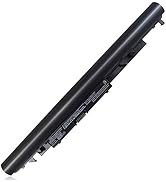
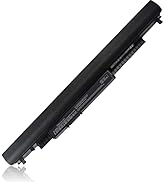
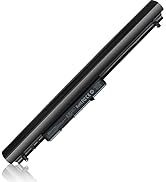
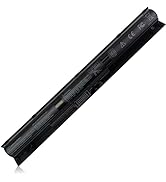
HP Laptop Battery
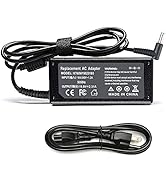
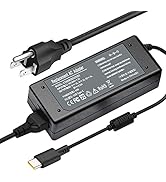
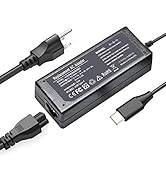
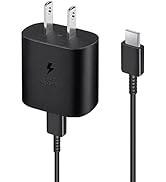
USB-C Charger& Wall charger
What should I do if we received defective items?
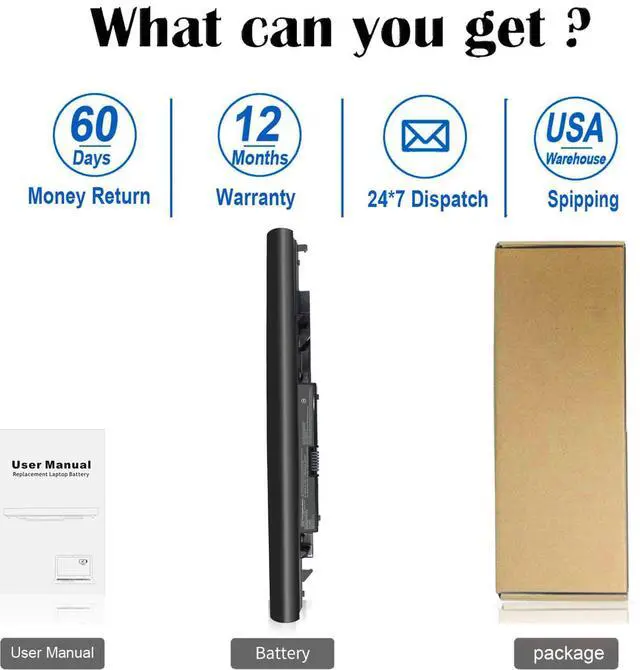
1.Within 60 days of purchase, we offer a no-questions-asked return policy. Additionally, for 12 months from the date of purchase, If the product fails, we will replace it with a new one.
2. Please click the button and inquire us. We have warehouses in NY, making sure that you could have a high-quality service.
3. Please be assured that we will take the responsibility for each product we sold.
What do we need to pay attention to using batteries for the first time?
Pls kindly noted that the battery must be full charged before first use!
1.You need to turn off your laptop and disconnect the power
2.Turn the laptop to the back, install a new battery, and fix it with a tool
3.When the computer is turned on, if it is not recognised, it is recommended to update the BIOS settings or please disconnecting the old battery, and holding down the power button for 20 seconds, then connect the new battery
4.Do Discharge the new battery use to 5%/7%(not to 0%) and then charge to 95%, and cycle 3-4 times
How should I preserve my laptop battery when I don’t use it?
The ideal preservation method is to charge the battery to about 40% and then put it in a cool and dry place. About 68 degrees Fahrenheit is the ideal preservation temperature. Of course, the battery should be used once a month, which can not only ensure good preservation of the battery but also prevent the battery from being damaged by the complete loss of power.
Is it normal that sparks appear when connecting the power adapter plug?
If you connect the adapter to the laptop first before connecting the adapter, it is normal to cause sparks during the contact, which can be avoided by the following operations:
(1) Turn off the switch of the power socket first.
(2) Connect the laptop power adapter to the power socket, and then turn on the socket switch.
(3) Connect the DC plug end of the power adapter to the laptop
Is it normal that the laptop adapter heats up?
It’s normal. All laptop charging, including cell phone chargers, cause heat up. Because part of the electrical energy will convert into heat energy, which causes the power supply to heat up. If it is too hot, stop using the charger.

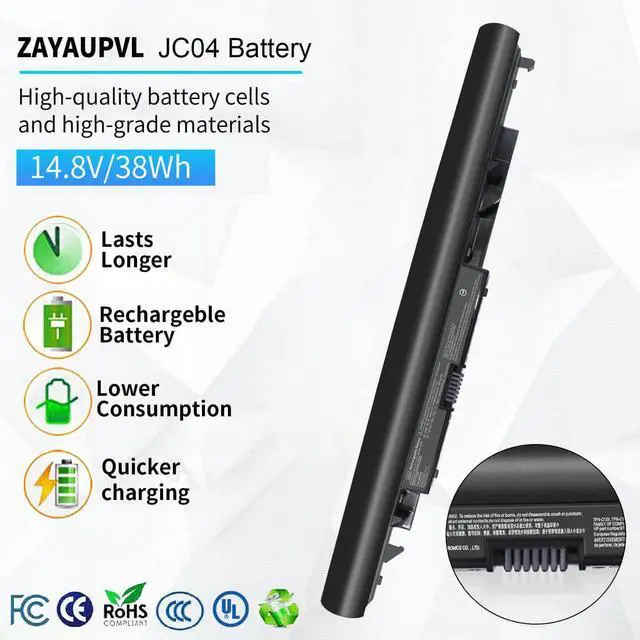
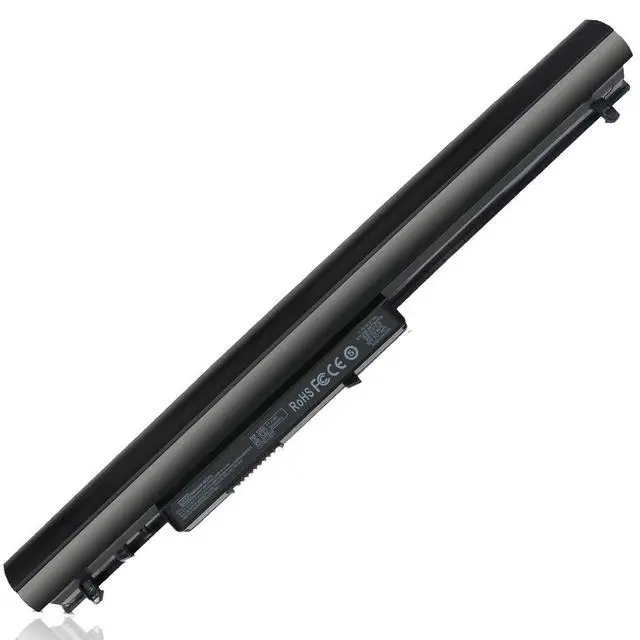
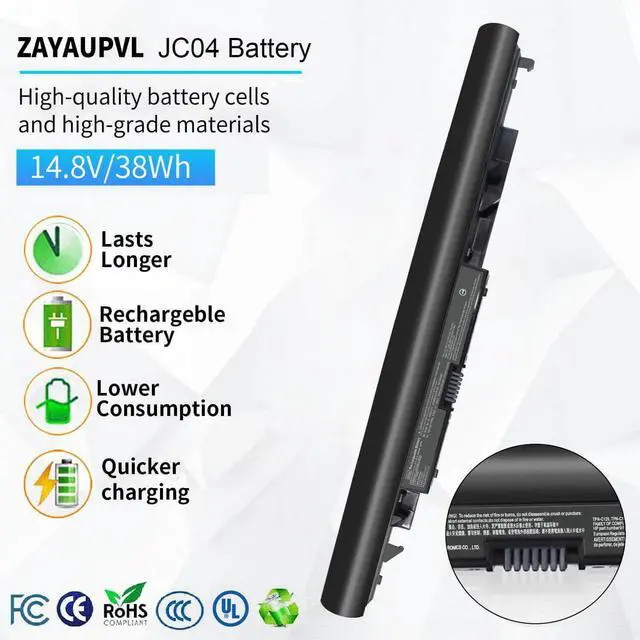
ZAYAUPVL makes notebook batteries & power adapters, selling direct to factories & consumers, skipping middlemen. We prioritize high quality, simplicity & durability. Our batteries fit all computer brands, with stable, safe, reliable performance.
Compatible with HP Laptop Model:(Ctrl+F to search your model)

Security and Reliable
- 12 rigorous testing. Deal with accidents calmly.
- Core circuit protection design. Only for efficiency and safety.
- Data and stability. Merged into one.

Fit Perfectly
- Original machine design, OEM experience
- Systematic testing, industry standards met. Real-machine tests, Strict delivery for stability

Top Quality Battery Cells
- A+ cell structure. Excellent discharge curve and low internal resistance. Excellent cell stability. Long cycle life.

Product Details
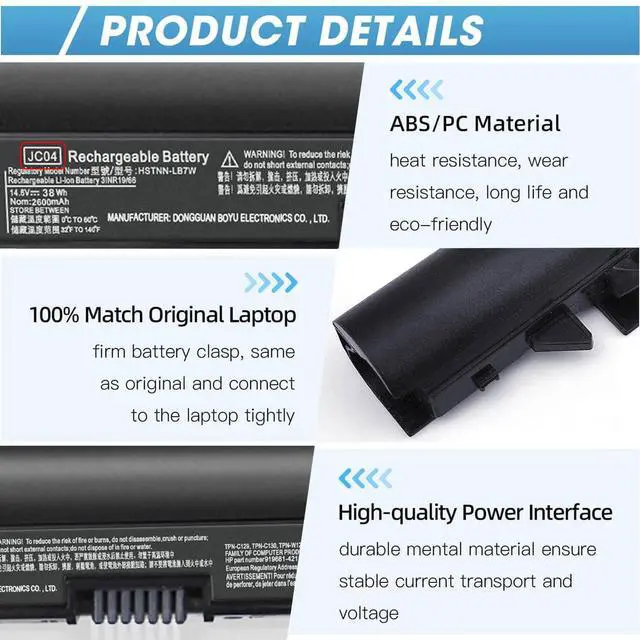
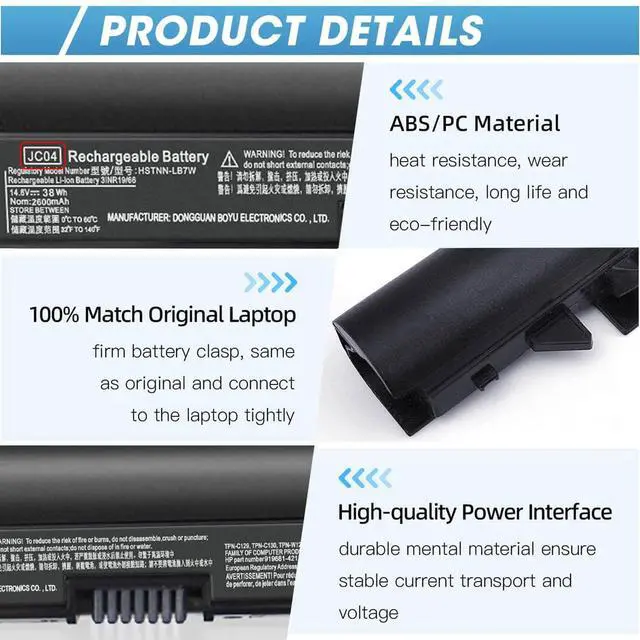
- ABS/PC Material: heat & wear-resistant, durable
- 100% Matches Original Laptop High-Quality Power Interface: stable current & voltage.

There are two ways to choose the right battery. Which two methods are they ?
1. Search battery model: Remove the laptop case to check and confirm the shape of the original battery. (Recommended ?)
2. Search laptop model: Pressing [Window] + [R] key and entering [msinfo32] or [dxdiag]. Click OK to find "System Model".
What do we need to pay attention to using batteries for the first time?
1.The battery must be full charged before first use
2.You need to turn off your laptop and disconnect the power when you install a new battery
2.Do Discharge the new battery use to 5%/7%(not to 0%) and then charge to 95%, and cycle 3-4 times
How should I do if we received the item doesn't work?
Our item has a 12-month replacement and a 60-day money-back . Please contact ZAYAUPVL INC. We will replace it with a new one for free
How should I preserve my laptop battery when I don’t use it?
The ideal preservation method is to charge the battery to about 40%.the battery should be used once a month, which can not only good preservation of the battery but also prevent the battery from being damaged by the complete loss of power
How should I charge my laptop battery?
It is suggested to charge the battery before the power runs out completely. It is best to charge when the remaining power is about 5-10%, and the battery should be charged in a relatively dry place.
Comparison
 JC03 JC04 Laptop Battery |  VI04 Laptop Battery |  HS03 HS04 Laptop Battery |  LA03DF Laptop Battery |  HW03XL Laptop Battery |  HT03XL Laptop Battery |  LK03XL Laptop Battery | |
|---|---|---|---|---|---|---|---|
Customer Reviews | — | — | — | — | — | — | — |
Price | — | — | — | — | — | — | — |
Voltage | 14.8V (Compatible with 10.95V) | 14.8V | 14.8V | 11.1V | 11.34V | 11.55V | 11.55V |
Capacity | 38Wh/2600mAh | 38Wh/2600mAh | 38Wh/2600mAh | 31Wh/2600mAh | 41.04Wh | 41.7Wh | 52.5Wh |
Cells | 4cells | 4cells | 4cells | 3cells | 3cells | 3cells | 3cells |
CE/ROHS/UL certified standards | ? | ? | ? | ? | ? | ? | ? |
Long-lasting Battery Life | ? | ? | ? | ? | ? | ? | ? |

ZAYAUPVL makes notebook batteries & power adapters, selling direct to factories & consumers, skipping middlemen. We prioritize high quality, simplicity & durability. Our batteries fit all computer brands, with stable, safe, reliable performance.
Compatible with HP Laptop Model:(Ctrl+F to search your model)
| Specifications: | Voltage: 14.8V (Compatible with 10.95V); Capacity: 38Wh/2600mah; Cells: 4-cell; The package also includes 1pcs JC04 battery, 2pcs screwdrivers, and 1pcs instruction; Ships from US Warehouse; Full refunds are available for any reason within 60 days of purchase; If it becomes defective within one year of your purchase, we offer a free exchange |
|---|---|
| Compatible Part Numbers: | JC03 JC04 919700-850 919701-850 919681-221 919682-121 919682-421 919682-831 HSTNN-LB7V HSTNN-LB7W HSTNN-DB8E HSTNN-H7BX HSTNN-L67N HSTNN-PB6Y 2LP34AA TPN-C129 TPN-C130 TPN-Q186 TPN-Q187 TPN-W129 TPN-W130 HSTNN-HB7Y 919681-421 HQ-TRE 71025 |
| Compatible with | HP Notebook 15-BS 15-BW 17-BS 15Q-BU 15G-BR 17-AK 15Q-BY Series |
| Compatible with: | HP 15-BS000 Series: 15-bs0xx 15-bs1xx 15-bs008cy 15-bs010ds 15-bs011cy 15-bs013dx 15-bs013nr 15-bs015dx 15-bs016dx 15-bs020wm 15-bs023cy 15-bs033cl 15-bs038cl 15-bs038dx 15-bs051od 15-bs053od 15-bs058ca 15-bs060wm 15-bs065nr 15-bs077nr 15-bs078cl 15-bs080wm 15-bs091ms 15-bs095ms 15-bs113dx 15-bs115dx 15-bs131nr 15-bs132nr 15-bs168cl 15-bs192od |
| Compatible with: | HP 15-BW000 Series: 15-bw0xx 15-bw008cl 15-bw010nr 15-bw010ca 15-bw011dx 15-bw012nr 15-bw017cl 15-bw027au 15-bw028ca 15-bw030nr 15-bw032nr 15-bw032wm 15-bw033wm 15-bw035nr 15-bw036nr 15-bw040nr 15-bw053od 15-bw070nr 15-bw072nr 15-bw073nr |
| Compatible with: | HP 17-BS000 Series: 17-bs0xx 17-bs1xx 17-bs008cy 17-bs10nr 17-bs011dx 17-bs012cy 17-bs013cy 17-bs014cy 17-bs018cl 17-bs019dx 17-bs020nr 17-bs022nr17-bs027cy 17-bs039nf 17-bs049dx 17-bs061st 17-bc062st17-bs067cl 17-bs072nr 17-bs153cl |
| Compatible with: | HP 17z-1ex13av 14-bw014nf 15q-by002ax 17-ak004ng 17-ak007na 17-ak015ng 17-ak013dx |
Security and Reliable
- 12 rigorous testing. Deal with accidents calmly.
- Core circuit protection design. Only for efficiency and safety.
- Data and stability. Merged into one.
Fit Perfectly
- Original machine design, OEM experience
- Systematic testing, industry standards met. Real-machine tests, Strict delivery for stability
Top Quality Battery Cells
- A+ cell structure. Excellent discharge curve and low internal resistance. Excellent cell stability. Long cycle life.
Product Details
- ABS/PC Material: heat & wear-resistant, durable
- 100% Matches Original Laptop High-Quality Power Interface: stable current & voltage.

There are two ways to choose the right battery. Which two methods are they ?
1. Search battery model: Remove the laptop case to check and confirm the shape of the original battery. (Recommended ?)
2. Search laptop model: Pressing [Window] + [R] key and entering [msinfo32] or [dxdiag]. Click OK to find "System Model".
What do we need to pay attention to using batteries for the first time?
1.The battery must be full charged before first use
2.You need to turn off your laptop and disconnect the power when you install a new battery
2.Do Discharge the new battery use to 5%/7%(not to 0%) and then charge to 95%, and cycle 3-4 times
How should I do if we received the item doesn't work?
Our item has a 12-month replacement and a 60-day money-back . Please contact ZAYAUPVL INC. We will replace it with a new one for free
How should I preserve my laptop battery when I don’t use it?
The ideal preservation method is to charge the battery to about 40%.the battery should be used once a month, which can not only good preservation of the battery but also prevent the battery from being damaged by the complete loss of power
How should I charge my laptop battery?
It is suggested to charge the battery before the power runs out completely. It is best to charge when the remaining power is about 5-10%, and the battery should be charged in a relatively dry place.
Comparison
JC03 JC04 Laptop Battery | VI04 Laptop Battery | HS03 HS04 Laptop Battery | LA03DF Laptop Battery | HW03XL Laptop Battery | HT03XL Laptop Battery | LK03XL Laptop Battery |
|---|---|---|---|---|---|---|
| Customer Reviews | ||||||
| — | — | — | — | — | — | — |
| Price | ||||||
| — | — | — | — | — | — | — |
| Voltage | ||||||
| 14.8V (Compatible with 10.95V) | 14.8V | 14.8V | 11.1V | 11.34V | 11.55V | 11.55V |
| Capacity | ||||||
| 38Wh/2600mAh | 38Wh/2600mAh | 38Wh/2600mAh | 31Wh/2600mAh | 41.04Wh | 41.7Wh | 52.5Wh |
| Cells | ||||||
| 4cells | 4cells | 4cells | 3cells | 3cells | 3cells | 3cells |
| CE/ROHS/UL certified standards | ||||||
| ? | ? | ? | ? | ? | ? | ? |
| Long-lasting Battery Life | ||||||
| ? | ? | ? | ? | ? | ? | ? |
ZAYUPVL Inc. is a manufacturer mainly engaged in the business of notebook batteries and power adapters. Cutting out the middlemen, we directly provide goods for factories and consumers. Meanwhile, we carry out strict control over our product quality and offer consumers products with high quality and favorable item. we making our customers feel that their purchase of each time is not just a transaction, but also a joyful experience
HP Laptop Battery
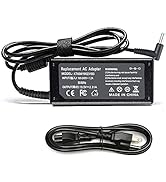
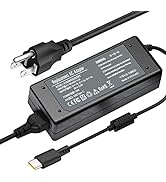
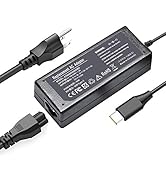
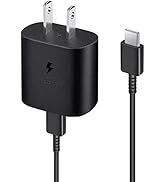
USB-C Charger& Wall charger
What should I do if we received defective items?
1.Within 60 days of purchase, we offer a no-questions-asked return policy. Additionally, for 12 months from the date of purchase, If the product fails, we will replace it with a new one.
2. Please click the button and inquire us. We have warehouses in NY, making sure that you could have a high-quality service.
3. Please be assured that we will take the responsibility for each product we sold.
What do we need to pay attention to using batteries for the first time?
Pls kindly noted that the battery must be full charged before first use!
1.You need to turn off your laptop and disconnect the power
2.Turn the laptop to the back, install a new battery, and fix it with a tool
3.When the computer is turned on, if it is not recognised, it is recommended to update the BIOS settings or please disconnecting the old battery, and holding down the power button for 20 seconds, then connect the new battery
4.Do Discharge the new battery use to 5%/7%(not to 0%) and then charge to 95%, and cycle 3-4 times
How should I preserve my laptop battery when I don’t use it?
The ideal preservation method is to charge the battery to about 40% and then put it in a cool and dry place. About 68 degrees Fahrenheit is the ideal preservation temperature. Of course, the battery should be used once a month, which can not only ensure good preservation of the battery but also prevent the battery from being damaged by the complete loss of power.
Is it normal that sparks appear when connecting the power adapter plug?
If you connect the adapter to the laptop first before connecting the adapter, it is normal to cause sparks during the contact, which can be avoided by the following operations:
(1) Turn off the switch of the power socket first.
(2) Connect the laptop power adapter to the power socket, and then turn on the socket switch.
(3) Connect the DC plug end of the power adapter to the laptop
Is it normal that the laptop adapter heats up?
It’s normal. All laptop charging, including cell phone chargers, cause heat up. Because part of the electrical energy will convert into heat energy, which causes the power supply to heat up. If it is too hot, stop using the charger.
