




 here!
I’m your shopping assistant for PC builds, upgrades, and everything tech.
Got questions? Ask away!
Start a conversation
here!
I’m your shopping assistant for PC builds, upgrades, and everything tech.
Got questions? Ask away!
Start a conversation Hot Seller
 Top Rated







Any questions? Ask CelesteSM will help you find out quickly.
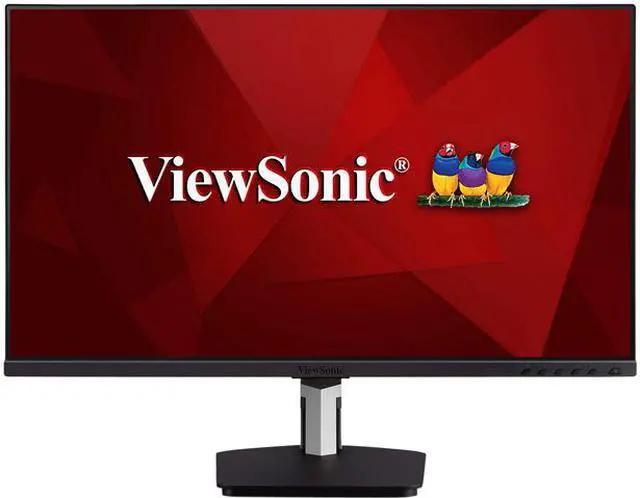
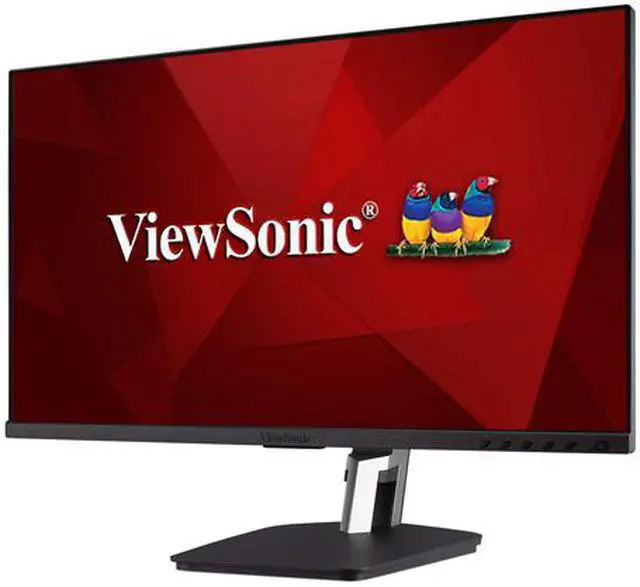
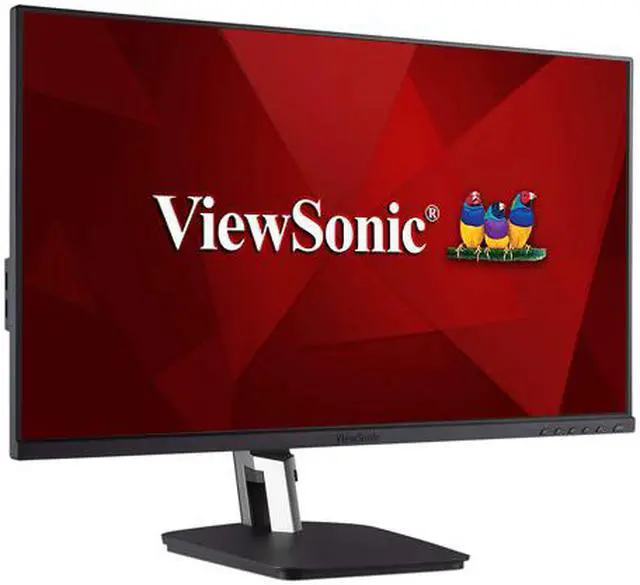
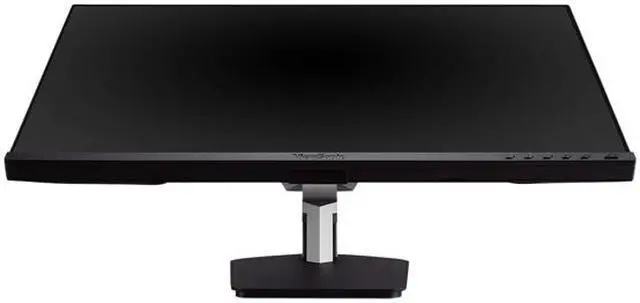
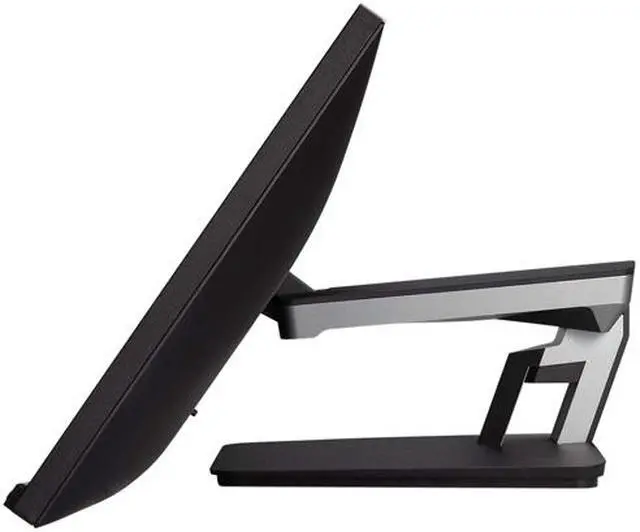
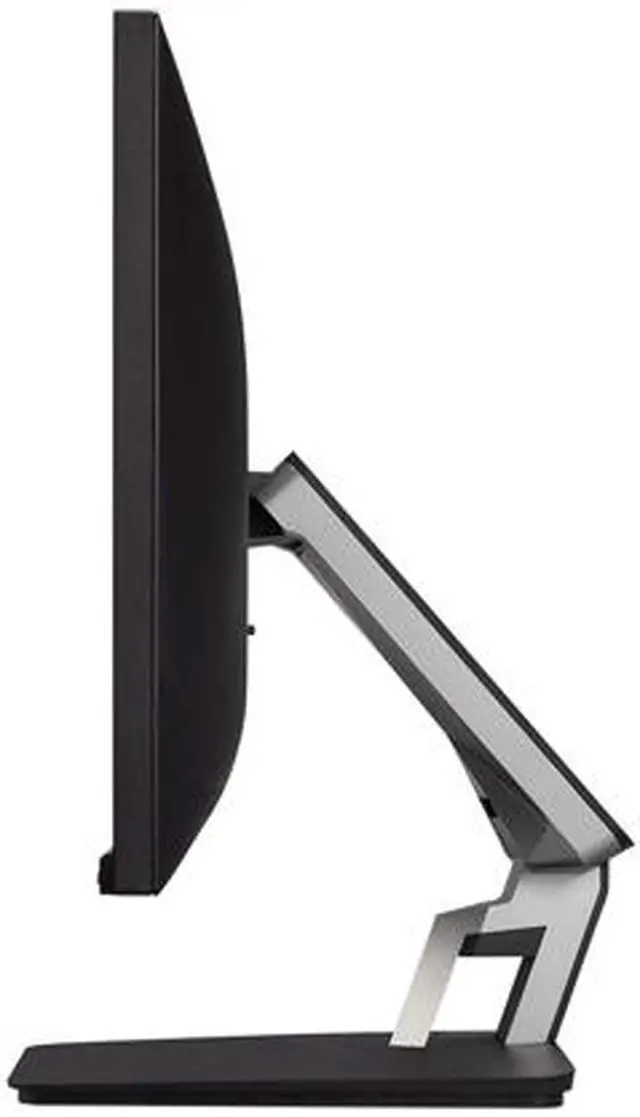
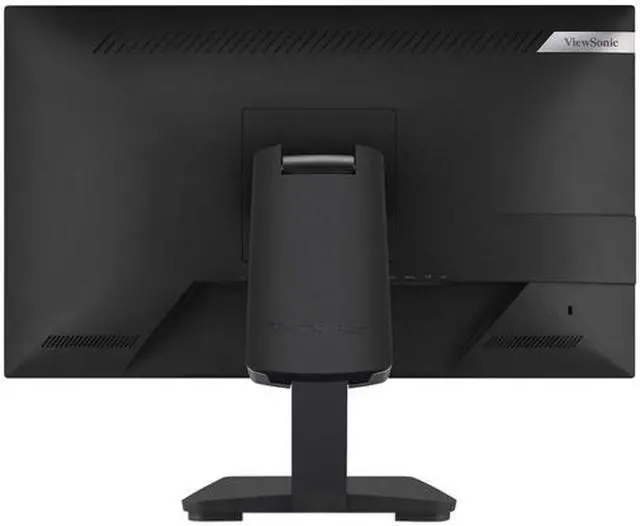
The ViewSonic TD2455 is a 23.8-inch Full HD IPS touchscreen monitor with 10-point touch and a dual-hinge stand, suited to office, classroom, retail, and home users who want interactive controls and an adjustable screen.
| Attribute | Value |
|---|---|
| Best For | Business and desktop setups that benefit from touchscreen input |
| Panel And Resolution | 23.8-inch IPS display with 1920 × 1080 Full HD resolution, 16:9 aspect ratio, 178° horizontal and vertical viewing angles, and 16.7 million colors |
| Refresh Rate And Response | 60Hz refresh rate, 14ms response time (6ms with overdrive), and FreeSync adaptive sync |
| Touch And Image Features | Projected capacitive touchscreen with touch control, matte finish, anti-glare screen, blue light filter, and flicker-free technology |
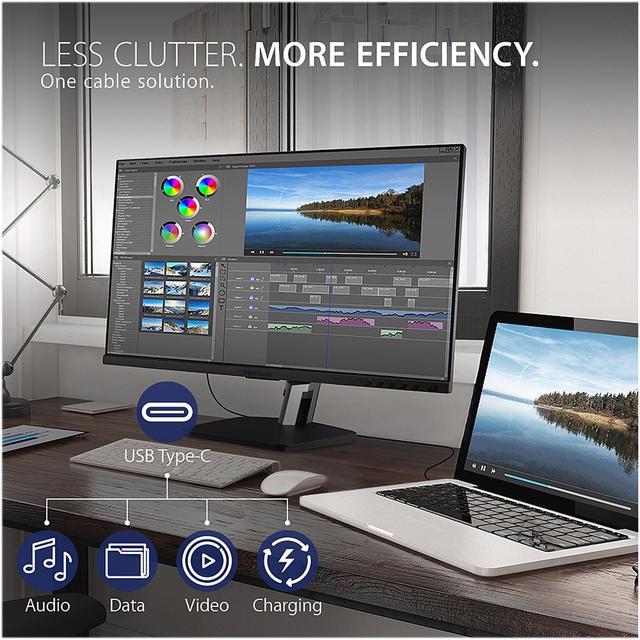
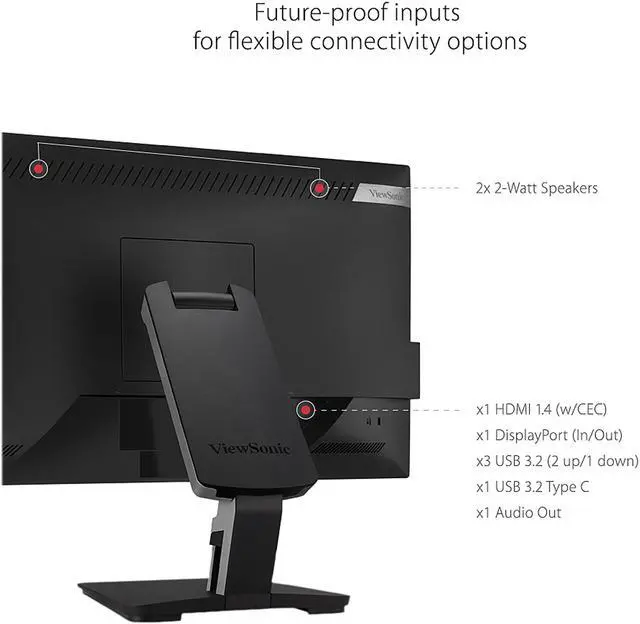
| Ports And Connectivity | 1 HDMI port, 2 DisplayPort connections, USB, and USB-C |
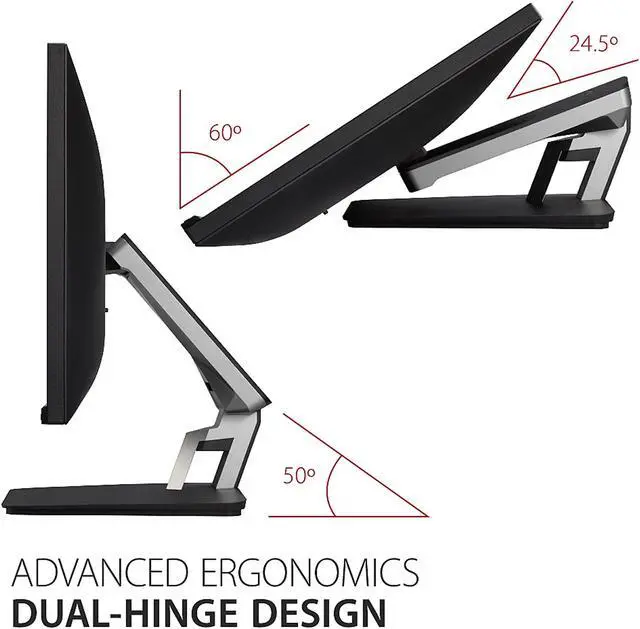
| Stand And Mounting | Height-adjustable setup with 100 × 100mm VESA mounting compatibility |
| Display Image Quality | 250 cd/m² brightness and 1,000:1 native contrast ratio; dynamic contrast ratio is 50,000,000:1 |
| Audio | Built-in stereo speakers rated at 2W each |
| Power | 100–240 VAC, 50/60Hz power supply; consumption is 19.6W typical, 14.5W in ECO mode, 23.6W maximum, and 0.3W in standby |
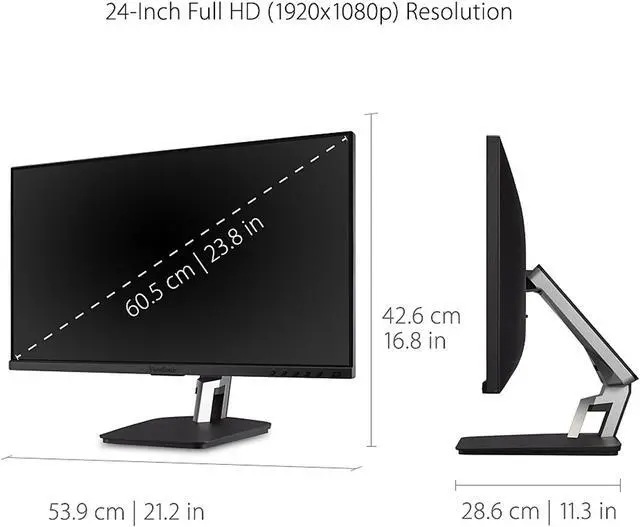
| Dimensions And Weight | With stand: 21.2 × 16.8 × 11.3 inches and 14.2 lb; without stand: 21.2 × 12.6 × 2 inches and 8.2 lb |
| Color | Black and silver cabinet |
| Controls And On-Screen Display | Physical controls and an on-screen display for image adjustment, brightness and contrast, input selection, audio, color, setup, and memory recall |
| Regulatory And Energy Certifications | cTUVus, FCC-B, ICES003, Energy Star, EPEAT, CEC, MX-CoC, and Mexico Energy |
| Model Identifiers | ViewSonic TD2455; model number VS17978 |
Q: ViewSonic TD2455 or TD2465: which should I choose?
A: Choose the TD2455 for its USB-C input, DisplayPort output for daisy-chaining displays, IPS panel, and dual-hinge stand. Choose the TD2465 if you prefer its 100Hz refresh rate and frameless 10-point PCAP touchscreen design.
Q: Should I get the 24-inch TD2455 or the portable ViewSonic TD1655?
A: Choose the TD2455 for a larger 23.8-inch Full HD touchscreen, dual-hinge desk stand, and DisplayPort output for a multi-display setup. Choose the 15.6-inch TD1655 when a compact touchscreen designed for portable, dual-screen use is the priority.
Q: How does the ViewSonic TD2455 compare with the TD2430?
A: Both are 24-inch-class Full HD ViewSonic touch monitors with 10-point touch. Choose the TD2455 for its IPS panel, dual-hinge stand, USB-C input, and DisplayPort output; choose the TD2430 if VGA connectivity is useful for your setup.
Q: Does the touchscreen work with a Mac?
A: The product information lists macOS touch support through ViewSonic’s vTouch driver, so plan to install the driver rather than assume touch will work automatically. A Best Buy response from three years ago reported that touch was not working with macOS at that time; check current driver and macOS compatibility before buying.
Q: Can I use a stylus with this monitor?
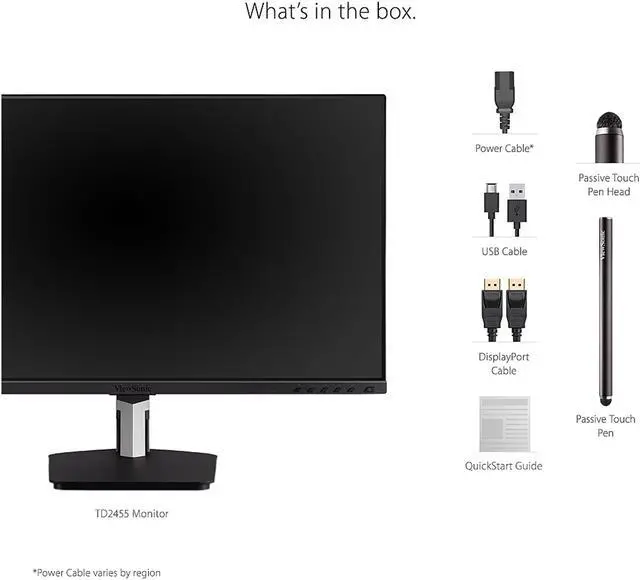
A: Yes. It supports capacitive touch and includes a passive touch pen, so it suits basic tapping, navigation, and on-screen writing. It is not described as an active, pressure-sensitive pen display.
Q: Does touch work over HDMI alone?
A: No. HDMI carries the picture, but the touchscreen also needs a USB connection to the computer for touch input. The TD2455 includes a USB cable; connect it to the host device as well as the video cable.
Q: Can I wall-mount the TD2455?
A: Yes. It has a 100 × 100 mm VESA mounting pattern. A compatible wall mount or arm is needed and is not included.
Q: Is the TD2455 a good choice for productivity work?
A: It suits productivity setups where touch input is useful: it has a 23.8-inch 1080p IPS display, 10-point touch, and an adjustable dual-hinge stand. Its 60Hz refresh rate and Full HD resolution make it less suited to buyers prioritizing high refresh rates or sharper 1440p/4K detail. Check the price against your budget before buying; the Reddit discussion asking about a sub-$350 touchscreen is several years old.
Q: Is the TD2455 a practical monitor for teaching or student work?
A: It can work well for touch-based annotation and interactive lessons. ViewSonic’s videos show it in a home teaching setup and as a secondary touchscreen for a laptop or Chromebook. Its 24-inch size and included stand make it a desktop display, not a travel-oriented portable monitor.
Q: Should I choose the TD2455 or the Dell P2418HT?
A: Both were considered for a secondary touchscreen setup. One Reddit user who tried both preferred the TD2455’s color and responsiveness, while another chose the Dell because it cost less and fit their docking-station setup. Compare current prices, connectivity needs, and your mounting plan; the Reddit comparison is anecdotal, not a controlled test.
Q: Does the TD2455 provide a USB-C hub for connecting accessories?
A: Do not assume its USB-C connection functions as a USB-C hub. A Reddit discussion specifically noted wanting to connect additional devices through a hub, while the supplied product information lists USB-A, USB-B, and USB-C connections but does not specify hub functionality. Check the port details for the exact configuration you need.


