




 here!
I’m your shopping assistant for PC builds, upgrades, and everything tech.
Got questions? Ask away!
Start a conversation
here!
I’m your shopping assistant for PC builds, upgrades, and everything tech.
Got questions? Ask away!
Start a conversation Top Rated
 Hot Seller Hot Seller









Any questions? Ask CelesteSM will help you find out quickly.
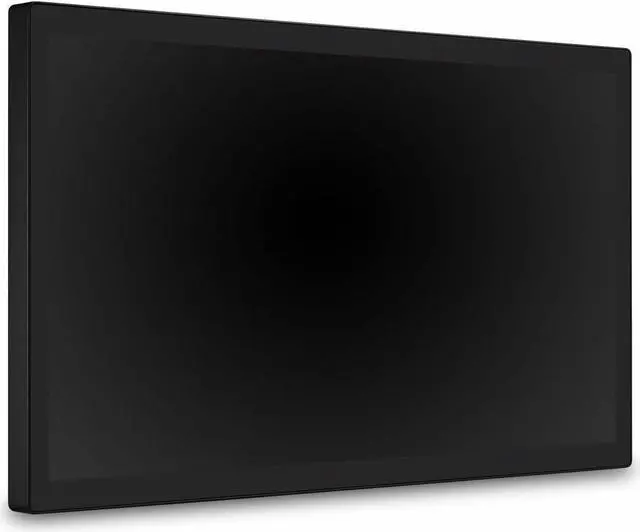
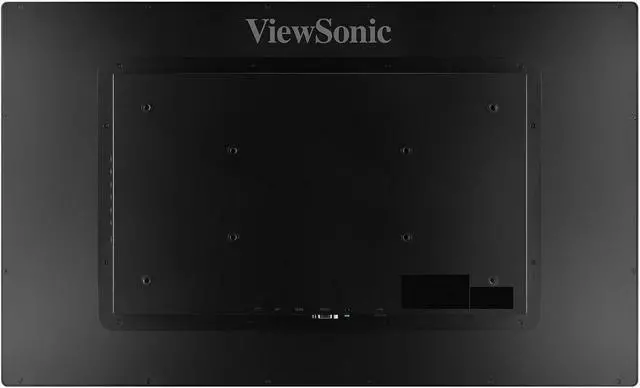
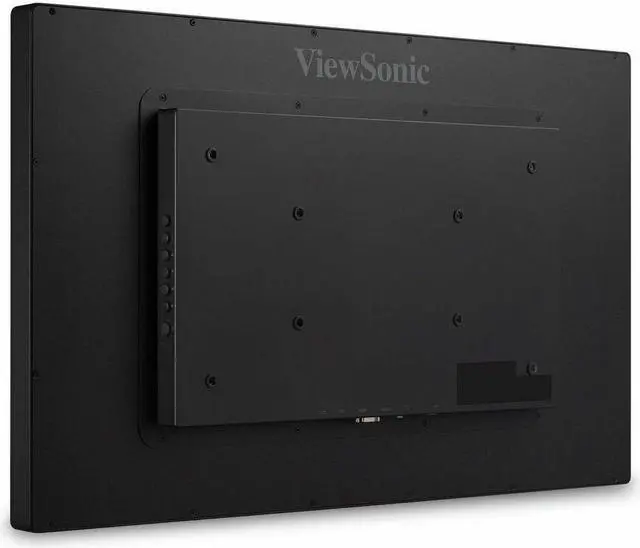
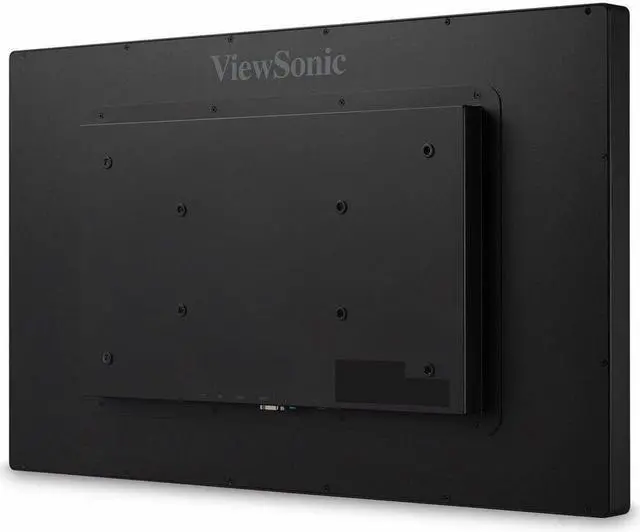
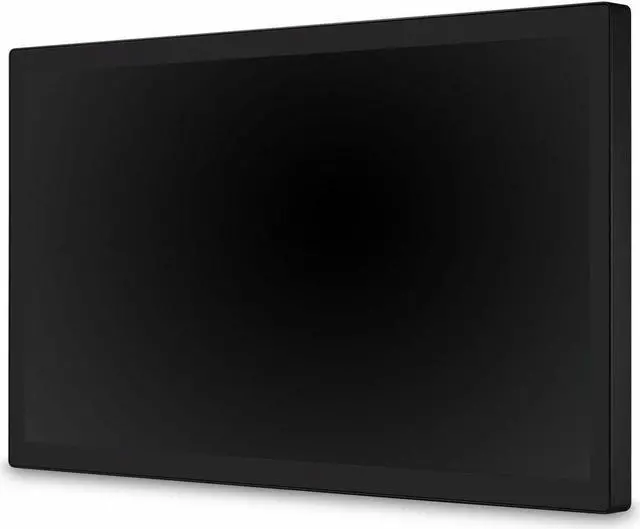
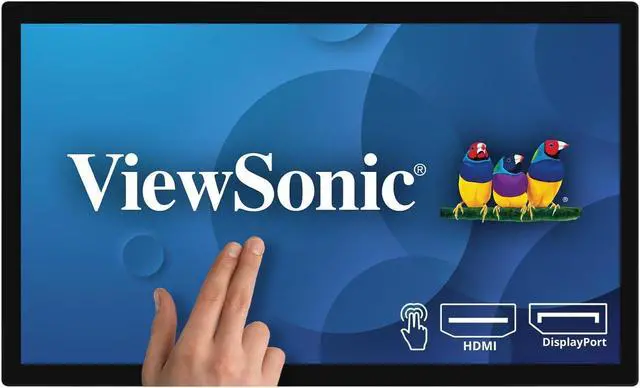
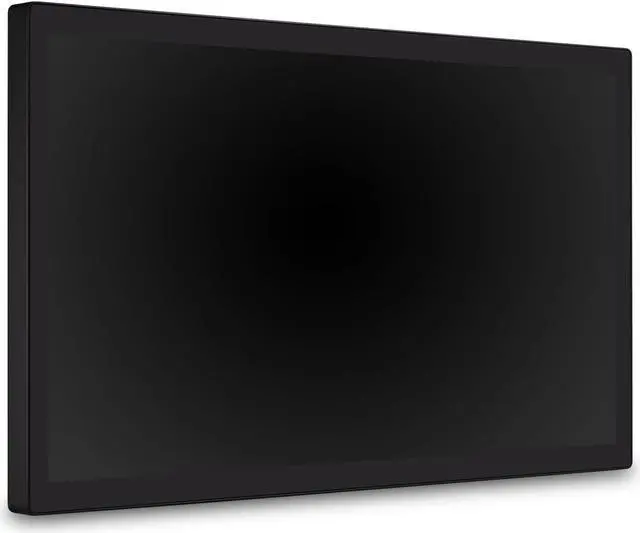
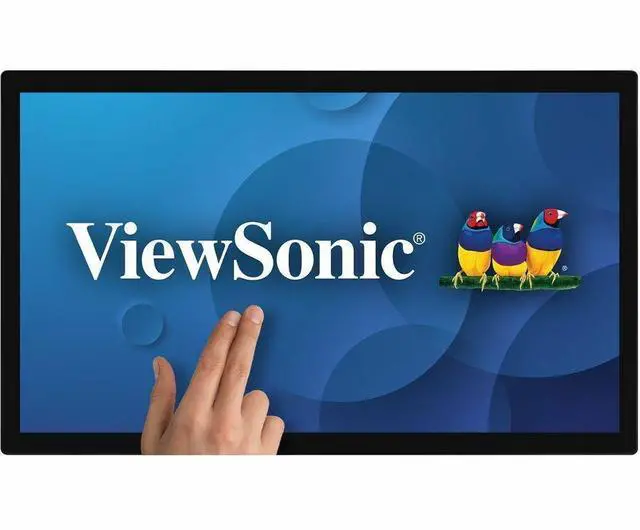
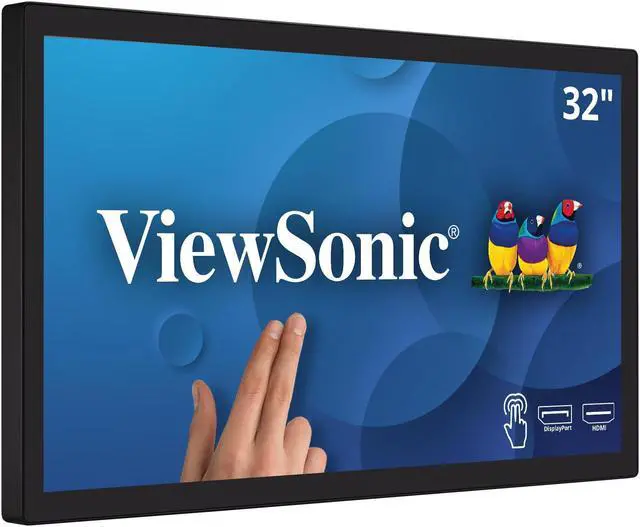
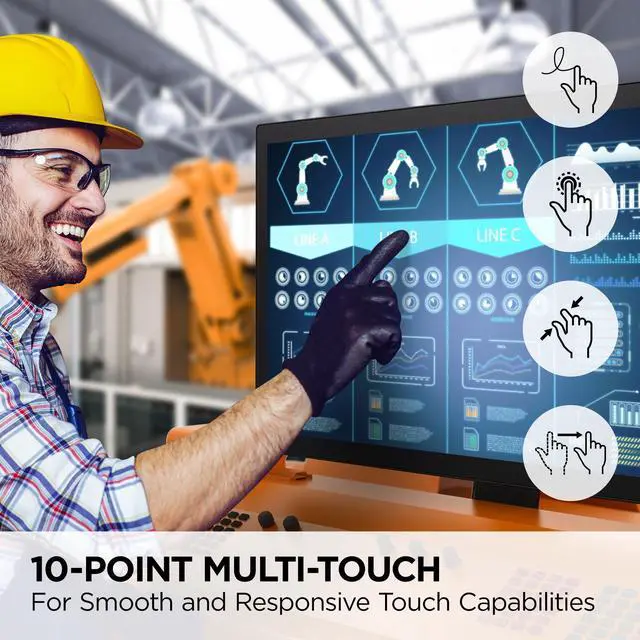
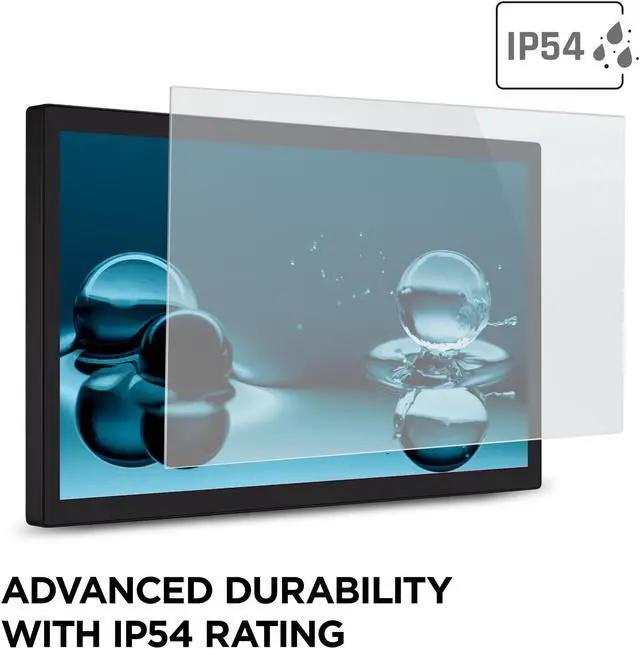
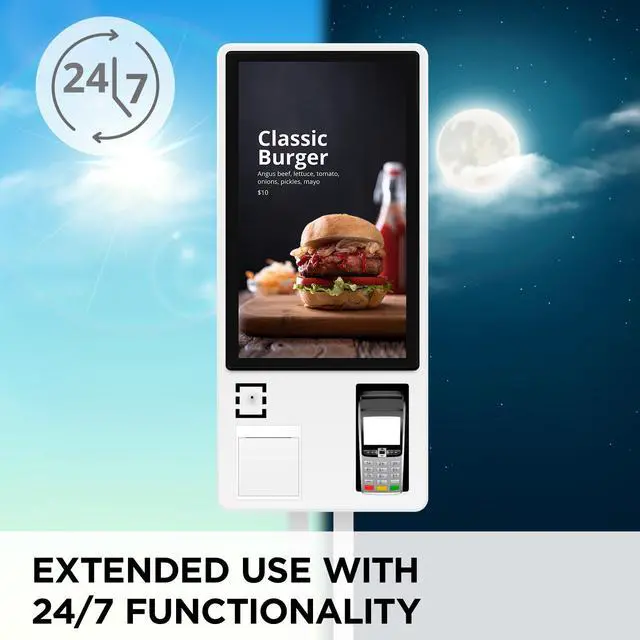
The ViewSonic TD3207 is a 32-inch Full HD open-frame touchscreen monitor with responsive 10-point projected-capacitive touch, an IP54-rated front surface, and 24/7 operation. It suits kiosks, service counters, and other fixed interactive installations that need a durable display for continuous use.
| Attribute | Value |
|---|---|
| Best For | Desktop and business use where a large touch display is needed |
| Panel And Resolution | 32-inch (31.5-inch viewable) VA LCD panel with 1920 × 1080 Full HD resolution, 16:9 aspect ratio, 178° horizontal and vertical viewing angles, and 16.7 million colors |
| Touch And Screen Finish | 10-point projected-capacitive multi-touch with a matte screen finish |
| Refresh Rate And Response | 60 Hz refresh rate, 5 ms typical GTG response time, and 3,000:1 typical / 50M:1 dynamic contrast ratio |
| Brightness And Color | 450 cd/m² brightness; 72% NTSC color gamut |
| Ports And Connectivity | HDMI 1.4, DisplayPort 1.2, USB 2.0 Type-B upstream, 3.5 mm audio out, and RS232 input |
| Audio | Built-in stereo speakers rated at 2 × 2 W |
| Power | 100–240 VAC supply; typical consumption 43 W, maximum 45.5 W, Eco modes 27 W and 35 W, and 0.5 W standby |
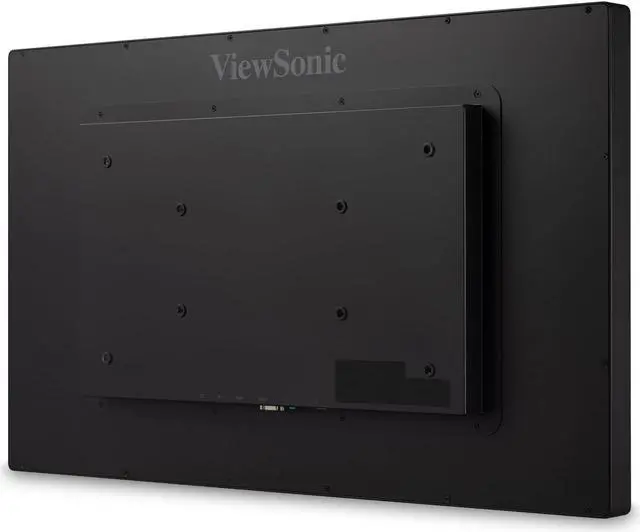
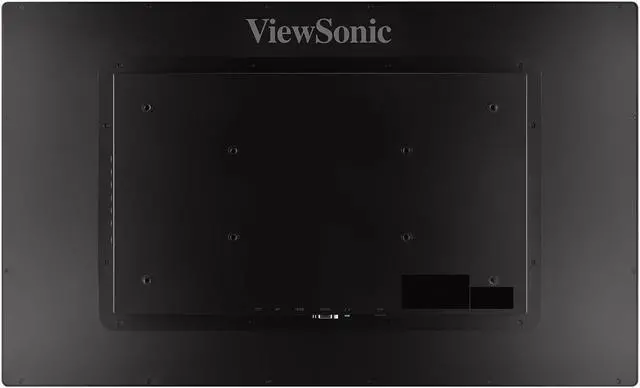
| Mounting And Orientation | VESA mounting patterns of 400 × 200 mm and 200 × 100 mm; supports multi-orientation use |
| Dimensions And Weight | 29.4 × 17.8 × 2.5 inches and 28.2 lb |
| Model Identifiers | ViewSonic TD3207; model number VS18478 |
Q: ViewSonic TD3207 vs TD2760: which is better for a large touch display?
A: Choose the ViewSonic TD3207 when a larger 32-inch screen, 450-nit brightness, 24/7 operation rating, and flexible VESA mounting are priorities. The 27-inch TD2760 is a better match for a smaller touch display with an adjustable ergonomic stand. Both offer Full HD resolution and 10-point touch.
Q: Should I get the TD3207 or the portable ViewSonic TD1655?
A: Choose the TD3207 for a fixed installation that benefits from a 32-inch screen, 24/7 operation rating, and VESA mounting. Choose the 15.6-inch TD1655 for a portable touch display: it weighs about 2.1 pounds and supports USB-C connectivity with up to 60W power delivery.
Q: ViewSonic TD3207 vs TD2465: which gives me a bigger touch workspace?
A: The TD3207 provides the larger workspace, with a 32-inch Full HD screen, 10-point touch, and a 24/7 operation rating. The 24-inch TD2465 is the more compact option, with an ergonomic stand and touch modes for pen, glove, and wet-hand use.
Q: Does touch work over HDMI or DisplayPort alone?
A: No. HDMI or DisplayPort carries the picture; connect the monitor’s USB Type-B port to the computer with the included USB A/B cable for touch input. The computer must also support touch.
Q: Can I use it by itself for apps or note-taking?
A: No. The TD3207 is a monitor, not a standalone computer or tablet. Connect it to a compatible computer or other video source; the connected device provides the apps and content.
Q: Is it practical to travel with as a work monitor?
A: It is better suited to a fixed workstation than frequent travel. The 32-inch display weighs 28.2 lb, and it needs an AC power connection and a separate computer or video source.
Q: Who is this monitor best suited for?
A: It suits fixed setups that benefit from a large touch display, such as interactive workspaces, presentations, or commercial displays. Its 10-point touch, 24/7-use rating, and VESA mounting options support those uses; its Full HD resolution and 60Hz refresh rate are better aligned with general interaction and display tasks than high-refresh gaming.
Q: Is the ViewSonic TD3207 suitable for a self-service kiosk or public display?
A: It is a plausible fit for fixed interactive installations: ViewSonic presents it for commercial kiosks and retail displays, and it has 10-point touch, HDMI and DisplayPort inputs, RS232, and VESA mounting options. It is a 28.2-pound, 32-inch display, so it is not a portable monitor.
Q: Can the TD3207 run continuously in a commercial setting?
A: It is specified for 24/7 operation, making continuous use an intended application. That rating does not guarantee a particular installation’s uptime; ventilation, mounting, and operating conditions still matter.
Q: What connections are needed to use the TD3207’s touchscreen?
A: Connect the monitor to the computer for video using HDMI or DisplayPort, and connect the included USB Type-B-to-Type-A cable for touch input. The monitor’s USB Type-B port is an upstream connection, not a general-purpose USB hub.


