




 here!
I’m your shopping assistant for PC builds, upgrades, and everything tech.
Got questions? Ask away!
Start a conversation
here!
I’m your shopping assistant for PC builds, upgrades, and everything tech.
Got questions? Ask away!
Start a conversation
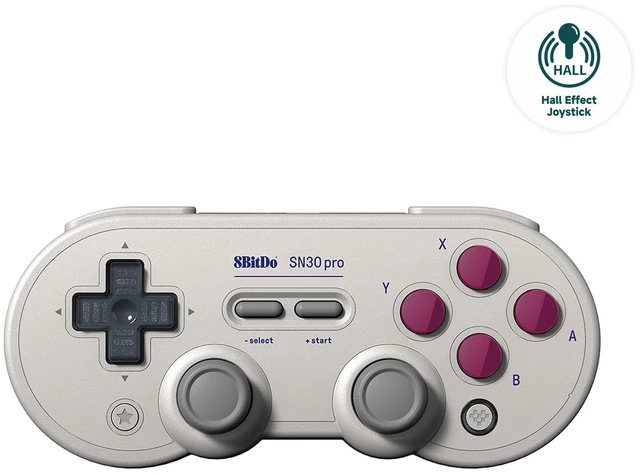
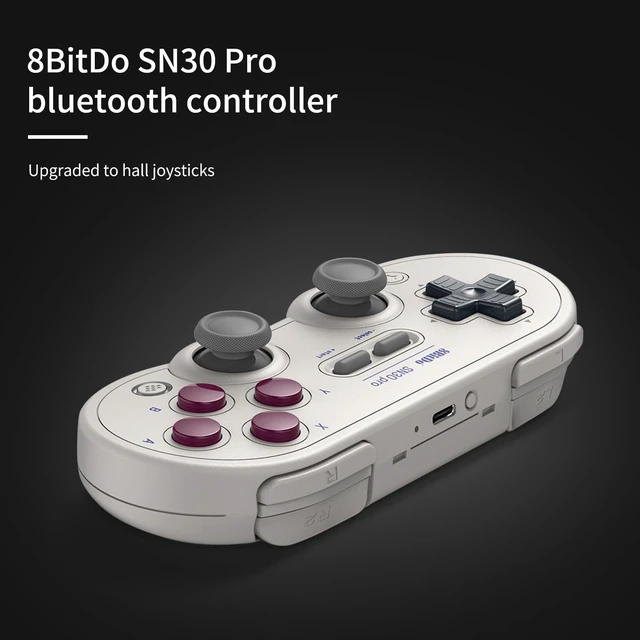
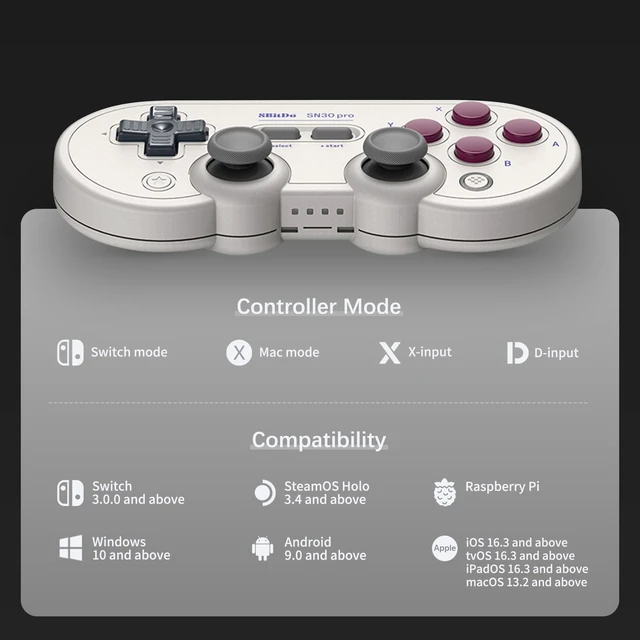
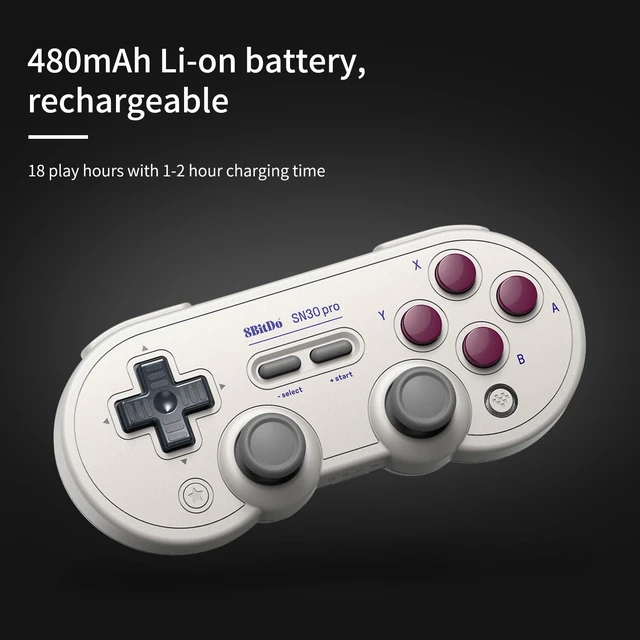
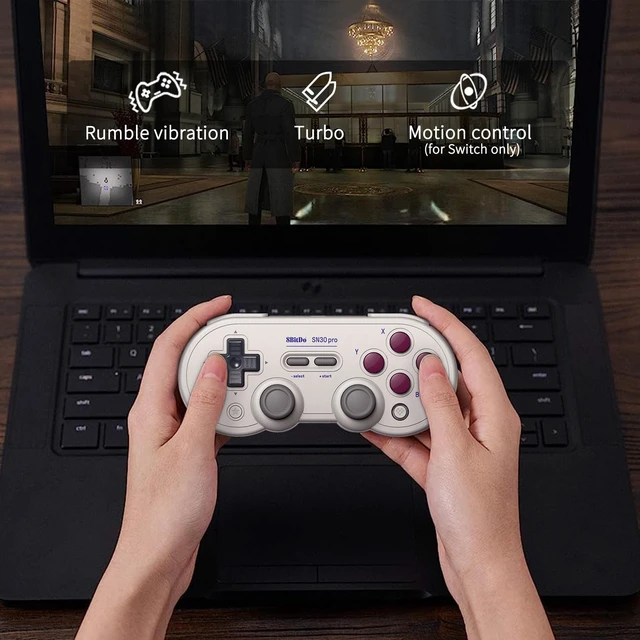
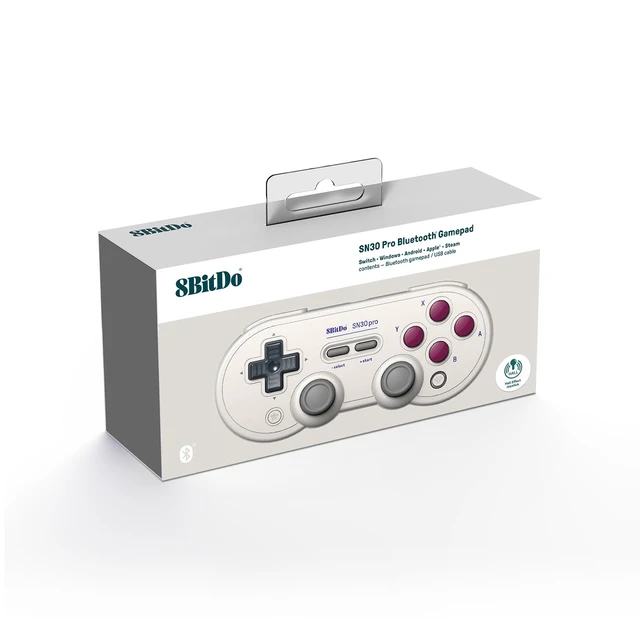



Any questions? Ask CelesteSM will help you find out quickly.


My controller does not turn on anymore. Nothing happens when I press on it. What should I do?
First method: Press and hold START for 8 seconds.
Second method: Update the firmware of controller.
How can I make sure the button mapping on controller is as Switch Pro not Xbox controller when it is connected to Steam?
A. Press and hold Y+START to turn on the controller
B. Press and hold pairing button for 3 seconds to pair them
C. Find ‘Switch Pro support’ & ‘Nintendo button mapping’ and click on them
What are the four small LEDs for on the bottom of the controller?
A. LED 1 blinking:D-input mode
B. LED 2 blinking:X-input mode (Xbox 360 mode)
C. LED 3 blinking:macOS mode
D. LED Rotating: Switch mode or pairing mode E. Solid LED: connection is successful
It also indicates the player mode when connected to Switch
Can I use it wired, via a USB-C cable?
Yes, you can. You can connect it to Switch, Windows 10, Android, Raspberry Pi and macOS using a USB cable.
How many SN30 Pro controllers can I use at a time?
It depends on the number of controllers each device can take. Multiple SN30 Pro controllers can be used at a time.
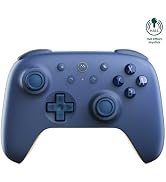
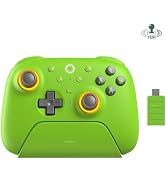
 8BitDo Ultimate 2C BT |  8BitDo Ultimate 2C 2.4G |  8BitDo Pro 3 Controller |  8BitDo Ultimate 2 2.4G |  8BitDo Ultimate 2C 2.4G | |
|---|---|---|---|---|---|
Customer Reviews | — | — | — | — | — |
Price | — | — | — | — | — |
Connectivity | Bluetooth, Wired | Bluetooth, 2.4G, Wired | Bluetooth, 2.4G, Wired | Bluetooth, 2.4G, Wired | Bluetooth, 2.4G, Wired |
Joysticks | Hall Effect Joysticks | Hall Effect Joysticks | TMR Joysticks | TMR Joysticks | Hall Effect Joysticks |
Triggers | Hall Triggers | Hall Triggers | Hall Effect/Tactile Triggers | Hall Effect/Tactile Triggers | Hall Triggers |
Ultimate Software Support | — | — | Ultimate Software V2 | Ultimate Software V2 | — |
Battery Capacity | 480mAh | 480mAh | 1000mAh | 1000mAh | 480mAh |
Charging Dock | ? | ? | ? | ? | ? |
Wear-resistant Joystick Rings | ? | ? | ? | ? | ? |








My controller does not turn on anymore. Nothing happens when I press on it. What should I do?
First method: Press and hold START for 8 seconds.
Second method: Update the firmware of controller.
How can I make sure the button mapping on controller is as Switch Pro not Xbox controller when it is connected to Steam?
A. Press and hold Y+START to turn on the controller
B. Press and hold pairing button for 3 seconds to pair them
C. Find ‘Switch Pro support’ & ‘Nintendo button mapping’ and click on them
What are the four small LEDs for on the bottom of the controller?
A. LED 1 blinking:D-input mode
B. LED 2 blinking:X-input mode (Xbox 360 mode)
C. LED 3 blinking:macOS mode
D. LED Rotating: Switch mode or pairing mode E. Solid LED: connection is successful
It also indicates the player mode when connected to Switch
Can I use it wired, via a USB-C cable?
Yes, you can. You can connect it to Switch, Windows 10, Android, Raspberry Pi and macOS using a USB cable.
How many SN30 Pro controllers can I use at a time?
It depends on the number of controllers each device can take. Multiple SN30 Pro controllers can be used at a time.
8BitDo Ultimate 2C BT | 8BitDo Ultimate 2C 2.4G | 8BitDo Pro 3 Controller | 8BitDo Ultimate 2 2.4G | 8BitDo Ultimate 2C 2.4G |
|---|---|---|---|---|
| Customer Reviews | ||||
| — | — | — | — | — |
| Price | ||||
| — | — | — | — | — |
| Connectivity | ||||
| Bluetooth, Wired | Bluetooth, 2.4G, Wired | Bluetooth, 2.4G, Wired | Bluetooth, 2.4G, Wired | Bluetooth, 2.4G, Wired |
| Joysticks | ||||
| Hall Effect Joysticks | Hall Effect Joysticks | TMR Joysticks | TMR Joysticks | Hall Effect Joysticks |
| Triggers | ||||
| Hall Triggers | Hall Triggers | Hall Effect/Tactile Triggers | Hall Effect/Tactile Triggers | Hall Triggers |
| Ultimate Software Support | ||||
| — | — | Ultimate Software V2 | Ultimate Software V2 | — |
| Battery Capacity | ||||
| 480mAh | 480mAh | 1000mAh | 1000mAh | 480mAh |
| Charging Dock | ||||
| ? | ? | ? | ? | ? |
| Wear-resistant Joystick Rings | ||||
| ? | ? | ? | ? | ? |


