

Your Browsing History







Featured Brands








SHOP BY Type

Quick View
- $104.99 –
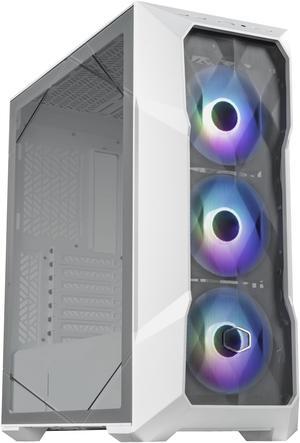
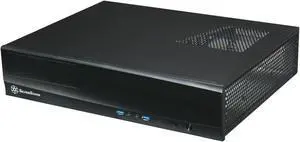
Quick View
- $95.99 –
- Free Shipping
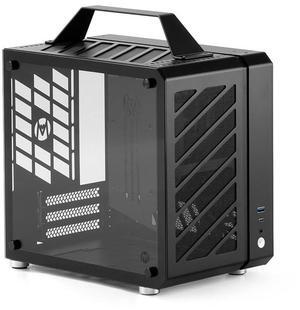
Quick View
Mechanic Master Cool Cube Series C25Plus Mini-ITX Case/Alumium/Steel/GPU Length Within 269mm, ATX14cm/SFX/L PSU Computer Case

- Model #: 647168733489
- $159.99 –
- Free Shipping

Quick View
DARKROCK Classico Storage Master ATX NAS Computer Case Mid Tower with 3x120mm White Infinity Design F120 Fan & 4x120mm Black Fan, USB 3.0 Ready 10 x3.5'' HDD+3 x2.5'' SDD GPU Vertically Mounting Black
- Model #: CP-CASE-DR-CLASSICO + F120-WT X3
- $99.99 –
- Free Shipping
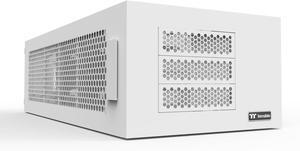
Quick View
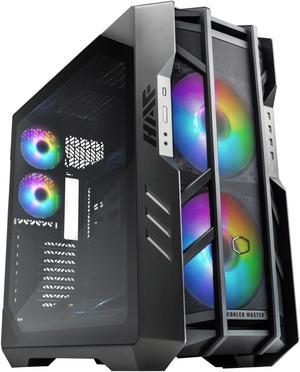
Cooler Master HAF700 H700-IGNN-S00 Titanium Grey SGCC Steel / Mesh / ABS Plastic / Tempered Glass ATX Full Tower Computer Case
Limited time offer, ends 10/15
- Model #: H700-IGNN-S00
- $549.99 –
- Free Shipping
Quick View
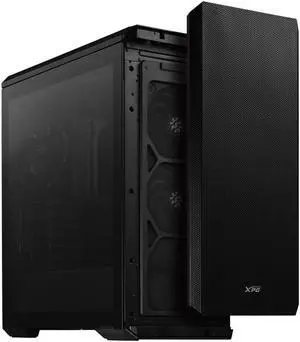
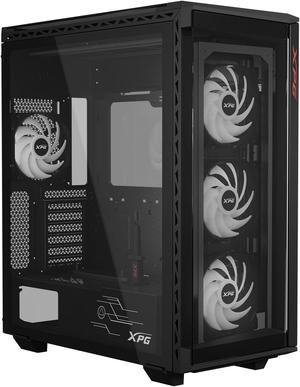
XPG Defender ATX Mid Tower Chassis-Black-DEFENDER-BKCWW Desktop Computer Case
- Model #: DEFENDERWSLMTWOF-BKCWW
- $64.99 –
- More options from $64.99 - $288.12
- Free Shipping
Quick View
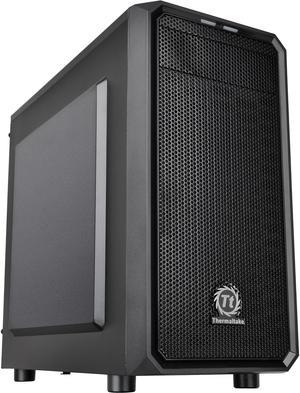
Thermaltake Versa H15 Black SPCC Micro ATX Tower Computer Case CA-1D4-00S1NN-00
- Model #: CA-1D4-00S1NN-00
- $100.21 –
- Free Shipping
Quick View
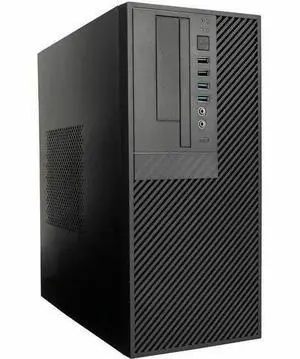
In Win Computer Case - Mini-tower - 450 W - Micro ATX Motherboard Supported - 1 x External 3.5" Bay - 1 x Internal 3.5" Bay - 4 x USB(s) - 2 x USB 3.0, 2 x USB 2.0 - 1 x Audio In - 1 x Audio
- Model #: CP712.CQ450TB3
- $105.00
- $92.99 –
- Save: 11%
- More options from $92.99 - $163.98
- $11.72 Shipping
Quick View
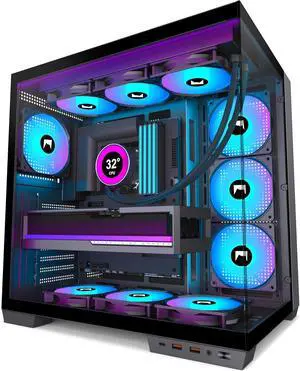
ATX PC Case - Pre-Installed with 7 PWM ARGB Fans - Dual Cavity Mid-Tower PC Gaming Case - with Type-C - Can Hold up to 3X 360mm Radiator Support simultaneously
- Model #: BEHYXN H1BK
- $199.99 –
- Free Shipping
Quick View
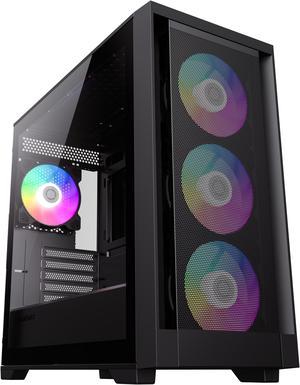
GameMax Defender Mesh Black USB3.0 Micro-ATX Gaming PC Computer Case, Pre-installed 4x ARGB Fan, Support 4000 Series GPU and 360mm AIO
- Model #: Defender MB
- $89.99
- $61.99 –
- Save: 31%
- Free Shipping
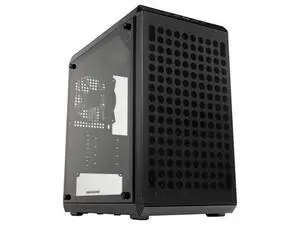
Quick View
- Model #: Q300LV2-KGNN-S00
- $69.99 –
- Free Shipping
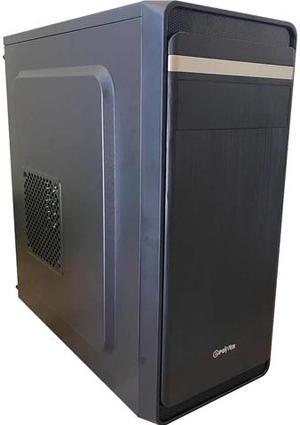
Quick View
EPOWER EP-2002BB-550 Mid Tower ATX/Micro ATX Black Computer Case with 550W Power Supply
Limited time offer, ends 10/30
- Model #: EP-2002BB-550
- $84.03
- $79.99 –
- Free Shipping
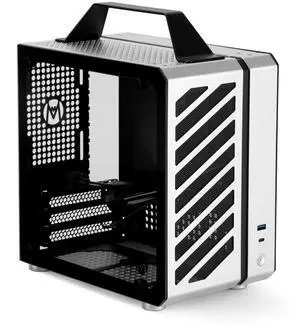
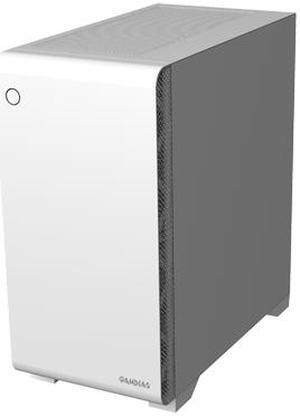
Quick View
Gamdias MARS E2, WHITE micro ATX pc case , USB 3.0, rear 120mm black fan, tempered glass side panel
- Model #: GD-MARS E2
- $59.99 –
- Free Shipping
Quick View
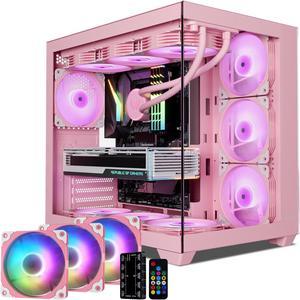
Vetroo AL900 ATX PC Case with 270° Full View Tempered Glass, Supports 360mm Radiator, 4 PWM FDB ARGB Fans with Controller - Pink
- Model #: VT-CASE-AL900-PK + ARGB-PK X3
- $134.99 –
- Free Shipping
Quick View
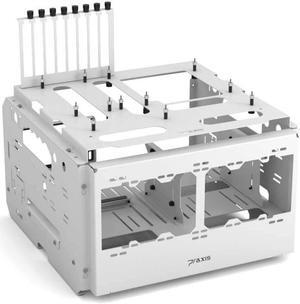
PrimoChill's Praxis WetBenchSX Basic - Flat Edition - Powdercoated Steel Modular Open Air Computer Test Bench for Watercooling or Air Cooled Components
- Model #: 31735148806210
- $199.99 –
- Free Shipping

Quick View
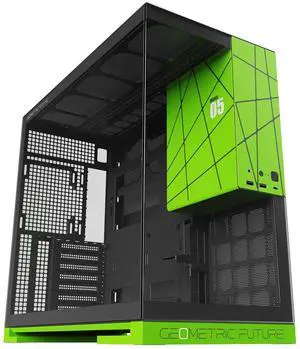
Geometric Future M5 Tempered Glass Mid Tower, E-ATX/ATX Gaming Case, 1.2mm Steel, Type C, Toolless Panels, Support 420/360 Radiator, Dual-Chamber, Black/Green, GEO-M5-BNY
- Model #: 9391048955119
- $185.99 –
- $5.00 Shipping
Quick View
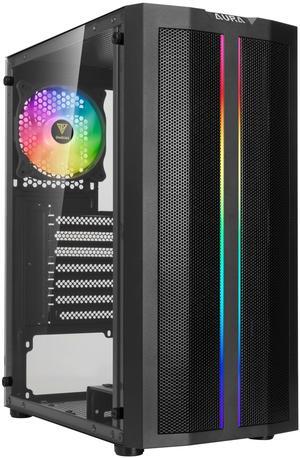
Gamdias AURA GC3, mesh high air flow, front ARGB strip and rear ARGB 120mm fans sync 5v 3pin, tempered glass side-panel, ATX.
- Model #: AURA-GC3
- $59.99 –
- Free Shipping
Quick View
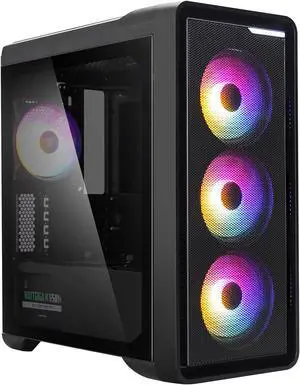
Zalman M3 Plus RGB Mini Tower mATX Case, 4x Pre-Installed 120mm RGB Fans/Mesh Front Panel for Air Flow/Tempered Glass Side Panel
- Model #: M3 Plus RGB
- $59.99 –
- Free Shipping
Quick View
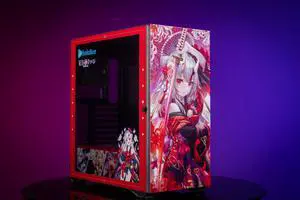
CORN Glass E-ATX/ATX/Micro ATX Computer Case, 4 Sides + 3 Light Panels Customized with HD Images - Nakiri Ayame
- Model #: AIGO K1-Nakiri Ayame
- $263.99 –
- $259.99 Shipping
Quick View
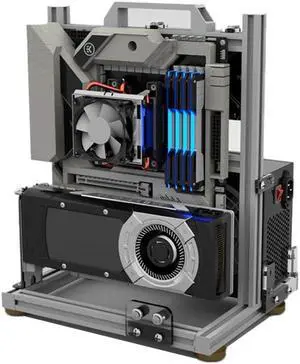
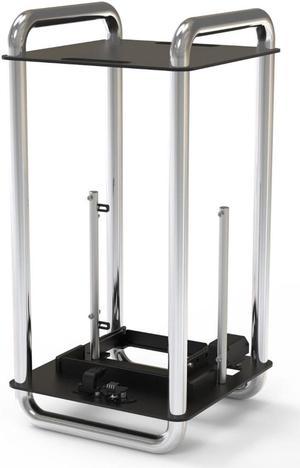
Streacom STDA6C DA6 Open PC ITX Case - Chrome
- Model #: STDA6C
- $159.90 –
- More options from $159.90 - $199.99
- Free Shipping
Quick View
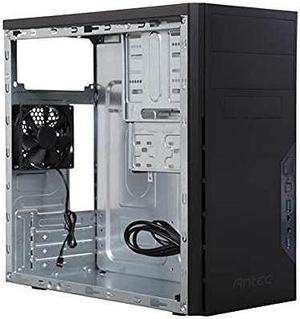
Antec VSK3000E-U3 US Black SGCC Micro ATX Mini Tower Computer Case
- Model #: VSK3000E-U3 US
- $72.63 –
Quick View
XPG Battlecruiser II Mid-Tower ATX PC Gaming Case: Exoskeleton-Driven, Aesthetics, Efficient Airflow, 420mm Radiator, GPU Holder, Cable Management, XPG Prime Box, Black (BATTLECRUISERIIPST-BKCWW )
- Model #: BATTLECRUISERIIPST-BKCWW
- $149.99 –
- Free Shipping
Quick View
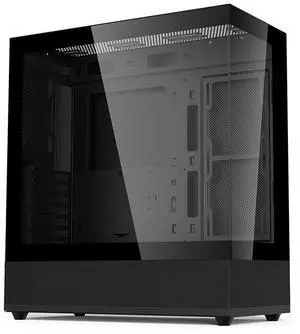
V930 atx/micro atx case/atx computer case, desktop computer host case, side view sea view room tower case, gaming and esports 360 water-cooled gaming computer Pc case
- Model #: Gintol20250728
- $69.00 –
- Free Shipping
Quick View
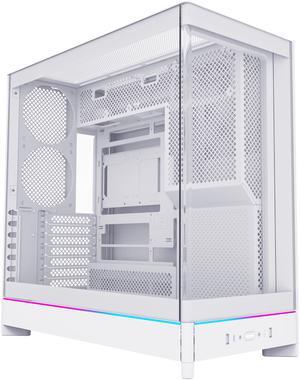
MONTECH HS02, ATX Mid-Tower PC Case, Gaming PC, High-Airflow, Reversible Layout, Sturdy Curved Tempered Glass Front Panel, Sink-in Design, Toolless Panels, White, US
Limited time offer! Don't miss it!, ends10/11
- Model #: HS02 (W)
- $109.90
- $73.00 –
- Save: 33%
- Free Shipping
Quick View
- $99.99
- See price in cart
- $16.14 Shipping
Quick View

- $79.99 –
- Free Shipping

| Learn About Computer Cases | |
|---|---|
What Is a Computer Case and How Do I Choose One?A computer case (or chassis) houses and protects your PC’s internal components such as the motherboard , CPU , GPU , storage , and power supply . Modern cases use steel or aluminum construction with tempered-glass panels, enhanced airflow routing, and support for large GPUs and advanced cooling systems. Before choosing a case, always check GPU clearance, CPU cooler height, radiator support, and compatibility with ATX 3.1 / 12V-2x6 power supplies. Case sizes come in three major formats:
Want to dig deeper into case sizes, form factors, and build-compatibility recommendations? Check out the full guide on Newegg Insider – Computer Case Size Buying Guide for a technical overview and detailed advice on choosing the right chassis for your build. In 2025, as GPUs and cooling systems continue to increase in size, selecting the right case ensures proper airflow, thermal efficiency, and upgrade flexibility. PC Gaming Cases Offer Optimal Cooling and ExpansionFor high-performance gaming builds, a gaming case offers superior airflow, expansion, and component clearance. Many modern gaming cases provide:
Smaller microATX and mini-ITX cases remain popular for portable setups, offering vertical GPU mounts, removable drive cages, and edge-to-edge glass panels for clean, modern layouts.
| HTPC Cases for a Clean Home Theater SetupAn HTPC media center case is ideal for living-room entertainment PCs or compact desks. These cases typically include:
Server Chassis and Industrial CasesBusinesses and data centers rely on robust server chassis designed for reliability and scalability. Options vary depending on deployment needs:
Rackmount systems enable easier cable management and modular expansion for enterprise environments. Benefits of an ATX Case for Your BuildATX cases remain the most versatile option for gaming, workstation, and content creation systems. They offer:
Whether building a 4K gaming PC or an AI-focused workstation, ATX cases offer long-term upgrade flexibility. Shop Computer Cases at NeweggNewegg offers a wide selection of computer cases — from compact SFF designs to large E-ATX full towers. Browse enclosures with tempered glass, mesh airflow fronts, RGB lighting, and liquid-cooling support to find the perfect chassis for your next build. |
Last Updated: March 2026 | Newegg Computer Case Buying Guide
Computer Case / PC Chassis FAQs:
What does a computer case do in a PC build?
A computer case houses and protects your components while defining airflow, cooling potential, and upgrade flexibility for your entire system.
or side) and ensure there's enough clearance above RAM and VRM heatsinks.When should I upgrade my PC case?
Upgrade when your case limits airflow, GPU size, cooling support, or cable management—especially when installing newer or larger components.
What case size do I need: ATX, Micro ATX, or Mini ITX?
Choose based on your motherboard size. ATX offers maximum expansion, Micro ATX balances size and flexibility, and Mini ITX is ideal for compact builds.
How do I check GPU and CPU cooler clearance?
Compare your component dimensions with the case specifications, including GPU length, CPU cooler height, and radiator clearance if needed.
Are mesh-front cases better for airflow?
Mesh-front designs typically allow better airflow than solid panels, helping reduce system temperatures in high-performance builds.
How many case fans do I need?
Most builds start with 2–3 intake fans and 1 exhaust fan, adjusted based on heat output and cooling requirements.
What is positive vs negative air pressure?
Positive pressure uses more intake than exhaust to reduce dust, while negative pressure increases airflow but may draw in more dust.
Do I need liquid cooling support in a case?
Only if you plan to use an AIO or custom loop. Check radiator size and mounting support before choosing a case.
What cable management features should I look for?
Look for routing channels, tie-down points, and space behind the motherboard tray to improve airflow and build quality.
What is a panoramic view PC case?
A panoramic case features large tempered glass panels designed to showcase internal components and lighting.
Are tempered glass cases harder to cool?
Cooling depends on airflow design, not just materials. Many glass cases perform well with proper fan configuration.
What front ports should I look for?
USB-C is increasingly important for modern devices, while USB-A and audio ports remain essential for everyday use.
Can I reuse my old power supply in a new case?
Most cases support ATX power supplies, but smaller cases may require SFX units—always verify compatibility.
What case features help reduce noise?
Efficient airflow, quality fans, and vibration-dampening mounts help reduce noise during operation.
What’s the best way to shop PC cases?
Filter by form factor, GPU clearance, and cooling support, then compare top-rated models to find the best fit.
What is the difference between full tower, mid tower, and mini ITX cases?
Full towers offer maximum space and expansion, mid towers balance size and features, while mini ITX cases focus on compact builds.
How do airflow-focused cases compare to tempered glass cases?
Airflow-focused cases prioritize cooling performance, while glass cases emphasize aesthetics—many modern designs combine both.
What is the difference between open-air and enclosed cases?
Open-air cases provide maximum airflow and accessibility, while enclosed cases offer better protection and controlled airflow paths.
How do different case materials compare?
Steel is durable and cost-effective, aluminum is lighter, and tempered glass enhances aesthetics but requires careful airflow design.
What is the difference between gaming and standard PC cases?
Gaming cases typically offer better cooling, larger GPU support, and visual features, while standard cases focus on basic functionality.
How do I choose the right computer case?
Start with motherboard size, then consider airflow, GPU clearance, cooling support, and future upgrade needs.
What size case do I need for my components?
Match your case to your motherboard, GPU length, and cooling setup to ensure proper fit and performance.
Do I need a full tower case or is mid tower enough?
Most builds work well in mid tower cases, while full towers are ideal for maximum expansion and advanced cooling setups.
What are common issues when buying a PC case?
Common issues include compatibility mismatches, limited airflow, and insufficient space for large GPUs or cooling systems.
How do I install components into a PC case?
Install the motherboard, power supply, storage, and cooling components step by step, following the case layout and manual.
Bestselling Computer Cases Reviews:
Tyler B.
10/3/2026 2:06:33 PM
I understand why this is one of the most sold cases on here now
“ This is a case that I definitely see myself purchasing again, for myself and for my friends if the chance comes up. ”
Phanteks XT Pro Ultra, Mid-Tower Gaming Chassis, 4x M25-140 Fans Included, High Airflow Performance Mesh, Tempered Glass Window, USB-C 3.2 Gen2, BlackWilliam S.
10/2/2026 1:24:50 PM
Love this case
“ Overall I'm really happy with my new case! ”
MONTECH, KING 95 PRO Dual-Chamber ATX Mid-Tower PC Gaming Case, High-Airflow, Toolless Panels, Sturdy Curved Tempered Glass Front, Six ARGB PWM Fan Pre-installed with Fan Hub, BlackStephanie V.
10/2/2026 10:02:33 AM
Good Case
“ Good case - I like the easy to remove sides, it makes it easy to get into my computer and clean. ”
Fractal Design Focus G Black ATX Mid Tower Computer CaseSky Pilot
9/28/2026 12:12:57 AM
Great case
“ I love the design of this case. ”
NZXT H6 FLOW Compact Dual-Chamber Mid-Tower Airflow Case, Black, CC-H61FB-01Anonymous
9/25/2026 12:25:38 PM
Great Case - Beware Though!
“ I liked it while I had it. ”
DIYPC Vanguard-F2-BK -Black Dual USB3.0 and Type C Tempered Glass ATX Full Tower Gaming Computer Case w/ 4 x 140mm ARGB PWM Fans (3 x MB Side, 1 x Rear) Pre-Installed. Support BTF Back Plug MB.Matt
9/21/2026 4:48:46 PM
Nice case, lows temps
“ The case is very good looking. ”
Fractal Design Torrent White E-ATX Tempered Glass Window High-Airflow Mid Tower Computer CaseAnonymous
9/20/2026 1:15:09 PM
Two ODD bays - with a catch (but still amazing)
“ I *love* the fact that this case comes with TWO spots for optical disc drives. ”
Fractal Design Focus G Black ATX Mid Tower Computer CaseScot
9/19/2026 11:44:18 PM
Great value
“ I love that the fans are Argb and can be adjusted/synced with your other rgb components. ”
SAMA V40 White ATX Mid Tower PC Case, 6 Pre-Installed 120mm ARGB PWM Fans, Dual Tempered Glass Panels, Vertical Airflow Design, Gaming Computer Case for ATX/Micro-ATX/ITX Motherboard