here!
here!
I’m your shopping assistant for PC builds, upgrades, and everything tech.
Got questions? Ask away!
Start a conversation
here!
I’m your shopping assistant for PC builds, upgrades, and everything tech.
Got questions? Ask away!
Start a conversation









$8 promotional gift card w/ purchase, limited offer
+ $5 off w/ promo code GTWF499, limited offer
$10 promotional gift card w/ purchase, limited offer
+ $5 off w/ promo code GTWF498, limited offer
+ $3 off w/ promo code GTWF496, limited offer
Explore a diverse selection of PC cases including ATX and compact designs to match your build requirements and style preferences. This page offers detailed options to help you find the right computer case on Newegg for your next upgrade or custom setup.
Choosing the right computer case means balancing several important factors to match your build preferences and functional needs:
Among the technical considerations, airflow stands out as a critical determinant of system stability and performance. A well-designed case channels cool air efficiently to key components like the CPU and GPU while expelling hot air effectively. This can prevent overheating and thermal throttling, ensuring your system runs optimally under load. Many cases offer mesh front panels, multiple fan mounts, and dust filters to enhance ventilation. Whether you choose an ATX Mid Tower or a compact Mini-ITX case, prioritize models designed with optimal fan placement and airflow paths to keep your components cool and running reliably.
For enthusiasts, developers, or professionals building high-performance rigs, the choice of case directly affects your workstation's capabilities. Larger chassis like the ATX Full Tower allows for expansive configurations, supporting multiple GPUs, custom water cooling loops, and numerous storage devices. These cases often include modular drive cages, superior cable management systems, and extensive radiator mounting points—features that are invaluable in maintaining system organization and cooling efficiency even under heavy load. Utilizing a professional-grade case ensures that your workstation or gaming rig is future-proofed and capable of handling demanding tasks without thermal or spatial compromises.
Newegg shopping tip: Before picking a computer case, check the size compatibility with your motherboard (ATX, Micro-ATX, Mini-ITX) and make sure it has enough space for your graphics card and cooling system. Also, consider airflow design and port accessibility to keep your build cool and user-friendly.
Classic ATX desktops offer solid compatibility for up to ATX boards, balancing expansion slots and cooling options for mainstream gamers and productivity rigs.
E-ATX tower cases boast extra-wide interiors to fit larger 12"x13" motherboards, perfect for workstations or high-end gaming setups with extensive cooling and PCIe layouts.
Standard computer cases vary widely, but expect support for multiple drive bays and airflow-optimized designs tailored for your specific performance or silence needs.
Picking out your first PC case can feel like a maze, but focusing on a few basics makes the process much smoother. Consider the size of your motherboard—common form factors include ATX, MicroATX, and Mini-ITX—which determines what cases will fit your build. Most beginners find ATX Full Tower or ATX / Micro ATX Mid Tower cases offer a balanced start with enough room for upgrades. Prioritize cases with good airflow and cable management to keep your system running cool and neat. Don’t forget about front panel ports and drive bays, which add convenience for daily use. Starting with a versatile Computer Case will help you grow your build over time.
If you’re building a system where gaming performance matters most, selecting a case that supports efficient cooling and expansion is crucial. A gaming PC benefits from cases like the ATX Desktop or an E-ATX Tower Case. These cases provide ample space for top-tier graphics cards, multiple storage devices, and high-performance cooling solutions, including aftermarket air or liquid coolers. A well-ventilated case with multiple fan mounts or radiator support helps prevent overheating during intense gaming sessions. Sleek designs with tempered glass panels and RGB lighting can add to the immersive gaming atmosphere, while roomy interiors simplify cable management and upgrades.
For users short on desk space or looking to build a portable system, smaller cases like MicroATX and Mini-ITX cases are favorites. These compact cases pack a punch by fitting powerful components into a much smaller footprint without sacrificing too many features. Although they restrict expansion options compared to full towers, their streamlined size makes them ideal for dorm rooms, small offices, or LAN parties. Focus on cases with sufficient ventilation and clever internal layouts that maximize the limited room. Some even include modular panels or carry handles for easier transport.
Research more: When choosing a computer case, consider the size compatibility with your motherboard and the airflow options for better cooling. For a deeper dive into materials, design, and build tips, check out the Newegg Insider buying guides.
Last Updated: October 2026 | Newegg Computer Cases Buying Guide
Full-tower cases generally offer better airflow and more room for additional components like extra GPUs or storage drives, making them ideal for high-end builds. Mid-tower cases are more compact but still provide decent cooling and enough space for most gaming or workstations.
The core performance in terms of airflow and build quality can be better in premium brands due to higher-quality materials and design, but budget cases can still perform well for basic builds if you pay attention to cooling features and size compatibility. It mostly depends on what you need and your budget.
Computer cases typically come in sizes like ATX, Micro-ATX, and Mini-ITX, which correspond to different motherboard form factors. You just need to match the case size with your motherboard size to ensure compatibility.
Not every case includes fans; some come with at least one pre-installed, but others might not include any. It's a good idea to check the product details so you know if you need to pick up extra fans for proper cooling.
Focus on cases with good airflow, plenty of space for larger GPUs, and support for multiple cooling options like extra fans or liquid cooling radiators.
A budget case can work fine for basic builds, but investing in a higher-quality case usually means better cooling, easier cable management, and more durability, which helps if you plan to upgrade parts later.
Look for reviews that mention airflow and cooling performance. Cases with good ventilation, multiple fan mounts, and dust filters usually handle heat better and keep components cooler.
Pay attention to complaints about build quality, such as flimsy panels or poorly aligned doors. Also, check if users mention difficulty installing components or insufficient cable management options, as these can be a real hassle.
Start by checking the motherboard size and GPU length you plan to use, then pick a case that supports those dimensions. It’s better to allow some extra room for airflow and future upgrades.
Use the built-in cable management channels and tie-down points to route cables behind the motherboard tray, keeping them out of the main chamber. This keeps things tidy and improves cooling efficiency.
“ Really recommend this case ”
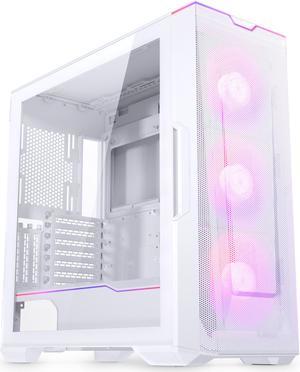
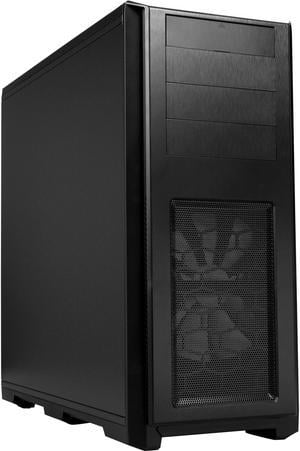
Phanteks Enthoo Pro TG PH-ES614PTG_BK Integrated RGB Lighting Control Tempered Glass Side Panel ATX Full Tower Computer Case - Black“ I am very pleased with this SAMA case, the build quality feels solid, the glass panels look amazing, and everything arrived safe and intact. ”
SAMA V52 PC Case with 7 ARGB Fans and Hub, Full View Tempered Glass Mid Tower Gaming Case, Type-C, High Airflow, Supports ATX / Micro-ATX / Mini-ITX, Supports 420mm GPU & 360mm Radiator,White“ Great case, looks great in my room and was easy enough to build in. ”
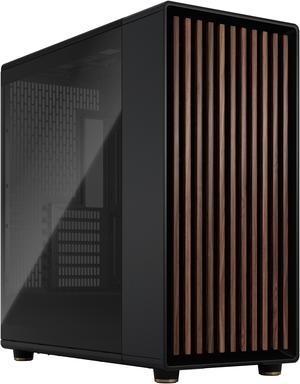
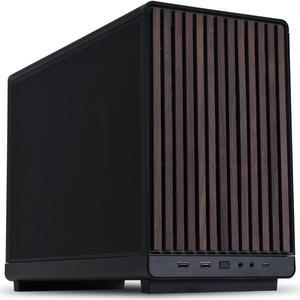
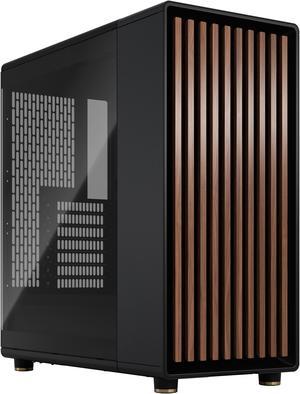
Fractal Design North ATX mATX Mid Tower PC Case - Charcoal Black Chassis with Walnut Front and Mesh Side Panel“ Super cool case ”
Montech AIR 903 BASE, E-ATX Mid Tower Case, High Airflow with Max Capacity, 3x 140mm PWM Fans Pre-installed, Tempered Glass Side Panel, Mesh Front, TYPE-C, Support 4090 GPUs, Black“ Amazing case for price and easy cable management but USB c port doesn't work ”
Phanteks XT Pro, Mid-Tower Gaming Chassis, High Airflow Performance Mesh, Tempered Glass Window, 1x M25-120 Black fan included, Black“ I recommend this case. ”
Fractal Design Define R5 Black Silent ATX Midtower Computer Case“ The case has a lot of freedom for sizing, decent clearance for GPUs, and surprised me with how easy it was as a first time case ”
Phanteks XT Pro, Mid-Tower Gaming Chassis, High Airflow Performance Mesh, Tempered Glass Window, 1x M25-120 Black fan included, Black“ Best case I ever bought and I've bought hundreds! ”
DIYPC Vanguard-F1-BK -Black Dual USB3.0 and Type C Tempered Glass ATX Full Tower Gaming Computer Case w/ 4 x ARGB PWM Fans (3 x MB Side, 1 x Rear) Pre-Installed.