here!
here!
I’m your shopping assistant for PC builds, upgrades, and everything tech.
Got questions? Ask away!
Start a conversation
here!
I’m your shopping assistant for PC builds, upgrades, and everything tech.
Got questions? Ask away!
Start a conversation
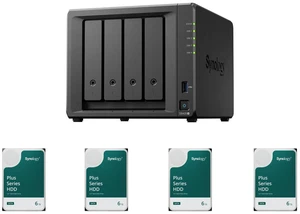
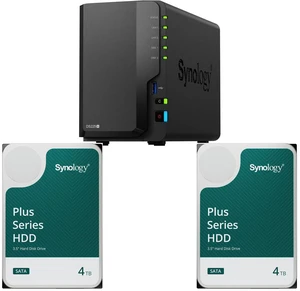



Whether it’s to navigate your keepsake media collection, stream high-resolution videos in your own personal cloud, or to share and access files securely to other employers with ease as a business owner, an NAS (Network Attached Storage) provides a high-capacity storage solution that connects to your home or office network. With 24/7 access through your mobile device or PC, NAS is a cost-effective way to back up essential data without paying a high cloud subscription fee.
Join Kenan on this fun and detailed breakdown that introduces Seagate's IronWolf and IronWolf Pro hard drives and clarifies which hard drive is better for various scenarios. Kenan also answers the questions: Why buy a hard drive in the first place? What type of hard drive should you buy (HDD vs SSD)? What size should the hard drive be? All of these answers, and more, are here!
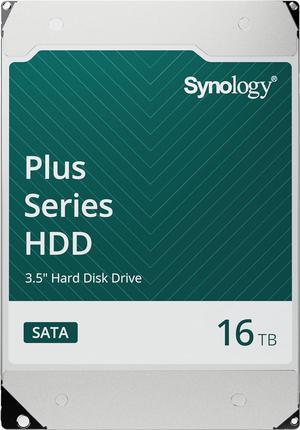
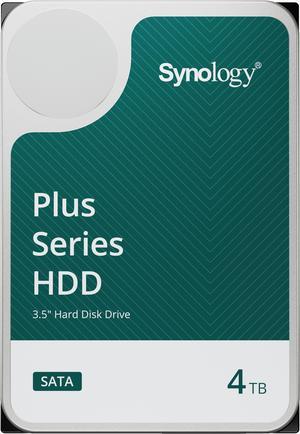
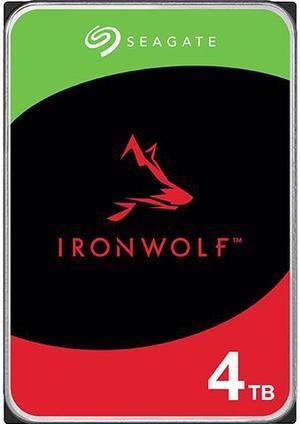
Save even more w/ combo purchase, limited offer
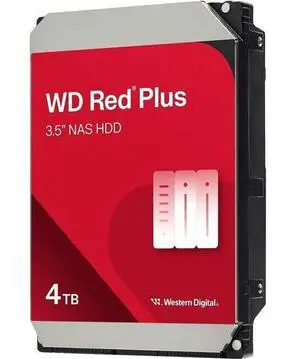
Save even more w/ combo purchase, limited offer
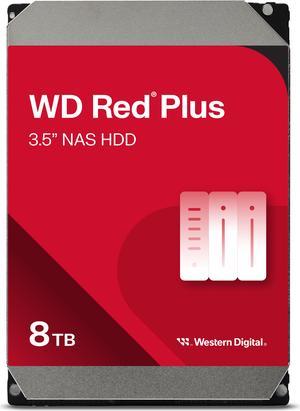
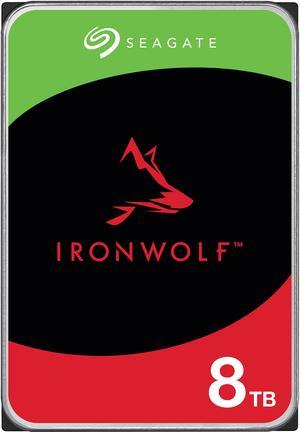
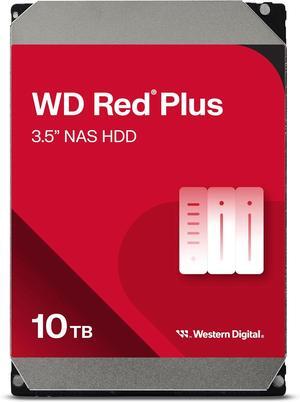
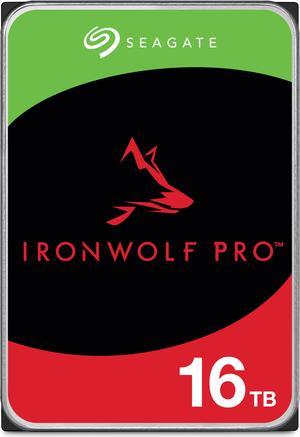
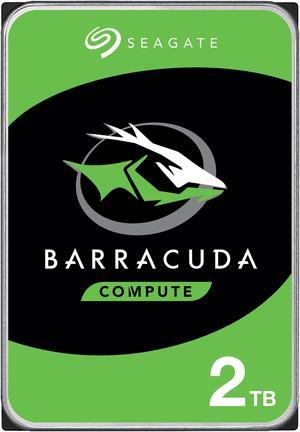
+ $10 off w/ promo code FTTF7935, limited offer
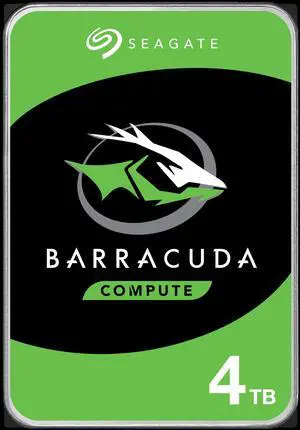
+ $10 off w/ promo code FTTF7934, limited offer
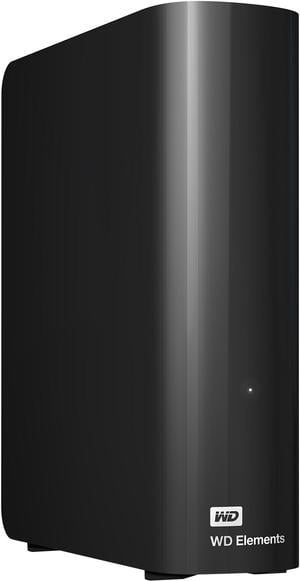
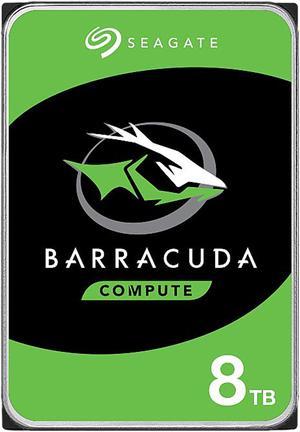
Browse a wide selection of computer hard drives designed to expand your PC’s storage capacity and improve data access speeds. Whether you need an HDD for everyday use or large-scale data storage, find reliable options to fit your setup.
Among all the specifications, RPM is the single most impactful factor to examine when picking a hard drive. RPM indicates how many times the drive’s platters spin per minute. A drive with 7200 RPM typically reads and writes data faster than a 5400 RPM model because the read/write head can access data more quickly. This means quicker boot times, faster file transfers, and improved overall responsiveness for demanding applications.
For desktop usage requiring speed and medium to large storage capacity, a 7200 RPM drive offers a solid balance. Conversely, laptop internal drives often operate at 5400 RPM to conserve battery life and reduce heat. If you want external storage balancing speed and capacity for backups or media, consider 7200 RPM options from Desktop External HDDs.
For professionals and developers running servers, data centers, or SAN (Storage Area Network) environments, selecting enterprise-grade HDDs is critical. These drives are engineered for 24/7 continuous operation, featuring higher spindle speeds like 7200 RPM, massive 128MB cache memory, and improved vibration tolerance to maintain stability and longevity under high workloads. They’re built for optimal reliability, handling large volumes of transactions and intensive multitasking.
Newegg offers a wide range of Enterprise HDDs designed to meet the demanding specifications needed by developers, IT managers, and system architects focused on uptime and data integrity.
Newegg shopping tip: When choosing a hard drive, balance storage capacity with speed—7200 RPM drives typically offer faster performance than 5400 RPM models. Also, check the drive’s cache size and interface type (SATA or NVMe) to ensure compatibility and optimal data transfer rates for your setup.
Store massive files externally with 7200 RPM desktop HDDs that balance speed and capacity, perfect for backups and media libraries.
Reliable SATA III 6Gb/s internal drives optimize everyday computing with capacities up to 10TB for desktops and workstations.
Desktop internals deliver stable 3.5-inch performance, often featuring cache sizes up to 256MB to handle intense multitasking workloads.
Choosing your first hard drive can feel overwhelming, but it’s simpler when you focus on what matters most: capacity, speed, and compatibility. For everyday computing, including gaming, browsing, and multimedia, a Desktop/Laptop Internal HDDs offer the sweet spot between affordability and performance. These come in 3.5-inch sizes for desktops or 2.5-inch versions for laptops and provide ample storage for your operating system, games, and files without breaking the bank.
For users with huge libraries of photos, videos, and music, or those who want to safeguard important data, Desktop External HDDs are a reliable choice. They connect easily via USB and deliver the high capacity needed to archive years of content while keeping your PC’s internal drive free and fast. These drives often spin at 7200 RPM for quicker access, balancing performance with spacious storage.
If you need storage to accompany you everywhere, whether for fieldwork, photography, or simply daily file transport, Portable External HDDs offer a compact, durable solution. These 2.5-inch drives feature shock resistance and fast transfer speeds, so you can safely carry large volumes of data without worry, whether on the road or in the studio.
Research more: When choosing a hard drive, consider your storage needs and the drive’s speed to balance performance with capacity. For a deeper dive into HDD types and features, check out the Newegg Insider buying guides to make a well-informed decision.
Last Updated: October 2026 | Newegg Hard Drive Buying Guide
SSDs are much faster than HDDs because they have no moving parts, which also makes them more durable and less prone to mechanical failure. However, HDDs usually offer more storage capacity for the price.
Both brands are reliable, but Western Digital often emphasizes durability and quieter operation, while Seagate generally offers more budget-friendly options with competitive performance. Your choice might depend on whether you prioritize longevity or cost.
SSDs use flash memory and are much faster than traditional spinning hard drives, which store data magnetically. However, hard drives usually offer more storage for a lower price.
It depends on what you plan to store; basic users might get away with 500GB-1TB, while gamers or video editors often need 2TB or more. Also, check your system’s compatibility for drive size and interface type.
If you want faster game load times and better overall performance, go with an SSD. HDDs offer more storage for less money but can slow down your system compared to SSDs.
Think about what you usually store—photos, videos, games—and add extra space for new files. For most users, 1TB to 2TB hits a good balance between cost and capacity.
Look for patterns in feedback about failure rates and long-term performance. If many users mention the drive dying after a short time, it’s a red flag.
Slow speeds, unusual noises, and frequent errors are signs that a hard drive might have issues. Pay attention to reviews highlighting these, especially if they happen soon after purchase.
First, power down your computer and unplug it. Open the case, find an empty drive bay, securely mount the hard drive, connect the SATA and power cables, then close the case and boot up to format the drive.
After installing the drive, go to Disk Management, locate your new drive, right-click it, and select "Format." Choose NTFS for most uses, name your drive, and click OK to get it ready for storing files.
“ Would definitely recommend this hard drive. ”
WD Gold 16TB Enterprise Class Hard Disk Drive - 7200 RPM Class SATA 6Gb/s 512MB Cache 3.5 Inch - WD161KRYZ“ it's far more cost effective in 2026 to buy pre-built PCs than trying to build your own with individual parts. ”
Seagate BarraCuda NE-ST8000DM004 8TB 5400 RPM 256MB Cache SATA 6.0Gb/s 3.5" Internal Hard Drive Bare Drive“ Great hard drives overall! ”
Seagate IronWolf Pro ST16000NT001 16TB 7200 RPM 256MB Cache 3.5" Internal Hard Drive - OEM“ its a decent hard drive that does what its supposed to do i honestly have no complaints ”
Seagate IronWolf 8TB NAS Hard Drive 7200 RPM 256MB Cache SATA 6.0Gb/s CMR 3.5" Internal HDD for RAID Network Attached Storage - ST8000VN004“ Received and installed new Seagate Hard Drive in older Dell Inspiron PC. ”
Seagate BarraCuda ST2000DM008 2TB 7200 RPM 256MB Cache SATA 6.0Gb/s 3.5" Hard Drive Bare Drive“ I bought this drive to consolidate the may hard drives I've collected over the years. ”
WD Elements 16TB USB 3.0 Desktop External Hard Drive WDBWLG0160HBK-NESN Black“ Hard drive for over 2 weeks no issues ”
Seagate IronWolf ST4000VN006 4TB 5400 RPM 256MB Cache SATA 6.0Gb/s 3.5" Internal Hard Drive“ 8tb hard drive that works ”
WD Gold 8TB Enterprise Class Hard Disk Drive - 7200 RPM SATA 6.0Gb/s 256MB Cache 3.5" Hard Drives - WD8005FRYZ