




 here!
here!
I’m your shopping assistant for PC builds, upgrades, and everything tech.
Got questions? Ask away!
Start a conversation
here!
I’m your shopping assistant for PC builds, upgrades, and everything tech.
Got questions? Ask away!
Start a conversation







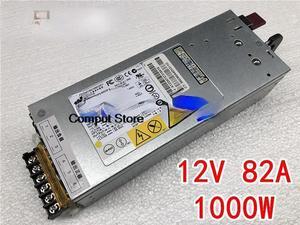
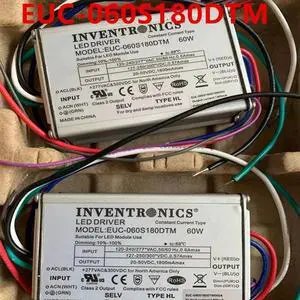
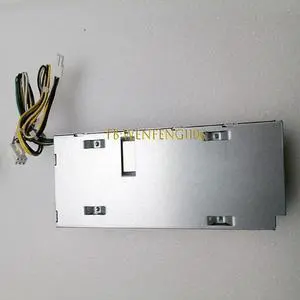
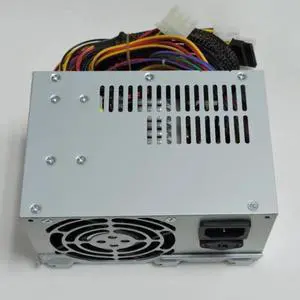
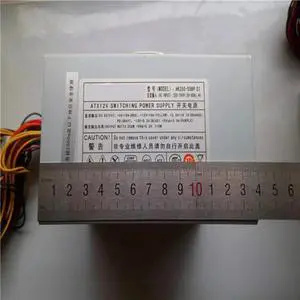
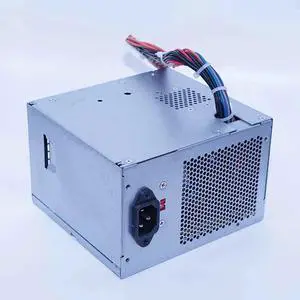
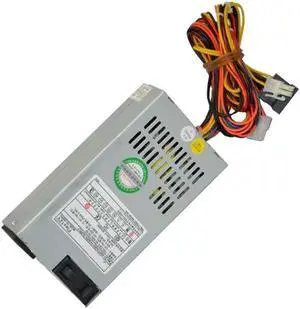
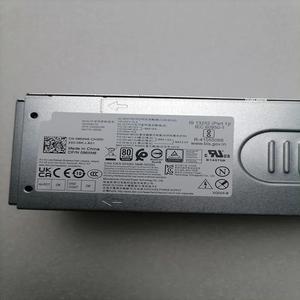
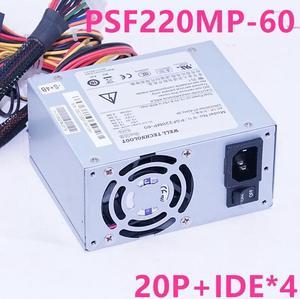
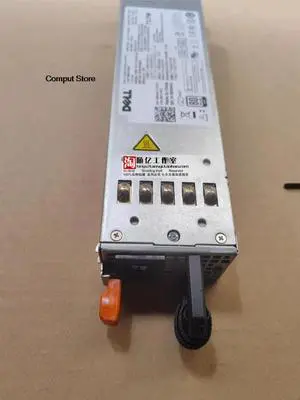
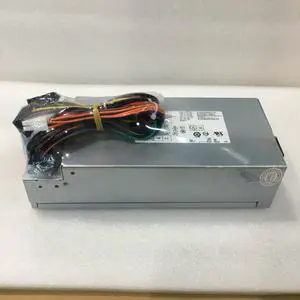
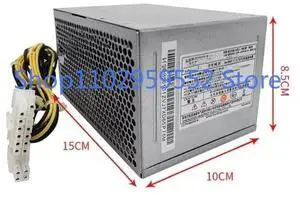
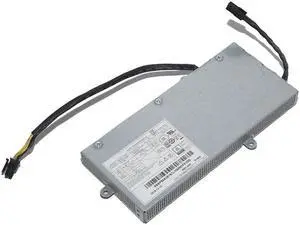
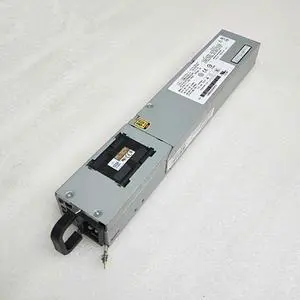
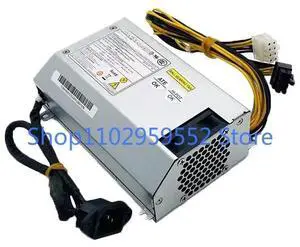
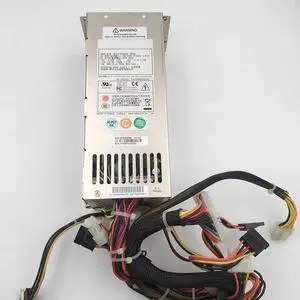
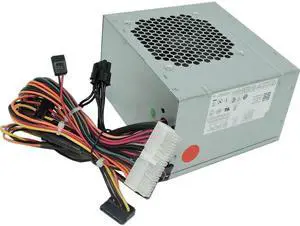


Explore a wide selection of reliable PC power supplies from top brands like EVGA, Corsair, and Seasonic, featuring modular designs and 80 Plus Gold certification. Shop our Black November deals and Black Friday deals on power supplies to find the perfect fit for your gaming rig or desktop build.
The single most critical aspect when choosing a power supply is its wattage rating, which directly affects the stability and longevity of your system. A PSU must deliver enough power to handle peak loads from high-performance CPUs, graphics cards, and other components. Selecting too low a wattage risks system crashes and hardware damage, while excessively oversized units can be less efficient and cost more upfront.
For most current gaming and desktop builds, power supplies within ranges like 600W - 699W or 700W - 799W usually cover single-GPU rigs comfortably. Higher-end machines running multiple graphics cards or overclocked processors may require exploring options in the 900W - 1199W or even 1200W - 1499W range.
With Black November deals on Power Supplies, it's a great time to invest in the exact wattage you need for future-proofing without overspending.
For high-end workstations supporting rendering, simulation, or intense multitasking, power demands rise sharply. Professionals building such rigs should consider power supplies with exceptional wattage and efficiency, such as those in the 1500W and above category. These units provide not just raw power but also extremely stable voltage outputs and robust protections essential for continuous, error-free operation during demanding workloads.
Modular cables paired with high-end 80 Plus Platinum or Titanium certifications minimize power loss and help maintain cooler temperatures inside your case, critical in long professional sessions. Exploring these premium power supplies during the Black Friday deals season gives access to options that meet exacting standards for quality and reliability.
Newegg shopping tip: When choosing a power supply, check the wattage rating to make sure it can comfortably handle your system’s power needs, including any future upgrades. Also, compare efficiency certifications like 80 Plus Gold to save energy and reduce heat during heavy gaming sessions. Black November deals and Black Friday deals can be a good time to find models with these features.
Harness extreme power with 1500W+ PSUs, designed for multi-GPU setups and overclocked systems needing reliable 80 Plus Platinum or Titanium efficiency.
Get stable performance for high-end gaming rigs or professional workstations with 1200W-1499W units offering modular cables and tight voltage regulation.
900W-1199W power supplies balance headroom and efficiency, perfect for single-GPU builds pushing high-performance CPUs and multiple storage devices.
Choosing your first PC power supply can seem overwhelming, but it all comes down to matching your system’s power demands with a reliable unit. Start by checking your CPU and GPU power requirements, then add extra wattage to ensure smooth performance and upgrade potential. Look for power supplies with 80 Plus certifications—Gold is often the sweet spot for efficiency and heat management. Modular cables help reduce clutter inside your case, making installation easier and improving airflow. This is especially helpful for small or mid-sized desktops. Whether you’re building a budget PC or a gaming rig, Newegg’s wide selection covers wattages from 400W - 499W all the way up to high-end units. Keep an eye on seasonal shopping options and you might find Black November deals that make upgrading your power supply even more appealing this holiday shopping season.
Gamers demand stable and clean power delivery to keep their rigs running at peak performance, especially when using high-end graphics cards and CPUs. Most gaming systems fall into the 600W to 850W range depending on the GPU lineup, making models between 600W - 699W and 800W - 899W especially popular for those aiming for a balance of future-proofing and quiet operation. Modular or semi-modular PSUs are great choices to keep cables tidy, helping airflow and thermals during intensive gaming sessions. During this holiday season, keep an eye out for Black Friday deals on power supplies, as many top models from EVGA and Corsair become more accessible for gamers looking to boost their rigs.
Professional content creators, 3D artists, and PC enthusiasts working with multi-GPU setups or intense overclocking require power supplies capable of handling heavy loads reliably. Units rated at or above 1000W often come with higher efficiency ratings such as 80 Plus Platinum or Titanium to manage heat and power draw effectively. For example, 1000 W, 1200 W, and higher wattage tiers like 1500W and above are crafted to provide the extra margin needed for demanding workflows. If your build fits this profile, Black November deals on power supplies are an excellent opportunity to invest in a premium PSU that won’t let you down during crunch time.
Research more: Choosing the right power supply means looking beyond wattage—consider efficiency ratings, modular designs, and compatibility with your setup. For deeper insights and guidance, check out Newegg Insider’s buying guides to help you navigate Black November deals and Black Friday deals with confidence.
Last Updated: November 2026 | Newegg Power Supplies Buying Guide
Modular power supplies let you attach only the cables you need, which keeps your build tidier and can improve airflow. Non-modular units come with all cables fixed, making them a bit messier but usually cheaper.
Yes, 80 Plus Gold models are more efficient, wasting less power and generating less heat, which often leads to a longer lifespan. Bronze units work fine for most builds, but Gold is better if you want quieter and cooler operation over time.
The wattage depends on your components, especially the CPU and graphics card. Add up their maximum power use and leave some extra headroom—typically, 500 to 750 watts works for most mid-range builds, but high-end setups might need more.
The 80 Plus rating indicates the efficiency of a power supply, meaning how much energy is converted to usable power versus wasted as heat. Higher tiers like Gold or Platinum are more efficient, which can save energy and reduce heat buildup.
Start by adding up the power requirements for your CPU, GPU, and other components, then choose a PSU with about 20-30% more wattage for headroom and efficiency.
If you want a cleaner build with better airflow and easier cable management, modular PSUs are a smart buy, especially in smaller cases.
Look for mentions of consistent voltage output and quiet operation. If a lot of users report sudden shutdowns or failure after a short period, that’s a red flag.
Overheating and capacitor aging are the usual culprits. Check reviews for complaints about noise, stability under load, and how well the unit handles high demand.
Before plugging in your power supply, make sure your PC is unplugged from the wall. Connect the main 24-pin motherboard cable and the CPU power plug securely, then hook up your GPU and drives; double-check connections to avoid shorts or loose contacts.
Plug your power supply directly into a wall outlet instead of a power strip, and keep airflow around it clear inside your case; this helps maintain stable voltage and prevents overheating, giving you clean power for your components.
“ works amazingly and now my games don't force restart my PC :D ”
MONTECH CENTURY II - 1050W High-End ATX Gaming Power Supply - 80 Plus Gold & Cybenetics Platinum - Fully Modular - ATX 3.1 & PCIe 5.1 Ready with 12V-2x6 Cable - 10 Years Warranty“ This was for daughter's first gaming pc build and probably best PSU I've seen. ”
ASRock Steel Legend SL-850GW 850W 80 PLUS GOLD & Cybenetics PLATINUM Full Modular Power Supply, ATX3.1 & PCIe5.1 Ready with Dual Color 12V-2x6 Cable, 10 Years Warranty, White Edition“ Works great and fits well in my older PC! ”
CORSAIR RM850e (2025) Fully Modular Low-Noise ATX Power Supply - ATX 3.1 & PCIe 5.1 Compliant - 105°C-Rated Capacitors - Cybenetics Gold Efficiency“ Power supply not only fixed my PC but delivered enough power to improve the overall performance of my games. ”
CORSAIR RMx Series RM1000x ATX Power Supply - Fully Modular - ATX 3.1 - PCIe 5.1 - Cybenetics Gold - Low-Noise - Japanese Capacitors - 1000 Watts“ Good if your case has lot of room and you only want to spend less than 800$ on a pc, if you want you can technically run a 5070 off this. ”
ASRock Challenger CL-750G 750W 80 PLUS GOLD Certified Non-Modular Power Supply, ATX3.1 & PCIe5.1 Ready with Dual Color 12V-2x6 Cable, 5 Years Warranty“ I didn't like that I had to zip tie so many daisy chained wires to hide the extra connections, but it is an ample power supply for my pc with a little room for expanding since my rig only needed 850w. ”
MONTECH CENTURY II - 1050W High-End ATX Gaming Power Supply - 80 Plus Gold & Cybenetics Platinum - Fully Modular - ATX 3.1 & PCIe 5.1 Ready with 12V-2x6 Cable - 10 Years Warranty“ Didnt expect such a cheap psu to make it this far but it never had any problems for the 3 years its been in my pc ”
Thermaltake Smart Series 500W SLI/CrossFire Ready Continuous Power ATX 12V V2.3 / EPS 12V 80 PLUS Certified Active PFC Power Supply Haswell Ready PS-SPD-0500NPCWUS-W“ First time building a pc this pwr supply is well worth it! ”
CORSAIR RMe Series RM1000e 1000 W ATX 3.1 Compatible Cybenetics Gold Full Modular Power Supply


