



Newegg.com - A great place to buy computers, computer parts, electronics, software, accessories, and DVDs online. With great prices, fast shipping, and top-rated customer service - Newegg shopping upgraded ™
If you are reading this message, Please click this link to reload this page.(Do not use your browser's "Refresh" button). Please email us if you're running the latest version of your browser and you still see this message.
Newegg.com - Computer Parts, Laptops, Electronics, HDTVs, Digital Cameras and More!
Ships from China. Most customers receive within 6-18 days.
Sold and Shipped by Buy Best
LOADING...
Pros: does what it needs to ... adds an extra m.2 Ultra 3x4 to boards that lack
Cons: none
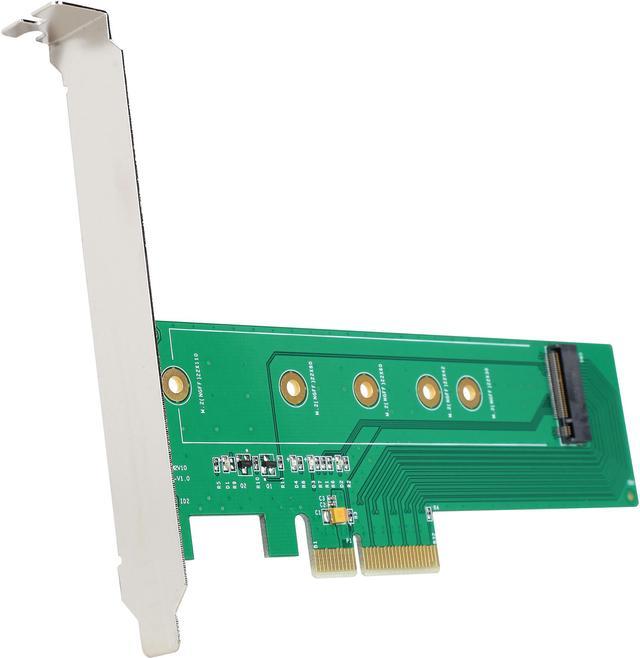
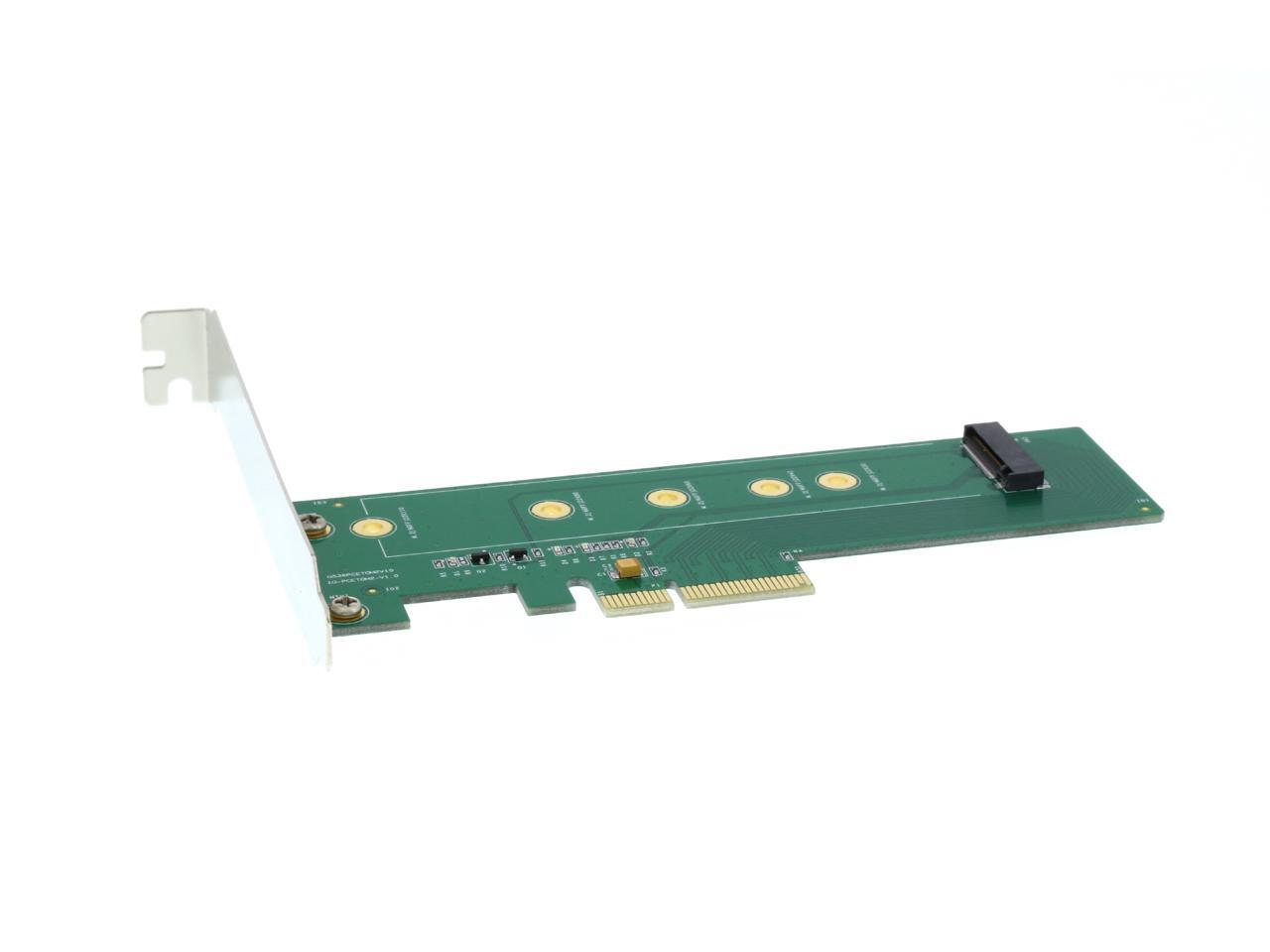
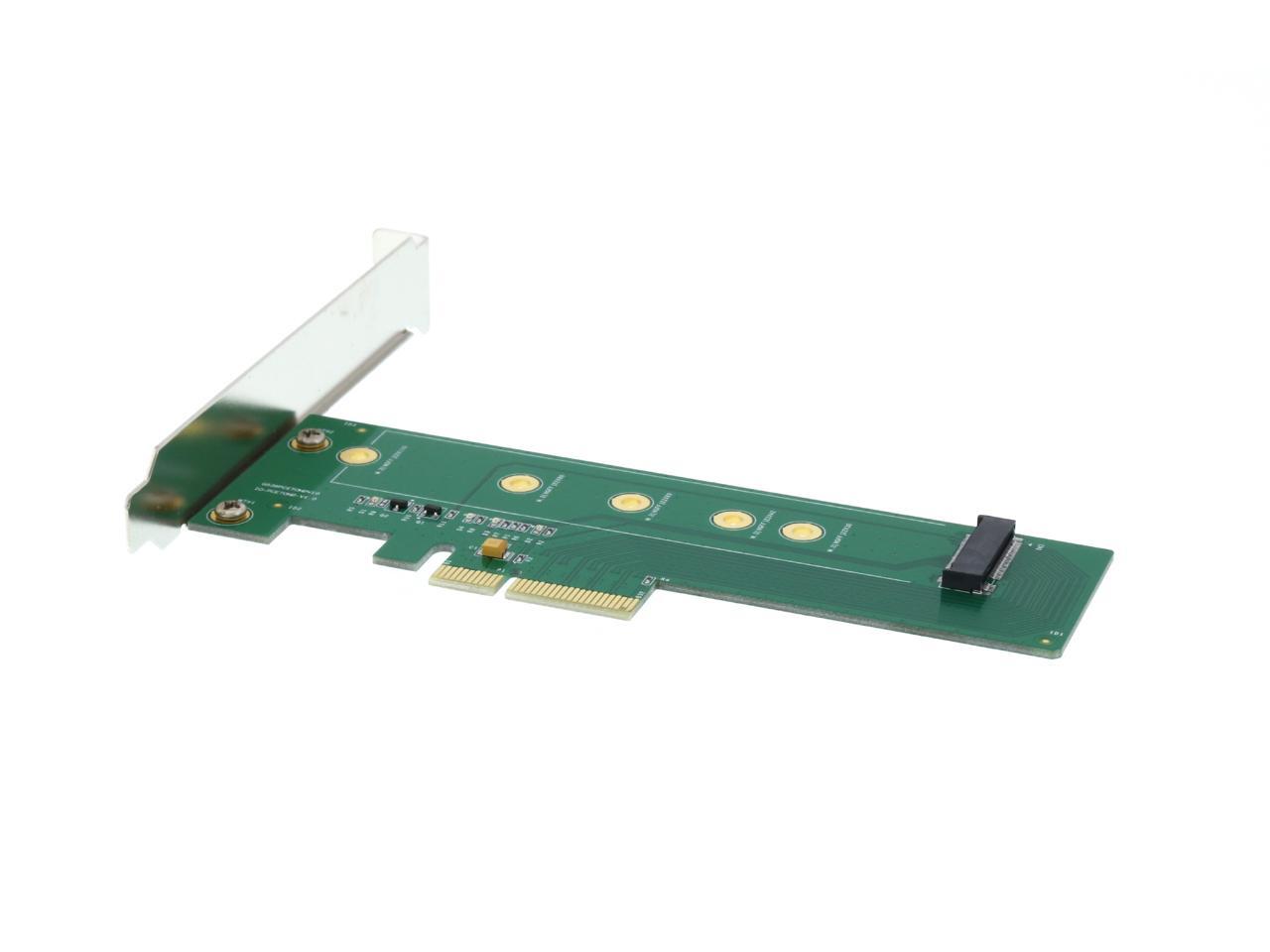
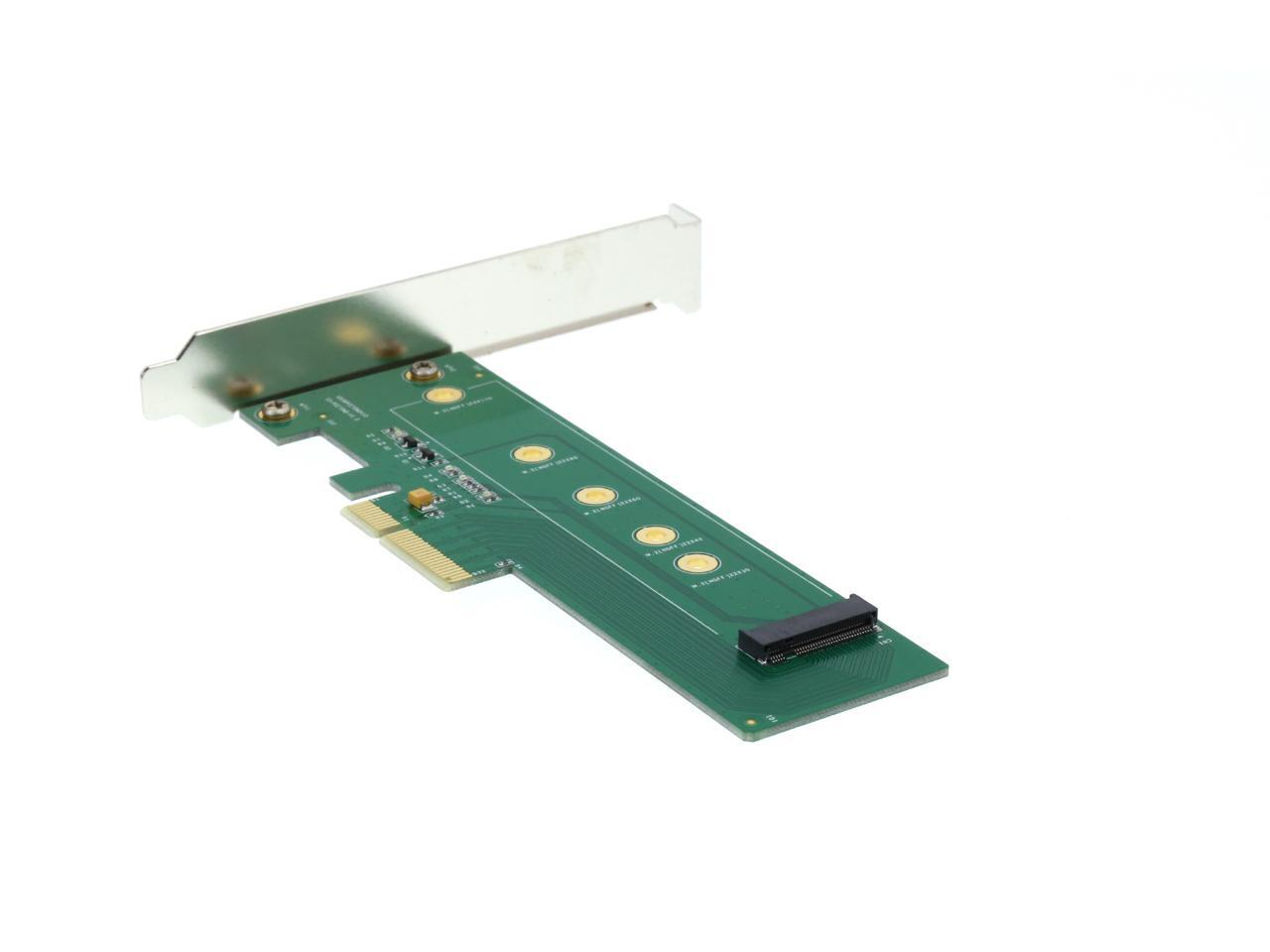
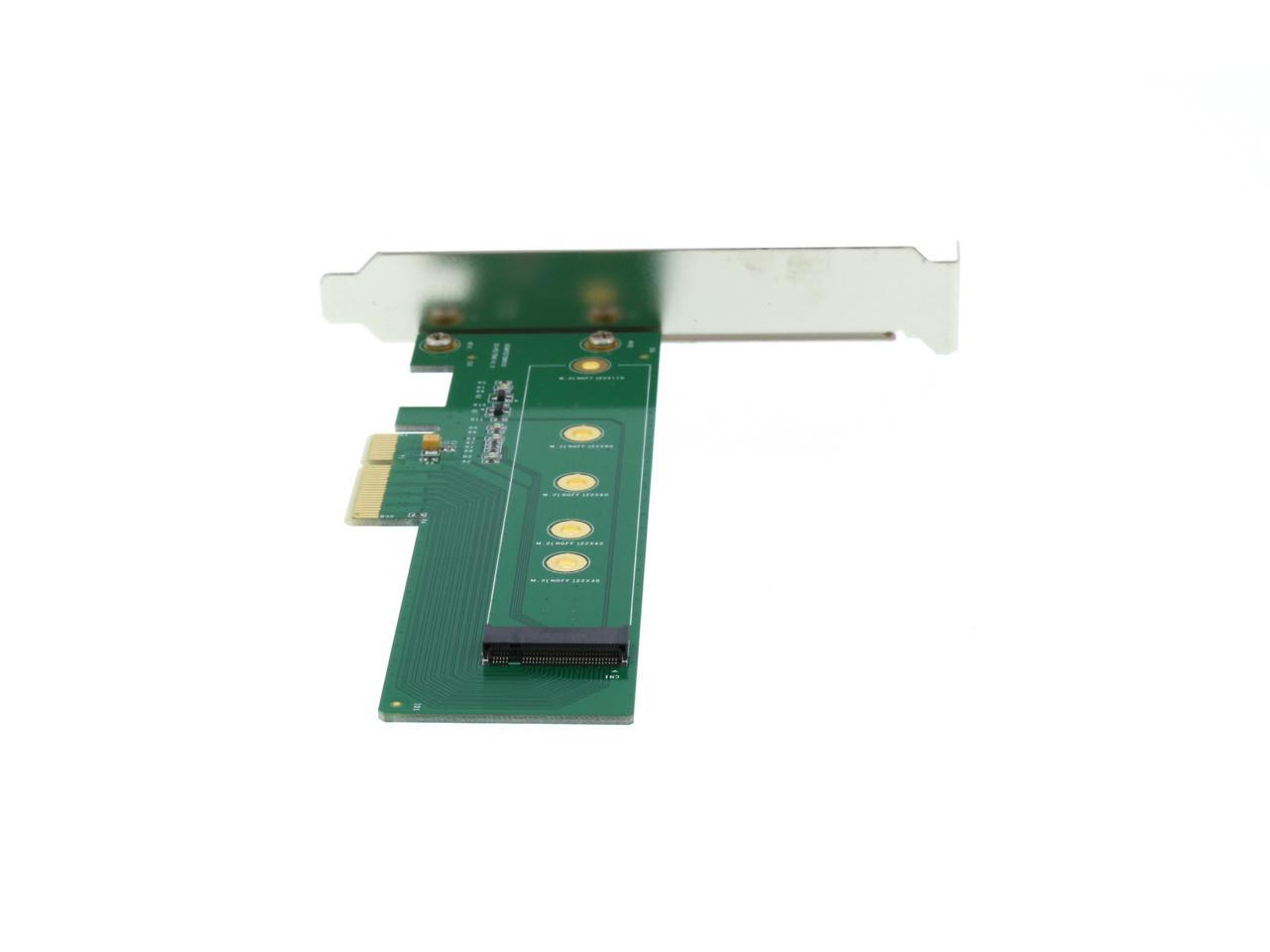
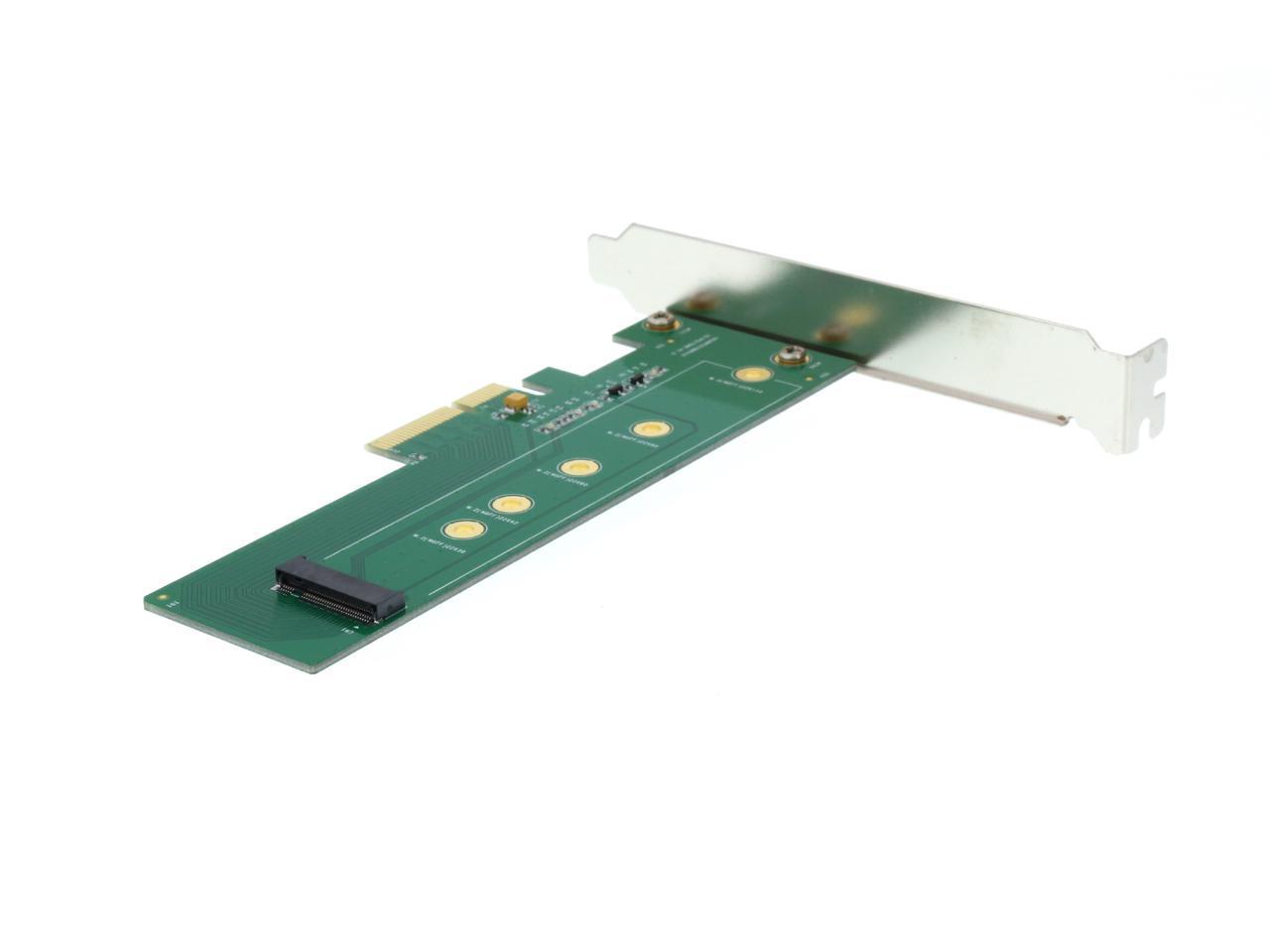
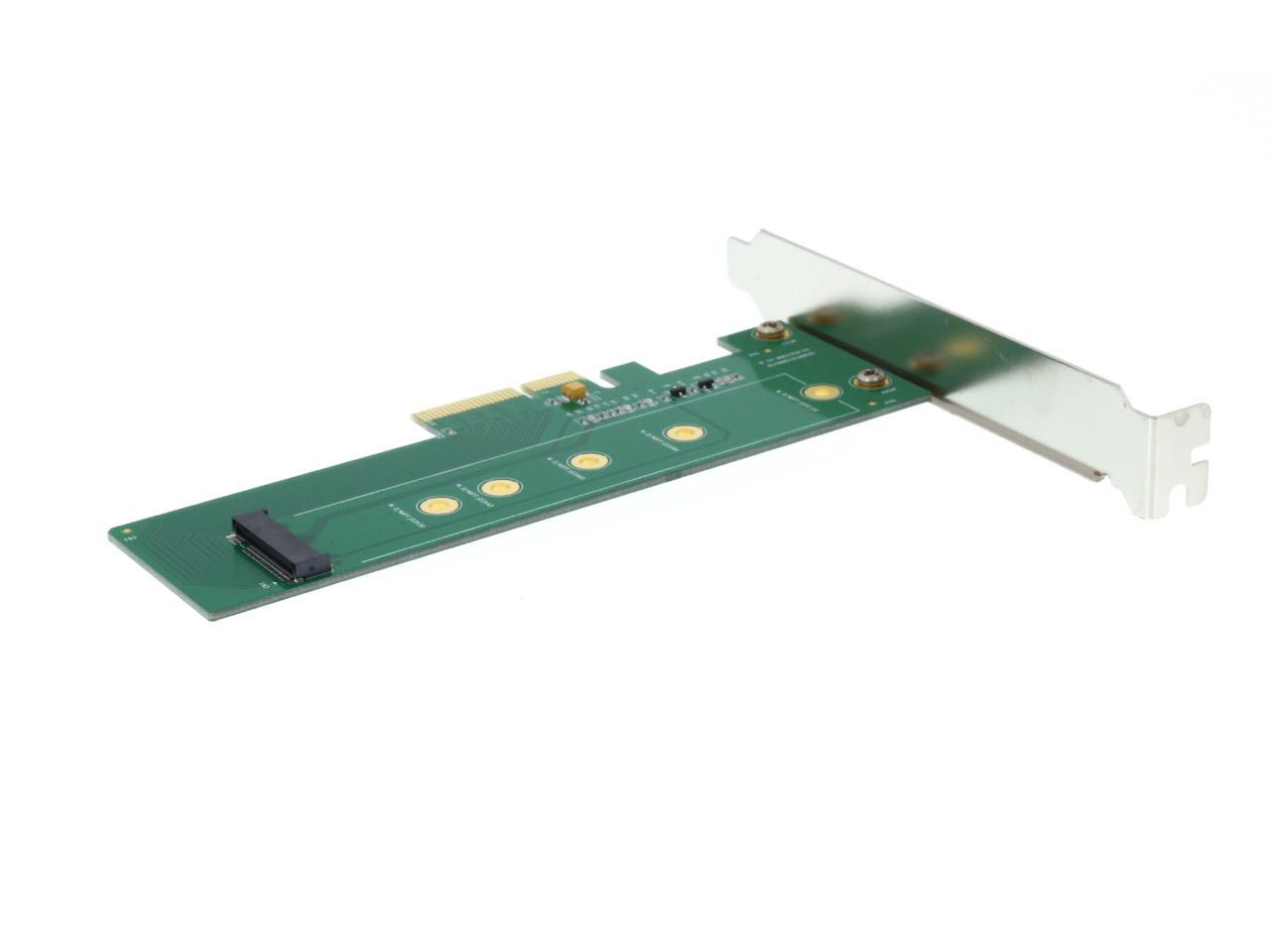
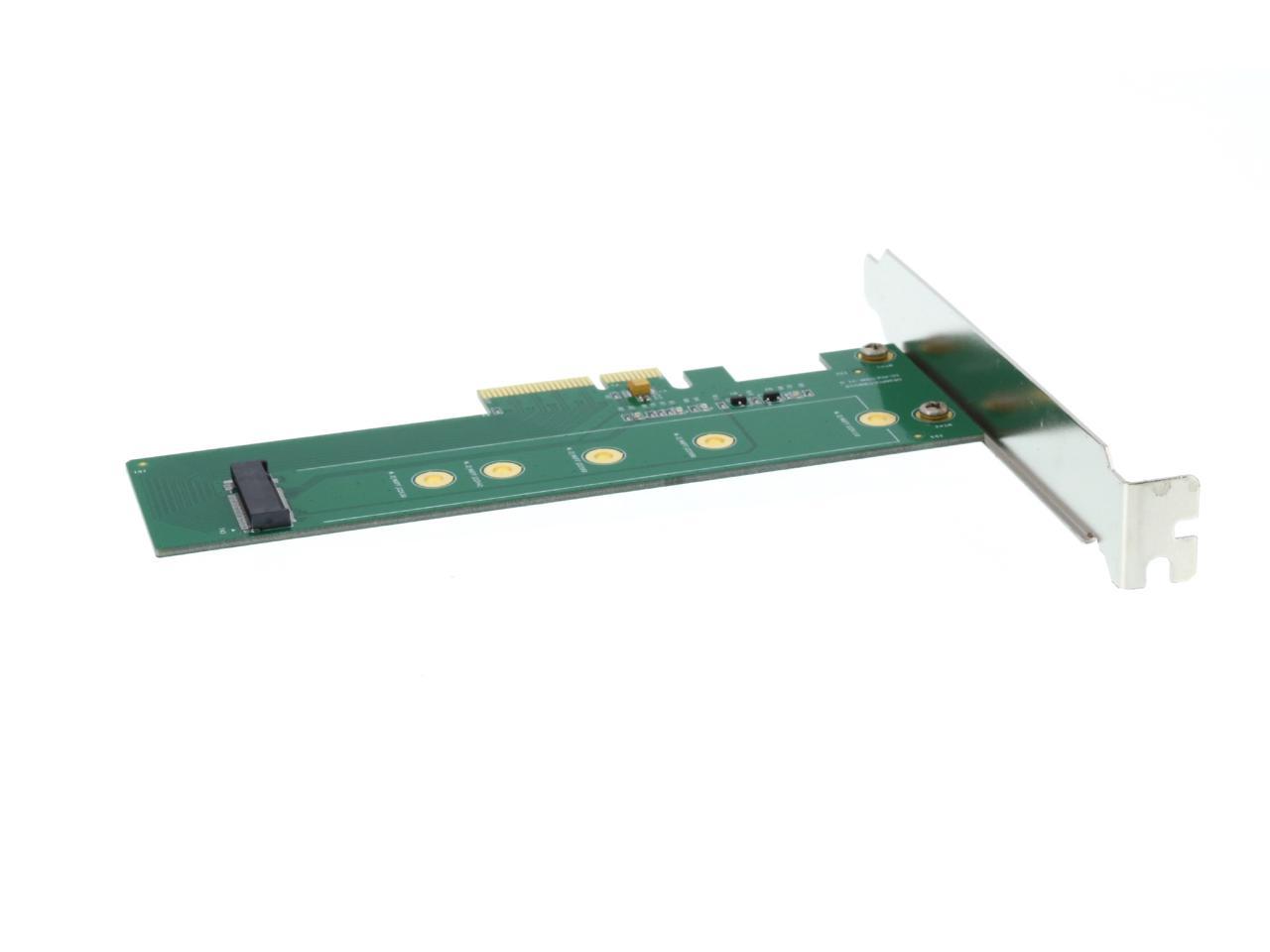
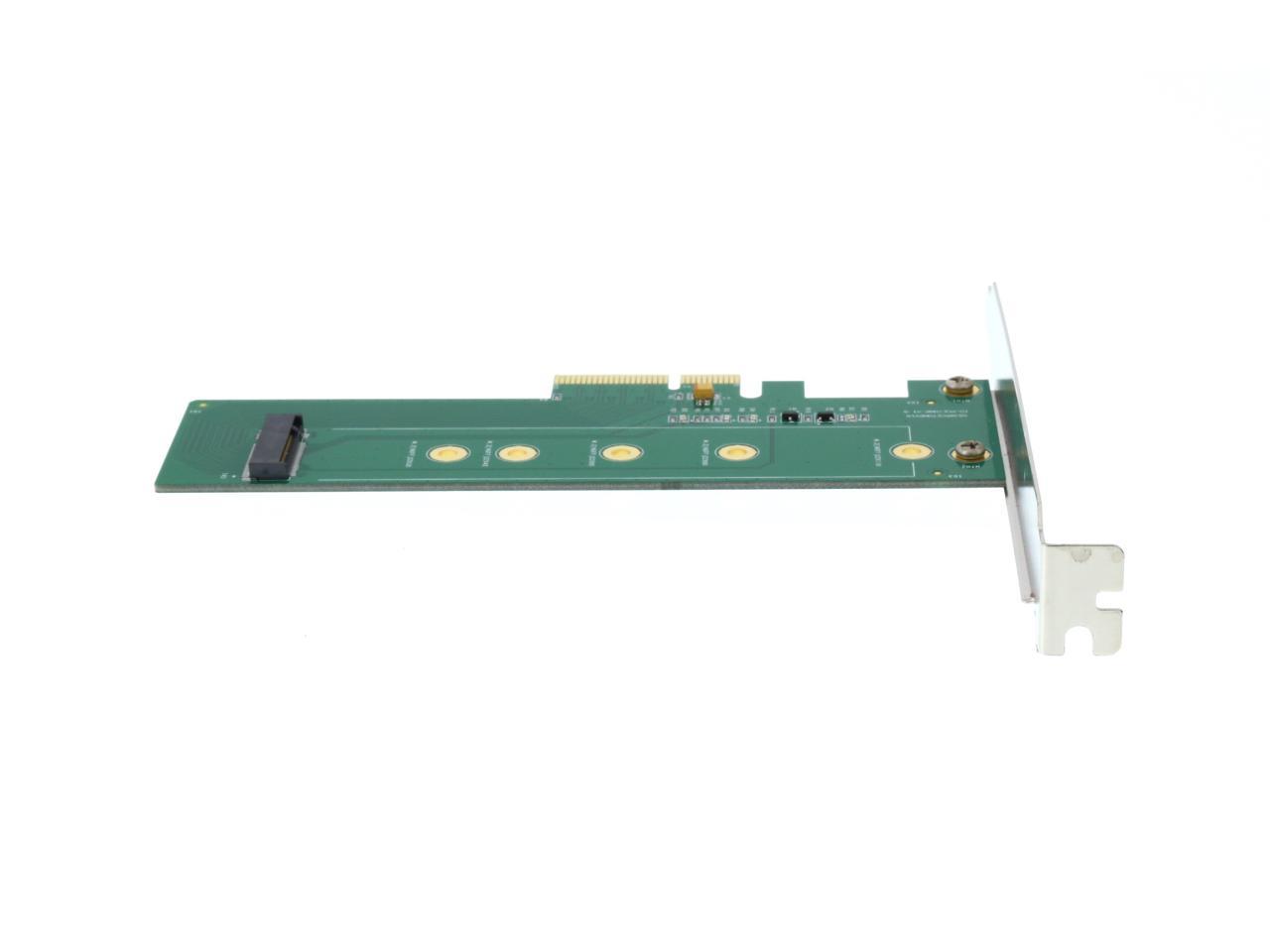
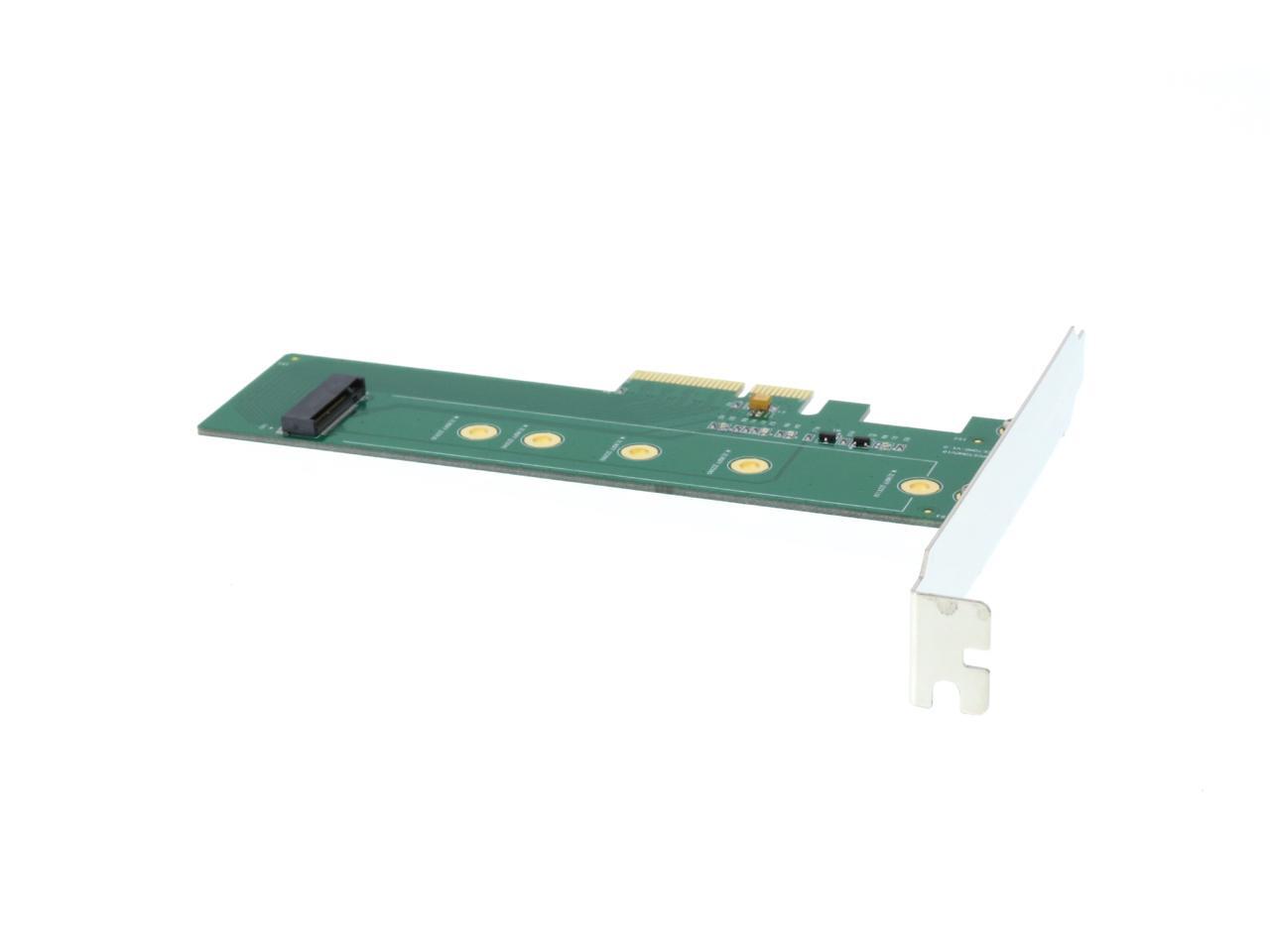
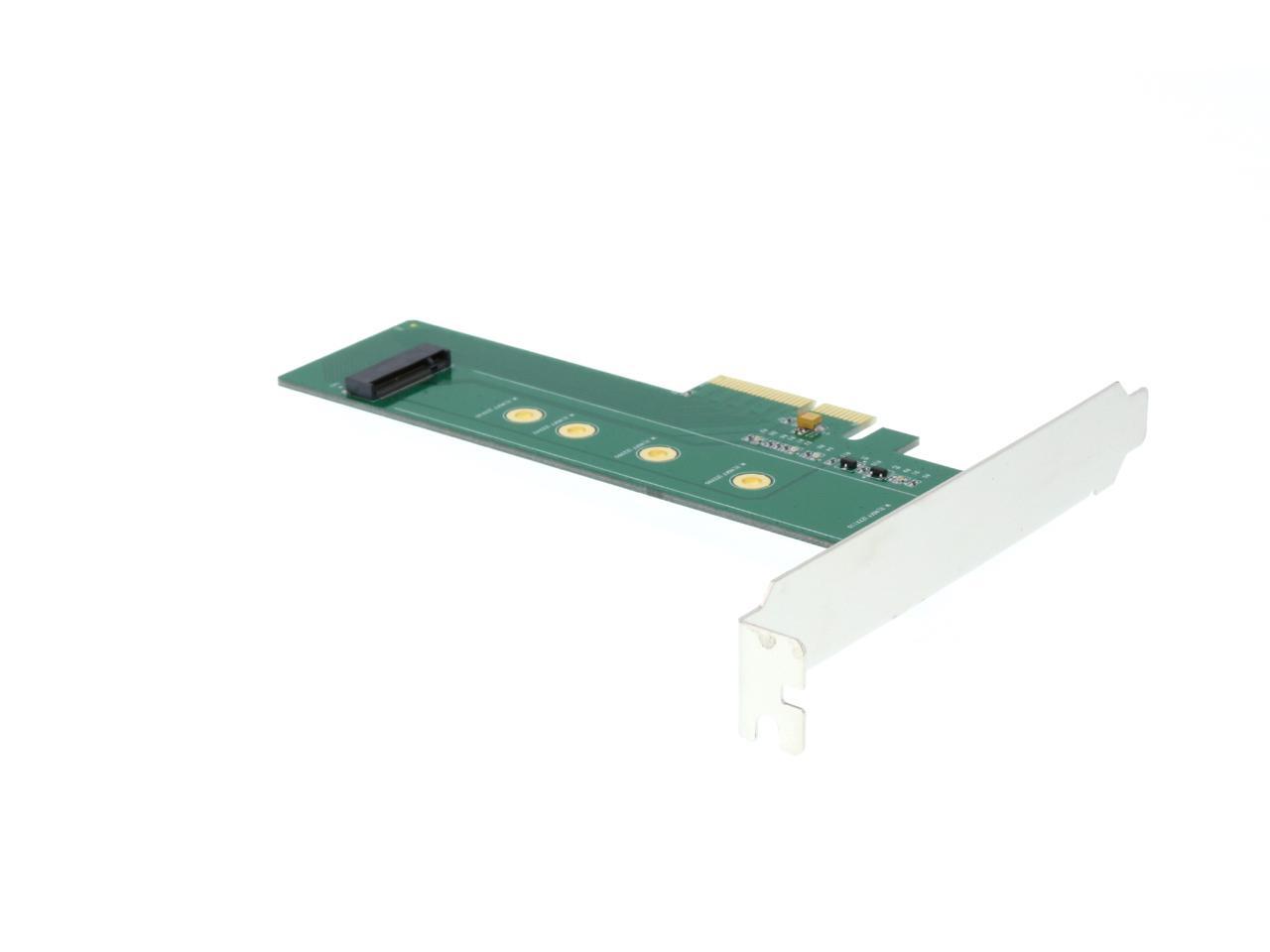
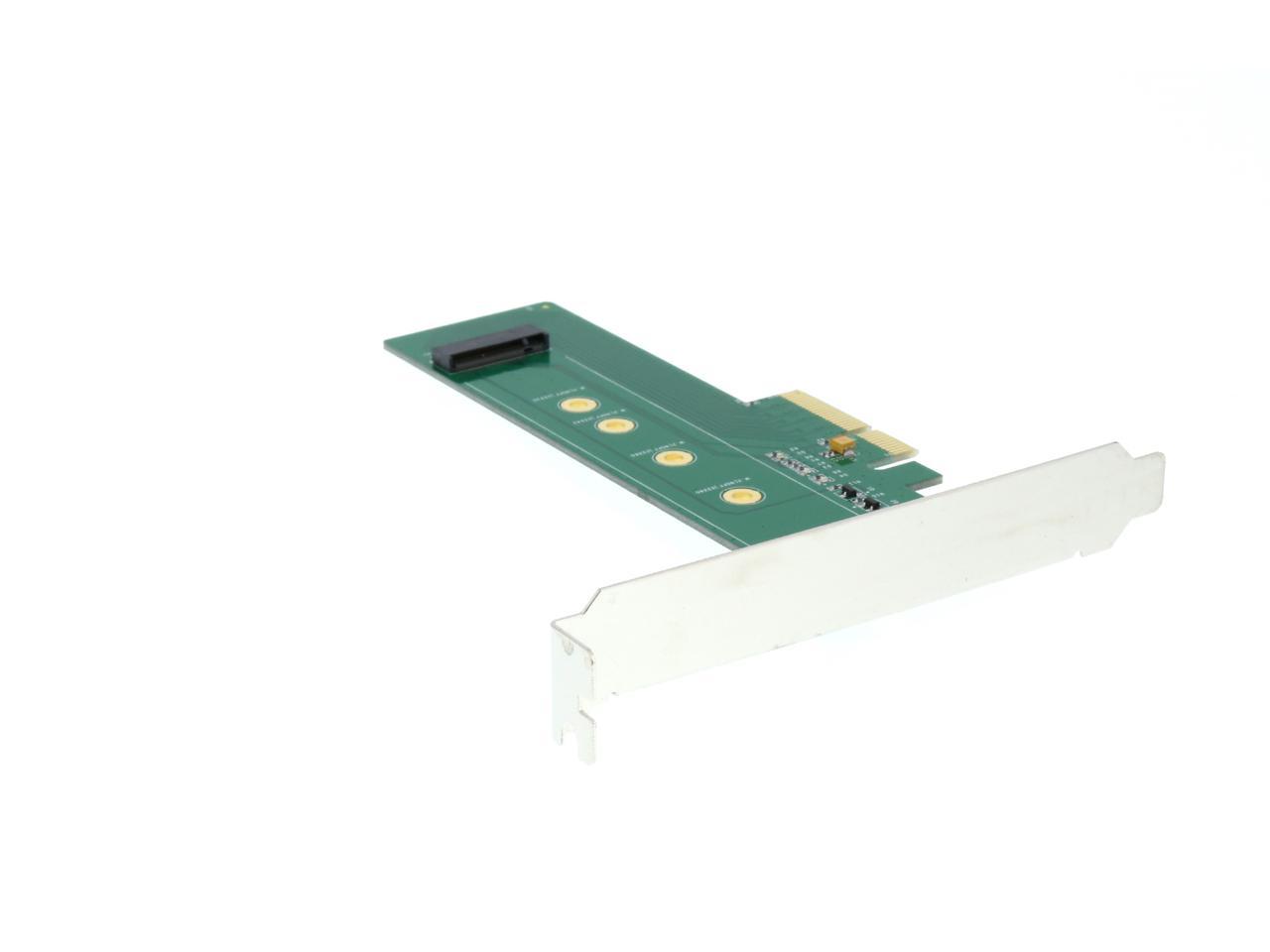
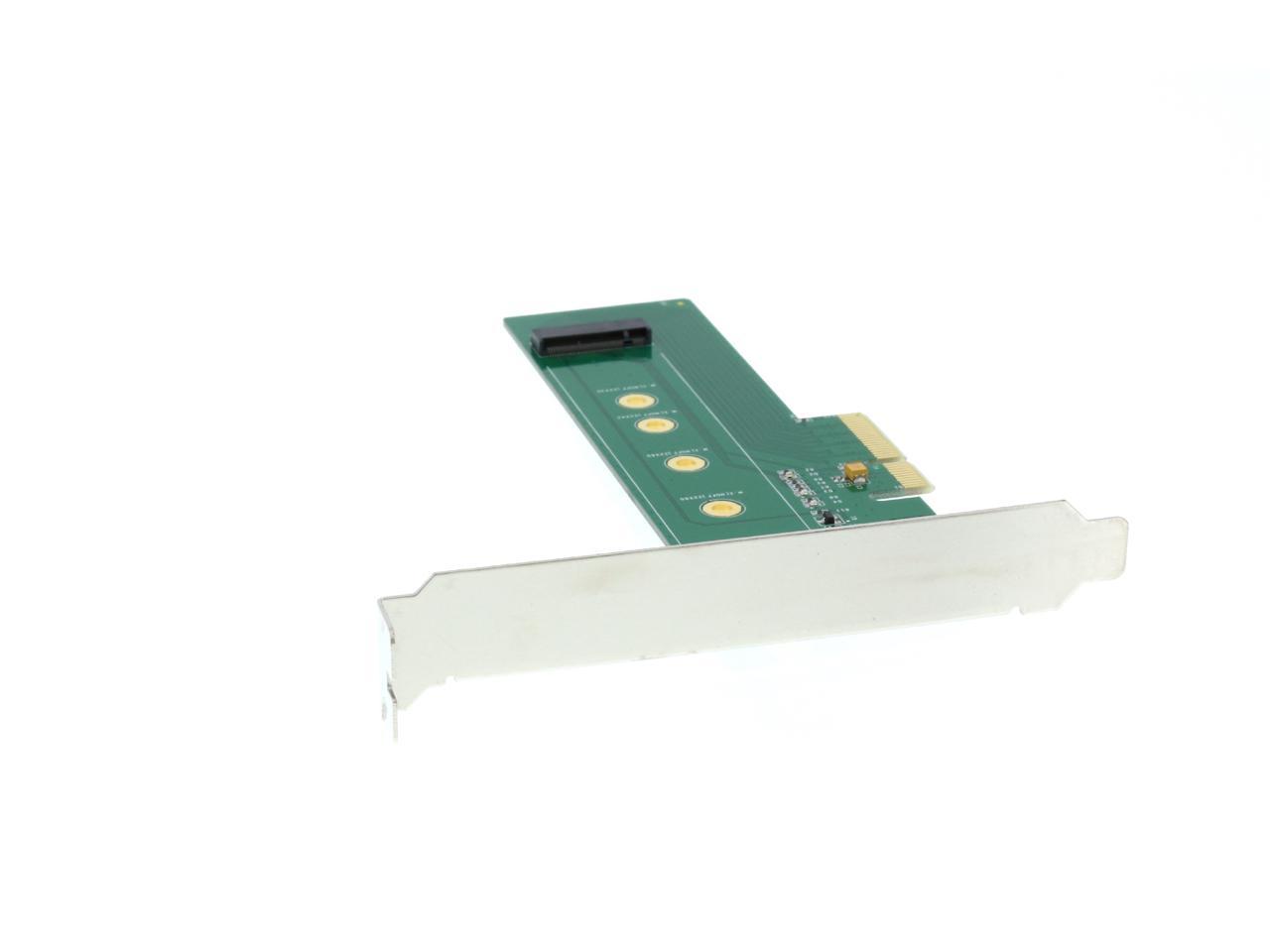
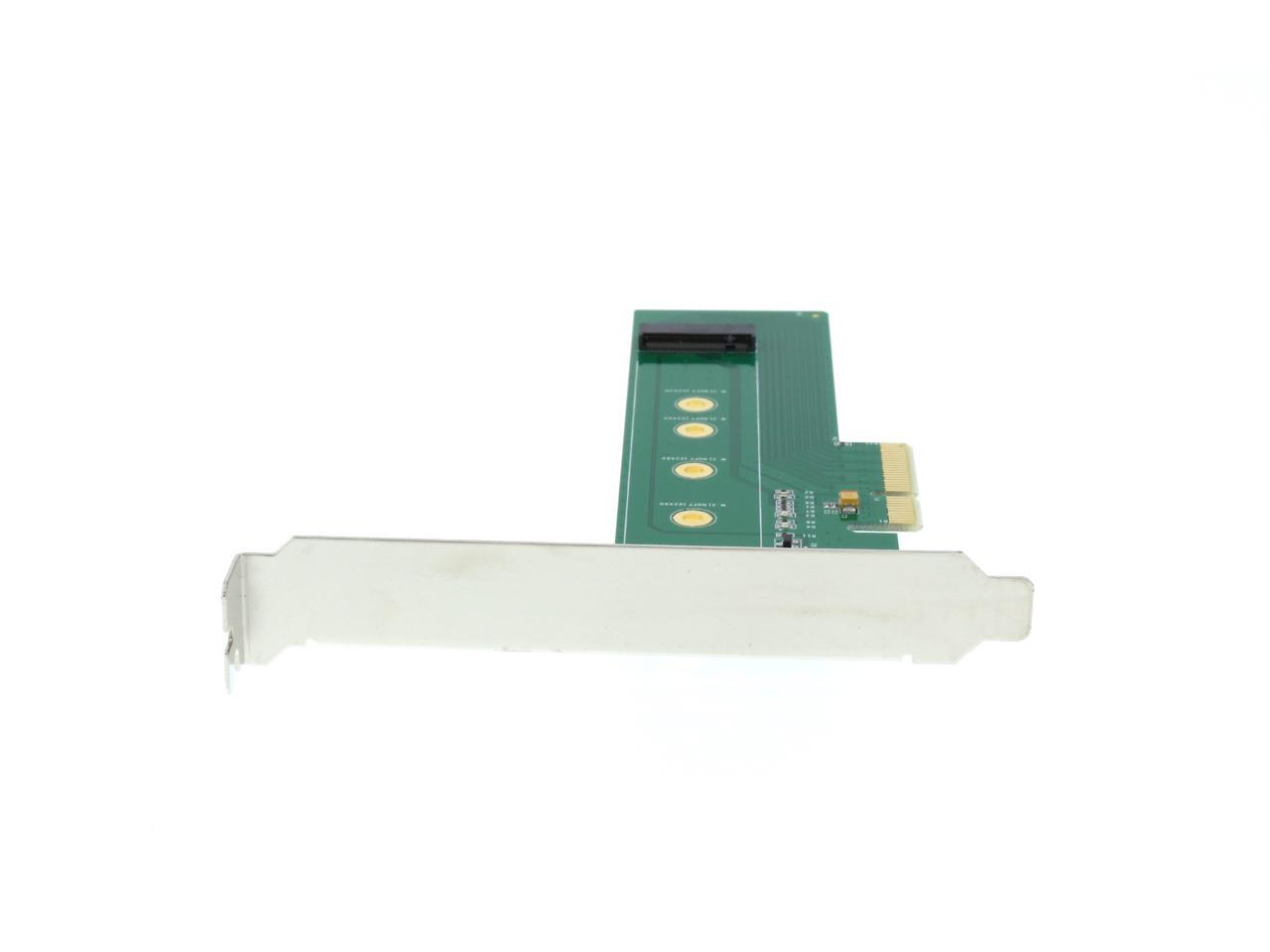
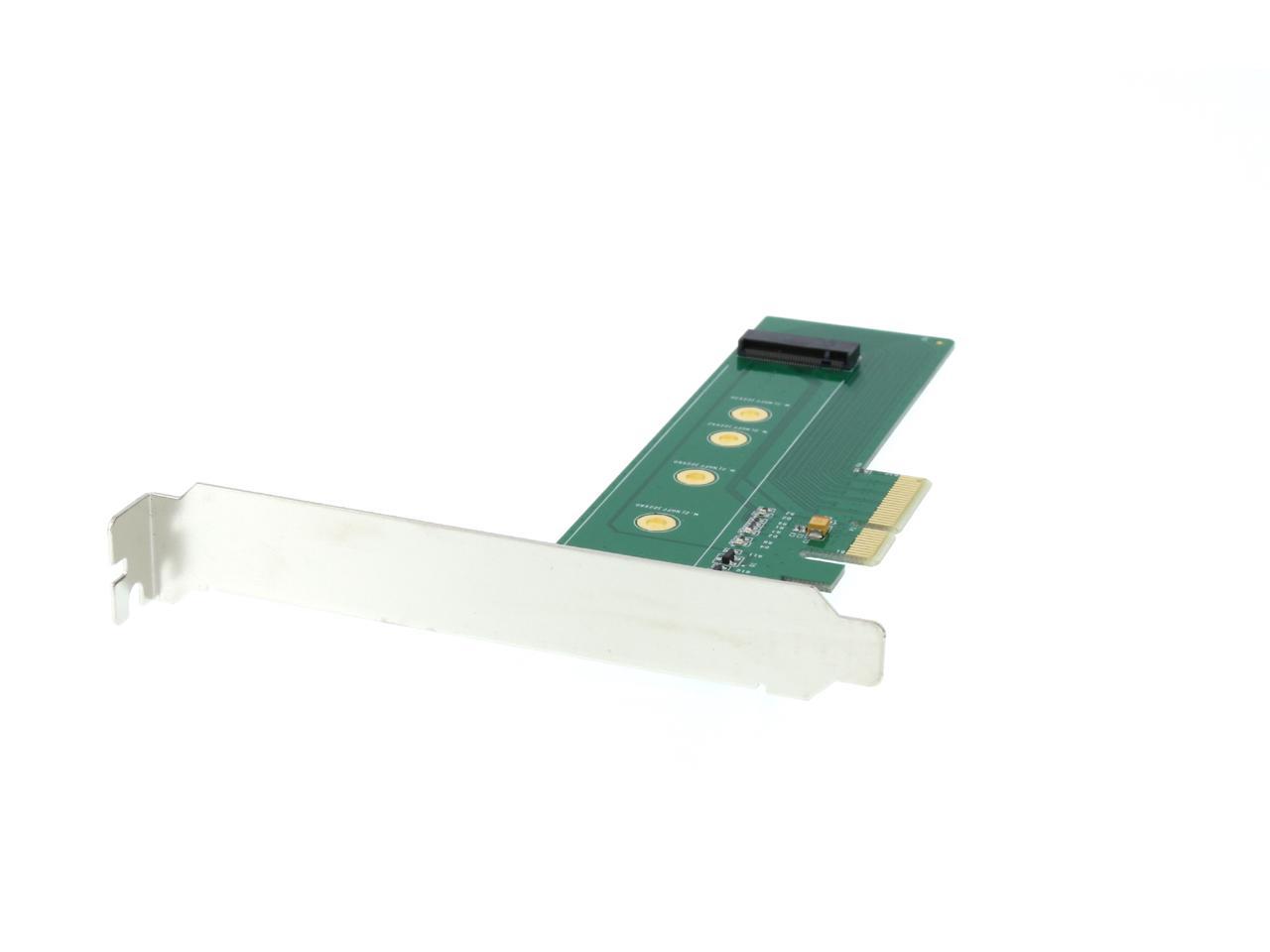
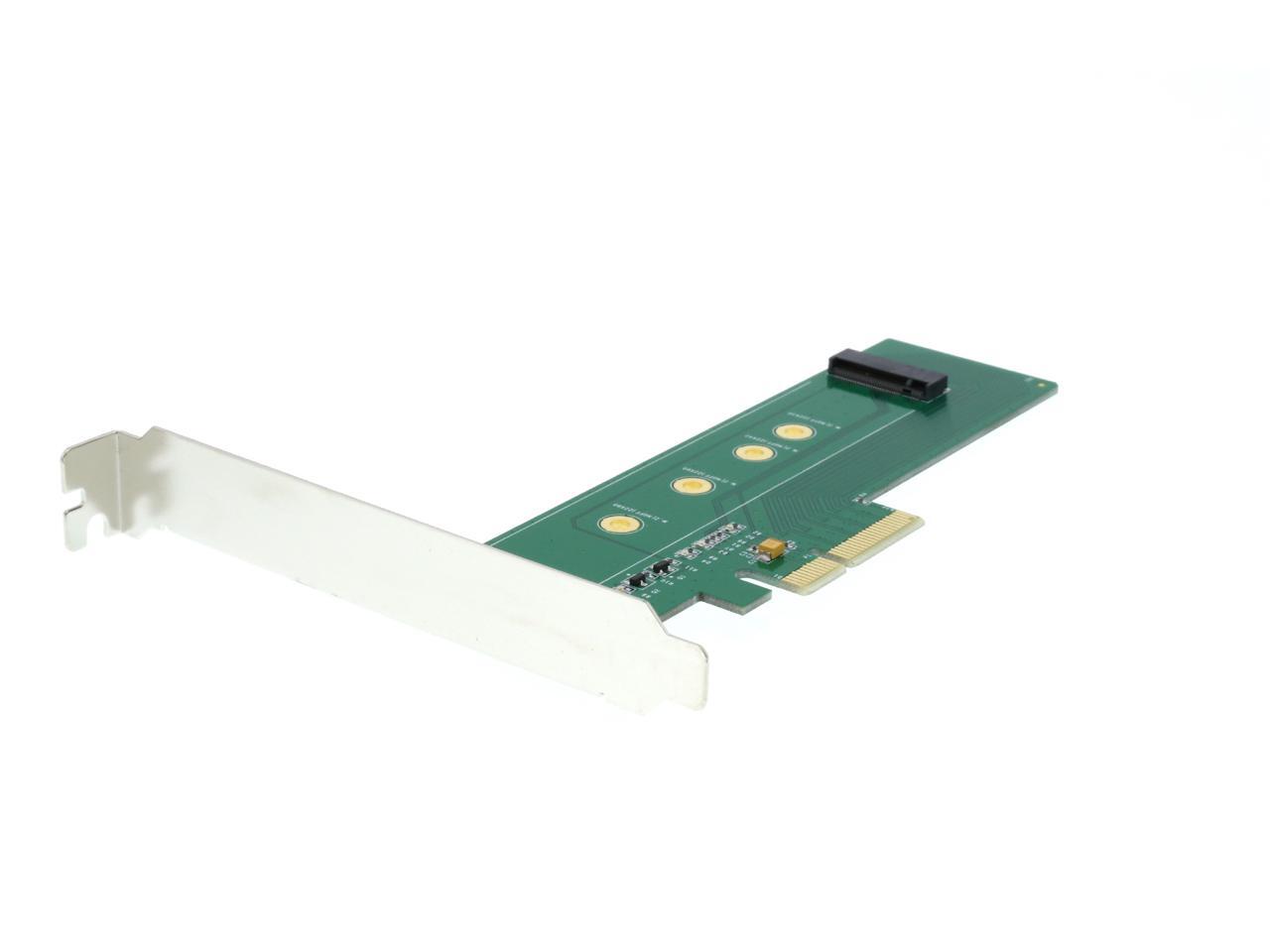
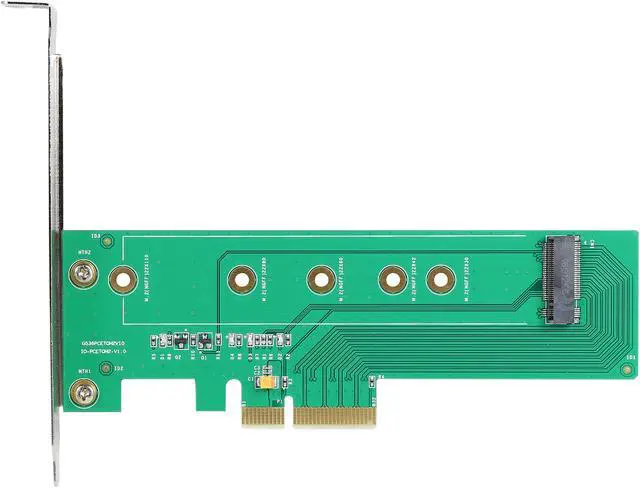
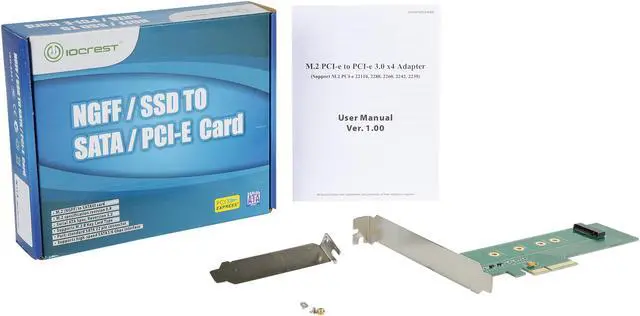
Pros: Small with additional plate for low-profile system
Cons: Minimal instructions
Other Thoughts:
Used this with a Samsung 970 evo in my circa 2012 motherboard. NVMe drive needs to be inserted @ 30 degree angle and then pushed in place. (Learned this by watching a youtube video.)
Old motherboard had no facility to boot from NVMe, had to use a bootloader installed on my existing SSD. If I put in the time, could probably have a bootloader on a flash card instead and free up the ssd.
Pros: Works—technically not defective
Cons: The box clearly has “SATA” in big bold letters, but apparently this particular card does not play with SATA drives. Reading the little piece of paper inside the package, I found a bold line that said: “M.2 SATA based SSD CANNOT work with this PCI-e based Adapter.” Perhaps the Newegg listing has changed a bit since I purchased it last year, but I could not find any indication that this was not made for SATA drives before purchasing. They should print different boxes for different products. It shouldn’t be that hard.
Other Thoughts: Study the descriptions very carefully. The product packaging may not tell you everything. Now I have to go buy an adapter that actually supports SATA.
Pros:
I have a P67 board with pcie 2.0 from an i5- 2500 non k cpu and a Toshiba XG5 256GB NVMe drive, this drive has stated speeds of 2700 MB/s read and 1050 MB/s write. Because my system is only pcie 2.0 i loose half of the theoretical speed so I get 1500 MB/s read and the stated 1050 MB/s write. In order for the card to be seen by the OS your bios needs to absolutely be UEFI, otherwise it will NOT be detected, i had to flash my mobo bios to latest bios which was uefi and then inserted the required NVMe files in the bios. In order to get pcie 3.0 on the 1155 socket you need to have 3000 series i5 and i7, lower cpus from 3000 series are only pcie 2.0!
The card also has 4 green LEDs that blink nicely when the drive is being accessed. In theory , after inserting the NVMe modules in the bios it should be bootable, but for me it doesn't work, it is detected in bios as PATA SS device, but no dice. For older systems that are not UEFI natively, only Samsung 950pro is bootable in LEGACY mode! I am upgrading my rig to H170 + i3-7100 so no more issues.
Cons: No cons
Other Thoughts:
Nit picking
A screwdriver could be included in the box for those super tiny screws. My drive is not fixed in at the end to the card, it actually stays at a 30 degree angle but it doesn't affect functionality
Pros: make sure it compatible with your motherboard or go buy "M.2 NVMe SSD NGFF TO PCIE 3.0 X16 Adapter M Key Interface" It's much more compatible to most motherboard and faster.
Cons: Hp xw8600 workstation, window 10 pro, 512 GB Hp SSD EX920 M.2 , It won't even detected it in the BIOS. try to update bios and install NEW driver , No Good, NOTHING. So I return it and purchase "M.2 NVMe SSD NGFF TO PCIE 3.0 X16 Adapter M Key Interface, "
Other Thoughts: Don't waste your time, go and purchase "M.2 NVMe SSD NGFF TO PCIE 3.0 X16 Adapter M Key Interface"
Pros: I wanted to use a 1/2 TB Samsung SSD with several different motherboards that did not have a working M.2 slot. This worked first time and every time I have used it.
Cons: None that I know of.
Other Thoughts: There seems to be something about this form factor that causes manufacturers to design products that dont hold the card in well. In this case, the problem was trivially solved with an all-purpose plastic wire tie.
Pros: Work perfectly full speed with my nvme samsung 970 pro
Cons: Nothing
Loading...

Newegg’s website and online services use cookies and similar technology for a number of reasons: Some technologies allow the site to function. These functional cookies are required to use the site and complete purchases. Another set of technologies improve the browsing experience and personalize it. Here are all the details about Newegg’s Cookie and Privacy Policies. Please select and accept your settings before you continue. Thank you.
To use this third-party content we need your approval to share your data with them. Here are all the details about Newegg’s Cookie and Privacy Policies. Please accept if you wish to continue with third-party features. Thank you.
Pros: - Simple setup, just add your PCIe drive and install.
- Comes with a small form factor adapter and mounting nut/screw for the drive.
Cons: - nothing really this is exactly the adapter I expected.