




 here!
here!
I’m your shopping assistant for PC builds, upgrades, and everything tech.
Got questions? Ask away!
Start a conversation
here!
I’m your shopping assistant for PC builds, upgrades, and everything tech.
Got questions? Ask away!
Start a conversationShipped by Newegg


Make informed decisions with expert advice. Learn More



Any questions? Ask CelesteSM will help you find out quickly.


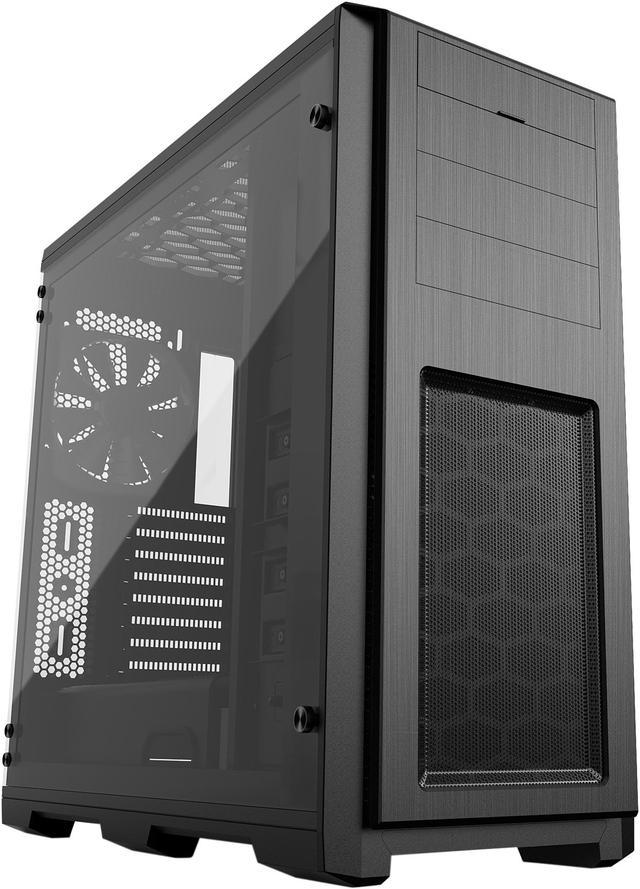
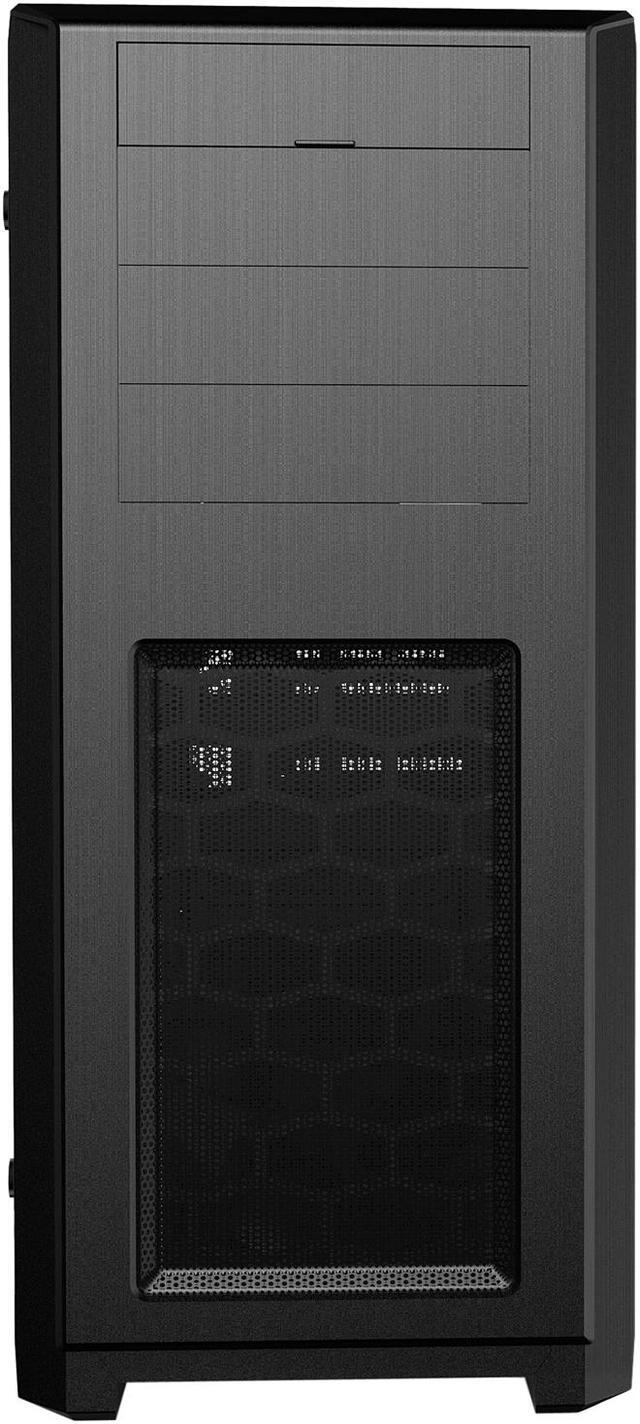
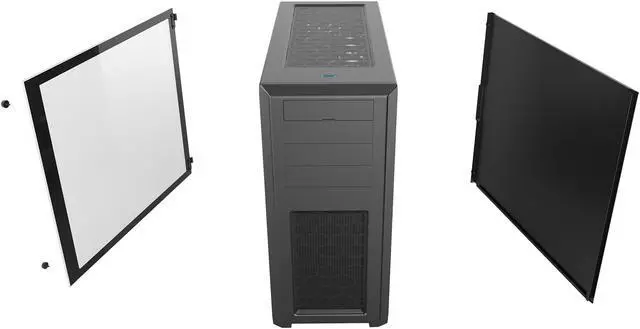
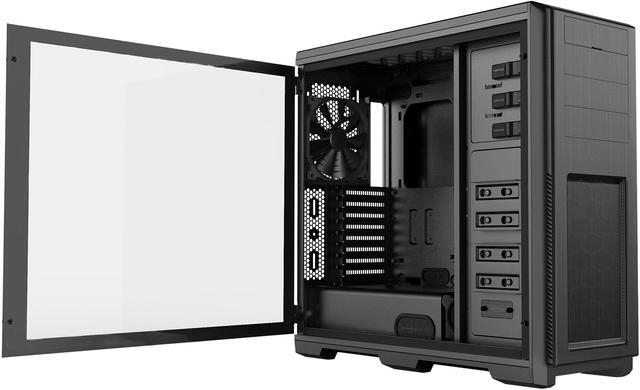
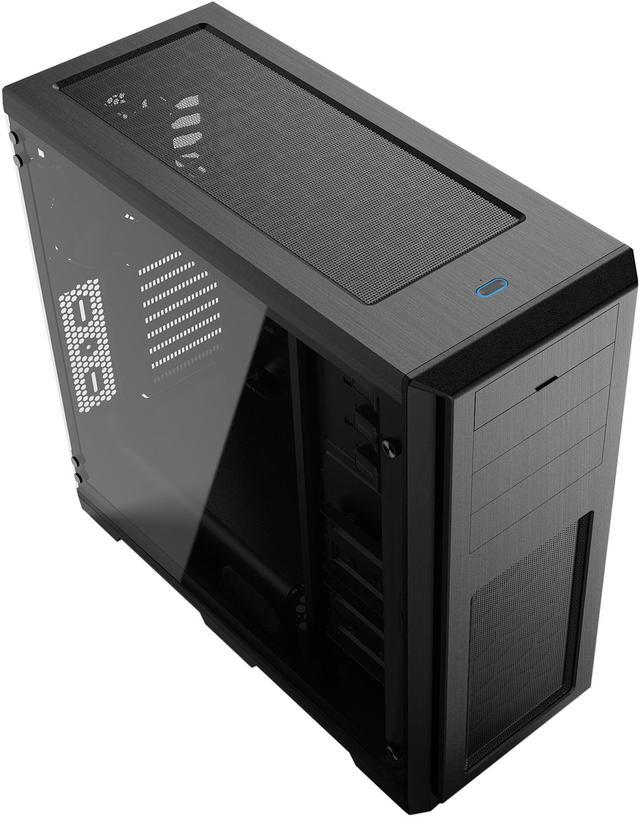
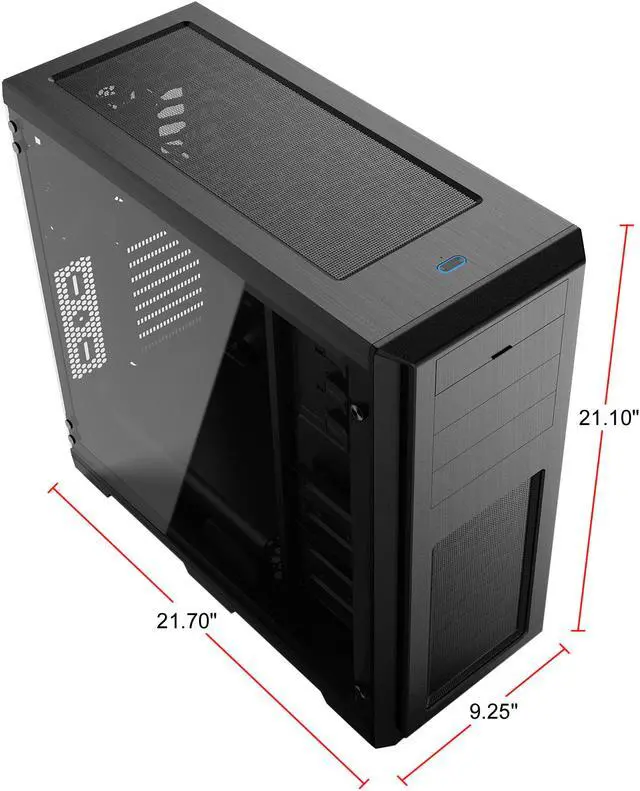
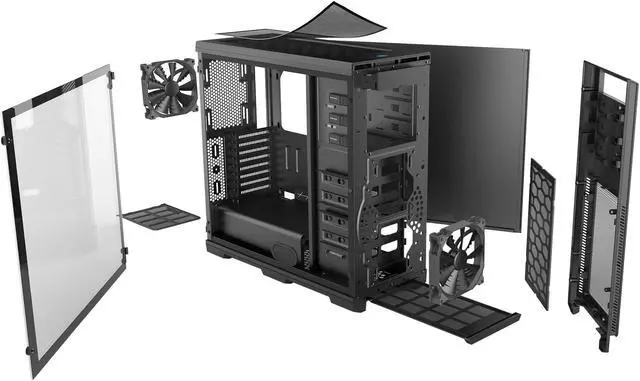
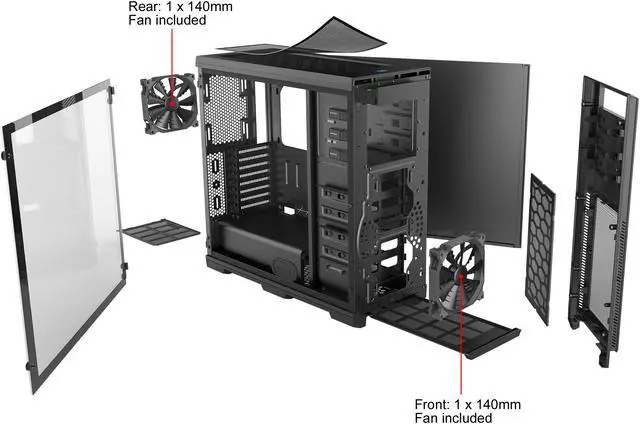
The award-winning Enthoo Pro was designed with highperformance and flexibility in mind, offering optimized airflow and extensive (water) cooling possibilities for enthusiast systems without the premium price tag. Phanteks' new Enthoo PRO variant will now include a full Tempered Glass side panel on hinges that makes showcasing your build even better.


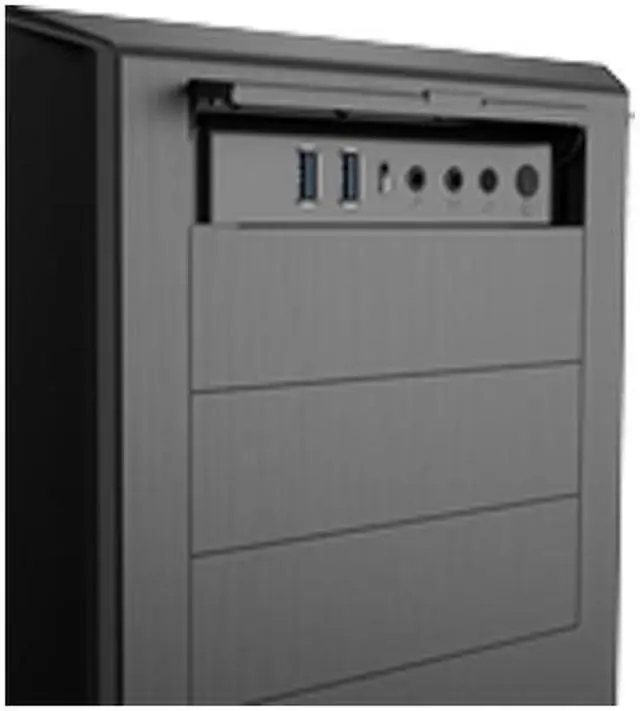
FRONT I/O: 2 x USB 3.0 / USB-C GEN 2 / Mic / Headphone / Reset / RGB Switch
(connect with Phanteks RGB products)

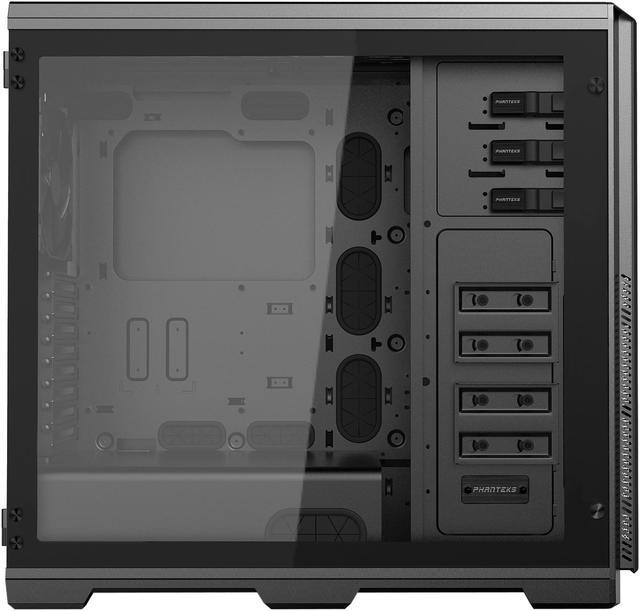
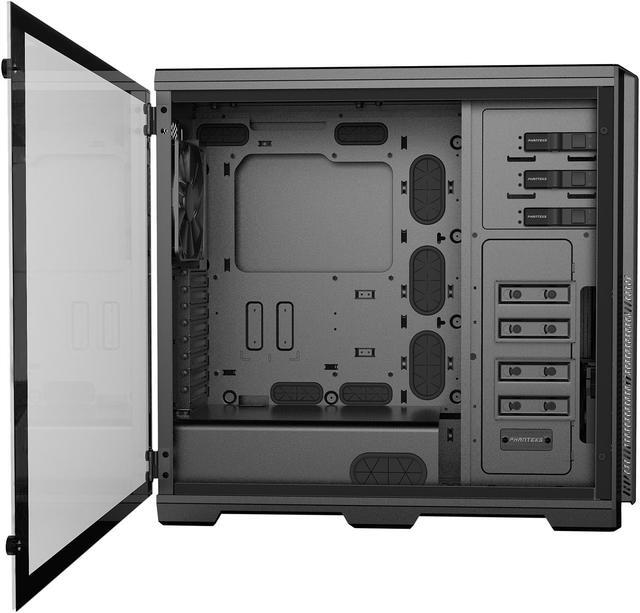
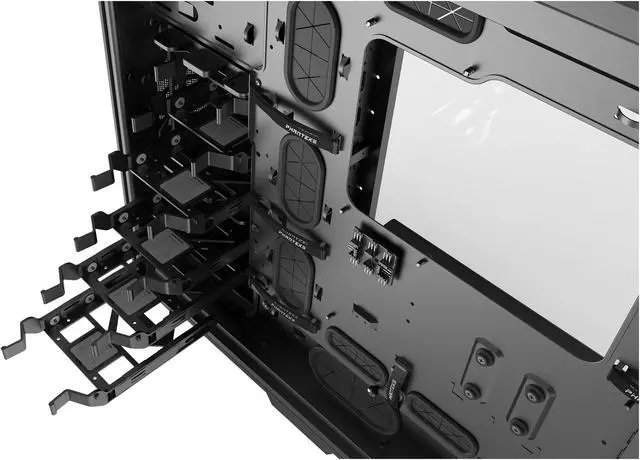
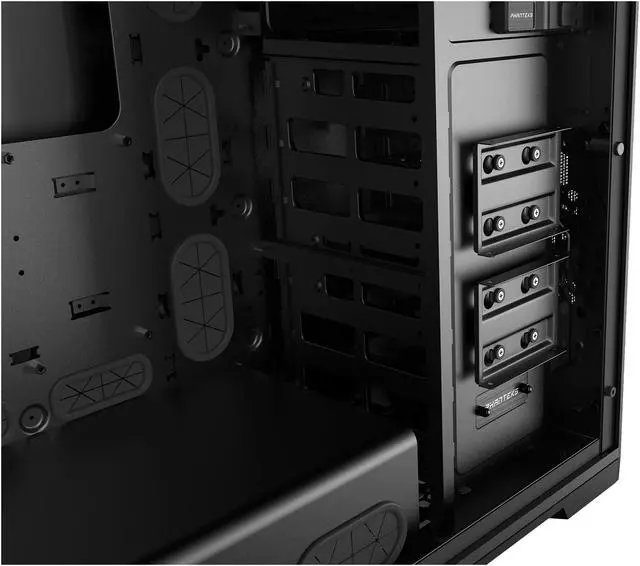
2X SSD BRACKET INCLUDED

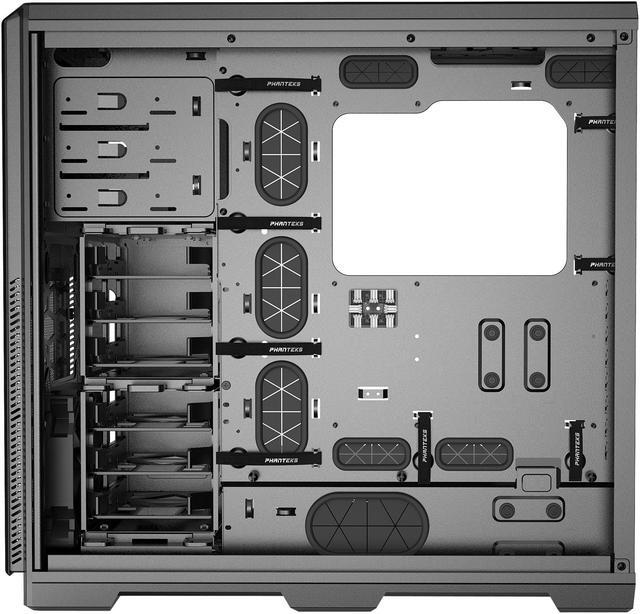
MODULAR HDD CAGES

The Phanteks Enthoo Pro TG PH-ES614PTG_BK is a black ATX full-tower PC case with a tempered-glass side panel, integrated RGB control, broad motherboard support, and space for high-end components. It suits enthusiasts and workstation builders who need extensive expansion, storage, GPU clearance, and water-cooling support.
Q: Should I buy the Phanteks Enthoo Pro TG or the Enthoo Pro 2 TG?
A: Choose the Enthoo Pro TG when you need three external 5.25-inch bays, six 3.5-inch drive bays, and a large but simpler ATX/E-ATX build platform. Choose the Enthoo Pro 2 TG when you need substantially more expansion room: it supports up to twelve 3.5-inch drives, eleven 2.5-inch drives, larger graphics cards, more PCIe slots, and larger multi-radiator configurations. The Pro TG is the more practical choice for optical drives and conventional single-system builds; the Pro 2 TG is better suited to storage-heavy workstations and complex custom loops.
Q: Is the Enthoo Pro TG better than the Corsair 4000D Airflow for a large gaming PC?
A: Choose the Enthoo Pro TG for more physical expansion flexibility, including three 5.25-inch bays, up to six 3.5-inch drives, E-ATX and SSI-EEB support, an 8-slot layout, and up to 472 mm of GPU clearance with the HDD cages removed. Choose the Corsair 4000D Airflow when you prefer a smaller mid-tower with a mesh-focused airflow design, support for GPUs up to 360 mm, and a simpler modern layout without external drive bays. The Enthoo Pro TG is the better fit for oversized components, optical drives, and storage expansion; the 4000D Airflow is easier to place in a smaller workspace.
Q: What does the Enthoo Pro TG offer over the smaller Enthoo Pro M TG?
A: Choose the Enthoo Pro TG when you need three external 5.25-inch bays, more storage flexibility, SSI-EEB support, longer GPU clearance with the HDD cages removed, and more room for expansion cards and custom water-cooling hardware. Choose the Enthoo Pro M TG when you want a more compact ATX build and do not need optical drives or the larger storage and expansion layout. The Pro TG is designed around maximum build flexibility, while the Pro M TG is more suitable for a conventional gaming or workstation build with fewer drives.
Q: Is the Enthoo Pro TG a meaningful upgrade over the original non-tempered-glass Enthoo Pro?
A: Choose the Enthoo Pro TG when you want the Enthoo Pro layout with a tempered-glass side panel, integrated RGB lighting control, and a more visible component showcase. The core chassis concept remains similar: both versions emphasize large component clearance, removable drive cages, multiple radiator positions, and cable-management space. If you already own the original Enthoo Pro and are satisfied with its layout, the TG model is primarily an appearance and lighting upgrade rather than a major capacity upgrade.
Q: Will this case fit a large graphics card and high-end CPU cooler?
A: Yes. The case supports graphics cards up to 472 mm without the HDD cages or 347 mm with the cages installed, plus CPU coolers up to 193 mm tall. Check the specific GPU length and cooler height before buying.
Q: Is this case suitable for liquid cooling or a large radiator?
A: Yes. It supports radiators up to 360 mm or 420 mm on top, up to 240 mm in front or on the bottom, and up to 120 mm at the rear. Front radiator installation may require removing or repositioning HDD cages depending on the build.
Q: What motherboard sizes and build types does this case support?
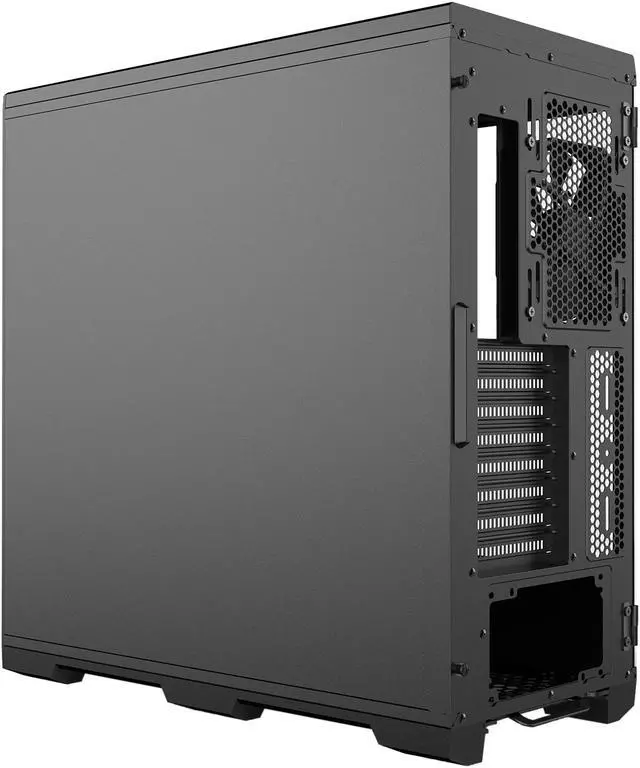
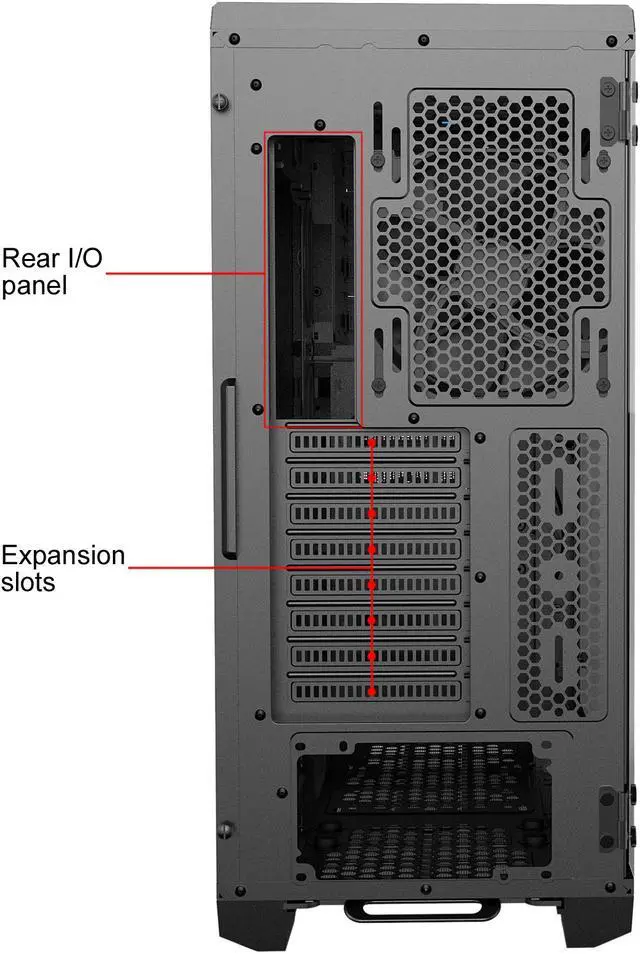
A: It supports SSI-EEB, E-ATX, ATX, microATX, and Mini-ITX motherboards. Its large interior, eight expansion slots, bottom-mounted PSU, and reservoir and pump mounting areas make it suitable for spacious workstation, gaming, storage, or custom water-cooling builds.
Q: Is this a good choice if I need optical drives and multiple storage drives?
A: Yes. The case provides three external 5.25-inch bays, six internal 3.5-inch bays, four internal 2.5-inch positions, and three hot-swap drive bays. The HDD cages are removable, allowing more GPU clearance and airflow flexibility, but removing them reduces available drive capacity.
Q: Is this case easy to expand and customize for a future build?
A: It is well suited to expansion because it supports multiple motherboard sizes, removable HDD cages, up to ten fans depending on fan size, several radiator layouts, four 2.5-inch drive positions, and front USB-C connectivity. Its main trade-off is size: the chassis is approximately 21.1 inches tall and 21.7 inches deep, so it requires substantial desk or floor space.


