here!
I’m your shopping assistant for PC builds, upgrades, and everything tech.
Got questions? Ask away!
Start a conversation
here!
I’m your shopping assistant for PC builds, upgrades, and everything tech.
Got questions? Ask away!
Start a conversation





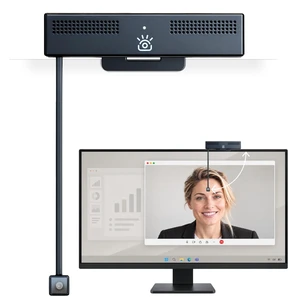
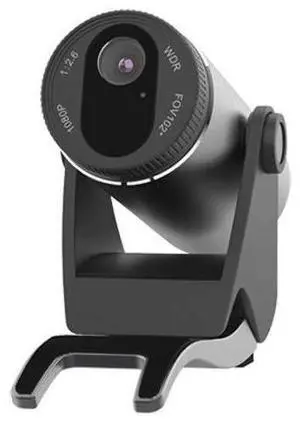
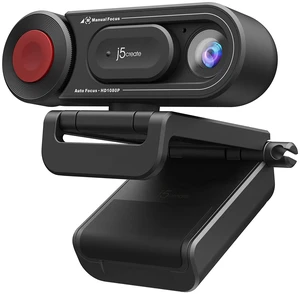
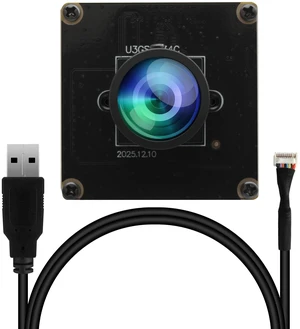
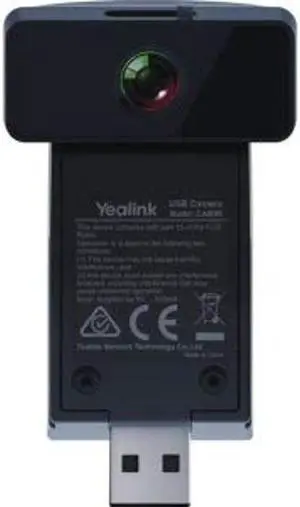
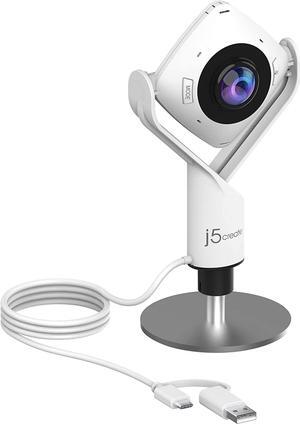
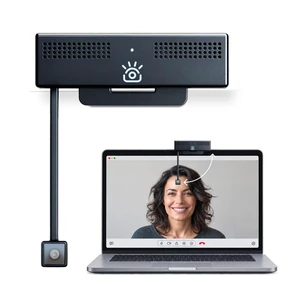
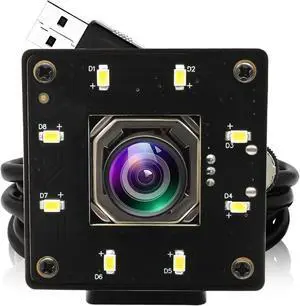
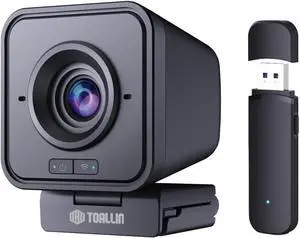
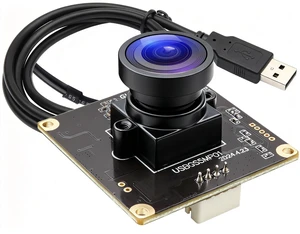
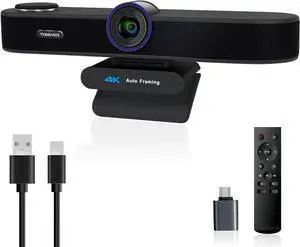
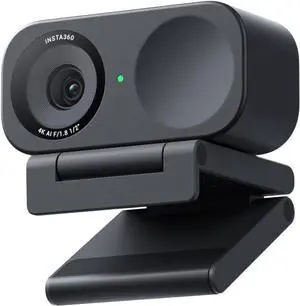
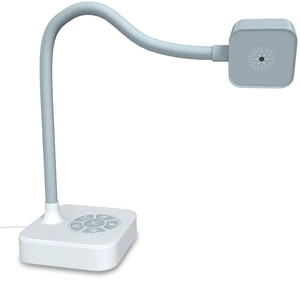
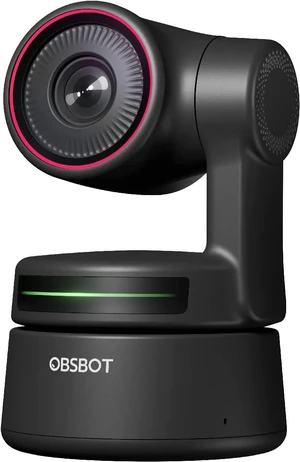
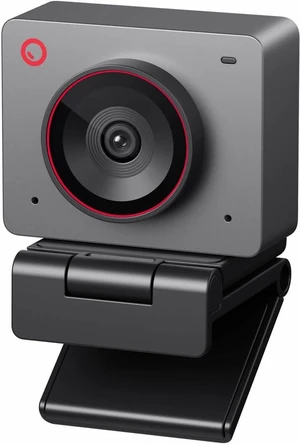
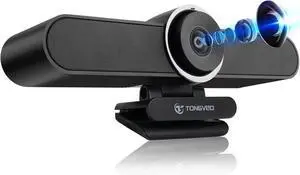

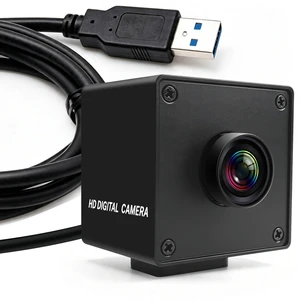
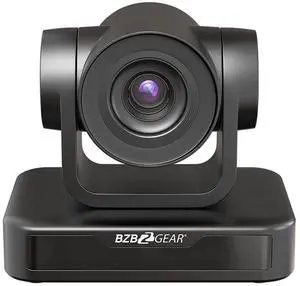
When choosing a webcam, you need to take several facts into consideration. Streaming, USB, desktop or laptop, and HD webcams are some of the options available, all of which vary in quality and features. Frame rate and resolution are two essential features that affect the quality of your picture. Other webcam attributes to consider include auto-focus, a microphone, visual effects, lens, and with which OS the webcam is made for. Consider the purpose your webcam will serve to choose the right product for your filming needs.
With rapid technological advances, most webcams offered today capture high definition video. 720p is the lowest resolution that HD screens support. Today, 1080p is the most common; 4K is the highest resolution. Full HD, or FHD, is 1080p, and 4K is Ultra HD (UHD). Frame rate is another vital webcam attribute. Fifteen frames per second (fps) is the lowest number that can stream video. The most common rate is 30 fps, and 60 fps is also available. The highest frame rate is 120 fps and produces the smoothest video.
Streaming webcams that bundle lighting and a microphone into one package makes shopping for a webcam much easier. An external microphone can provide even higher quality audio and capture delicate sounds and noises from a distance. Additional lighting and accessories can create the ideal light for optimal filming conditions. Conversely, some webcams can film well in dim light. A glass camera lens can also improve your picture quality for professional or important videos. Some webcams have visual effects like video filters or different backgrounds, which allows you to be more creative with your filmmaking. Autofocus is another important webcam feature that keeps the camera focused on the subject as it moves. A flexible camera mount is essential for anyone who wants to record at different angles.
Your computer operating system (OS) needs to support the webcam you choose in order for it to work. A newer operating system or updated version is more likely to support more modern, higher-quality streaming webcams. A high-resolution computer monitor or TV that is compatible with your webcam recording resolution will stream the best possible picture. A monitor that supports 4K resolution will display the incredible UHD picture. A lower resolution monitor supports lower resolution pictures. Resolution support is one of the few differences between webcams for laptops and desktop computers; a desktop computer may support higher resolution videos. Laptop or desktop aside, most webcams are USB compatible and support USB webcams, and most laptops and desktop computers have multiple USB ports. The more ports a computer has, the more webcams and accessories you can use at the same time and allows for the possibility of a high-quality video.
“ Without a "better" replacement, the Brio is still the top of the heap for business webcams. ”
Logitech Brio 4K Webcam, Ultra 4K HD Video Calling, Noise-Canceling mic, HD Auto Light Correction, Wide Field of View, Works with Microsoft Teams, Zoom, Google Voice, PC/Mac/Laptop/Macbook/Tablet