here!
I’m your shopping assistant for PC builds, upgrades, and everything tech.
Got questions? Ask away!
Start a conversation
here!
I’m your shopping assistant for PC builds, upgrades, and everything tech.
Got questions? Ask away!
Start a conversation















Limited time offer, ends 12/19


Limited time offer, ends 11/29
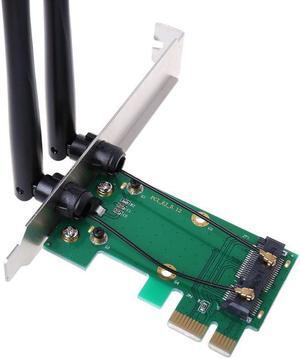
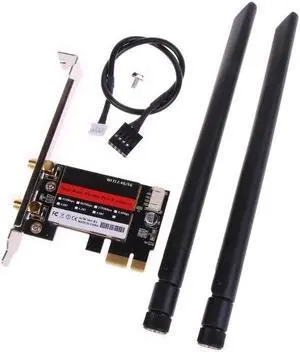
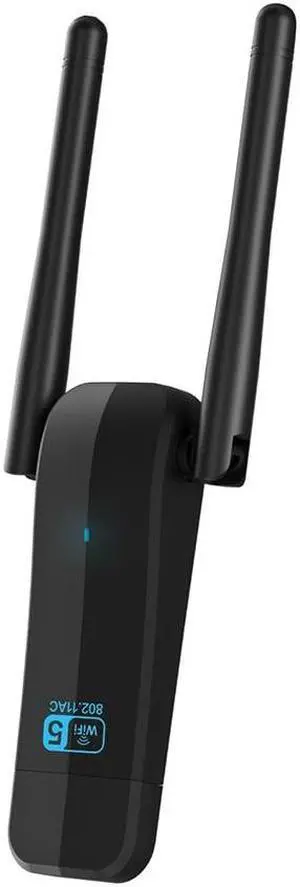
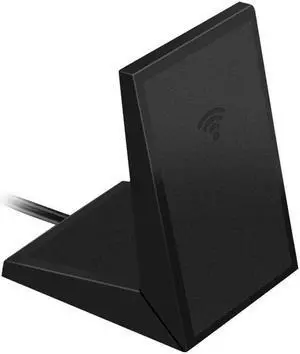
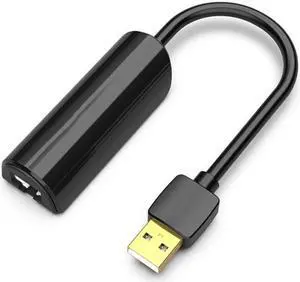
Whether you’re upgrading a desktop or reviving a laptop, Newegg’s Wireless Adapters include plug-and-play USB dongles and high-performance PCIe cards with external antennas. Choose Wi-Fi 6/6E/7 for higher throughput, lower latency, and better efficiency on busy networks.
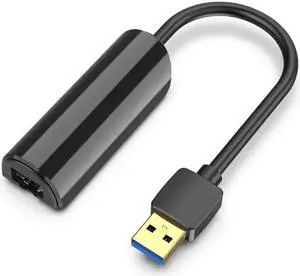
Best for laptops and quick installs—no case opening required. Look for USB 3.0/USB-C and compact designs for travel. Browse USB Wi-Fi adapters.
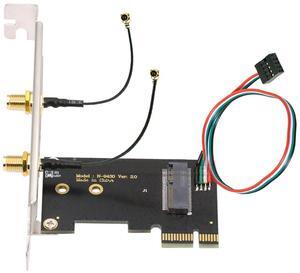
Ideal for desktops and gaming rigs—bigger antennas, stronger radios, and often integrated Bluetooth. See PCIe Wi-Fi cards.
Wi-Fi 6 boosts efficiency with OFDMA and MU-MIMO; Wi-Fi 6E opens clean 6 GHz; Wi-Fi 7 adds multi-link operation and wider channels. Explore Wi-Fi 6E and Wi-Fi 7 adapters.
Match adapter speed to your router—pair with a modern Wi-Fi 6/6E/7 router. Check OS/driver support, USB 3.0 availability for high-throughput dongles, and antenna placement for desktops. For the largest homes, combine with a mesh Wi-Fi system or wired backhaul to access points.
Form factor: USB for portability; PCIe for peak performance. Bands: Dual-band (2.4/5 GHz) covers most needs; 6 GHz (6E/7) reduces interference. Features: WPA3 security, Bluetooth combo, beamforming, and driver packages for Windows/macOS/Linux. Environment: Avoid USB front ports behind metal cases; use a USB extension cradle or PCIe antennas for a clear line of sight.
USB is convenient and portable; PCIe generally delivers stronger radios, better antennas, and lower latency—great for gaming desktops.
If you have a compatible router and devices, 6 GHz delivers cleaner spectrum and less congestion. Wi-Fi 7 further improves throughput and responsiveness.
High-gain external antennas help in challenging layouts or when the PC is under a desk. USB cradles also improve line of sight for small dongles.
Use 5 GHz/6 GHz bands, enable QoS on your router, and position antennas away from interference. For the most stable latency, consider a wired connection to an access point.
“ In my opinion, the WAVLINK AX5400 USB 3.0 WiFi Adapter is a reliable solution for anyone looking to upgrade their wireless connectivity. ”
WAVLINK AX5400 USB 3.0 WiFi Adapter, Wi-Fi 6E Tri-band 2.4/5/6GHz Wireless Network Adapter with 4 High Gain 5dBi Antennas, WPA3 for PC, Desktop, Laptop, Supports Windows 10/11“ Then again, I've been building PCs since the freakin '90s, so I'm used to beating old hardware into submission until the darn thing works. 👊🧨💥😵😵💫 ....🤬... 😂 Sometimes you've just gotta know where to look, grab the right driver, and show the computer who's boss.💪 Would I buy this adapter again? Yep, except the only problem is I don't really have anything else as old to need another one, and I'm trying to cut back on being a hoarder! ”
Fenvi AC1200 Wireless PCIe WiFi Card Dual Band PCI Express Wi-Fi Adapter Bluetooth 4.0, Up to 867M(5Ghz), 300Mbps(2.4Ghz), 802.11ac WI-FI BT 4.0 PCIe Network Wlan Adapter For Desktop Windows 7,8,10,11“ I recently upgraded to the WAVLINK WiFi 7 BE6500 adapter, and it has been an excellent improvement for my desktop setup. ”
WAVLINK WiFi 7 BE6500 Tri-Band USB 3.0 Wireless Network Adapter (2.4G/5G/6G, 688+2882+2882 Mbps), with Built-in Driver, WPA3, MLO & Multi-RU, 5dBi High Gain Antennas - Windows 11/10 Only“ I've come to find over the years that TP Link products seem to work really well. This wireless adapter is perfect for where I work, I'm a good distance from the wireless router and tis adapter has a nice, steady connection. ”
TP-Link USB WiFi Adapter for PC (Archer T4U Plus)- AC1300Mbps Dual Band Wireless Network Adapter for Desktop with 2.4GHz / 5GHz High Gain 5dBi Antennas, Supports Windows 10/8.1/8/7, Mac OS