





How to set up my KVM switch?
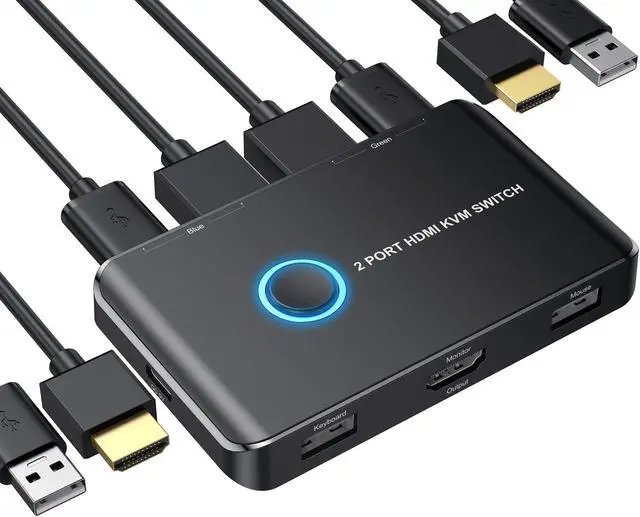
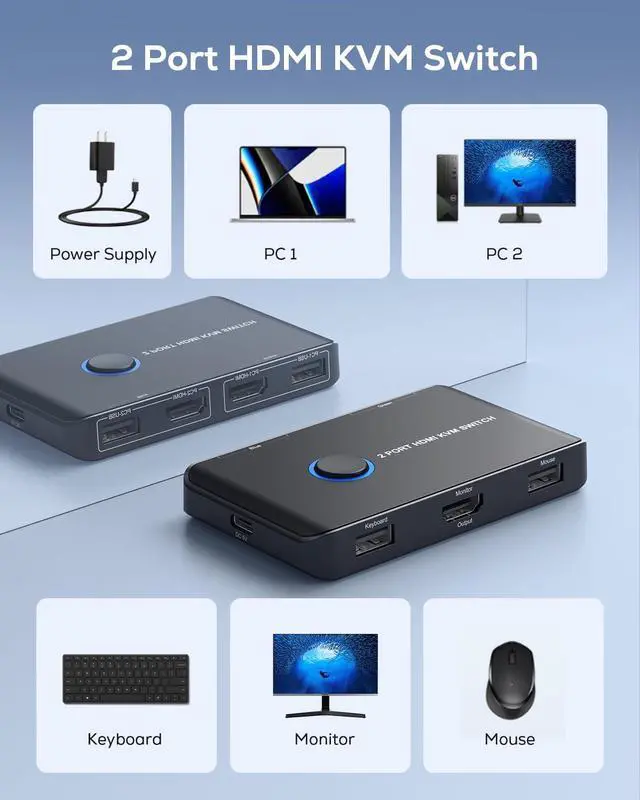
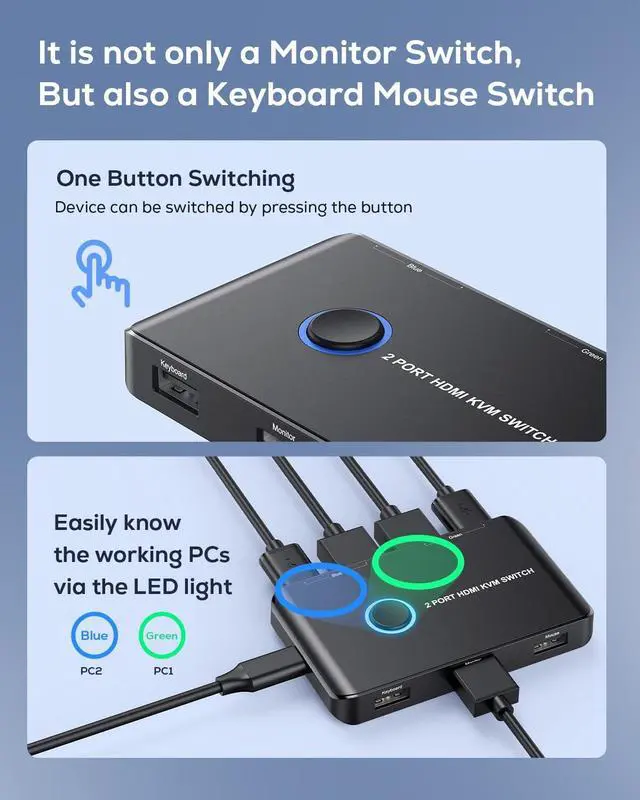
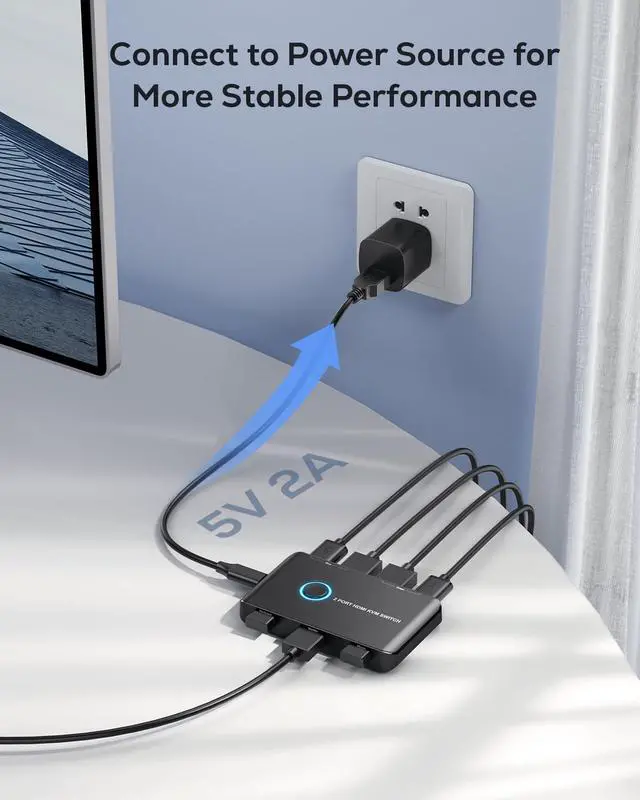
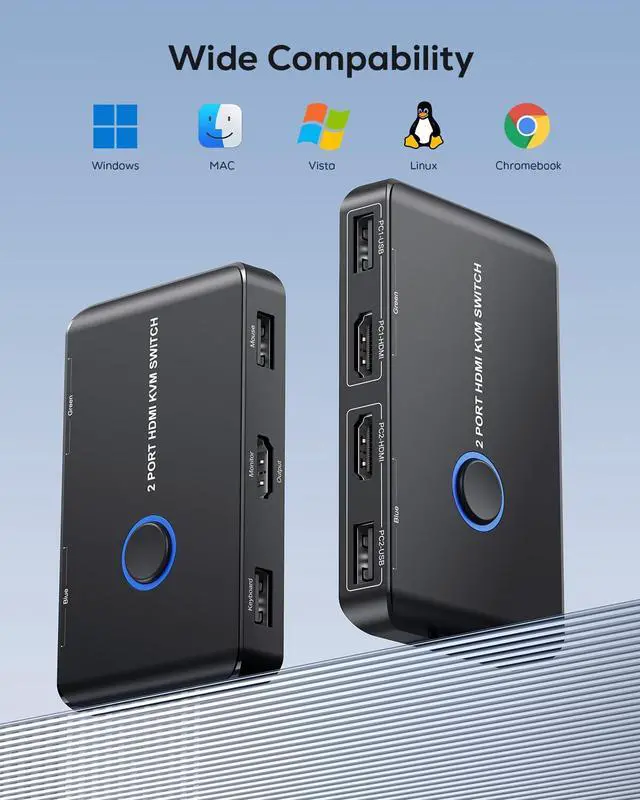
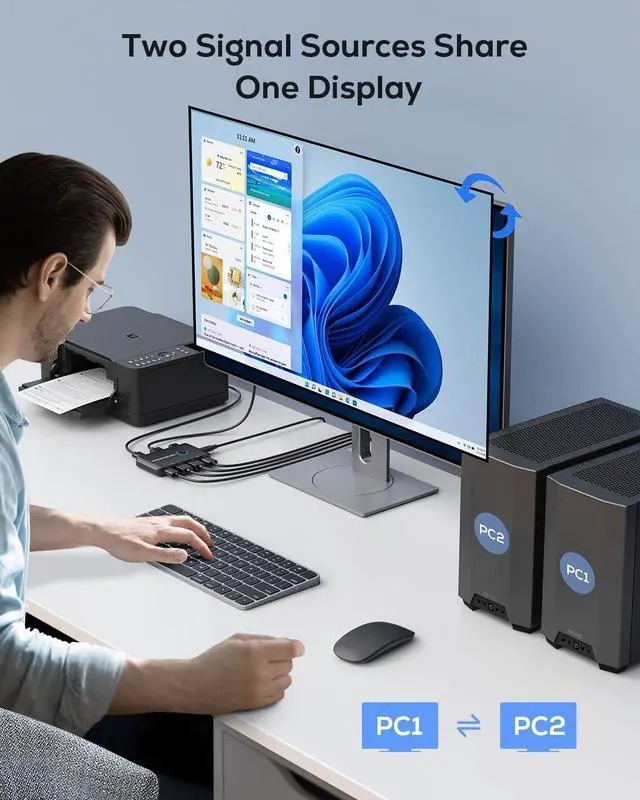
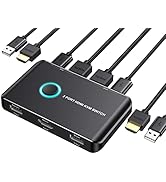
Here's a general guide on how to set up your KVM switch: 1. Connect your computer 1 to PC1-USB port and PC1-HDMI port with the included USB cable and HDMI cable. 2. Connect your computer 2 to PC2-USB port and PC2-HDMI port with the included USB cable and HDMI cable. 3. Connect this switch to a DC 5V power source via the supplied USB-C power cable. 4. Connect your keyboard/mouse to the Keyboard/Mouse Output USB port. 5. Press the Switch button to select the computer you need to use.
Here are some incompatible keyboard and mouse,computers.
Logitech K520 keyboard,Microsoft wireless keyboard 850 model 1455,wireless Logitech M325 P/N 810-003702 mouse.
1) Latitude 7430, MFGYR: 2022, ST: 9WS7KR3, EX:21573341391
2) Inspiron 15, 7000 Series 7547 purchased Dec. 2014. Pro Windows 8 upgraded to Windows 10 Pro 22H2 Build 19045.2251
If you have any further questions, please contact for help at any time.
Do I need to connect this item to power source?
The KVM switch can function properly even without a power supply. However, if you intend to connect a high-power device (e.g. gaming keyboard/mouse or some external hard drives),you may require a 5V USB-C power supply.
When trying to switch to my Mac, both my mouse and keyboard cannot work. The Mac I'm using is 2023 M2 Pro Mac Mini.
If you have a Macbook with USB-C ports, you won't be able to connect it directly using USB cables. It's recommended to use a USB-C (male) to USB-A (female) adapter to connect the Mac and KVM switch, but not use usb c to usb cable.

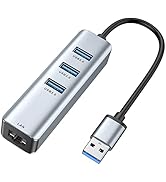
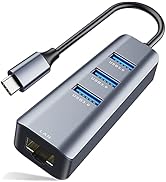
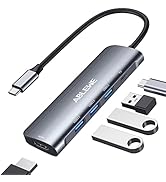
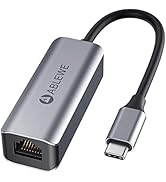
Ethernet Adapter & USB Hubs
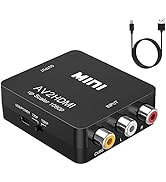
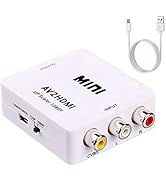
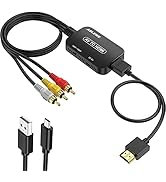
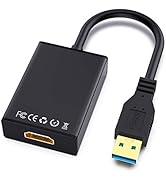
Video Converters
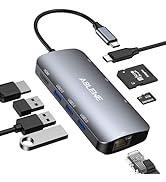
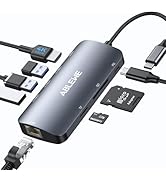
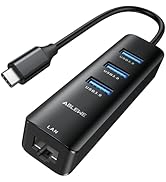
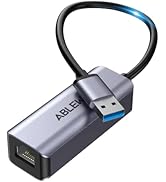
Upgraded USB Hubs
KVM Switch/USB Swtich

ABLEWE
More fun with better technology
We start from once residents home&office life questionnaire survey, we learn that people have great demand for audio& video uses both at home and office. We see people all have much fun in these activities and we want to preserve this fun with all customers by producing ethernet cable adapter, hdmi switch, hub and audio&video cable with better quality. We want to let all of you enjoy the fun of technology!


How to set up my KVM switch?
Here's a general guide on how to set up your KVM switch: 1. Connect your computer 1 to PC1-USB port and PC1-HDMI port with the included USB cable and HDMI cable. 2. Connect your computer 2 to PC2-USB port and PC2-HDMI port with the included USB cable and HDMI cable. 3. Connect this switch to a DC 5V power source via the supplied USB-C power cable. 4. Connect your keyboard/mouse to the Keyboard/Mouse Output USB port. 5. Press the Switch button to select the computer you need to use.
Here are some incompatible keyboard and mouse,computers.
Logitech K520 keyboard,Microsoft wireless keyboard 850 model 1455,wireless Logitech M325 P/N 810-003702 mouse.
1) Latitude 7430, MFGYR: 2022, ST: 9WS7KR3, EX:21573341391
2) Inspiron 15, 7000 Series 7547 purchased Dec. 2014. Pro Windows 8 upgraded to Windows 10 Pro 22H2 Build 19045.2251
If you have any further questions, please contact for help at any time.
Do I need to connect this item to power source?
The KVM switch can function properly even without a power supply. However, if you intend to connect a high-power device (e.g. gaming keyboard/mouse or some external hard drives),you may require a 5V USB-C power supply.
When trying to switch to my Mac, both my mouse and keyboard cannot work. The Mac I'm using is 2023 M2 Pro Mac Mini.
If you have a Macbook with USB-C ports, you won't be able to connect it directly using USB cables. It's recommended to use a USB-C (male) to USB-A (female) adapter to connect the Mac and KVM switch, but not use usb c to usb cable.
Ethernet Adapter & USB Hubs
Video Converters
Upgraded USB Hubs
KVM Switch/USB Swtich
ABLEWE
More fun with better technology
We start from once residents home&office life questionnaire survey, we learn that people have great demand for audio& video uses both at home and office. We see people all have much fun in these activities and we want to preserve this fun with all customers by producing ethernet cable adapter, hdmi switch, hub and audio&video cable with better quality. We want to let all of you enjoy the fun of technology!