



![Main image of [2-Pack] 3.3FT Smart Watch Charger Magnetic USB Charging Cable for Letsfit Willful YAMAY SW023 ID205L SW021 ID205U ID205S SW025 Uwatch 3S](https://c1.neweggimages.com/productimage/nb640/C5M0D2603190YGDBBFA.jpg)
![Alt view image 2 of 6 - [2-Pack] 3.3FT Smart Watch Charger Magnetic USB Charging Cable for Letsfit Willful YAMAY SW023 ID205L SW021 ID205U ID205S SW025 Uwatch 3S](https://c1.neweggimages.com/productimage/nb640/C5M0D2603190YGDBF6F.jpg)
![Alt view image 3 of 6 - [2-Pack] 3.3FT Smart Watch Charger Magnetic USB Charging Cable for Letsfit Willful YAMAY SW023 ID205L SW021 ID205U ID205S SW025 Uwatch 3S](https://c1.neweggimages.com/productimage/nb640/C5M0D2603190YGDEIDC.jpg)
![Alt view image 4 of 6 - [2-Pack] 3.3FT Smart Watch Charger Magnetic USB Charging Cable for Letsfit Willful YAMAY SW023 ID205L SW021 ID205U ID205S SW025 Uwatch 3S](https://c1.neweggimages.com/productimage/nb640/C0XPD2602130JQL9338.jpg)
![Alt view image 5 of 6 - [2-Pack] 3.3FT Smart Watch Charger Magnetic USB Charging Cable for Letsfit Willful YAMAY SW023 ID205L SW021 ID205U ID205S SW025 Uwatch 3S](https://c1.neweggimages.com/productimage/nb640/C0XPD2602130JQLBB75.jpg)
![Alt view image 6 of 6 - [2-Pack] 3.3FT Smart Watch Charger Magnetic USB Charging Cable for Letsfit Willful YAMAY SW023 ID205L SW021 ID205U ID205S SW025 Uwatch 3S](https://c1.neweggimages.com/productimage/nb640/C5M0D2603190YGDK962.jpg)


Any questions? Our AI beta will help you find out quickly.
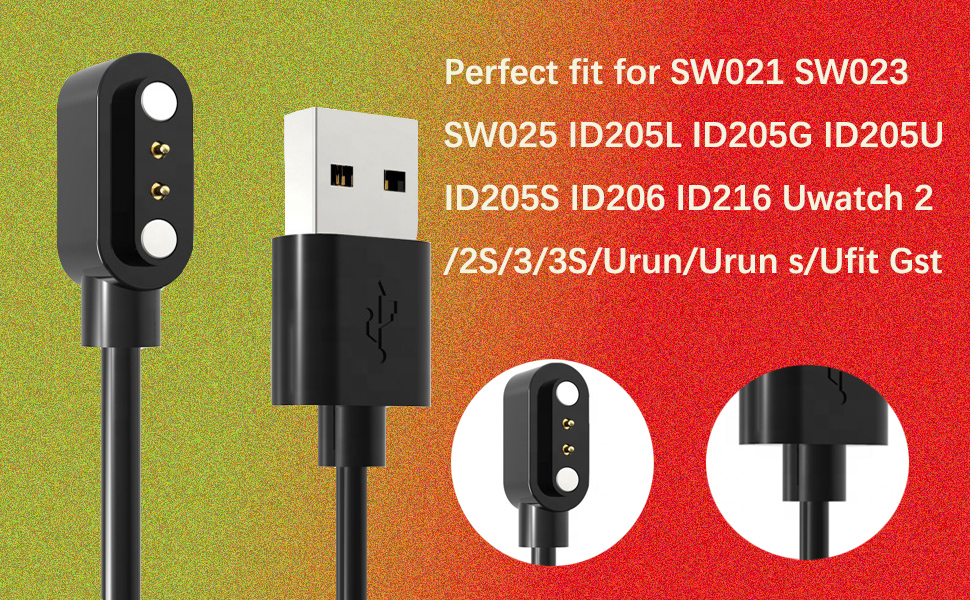
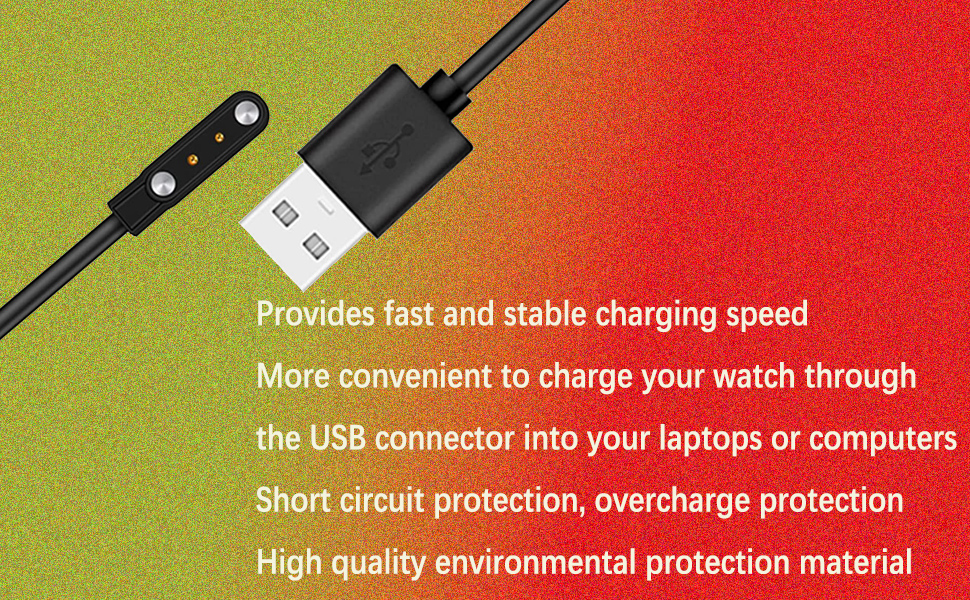
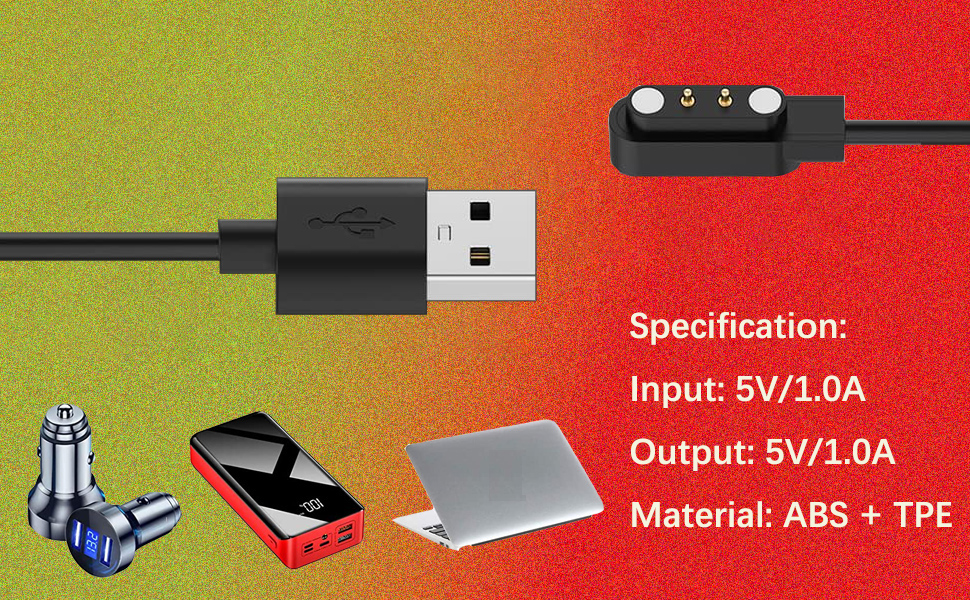
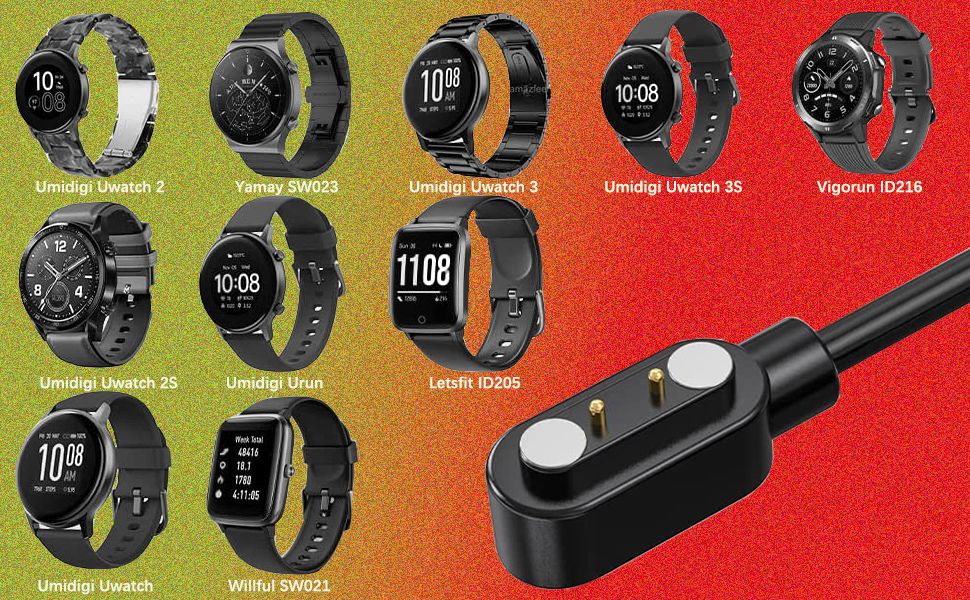
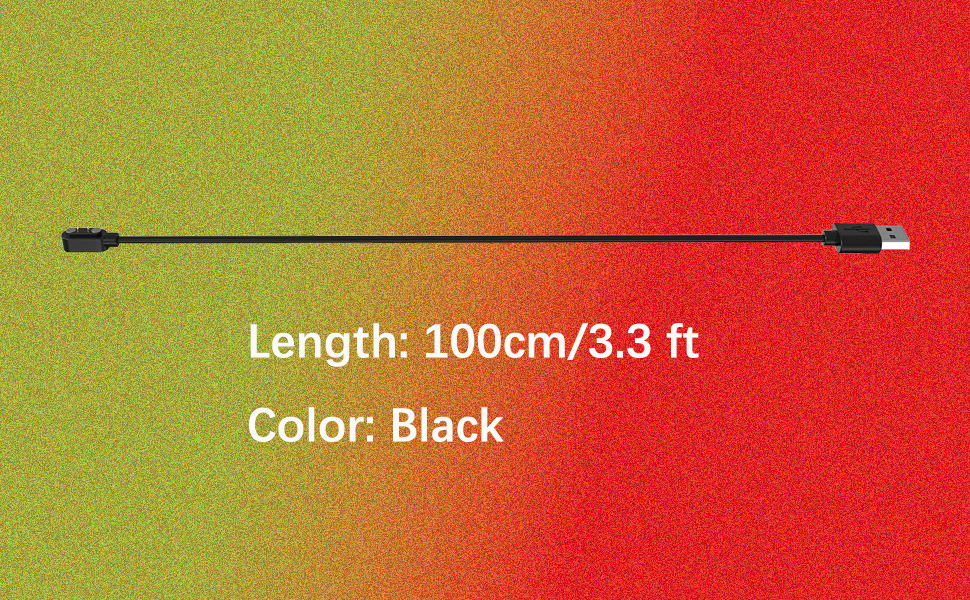
User Instruction Manual for Smartwatch Charging Cable Compatibility This charging cable works with multiple smartwatch models, SW021 SW023 SW025 ID205L ID205G ID205U ID205S ID206 ID216 Uwatch 3S/Urun/Urun s/Ufit Gst Smartwatch for any brand, compatible with YAMAY, Willful,Letsfit, LETSCOM, Lintelek, Blackview, Umidigi, Fitpolo(Measurement method: Measure whether the distance between the center point of two magnet charging ports is equal to 2.84mm or 0.11in ) Usage Connect to Smartwatch: Locate the charging port on your smartwatch (usually on the back). Align and attach the magnetic end of the cable. The magnets will snap it into place. Ensure proper contact. Connect to Power: Plug the other end into a USB power source, such as a wall charger, computer USB port, or power bank. A charging indicator on your watch will show it's working. Safety Keep the cable dry and away from heat. Don't use it if damaged. Avoid connecting it to incompatible devices. Troubleshooting If it doesn't charge, check connections, try a different power source, or clean the contacts gently with a dry cloth. For help, contact our customer service.
| Brand | Acediar |
| Connector Type | Usb |
| Cable Type | USB |
| Compatible Devices | Smart Watch |
| Special Feature | Magnetic |
| Other Special Features of the Product | Magnetic |
| Connector Gender | Male-to-Male |
| Number of Pins | 4 |
| Connectivity Technology | USB |
| Wattage | 10 watts |
| Unit Count | 2.0 Count |
| Number of Items | 2 |
| Brand Name | Acediar |
| Model | A-001 |
| Manufacturer | Acediar |
| Indoor Outdoor Usage | Indoor, Outdoor |
| Color | Black |
| Item Shape | Round |