






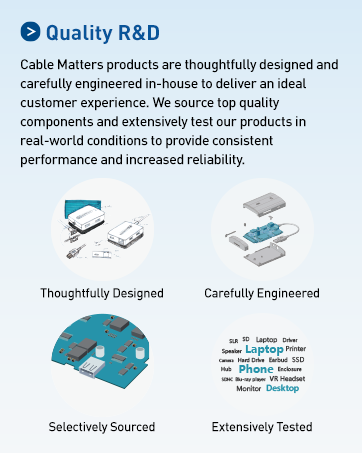
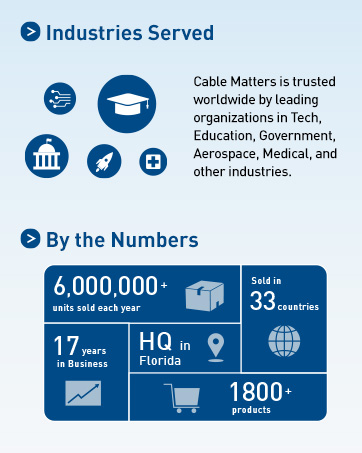
Cable Matters, with headquarters in Southborough, Massachusetts, offers a complete line of cables, adapters, docking stations, and networking products for the home, office, and data center. Cable Matters offers first-class, quality, and affordable products backed by an exceptional customer experience.
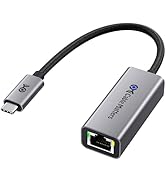
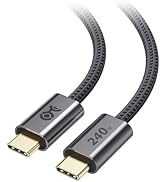
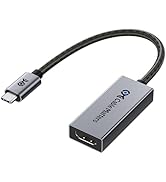
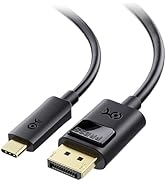
USB-C Cables & Hubs & Adapters
![Cable Matters Braided USB C to Micro USB Cable - 3.3ft, [3A/15W Charging, 480Mbps Data] MicroUSB ...](//c1.neweggimages.com/sellingpilot/modules/product/a-plus/5c7d39516f75c8fb4e9a6d3b07bc6c64b8998e2247630b6cee6e0c8da4baf719.jpg)
USB-C Cables & Hubs & Adapters
![Cable Matters Braided USB C to Micro USB Cable - 3.3ft, [3A/15W Charging, 480Mbps Data] MicroUSB ...](http://c1.neweggimages.com/sellingpilot/modules/product/a-plus/5c7d39516f75c8fb4e9a6d3b07bc6c64b8998e2247630b6cee6e0c8da4baf719.jpg)
Unleash the power of HDMI 2.1 technology
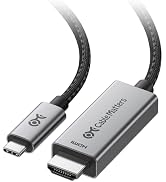
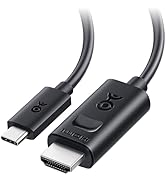
Cable Matters USB C to HDMI 2.1 Adapter
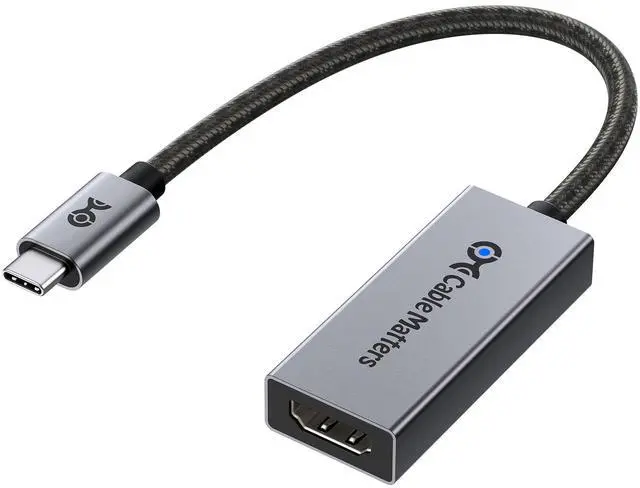
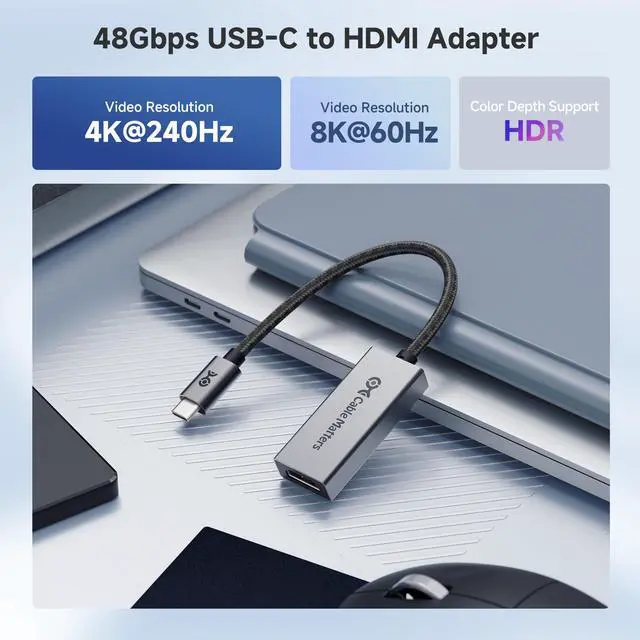
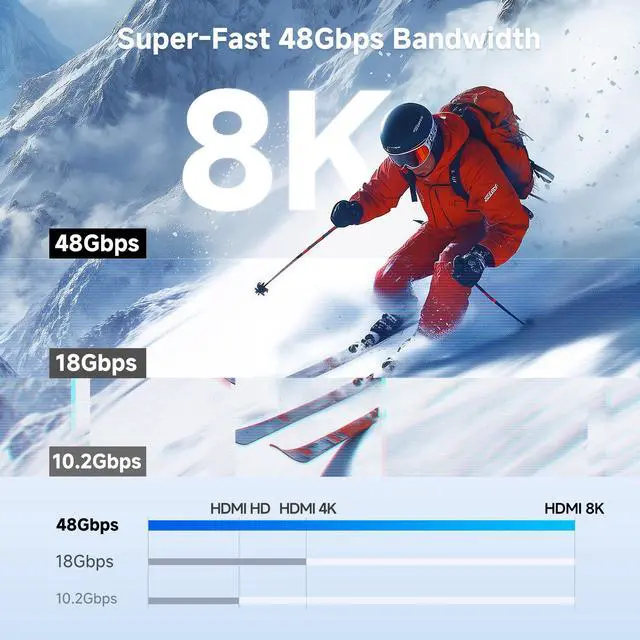
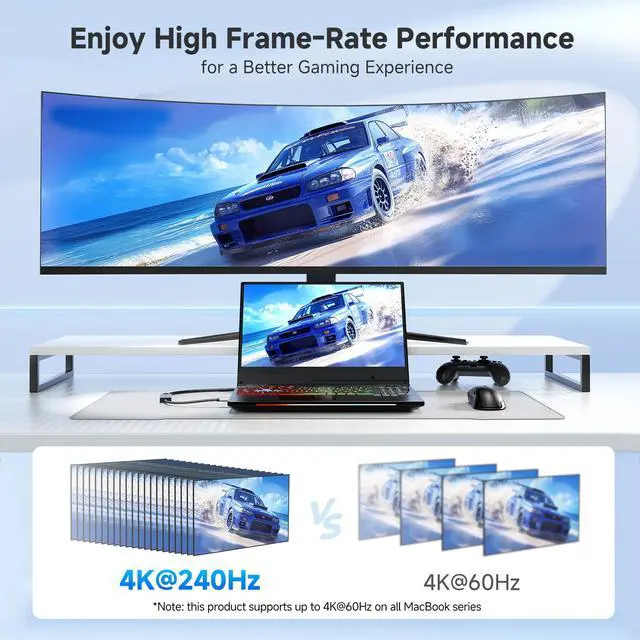
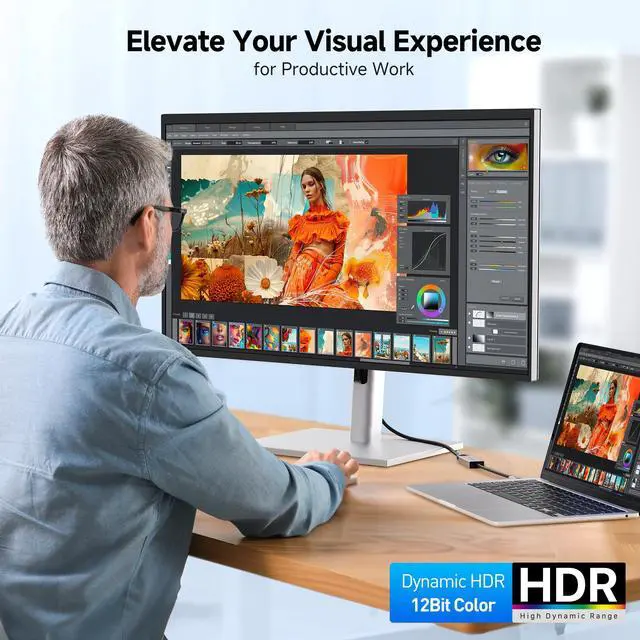
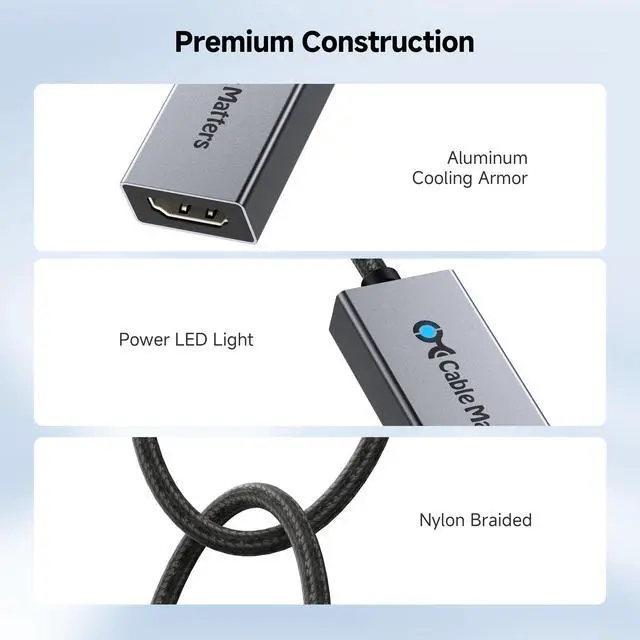
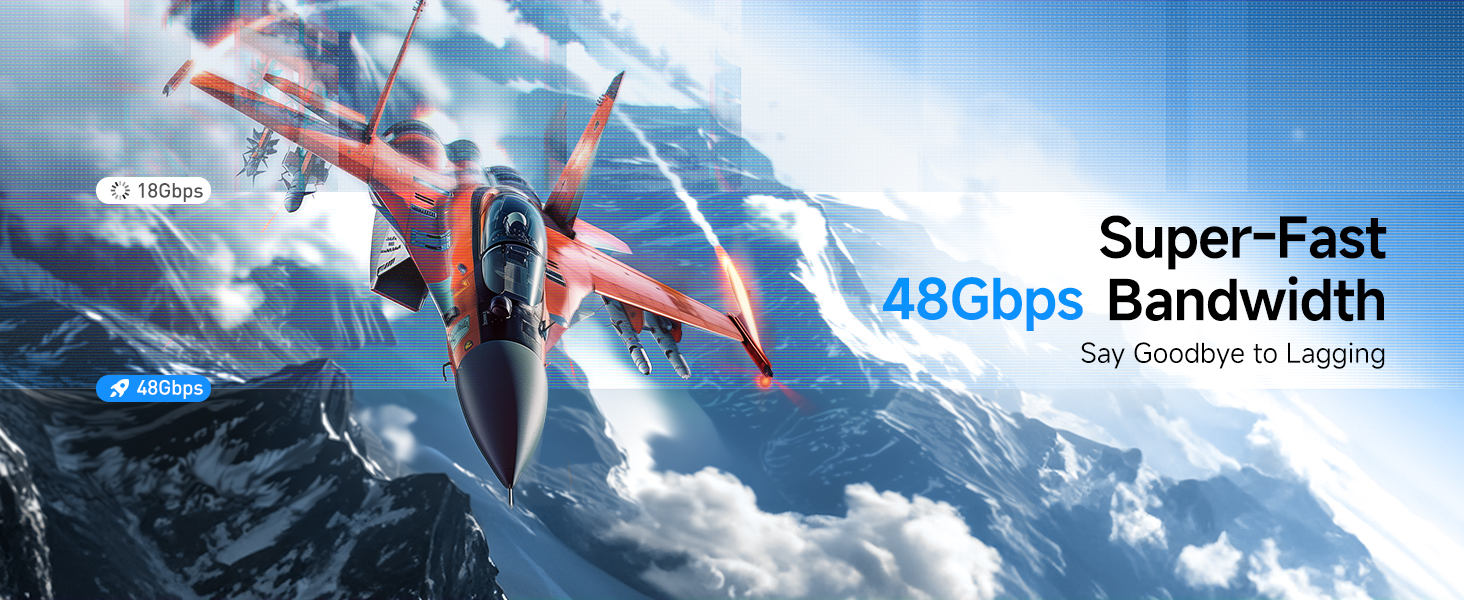
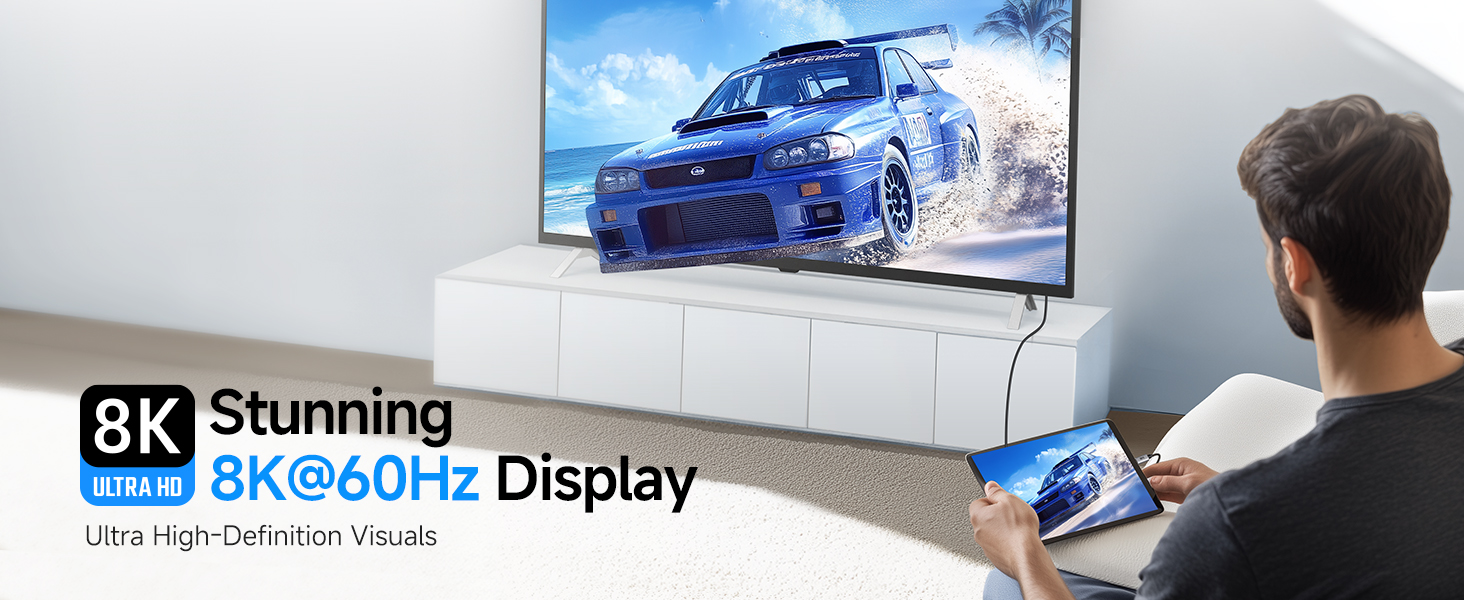
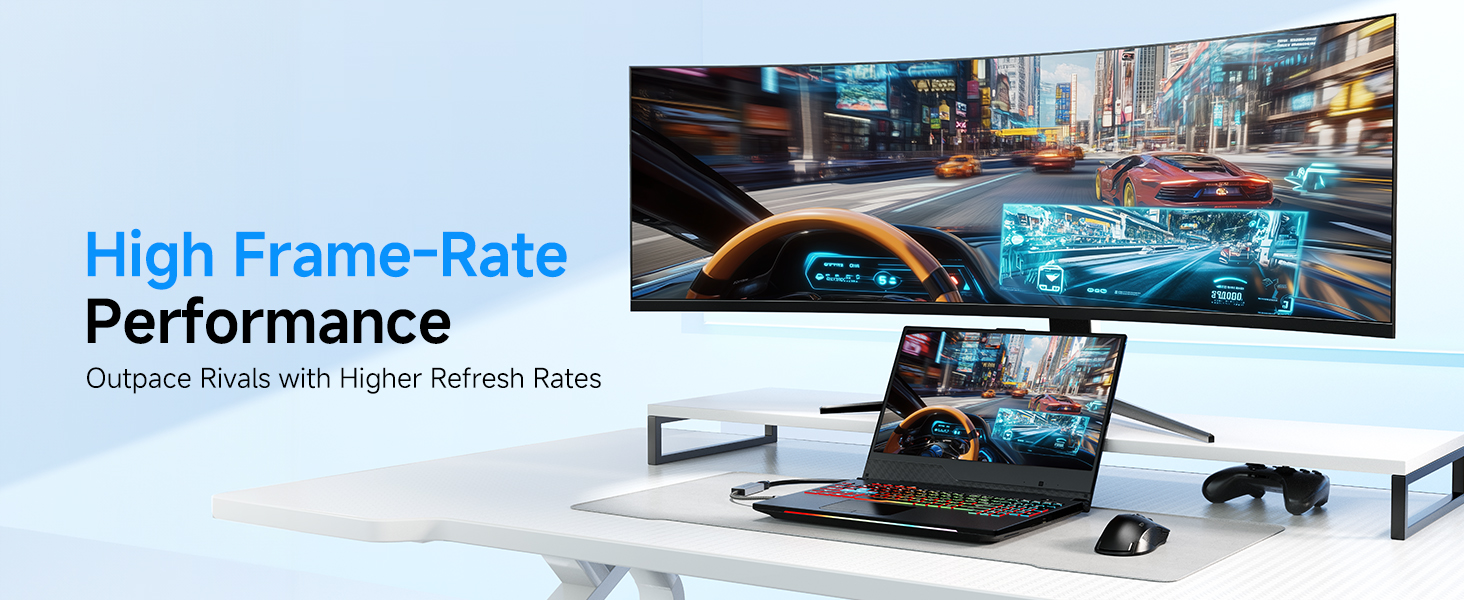
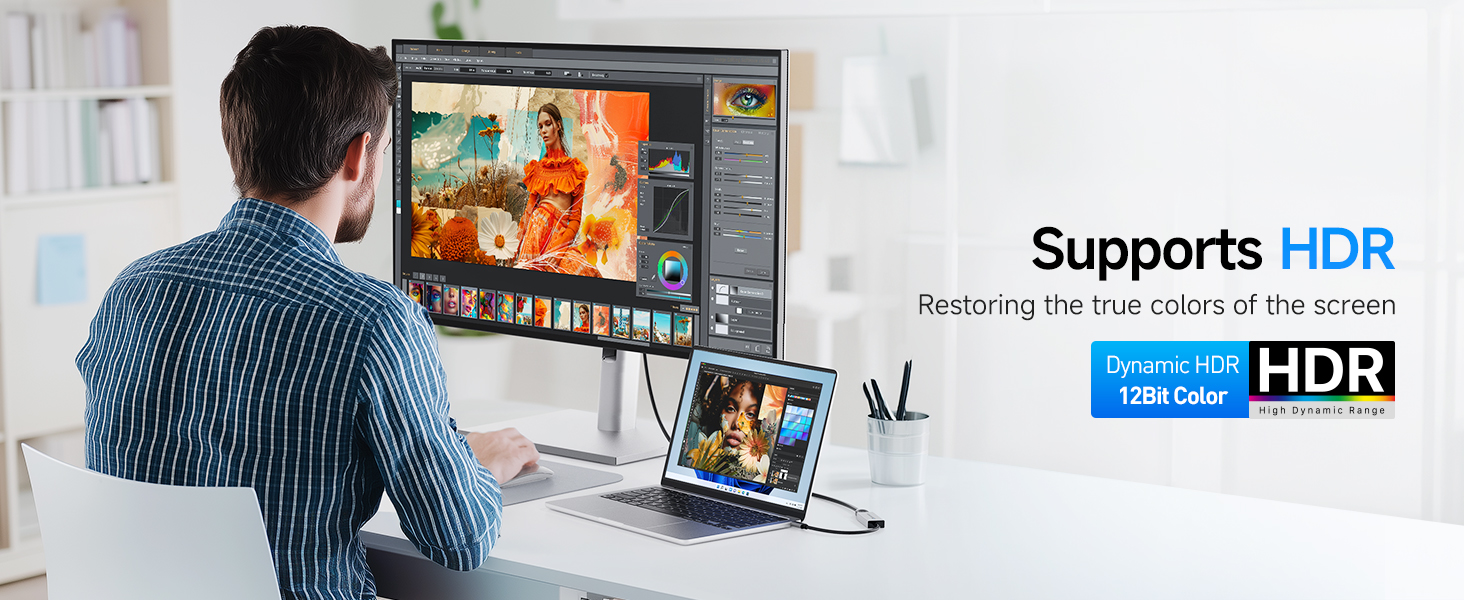
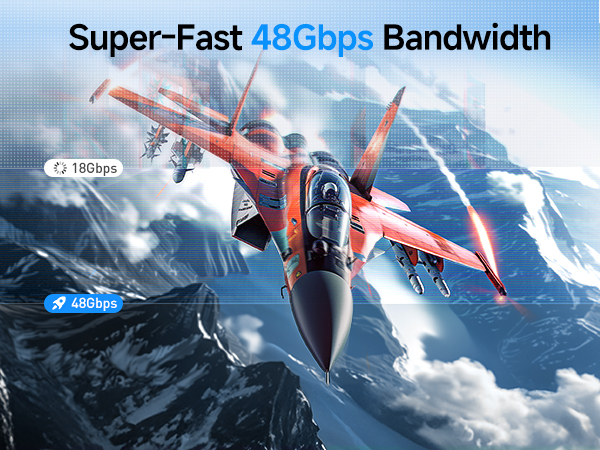
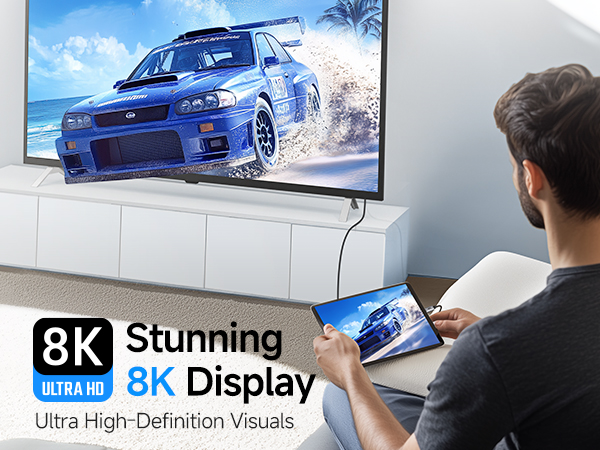
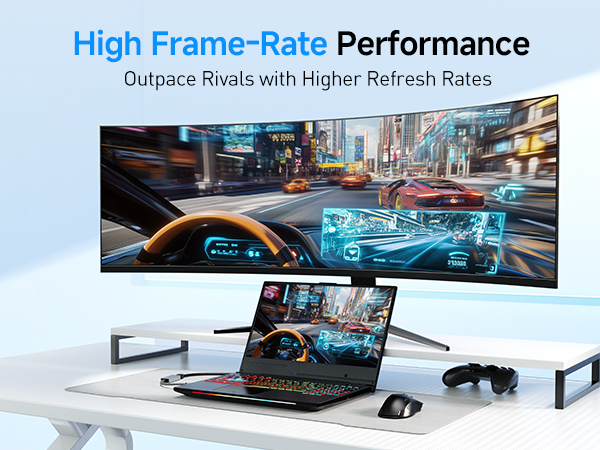
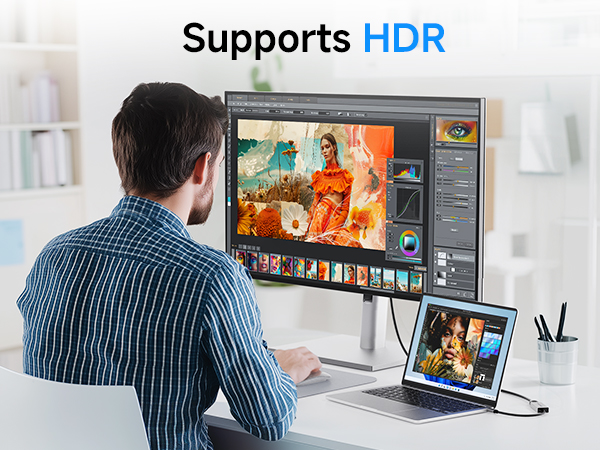
The Cable Matters USB-C to HDMI 2.1 Adapter combines the latest HDMI technology with the versatility of the USB-C connector. Transform your device into an 8K@60Hz video powerhouse with support for the latest 4K@240Hz televisions and monitors. Drive 8K displays as well with the unmatched speeds only 48Gbps bandwidth as specified in HDMI 2.1 can provide.
Important Notes
- For dedicated graphics, a Nvidia RTX 2060/3060 or an AMD Radeon RX 6000 Series or newer graphics are required to achieve 8K@60Hz video.
- For Intel graphics, 11th generation Intel Tiger Lake or 12th Intel Ader Lake or a newer CPU and Intel Iris Xe or newer graphics are required to achieve 8K@60Hz video.
- All Macbooks, Macbook Pro, and Mac Mini can only support a maximum resolution of 4K@60Hz external display.
- 4K@240Hz/4K@120Hz and 8K support may require a firmware update on some 8K TVs.
- 4K@240Hz/4K@120Hz and 8K support must be manually enabled on some 8K TVs.
- VRR/G-Sync/FreeSync are not supported.
- Dolby Atmos/DTS:X are supported.
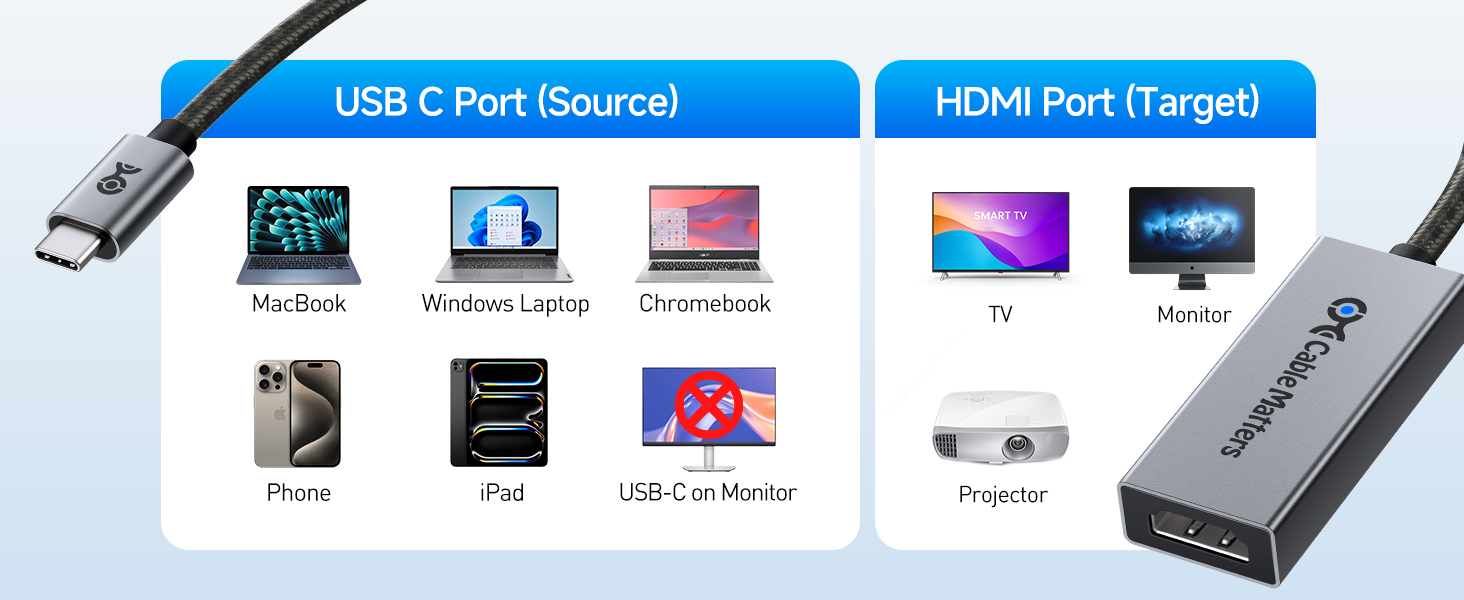
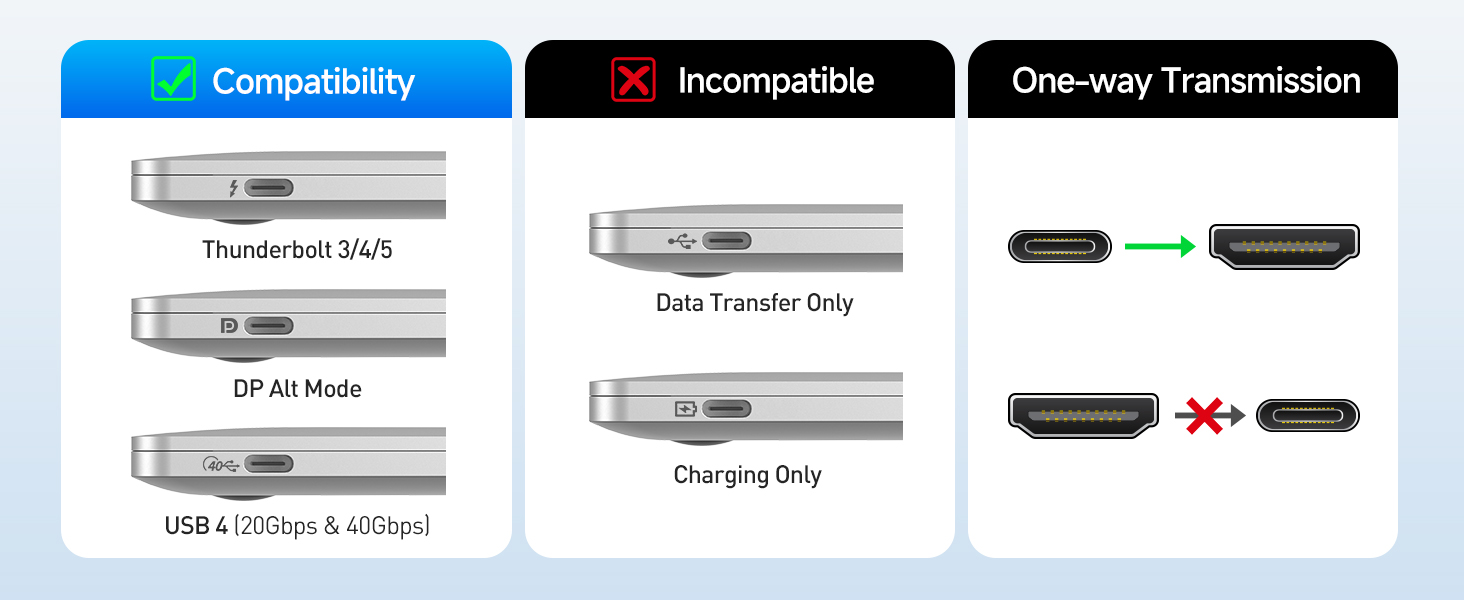
Is this adapter bidirectional?
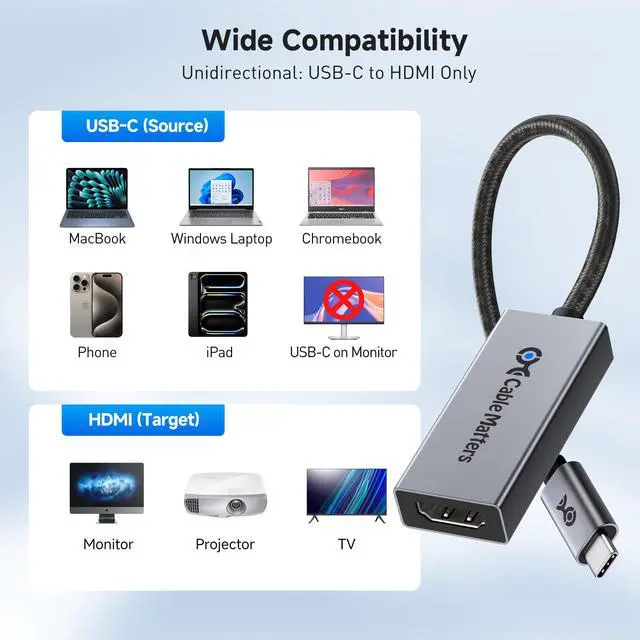
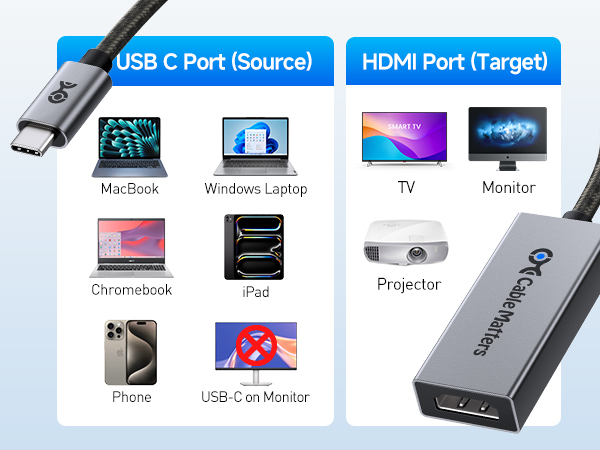
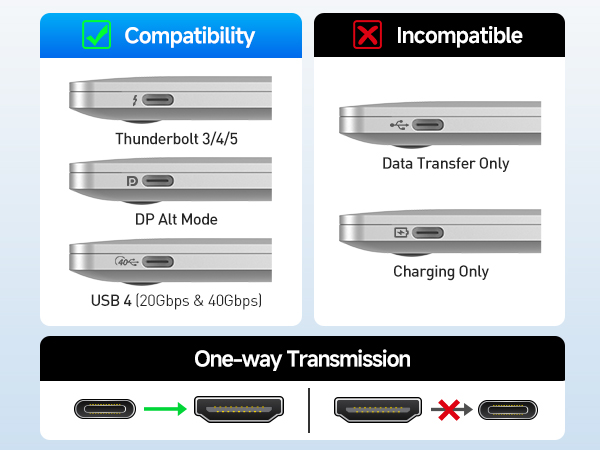
No. It only coverts video from USB-C with DP Alt Mode or Thunderbolt 3/4/5 ports (host) to HDMI displays. It does not support HDMI sources like PS5 or Xbox to USB-C devices.
Does this adapter work with macOS?
Yes, but macOS systems are limited to 4K@60Hz output over USB-C/Thunderbolt, regardless of the display’s capabilities.
Why do I experience flickering or no signal?
Use a short certified HDMI 2.1 cable and confirm HDMI 2.1 mode is enabled on your display. Try lowering resolution or refresh rate. Search “Cable Matters 48Gbps Adapter Troubleshooting” for further instructions.
Why am I not getting 8K or 4K 240Hz?
It require a GPU that supports 8K or 4K240Hz over USB-C (RTX 20/30/40, RX 6000/7000, Intel 11th/12th Gen or newer), an HDMI 2.1 display, and a certified HDMI 2.1 cable. Enable HDMI 2.1 mode on your display and drivers are up to date.
Why do I get only 4K@120Hz with Intel GPUs and Acer monitors?
This is a known compatibility limitation with Intel GPU and Acer monitor setup when using this product. With AMD or NVIDIA GPUs, the same monitor can reach 4K@144Hz or higher.
Comparison Products
 USB C to HDMI 2.1 Adapter |  USB C to HDMI 2.1 Cable |  16K USB-C to DP Adapter |  USB C to HDMI 2.1 Adapter |  USB-C to HDMI Adapter | 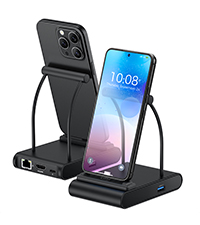 USB-C Charging Dock |  Foldable USB-C HDMI Hub | |
|---|---|---|---|---|---|---|---|
Customer Reviews | — | — | — | — | — | — | — |
Price | — | — | — | — | — | — | — |
Max Resolution | 8K@60Hz/4K@240Hz | 8K@60Hz/4K@240Hz | 16K60Hz/8K@240Hz/4K@960Hz | 8K@60Hz/4K@240Hz | 4K@60Hz | 4K@60Hz | 4K@60Hz |
PD Charging | N/A | N/A | N/A | 140W | N/A | 100W | 100W |
Braided Cable | ? | ? | ? | ? | ? | ? | ? |
Thunderbolt 4/5 Compatible | ? | ? | ? | ? | ? | ? | ? |
Model Number | 201388 | 201392 | 201386 | 201428 | 201088-B | 201350 | 201378 |
Unleash the power of HDMI 2.1 technology
Cable Matters USB C to HDMI 2.1 Adapter
The Cable Matters USB-C to HDMI 2.1 Adapter combines the latest HDMI technology with the versatility of the USB-C connector. Transform your device into an 8K@60Hz video powerhouse with support for the latest 4K@240Hz televisions and monitors. Drive 8K displays as well with the unmatched speeds only 48Gbps bandwidth as specified in HDMI 2.1 can provide.
Important Notes
- For dedicated graphics, a Nvidia RTX 2060/3060 or an AMD Radeon RX 6000 Series or newer graphics are required to achieve 8K@60Hz video.
- For Intel graphics, 11th generation Intel Tiger Lake or 12th Intel Ader Lake or a newer CPU and Intel Iris Xe or newer graphics are required to achieve 8K@60Hz video.
- All Macbooks, Macbook Pro, and Mac Mini can only support a maximum resolution of 4K@60Hz external display.
- 4K@240Hz/4K@120Hz and 8K support may require a firmware update on some 8K TVs.
- 4K@240Hz/4K@120Hz and 8K support must be manually enabled on some 8K TVs.
- VRR/G-Sync/FreeSync are not supported.
- Dolby Atmos/DTS:X are supported.
Is this adapter bidirectional?
No. It only coverts video from USB-C with DP Alt Mode or Thunderbolt 3/4/5 ports (host) to HDMI displays. It does not support HDMI sources like PS5 or Xbox to USB-C devices.
Does this adapter work with macOS?
Yes, but macOS systems are limited to 4K@60Hz output over USB-C/Thunderbolt, regardless of the display’s capabilities.
Why do I experience flickering or no signal?
Use a short certified HDMI 2.1 cable and confirm HDMI 2.1 mode is enabled on your display. Try lowering resolution or refresh rate. Search “Cable Matters 48Gbps Adapter Troubleshooting” for further instructions.
Why am I not getting 8K or 4K 240Hz?
It require a GPU that supports 8K or 4K240Hz over USB-C (RTX 20/30/40, RX 6000/7000, Intel 11th/12th Gen or newer), an HDMI 2.1 display, and a certified HDMI 2.1 cable. Enable HDMI 2.1 mode on your display and drivers are up to date.
Why do I get only 4K@120Hz with Intel GPUs and Acer monitors?
This is a known compatibility limitation with Intel GPU and Acer monitor setup when using this product. With AMD or NVIDIA GPUs, the same monitor can reach 4K@144Hz or higher.
Comparison Products
USB C to HDMI 2.1 Adapter | USB C to HDMI 2.1 Cable | 16K USB-C to DP Adapter | USB C to HDMI 2.1 Adapter | USB-C to HDMI Adapter | USB-C Charging Dock | Foldable USB-C HDMI Hub |
|---|---|---|---|---|---|---|
| Customer Reviews | ||||||
| — | — | — | — | — | — | — |
| Price | ||||||
| — | — | — | — | — | — | — |
| Max Resolution | ||||||
| 8K@60Hz/4K@240Hz | 8K@60Hz/4K@240Hz | 16K60Hz/8K@240Hz/4K@960Hz | 8K@60Hz/4K@240Hz | 4K@60Hz | 4K@60Hz | 4K@60Hz |
| PD Charging | ||||||
| N/A | N/A | N/A | 140W | N/A | 100W | 100W |
| Braided Cable | ||||||
| ? | ? | ? | ? | ? | ? | ? |
| Thunderbolt 4/5 Compatible | ||||||
| ? | ? | ? | ? | ? | ? | ? |
| Model Number | ||||||
| 201388 | 201392 | 201386 | 201428 | 201088-B | 201350 | 201378 |
Cable Matters, with headquarters in Southborough, Massachusetts, offers a complete line of cables, adapters, docking stations, and networking products for the home, office, and data center. Cable Matters offers first-class, quality, and affordable products backed by an exceptional customer experience.
USB-C Cables & Hubs & Adapters
USB-C Cables & Hubs & Adapters
