




 here!
here!
I’m your shopping assistant for PC builds, upgrades, and everything tech.
Got questions? Ask away!
Start a conversation
here!
I’m your shopping assistant for PC builds, upgrades, and everything tech.
Got questions? Ask away!
Start a conversation Top Rated
 Hot Seller Hot Seller




Any questions? Ask CelesteSM will help you find out quickly.
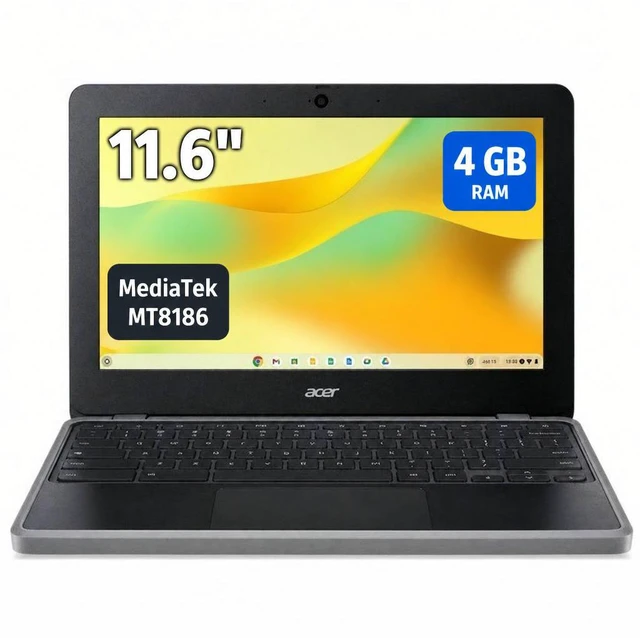
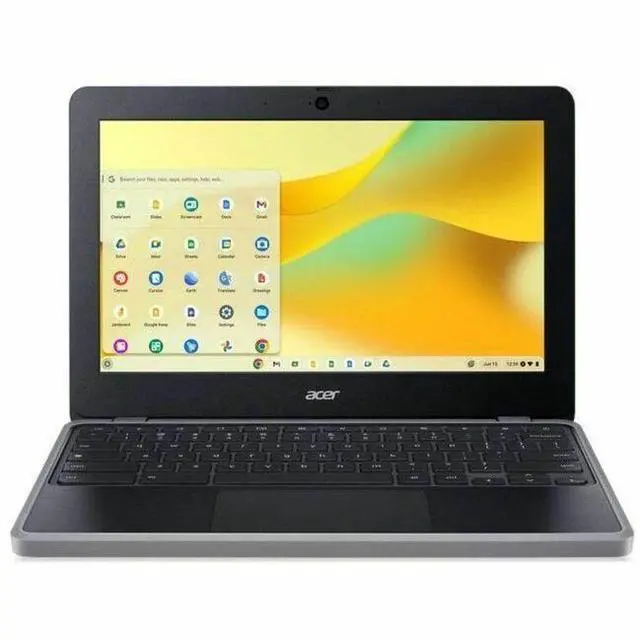
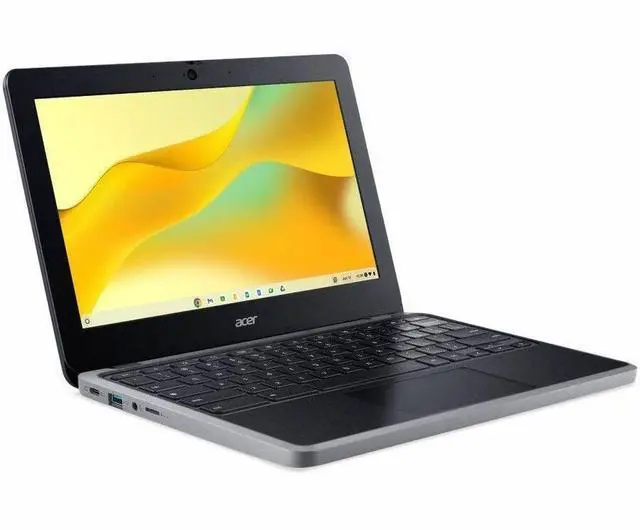
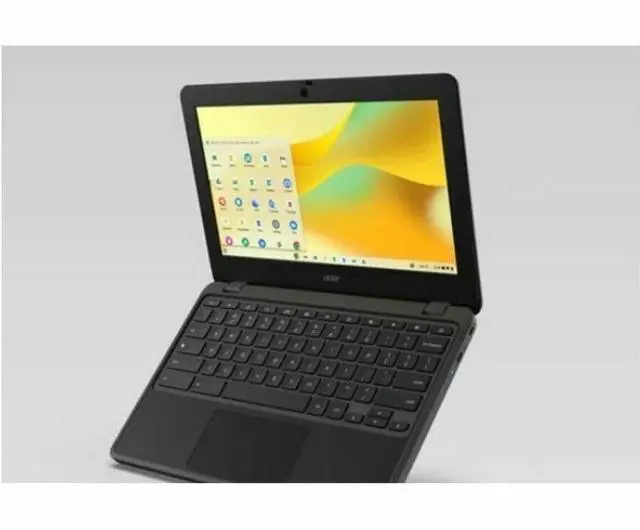
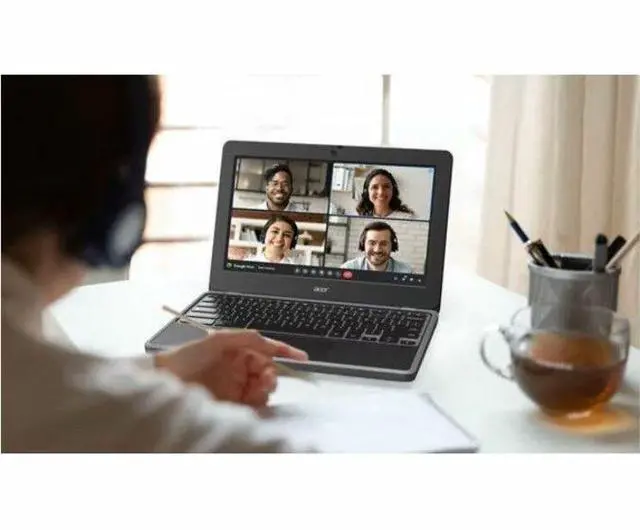
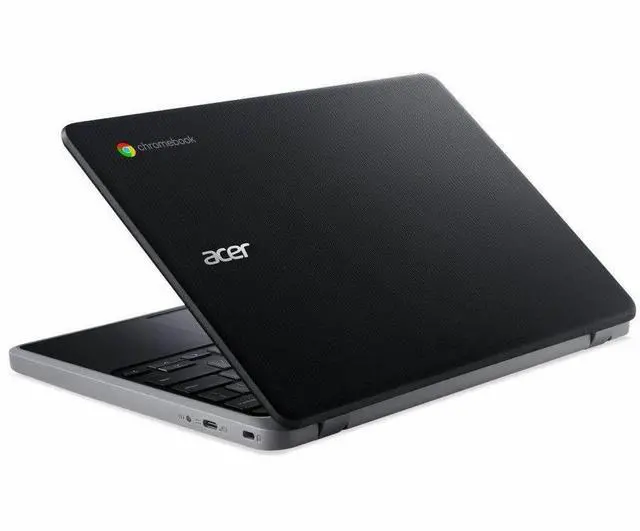
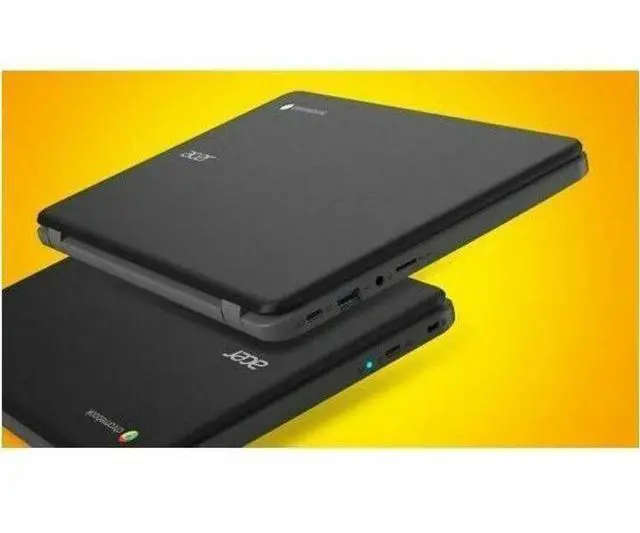
The Acer Chromebook 311 C723-K3P3 is an 11.6-inch ChromeOS laptop built for everyday web tasks, making it a practical fit for students, kids, and home users who want a compact device for browsing, email, streaming, and schoolwork.
| Attribute | Value |
|---|---|
| Best For | Home and personal users who want a compact 11.6" Chromebook for everyday tasks, web browsing, video calls and Bluetooth accessories |
| Display Spec | 11.6" HD display with 1366 x 768 resolution, non-touch |
| Graphics | Integrated/on‑board graphics for basic web and media playback |
| Connectivity | Bluetooth wireless connectivity for peripherals and audio |
| Webcam | Built-in front-facing webcam for video calls |
| Brand | Acer |
Q: Should I buy the Acer Chromebook 311 C723 or move up to a Chromebook Plus model?
A: Choose the Acer Chromebook 311 C723 if your main jobs are web browsing, Google Docs, classroom apps, email, and video streaming in a very portable 11.6-inch form factor. Move up to a Chromebook Plus model if you want a clear step up in multitasking headroom, local storage, display quality, webcam quality, and access to newer Google features that require Chromebook Plus-class hardware. This Acer model has 4GB RAM, 32GB storage, and a 1366x768 display, while Google positions Chromebook Plus around 8GB RAM, 128GB storage, Full HD IPS displays, and higher-tier processors. In short: the C723 fits lightweight everyday use and education-focused portability; Chromebook Plus fits users who expect longer-term performance margin and more demanding workflows.
Q: Is the Acer Chromebook 311 C723 a better fit than a 2-in-1 Chromebook like the Lenovo Flex 3?
A: Pick the Acer Chromebook 311 C723 if you want a simpler clamshell Chromebook for basic schoolwork or home use, with low weight, fanless operation, and a durability-first design. Pick a 2-in-1 model like the Lenovo Flex 3 if touch input, tent mode, tablet-style use, or more flexible media viewing matters more than the simplest carry-and-type setup. The Acer is positioned by Acer as a rugged K-12 Chromebook with spill resistance, reinforced ports, and up to 15 hours of battery life, while Flex-class Chromebooks are usually chosen for versatility rather than strict classroom durability. The trade-off is straightforward: C723 for straightforward portability and school-style use, Flex 3 for more flexible form-factor use.
Q: Should I choose this 4GB/32GB Acer Chromebook 311 C723 or spend more for an 8GB/64GB or 8GB/128GB Chromebook?
A: Choose the 4GB/32GB Acer Chromebook 311 C723 when your workload is light and mostly cloud-based: school portals, Google Workspace, web browsing, and streaming. Spend more for 8GB memory and larger storage if you usually keep many tabs open, use heavier Android apps, want more offline files, or plan to keep the Chromebook as a primary computer for longer. Google and Chromebook guidance consistently place 4GB-class devices in basic-use roles, while higher-memory Chromebooks are better aligned with advanced multitasking. The main trade-off is cost versus margin: this C723 covers the essentials efficiently, while 8GB-class models provide more breathing room for sustained everyday use.
Q: Is the Acer Chromebook 311 C723 better for portability than a larger 14-inch Chromebook?
A: Yes, the Acer Chromebook 311 C723 makes more sense if portability, grab-and-go use, and small-desk convenience are the priority. Its 11.6-inch size is better suited to travel, shared spaces, and younger students. A 14-inch Chromebook is usually the better choice if you value a roomier keyboard deck, larger screen area for side-by-side work, and a more comfortable setup for long writing sessions. The decision is less about raw quality and more about use style: C723 for maximum mobility and compact everyday tasks, 14-inch models for comfort and visibility during longer work sessions.
Q: Is the Acer Chromebook 311 C723 a worthwhile update over older 11-inch entry-level Chromebooks?
A: It is a practical update if you are replacing an older budget Chromebook mainly to get newer hardware support, modern wireless features, and a fresh Auto Update timeline rather than a dramatic change in how ChromeOS feels day to day. Acer positions the C723 with Wi-Fi 6, Bluetooth 5.1, two USB-C ports, a ruggedized design, and a newer MediaTek Kompanio platform. Google also notes that Chromebooks released from 2021 onward receive up to 10 years of automatic updates. That means the C723 is most appealing as a support-life and connectivity refresh for basic users, while shoppers wanting a noticeable jump in performance should usually compare it against higher-tier 8GB Chromebooks instead of older entry models.
Q: Is this Chromebook a good fit for note-taking, web research, Zoom or Google Meet, and basic office work?
A: Yes for light school and office use. The 11.6-inch Acer Chromebook 311 configuration with 4 GB RAM, 32 GB storage, ChromeOS, Bluetooth, and a webcam is suitable for note-taking, browser-based research, email, Google Docs, video meetings, and simple productivity tasks. The main limitation is that it is not meant for heavy multitasking, large local files, or full desktop-only Windows software.
Q: Can you use Microsoft Office or regular Windows programs on this Chromebook?
A: It is a good choice only if your work can be done in the browser, Android apps, or cloud tools. Chromebooks are commonly used with Google Docs and web versions of Microsoft 365, but they do not run full Windows in the normal way and are a poor fit if you need traditional desktop Windows applications.
Q: Is it worth buying as a travel device or secondary laptop?
A: Yes, if portability, simple tasks, and low maintenance matter more than performance. An 11.6-inch Chromebook with 4 GB RAM and 32 GB storage is a practical travel or backup machine for web access, email, documents, streaming, and meetings. The trade-off is limited local storage, a smaller HD screen, and less headroom for heavy multitasking than a larger Windows laptop or a Chromebook with 8 GB RAM and more storage.
Q: Who is this Acer Chromebook 311 most suitable for?
A: It is best for students, casual home users, and anyone who mainly works in Chrome, Google services, web apps, and video calls. It is less suitable for buyers who need touchscreen input, high-resolution displays, large onboard storage, advanced content creation, PC gaming, or specialized software that requires Windows or macOS.
Q: What are the main trade-offs versus a similar 11-inch Chromebook with 64 GB storage or 8 GB RAM?
A: The biggest trade-off is headroom. This Acer configuration should handle everyday Chromebook tasks, but 32 GB storage fills faster and 4 GB RAM leaves less room for many tabs, larger Android apps, or longer multitasking sessions. A comparable model with 64 GB storage or 8 GB RAM is usually the better choice for longer-term use, while this version makes more sense for lighter workloads and tighter budgets.
Q: Is this Acer Chromebook 311 a good buy for basic everyday use?
A: Yes, if your needs are light. With ChromeOS, a MediaTek processor, 4 GB RAM, and 32 GB storage, it fits browsing, email, Google Docs, streaming, and school portals better than heavy multitasking. Reddit discussions around Acer 311 models repeatedly describe them as good value entry-level Chromebooks, but also note that 4 GB RAM and 32 GB storage are limiting for a main computer.
Q: Who is this Chromebook best suited for?
A: It is best suited for students, children, travel, and home users who want a simple low-cost laptop for web-based tasks. Its 11.6-inch size, ChromeOS, and modest specs make it a better fit as a secondary device or school machine than as a full replacement for a higher-spec Windows laptop.
Q: Can this model handle schoolwork, note-taking, and remote work?
A: It can handle web-first schoolwork and light remote work, such as Google Docs, Slides, web research, email, video calls, and browser-based apps. It is less suitable if your work depends on many tabs, Android apps, Linux apps, or large offline files, because 4 GB RAM and 32 GB storage leave limited headroom.
Q: What are the main trade-offs of this Acer Chromebook 311?
A: The main trade-offs are performance headroom, storage, and screen sharpness. This model has only 4 GB RAM, 32 GB flash storage, and a 1366 x 768 non-touch display, so it is built for affordability and portability rather than multitasking, local file storage, or a roomy high-resolution viewing experience.


