• $44.99
  • Price alert
    Shop it at NeweggBusiness.

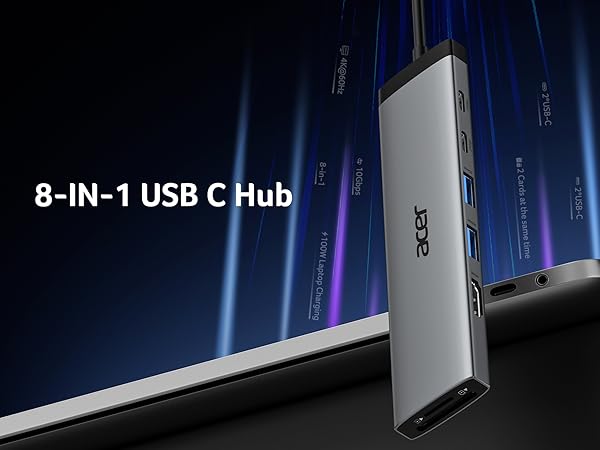
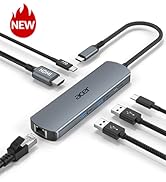
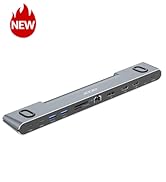
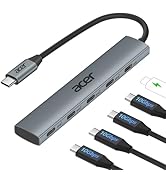
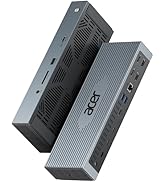
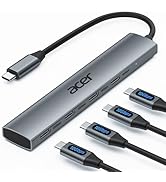
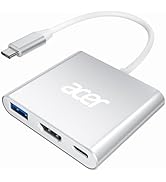
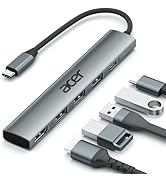
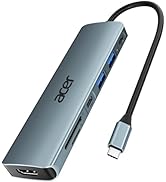
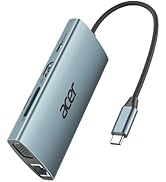
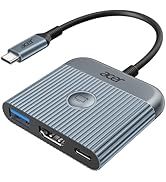
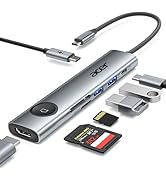
    8 in 1 USB C Hub 10Gbps, USBC to HDMI Adapter 4K@60Hz, 2×USB-C 3.2, 2×USB A 3.0 Data Transfer, 100W PD Port Type C Multiport Splitter with SD/TF Card Reader, for Laptop, PC, Desktop, iPad Pro

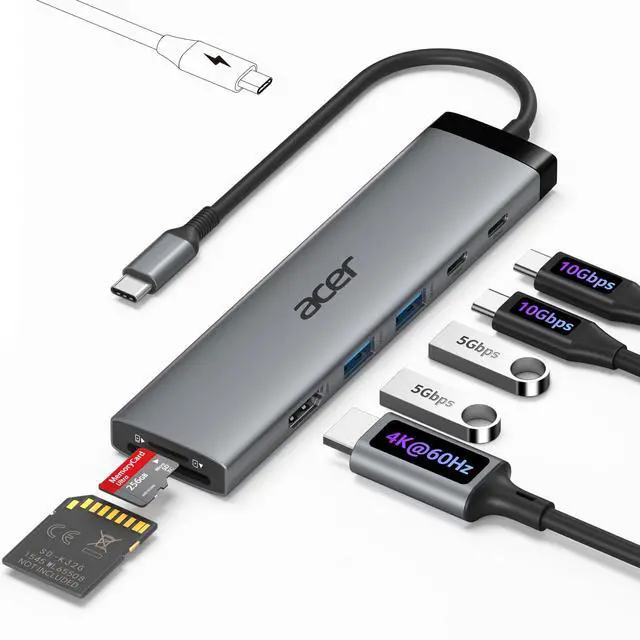
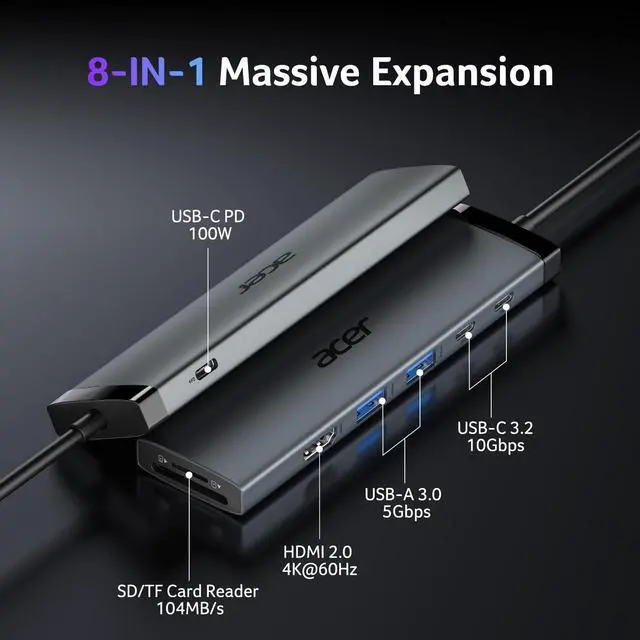
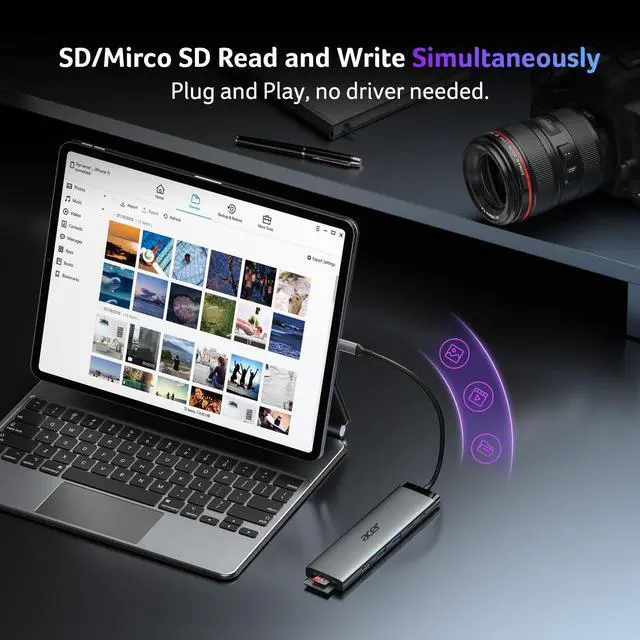
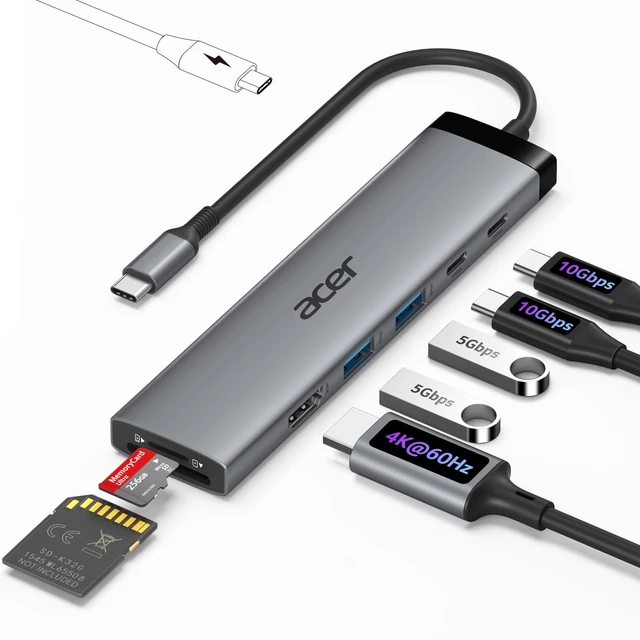
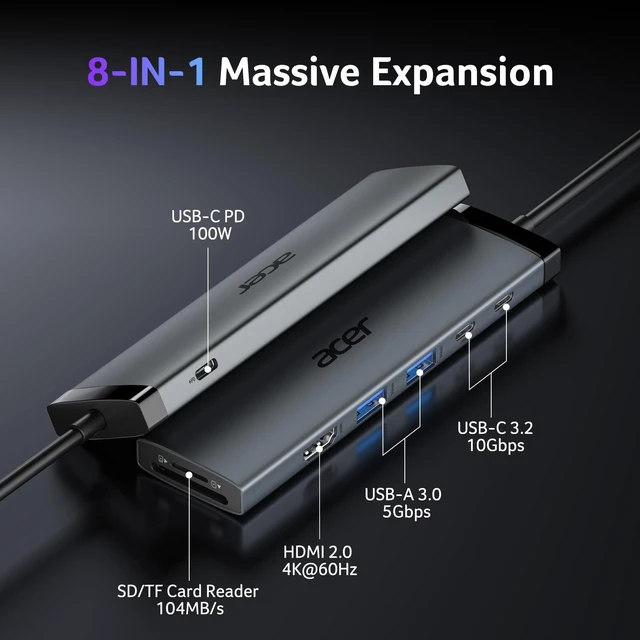
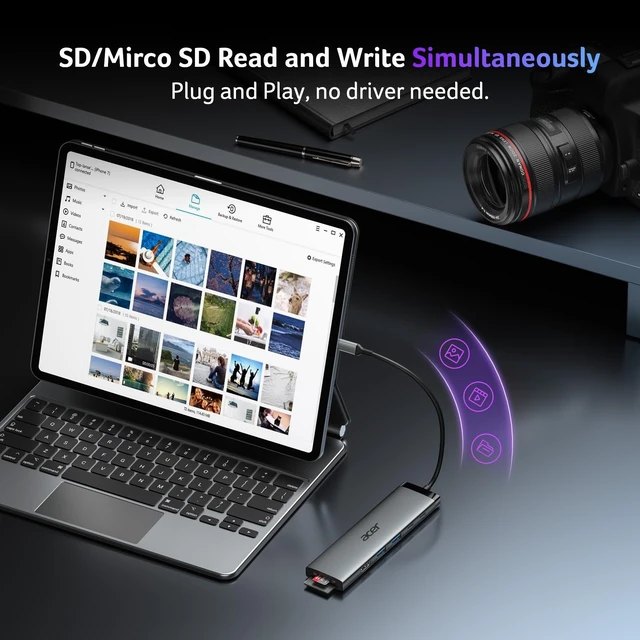
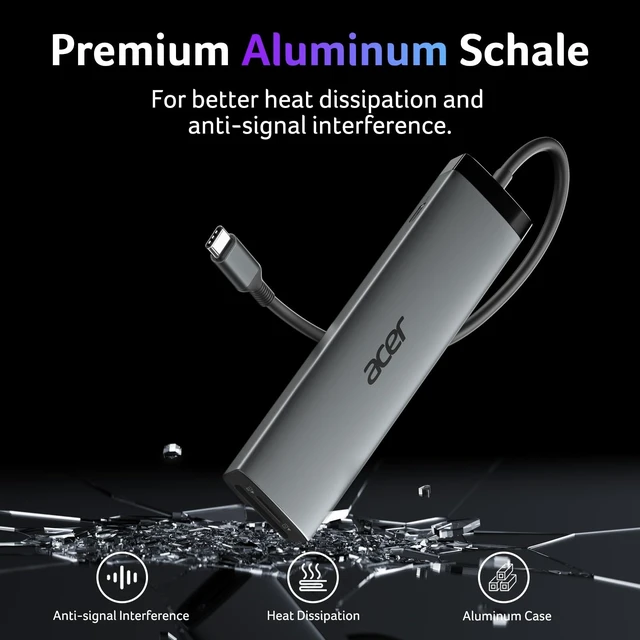
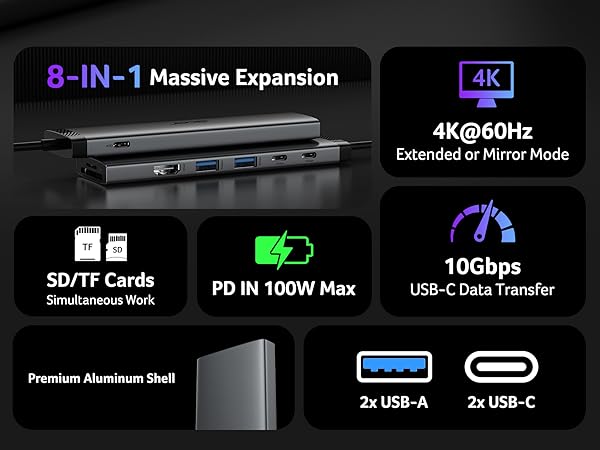
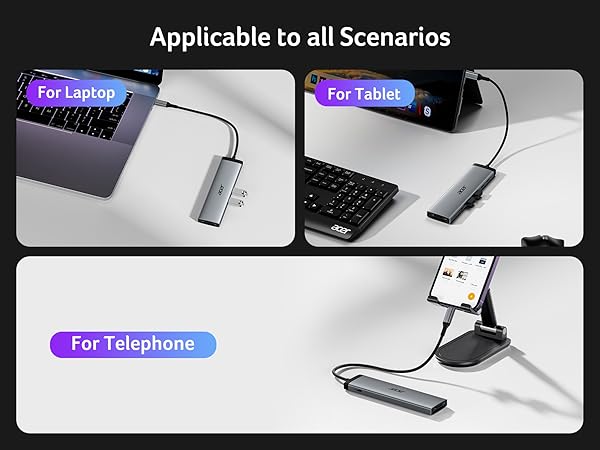
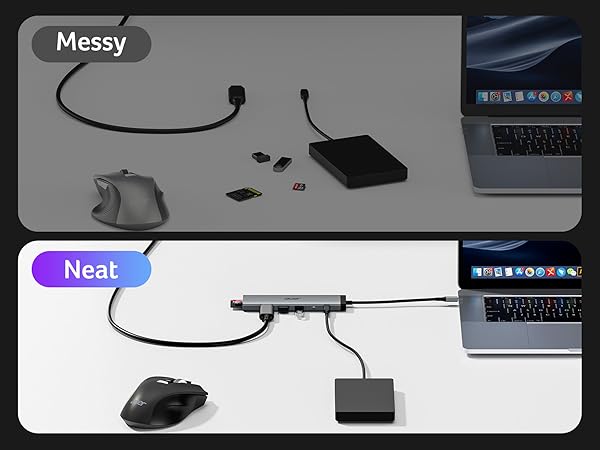
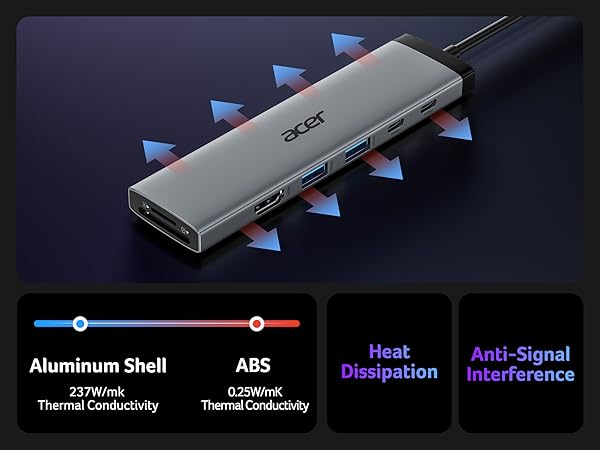
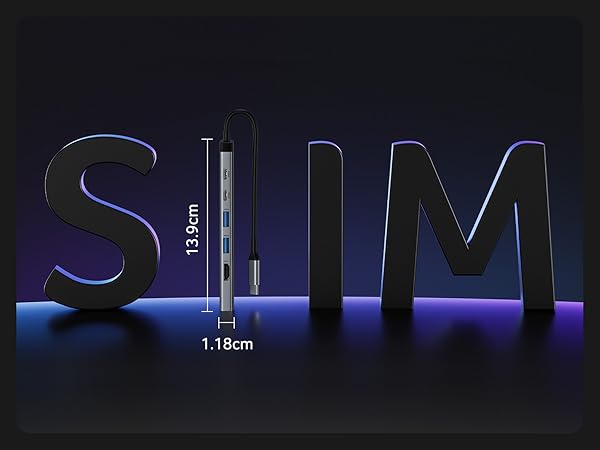
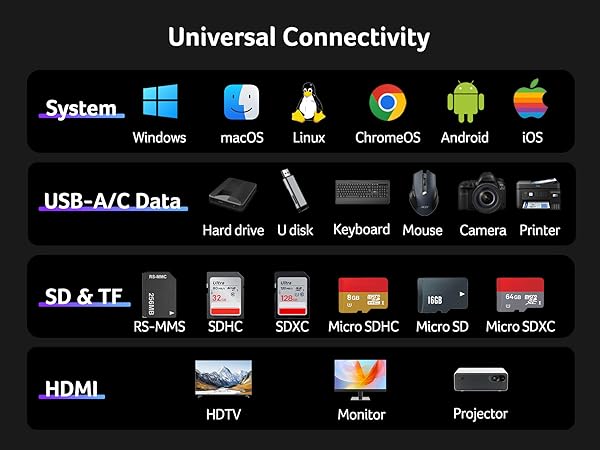
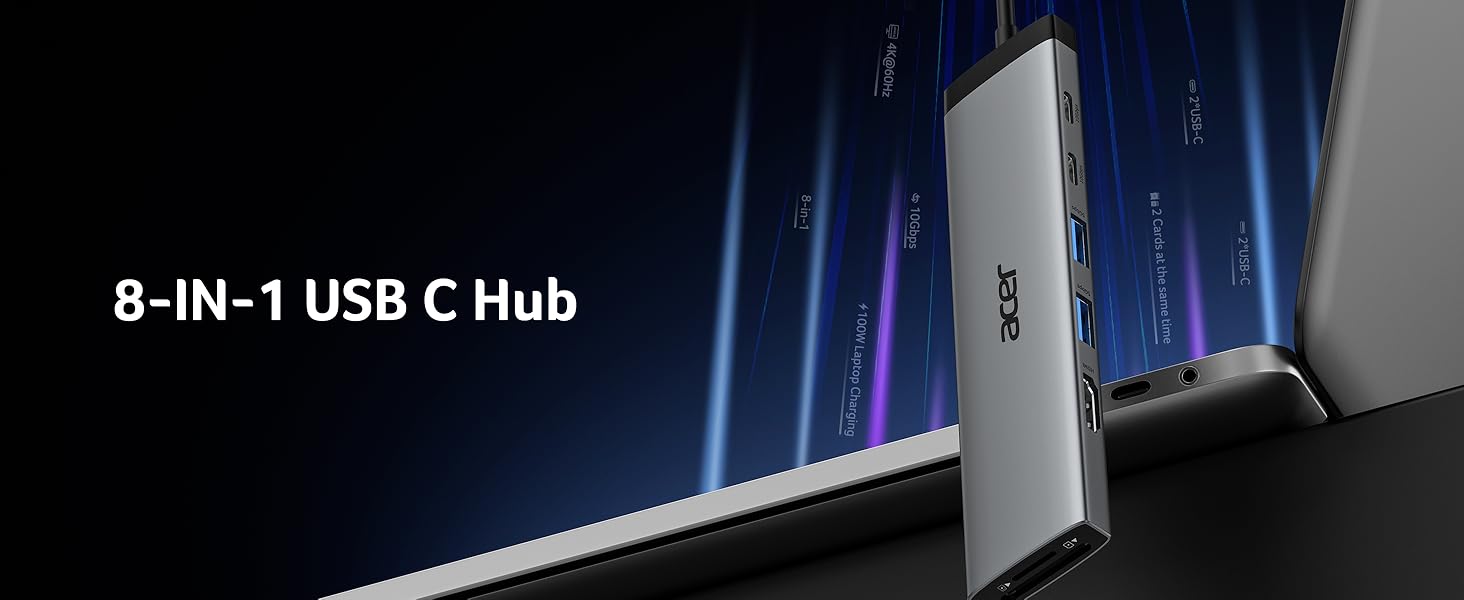
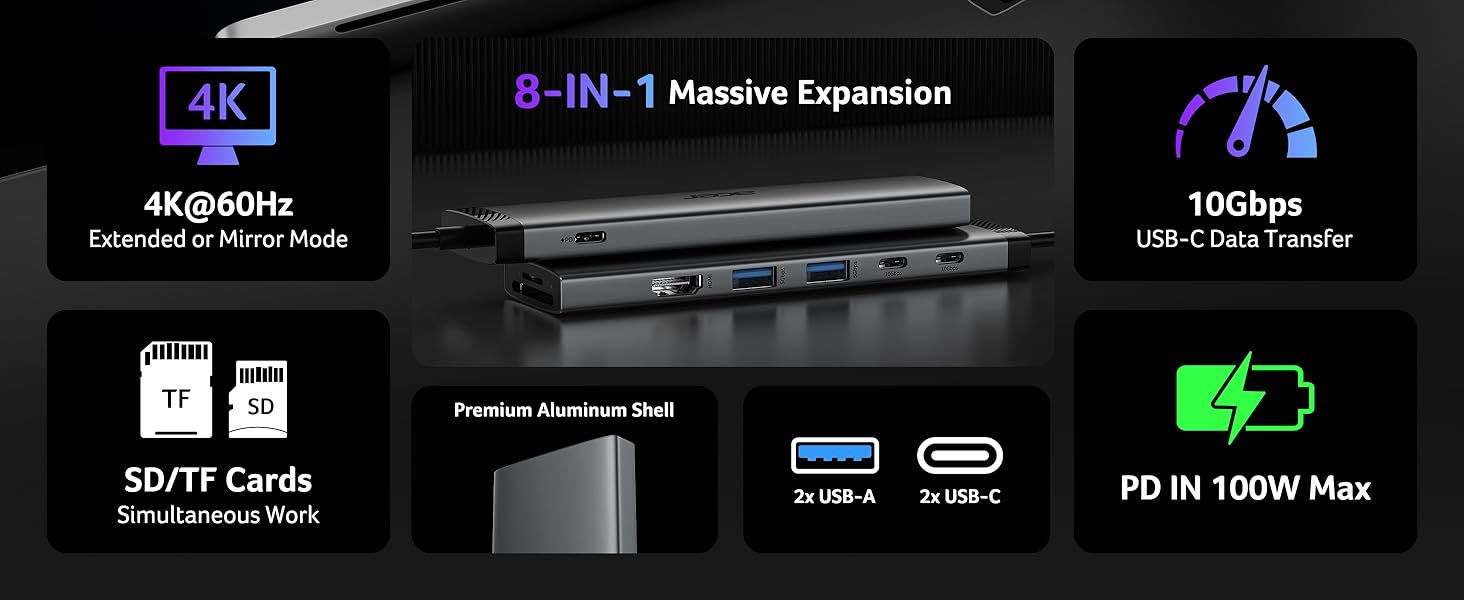
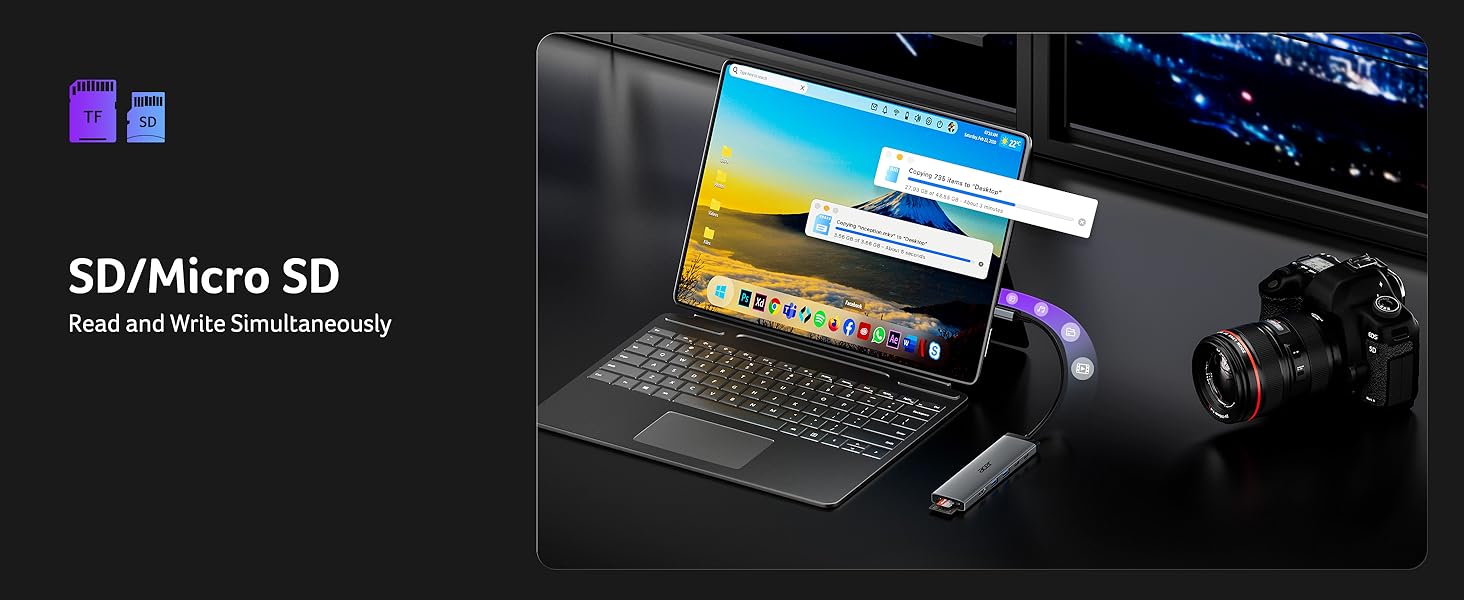
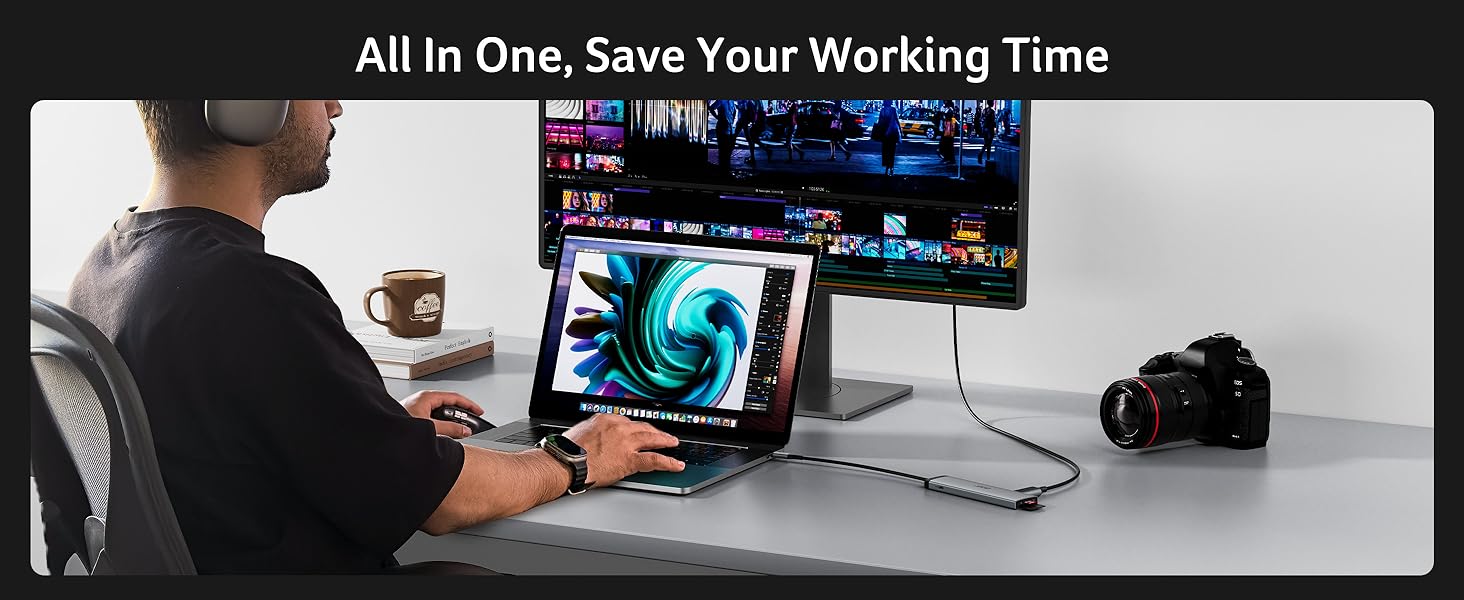
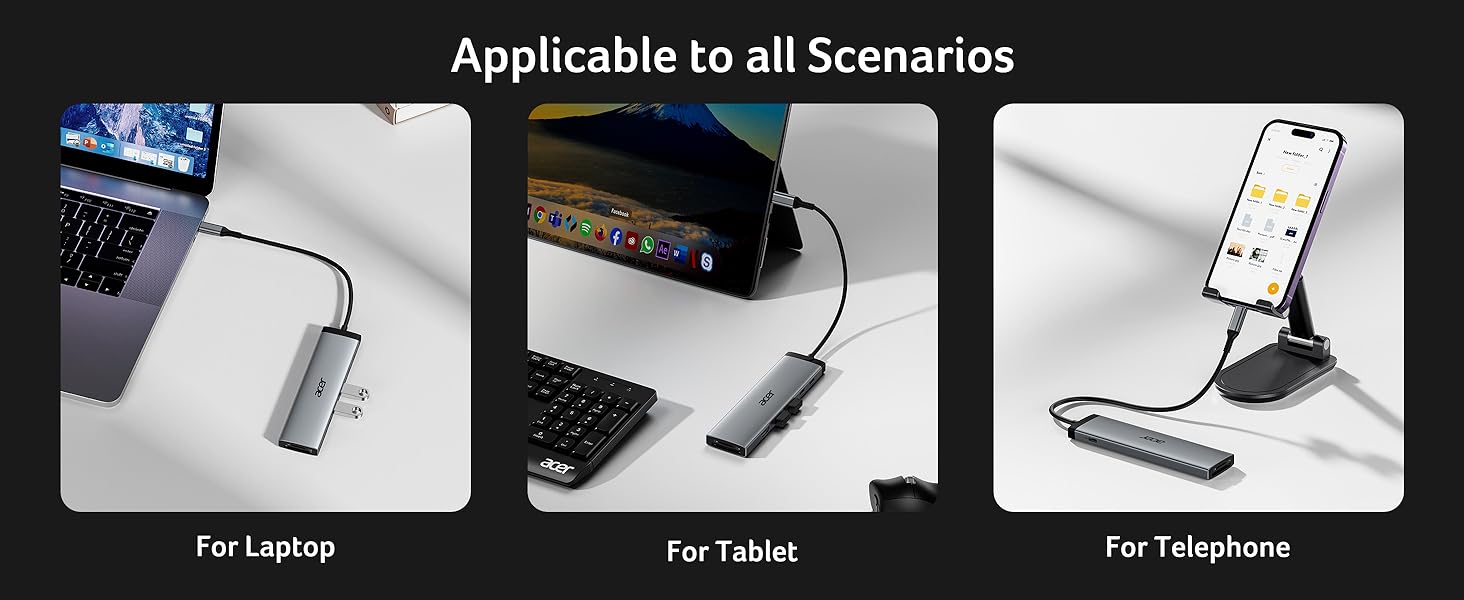
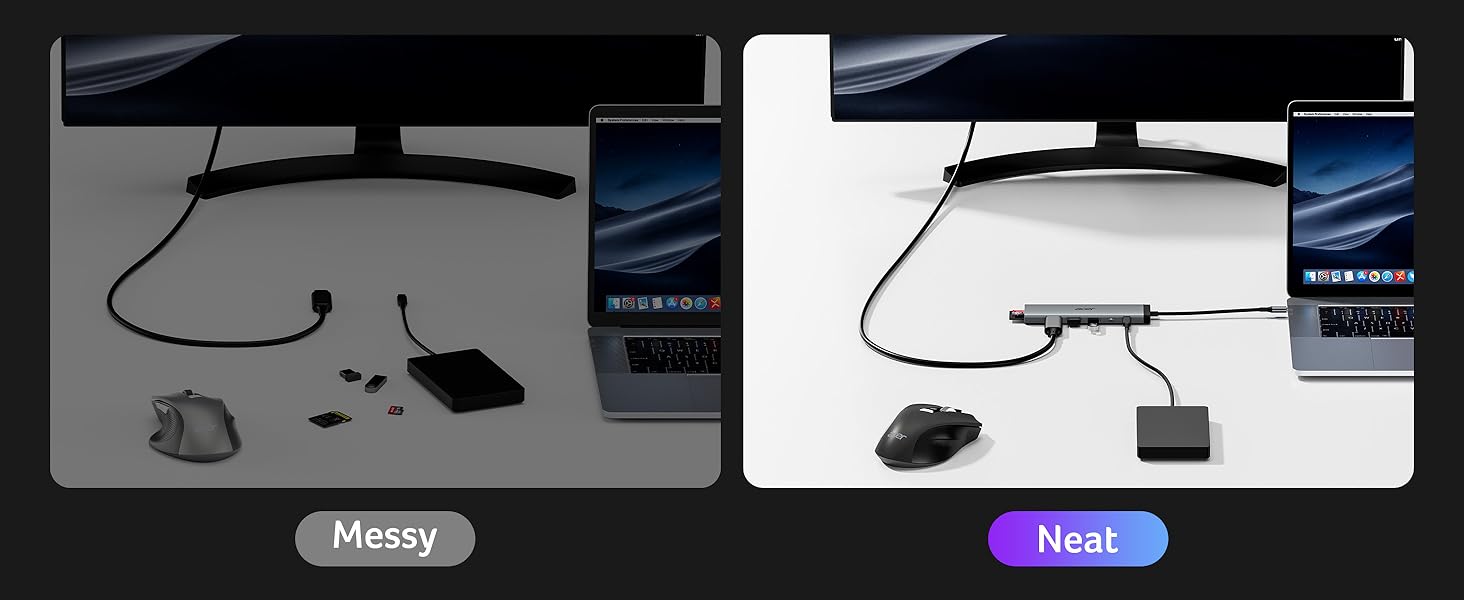
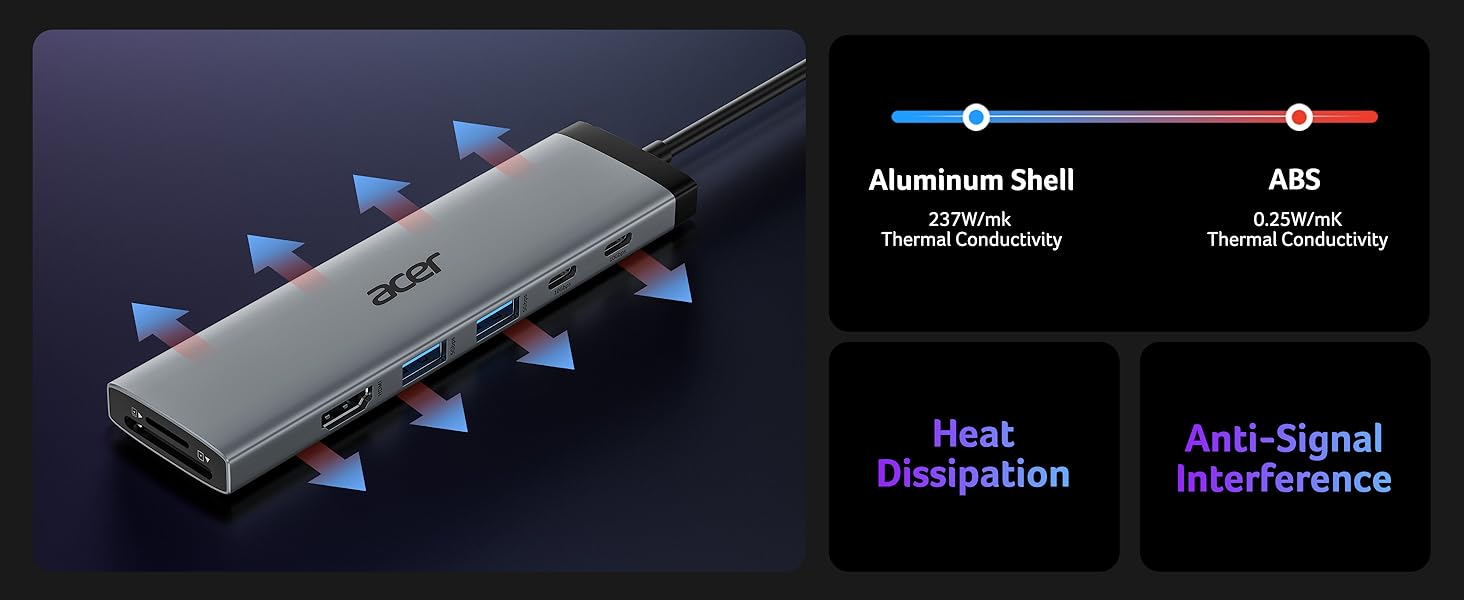
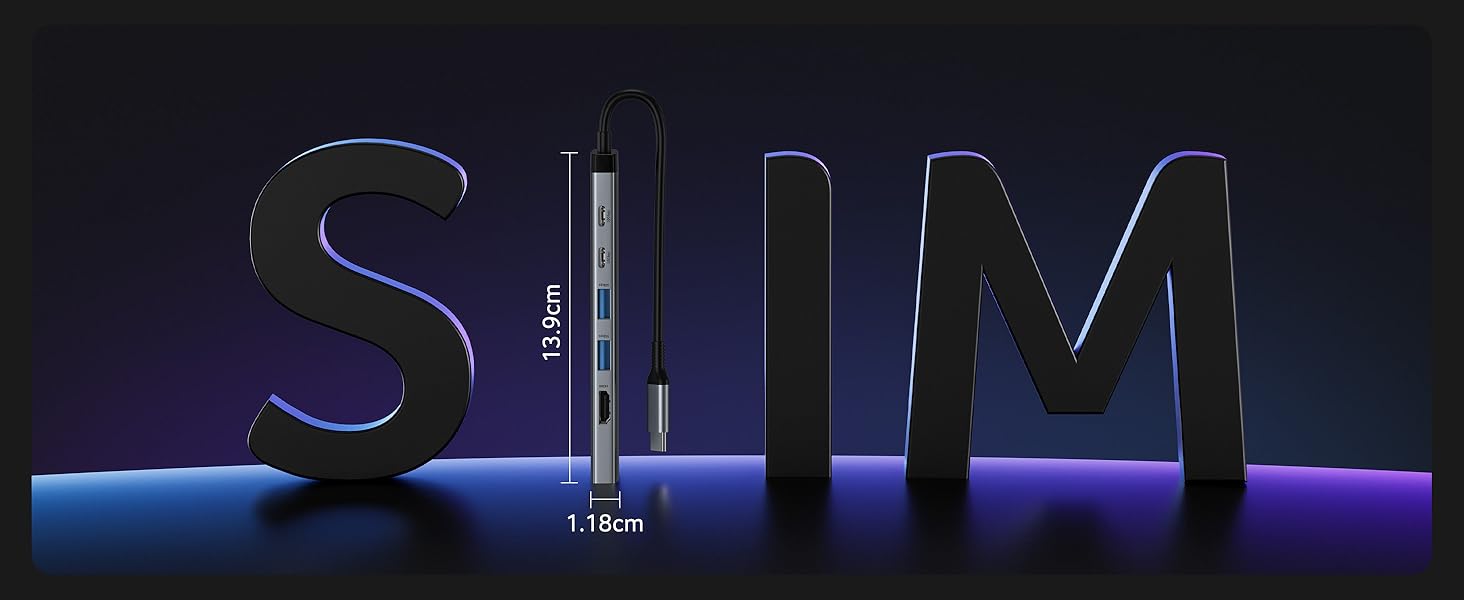
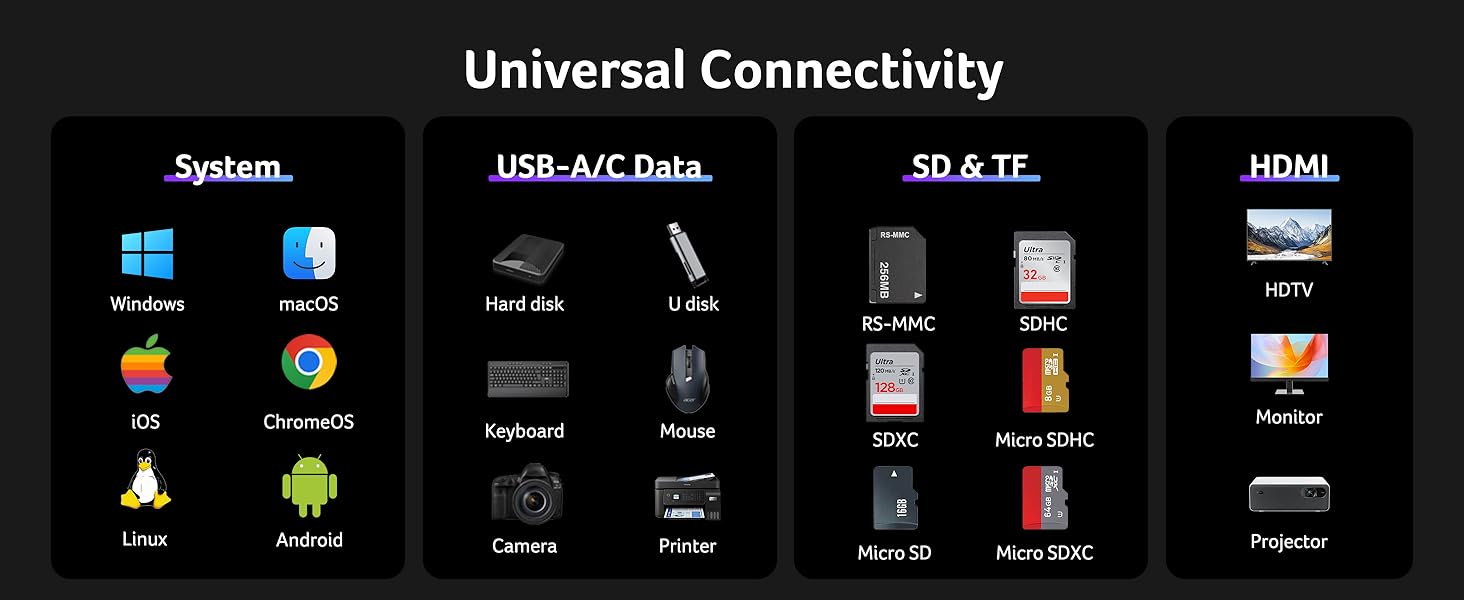
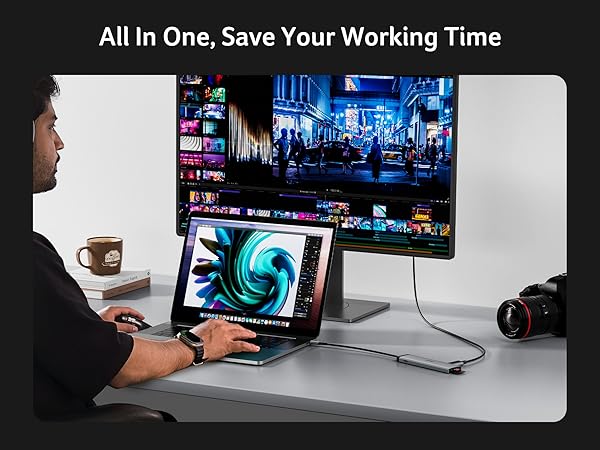
    • 8-in-1 Versatile USB C HubStreamline your workspace with this USB C to USB adapter, featuring 4K@60Hz HDMI, 2x USB-C (10Gbps), 2x USB-A (5Gbps), 100W PD Port, and SD/Micro SD slots (104Mbps). Connect monitors, storage, and peripherals with one compact dockno messy cables! Note: Power the hub via the PD port to achieve better performance.
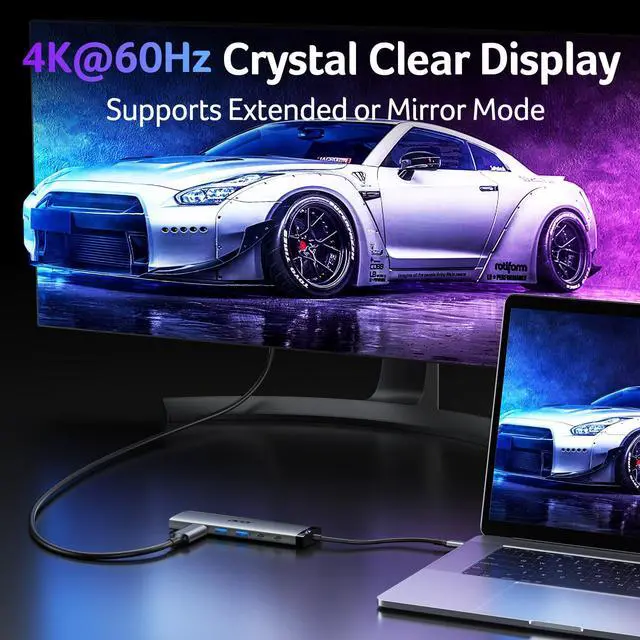
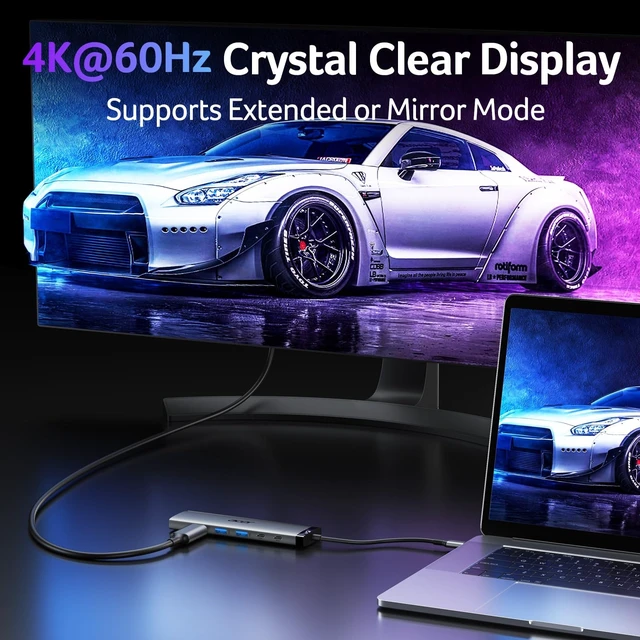
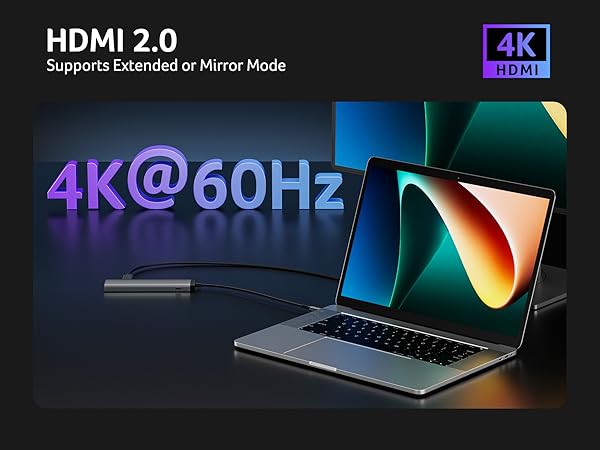
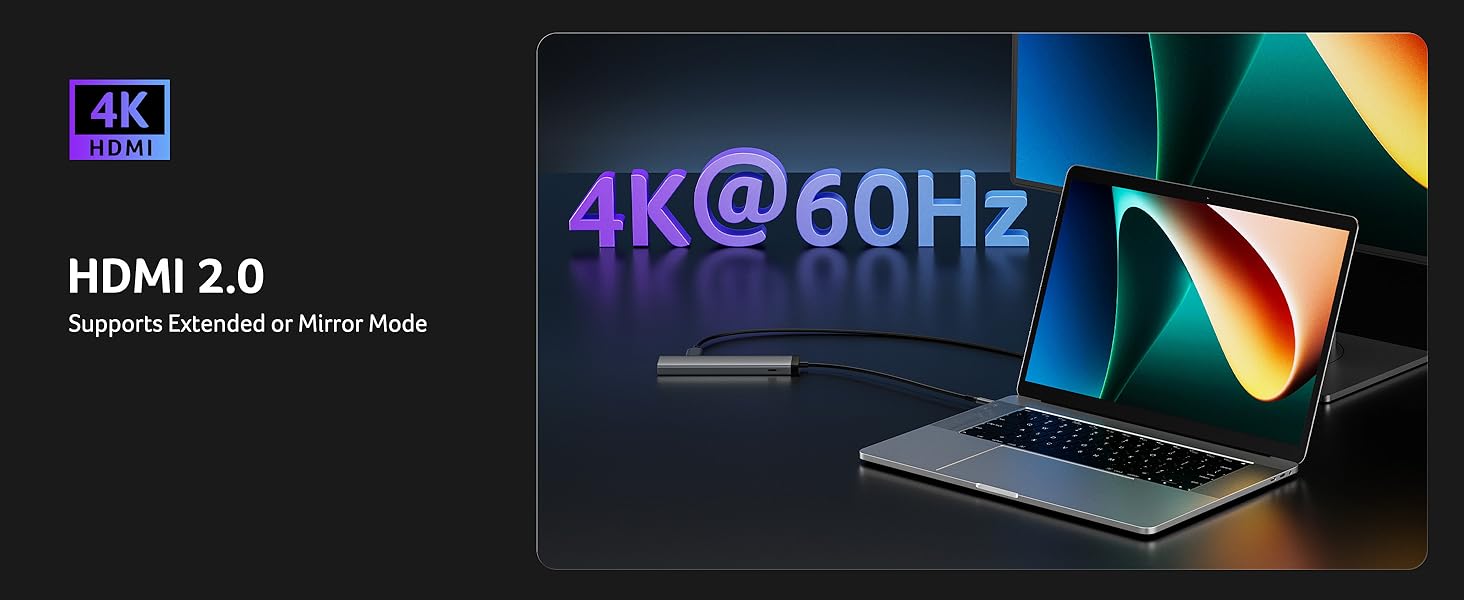
    • ULTRA HD 4K@60HzUnlock stunning 4K@60Hz visuals with the USB C to HDMI adapter, delivering crystal-clear clarity for immersive entertainment, seamless video conferencing, and lag-free gaming. Easily extend or mirror your display to enhance productivity. Note: USB-C devices must support DP Alt Mode for video transmission. Plug the HDMI port tightly.
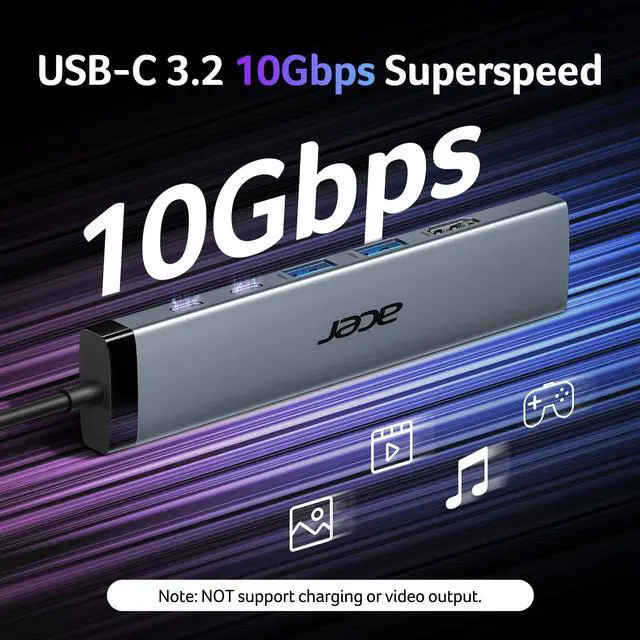
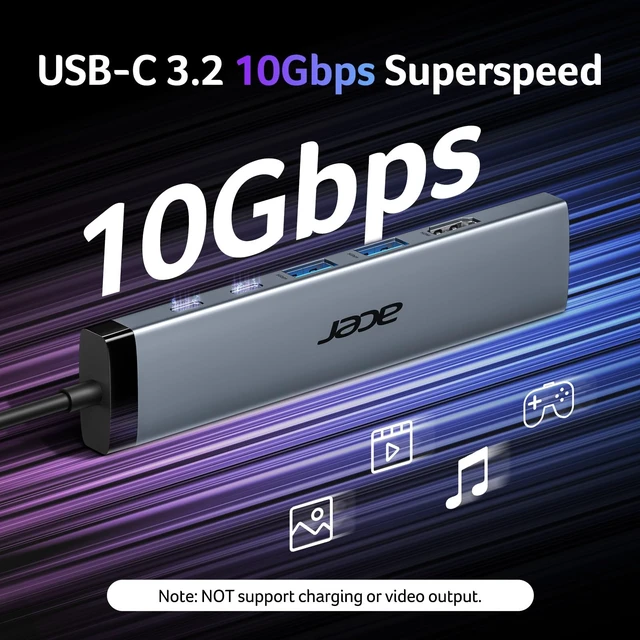
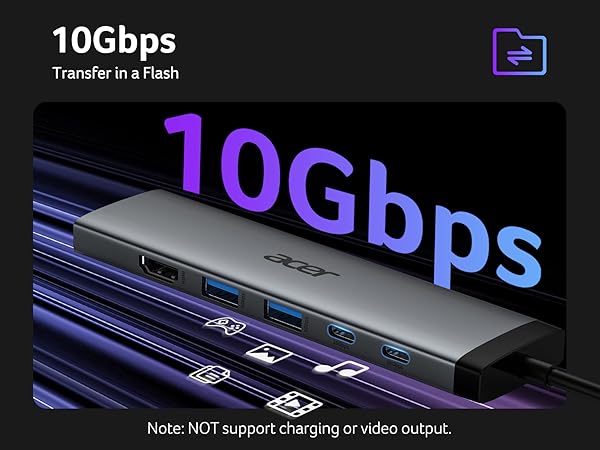
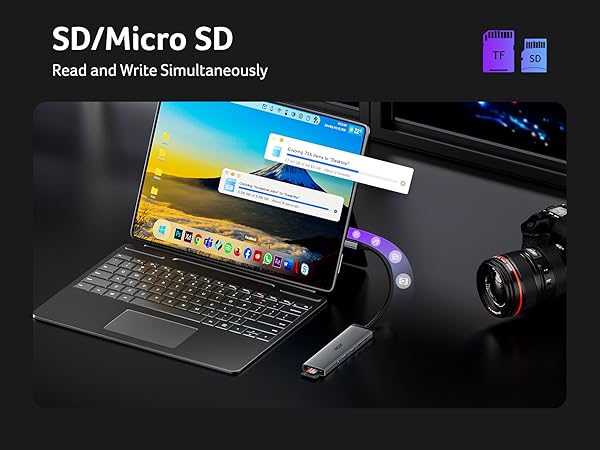
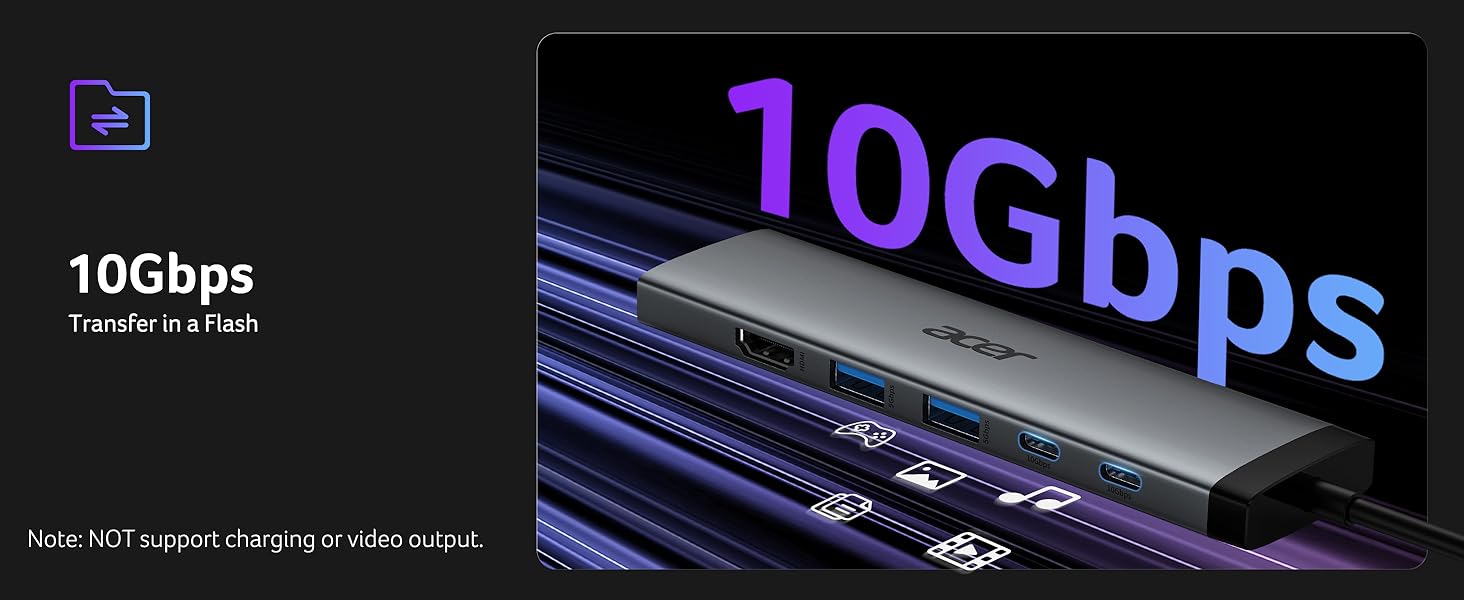
    • 10Gbps Ultra-Speed TransfersEnhance your efficiency with blazing-fast 10Gbps data transfer. Transfer large files in seconds and enjoy smooth performance. Plus USB A 3.0(5Gbps) and dual SD/Micro SD card readers (104Mbps)ideal for photographers and professionals. Note: USB-C(10Gbps) and USB-A(5Gbps) only support data transfer, NOT Support charging/video/audio.
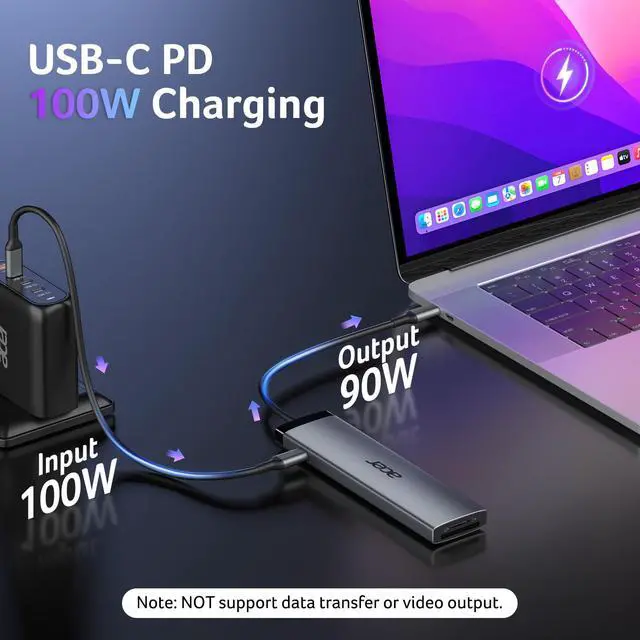
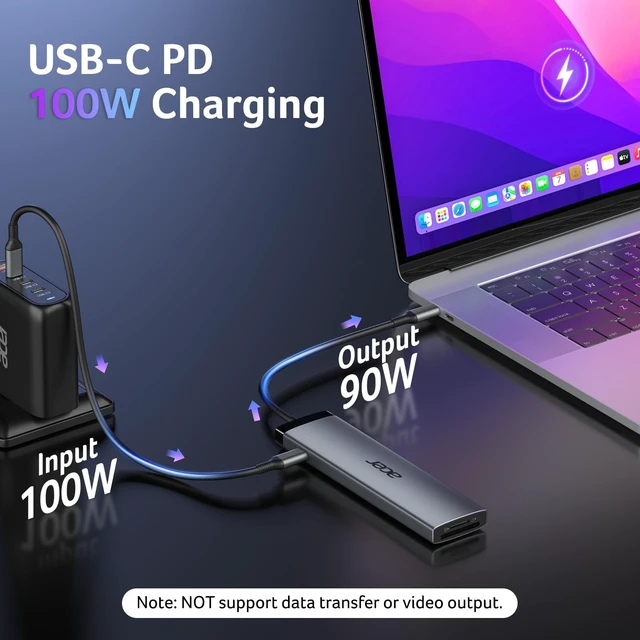
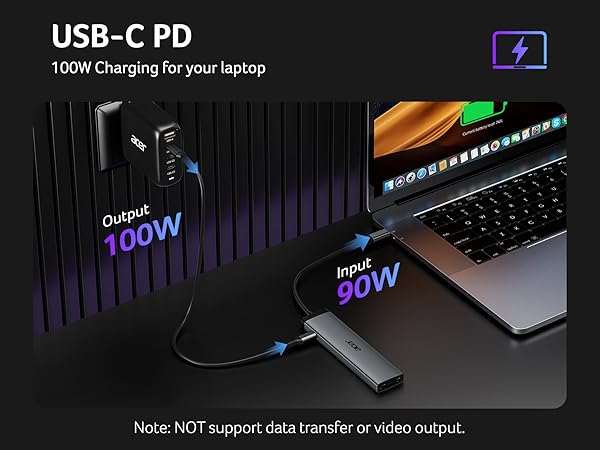
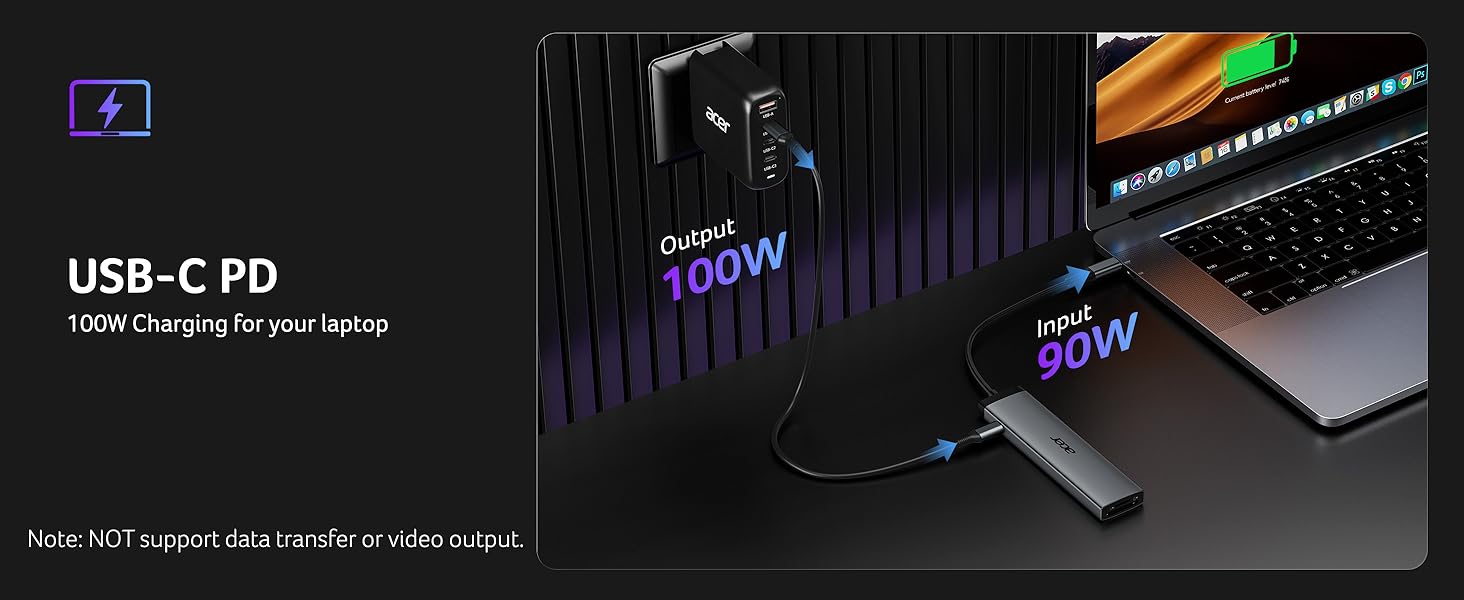
    • Efficient 100W PD PortEquipped with a high-power 100W USB-C PD port, this USB C splitter ensures rapid charging for your MacBook Pro/Air or other USB C devices(90W output). Note: Use a 100W charger and Not support data transfer. NOT included charging cable.
    +
    +
    Overview
    Specs
    Reviews
    avatar

    Any questions? Our AI beta will help you find out quickly.
    usb c hub
    usbc to usb adapter

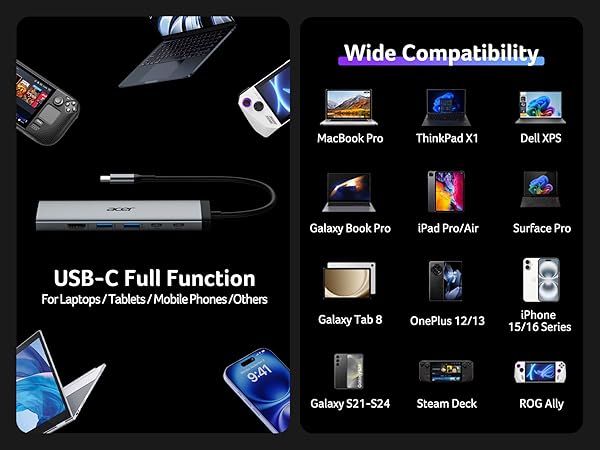
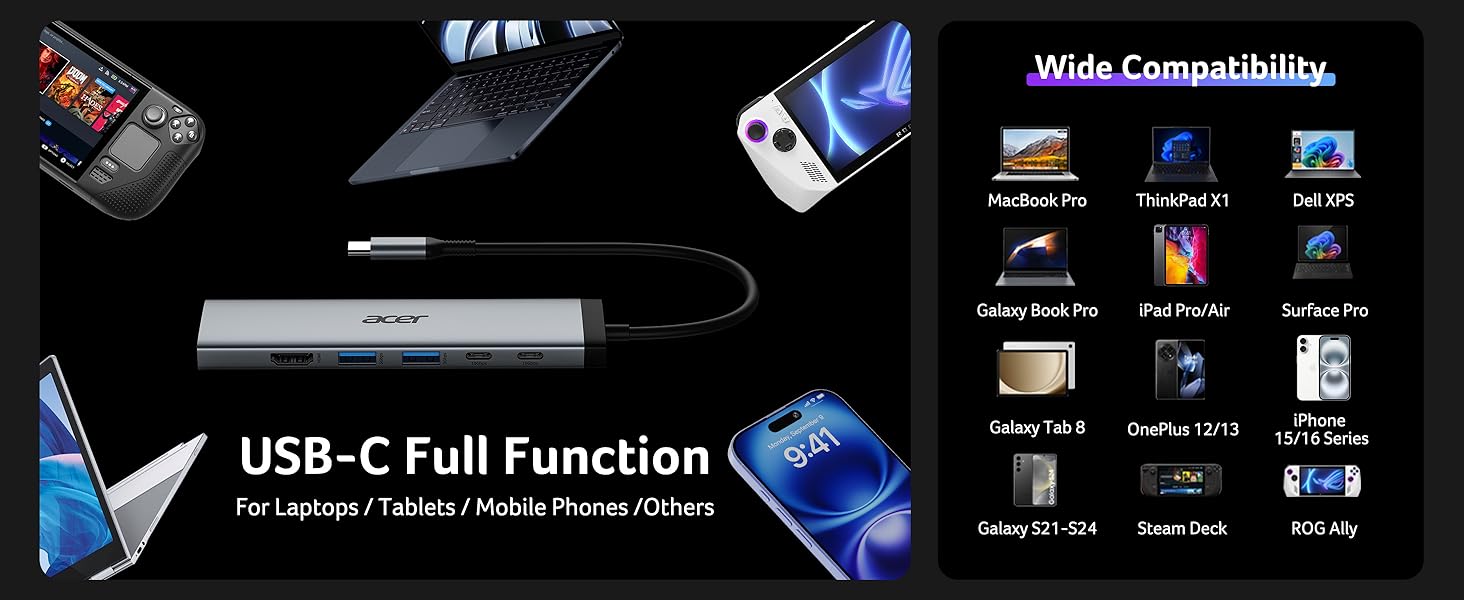
    Compatible Devices (INCOMPLETE LIST):

    ? Apple iPhone 15 Series; MacBook Pro (Late 2016) and newer, MacBook Air (Late 2018) and newer; MacBook ( Late 2015) and newer; Mac Studio(2022), Mac Mini (Late 2018) and newer; ? iPad Pro 12.9“ 6/5/4/3, iPad Pro 11" 3/2/1 ; iPad Air 5/4; iPad mini 6; iPad 10c
    ? Others iPhone 15 Series; MacBook Pro (Late 2016) and newer, MacBook Air (Late 2018) and newer; MacBook ( Late 2015) and newer; Mac Studio(2022), Mac Mini (Late 2018) and newer; ? iPad Pro 12.9“ 6/5/4/3, iPad Pro 11" 3/2/1 ; iPad Air 5/4; iPad mini 6; iPad 10
    ? Samsung Galaxy S22 Ultra/S20/ S20+/ S20 Ultra/ S10e/ S10/ S10+/ Note 8/ 9/10/20 Ultra; Remember to turn on the Samsung DeX Mode on the Samsung Galaxy Tablet before you use it.
    ? iPhone (Lightning) , iPad (Lightning), X Box, PS5/PS4, GoPro, Car play
    ? Samsung: A series phone/J6/J7/M20/M30s, Galaxy Tab A Series, Galaxy Tab3/S3; Tablet
    ? Motorola series phones; LG Stylo 4/5; Pixel phones; OnePlus 2/3/3T/5/5T/6/6T; Huawei Series; Xiaomi Series; One Plus Seriescc
    ? The rightmost c-port only supports charging and the middle c-port only supports data transferring, both of them don't support video output.
    !!Note!! When using the HDMI port external monitor for the first time, it takes a few seconds to recognize the connection. If the monitor has multiple video ports, it may need to check each signal source one by one (which also takes a few seconds).
    !!Note!! If the sound is not transmitted to the TV, please try to choose your TV as the audio output device.
    - For Mac: Settings ? System Preferences ? Sound ? Output ? Select your TV
    !!Note!! Please check if your device/charger/charging cable could reach 100W power rating, and all supports PD Protocol.
    !!Note!! Generally the power loss is 5W, which is the normal power consumption. If the device is working, the power consumption will rise.
    Q1 Why is there no image output or blinking from HDMI after connecting?
    A1 (??) Make sure the USB-C port of the laptop supports the video function; (??) Check the port is firmly plugged in; Adjust the resolution setting of the laptop; (3)Use high-quality 4K@60Hz HDMI cables; (4) Select the correct input signal source (some require manual selection of the signal source.
    Q2 Why can't my laptop be charged via the PD port?
    A2 (??) Connect an external power source to the PD port of the product first, connect the laptop to the USB-C port of the product; (??) Confirm whether the USB-C port of the laptop supports charging function; (??) Disconnect the product from the computer, and then reconnect it
    usb c to usb adapter
    usb to usbc adapter

    Compatible Devices (INCOMPLETE LIST):

    ? Apple iPhone 15 Series; MacBook Pro (Late 2016) and newer, MacBook Air (Late 2018) and newer; MacBook ( Late 2015) and newer; Mac Studio(2022), Mac Mini (Late 2018) and newer; ? iPad Pro 12.9“ 6/5/4/3, iPad Pro 11" 3/2/1 ; iPad Air 5/4; iPad mini 6; iPad 10c
    ? Others iPhone 15 Series; MacBook Pro (Late 2016) and newer, MacBook Air (Late 2018) and newer; MacBook ( Late 2015) and newer; Mac Studio(2022), Mac Mini (Late 2018) and newer; ? iPad Pro 12.9“ 6/5/4/3, iPad Pro 11" 3/2/1 ; iPad Air 5/4; iPad mini 6; iPad 10
    ? Samsung Galaxy S22 Ultra/S20/ S20+/ S20 Ultra/ S10e/ S10/ S10+/ Note 8/ 9/10/20 Ultra; Remember to turn on the Samsung DeX Mode on the Samsung Galaxy Tablet before you use it.
    ? iPhone (Lightning) , iPad (Lightning), X Box, PS5/PS4, GoPro, Car play
    ?Samsung: A series phone/J6/J7/M20/M30s, Galaxy Tab A Series, Galaxy Tab3/S3; Tablet
    ? Motorola series phones; LG Stylo 4/5; Pixel phones; OnePlus 2/3/3T/5/5T/6/6T; Huawei Series; Xiaomi Series; One Plus Seriescc
    ? The rightmost c-port only supports charging and the middle c-port only supports data transferring, both of them don't support video output.
    !!Note!! When using the HDMI port external monitor for the first time, it takes a few seconds to recognize the connection. If the monitor has multiple video ports, it may need to check each signal source one by one (which also takes a few seconds).
    !!Note!! If the sound is not transmitted to the TV, please try to choose your TV as the audio output device.
    - For Mac: Settings ? System Preferences ? Sound ? Output ? Select your TV
    !!Note!! Please check if your device/charger/charging cable could reach 100W power rating, and all supports PD Protocol.
    !!Note!! Generally the power loss is 5W, which is the normal power consumption. If the device is working, the power consumption will rise.
    Q1 Why is there no image output or blinking from HDMI after connecting?
    A1 (??) Make sure the USB-C port of the laptop supports the video function; (??) Check the port is firmly plugged in; Adjust the resolution setting of the laptop; (3)Use high-quality 4K@60Hz HDMI cables; (4) Select the correct input signal source (some require manual selection of the signal source.
    Q2 Why can't my laptop be charged via the PD port?
    A2 (??) Connect an external power source to the PD port of the product first, connect the laptop to the USB-C port of the product; (??) Confirm whether the USB-C port of the laptop supports charging function; (??) Disconnect the product from the computer, and then reconnect it
    8 in 1 USB C Hub 10Gbps, USBC to HDMI Adapter 4K@60Hz, 2×USB-C 3.2, 2×USB A 3.0 Data Transfer, 100W PD Port Type C Multiport Splitter with SD/TF Card Reader, for Laptop, PC, Desktop, iPad Pro

    Warranty & Returns

    Warranty, Returns, And Additional Information

    Warranty

    • Please contact the Seller directly for warranty information. Warranty information may also be found on the Manufacturer's website.
    • CONTACT

    Return Policies

    Manufacturer Contact Info

    LOADING...