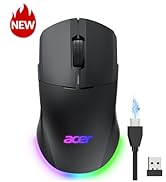
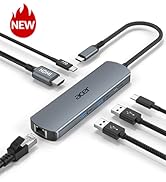
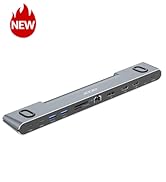
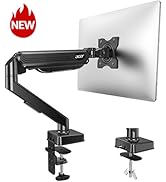
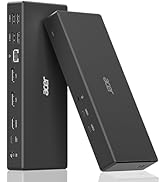
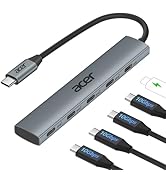
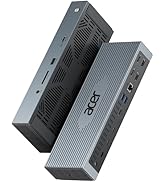
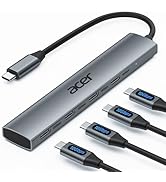
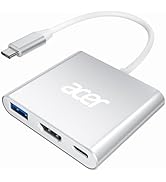
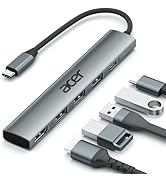
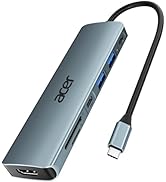
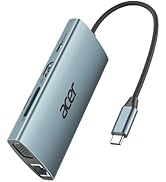
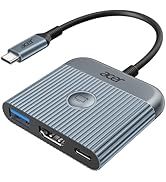
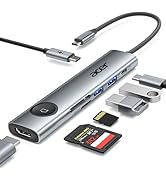
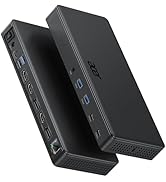
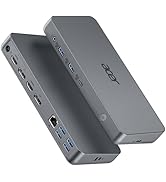
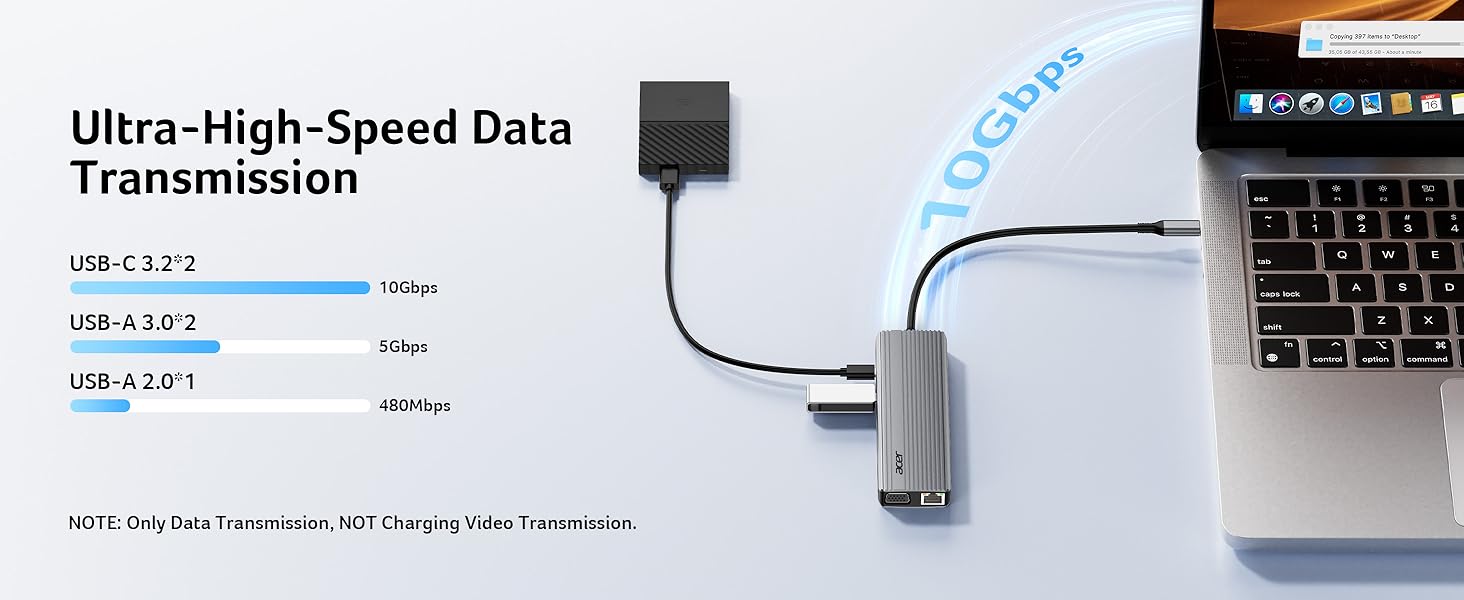
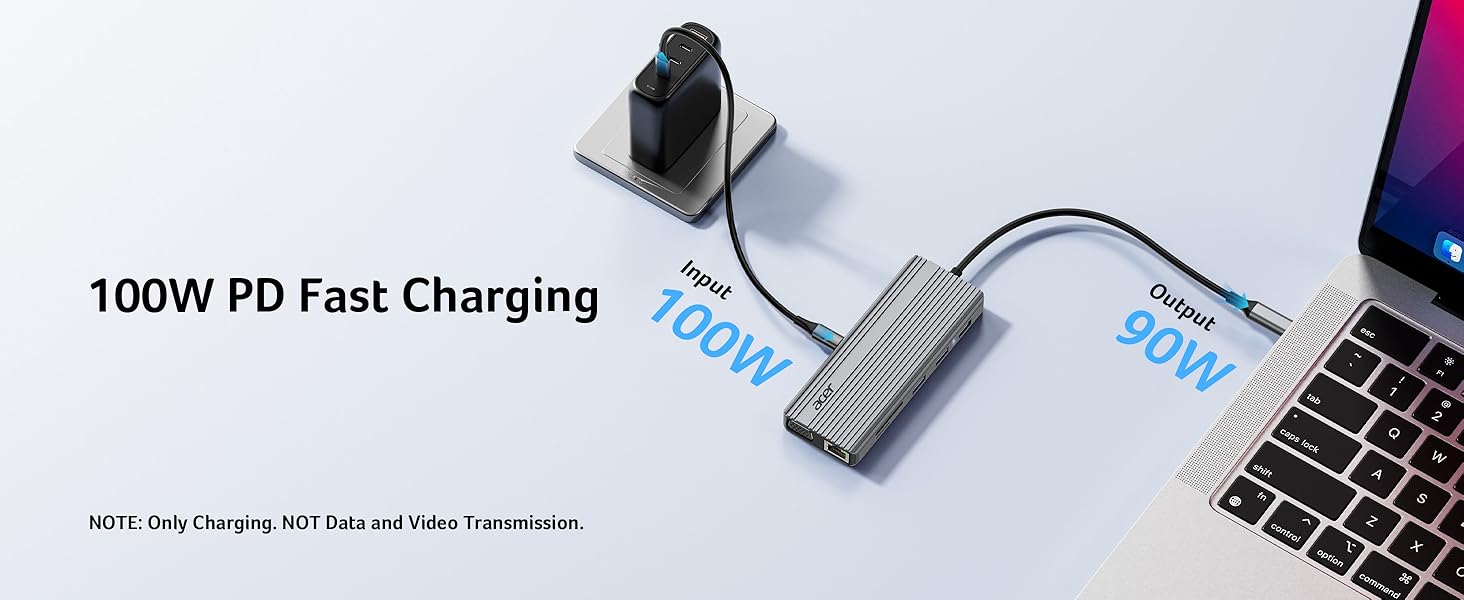
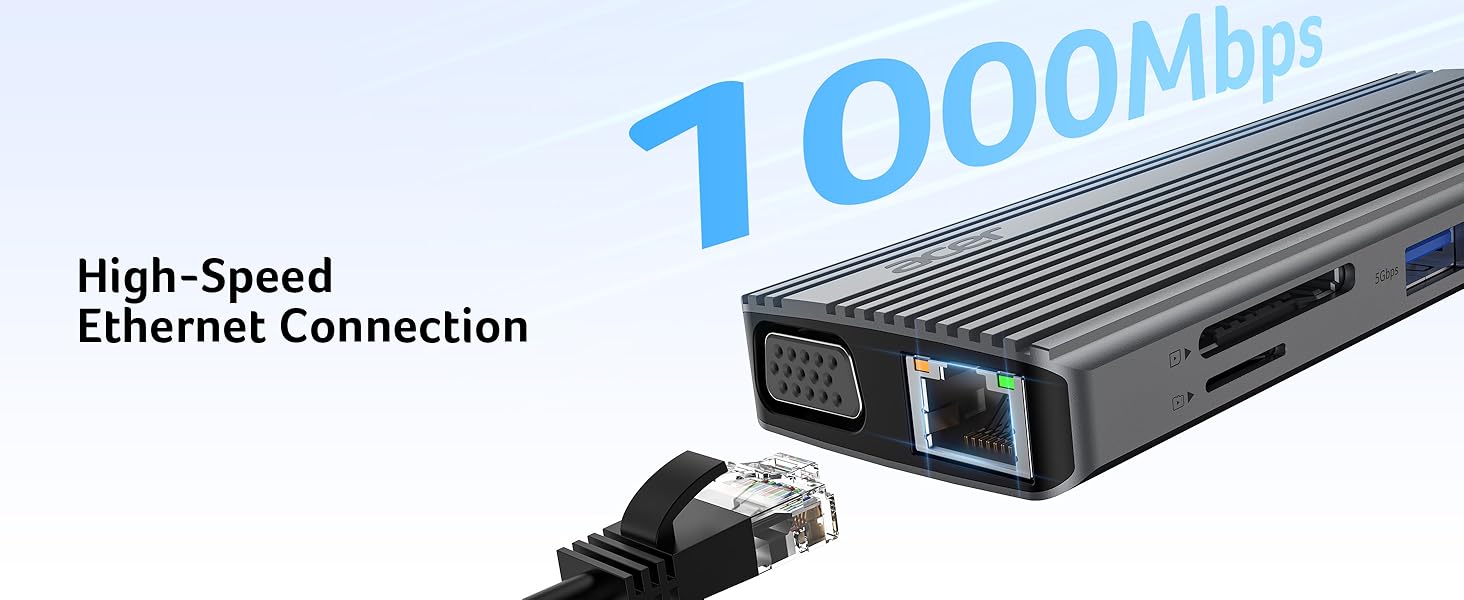
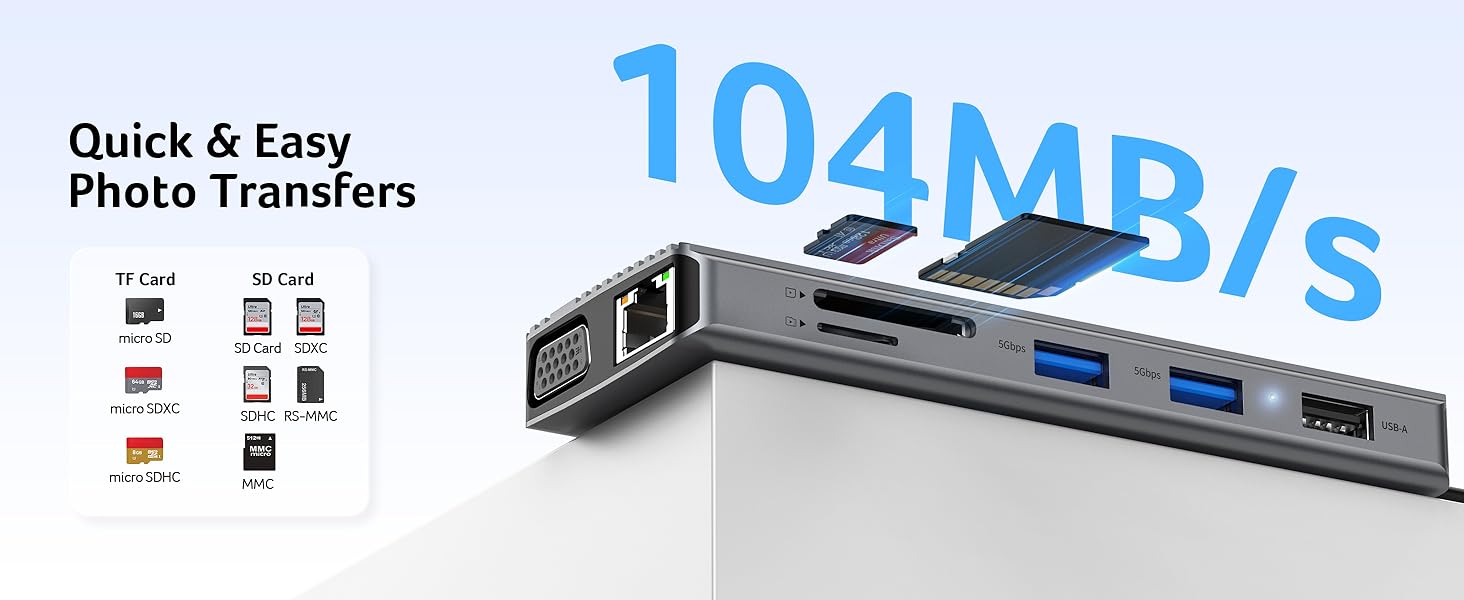
here!
here!
I’m your shopping assistant for PC builds, upgrades, and everything tech.
Got questions? Ask away!
Start a conversation
here!
I’m your shopping assistant for PC builds, upgrades, and everything tech.
Got questions? Ask away!
Start a conversation
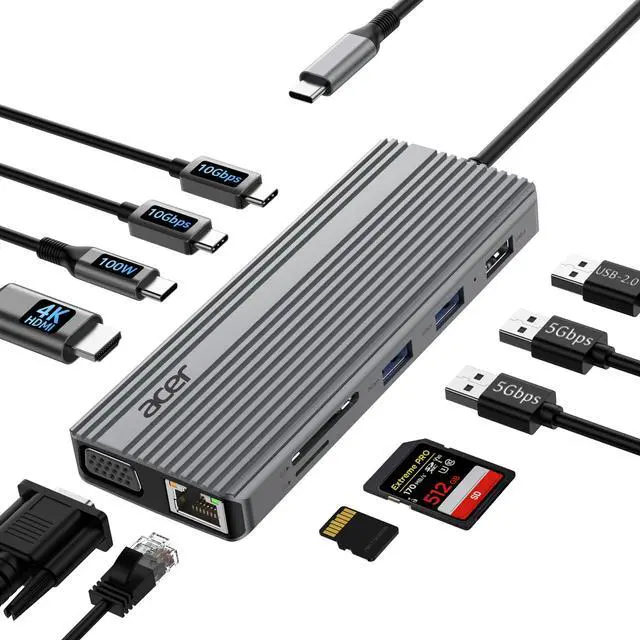
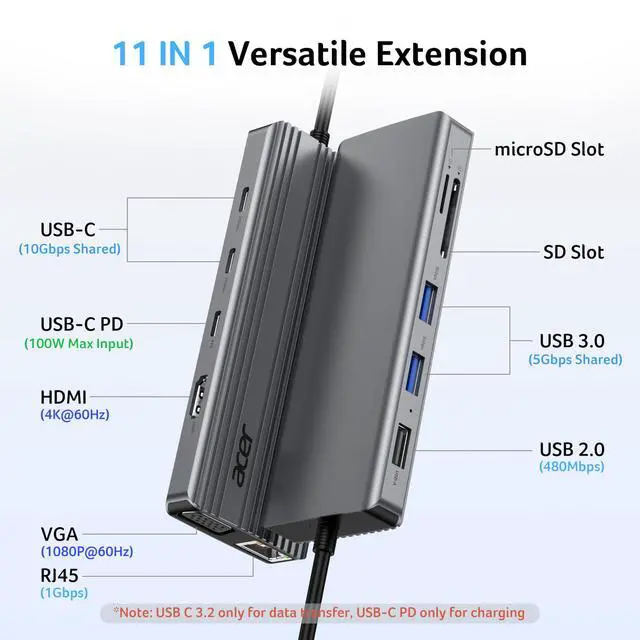



Any questions? Ask CelesteSM will help you find out quickly.
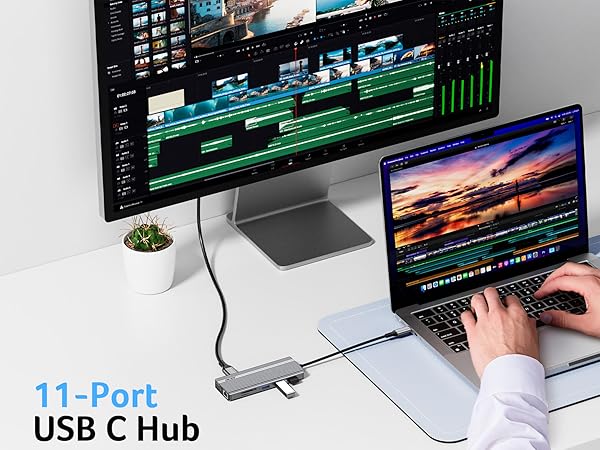
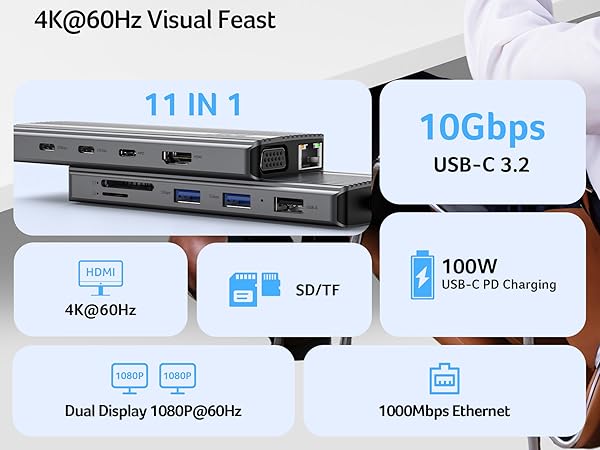
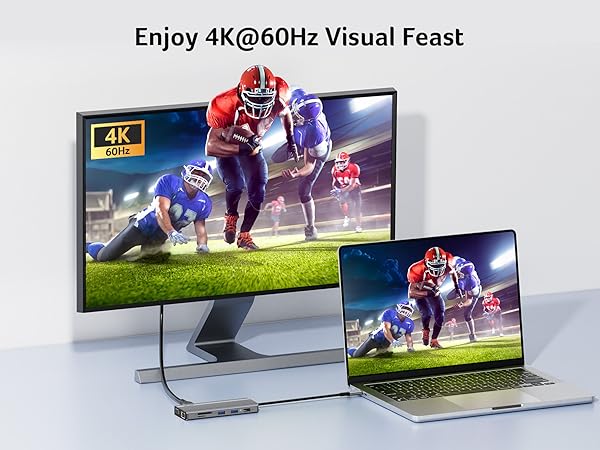
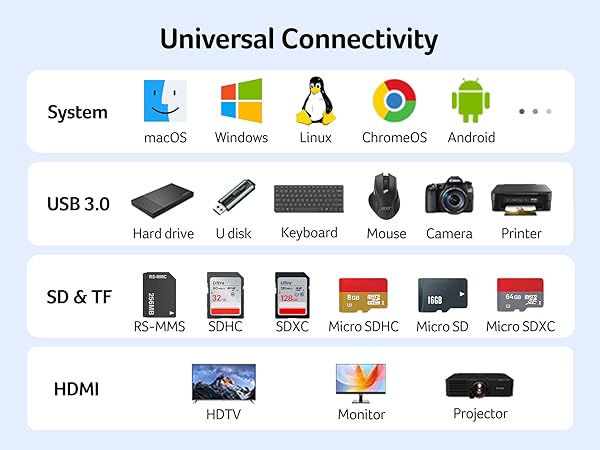
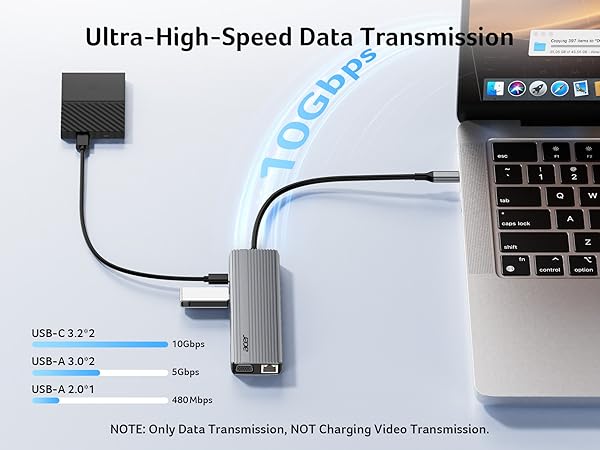
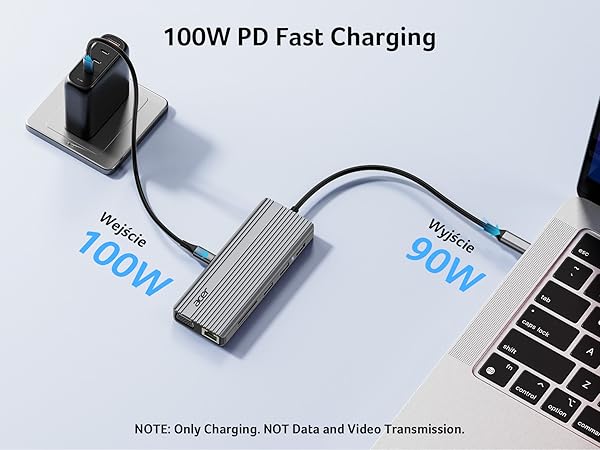
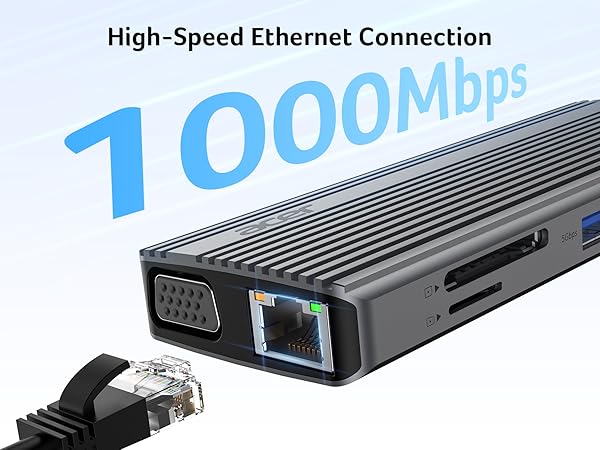

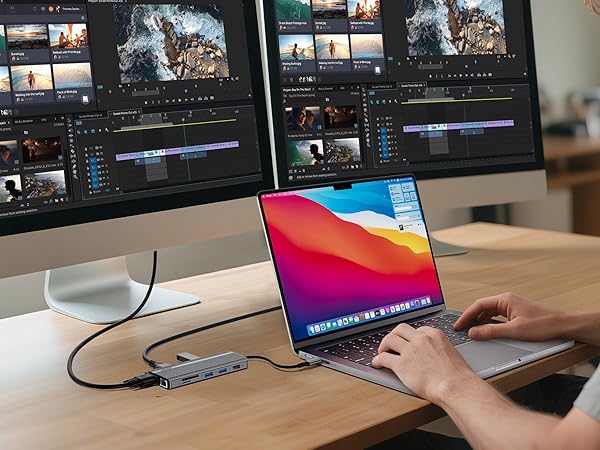
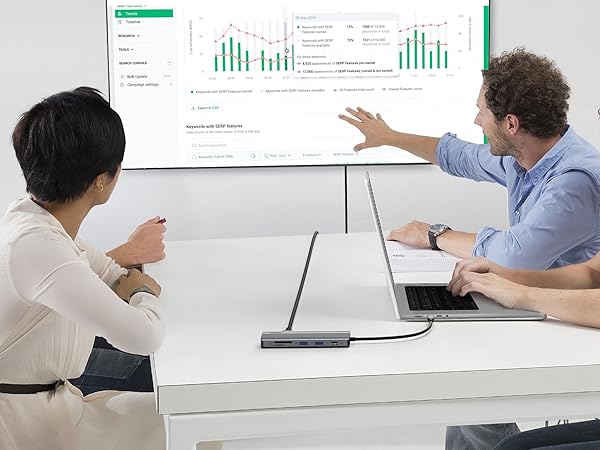
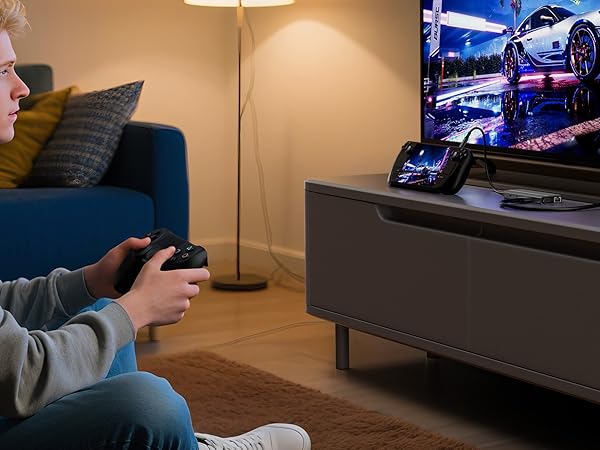
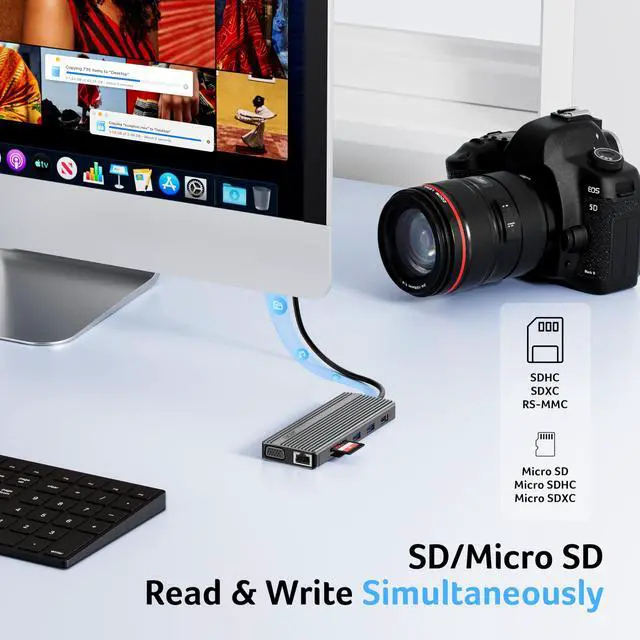
(?)Not compatible with iPhone/iPad equipped with Lightning port
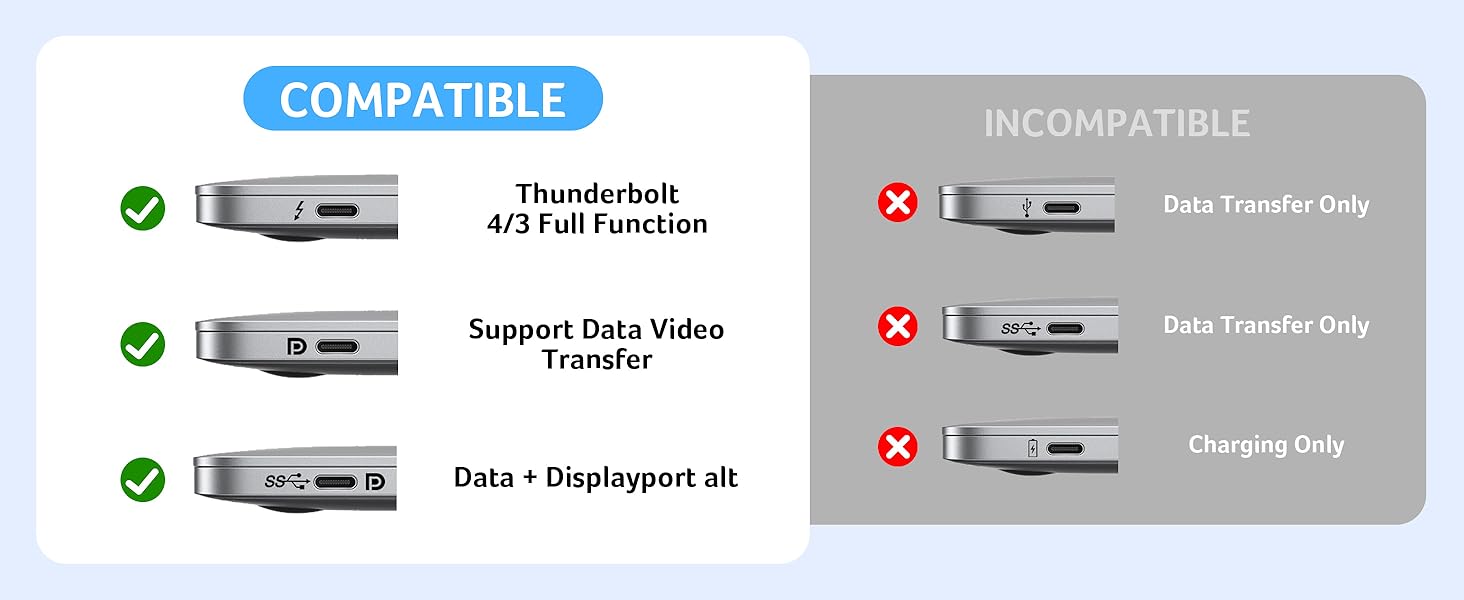
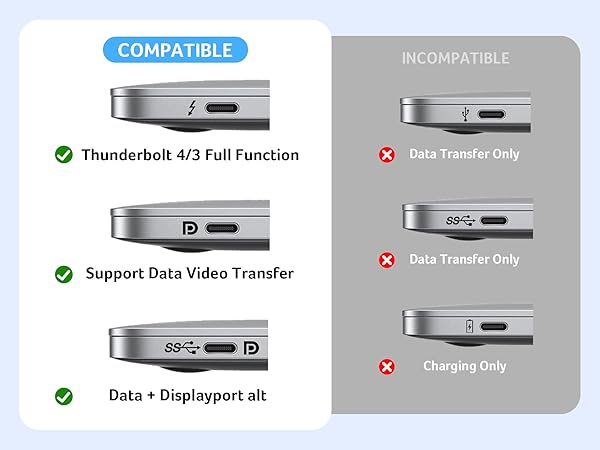
(?)Not compatible with devices that don't support the protocol of DP Alt Mode.
(?) Compatible with USB-C 3.1 or Thunderbolt 3/4 port interfaces that support “DisplayPort Alternate Mode”.
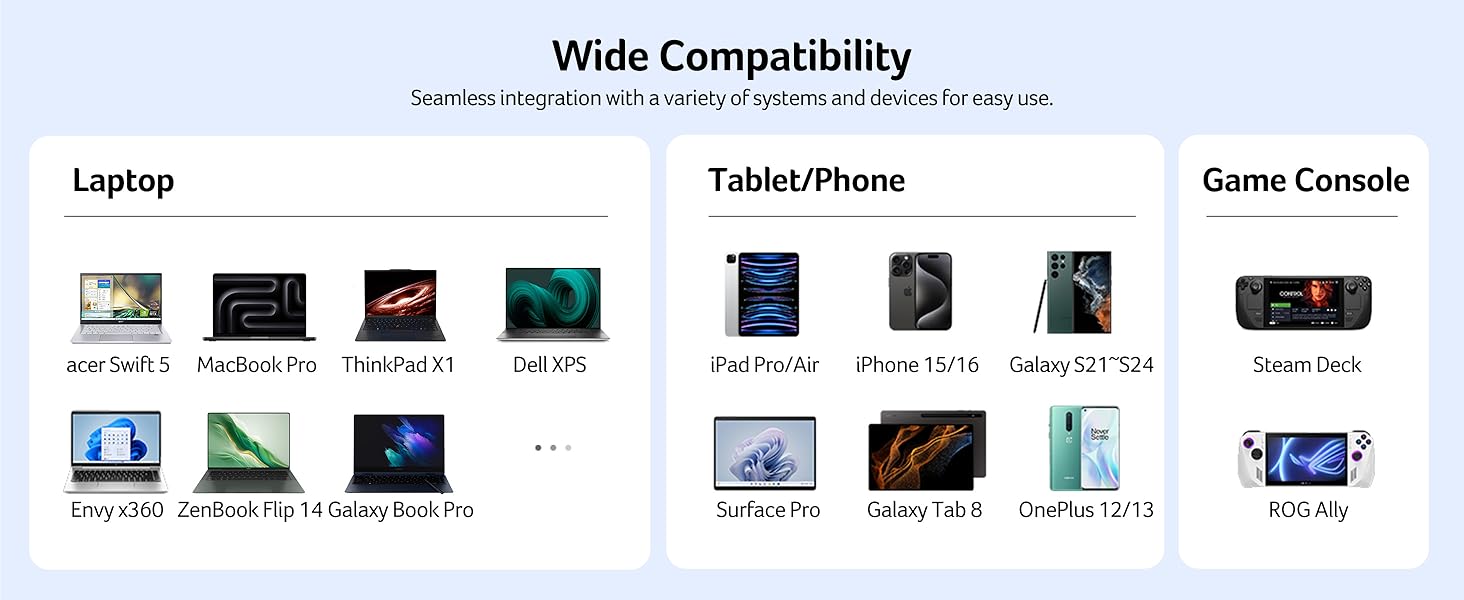
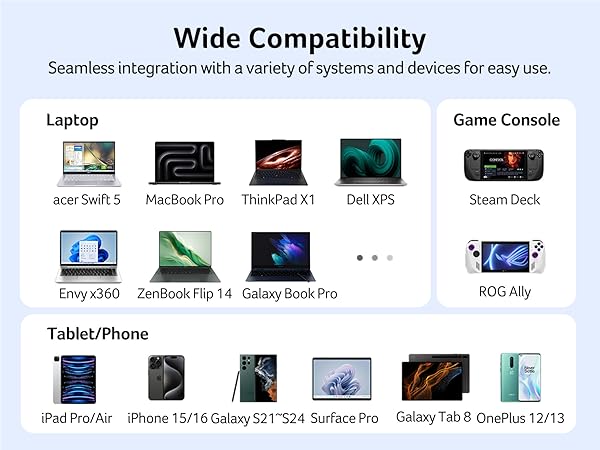
| ? Apple | iPhone 15 Series; MacBook Pro (Late 2016) and newer, MacBook Air (Late 2018) and newer; MacBook ( Late 2015) and newer; Mac Studio(2022), Mac Mini (Late 2018) and newer; ? iPad Pro 12.9“ 6/5/4/3, iPad Pro 11" 3/2/1 ; iPad Air 5/4; iPad mini 6; iPad 10c |
|---|---|
| ? Others | iPhone 15 Series; MacBook Pro (Late 2016) and newer, MacBook Air (Late 2018) and newer; MacBook ( Late 2015) and newer; Mac Studio(2022), Mac Mini (Late 2018) and newer; ? iPad Pro 12.9“ 6/5/4/3, iPad Pro 11" 3/2/1 ; iPad Air 5/4; iPad mini 6; iPad 10 |
| ? Samsung | Galaxy S22 Ultra/S20/ S20+/ S20 Ultra/ S10e/ S10/ S10+/ Note 8/ 9/10/20 Ultra; Remember to turn on the Samsung DeX Mode on the Samsung Galaxy Tablet before you use it. |
| ? | iPhone (Lightning) , iPad (Lightning) , X Box, PS5/PS4, GoPro, Car play |
| ? | Motorola series phones; LG Stylo 4/5; Pixel phones; OnePlus 2/3/3T/5/5T/6/6T; Huawei Series; Xiaomi Series; One Plus Seriescc |
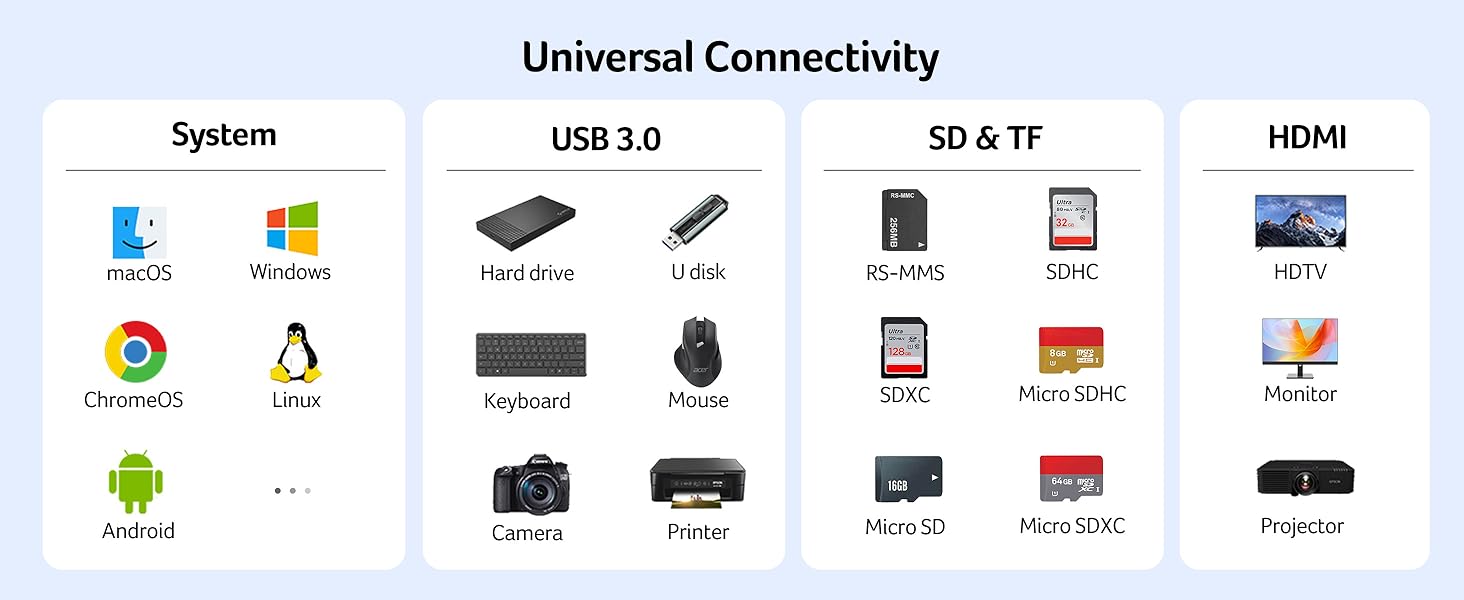
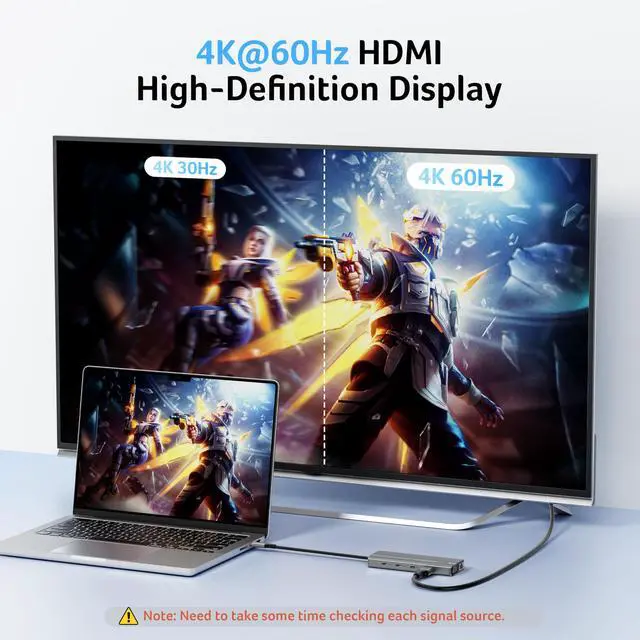
| !!Note!! | When using the HDMI port external monitor for the first time, it takes a few seconds to recognize the connection. If the monitor has multiple video ports, it may need to check each signal source one by one (which also takes a few seconds). |
| !!Note!! | For Mac: Settings ? System Preferences ? Sound ? Output ? Select your TV |
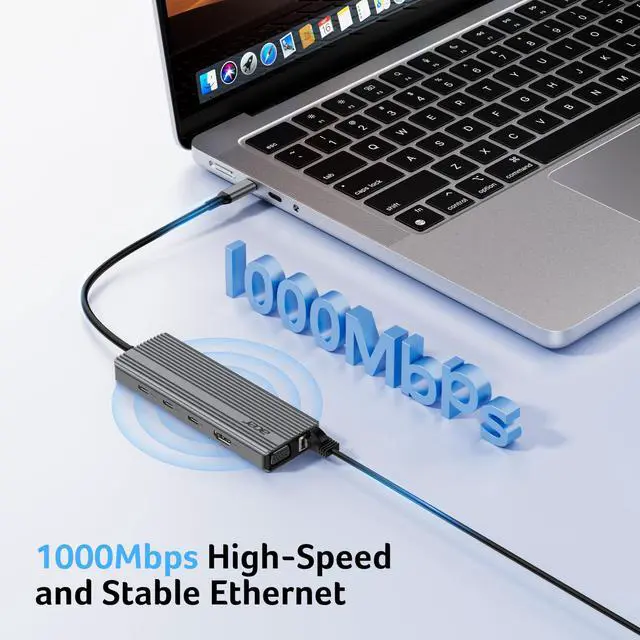
| !!Note!! | Ensure the Ethernet cable's RJ45 connector is fully inserted into the network port for normal operation, and use CAT6 or higher Ethernet cables. |
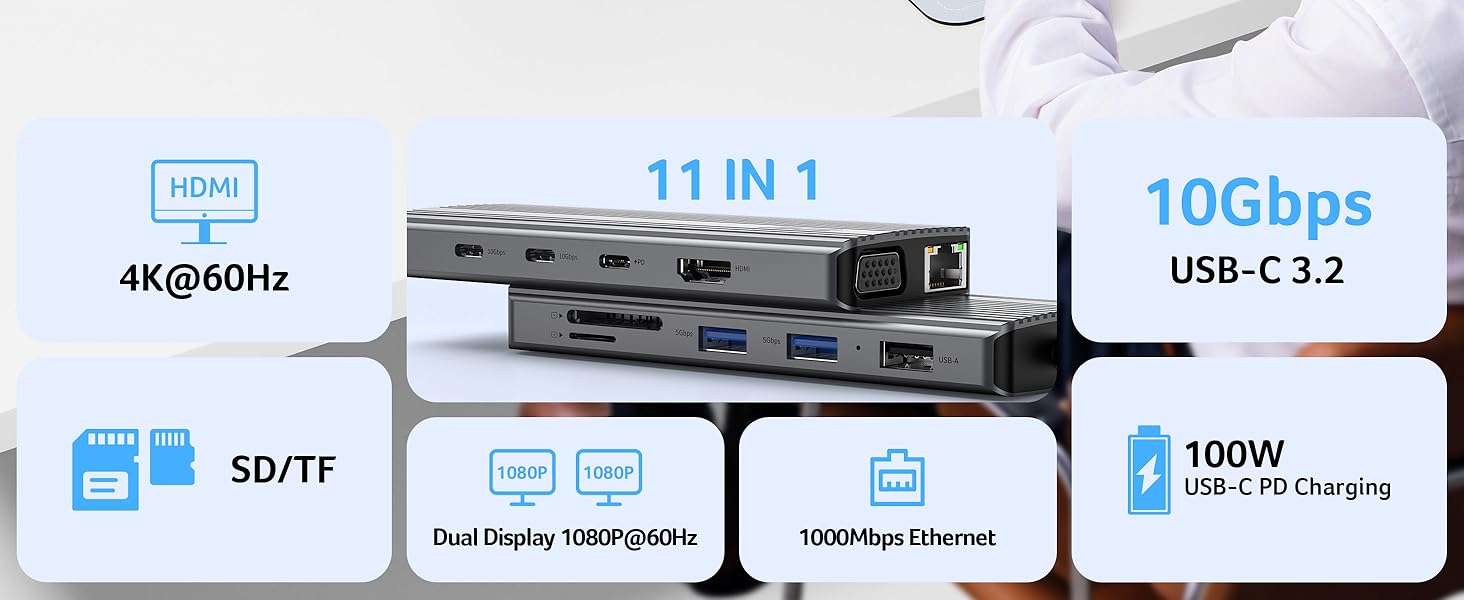
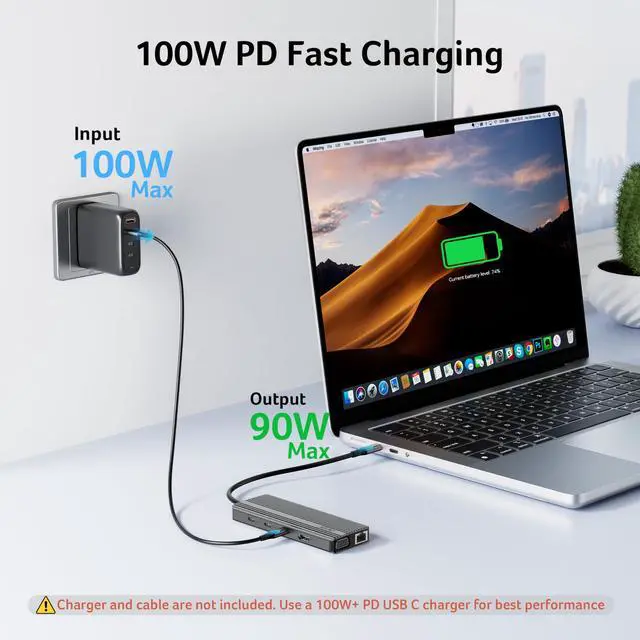
| !!Note!! | Please check if your device/charger/charging cable could reach 100W power rating, and all supports PD Protocol. |
| !!Note!! | Generally the power loss is 10W, which is the normal power consumption. If the device is working, the power consumption will rise. |
| Q1 | ?????? ???? ?????????? ???? ?????????? ???????????? ???????? ???????? ???? ?????? ?????????? ????????????????????? |
| A1 | (??) Make sure the USB-C port of the laptop supports the video function; (??) Check the port is firmly plugged in; Adjust the resolution setting of the laptop; (??) Select the correct input signal source (some require manual selection of the signal source. |
| Q2 | ?????? ?? ???????????? ?????????????????? ???????????????? ???????????? ?????? ???????????????? ???????? ???????????????????? ???????? ?????? ??????? |
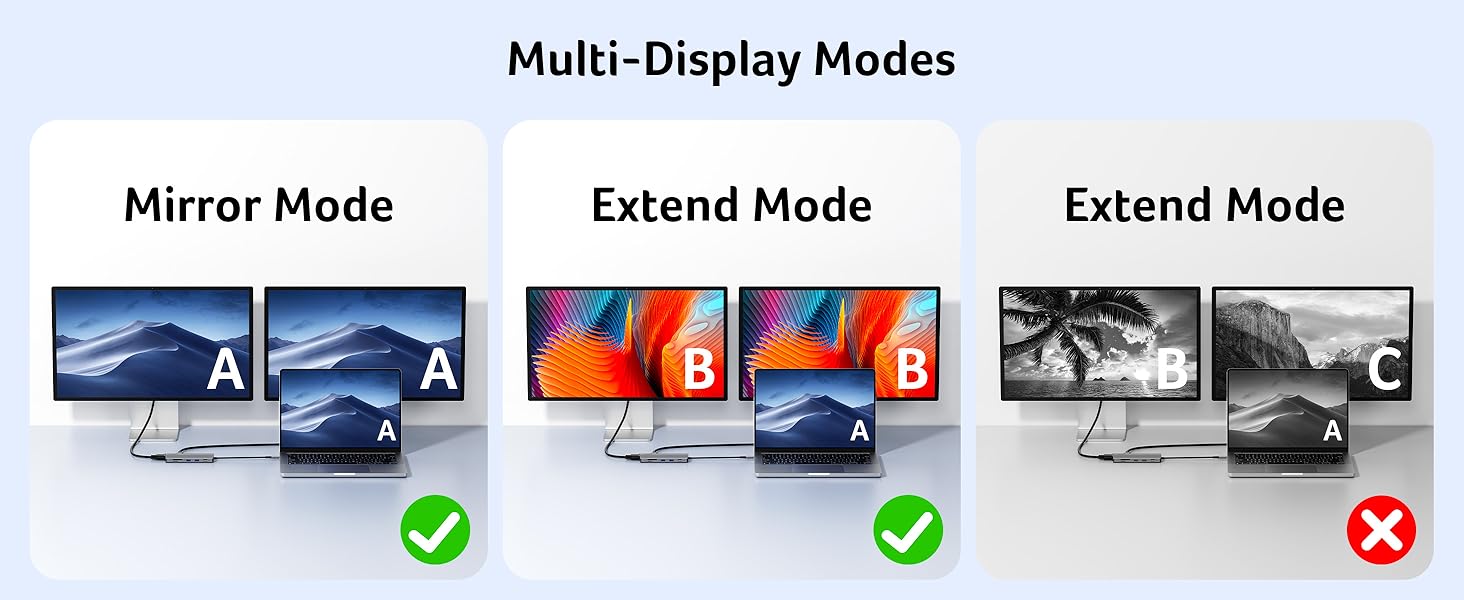
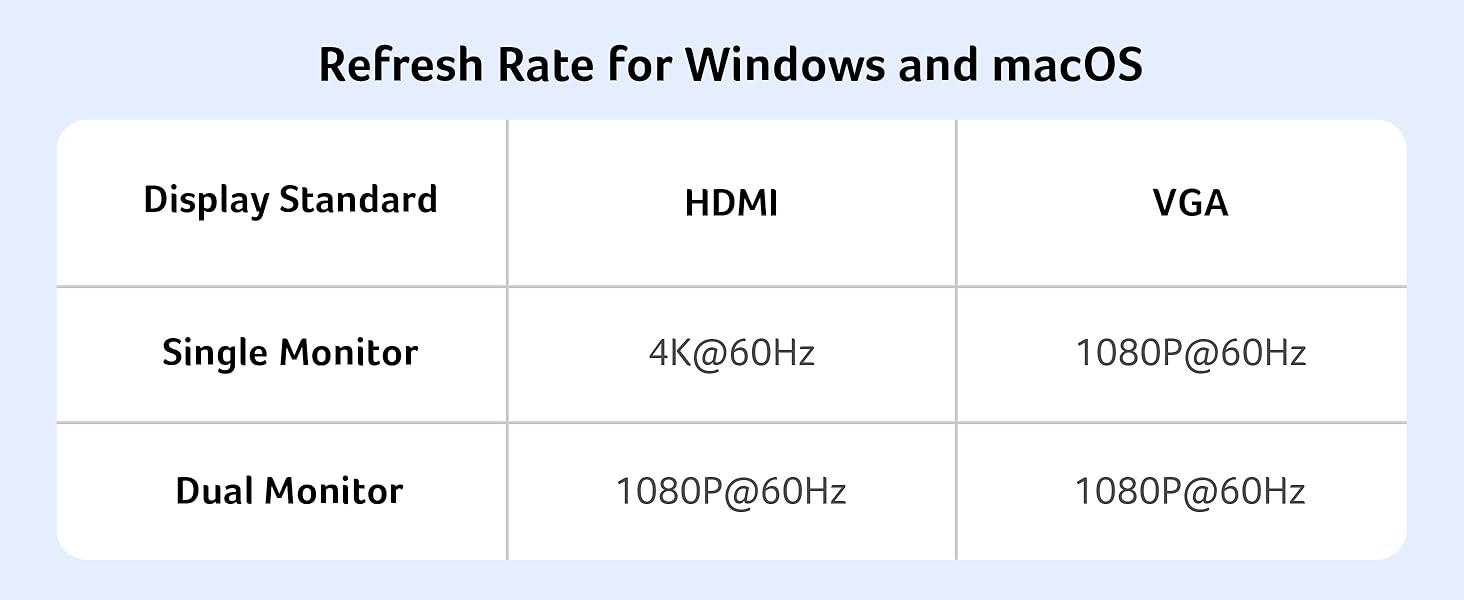
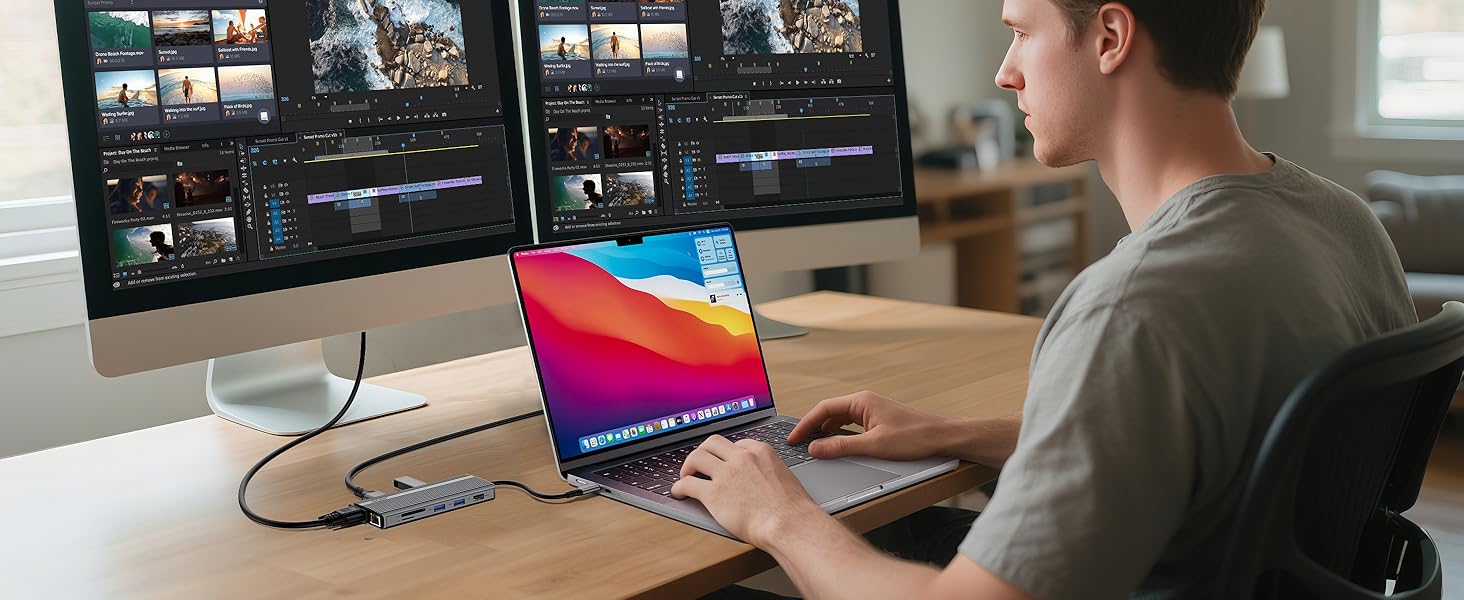
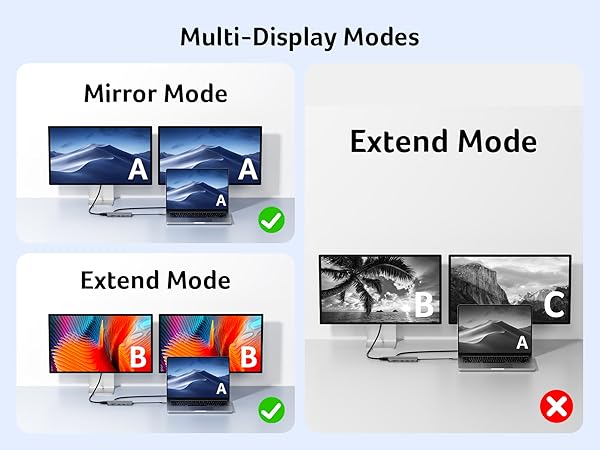
| A2 | No, when connecting two additional monitors with HDMI and VGA, they can only show the same content, such as AAA and ABB. |
| Q3 | ?????? ??????'?? ???? ???????????? ???? ?????????????? ?????? ?????? ???? ????????? |
| A3 | (??) Connect an external power source to the PD port of the product first, connect the laptop to the USB-C port of the product; (??) Confirm whether the USB-C port of the laptop supports charging function; (??) Disconnect the product from the computer, and then reconnect it |