• $68.99
  • Free 45-day Returns
  • Sold by Plush Joyhip

    Shipped by Plush Joyhip

    Price alert
    Shop it at NeweggBusiness.

    Meet Your Seller

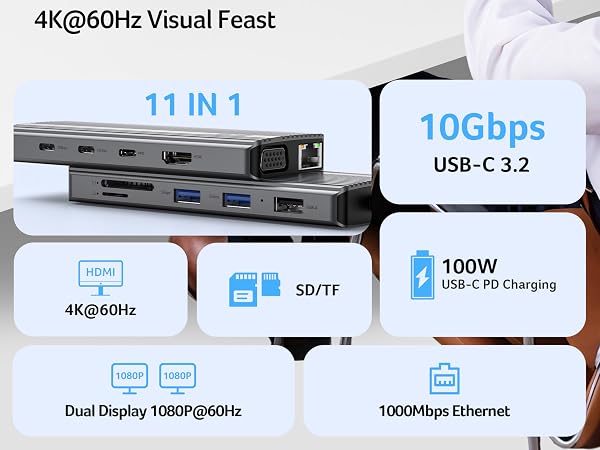
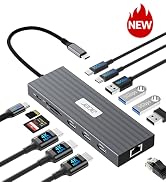
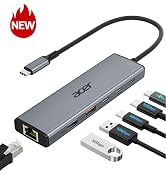
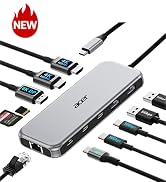
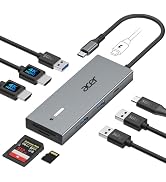
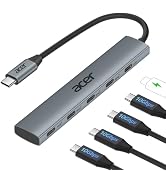
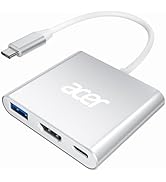
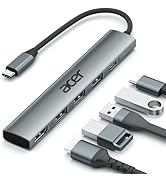
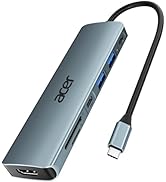
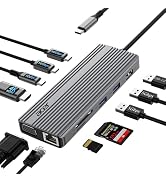
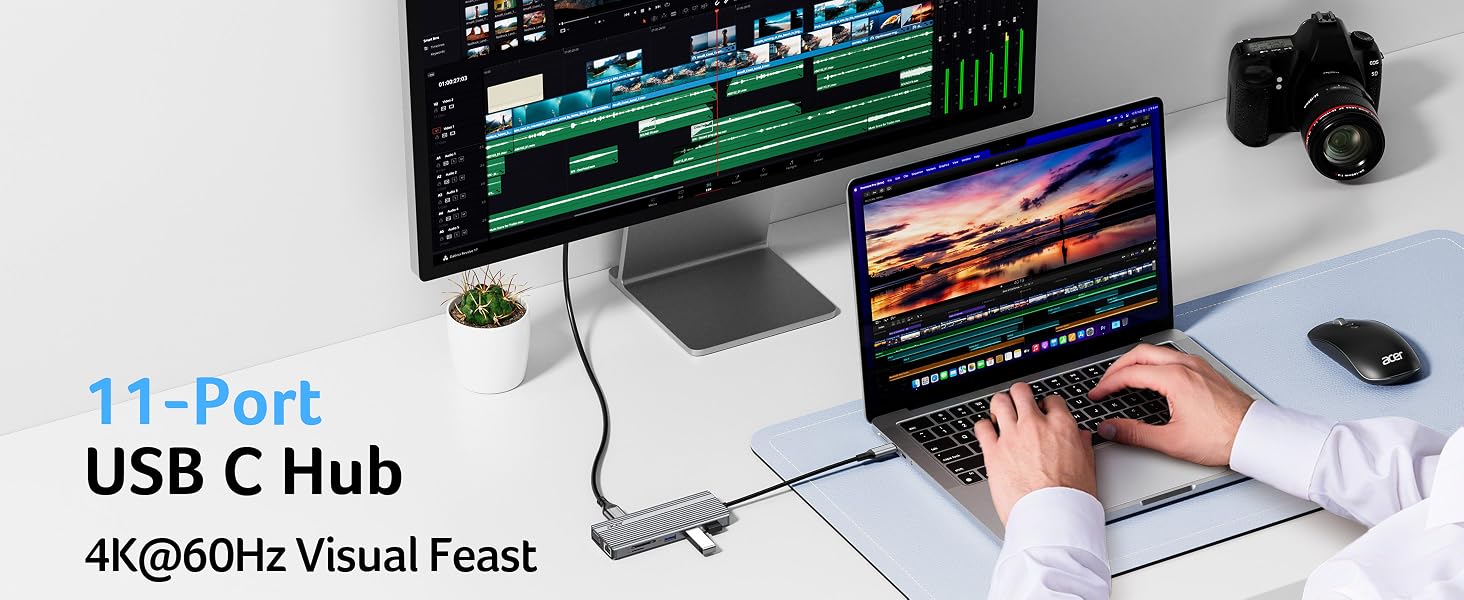
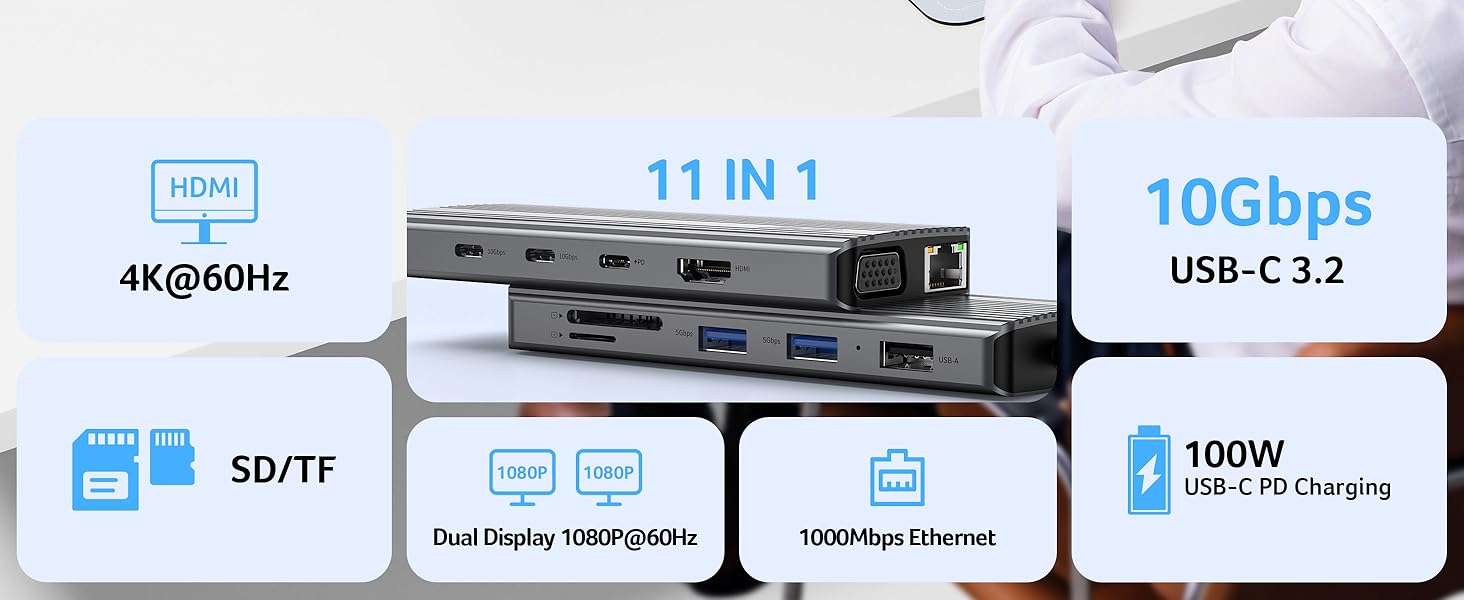
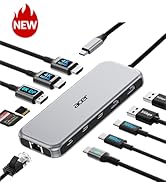
    11 in 1 USB C HUB Multiport Adapter 10Gbps, 4K@60Hz HDMI for Laptop | USB C Docking Station with 2×USB C 3.2 & 2×USB A 3.0 Data Port, 100W PD Port, 1Gbps Ethernet, 1080P VGA, SD/TF, 0.65ft

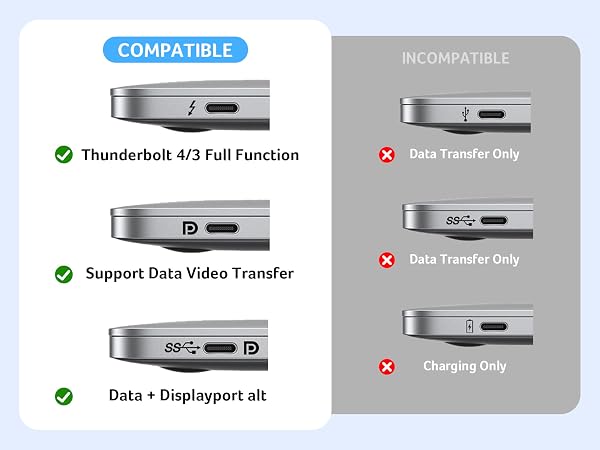
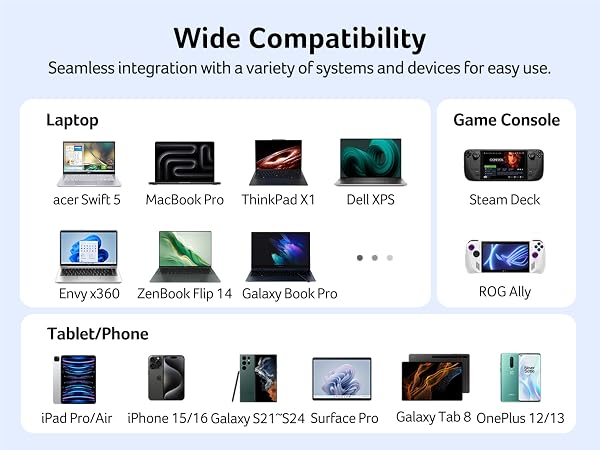
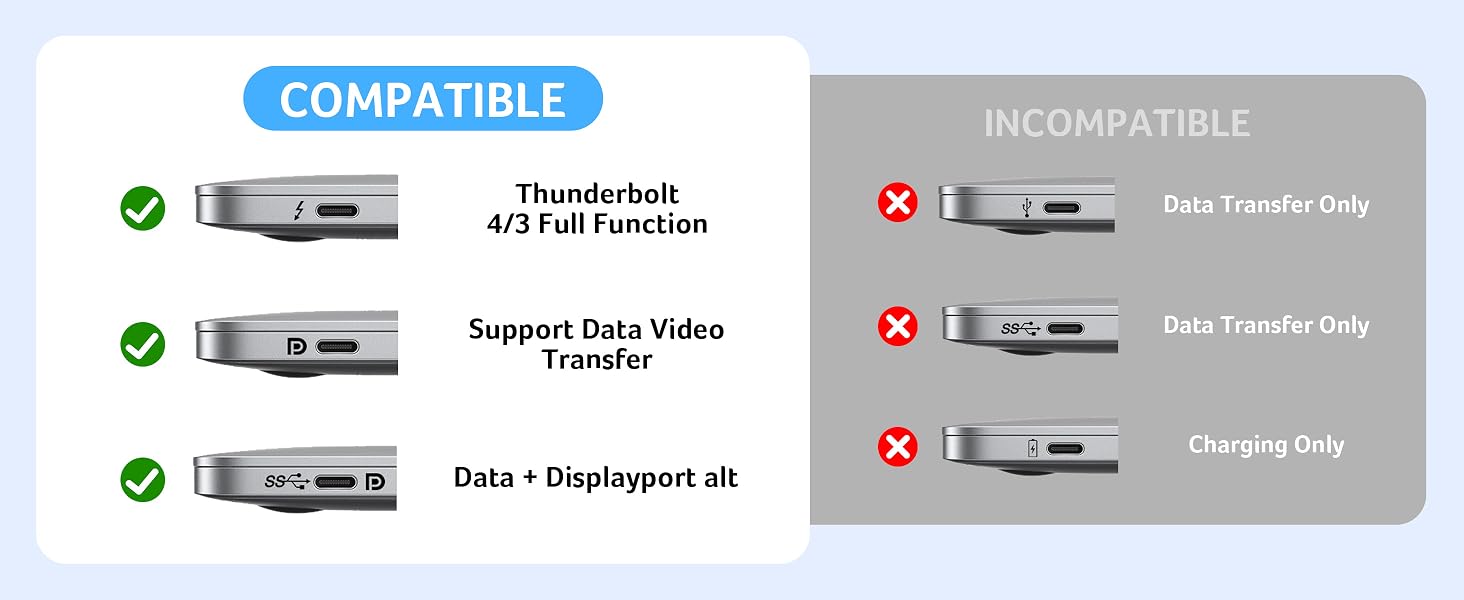
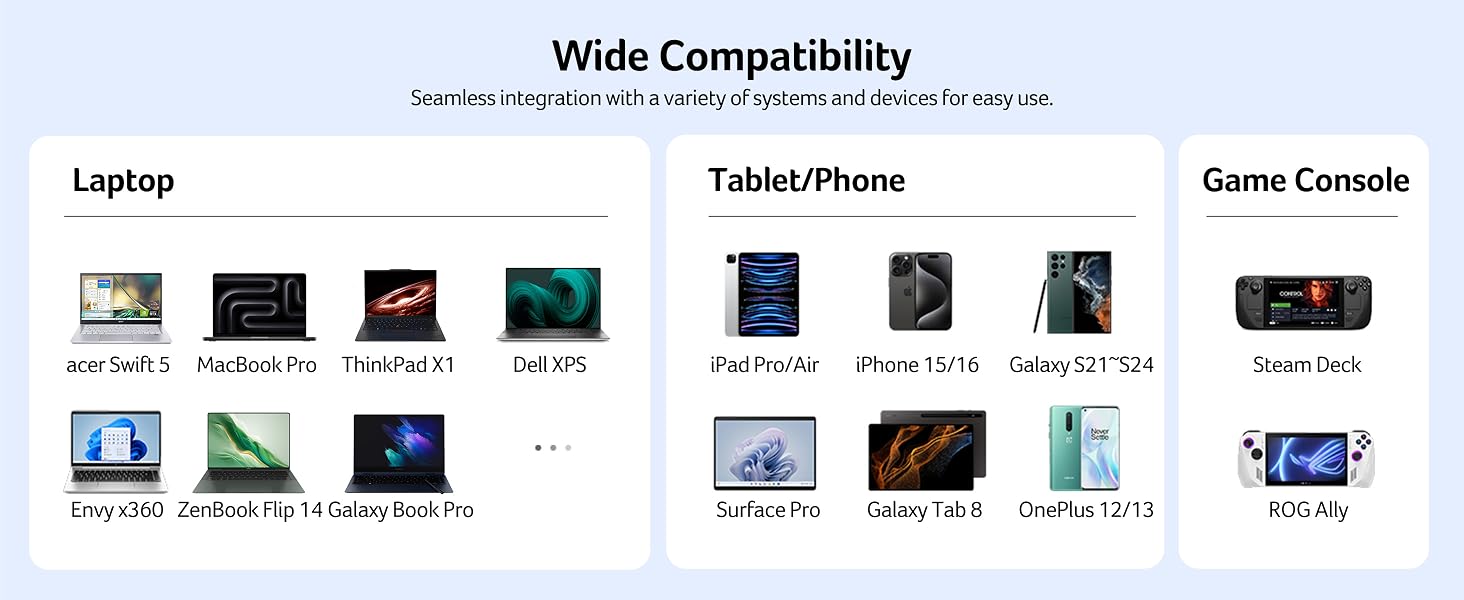
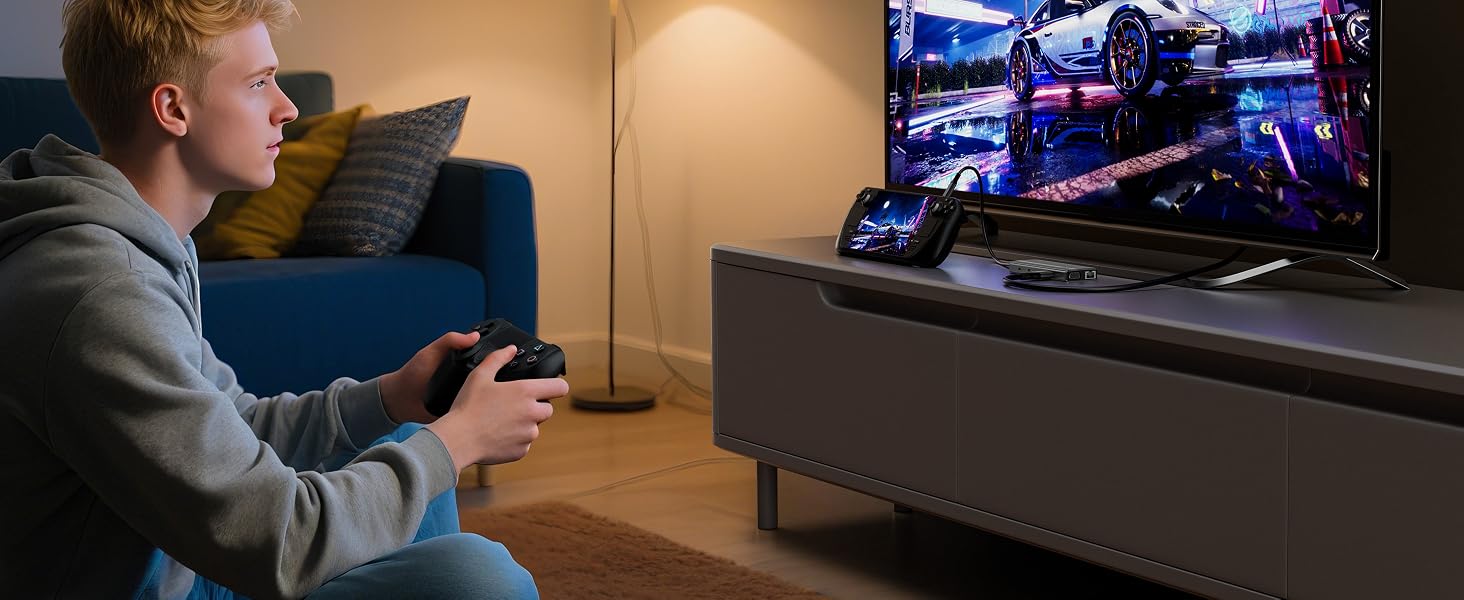
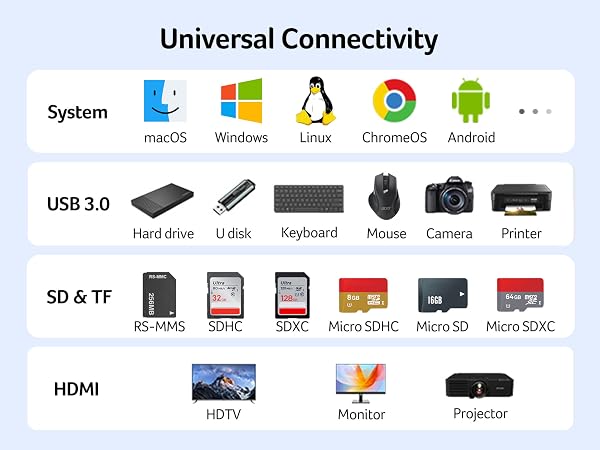
    • Pre-Use NoticeWindows and macos devices with DisplayPort Alterinate Mode (DP Alt Mode)Supporting display, charging, and data transfer. Including Acer, Dell, Lenovo, Surface, HP, ASUS, MacBook, Samsung laptops and smartphones.
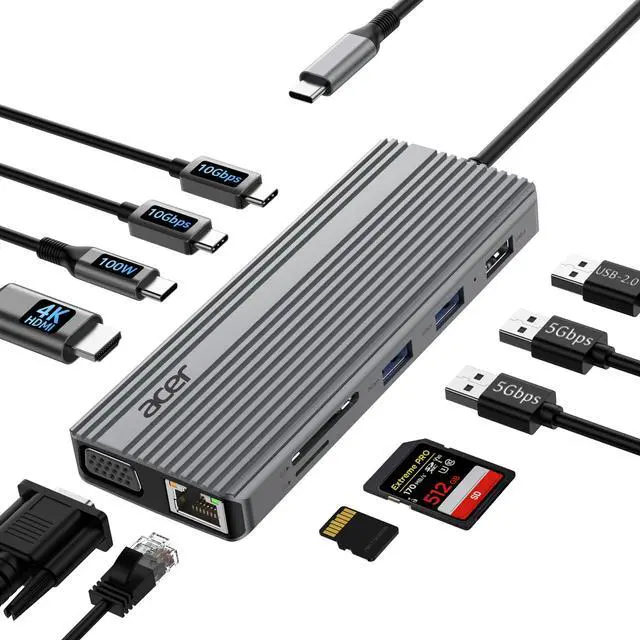
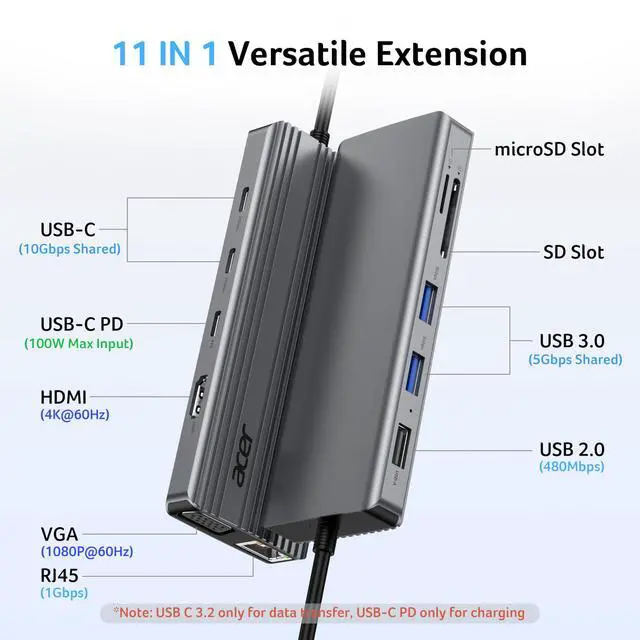
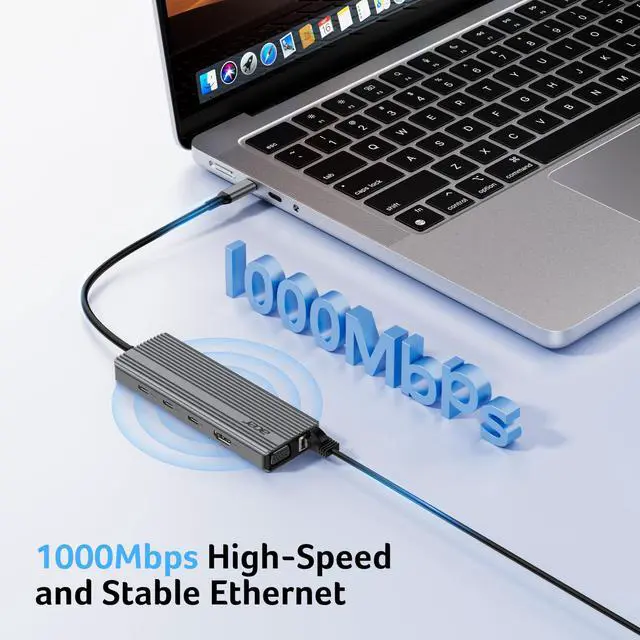
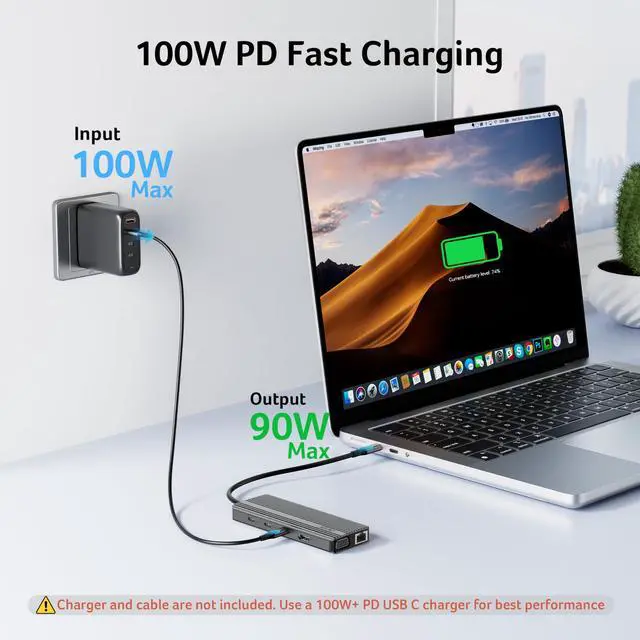
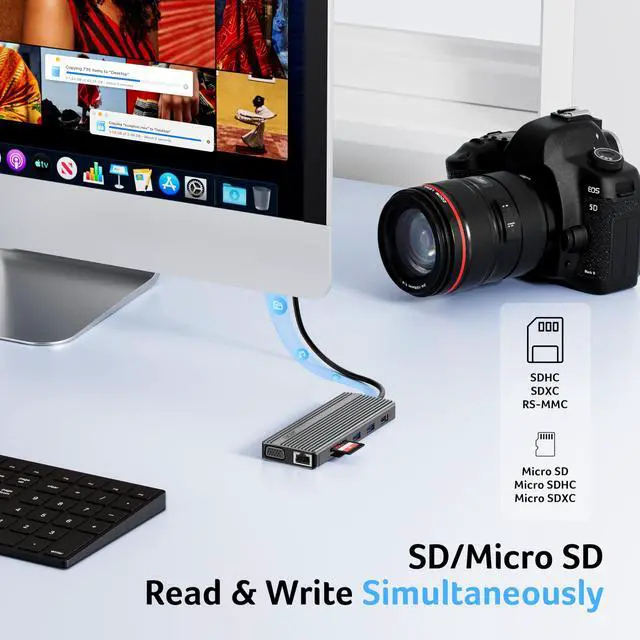
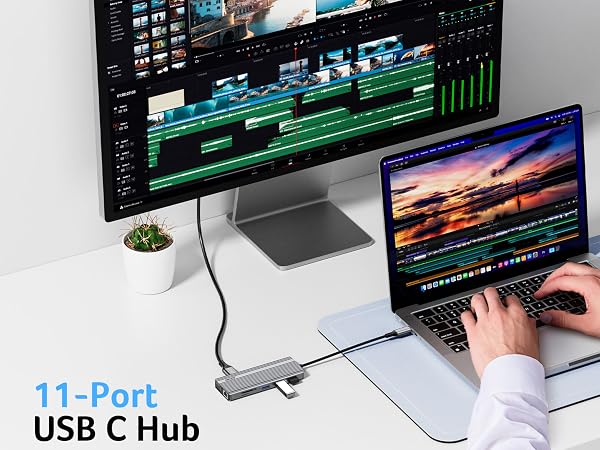
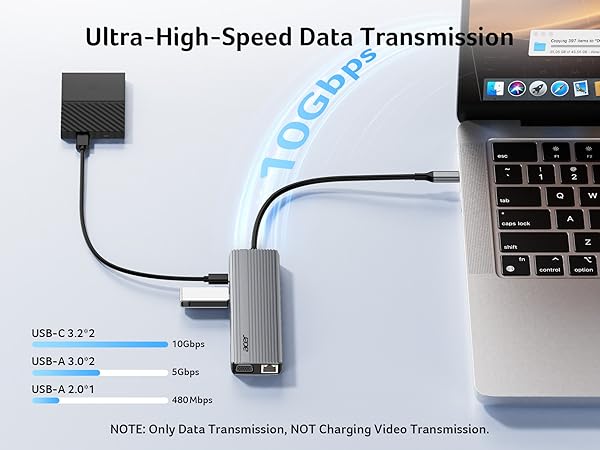
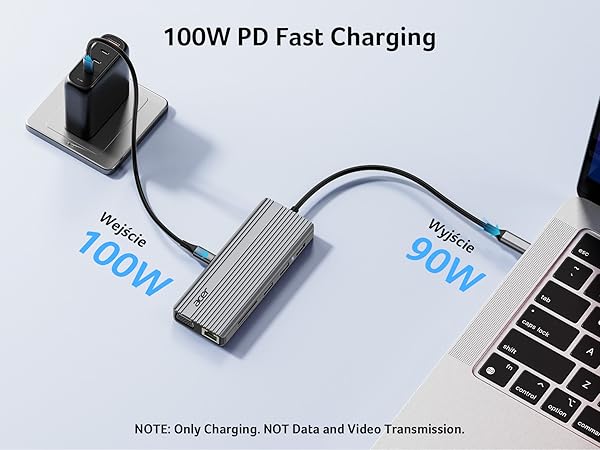
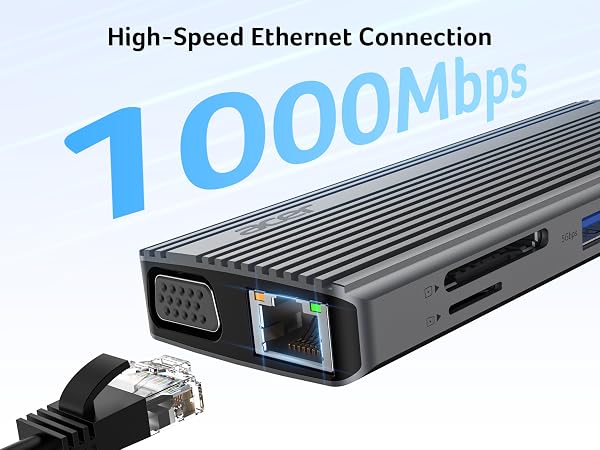
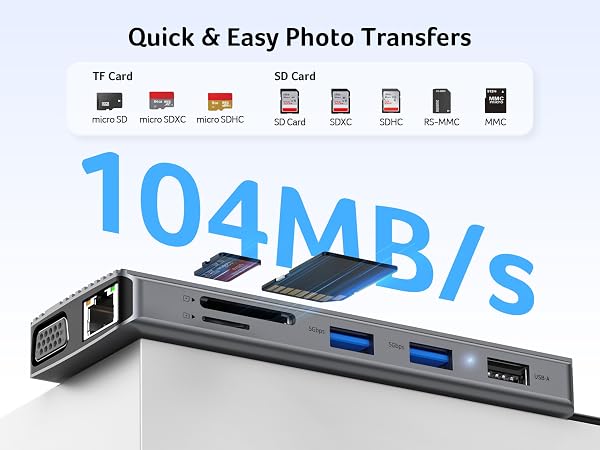
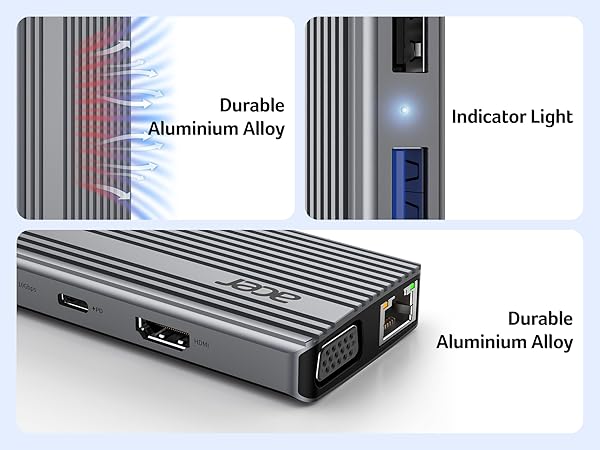
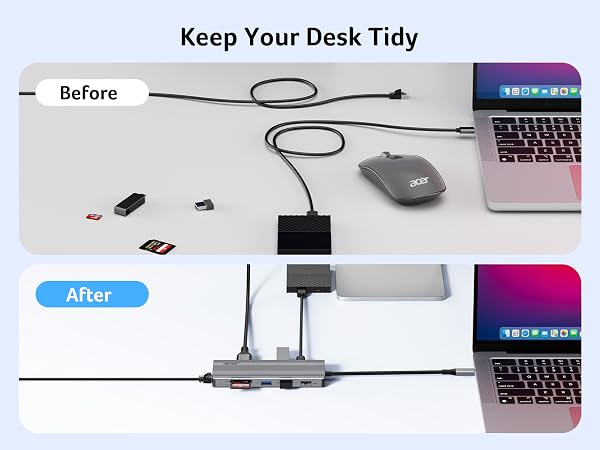
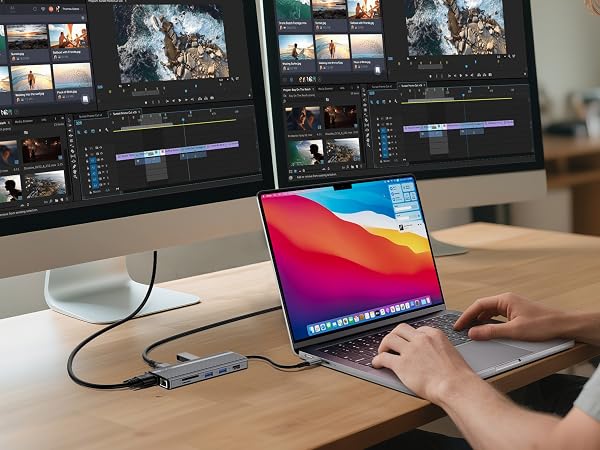
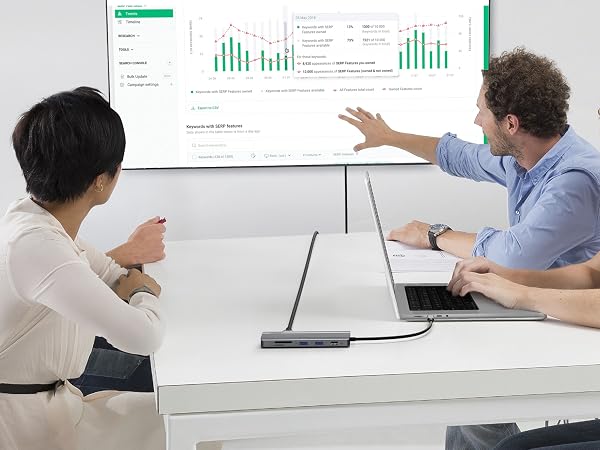
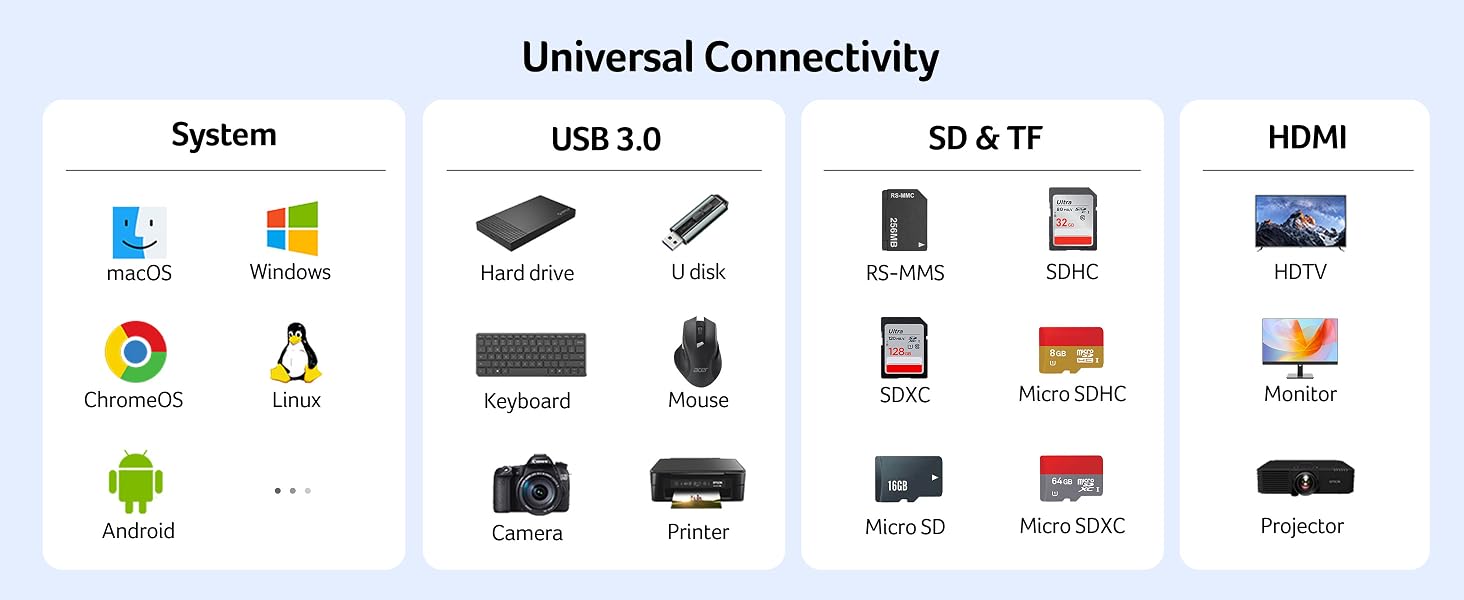
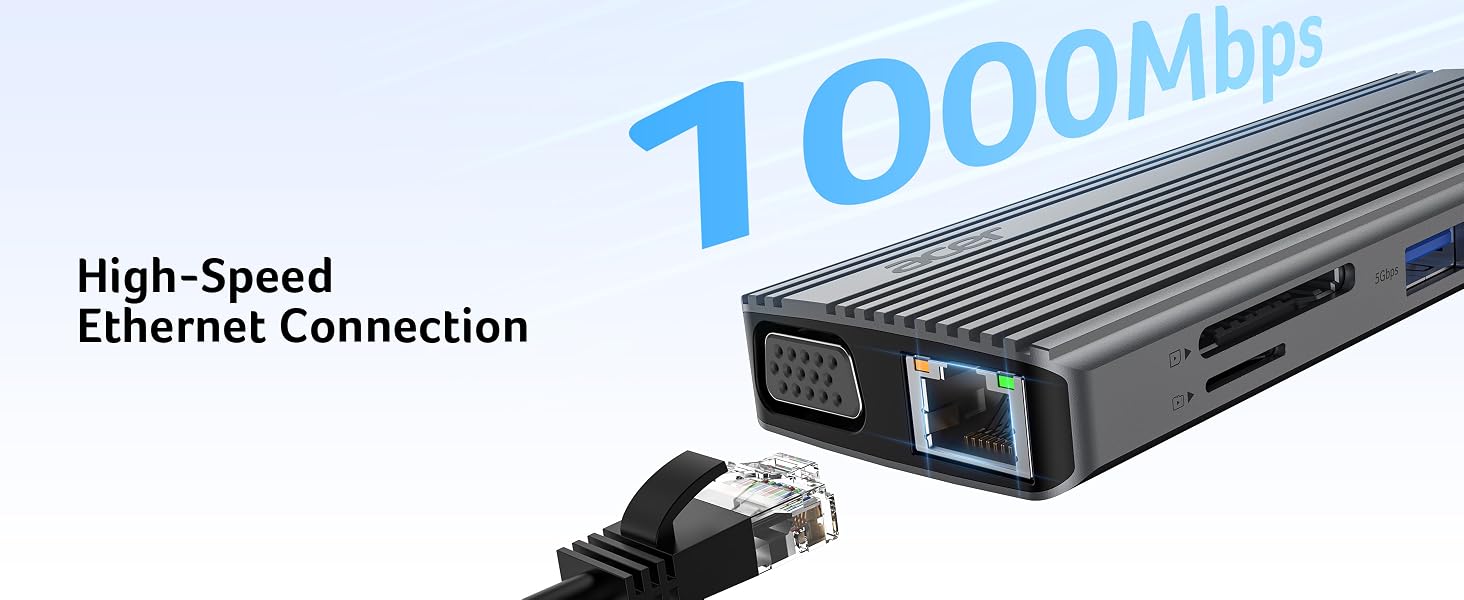
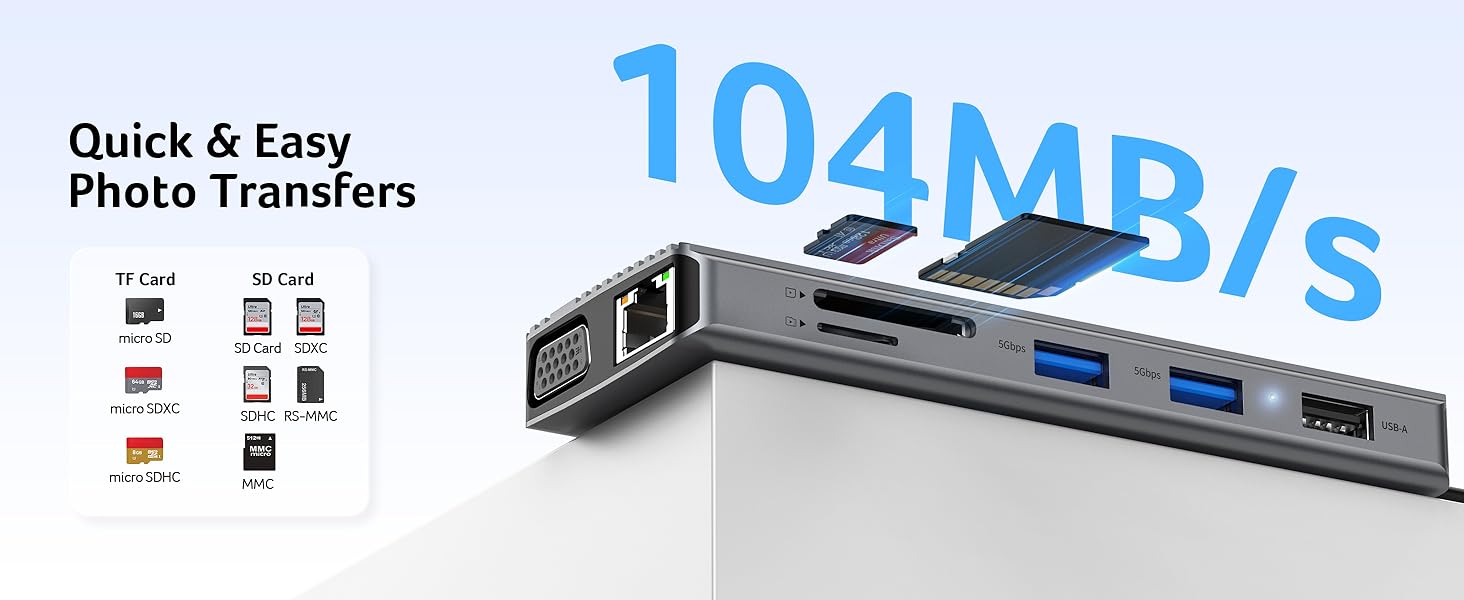
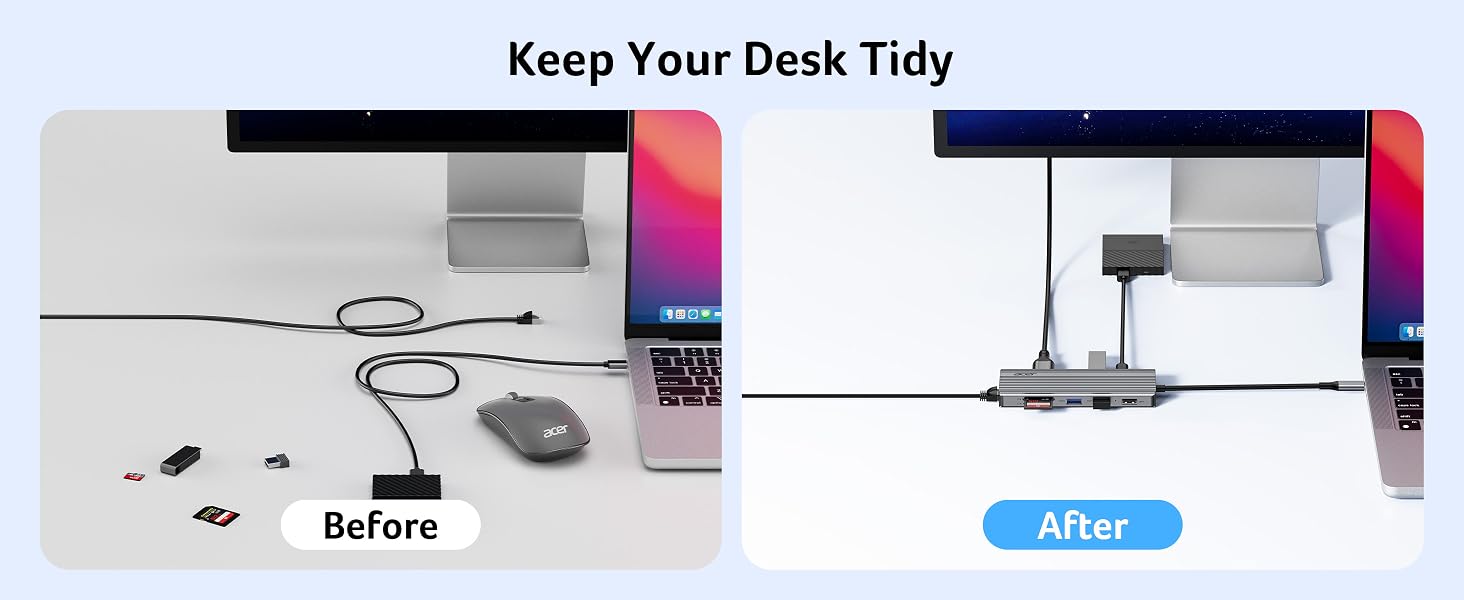
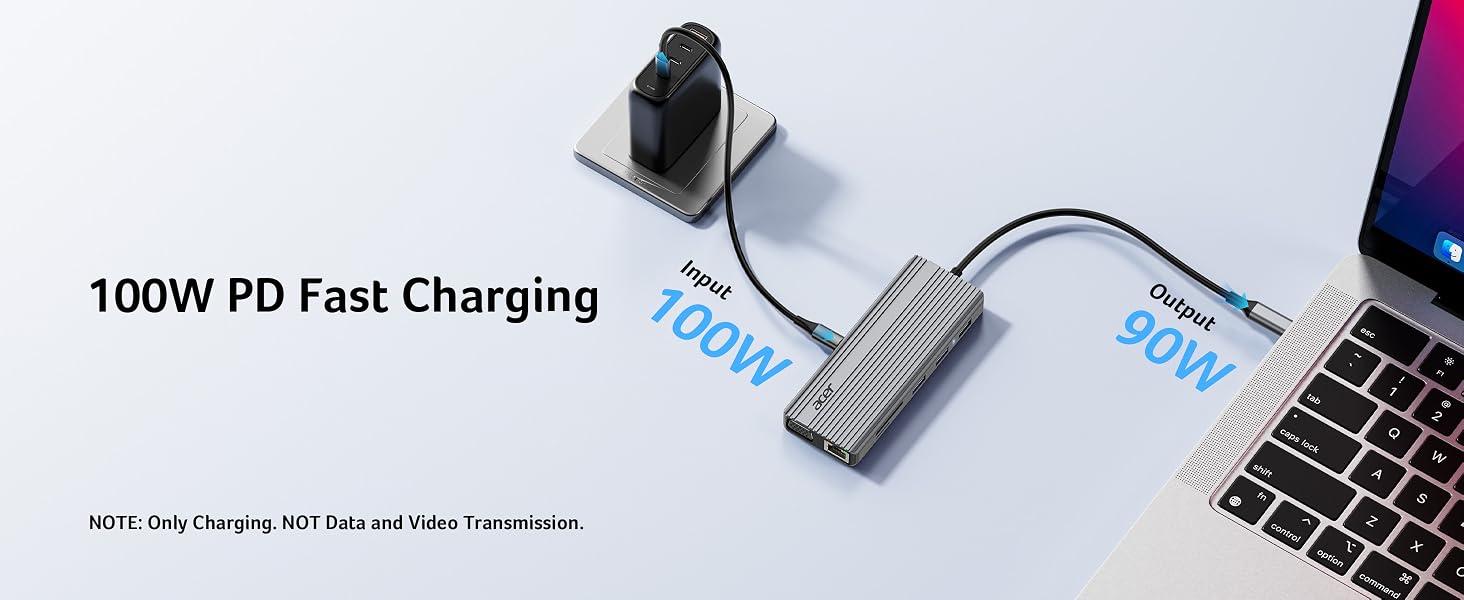
    • 11-in-1 Versatile USB C AdapterBoost productivity with this USB C 3.2 hub, featuring 4K@60Hz HDMI, 1080P VGA, 2x USB-C (10Gbps), 2x USB-A (5Gbps), USB 2.0, 100W PD charging, 1Gbps ethernet and SD/Micro SD slots (104Mbps). This USBC hub perfect for work from home, office or travel. Note: Please connect the power supply with the PD port with 100W charger for optimal performance.
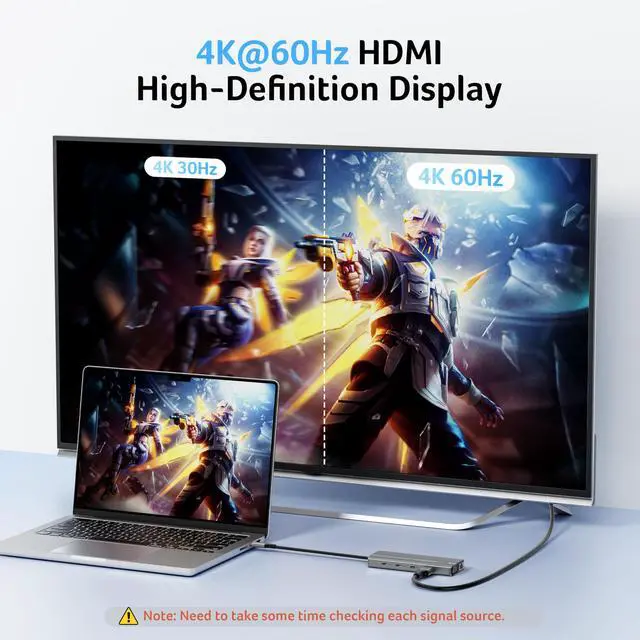
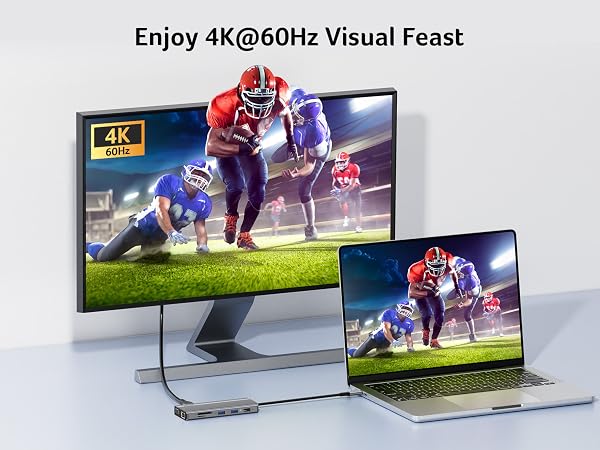
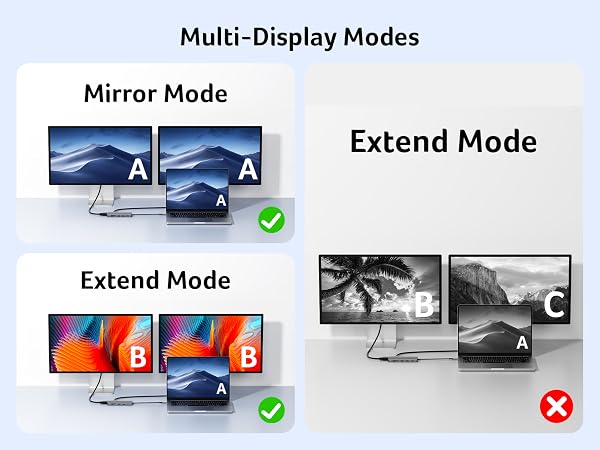
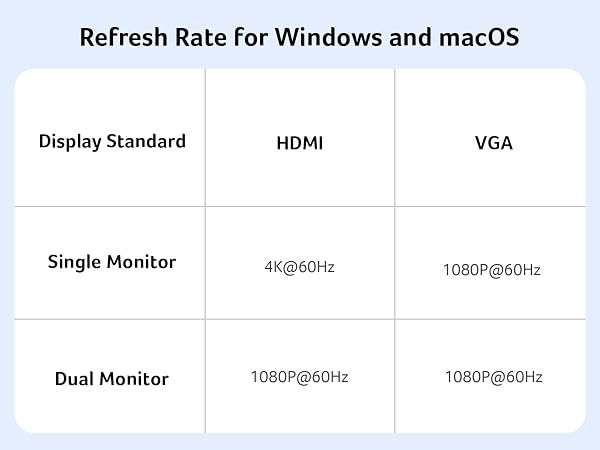
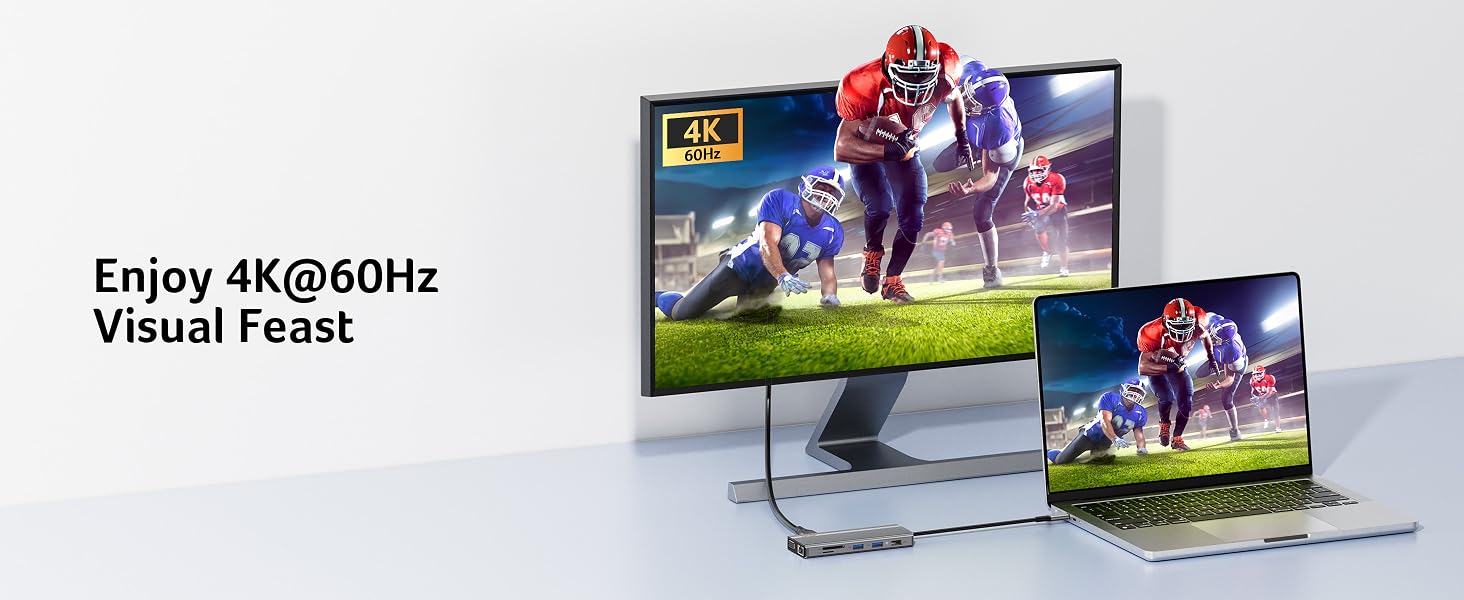
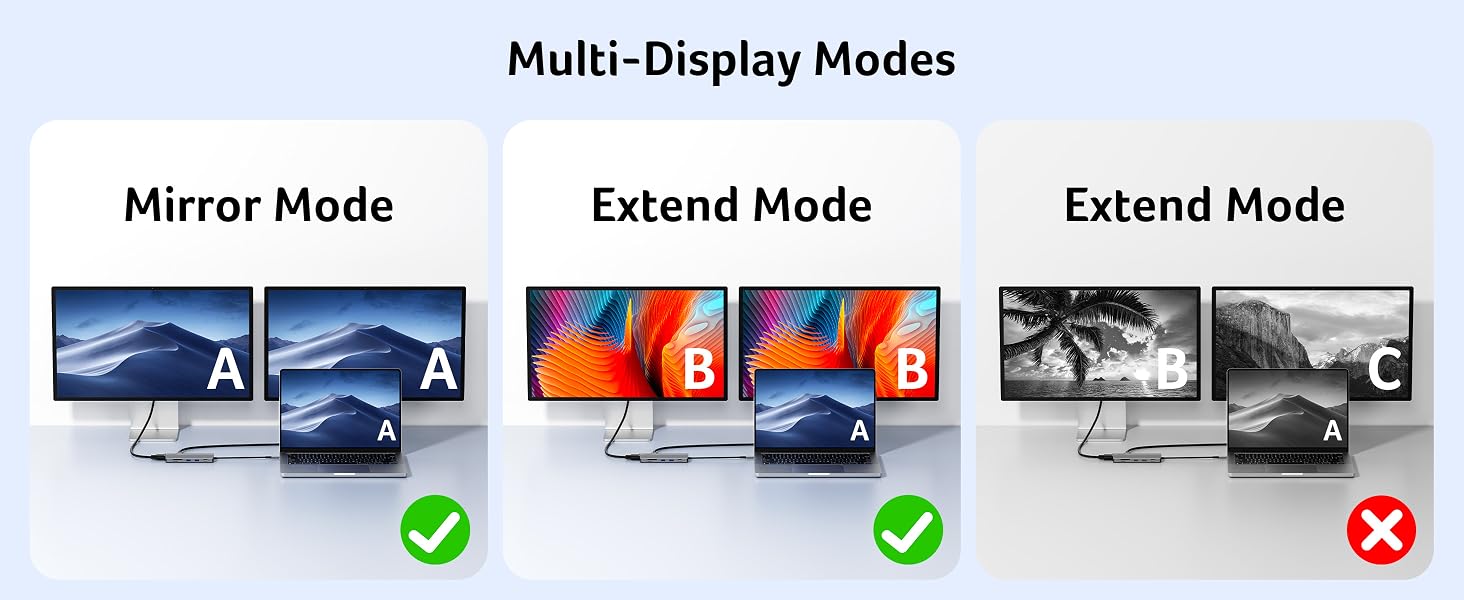
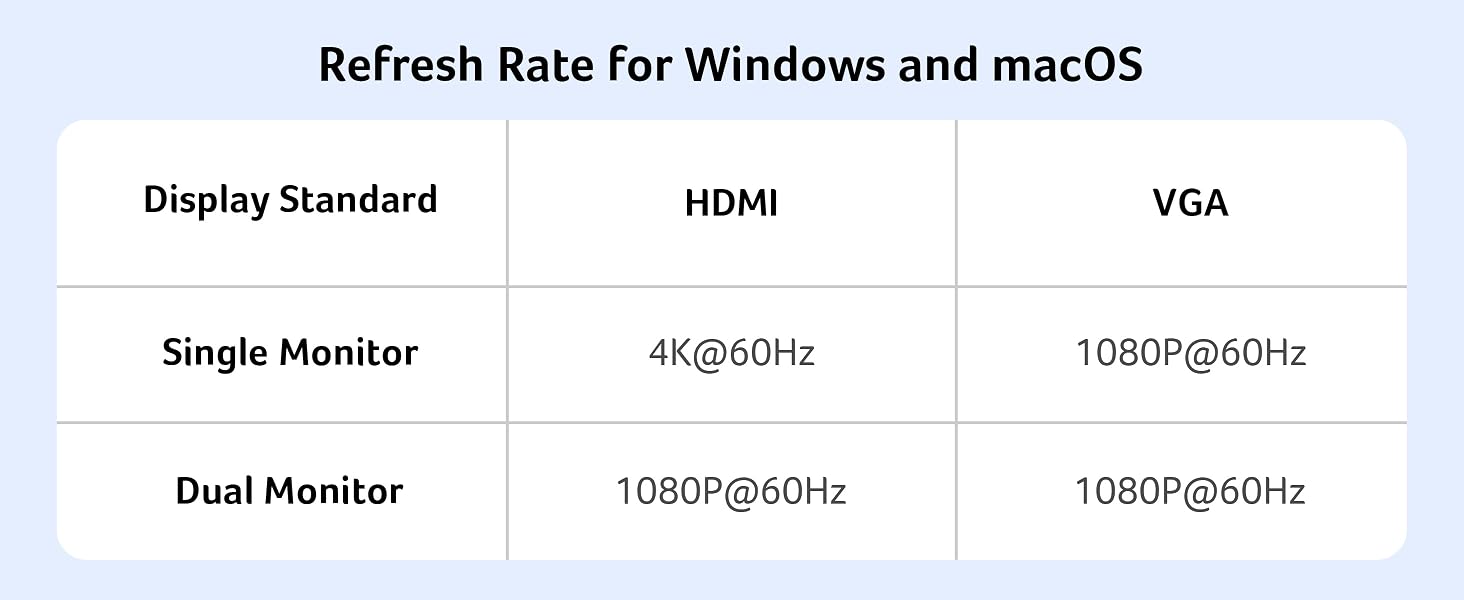
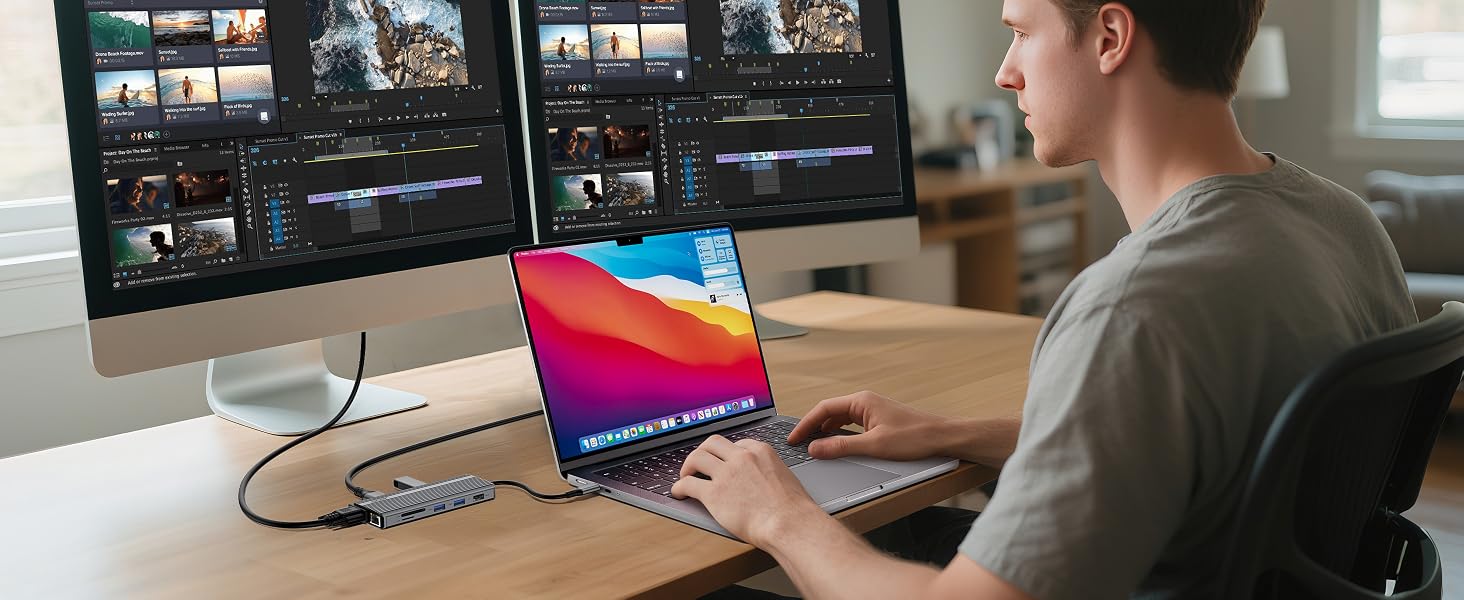
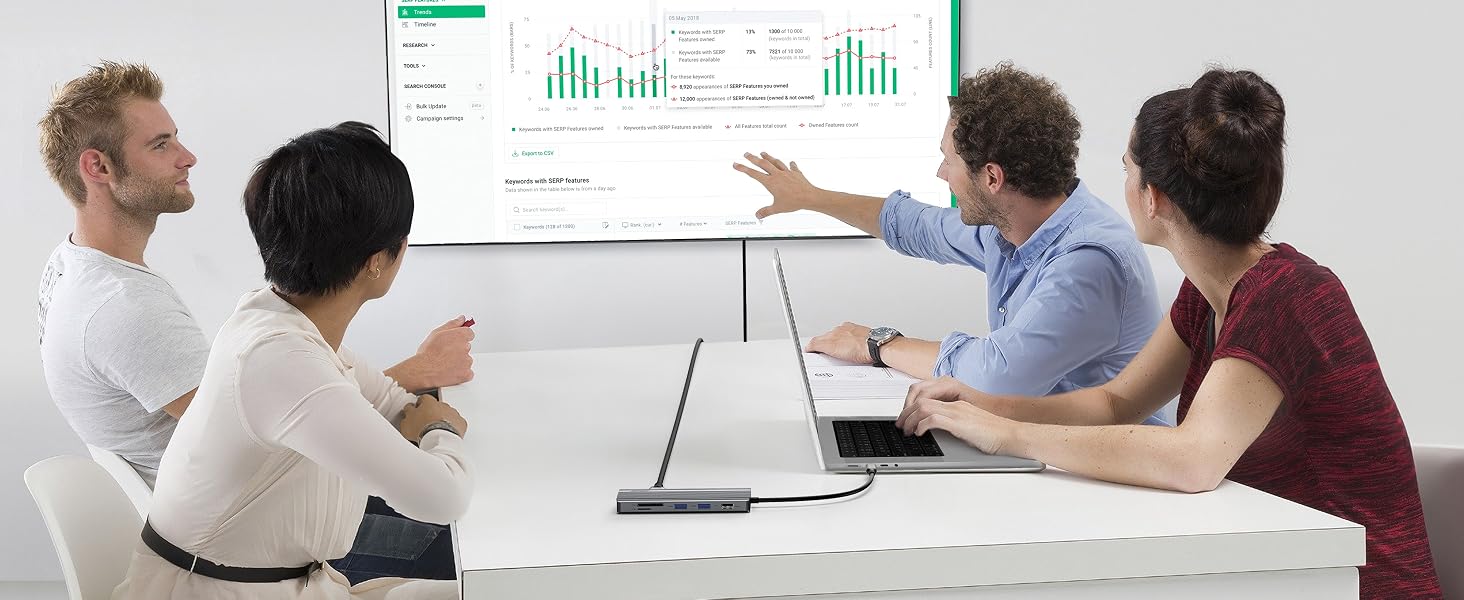
    • Stunning 4K@60Hz DisplayThis USB C to HDMI adapter supports up to 4K@60Hz via HDMI for TVs, monitors, and projectors. It also enables HDMI + VGA dual display at up to 1080P@60Hz. Switch between Mirror Mode (A-AA) and Extend Mode (A-BB) for better productivity. USB-C devices must support USB Type-C DP Alt Mode.
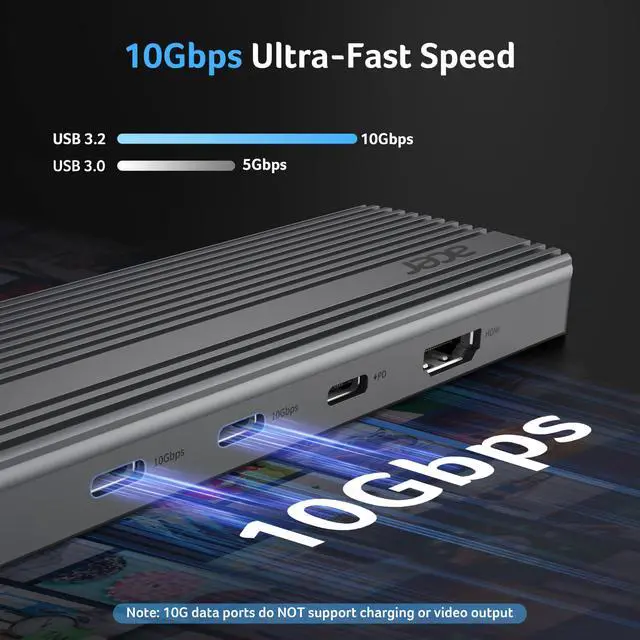
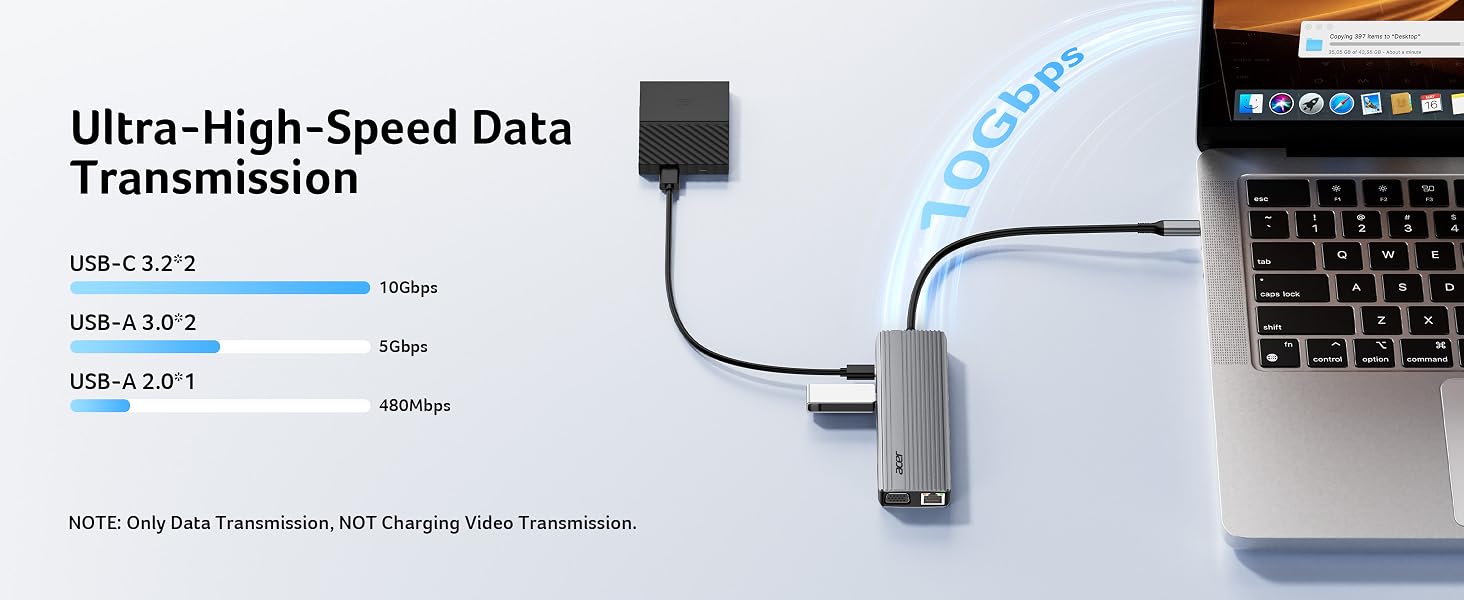
    • 10Gbps Seamless Speed TransfersExperience ultra-fast 10Gbps file transferssend large data in seconds with effortless speed and reliability. Plus, USB-A 3.0 (5Gbps) and dual SD/Micro SD card readers (104Mbps)perfect for photographers and professionals. Note: ONLY Support Data Transfer. Don't use USB-A 2.0 to transfer data.
    +
    +
    Overview
    Specs
    Reviews
    avatar

    Any questions? Our AI mode will help you find out quickly.
    laptop docking station
    usb hub

    Compatible Devices (INCOMPLETE LIST):

    ? Apple Macbook Neo; iPhone 16 Series; MacBook Pro (Late 2016) and newer, MacBook Air (Late 2018) and newer; MacBook ( Late 2015) and newer; Mac Studio(2022), Mac Mini (Late 2018) and newer; ? iPad Pro 12.9“ 6/5/4/3, iPad Pro 11" 3/2/1 ; iPad Air 5/4; iPad mini 6; iPad 10c
    ? Others iPhone 15 Series; MacBook Pro (Late 2016) and newer, MacBook Air (Late 2018) and newer; MacBook ( Late 2015) and newer; Mac Studio(2022), Mac Mini (Late 2018) and newer; ? iPad Pro 12.9“ 6/5/4/3, iPad Pro 11" 3/2/1 ; iPad Air 5/4; iPad mini 6; iPad 10
    ? Samsung Galaxy S22 Ultra/S20/ S20+/ S20 Ultra/ S10e/ S10/ S10+/ Note 8/ 9/10/20 Ultra; Remember to turn on the Samsung DeX Mode on the Samsung Galaxy Tablet before you use it.
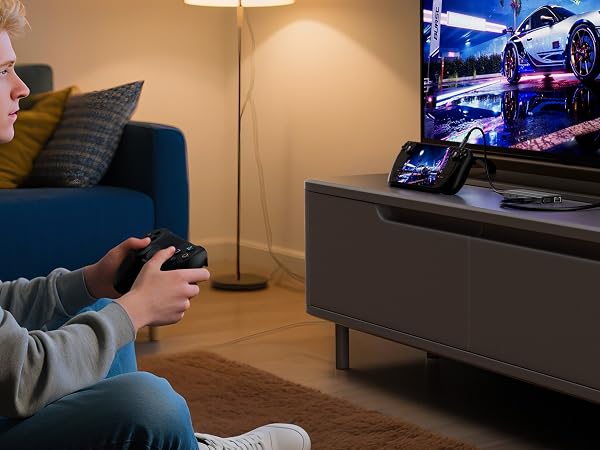
    ? iPhone (Lightning) , iPad (Lightning) , X Box, PS5/PS4, GoPro, Car play
    ? Motorola series phones; LG Stylo 4/5; Pixel phones; OnePlus 2/3/3T/5/5T/6/6T; Huawei Series; Xiaomi Series; One Plus Seriescc
    !!Note!! When using the HDMI port external monitor for the first time, it takes a few seconds to recognize the connection. If the monitor has multiple video ports, it may need to check each signal source one by one (which also takes a few seconds).
    !!Note!! For Mac: Settings ? System Preferences ? Sound ? Output ? Select your TV
    !!Note!! Ensure the Ethernet cable's RJ45 connector is fully inserted into the network port for normal operation, and use CAT6 or higher Ethernet cables.
    !!Note!! Please check if your device/charger/charging cable could reach 100W power rating, and all supports PD Protocol.
    !!Note!! Generally the power loss is 10W, which is the normal power consumption. If the device is working, the power consumption will rise.
    Q1 ?????? ???? ?????????? ???? ?????????? ???????????? ???????? ???????? ???? ?????? ?????????? ?????????????????????
    A1 (??) Make sure the USB-C port of the laptop supports the video function; (??) Check the port is firmly plugged in; Adjust the resolution setting of the laptop; (??) Select the correct input signal source (some require manual selection of the signal source.
    Q2 ?????? ?? ???????????? ?????????????????? ???????????????? ???????????? ?????? ???????????????? ???????? ???????????????????? ???????? ?????? ???????
    A2 No, when connecting two additional monitors with HDMI and VGA, they can only show the same content, such as AAA and ABB.
    Q3 ?????? ??????'?? ???? ???????????? ???? ?????????????? ?????? ?????? ???? ?????????
    A3 (??) Connect an external power source to the PD port of the product first, connect the laptop to the USB-C port of the product; (??) Confirm whether the USB-C port of the laptop supports charging function; (??) Disconnect the product from the computer, and then reconnect it
    usbc hub
    docking station

    Compatible Devices (INCOMPLETE LIST):

    ? Apple Macbook Neo; iPhone 16 Series; MacBook Pro (Late 2016) and newer, MacBook Air (Late 2018) and newer; MacBook ( Late 2015) and newer; Mac Studio(2022), Mac Mini (Late 2018) and newer; ? iPad Pro 12.9“ 6/5/4/3, iPad Pro 11" 3/2/1 ; iPad Air 5/4; iPad mini 6; iPad 10c
    ? Others iPhone 15 Series; MacBook Pro (Late 2016) and newer, MacBook Air (Late 2018) and newer; MacBook ( Late 2015) and newer; Mac Studio(2022), Mac Mini (Late 2018) and newer; ? iPad Pro 12.9“ 6/5/4/3, iPad Pro 11" 3/2/1 ; iPad Air 5/4; iPad mini 6; iPad 10
    ? Samsung Galaxy S22 Ultra/S20/ S20+/ S20 Ultra/ S10e/ S10/ S10+/ Note 8/ 9/10/20 Ultra; Remember to turn on the Samsung DeX Mode on the Samsung Galaxy Tablet before you use it.
    ? iPhone (Lightning) , iPad (Lightning) , X Box, PS5/PS4, GoPro, Car play
    ? Motorola series phones; LG Stylo 4/5; Pixel phones; OnePlus 2/3/3T/5/5T/6/6T; Huawei Series; Xiaomi Series; One Plus Seriescc
    !!Note!! When using the HDMI port external monitor for the first time, it takes a few seconds to recognize the connection. If the monitor has multiple video ports, it may need to check each signal source one by one (which also takes a few seconds).
    !!Note!! For Mac: Settings ? System Preferences ? Sound ? Output ? Select your TV
    !!Note!! Ensure the Ethernet cable's RJ45 connector is fully inserted into the network port for normal operation, and use CAT6 or higher Ethernet cables.
    !!Note!! Please check if your device/charger/charging cable could reach 100W power rating, and all supports PD Protocol.
    !!Note!! Generally the power loss is 10W, which is the normal power consumption. If the device is working, the power consumption will rise.
    Q1 ?????? ???? ?????????? ???? ?????????? ???????????? ???????? ???????? ???? ?????? ?????????? ?????????????????????
    A1 (??) Make sure the USB-C port of the laptop supports the video function; (??) Check the port is firmly plugged in; Adjust the resolution setting of the laptop; (??) Select the correct input signal source (some require manual selection of the signal source.
    Q2 ?????? ?? ???????????? ?????????????????? ???????????????? ???????????? ?????? ???????????????? ???????? ???????????????????? ???????? ?????? ???????
    A2 No, when connecting two additional monitors with HDMI and VGA, they can only show the same content, such as AAA and ABB.
    Q3 ?????? ??????'?? ???? ???????????? ???? ?????????????? ?????? ?????? ???? ?????????
    A3 (??) Connect an external power source to the PD port of the product first, connect the laptop to the USB-C port of the product; (??) Confirm whether the USB-C port of the laptop supports charging function; (??) Disconnect the product from the computer, and then reconnect it
    11 in 1 USB C HUB Multiport Adapter 10Gbps, 4K@60Hz HDMI for Laptop | USB C Docking Station with 2×USB C 3.2 & 2×USB A 3.0 Data Port, 100W PD Port, 1Gbps Ethernet, 1080P VGA, SD/TF, 0.65 ft
    Warranty & Returns

    Warranty, Returns, And Additional Information

    Warranty

    • Please contact the Seller directly for warranty information. Warranty information may also be found on the Manufacturer's website.
    • CONTACT

    Return Policies

    Manufacturer Contact Info

    LOADING...