• $46.99
  • Price alert
    Shop it at NeweggBusiness.

    Meet Your Seller

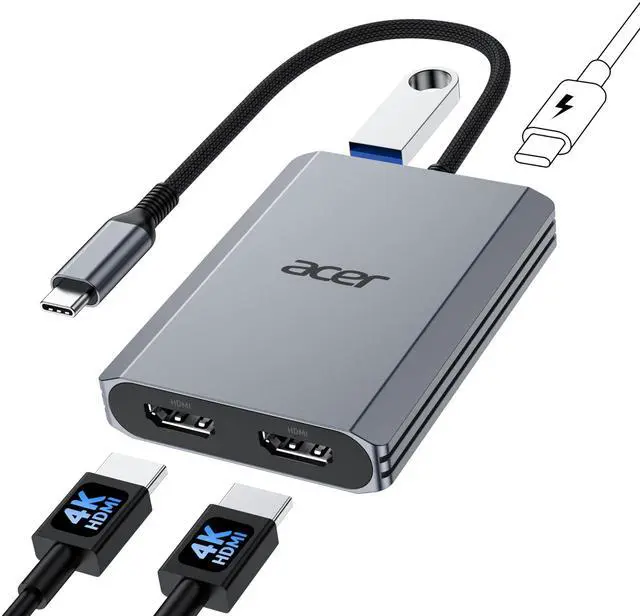
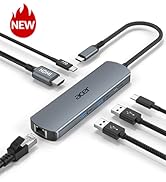
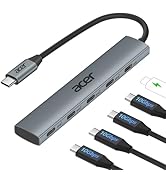
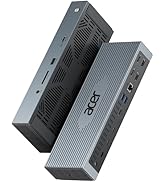
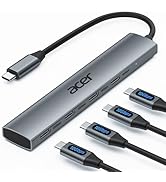
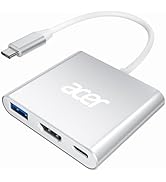
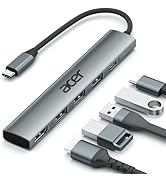
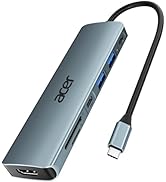
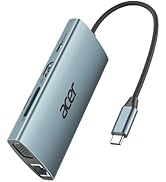
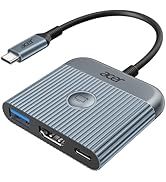
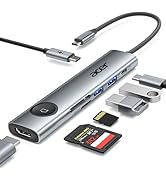
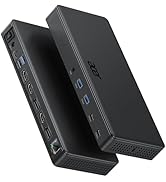
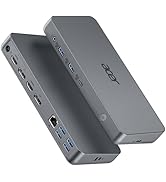
    USB C to Dual HDMI Adapter 4K@60Hz, 4-in-1 HDMI Splitter for Dual Monitors with 100W PD, USB 3.0, Docking Station Dual Monitor Compatible with Acer, MacBook Air/Pro, Dell XPS, HP, etc

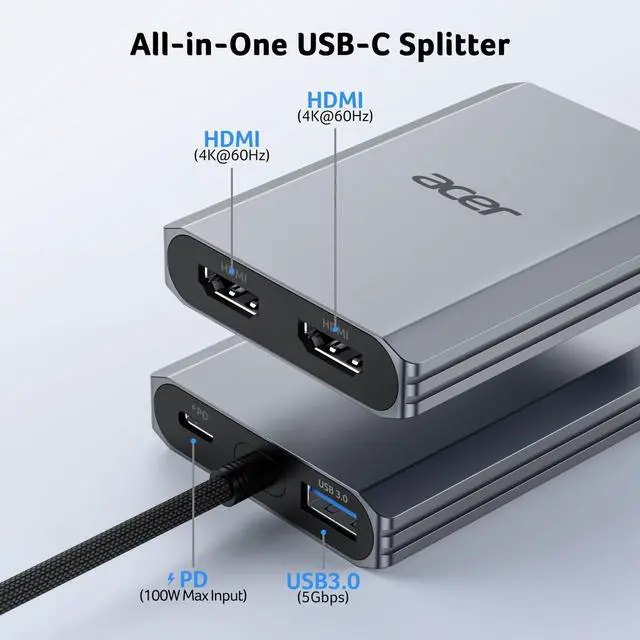
    • Multifunctional 4-in-1 USB C HubAcer USB C to hdmi adapter offers seamless connectivity with 2 HDMI with 4K@60Hz, a USB-A(5Gbps) port for fast data transfer, and powerful 100W charging, all in one compact device. Note: - ( ) .
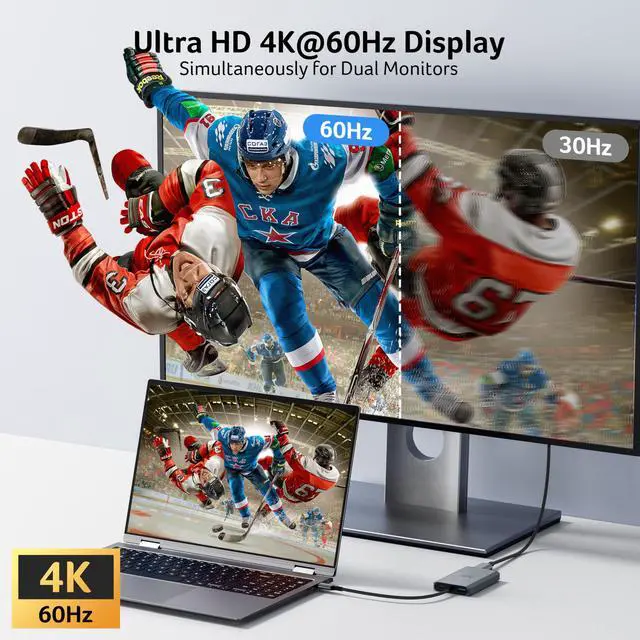
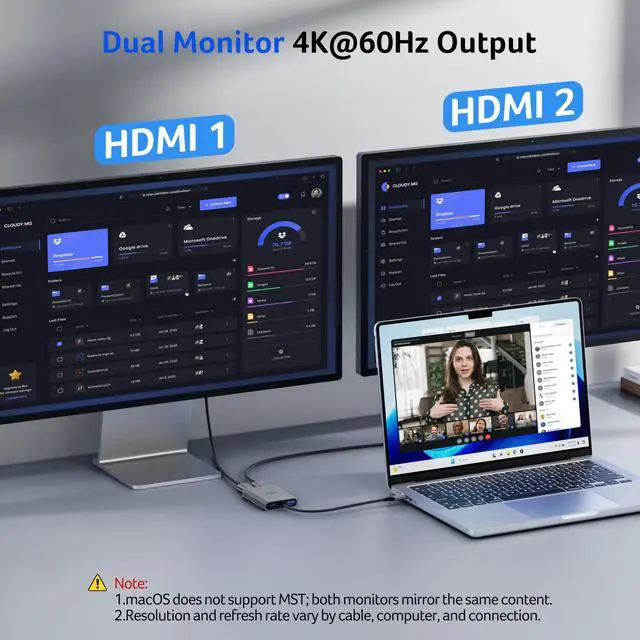
    • Stunning Dual 4K@60Hz DisplayThis dual hdmi docking station supports 4K@60Hz resolution on both single and dual displays with HDMI 2.0. : , , . . Actual display resolution and refresh rate depend on all connected devices.
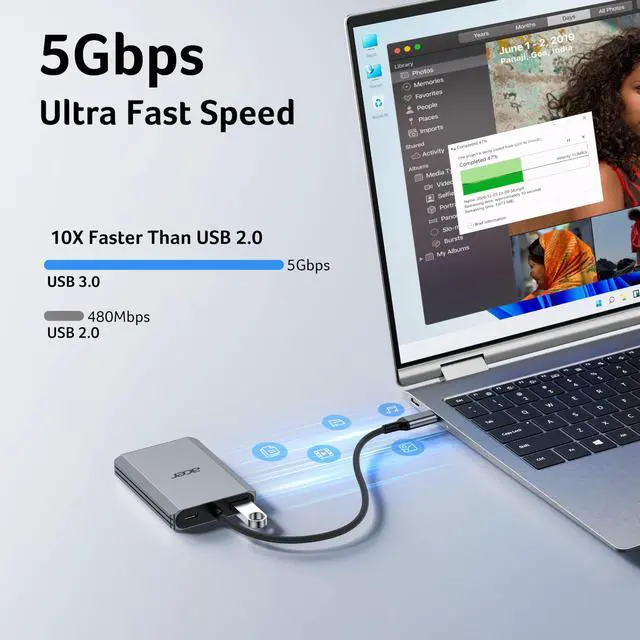
    • Super-Fast 5Gbps Data TransferThis hdmi splitter for dual monitors is equipped with a USB-A 3.0 for 5Gbps high-speed file transfers. Ideal for professionals handling large data volumes with ease.
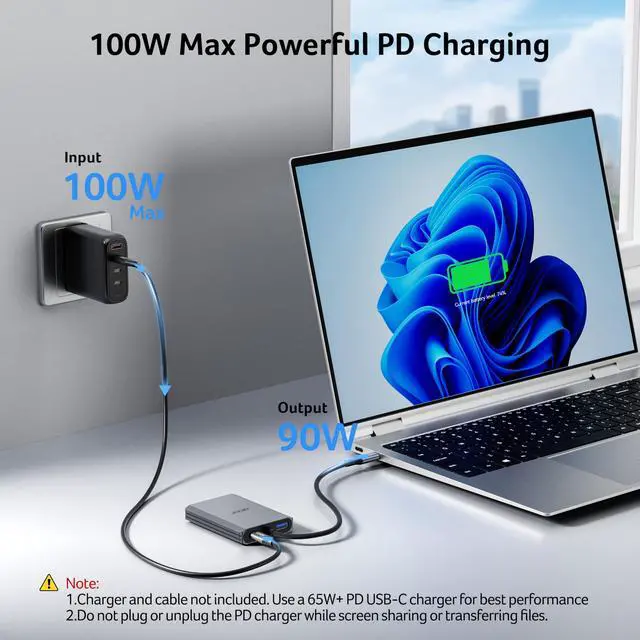
    • Reliable 100W PDThis docking station dual monitor with 2 hdmi ports supports up to 100W input and safely delivers 90W to your laptop, keeping you powered while you work. Note: Ensure your laptop's USB-C port supports power delivery. Use a 65W or higher power adapter and cable (not included).
    +
    +
    Overview
    Specs
    Reviews
    avatar

    Any questions? Our AI beta will help you find out quickly.

    usb c to dual hdmi adapter
    usb c to dual hdmi adapter

    FAQ & Tips

    usb c to dual hdmi adapter

    COMPATIBLE LIST (not a full list)

    ??Check before buy ???????????? ???????? ???????? ???????? ????????????’?? ??????-?? ???????? ???????????????? ?????????????? ???????????????? (?????????????????????? ?????????????????? ????????). This means your USB-C port should support video output, data transfer, and Power Delivery (PD). So please check your device specs before purchasing.
    ??Dell XPS 13 (9300 / 9310 / 9315), XPS 15 (9500 / 9510), Latitude 7410 / 7420 / 7430, Latitude 5000 series (5310 / 5320), Precision 5550 / 5560, Precision 7000 series (7550 / 7560), Inspiron 5000 series (5501 / 5502), Inspiron 7000 series (7501 / 7502), Vostro 14/15 5000 series (5490 / 5590)
    ??HP Spectre x360 13.5/14/15, EliteBook 840 G8, EliteBook 800 (840 G8), ProBook 400(450 G8), Spectre x360 13/14/15, Envy x360 13/14/15, Pavilion x360 14/15, Elite Dragonfly G2/G3, ZBook Studio x360 G5/G6, Chromebook x360 11/14
    ??Lenovo T14, T14s, T15, T16, T16s, X1 Carbon Gen 10?X1 Yoga Gen 10?X13 Gen 5, P14s Gen 3, P15v Gen 3, P16 Gen 1, L14 Gen 2, L15 Gen 2, E14 Gen 6, E15 Gen 6, Yoga 9i, Legion 5 / 5i / Slim 5
    ??Acer Swift 5 (SF514-55T), Swift X 14, Nitro 5 AN515-57, Aspire 3 (CB515-1HT-C2AE), Helios 16, Helios 18
    ??Apple MacBook Pro/Air(M1/M2/M3/M4), iPad Pro (2018 and later), iPad Air (4th generation and later), iPad mini (6th generation), iPhone 15 Pro/Pro Max, iPhone 16 Pro/Pro Max
    ??ASUS ZenBook 13/14/15, ZenBook Pro Duo, ZenBook Flip, VivoBook S14/S15, VivoBook Flip, VivoBook Ultra, ROG Flow X13/X16, ROG Zephyrus G14/G15, ROG Strix G15/G17, TUF Dash F15/F17, TUF Gaming A15/A17, ProArt StudioBook Pro 16, ProArt StudioBook 15, ExpertBook B1/B9, ExpertBook P1/P2/P3/P4
    ??Samsung Galaxy S(S8/S9/S10/S20/S21/S22/S23/S24), Galaxy Note(Note 8/9/10/20 Ultra), Galaxy Z Fold series / Z Flip series, Galaxy Tab S4 / S5e / S6 / S7 / S7+ / S8 / S8+ / S8 Ultra / S9
    !!Note!! Not compatible with devices that don't support the protocol of DP Alt Mode.
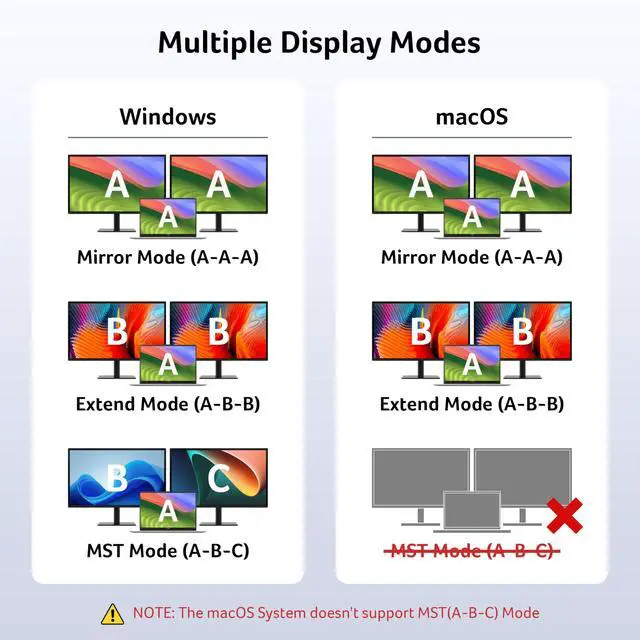
    !!Note!! For Mac Users: Dual display support is limited to AAA or ABB configurations and does not support ABC. macOS does not support MST
    !!Note!! For Chromebook Users: Dual display support is limited to devices with MST capability; most Chromebooks do not support MST and therefore only allow mirror mode or single display.
    !!Note!! The PD port on this adapter is exclusively designed to charge USB-C connected host devices. It cannot be used to charge other peripheral devices, such as portable monitors.
    !!Note!! “Slow Charging” message may appear — please ignore. Actual charging speed is normal.
    !!Note!! If the sound is not transmitted to the TV, please try selecting your TV as the audio output device. For Mac: Go to System Settings ? Sound ? Output ? select your TV.
    !!Note!! **????????: ???? ?????? ?????? ?????? ????????, ???????????? ???????? ???????? ???? ?????? ???? ????????, ???? ?????? ???????? ???????? ???? ??????????.
    usb c to dual hdmi adapter
    usb c to dual hdmi adapter

    FAQ & Tips

    usb c to dual hdmi adapter

    COMPATIBLE LIST (not a full list)

    ??Check before buy ???????????? ???????? ???????? ???????? ????????????’?? ??????-?? ???????? ???????????????? ?????????????? ???????????????? (?????????????????????? ?????????????????? ????????). This means your USB-C port should support video output, data transfer, and Power Delivery (PD). So please check your device specs before purchasing.
    ??Dell XPS 13 (9300 / 9310 / 9315), XPS 15 (9500 / 9510), Latitude 7410 / 7420 / 7430, Latitude 5000 series (5310 / 5320), Precision 5550 / 5560, Precision 7000 series (7550 / 7560), Inspiron 5000 series (5501 / 5502), Inspiron 7000 series (7501 / 7502), Vostro 14/15 5000 series (5490 / 5590)
    ??HP Spectre x360 13.5/14/15, EliteBook 840 G8, EliteBook 800 (840 G8), ProBook 400(450 G8), Spectre x360 13/14/15, Envy x360 13/14/15, Pavilion x360 14/15, Elite Dragonfly G2/G3, ZBook Studio x360 G5/G6, Chromebook x360 11/14
    ??Lenovo T14, T14s, T15, T16, T16s, X1 Carbon Gen 10?X1 Yoga Gen 10?X13 Gen 5, P14s Gen 3, P15v Gen 3, P16 Gen 1, L14 Gen 2, L15 Gen 2, E14 Gen 6, E15 Gen 6, Yoga 9i, Legion 5 / 5i / Slim 5
    ??Acer Swift 5 (SF514-55T), Swift X 14, Nitro 5 AN515-57, Aspire 3 (CB515-1HT-C2AE), Helios 16, Helios 18
    ??Apple MacBook Pro/Air(M1/M2/M3/M4), iPad Pro (2018 and later), iPad Air (4th generation and later), iPad mini (6th generation), iPhone 15 Pro/Pro Max, iPhone 16 Pro/Pro Max
    ??ASUS ZenBook 13/14/15, ZenBook Pro Duo, ZenBook Flip, VivoBook S14/S15, VivoBook Flip, VivoBook Ultra, ROG Flow X13/X16, ROG Zephyrus G14/G15, ROG Strix G15/G17, TUF Dash F15/F17, TUF Gaming A15/A17, ProArt StudioBook Pro 16, ProArt StudioBook 15, ExpertBook B1/B9, ExpertBook P1/P2/P3/P4
    ??Samsung Galaxy S(S8/S9/S10/S20/S21/S22/S23/S24), Galaxy Note(Note 8/9/10/20 Ultra), Galaxy Z Fold series / Z Flip series, Galaxy Tab S4 / S5e / S6 / S7 / S7+ / S8 / S8+ / S8 Ultra / S9
    !!Note!! Not compatible with devices that don't support the protocol of DP Alt Mode.
    !!Note!! For Mac Users: Dual display support is limited to AAA or ABB configurations and does not support ABC. macOS does not support MST
    !!Note!! For Chromebook Users: Dual display support is limited to devices with MST capability; most Chromebooks do not support MST and therefore only allow mirror mode or single display.
    !!Note!! The PD port on this adapter is exclusively designed to charge USB-C connected host devices. It cannot be used to charge other peripheral devices, such as portable monitors.
    !!Note!! “Slow Charging” message may appear — please ignore. Actual charging speed is normal.
    !!Note!! If the sound is not transmitted to the TV, please try selecting your TV as the audio output device. For Mac: Go to System Settings ? Sound ? Output ? select your TV.
    !!Note!! **????????: ???? ?????? ?????? ?????? ????????, ???????????? ???????? ???????? ???? ?????? ???? ????????, ???? ?????? ???????? ???????? ???? ??????????.
    USB C to Dual HDMI Adapter 4K@60Hz, 4-in-1 HDMI Splitter for Dual Monitors with 100W PD, USB 3.0, Docking Station Dual Monitor Compatible with Acer, MacBook Air/Pro, Dell XPS, HP, etc

    Warranty & Returns

    Warranty, Returns, And Additional Information

    Warranty

    • Please contact the Seller directly for warranty information. Warranty information may also be found on the Manufacturer's website.
    • CONTACT

    Return Policies

    Manufacturer Contact Info

    LOADING...