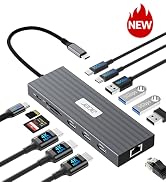
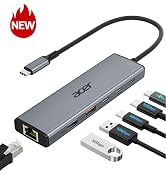
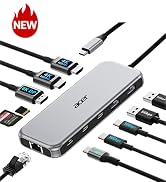
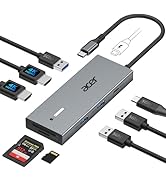
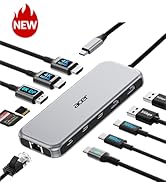
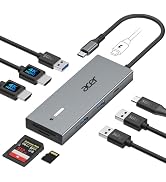
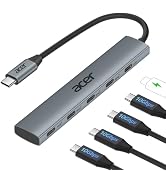
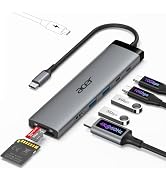
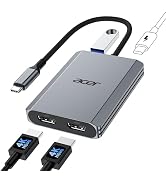
USB C Hub 10Gbps, 6-in-1 USB C to Ethernet Adapter for Laptop/PC | USB C Multiport Adapter with 2*USB C 3.2 & 1*USB A 3.2, 1*USB-A 3.0, 1000Mbps RJ45, 100W PD Port for MacBook, iPad
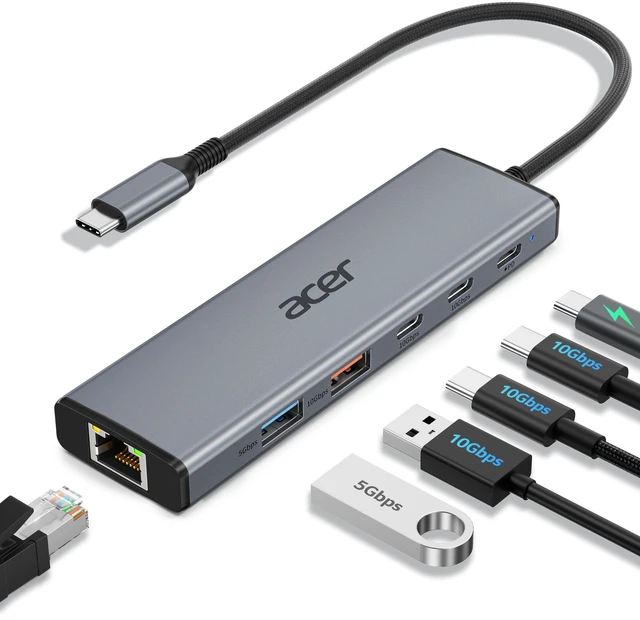
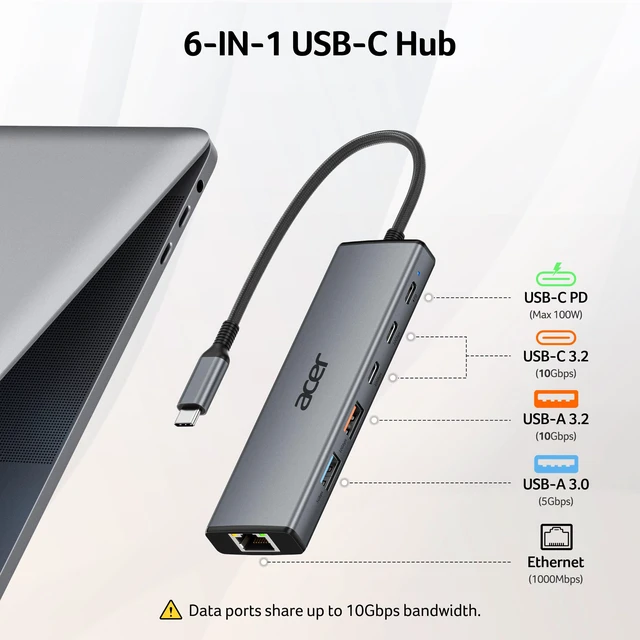
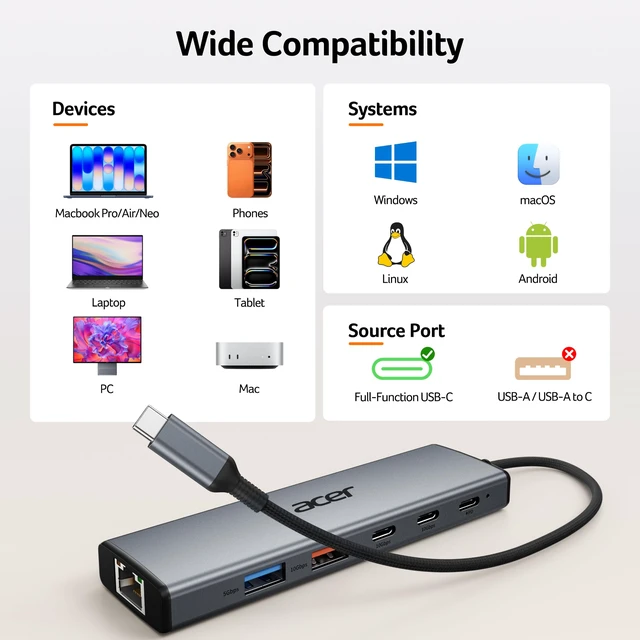
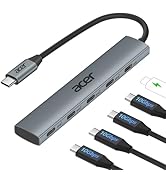
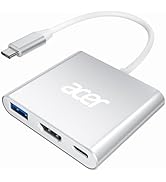
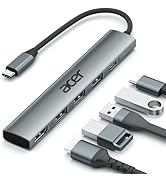
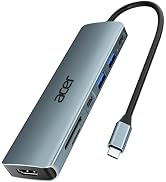
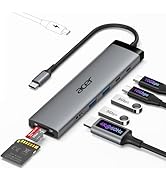
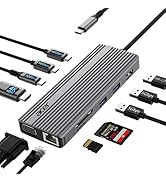
6-IN-1 USB-C HUBTurn a single USB-C port into six connections with 2×USB-C 3.2, 1×USB-A 3.2, 1×USB-A 3.0, Gigabit Ethernet, and 100W PD charging. Expand your setup with SSDs, cameras, flash drives, keyboards, mice, and more through a compact ethernet to USB C adapter.
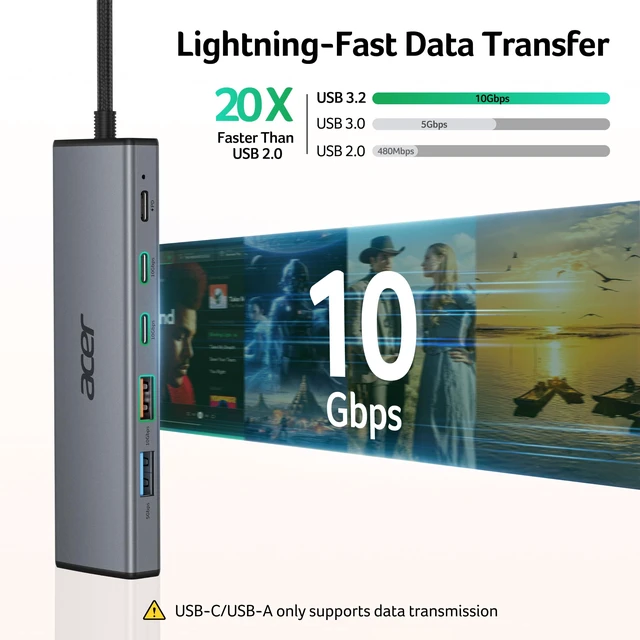
Blazing-Fast TransferThis USBC to ethernet adapter delivers up to 10Gbps shared bandwidth through three USB 3.2 ports (2×USB-C + 1×USB-A) for fast transfers of large files, HD videos, and photos. The separate USB-A 3.0 port provides up to 5Gbps for everyday data needs. Note: Full 10Gbps speed requires compatible ports and devices.
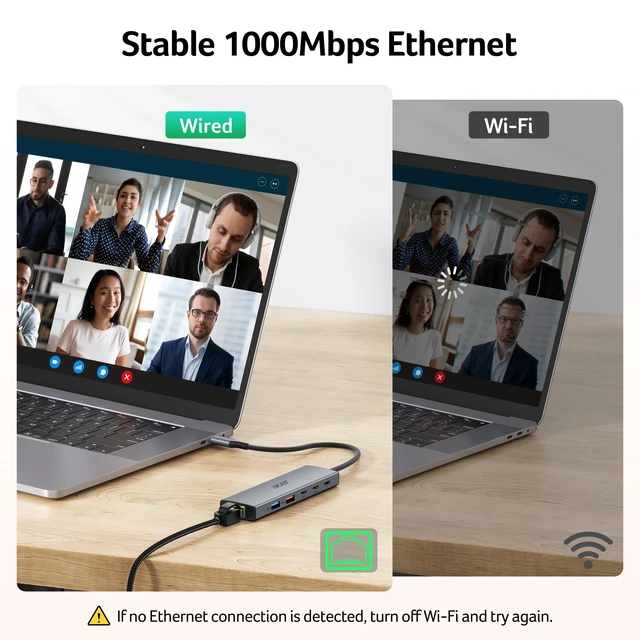
Gigabit Network AccessAdd stable wired networking with a 1000Mbps RJ45 Ethernet port, backward compatible with 10/100Mbps. The USB C hub with ethernet provides low-latency performance for gaming, streaming, and video calls. Note: CAT6 or higher Ethernet cable required for Gigabit speeds.
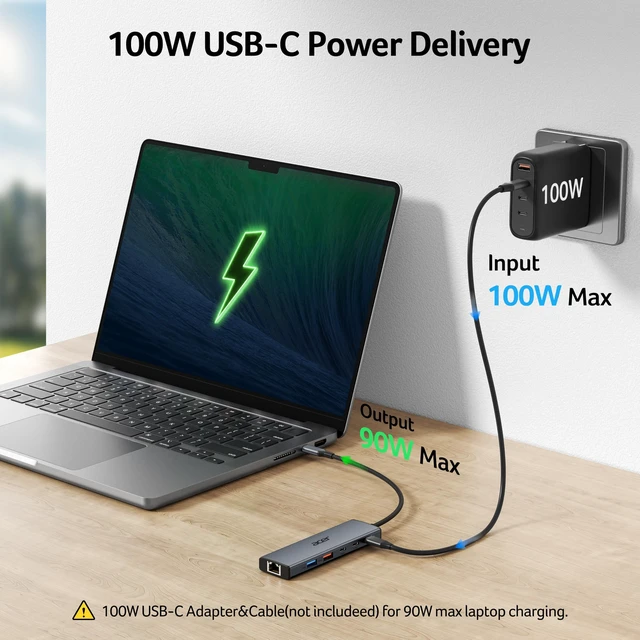
100W PD ChargingDesigned as a versatile USBC dongle, it supports up to 100W PD input and 90W charging output to keep your laptop powered while connecting multiple devices. Ideal for work, travel, and multitasking. Note: Requires a 100W+ PD charger and cable(not included). For host device charging only, not for additional connected devices.
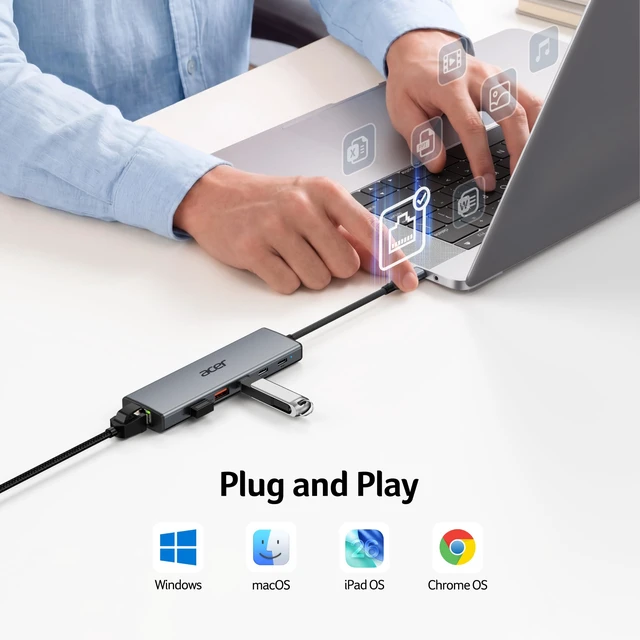
Universal Compatibility Designed for seamless integration with MacBook Neo/Pro/Air, and other USB-C laptops, this versatile type c to USB adapter supports Windows, macOS, ChromeOS, and Linux. Plug and play with no drivers or software required.
+
+
Overview
Specs
Reviews
Any questions? Our AI mode will help you find out quickly.
Try me now
6-IN-1 USB-C Hub with Blazing-Fast 10Gbps Data Transfer, Seamless Gigabit Ethernet Connectivity, and Reliable Host Power Delivery
Why can't my USB device reach the advertised transfer speed?
A1
Actual speeds depend on your host device, connected devices, and cables. To achieve up to 10Gbps performance, make sure all connected devices and cables support USB 3.2 Gen 2. When multiple high-speed devices are connected, bandwidth is shared among the 10Gbps ports.
Q2
Can I use the PD port to charge connected USB devices?
A2
The PD port is designed for powering the "HOST" device ONLY. It supports up to 100W PD input and provides up to 90W charging output to your laptop. It does not provide charging power to connected peripherals.
Q3
Why is my device charging slowly even with PD charging?
A3
If charging is slower than expected, check that you are using a compatible 100W+ USB-C PD charger and cable(not included). We recommend using the original charger or a certified PD charger for optimal performance.
Q4
How can I achieve 1000Mbps Ethernet speeds?
A4
Please make sure: 1) Your network service and your device is compatible 1 Gbps. 2) Use CAT6 & up Ethernet cables. 3) The cable is securely plugged into the usb hub.
Q5
What should I do if the hub suddenly stops working during use?
A5
Unplug the hub and restart your computer. Once the system has fully restarted, reconnect the hub and your peripherals to resume normal use.
New Product Display
USB Hub--High Parameters
USB C Multiport HUB
USB Hubs
6-IN-1 USB-C Hub with Blazing-Fast 10Gbps Data Transfer, Seamless Gigabit Ethernet Connectivity, and Reliable Host Power Delivery
Q1
Why can't my USB device reach the advertised transfer speed?
A1
Actual speeds depend on your host device, connected devices, and cables. To achieve up to 10Gbps performance, make sure all connected devices and cables support USB 3.2 Gen 2. When multiple high-speed devices are connected, bandwidth is shared among the 10Gbps ports.
Q2
Can I use the PD port to charge connected USB devices?
A2
The PD port is designed for powering the "HOST" device ONLY. It supports up to 100W PD input and provides up to 90W charging output to your laptop. It does not provide charging power to connected peripherals.
Q3
Why is my device charging slowly even with PD charging?
A3
If charging is slower than expected, check that you are using a compatible 100W+ USB-C PD charger and cable(not included). We recommend using the original charger or a certified PD charger for optimal performance.
Q4
How can I achieve 1000Mbps Ethernet speeds?
A4
Please make sure: 1) Your network service and your device is compatible 1 Gbps. 2) Use CAT6 & up Ethernet cables. 3) The cable is securely plugged into the usb hub.
Q5
What should I do if the hub suddenly stops working during use?
A5
Unplug the hub and restart your computer. Once the system has fully restarted, reconnect the hub and your peripherals to resume normal use.
New Product Display
USB Hub--High Parameters
USB C Multiport HUB
USB Hubs
USB C Hub 10Gbps, 6-in-1 USB C to Ethernet Adapter for Laptop/PC | USB C Multiport Adapter with 2*USB C 3.2 & 1*USB A 3.2, 1*USB-A 3.0, 1000Mbps RJ45, 100W PD Port for MacBook, iPad
Learn more about the Generic Brand ODK5W0
Model
Brand
Acer
Series
ODK5W0 Acer
Model
ODK5W0
Details
Type
USB / Ethernet
Standards
usb_c
Max Devices Supported
4, 6
Ports
16 x 10/100M
Video Ports
ethernet, 100W Power Delivery, Plug and Play
Supported Cards
usb_c
Transfer Rate
10 gigabits_per_second
LEDs
100W Power Delivery, Plug and Play
Dimensions
12.5 cm x 3.5 cm x 1.2 cm
Weight
70 grams
Temperature
100W Power Delivery, Plug and Play
Additional Information
First Listed on Newegg
September 09, 2026
Customer Reviews of the Generic Brand ODK5W0
There are no reviews yet.
Do you own this product?
Warranty & Returns
Warranty, Returns, And Additional Information
Warranty
Please contact the Seller directly for warranty information. Warranty information may also be found on the Manufacturer's website.