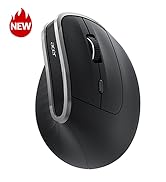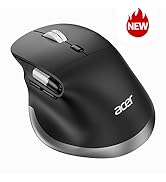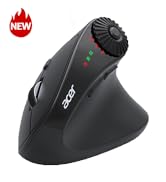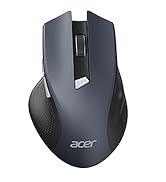

• $27.99
  • Free 30-day Returns
  • Price alert
    Shop it at NeweggBusiness.

    Meet Your Seller

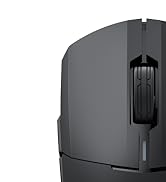
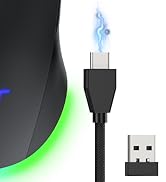
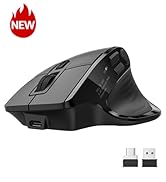
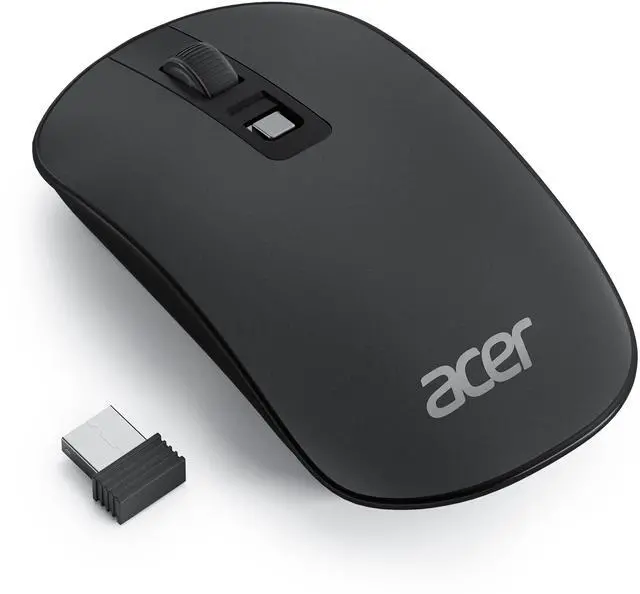
    Computer Mouse Wireless, 2.4G Slim USB Wireless Mice with USB Receiver, Small Sized Hands, 800/1200/1600 Adjustable DPI Optical Laptop Mouse with 4 Buttons, Portable for Laptop, Desktop, PC

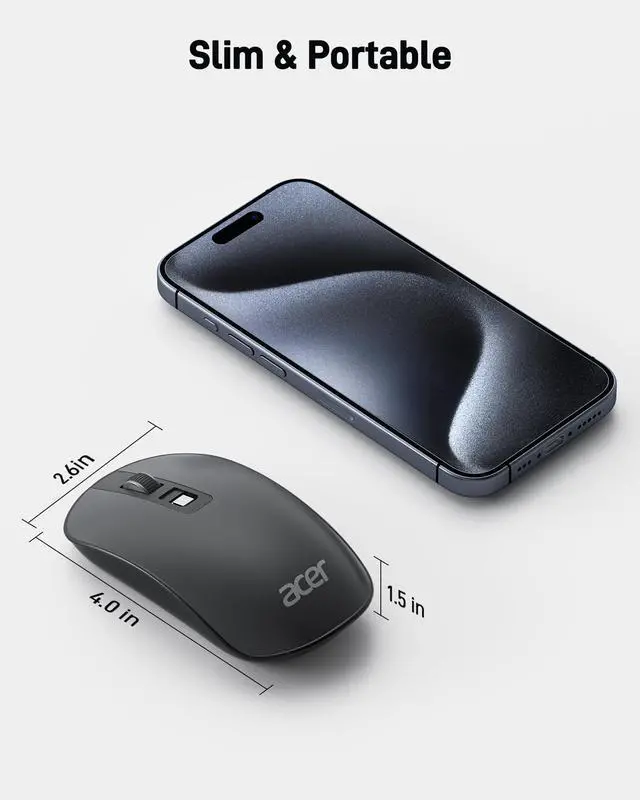
    • Slim & Travel-FriendlyDesigned for those on the go, this flat mouse is ultra-portable, making it a better companion for your travel or work setup. Lightweight at just 56g, it easily slips into your bag without adding bulk. If the mouse isnt suitable, place the USB receiver in the battery compartment and return both.
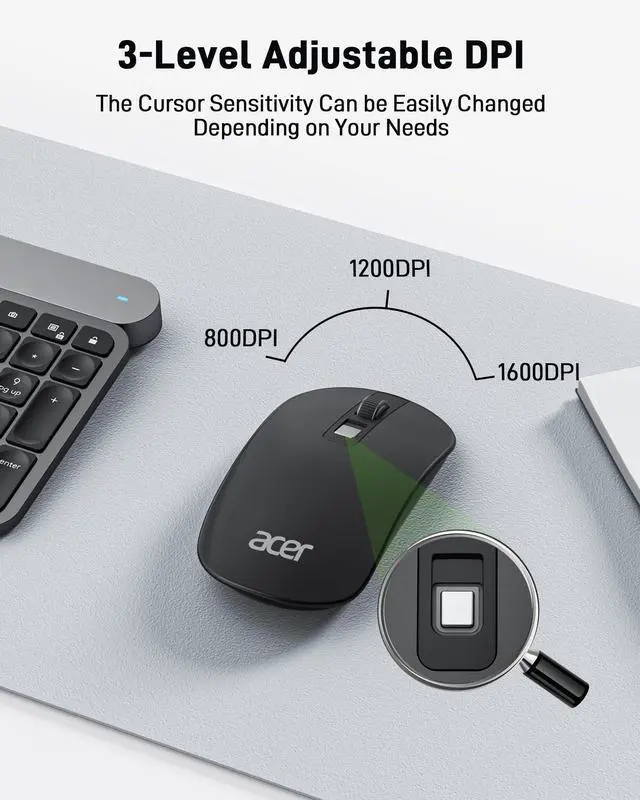
    • Customizable DPI SettingsWith three DPI levels (800, 1200, 1600), this USB wireless mouse adapts to different screensfrom small tablets to large monitors. Switch DPI with a single click for smooth and precise tracking, whether you're browsing or working on detailed tasks. If the mouse is not working, try replacing the batteries.
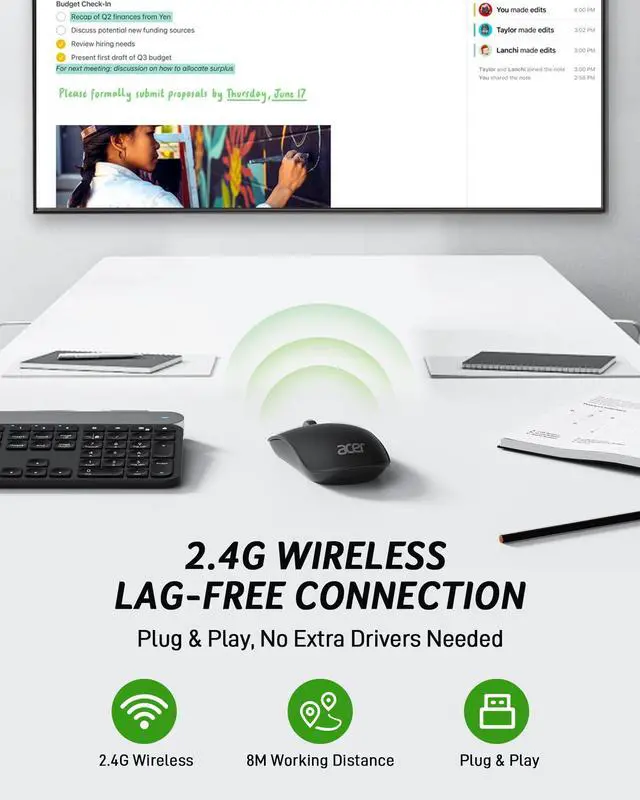
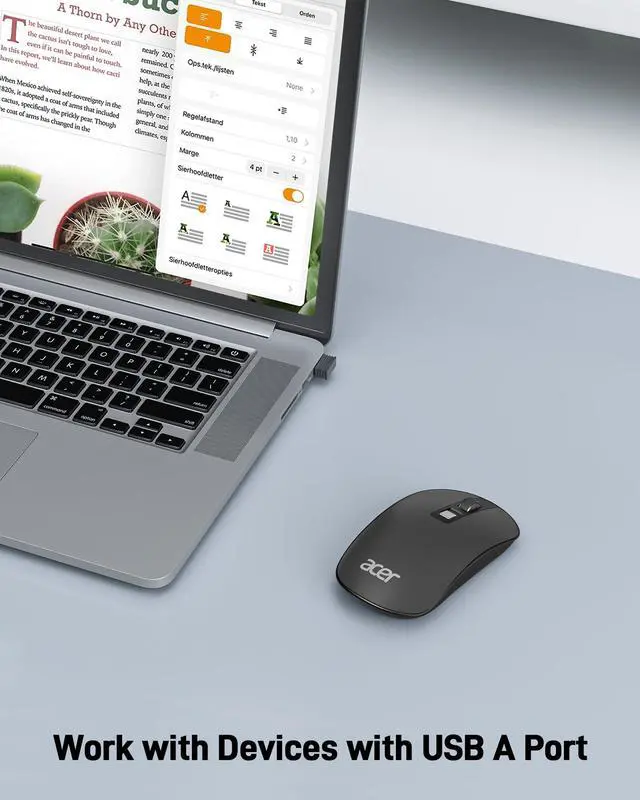
    • Plug and PlayNo need for complicated setups. Just plug in the USB receiver and get started right away. The laptop wireless mouse is compatible with most systems like Windows, macOS, Linux, most devices like iMac and Chromebook, making it a seamless addition to any environment.
    • Low Power ConsumptionBuilt for efficiency, the pc wireless mouse automatically enters sleep mode after 10 minutes of inactivity to conserve battery. Just click to wake it up, extending the battery life to 3-6 months depending on usage. Adjust your grip so your palm rests naturally on the mouse to reduce fatigue.
    +
    +
    Overview
    Specs
    Reviews
    avatar

    Any questions? Our AI beta will help you find out quickly.

    wireless mouse computer mouse wireless mouse for laptop computer mouse wireless flat mouse
    wireless mac mouse small travel wireless mouse computer mouse usb wireless mouse with usb
    Q1 Why is my wireless mouse not working?
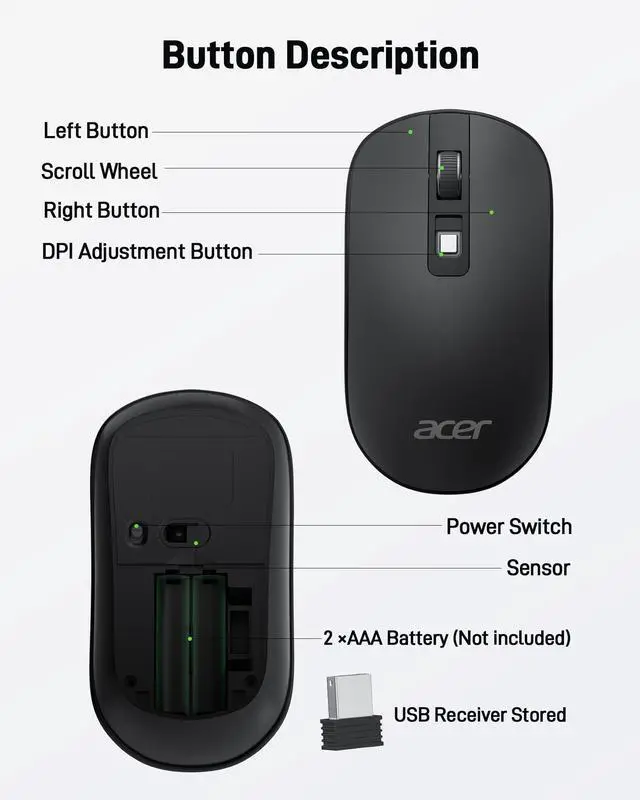
    - 1. Please check if the battery is installed with the correct polarity. 2. Make sure the power switch is set to "ON". 3. Make sure the USB receiver is properly plugged. 4. The battery might be dead.
    Q2 How to wake up the mouse?
    - The wireless mouse enters sleep mode after 10 minutes of inactivity, just wakes up with double click.
    Q3 Is this mouse silent?
    - This mouse makes a 38db click sound, keeping it relatively quiet while providing a satisfying click feel.
    Q4 Why does my wireless mouse occasionally disconnect?
    - 1. Low battery power.
    - 2. The mouse is too far from the computer or there is significant wireless interference around
    Q5 Where is the mouse receiver?
    - Please open the battery cover; the receiver is stored beside the battery compartment.
    Q6 Can this mouse be connected via Bluetooth?
    - No, it can only be connected with the included USB receiver.
    Q7 Why does the mouse feel uncomfortable?
    - Please adjust your grip to allow your palm to naturally fit the curve of the mouse to reduce hand fatigue.

    Acer Wireless Mice

    https://m.media-amazon.com/images/S/aplus-media-library-service-media/b872153f-2a69-4168-a36d-a37ba91c2e78.__CR111,0,1778,2000_PT0_SX200_V1___.jpg

    Acer Mouse OMR242

    https://m.media-amazon.com/images/S/aplus-media-library-service-media/6393d5da-3863-4bd6-879a-0b8781966338.__CR0,0,200,225_PT0_SX200_V1___.jpg

    Acer Mouse OMR243 OMR241

    https://m.media-amazon.com/images/S/aplus-media-library-service-media/6fdb3683-6e3d-4c00-8cda-cf7452971eaf.__CR0,0,400,450_PT0_SX200_V1___.jpg

    Acer Mouse OMR241

    https://m.media-amazon.com/images/S/aplus-media-library-service-media/675f5eb7-3072-4332-817d-c5b837133ce0.__CR0,0,400,450_PT0_SX200_V1___.jpg

    Acer Mouse OMR270

    Customer Reviews
    Price
    Number of Buttons
    4 Buttons 5 Buttons 6 Buttons 4 Buttons
    Adjustable DPI
    800, 1200, 1600 1200 1000, 1200, 1600 800, 1200, 1600
    Navigation Buttons
    ? Forward and Backward Forward and Backward ?
    Design
    Flat Modern 57° Ergonomic Vertical Mini
    Connect Method
    2.4G USB A Receiver 2.4G USB A Receiver 2.4G USB A Receiver 2.4G USB A Receiver+Bluetooth
    Battery Required
    2 AAA Batteries (Not Included) 2 AAA Batteries (Not Included) Included Batteries 1 AA Battery (Not Included)
    Rechargeable
    ? ? ? ?
    wireless mouse computer mouse wireless mouse for laptop computer mouse wireless flat mouse
    wireless mac mouse small travel wireless mouse computer mouse usb wireless mouse with usb
    Q1 Why is my wireless mouse not working?
    - 1. Please check if the battery is installed with the correct polarity. 2. Make sure the power switch is set to "ON". 3. Make sure the USB receiver is properly plugged. 4. The battery might be dead.
    Q2 How to wake up the mouse?
    - The wireless mouse enters sleep mode after 10 minutes of inactivity, just wakes up with double click.
    Q3 Is this mouse silent?
    - This mouse makes a 38db click sound, keeping it relatively quiet while providing a satisfying click feel.
    Q4 Why does my wireless mouse occasionally disconnect?
    - 1. Low battery power.
    - 2. The mouse is too far from the computer or there is significant wireless interference around
    Q5 Where is the mouse receiver?
    - Please open the battery cover; the receiver is stored beside the battery compartment.
    Q6 Can this mouse be connected via Bluetooth?
    - No, it can only be connected with the included USB receiver.
    Q7 Why does the mouse feel uncomfortable?
    - Please adjust your grip to allow your palm to naturally fit the curve of the mouse to reduce hand fatigue.

    Acer Wireless Mice

    https://m.media-amazon.com/images/S/aplus-media-library-service-media/b872153f-2a69-4168-a36d-a37ba91c2e78.__CR111,0,1778,2000_PT0_SX200_V1___.jpg

    Acer Mouse OMR242

    https://m.media-amazon.com/images/S/aplus-media-library-service-media/6393d5da-3863-4bd6-879a-0b8781966338.__CR0,0,200,225_PT0_SX200_V1___.jpg

    Acer Mouse OMR243 OMR241

    https://m.media-amazon.com/images/S/aplus-media-library-service-media/6fdb3683-6e3d-4c00-8cda-cf7452971eaf.__CR0,0,400,450_PT0_SX200_V1___.jpg

    Acer Mouse OMR241

    https://m.media-amazon.com/images/S/aplus-media-library-service-media/675f5eb7-3072-4332-817d-c5b837133ce0.__CR0,0,400,450_PT0_SX200_V1___.jpg

    Acer Mouse OMR270

    Customer Reviews
    Price
    Number of Buttons
    4 Buttons 5 Buttons 6 Buttons 4 Buttons
    Adjustable DPI
    800, 1200, 1600 1200 1000, 1200, 1600 800, 1200, 1600
    Navigation Buttons
    ? Forward and Backward Forward and Backward ?
    Design
    Flat Modern 57° Ergonomic Vertical Mini
    Connect Method
    2.4G USB A Receiver 2.4G USB A Receiver 2.4G USB A Receiver 2.4G USB A Receiver+Bluetooth
    Battery Required
    2 AAA Batteries (Not Included) 2 AAA Batteries (Not Included) Included Batteries 1 AA Battery (Not Included)
    Rechargeable
    ? ? ? ?
    Computer Mouse Wireless, 2.4G Slim USB Wireless Mice with USB Receiver, Small Sized Hands, 800/1200/1600 Adjustable DPI Optical Laptop Mouse with 4 Buttons, Portable for Laptop, Desktop, PC

    Warranty & Returns

    Warranty, Returns, And Additional Information

    Warranty

    • Please contact the Seller directly for warranty information. Warranty information may also be found on the Manufacturer's website.
    • CONTACT

    Return Policies

    Manufacturer Contact Info

    LOADING...