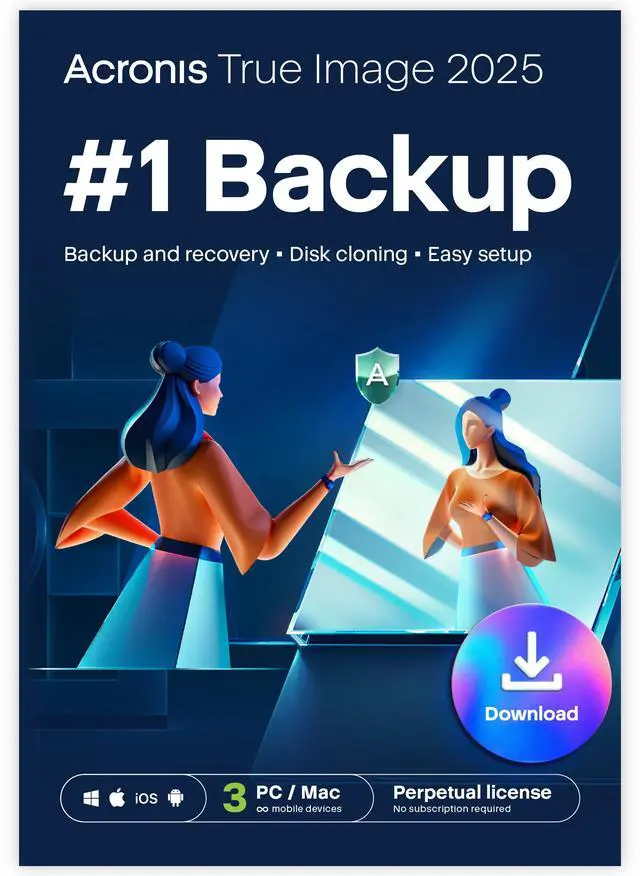
Acronis True Image 2025 is downloadable backup software for up to three Windows or Mac computers, suited to households or users who want one-time-purchase protection for operating systems, applications, and files without a subscription.
Recommended For
- Households with up to three Windows and/or Mac computers that want scheduled local backups under one license.
- Windows PC owners who want a full system image—including Windows, installed apps, settings, and personal files—to restore after a drive or system failure.
- People replacing a computer’s drive with a larger or faster one who want to clone the system while it is running.
- Users who want both whole-drive protection and scheduled backups of selected files or folders to local storage.
Real-World Use Scenarios
- Before a Windows computer’s drive fails or a system update causes problems, a user can schedule full-PC backups to an external drive; incremental runs then capture changes, giving them a recovery point without repeating a full backup each time.
- When a computer will not start or its system drive needs replacing, a user can restore a saved system image from recovery media, aiming to bring back Windows, applications, and files together; the backup and recovery media need to be available.
- When upgrading a laptop or desktop to a larger or faster internal drive, a user can clone the old drive to the replacement, aiming to keep the existing operating system, applications, and data rather than setting up the computer from scratch; the destination drive and setup must be compatible.
- If someone accidentally deletes or overwrites a document, photo, or folder, they can browse a backup and restore selected items—potentially from an earlier backup version—without restoring the entire computer.
- After a motherboard or other major hardware change, a user can try restoring a system backup to the replacement computer with Universal Restore; it is designed to help the restored system boot on dissimilar hardware, but recovery media and suitable drivers may be required.
Spec Summary
| Attribute | Value |
|---|
| Best For | Backup protection for up to 3 computers running Windows or Mac OS |
|---|
| License And Delivery | 3-computer license delivered as a download |
|---|
| Platform Compatibility | Supports Windows and Mac OS |
|---|
| Model Identifiers | Acronis True Image 2025 3 Computers ESD; model HOUYSHZZSBDL |
|---|
| Brand | Acronis |
|---|




 here!