





Founded in 2008, AGPTEK has consistently strived to design, develop, manufacture, and promote our own products to assure customers of reliable, cost-effective but the high quality products possible.
Our Products - We are professional in air pump , party suuply, office &home product, music instrument.
Our Mission - At AGPTEK, we believe that true innovation is all about changing, renewing or creating more effective products that make life simpler.
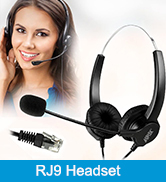
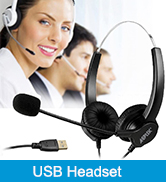
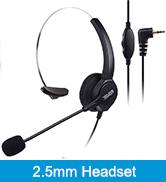
Shop Telephone Headset
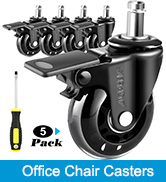
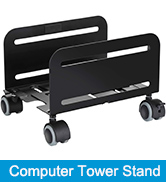

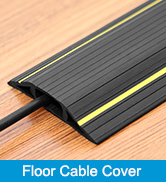
Shop Office Products
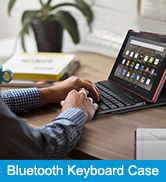
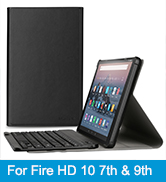
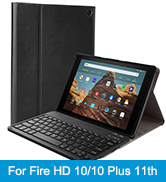
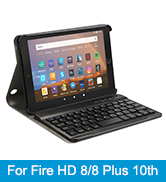
Shop Tablet Keyboard Case

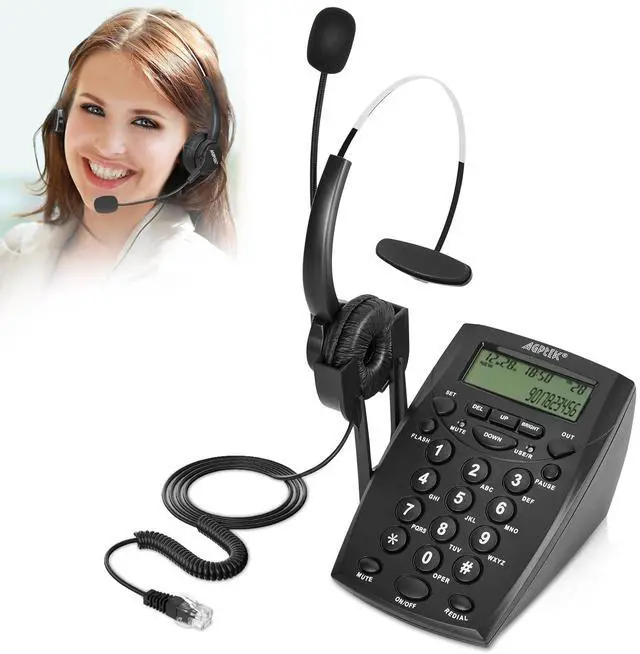
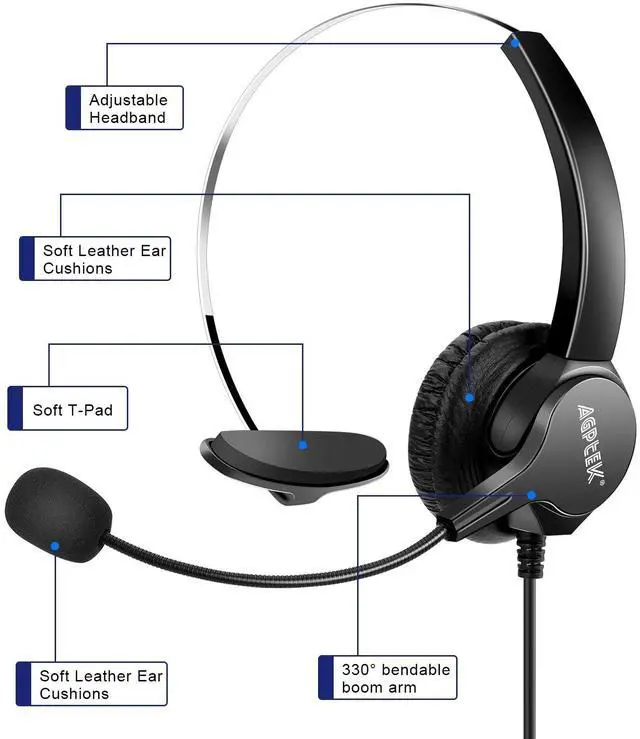
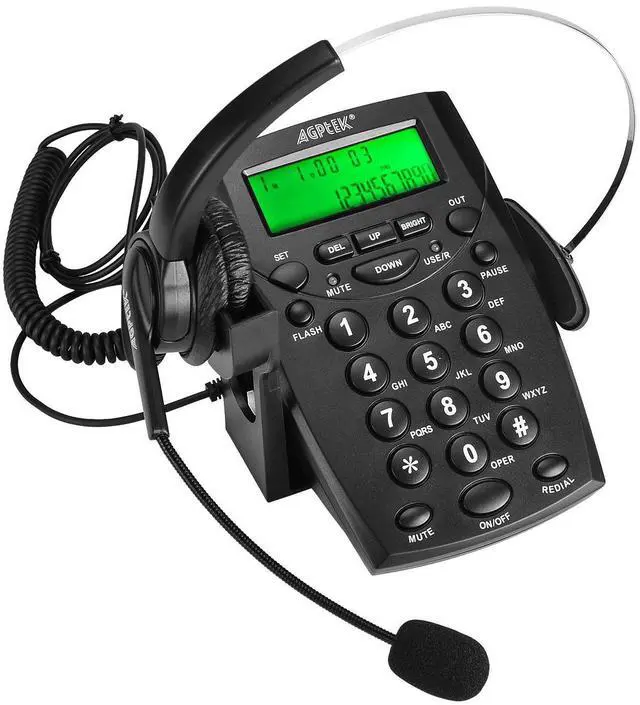
Noise cancellation; Power save function; 35-Degree slope; Provide headset; LCD display; Comfortable and durable headset; Provide the voice recorder port.

NOTE: This product doesn't have a hold botton that supports the feature of holding the call and then calling the other person. But it supports to have a pause and then continue the calling.

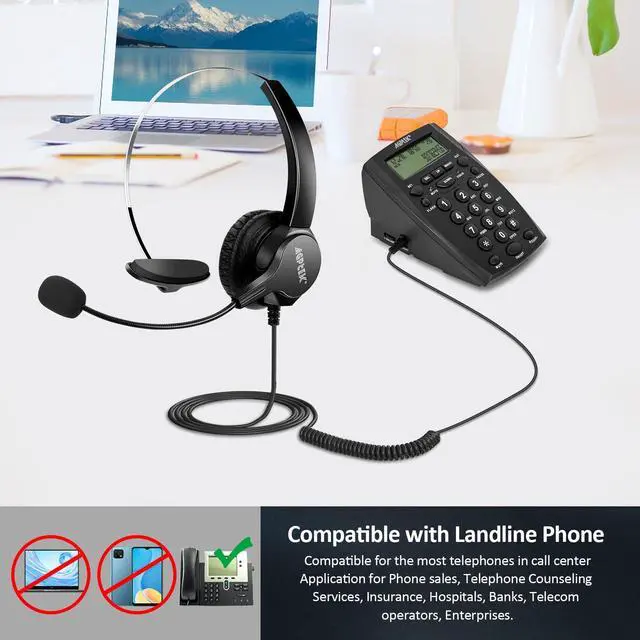
Compatible with Most Landline Phones
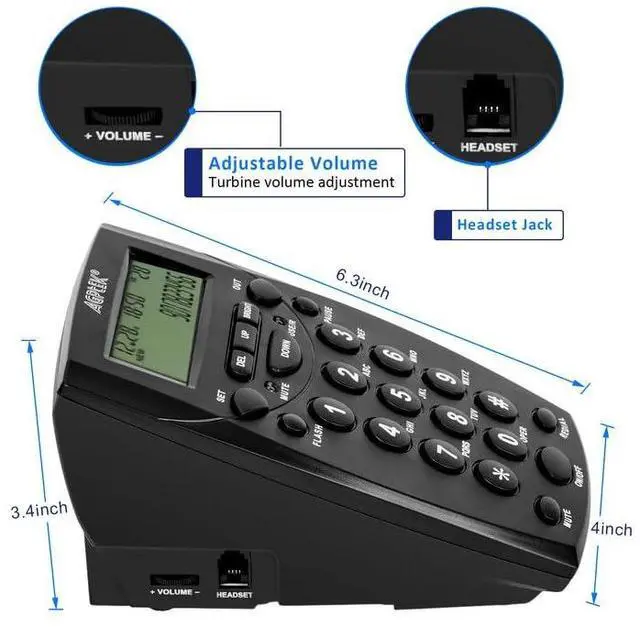
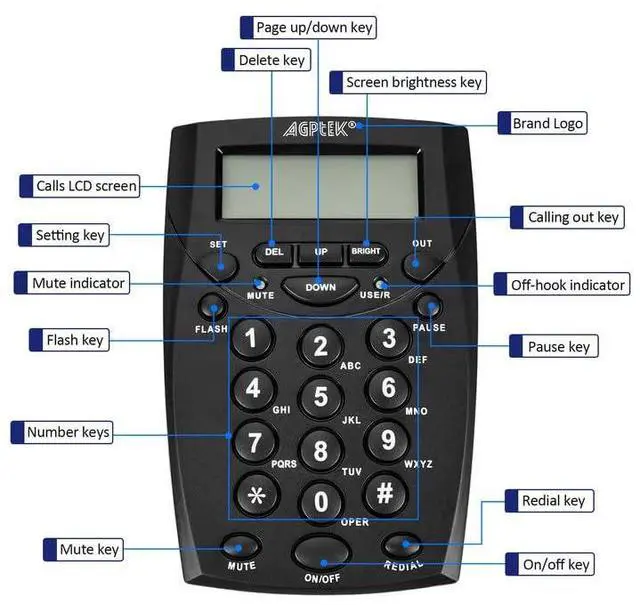
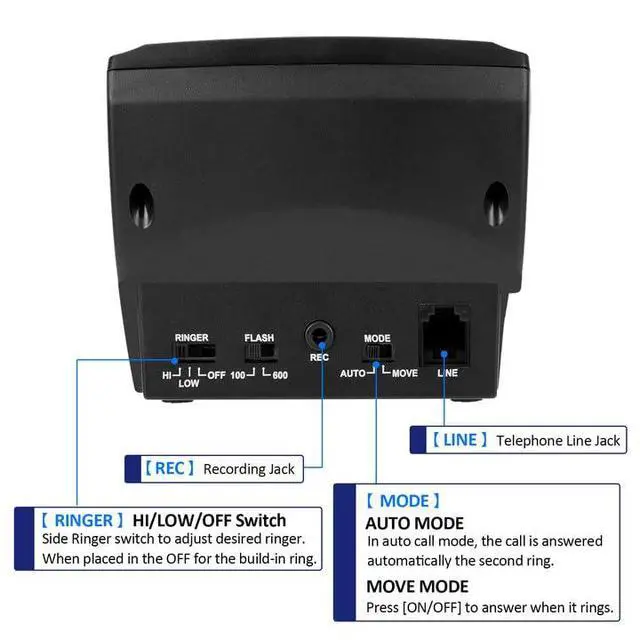
(1)FSK/DTMF caller ID display, automatic checking (2)30 incoming, 5 outgoing number memories (3)2 digits PABX code setup (4)32 digits pre-dial and edit (5)Green Backlight in-use (6)With LED indication (7)Hold, Flash and Mute function (8)Headset speaker volume control by knob (9)Flash time 100ms or 600ms choice (10)Voice recorder port available, can connect to the PC to record (11)Power save function


HOW TO SET:
SET-1: Date and Time
1. Press SET 2. Input the digit when it blinks. 3. Use Up or Down to move back for correcting.
SET-2: LOCAL CODE
1. Press SET when LCD display “ CODE- “ 2. Input the local code and press SET back to menu
SET-3: PCODE
1.Press SET when LCD displays “ PCODE “ 2. Input the PABX number and press SET back to menu.
SET-4: AUTO IP
1. Press SET when LCD displays “ AUTO IP “ 2. Press SET to enter set, LCD displays “AUTO IP OFF/ON” blinks. Press Up or Down to set auto IP ON or OFF. 3.SELECT “AUTO IP ON”, press SET to confirm, LCD displays “INPUTCODE”, enter special service number for different telecom company IP service, press DEL to delete wrong digitals, press SET button to save setting and exit.
SET-5: Alert 1. Press SET when LCD displays “ALAR”, when the alert is on, extension is not allowed. 2.Press Up or Down to set ON/OFF Mode. Press SET back to menu.
SET-6: Alarm 1.Press SET when LCD displays “ ALAR “ 2.No function when without the hand-free function.


Noise cancellation; Power save function; 35-Degree slope; Provide headset; LCD display; Comfortable and durable headset; Provide the voice recorder port.

NOTE: This product doesn't have a hold botton that supports the feature of holding the call and then calling the other person. But it supports to have a pause and then continue the calling.

PRODUCT FUNCTIONS:
Compatible with Most Landline Phones
(1)FSK/DTMF caller ID display, automatic checking (2)30 incoming, 5 outgoing number memories (3)2 digits PABX code setup (4)32 digits pre-dial and edit (5)Green Backlight in-use (6)With LED indication (7)Hold, Flash and Mute function (8)Headset speaker volume control by knob (9)Flash time 100ms or 600ms choice (10)Voice recorder port available, can connect to the PC to record (11)Power save function

HOW TO SET:
SET-1: Date and Time
1. Press SET 2. Input the digit when it blinks. 3. Use Up or Down to move back for correcting.
SET-2: LOCAL CODE
1. Press SET when LCD display “ CODE- “ 2. Input the local code and press SET back to menu
SET-3: PCODE
1.Press SET when LCD displays “ PCODE “ 2. Input the PABX number and press SET back to menu.
SET-4: AUTO IP
1. Press SET when LCD displays “ AUTO IP “ 2. Press SET to enter set, LCD displays “AUTO IP OFF/ON” blinks. Press Up or Down to set auto IP ON or OFF. 3.SELECT “AUTO IP ON”, press SET to confirm, LCD displays “INPUTCODE”, enter special service number for different telecom company IP service, press DEL to delete wrong digitals, press SET button to save setting and exit.
SET-5: Alert 1. Press SET when LCD displays “ALAR”, when the alert is on, extension is not allowed. 2.Press Up or Down to set ON/OFF Mode. Press SET back to menu.
SET-6: Alarm 1.Press SET when LCD displays “ ALAR “ 2.No function when without the hand-free function.

Founded in 2008, AGPTEK has consistently strived to design, develop, manufacture, and promote our own products to assure customers of reliable, cost-effective but the high quality products possible.
Our Products - We are professional in air pump , party suuply, office &home product, music instrument.
Our Mission - At AGPTEK, we believe that true innovation is all about changing, renewing or creating more effective products that make life simpler.
Shop Telephone Headset
Shop Office Products
Shop Tablet Keyboard Case