here!
here!
I’m your shopping assistant for PC builds, upgrades, and everything tech.
Got questions? Ask away!
Start a conversation
here!
I’m your shopping assistant for PC builds, upgrades, and everything tech.
Got questions? Ask away!
Start a conversation



Any questions? Ask CelesteSM will help you find out quickly.


In the age of digital innovation, Aibilangose stands as a beacon of simplicity and efficiency. Our mission is to provide innovative solutions that simplify digital lives.
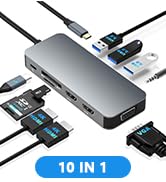
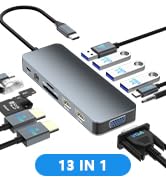
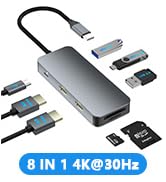
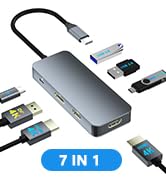
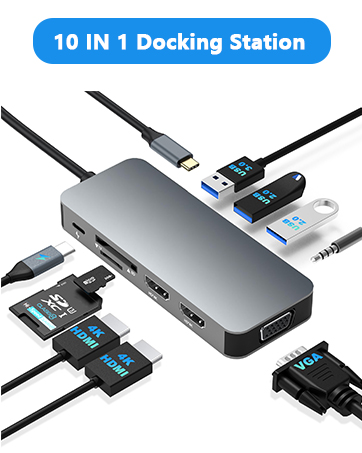
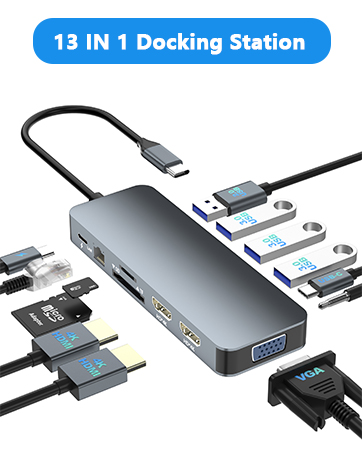
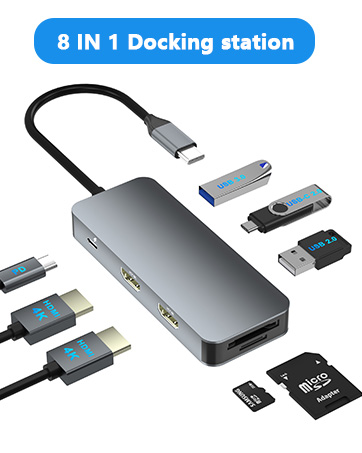
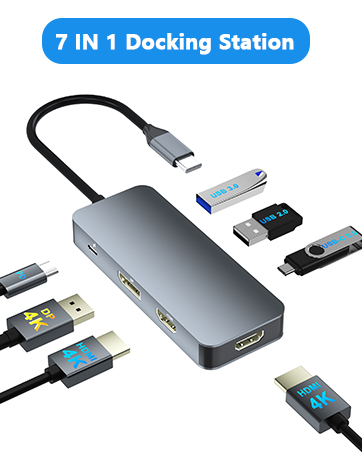
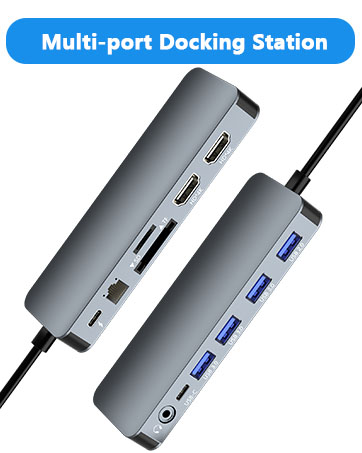
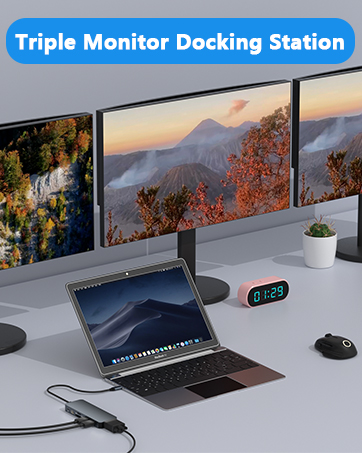
Our flagship product the docking station offers numerous ports and connectivity options, allowing seamless connection of laptops, monitors, and peripherals, and storage devices.
We believe a well-organized workspace significantly boosts efficiency and creativity.
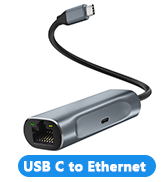
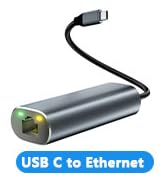
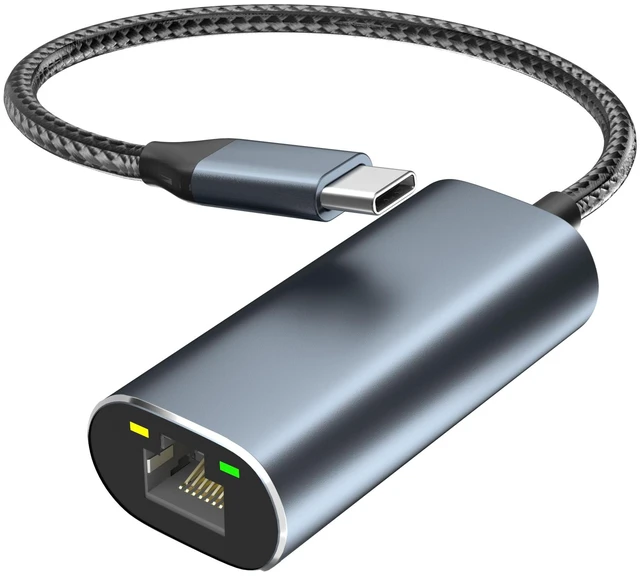
USB-C to 2.5Gbps Ethernet Adapter
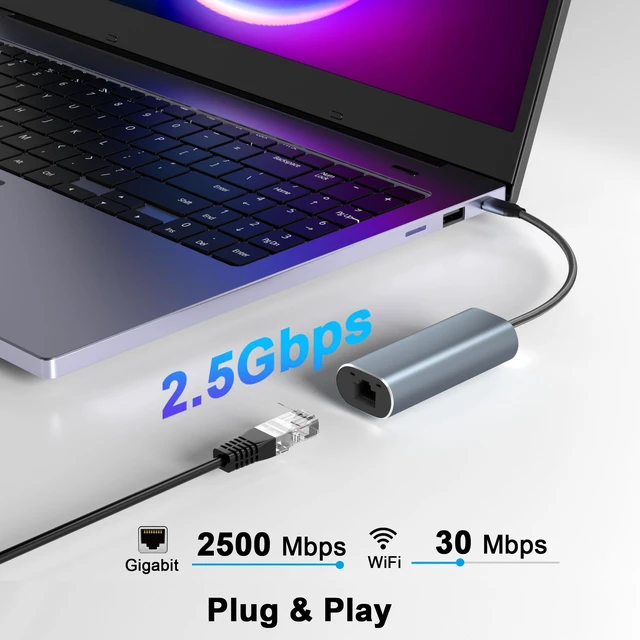
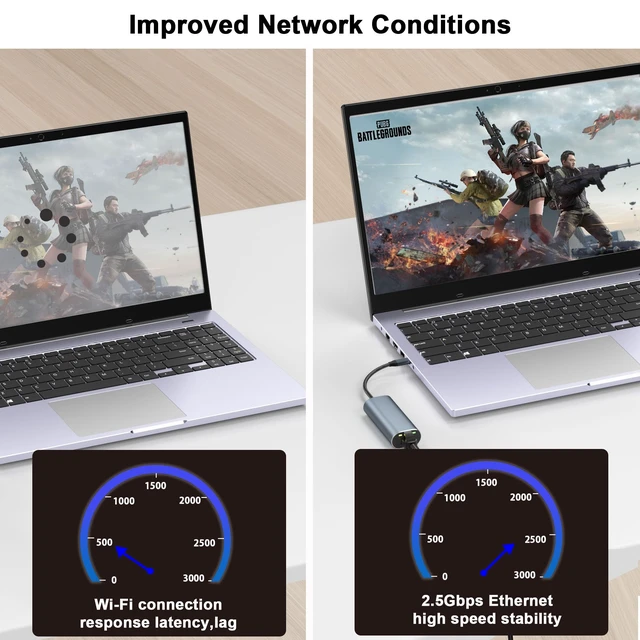
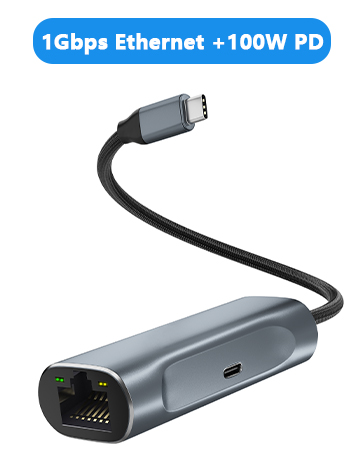
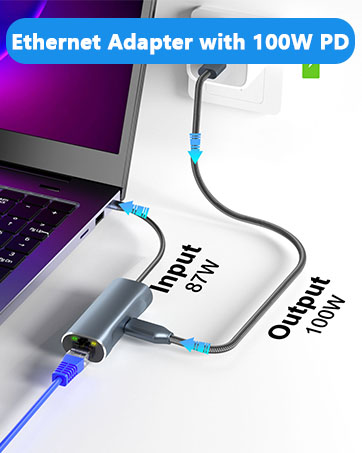
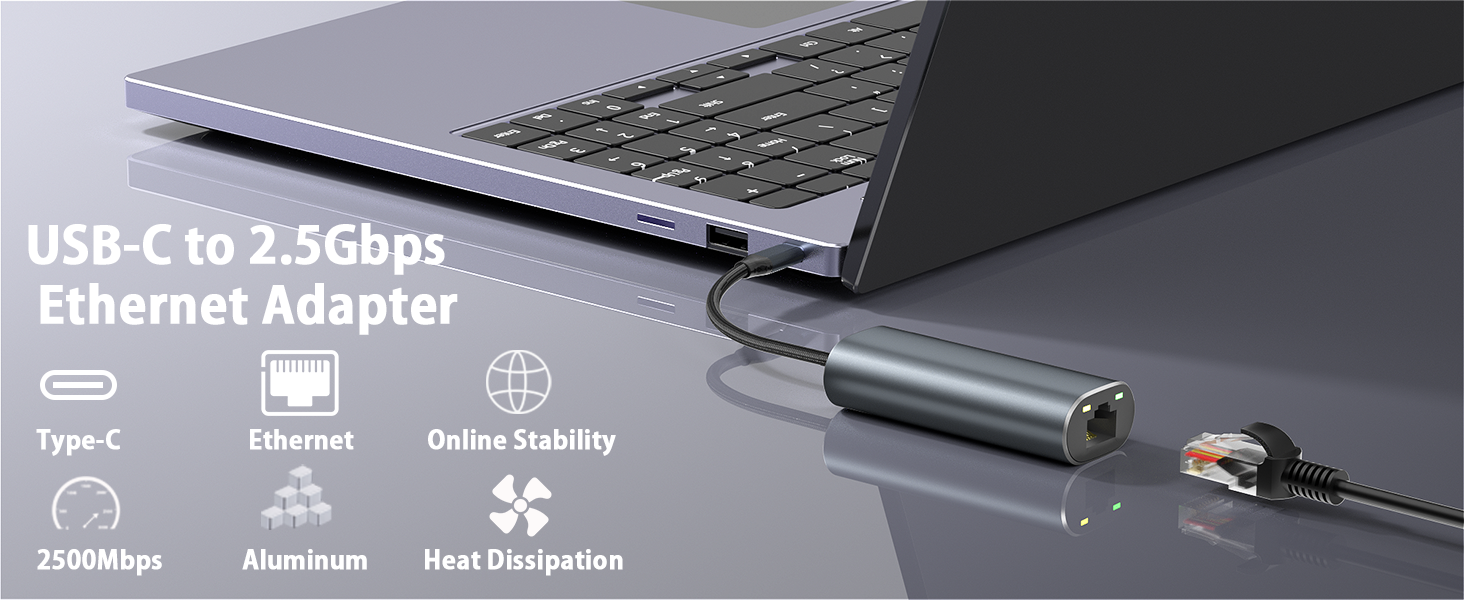
This ethernet adapter enables a wired Ethernet connection via USB-C, supporting speeds of up to 2.5Gbps.
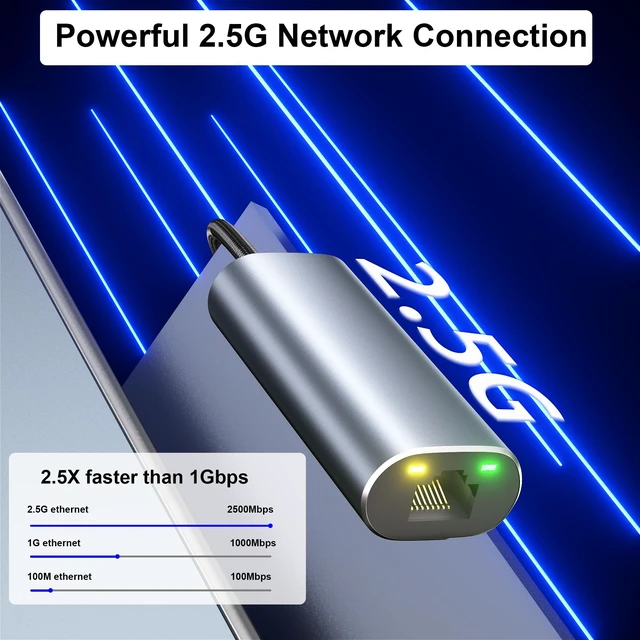
Compared with standard USB 3.0 Gigabit Ethernet adapters, data transfer speeds are approximately 2.5 times faster.
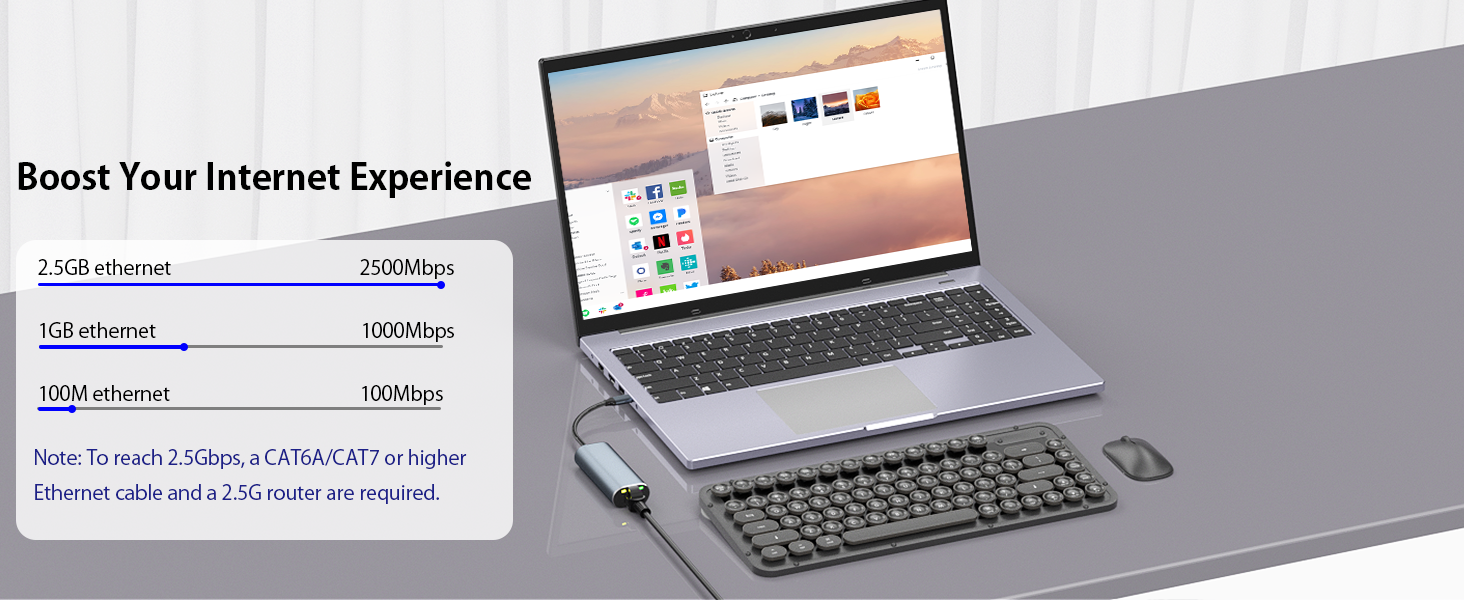

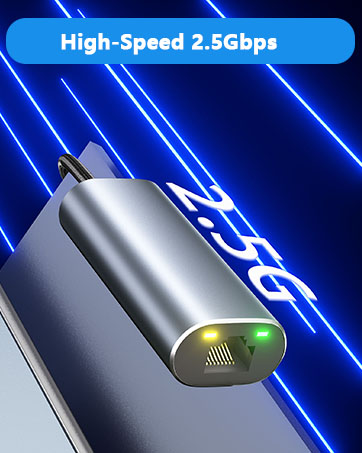
High-Speed 2.5Gbps Wired Networking
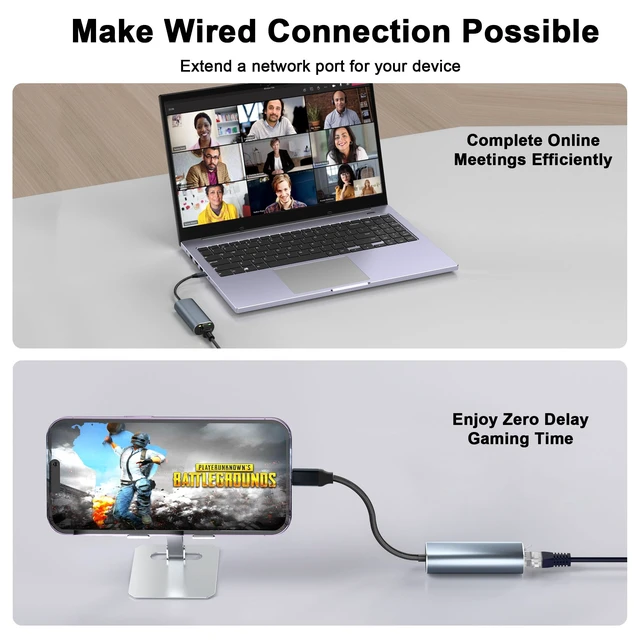
Enjoy a faster, more stable wired connection with speeds up to 2.5Gbps. Ideal for business, remote work, online collaboration, and high-speed downloads.
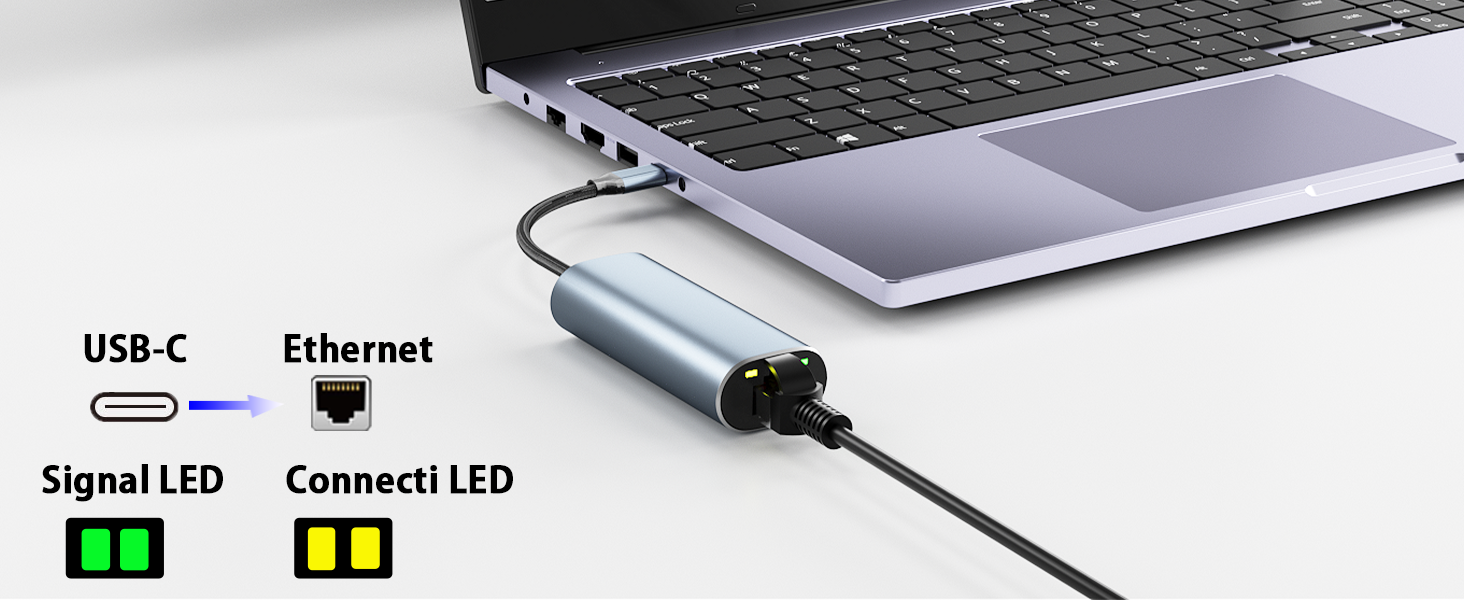
LED Indicator Light
This USB network adapter is equipped with LED indicator lights. A flashing yellow light indicates normal ethernet communication. A solid green light indicates a physical connection to the communication device.
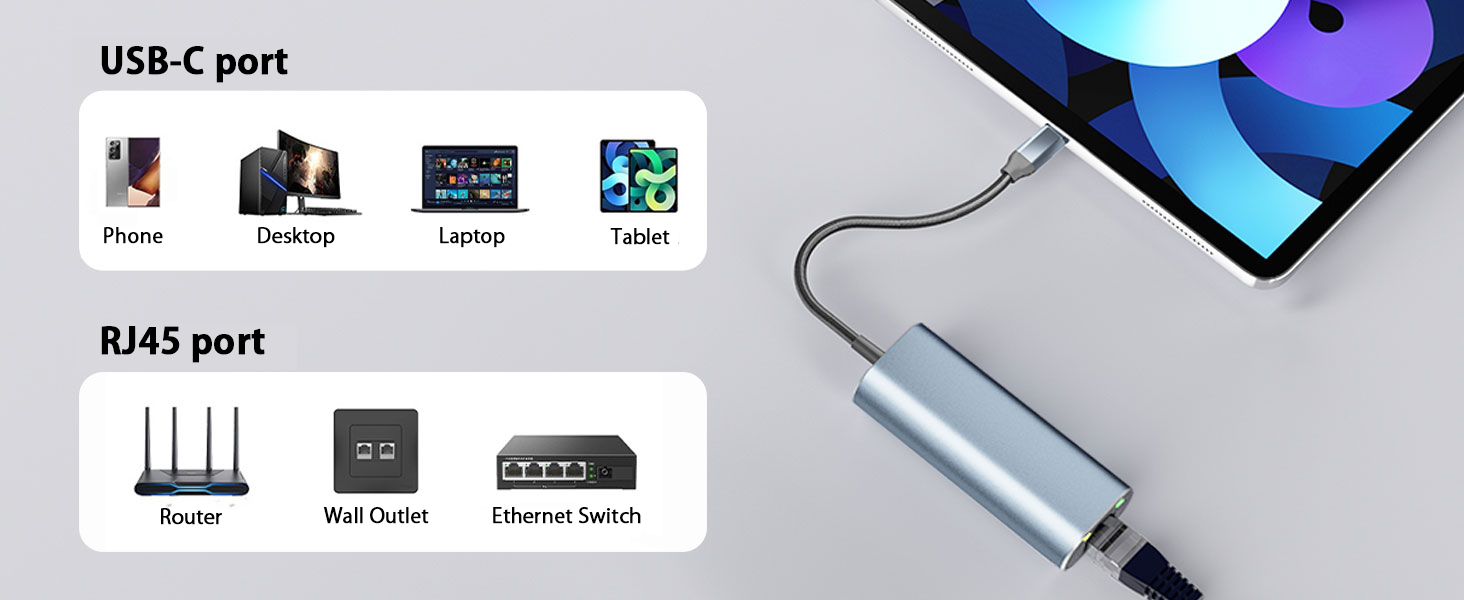
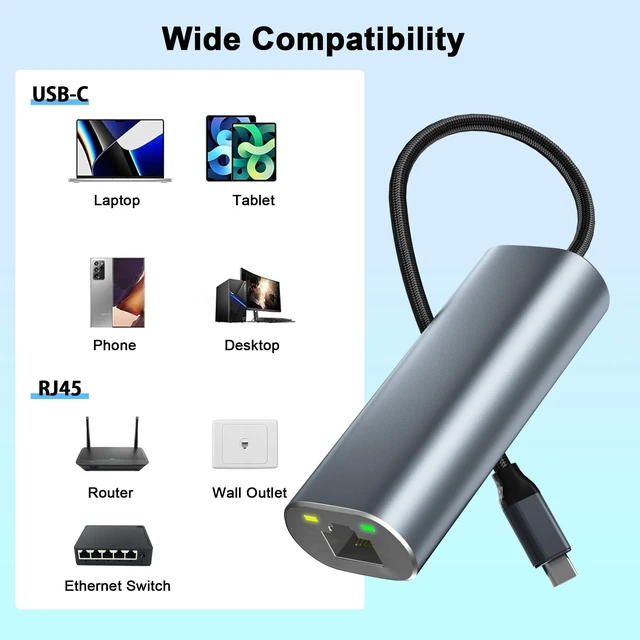
Wide Compatibility with USB-C Devices
Plug and play for macOS and Linux. Driver required for Windows 10/8.1/8/7/Vista/XP, with the driver built into the adapter. After inserting the USB ethernet adapter, double-click the network program in the Explorer to install the driver.
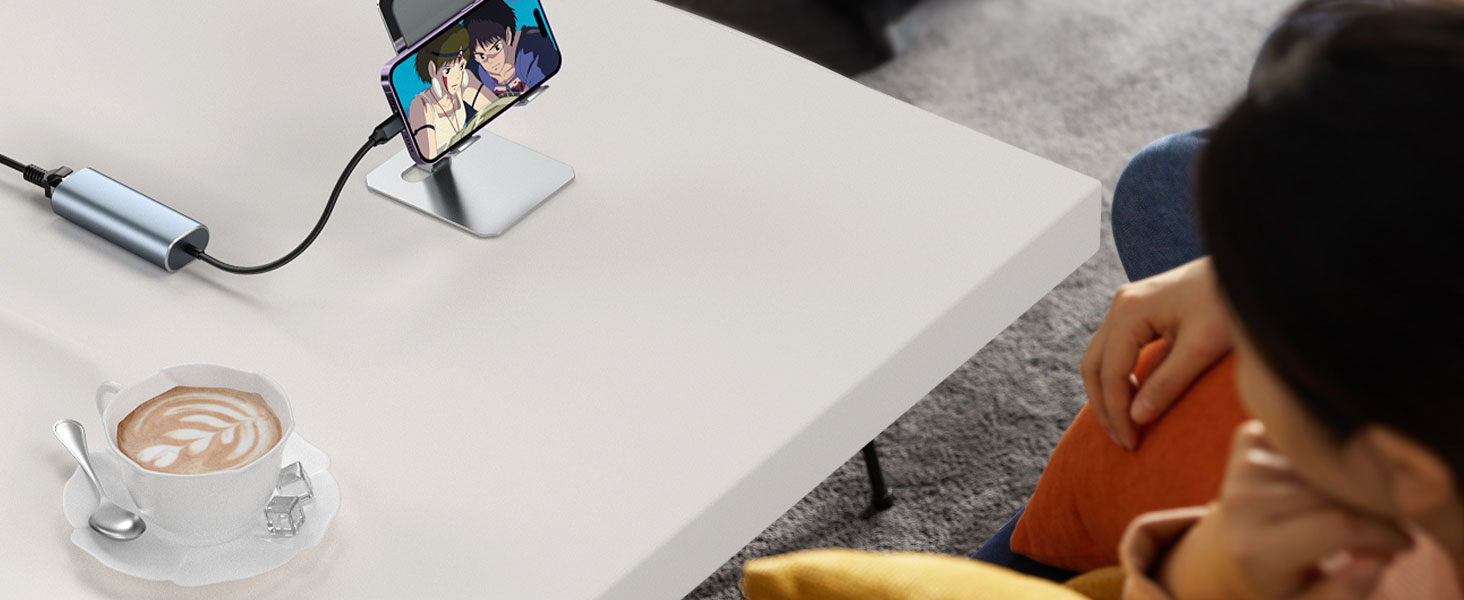
For a more stable internet connection, choose a high-performance USB-C Ethernet adapter.
Your final speed depends on your ISP bandwidth. To reach 2.5Gbps, ensure sufficient network bandwidth and use a CAT6A, CAT7, or higher Ethernet cable.
This ethernet adapter is not supported Switch game console.
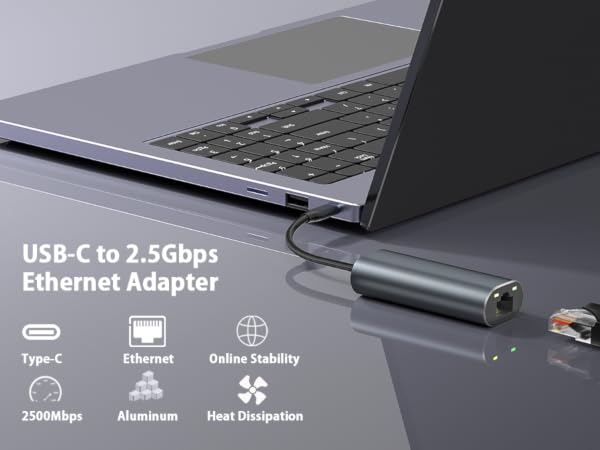
USB-C to 2.5Gbps Ethernet Adapter
This ethernet adapter enables a wired Ethernet connection via USB-C, supporting speeds of up to 2.5Gbps.
Compared with standard USB 3.0 Gigabit Ethernet adapters, data transfer speeds are approximately 2.5 times faster.
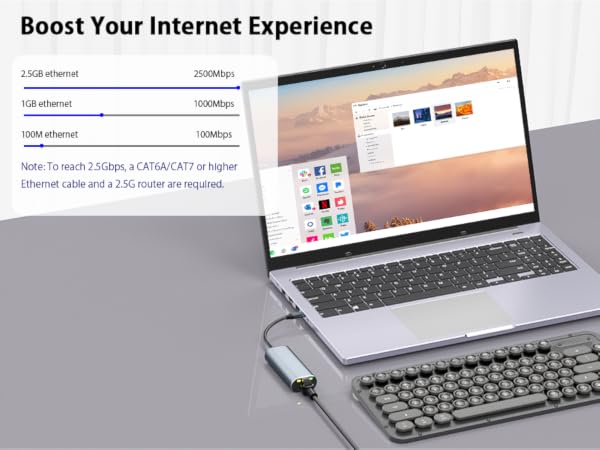

High-Speed 2.5Gbps Wired Networking
Enjoy a faster, more stable wired connection with speeds up to 2.5Gbps. Ideal for business, remote work, online collaboration, and high-speed downloads.
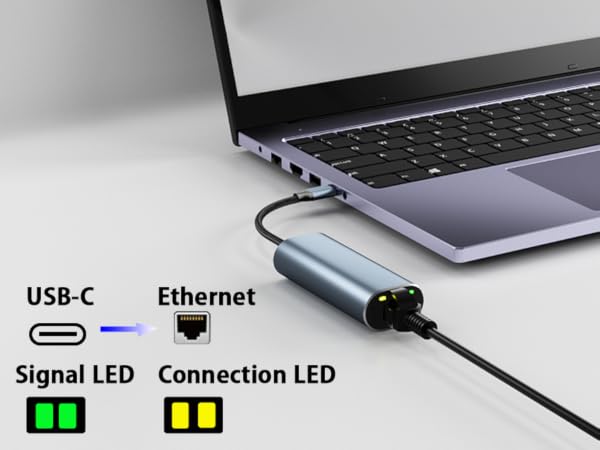
LED Indicator Light
This USB network adapter is equipped with LED indicator lights. A flashing yellow light indicates normal ethernet communication. A solid green light indicates a physical connection to the communication device.
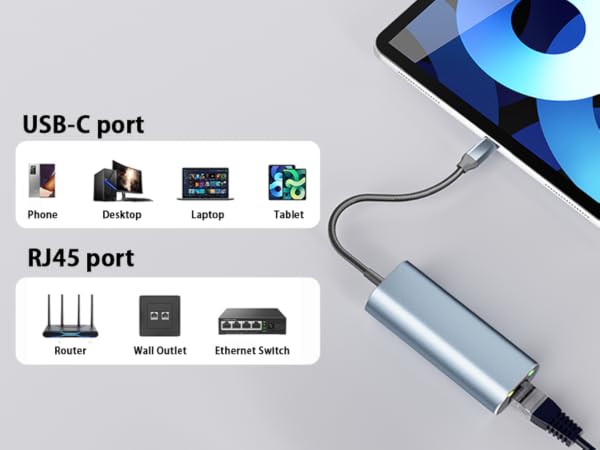
Wide Compatibility with USB-C Devices
Plug and play for macOS and Linux. Driver required for Windows 10/8.1/8/7/Vista/XP, with the driver built into the adapter. After inserting the USB ethernet adapter, double-click the network program in the Explorer to install the driver.

For a more stable internet connection, choose a high-performance USB-C Ethernet adapter.
Your final speed depends on your ISP bandwidth. To reach 2.5Gbps, ensure sufficient network bandwidth and use a CAT6A, CAT7, or higher Ethernet cable.
This ethernet adapter is not supported Switch game console.
In the age of digital innovation, Aibilangose stands as a beacon of simplicity and efficiency. Our mission is to provide innovative solutions that simplify digital lives.
Our flagship product the docking station offers numerous ports and connectivity options, allowing seamless connection of laptops, monitors, and peripherals, and storage devices.
We believe a well-organized workspace significantly boosts efficiency and creativity.