




 here!
here!
I’m your shopping assistant for PC builds, upgrades, and everything tech.
Got questions? Ask away!
Start a conversation
here!
I’m your shopping assistant for PC builds, upgrades, and everything tech.
Got questions? Ask away!
Start a conversation



Any questions? Ask CelesteSM will help you find out quickly.

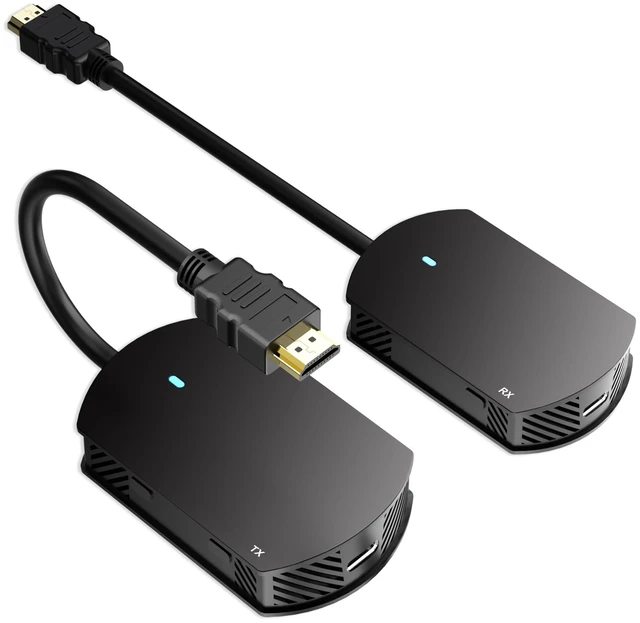
Wireless HDMI Transmitter and Receiver
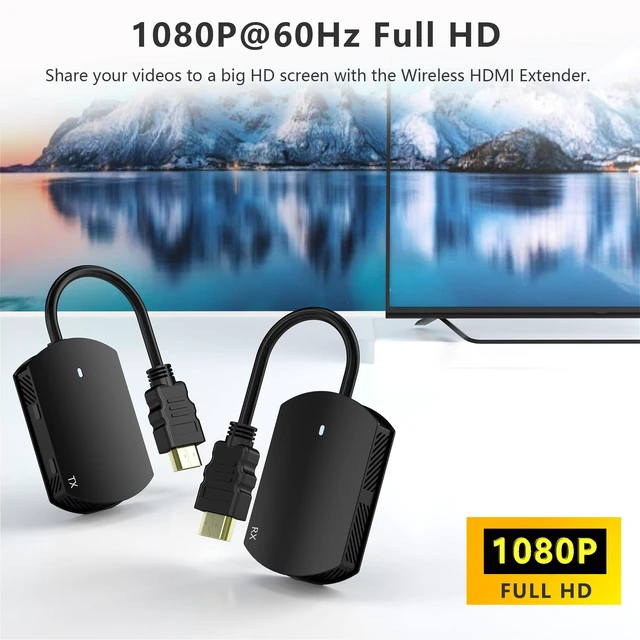
Effortlessly transfer video and audio signals between devices without an HDMI cable. Ideal for presentations, home entertainment, gaming, and professional video production.

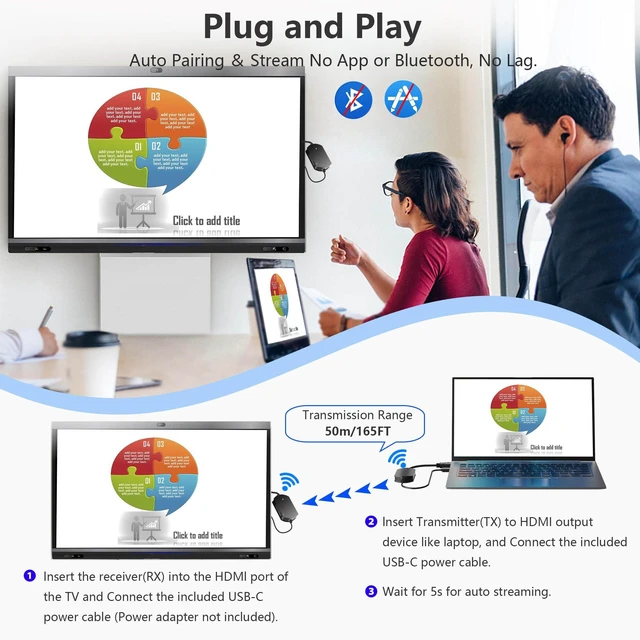
Wirelessly Display Your PC Screen on a TV
1.lnsert the receiver(RX) into the HDMl port of the TV and Connect the included USB power cable(Power adapter not included).
2.lnsert Transmitter(TX) to HDMI output device like laptop, and Connect the included USB power cable.
3.Wait for 5s for auto streaming.
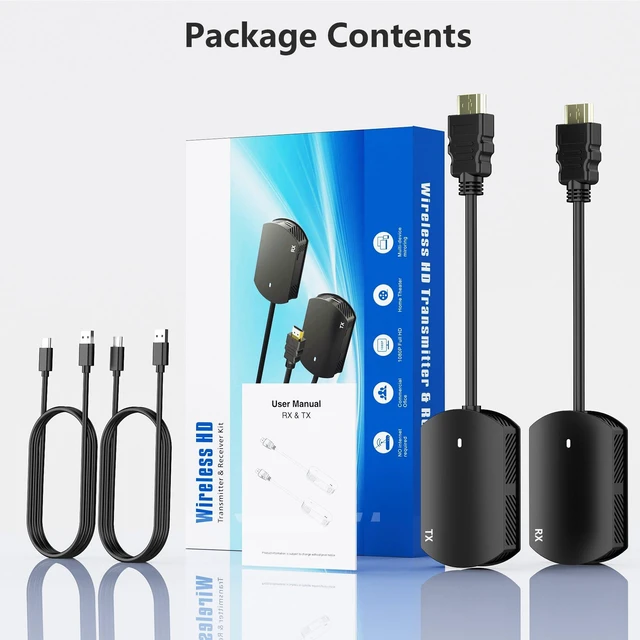
Note: Both the HDMI transmitter and receiver require power.

Eliminate Cable Hassles for Meetings and Presentations
Normal HDMI connections can create a tangled mess, especially in conference rooms. Wireless HDMI eliminates these issues, offering a clutter-free environment.
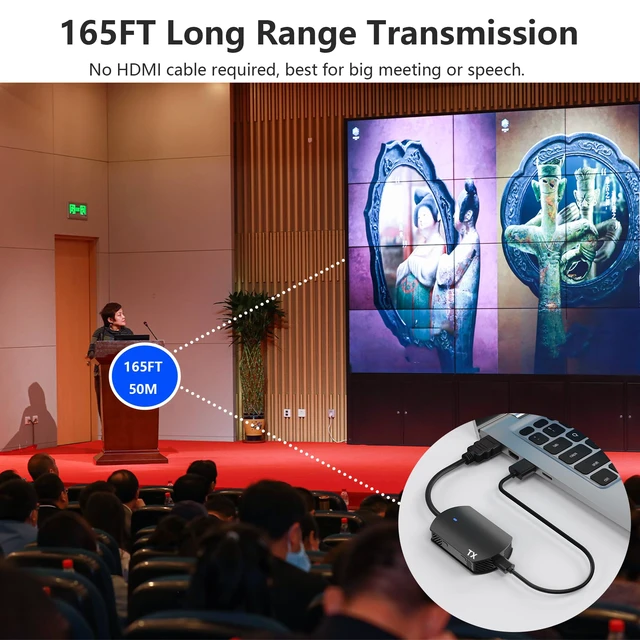
This wireless hdmi transmitter and receiver can wirelessly transmit up to 165ft(50M).Presenters no longer need to stay within cable reach. Wireless HDMI allows freedom of movement, making it easy for multiple presenters to share their content without changing seats.
Avoid tripping hazards and accidental disconnections caused by tangled wires. Wireless HDMI keeps your workspace neat and safe.

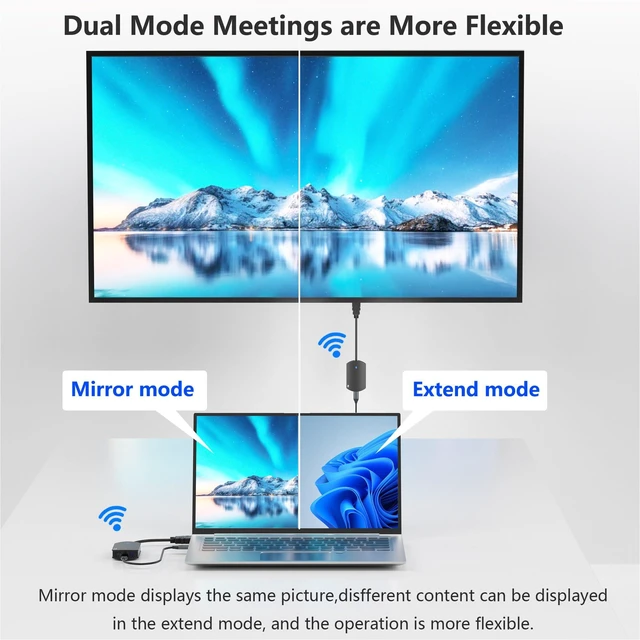
Dual-module 2.4&5GHz High-speed

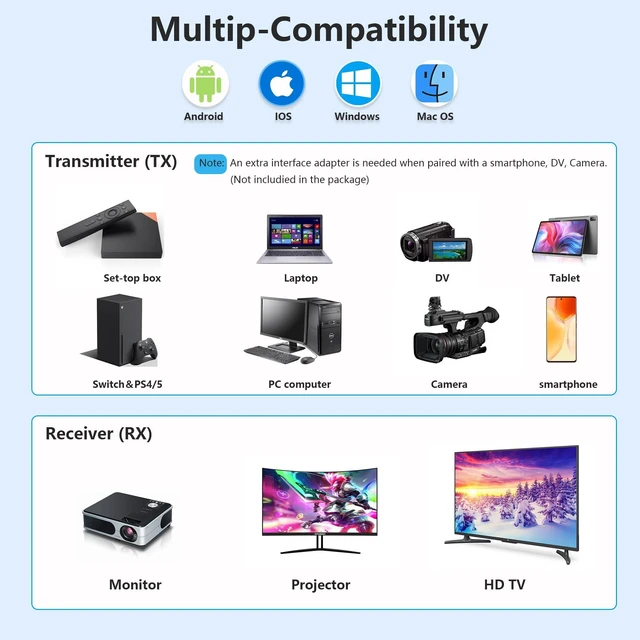
Widely compatible
Input support: Laptop, PS3, PS4 Pro, PS5, Fire Stick, Blu-Ray DVD player, Satellite Receiver, Route Roku, Chromecast, PC, etc.
Output support: projectors, Full HDTVs, monitor, etc.


Please Note
1.How to pair the receiver if pairing is lost
(1) Connect the wireless receiver (RX) to a power source via the USB cable.(2) Connect the wireless receiver (Rx) to the TV via the HDMI end.(3) Press and hold the button on the wireless receiver (RX) for about 2 seconds until the screen displays "Ready to pair".
2. Press the button on the receiver (RX) can change the orientation and size of the display screen.
3. To stop or restart mirroring, click the button(the button near the HDMI cable) on the wireless transmitter (TX).


In the age of digital innovation, Aibilangose stands as a beacon of simplicity and efficiency. Our mission is to provide innovative solutions that simplify digital lives.
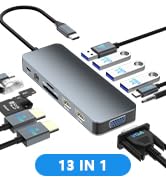
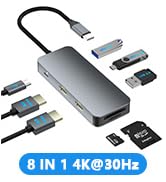
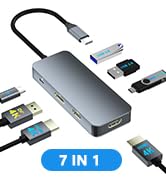
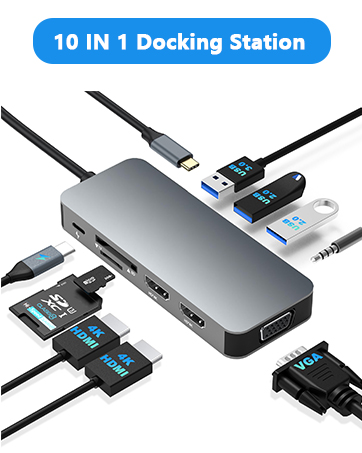
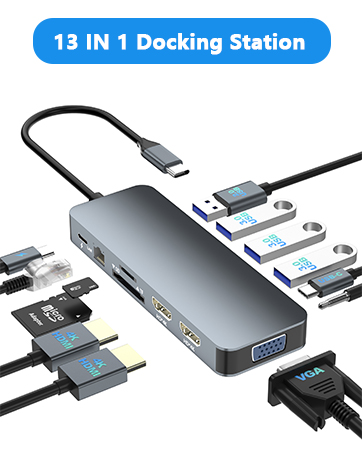
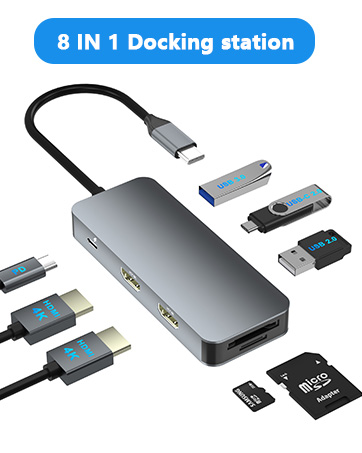
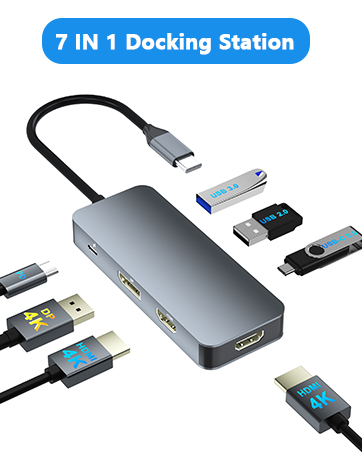
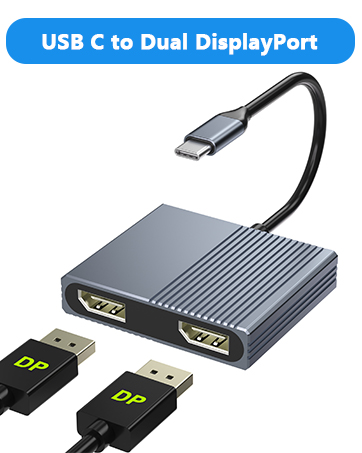
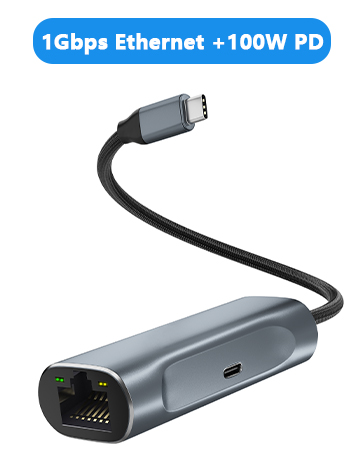
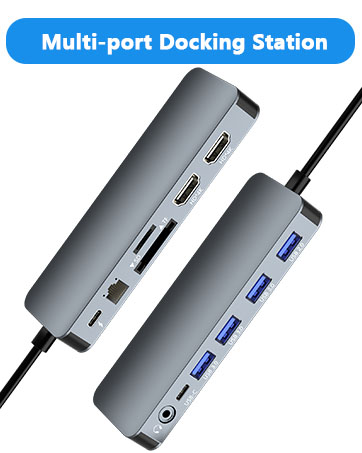
Our flagship product the docking station offers numerous ports and connectivity options, allowing seamless connection of laptops, monitors, and peripherals, and storage devices.
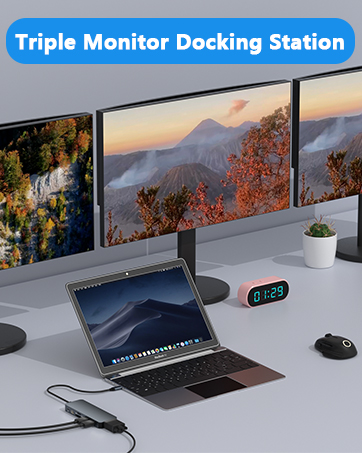
We believe a well-organized workspace significantly boosts efficiency and creativity.
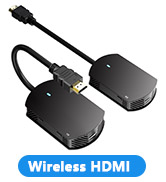
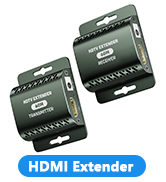
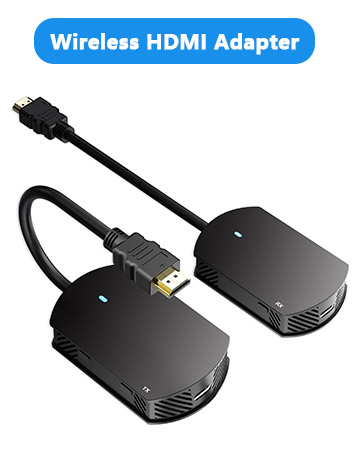
Wireless HDMI Transmitter and Receiver
Effortlessly transfer video and audio signals between devices without an HDMI cable. Ideal for presentations, home entertainment, gaming, and professional video production.
Wirelessly Display Your PC Screen on a TV
1.lnsert the receiver(RX) into the HDMl port of the TV and Connect the included USB power cable(Power adapter not included).
2.lnsert Transmitter(TX) to HDMI output device like laptop, and Connect the included USB power cable.
3.Wait for 5s for auto streaming.
Note: Both the HDMI transmitter and receiver require power.
Eliminate Cable Hassles for Meetings and Presentations
Normal HDMI connections can create a tangled mess, especially in conference rooms. Wireless HDMI eliminates these issues, offering a clutter-free environment.
This wireless hdmi transmitter and receiver can wirelessly transmit up to 165ft(50M).Presenters no longer need to stay within cable reach. Wireless HDMI allows freedom of movement, making it easy for multiple presenters to share their content without changing seats.
Avoid tripping hazards and accidental disconnections caused by tangled wires. Wireless HDMI keeps your workspace neat and safe.
Dual-module 2.4&5GHz High-speed
Widely compatible
Input support: Laptop, PS3, PS4 Pro, PS5, Fire Stick, Blu-Ray DVD player, Satellite Receiver, Route Roku, Chromecast, PC, etc.
Output support: projectors, Full HDTVs, monitor, etc.
Please Note
1.How to pair the receiver if pairing is lost
(1) Connect the wireless receiver (RX) to a power source via the USB cable.(2) Connect the wireless receiver (Rx) to the TV via the HDMI end.(3) Press and hold the button on the wireless receiver (RX) for about 2 seconds until the screen displays "Ready to pair".
2. Press the button on the receiver (RX) can change the orientation and size of the display screen.
3. To stop or restart mirroring, click the button(the button near the HDMI cable) on the wireless transmitter (TX).
In the age of digital innovation, Aibilangose stands as a beacon of simplicity and efficiency. Our mission is to provide innovative solutions that simplify digital lives.
Our flagship product the docking station offers numerous ports and connectivity options, allowing seamless connection of laptops, monitors, and peripherals, and storage devices.
We believe a well-organized workspace significantly boosts efficiency and creativity.
Wireless HDMI Transmitter and Receiver, Wireless HDMI, 165FT/50M HDMI Wireless, 2.4G/5G Plug&Play Portable HDMI Wireless Transmitter and Receiver, Wireless HDMI Extender for PC/HDTV/Projector/TV BOX


