






Airzeen is a pioneering brand dedicated to crafting the future of home cleaning with our cutting-edge smart home cleaning products. Our mission is to create a pristine living environment that not only elevates the aesthetics of your home but also revolutionizes the way you experience cleaning.
Our product range is meticulously designed to cater to the diverse needs of modern households.
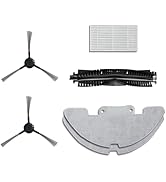
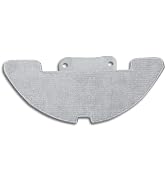
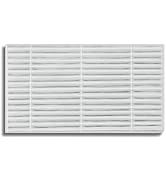
J10 Accessories Prep Underway
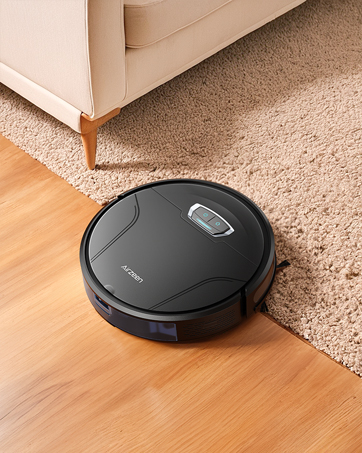
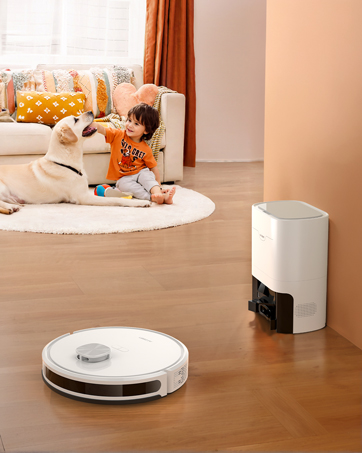
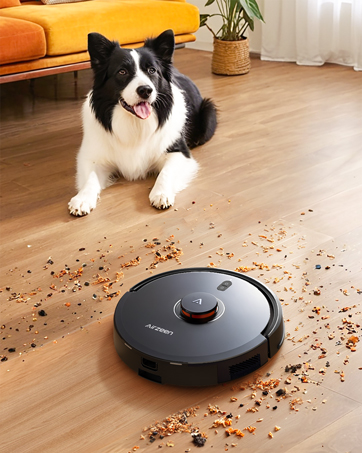
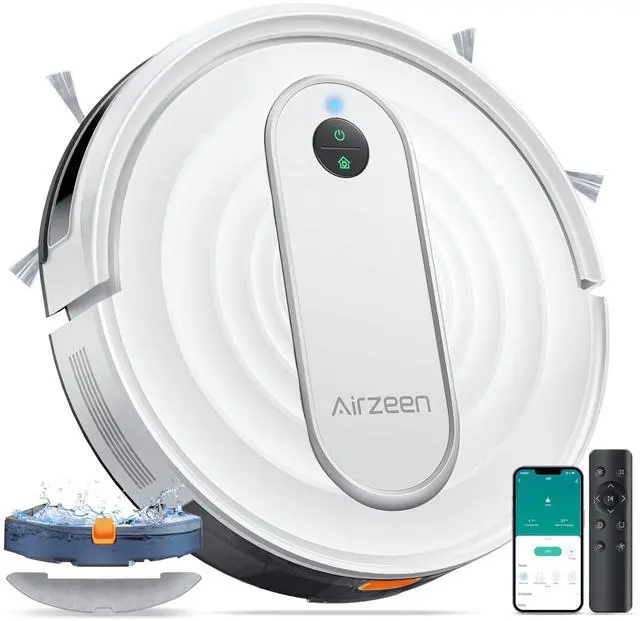
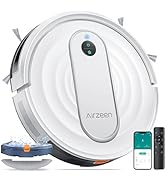
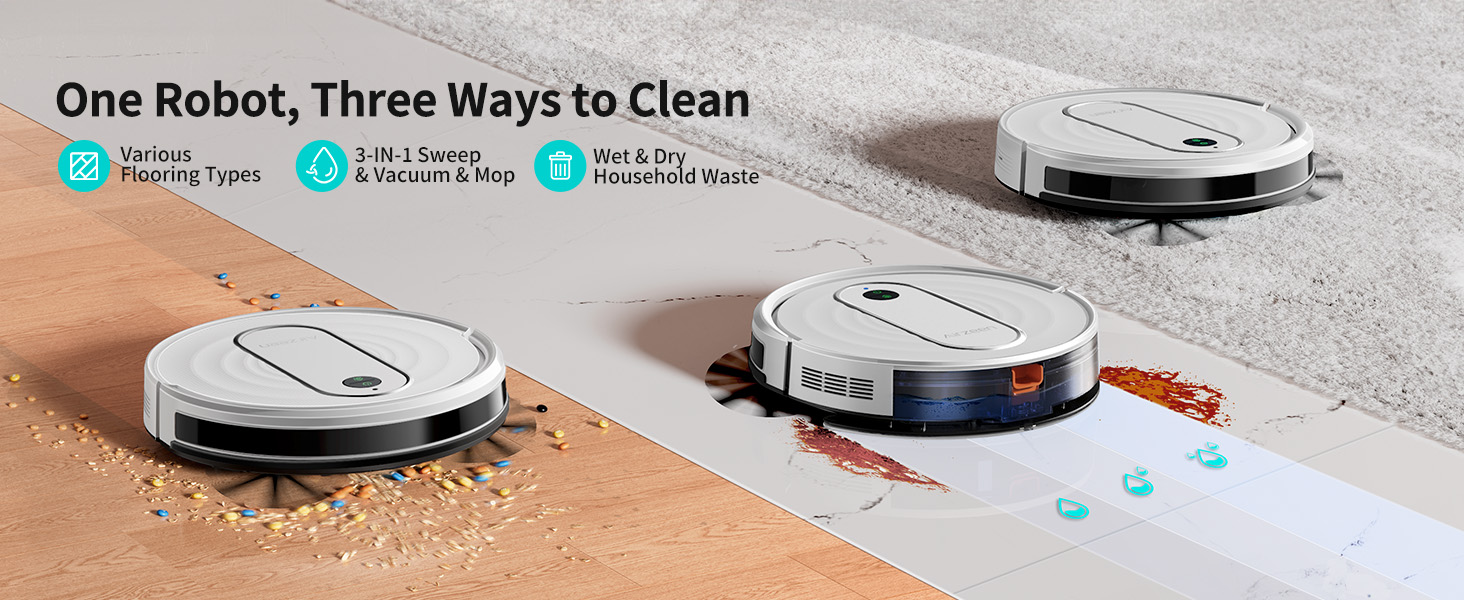
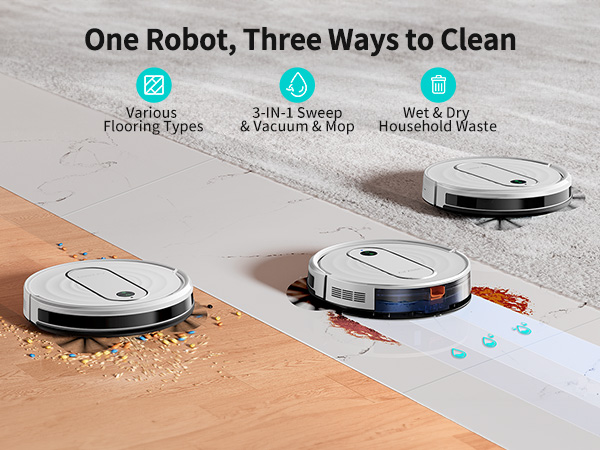
Airzeen J10 3-in-1 Robot Vacuum Cleaner -- Making Home Cleaning Effortless!
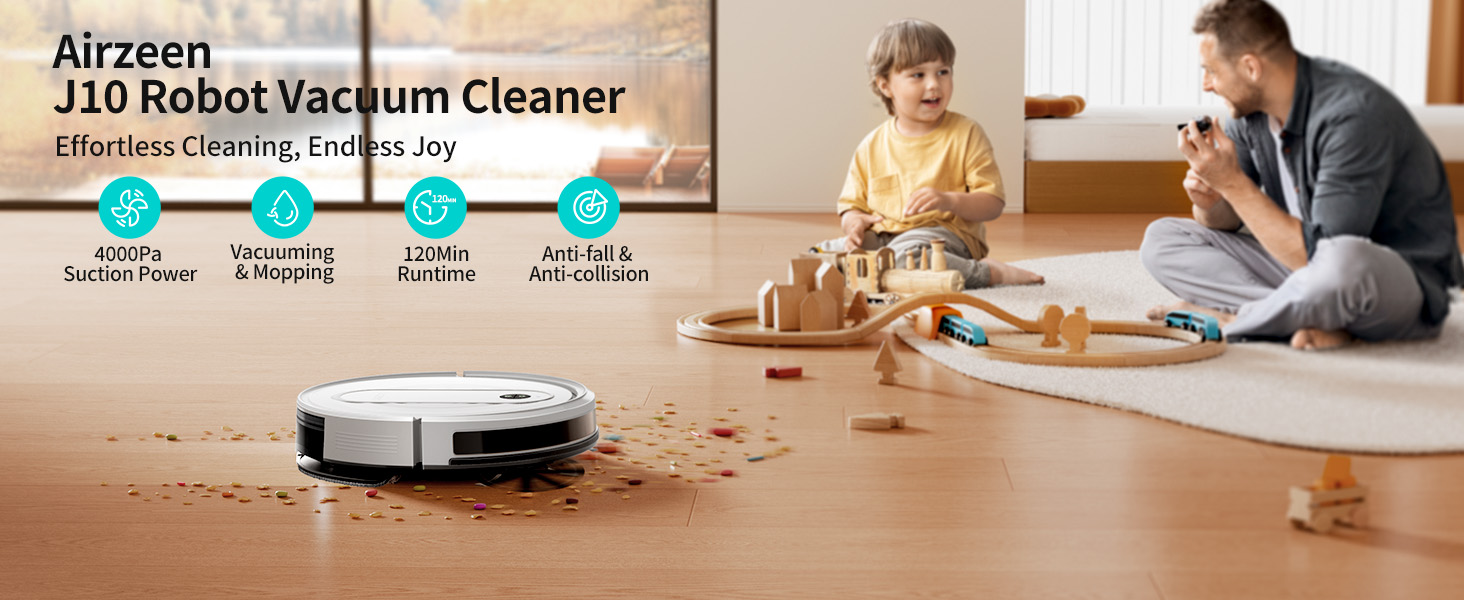
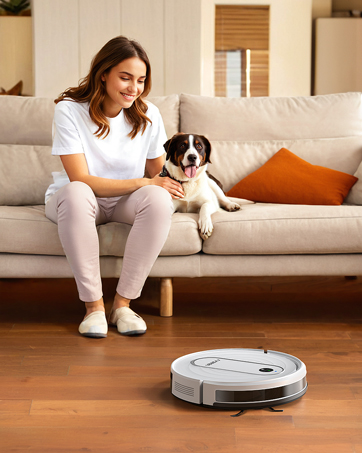
Effortlessly Cleans Hair, Dust, and Debris
Effortlessly Cleans Hair, Dust, and Debris
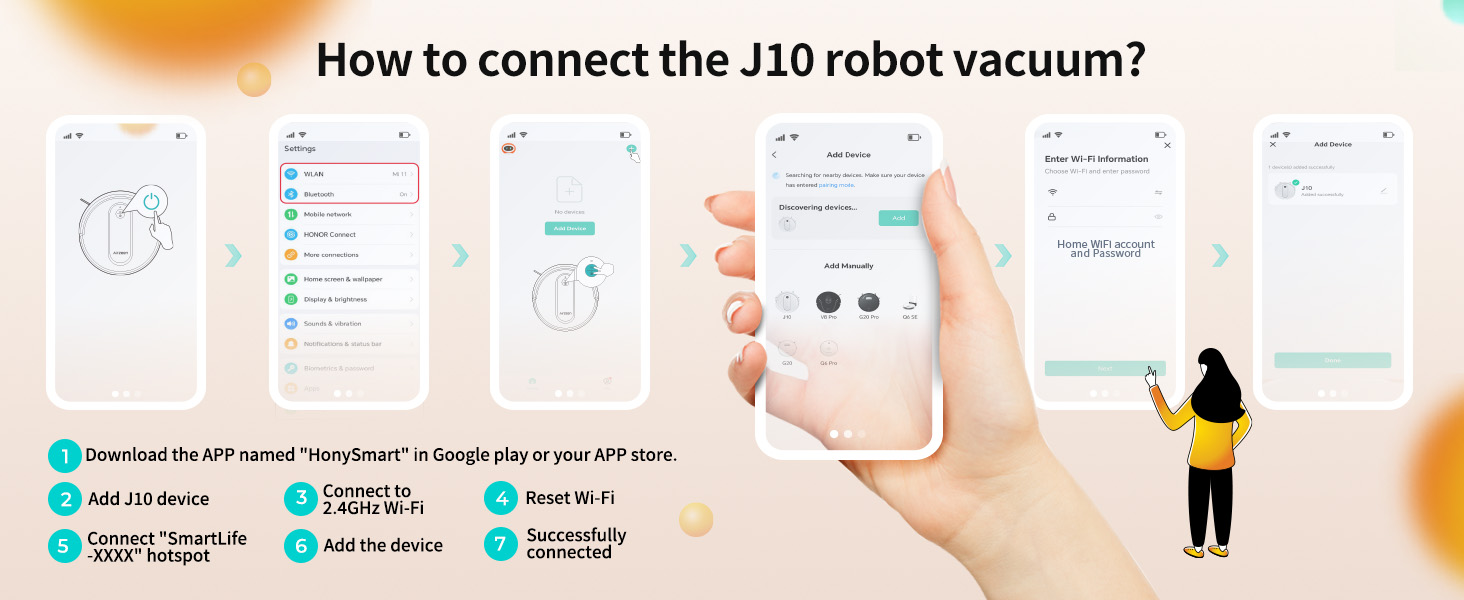
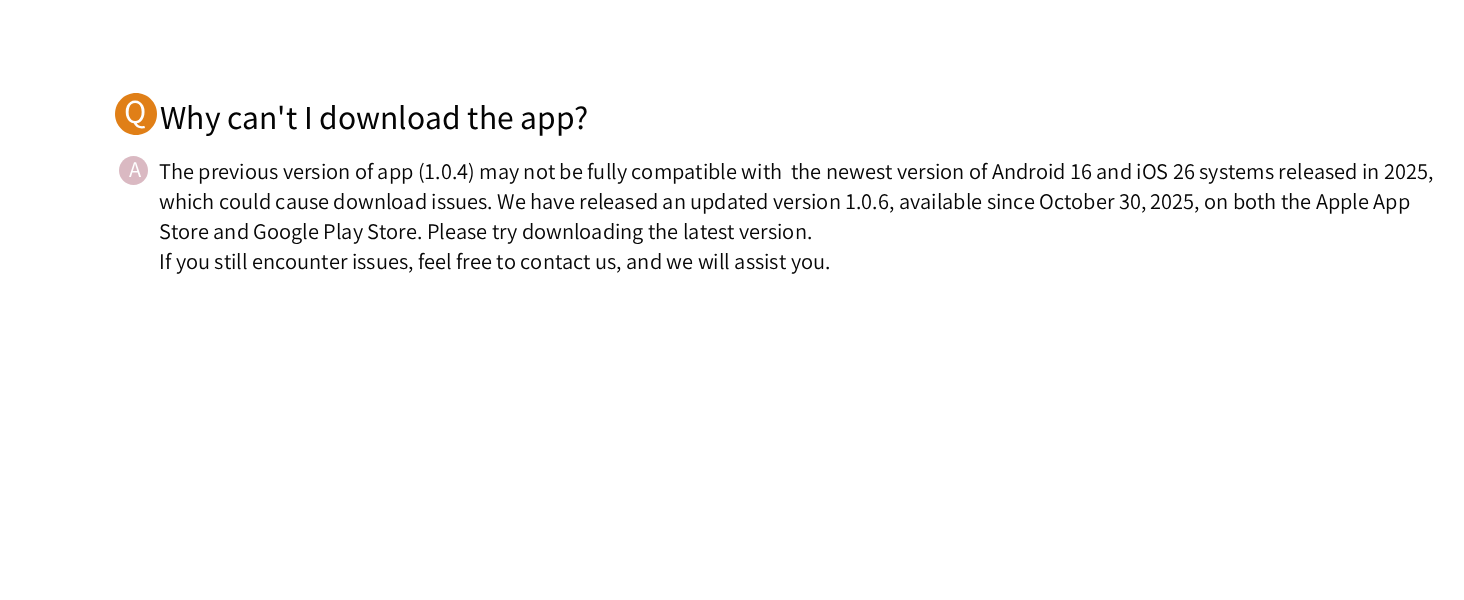
How do I connect J10 robot vacuum cleaner to my cell phone? Does it support 5GHz Wi-Fi networks?
First, download the HonySmart App, then follow the Quick Guide to make a WIFI connection. Note: The Robot Vacuum currently only supports 2.4GHz networks(not 5G), Please ensure your router is set to 2.4G frequency for successful connection
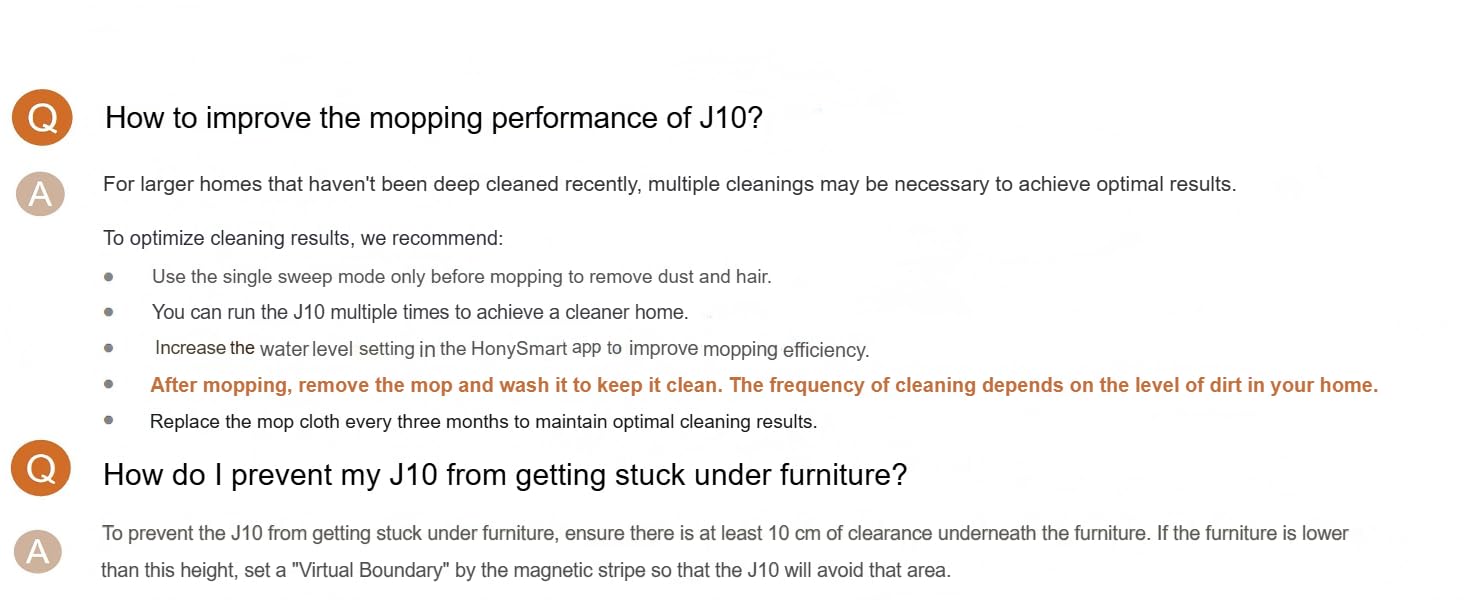
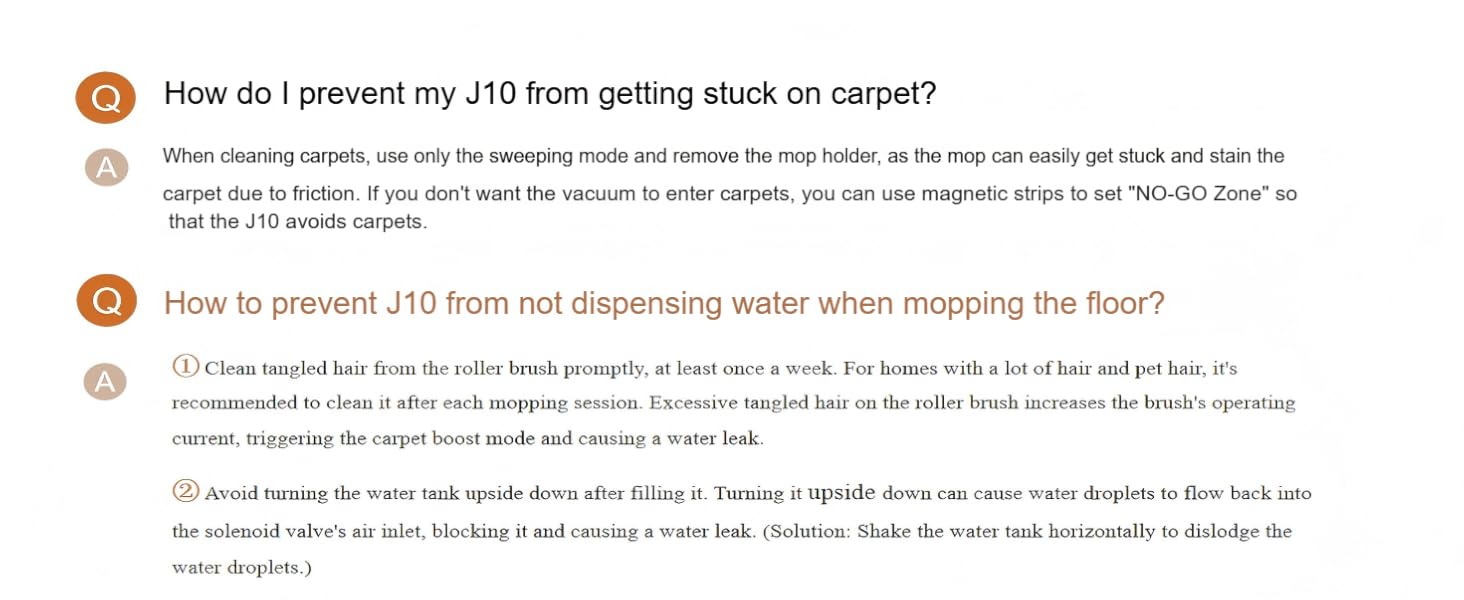
If I don't want the robot vacuum to mop on my carpet, can I do that?
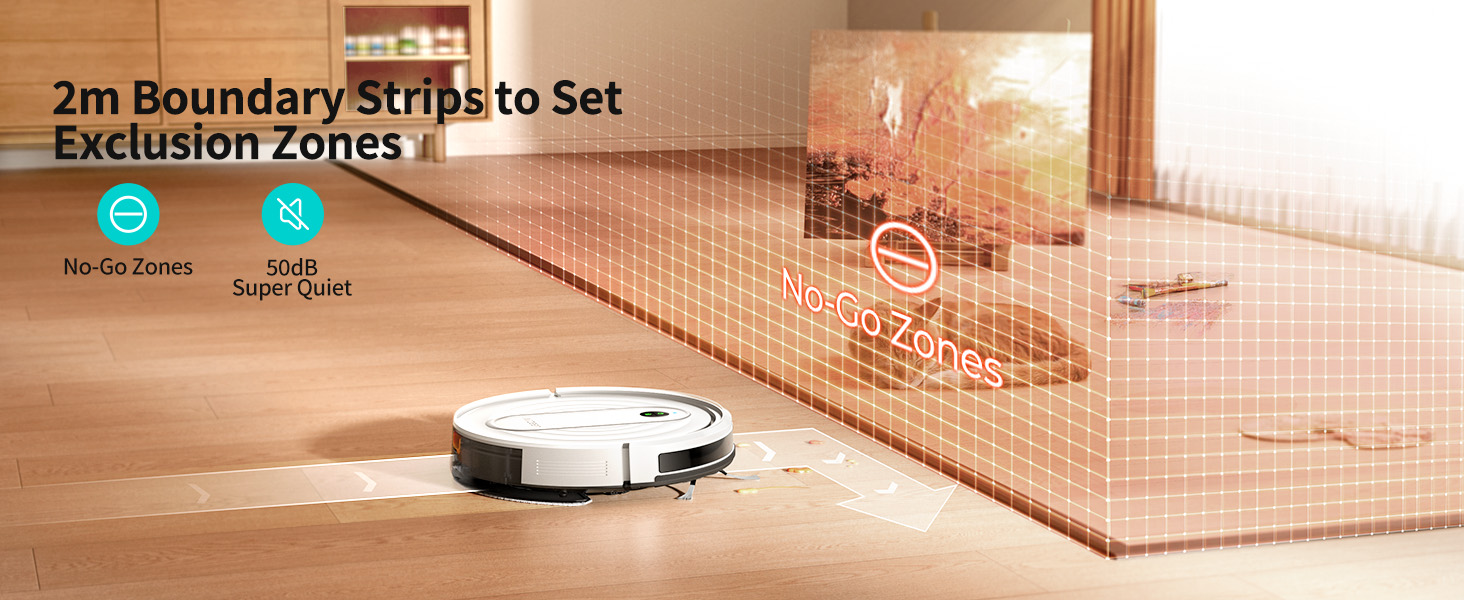
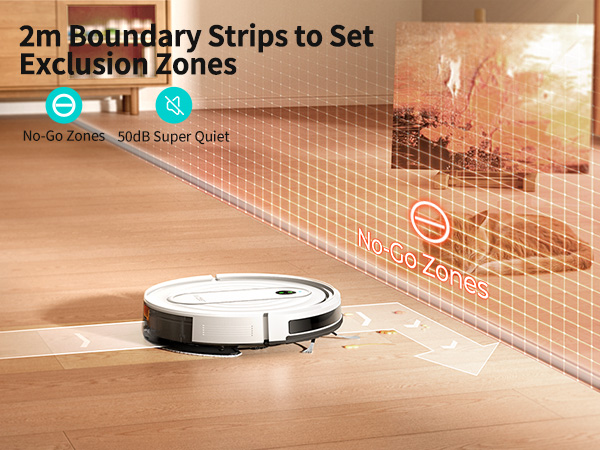
A magnetic strip is also included to set up NO-GO Zones that do not need cleaning. You can stick the magnetic strip around the carpet so that the robot vacuum cleaner will not enter and clean it
Do I need to fully charge the vacuum before first use?
Yes, it is recommended to fully charge the vacuum before first use. A steady green light indicates that it is fully charged. The vacuum may arrive with a battery level around 25%. It may take up to 4 hours to fully charge.
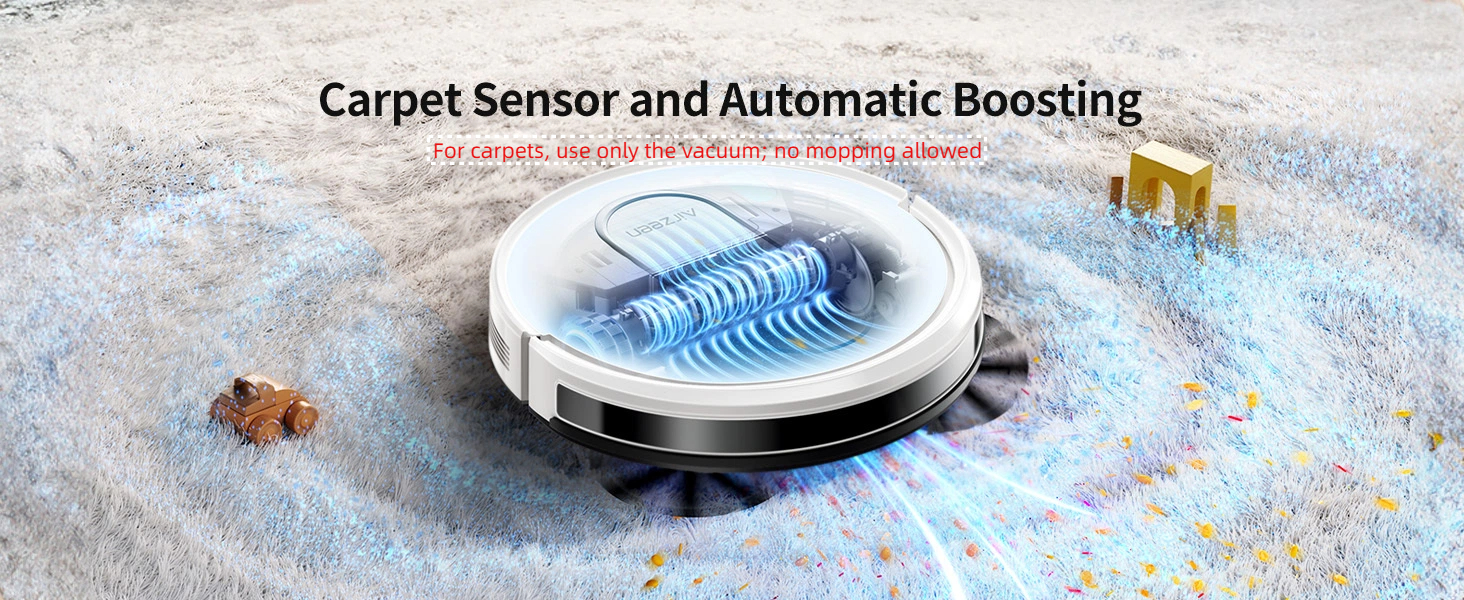
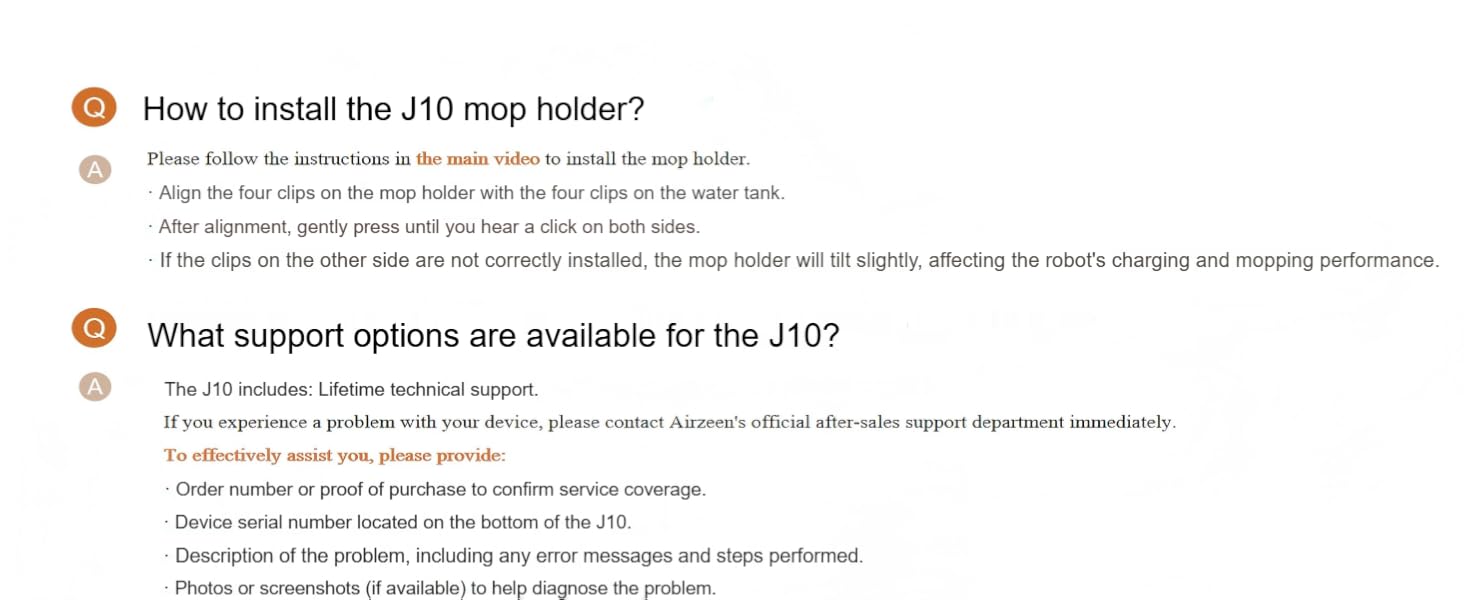
Do I need to remove the mop holder when using on carpets
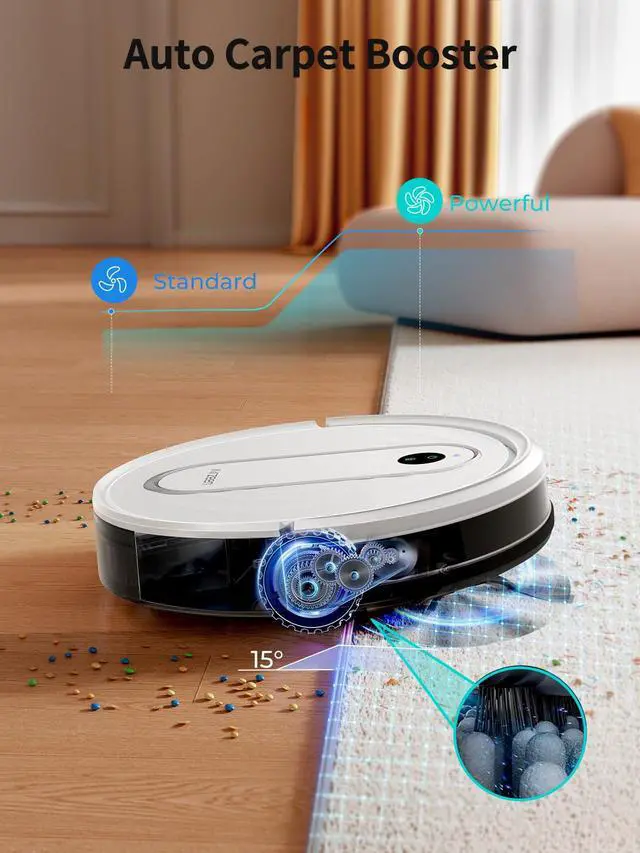
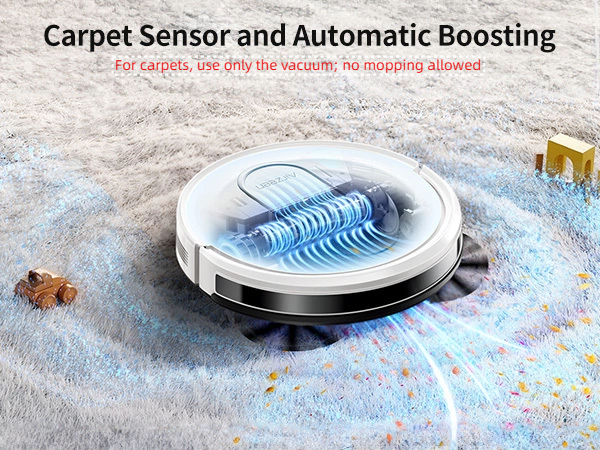
When using on carpets, you need to remove the mop holder. Because when the mop holder is installed, the carpet will be dirty when the sweeper is on the carpet.
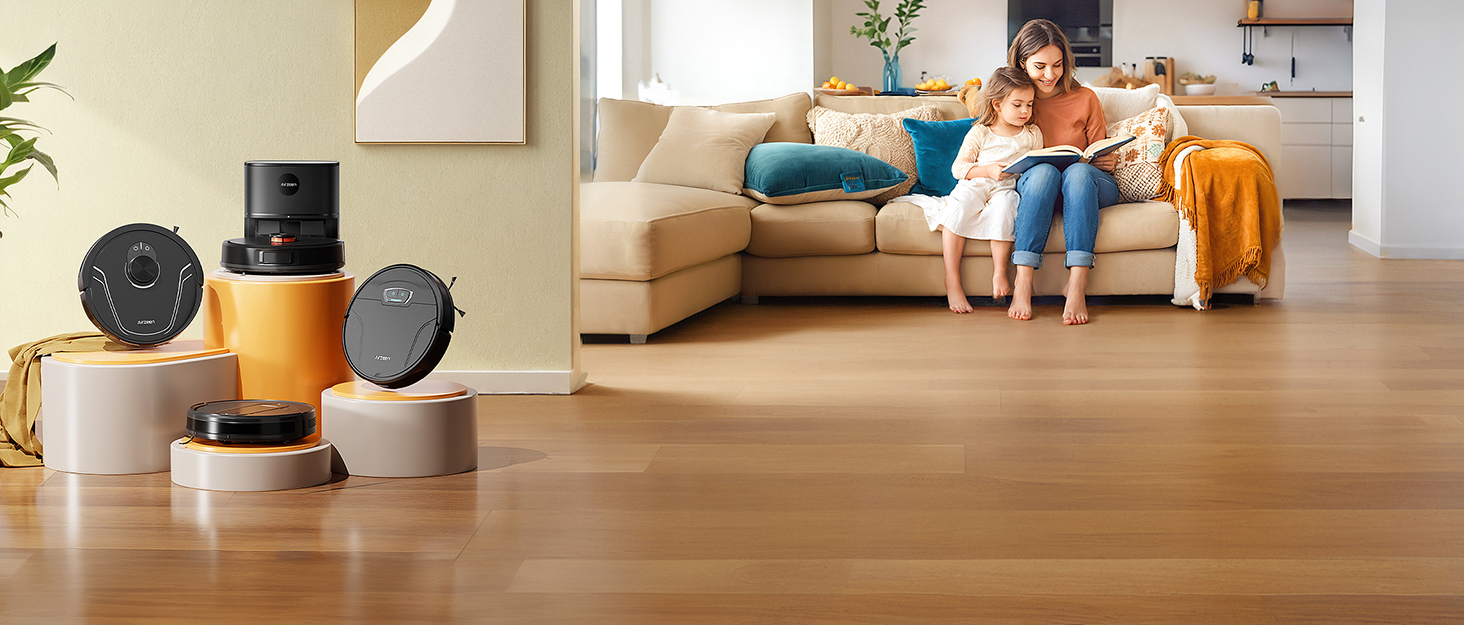
Airzeen is a pioneering brand dedicated to crafting the future of home cleaning with our cutting-edge smart home cleaning products. Our mission is to create a pristine living environment that not only elevates the aesthetics of your home but also revolutionizes the way you experience cleaning.
Our product range is meticulously designed to cater to the diverse needs of modern households.
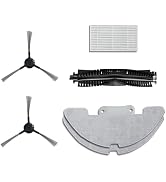
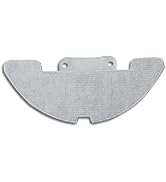
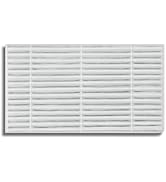
J10 Accessories Prep Underway
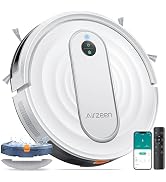
Airzeen J10 3-in-1 Robot Vacuum Cleaner -- Making Home Cleaning Effortless!
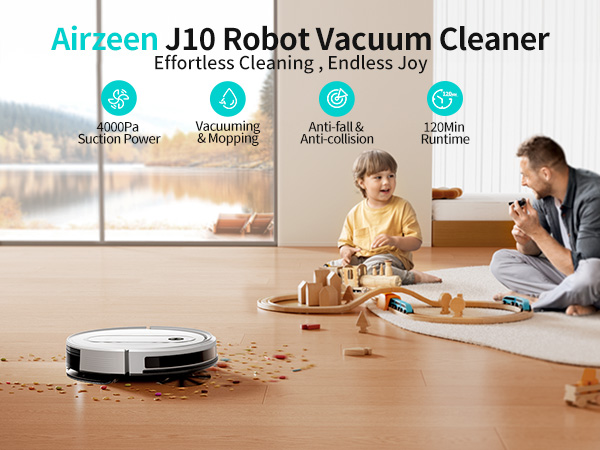
Effortlessly Cleans Hair, Dust, and Debris
Effortlessly Cleans Hair, Dust, and Debris
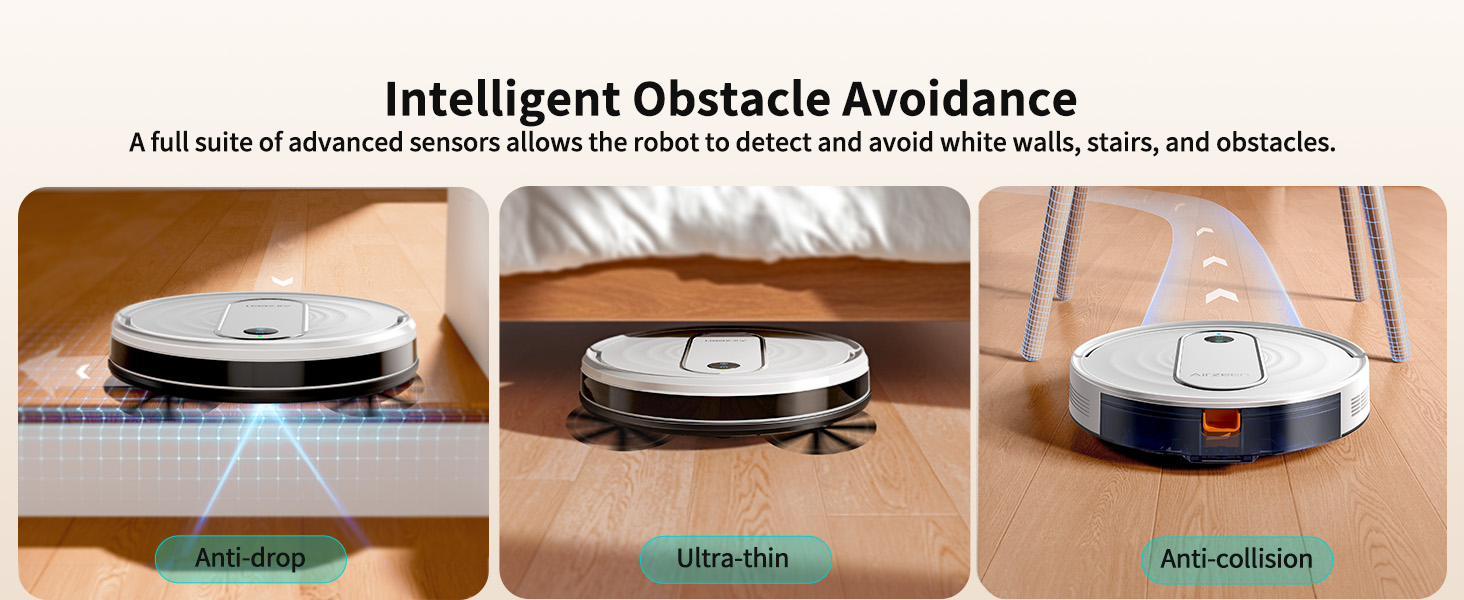
Smartly Avoid Obstacles and Set No-Clean Zones
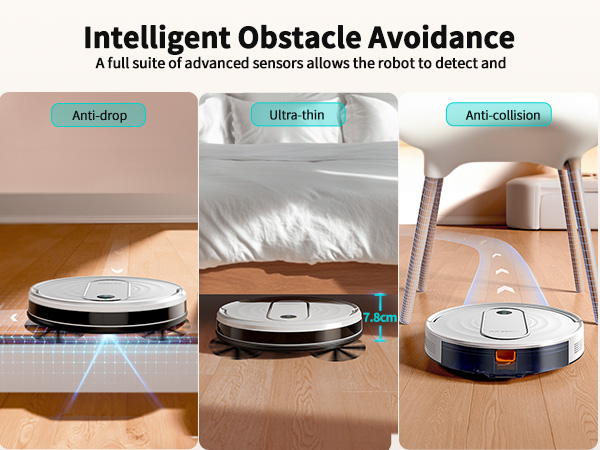
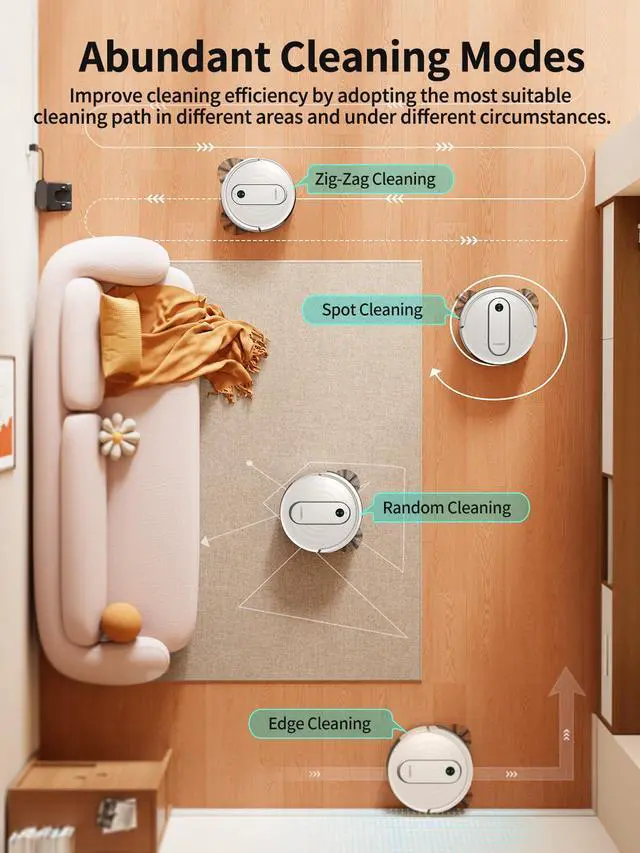
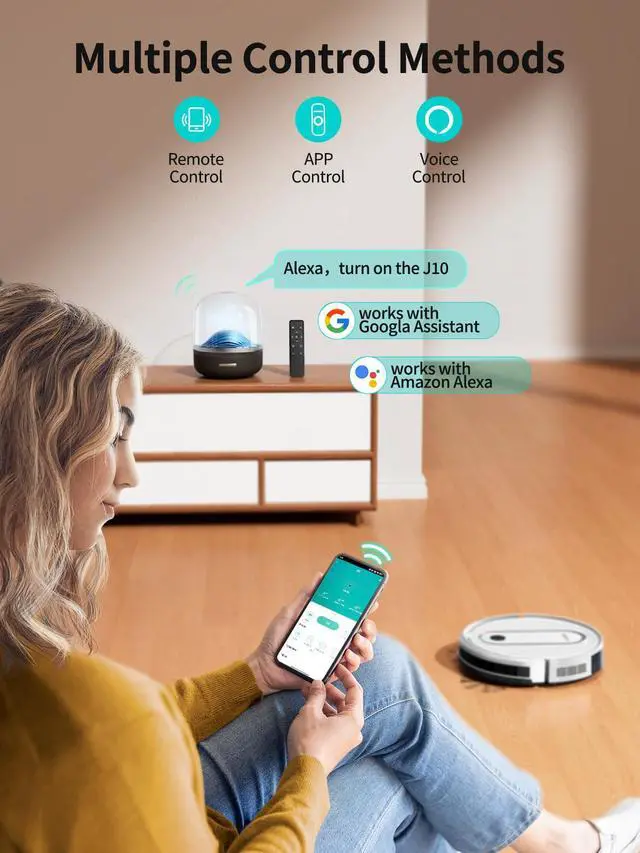
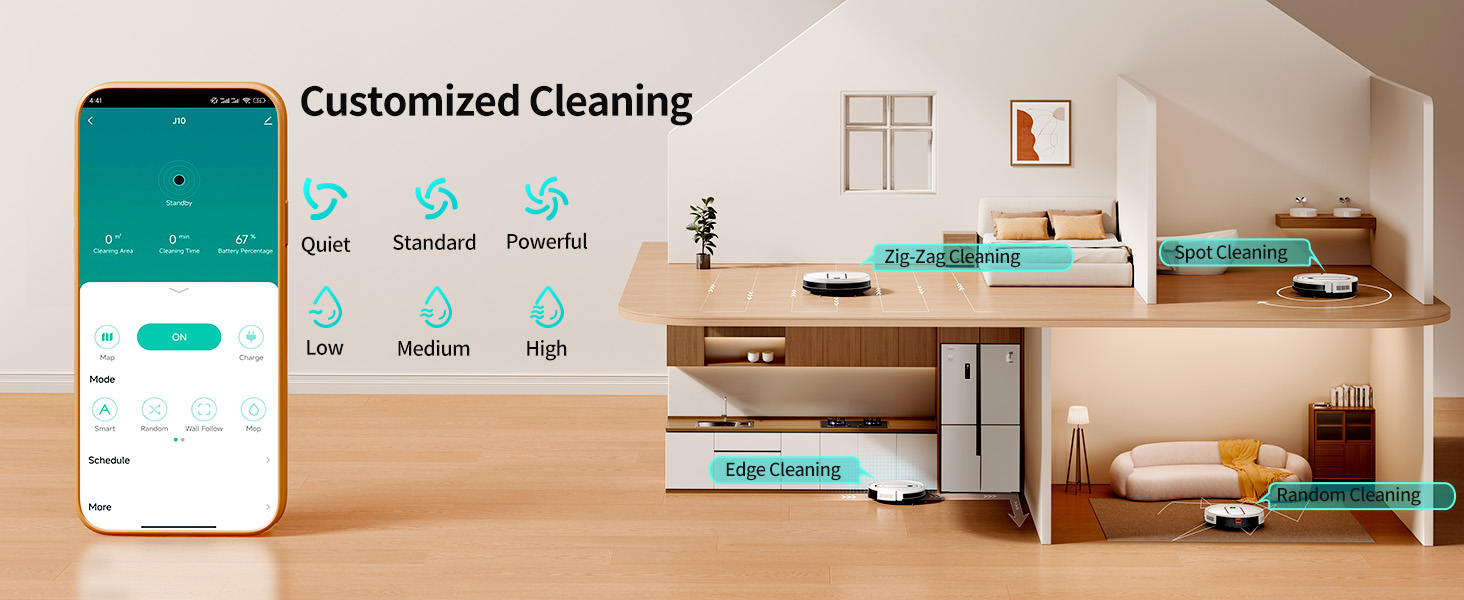
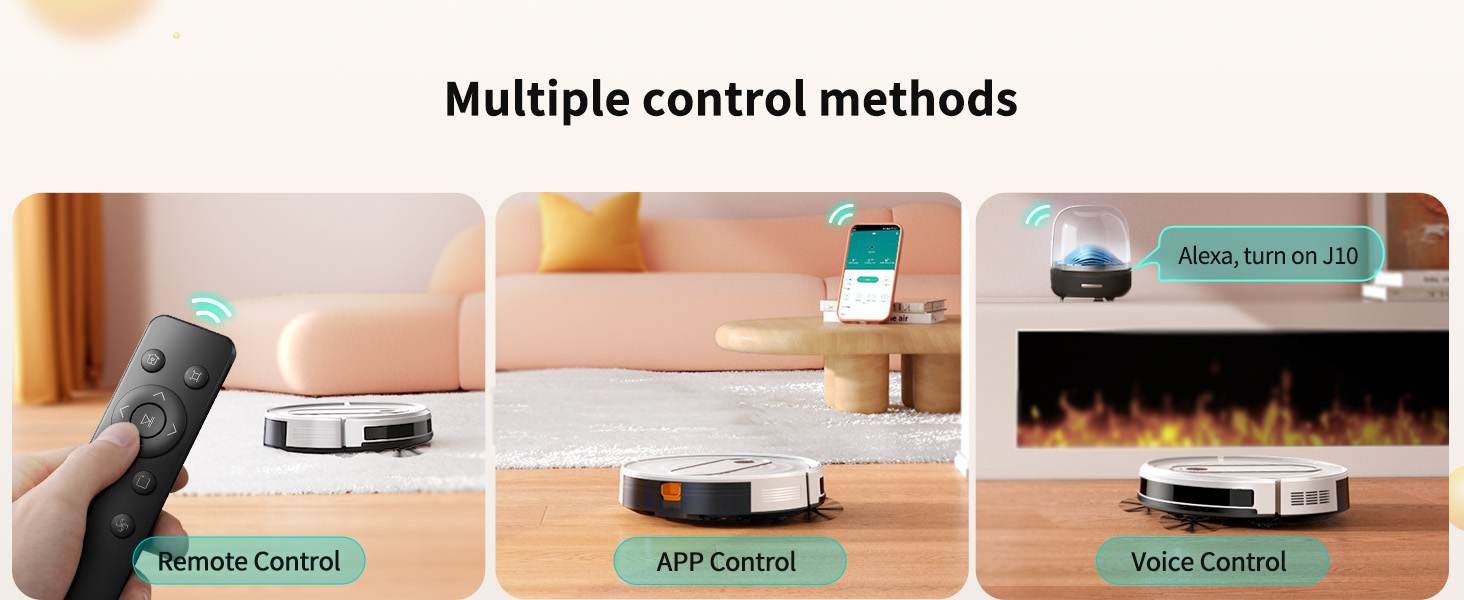
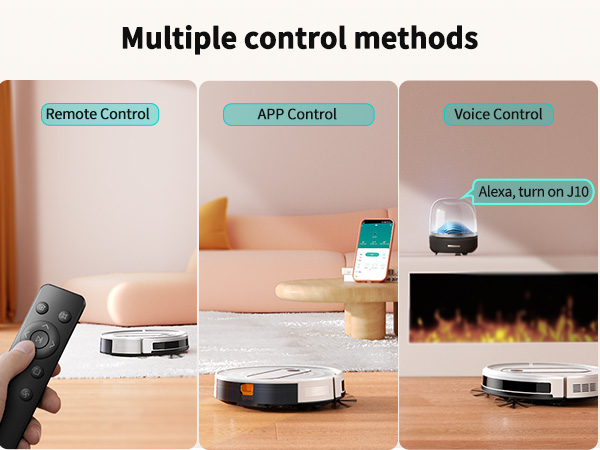
Abundant Cleaning Modes & 3 Remote Control Options Make Cleaning a Breeze
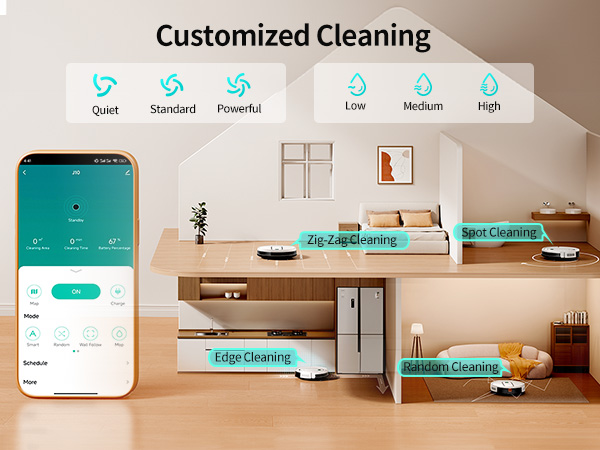
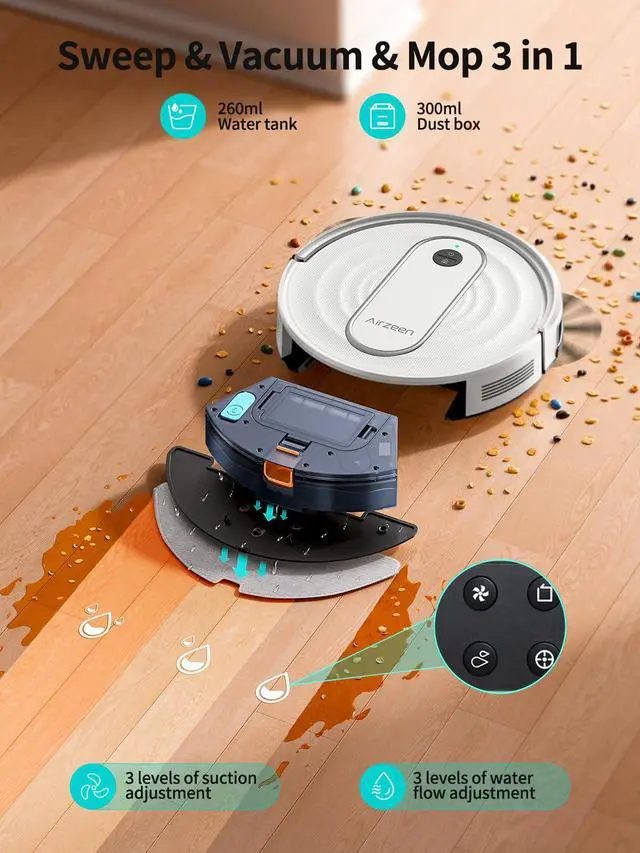
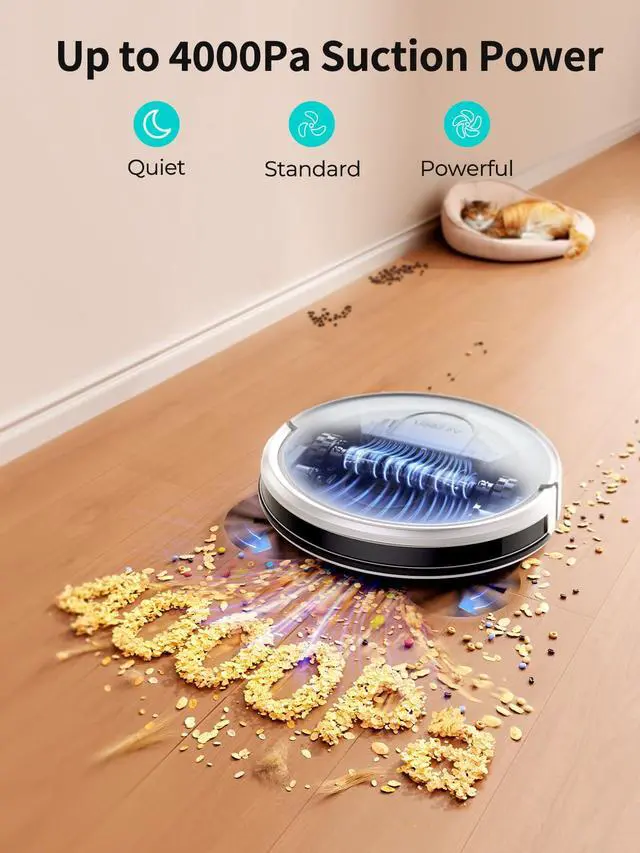
- 3 Adjustable Suction Levels: Quiet - Standard-Powerful
- 3 Adjustable Water Output Levels: Low - Medium - High
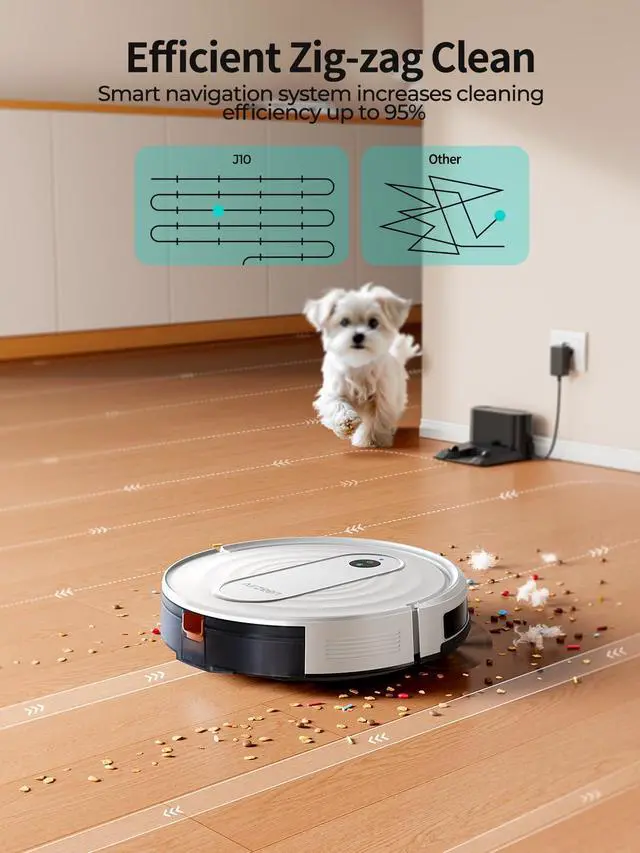
Please kindly konw that This vacuum uses gyroscopic positioning for bow-shaped cleaning and does not support mapping
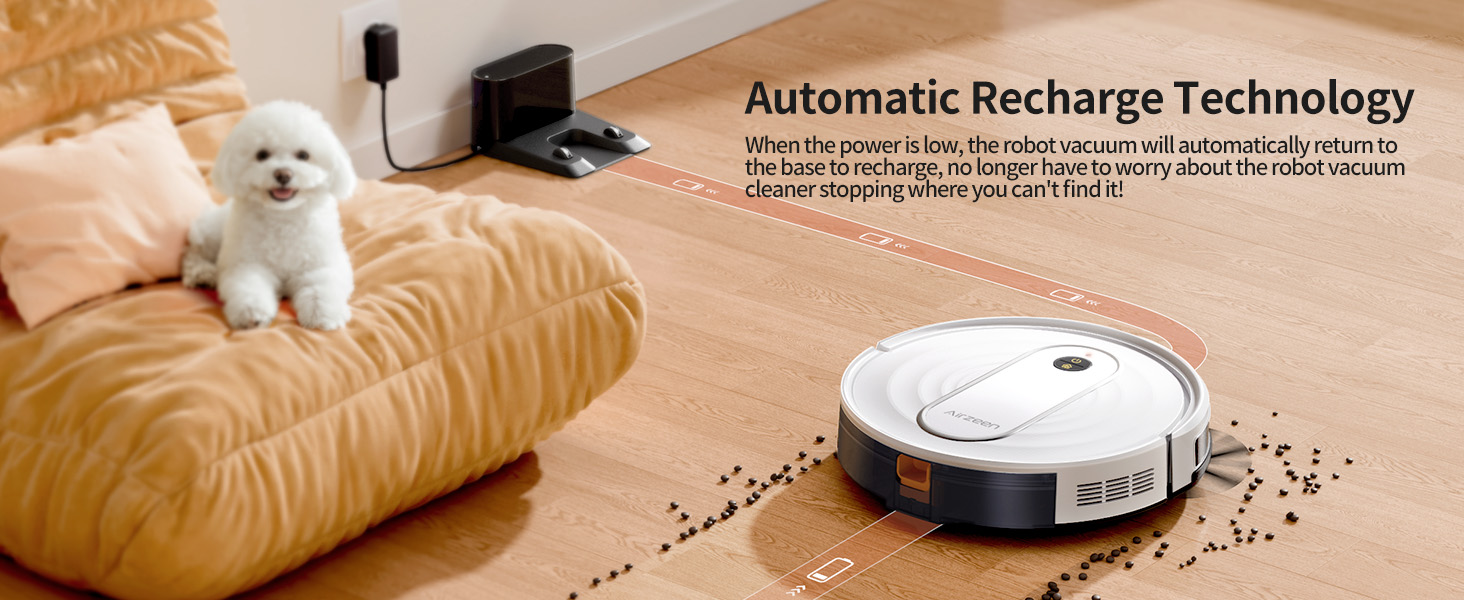
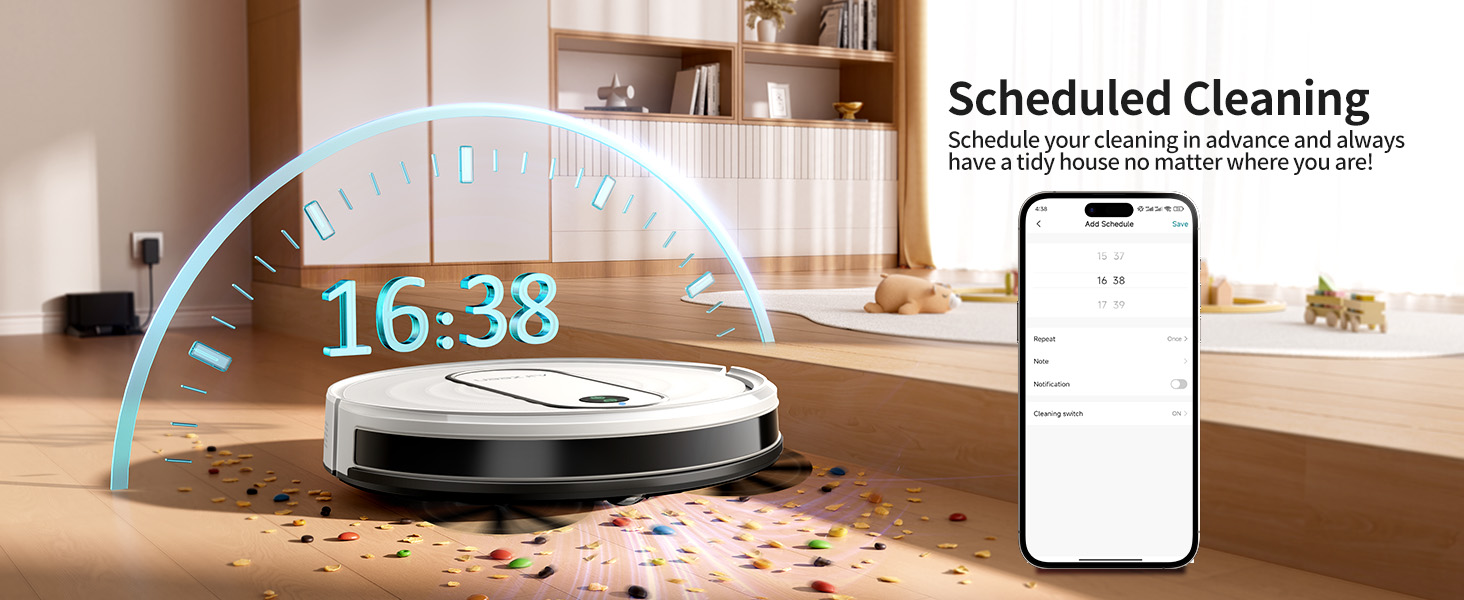
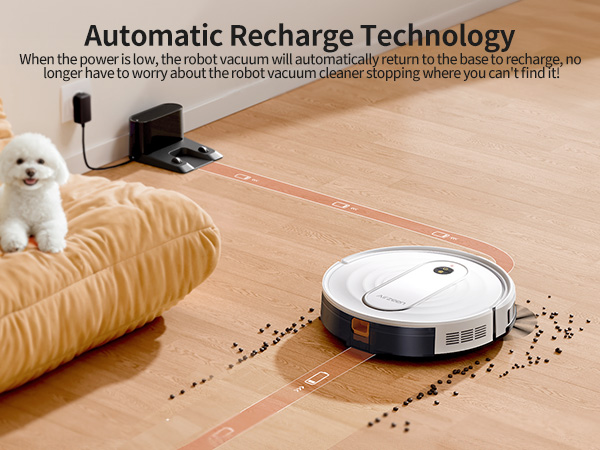
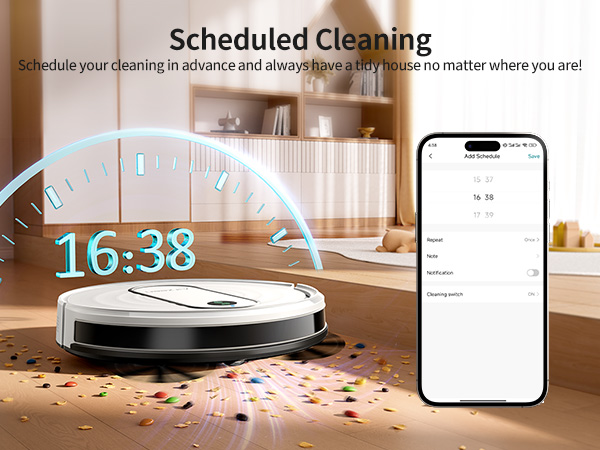
Automatic Recharge Technology & Scheduled Cleaning & APP Connect
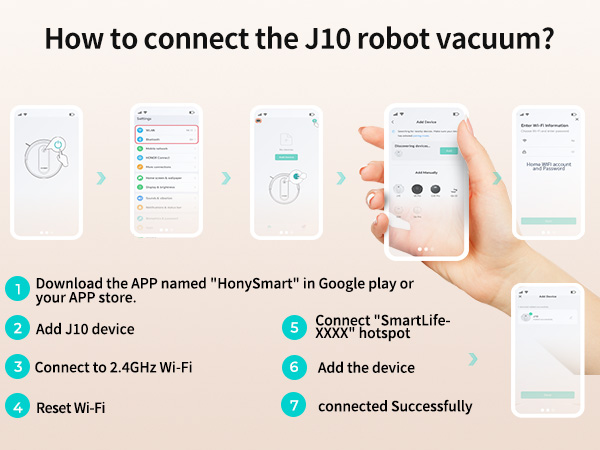
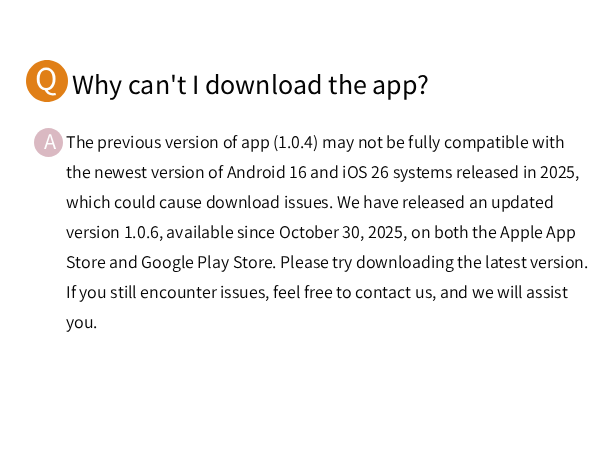
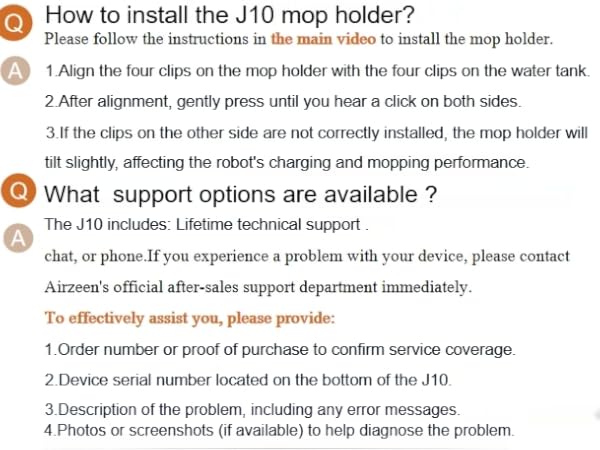

How do I connect J10 robot vacuum cleaner to my cell phone? Does it support 5GHz Wi-Fi networks?
First, download the HonySmart App, then follow the Quick Guide to make a WIFI connection. Note: The Robot Vacuum currently only supports 2.4GHz networks(not 5G), Please ensure your router is set to 2.4G frequency for successful connection
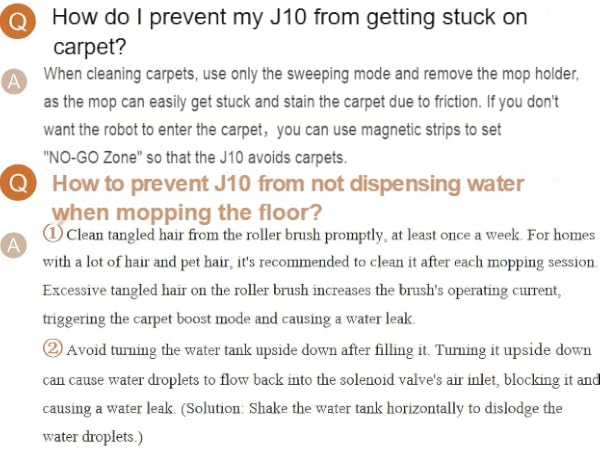
If I don't want the robot vacuum to mop on my carpet, can I do that?
A magnetic strip is also included to set up NO-GO Zones that do not need cleaning. You can stick the magnetic strip around the carpet so that the robot vacuum cleaner will not enter and clean it
Do I need to fully charge the vacuum before first use?
Yes, it is recommended to fully charge the vacuum before first use. A steady green light indicates that it is fully charged. The vacuum may arrive with a battery level around 25%. It may take up to 4 hours to fully charge.
Do I need to remove the mop holder when using on carpets
When using on carpets, you need to remove the mop holder. Because when the mop holder is installed, the carpet will be dirty when the sweeper is on the carpet.