







How to Set up Akyta Webcam?
Connect to Windows desktop computer / laptop / PC:
Please Check under Control Panel-->System and Security-->Device Manager
USB camera or USB webcam will be listed as a connected device
Connect to Mac Computer:
Please Click Apple Menu, then click About this Mac, Click on System Report from the pop-up window that appears.
The System Information window for your Mac will appear. Navigate to the USB section, USB webcam will be listed as a connected device
Q:Does it work well in low light conditions?
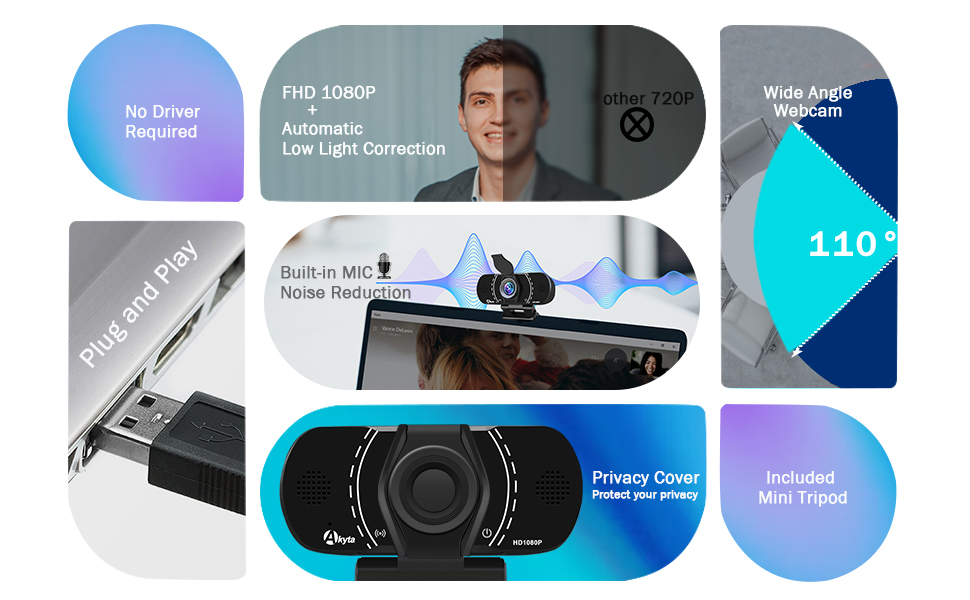
A:Akyta PC Webcam utilizes automatic light correction technology that dynamically adjusts brightness and color accuracy to match lighting conditions.
Q:What do customers say?
A:Customers appreciate the camera's video quality and its noise-canceling microphone. Akyta PC Webcam is user friendly and compatible with multiple devices.
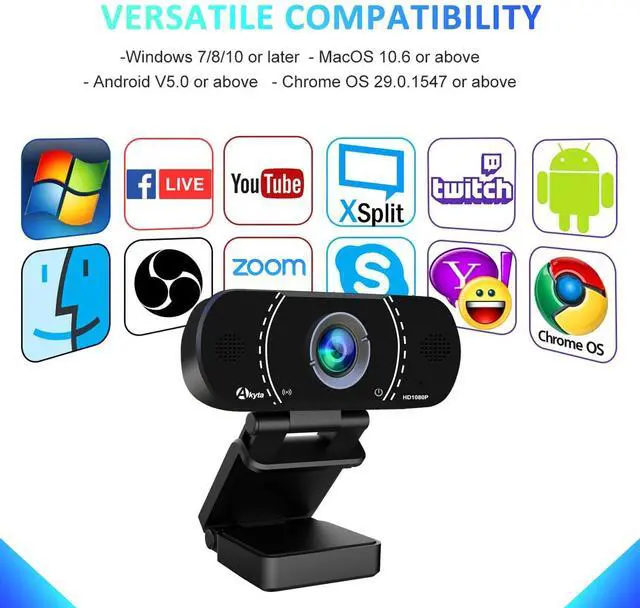
Q: What apps do I need for this webcam?
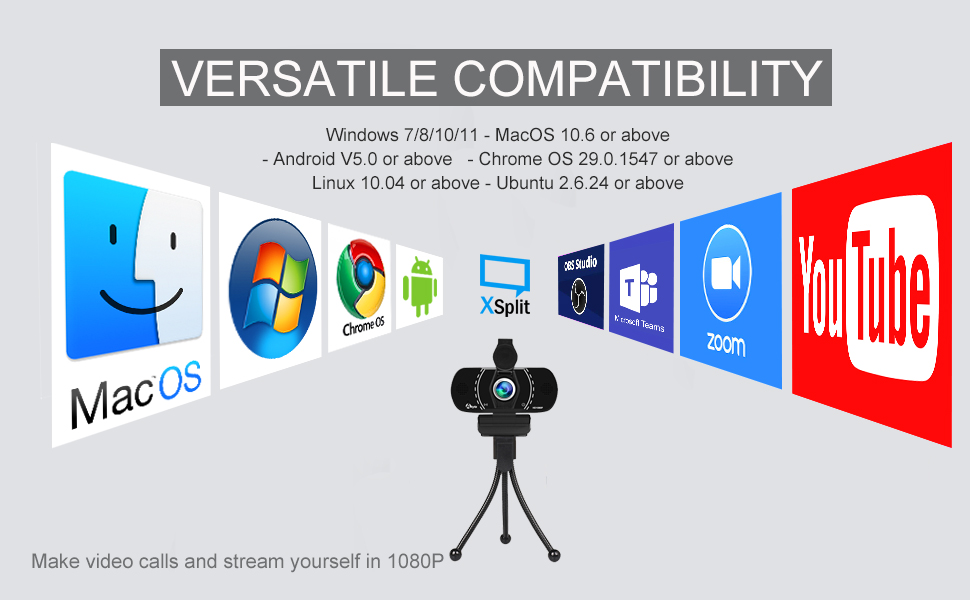
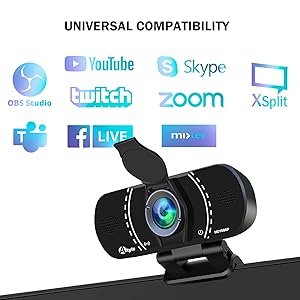
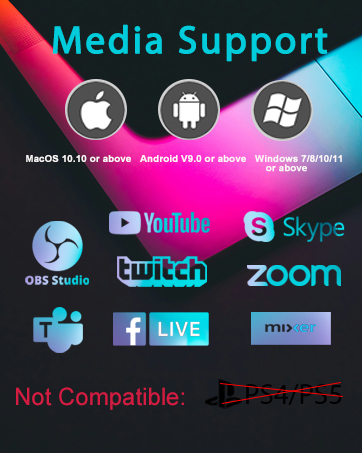
A: Widely Compatible with Chat or Video conference software: Zoom, Skype, FaceTime, Microsoft Teams, etc.
Streaming software: Open Broadcaster Software , Youtube, Xsplit, etc
Compatible for your system Camera App (such as Camera for Windows, Photo Booth for macOS)
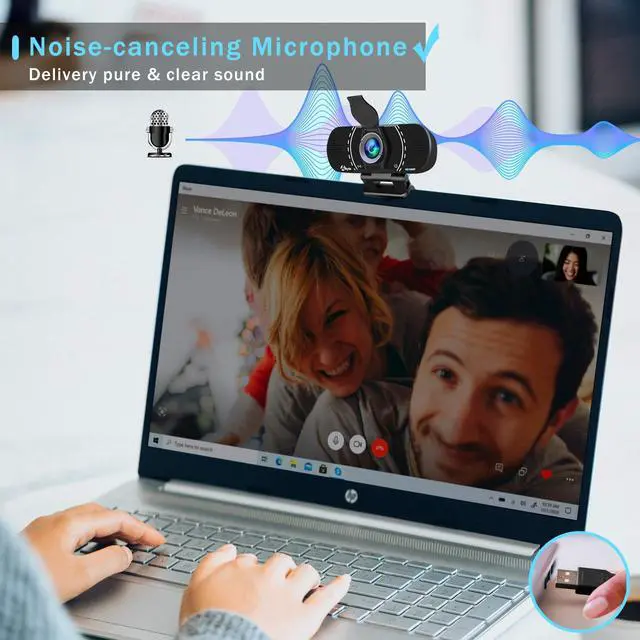
Are Webcam microphones able to capture audio clearly?
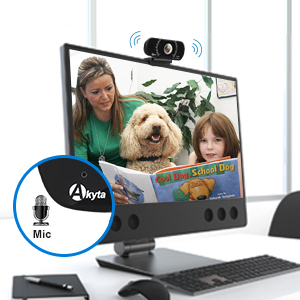
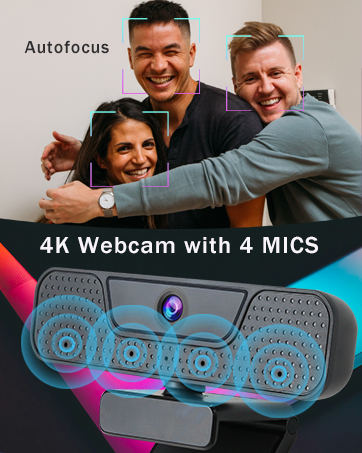
Akyta Computer Camera has a built-in microphone that reduces background noise for clear audio. Computer Webcam gives you clear conversations without annoying background noise.
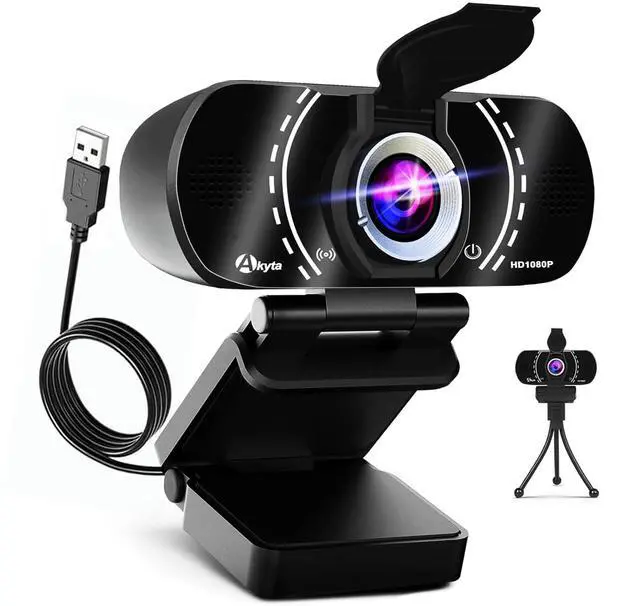
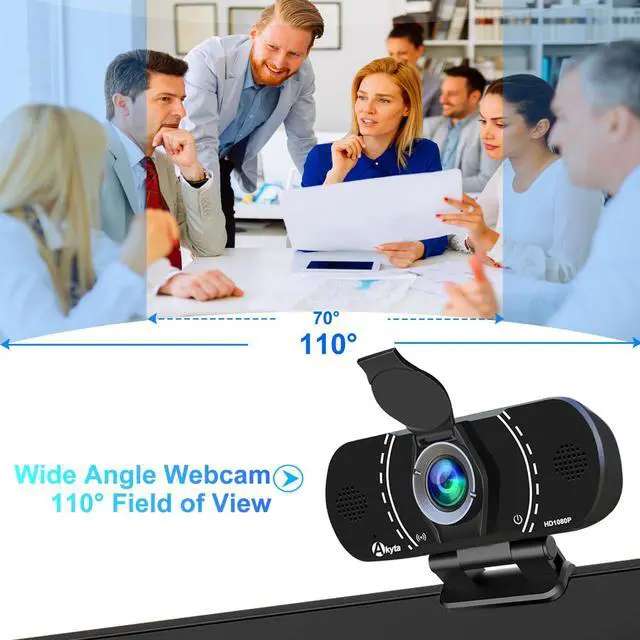
110 Degrees Wide-Angle USB Webcam
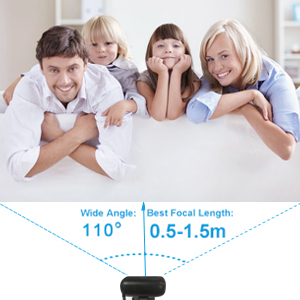
Akyta PC Webcam has wide anlge 110 Degrees, Great for multi-person chats, webinars, video conference, Streaming
Technical Parameter

How to Set up Akyta Webcam?
Connect to Windows desktop computer / laptop / PC:
Please Check under Control Panel-->System and Security-->Device Manager
USB camera or USB webcam will be listed as a connected device
Connect to Mac Computer:
Please Click Apple Menu, then click About this Mac, Click on System Report from the pop-up window that appears.
The System Information window for your Mac will appear. Navigate to the USB section, USB webcam will be listed as a connected device
Q:Does it work well in low light conditions?
A:Akyta PC Webcam utilizes automatic light correction technology that dynamically adjusts brightness and color accuracy to match lighting conditions.
Q:What do customers say?
A:Customers appreciate the camera's video quality and its noise-canceling microphone. Akyta PC Webcam is user friendly and compatible with multiple devices.
Q: What apps do I need for this webcam?
A: Widely Compatible with Chat or Video conference software: Zoom, Skype, FaceTime, Microsoft Teams, etc.
Streaming software: Open Broadcaster Software , Youtube, Xsplit, etc
Compatible for your system Camera App (such as Camera for Windows, Photo Booth for macOS)
Are Webcam microphones able to capture audio clearly?
Akyta Computer Camera has a built-in microphone that reduces background noise for clear audio. Computer Webcam gives you clear conversations without annoying background noise.
110 Degrees Wide-Angle USB Webcam
Akyta PC Webcam has wide anlge 110 Degrees, Great for multi-person chats, webinars, video conference, Streaming
Technical Parameter
| Sensor | 1920*1080P CMOS |
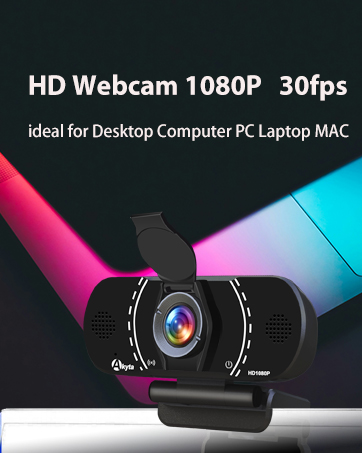
| Video Resolution | 2MP Full-HD (1920x1080P) |
| Frame Rate | 30FPS |
| Field of View | 110° Wide View |
| Focus | Fixed Focus |
| Audio | Built-in Microphone |
| Compatibility | Windows 7/8/10/11, Mac OS, etc |
| Connection Type | USB A |
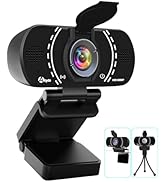
| Privacy Cover | ? |
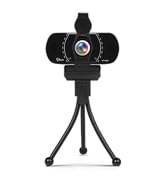
| Webcam with Tripod | Yes |
Akyta Pro Webcam
webcam for pc
