






Your Trusted Bedside Friend
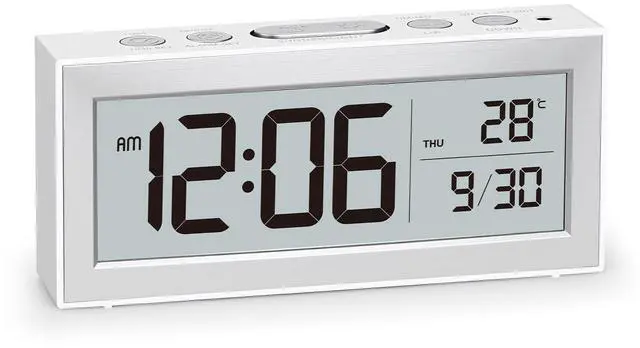
This battery-powered alarm clock is the faithful companion that never lets you down. Simple to use, familiar in design, and effortlessly portable

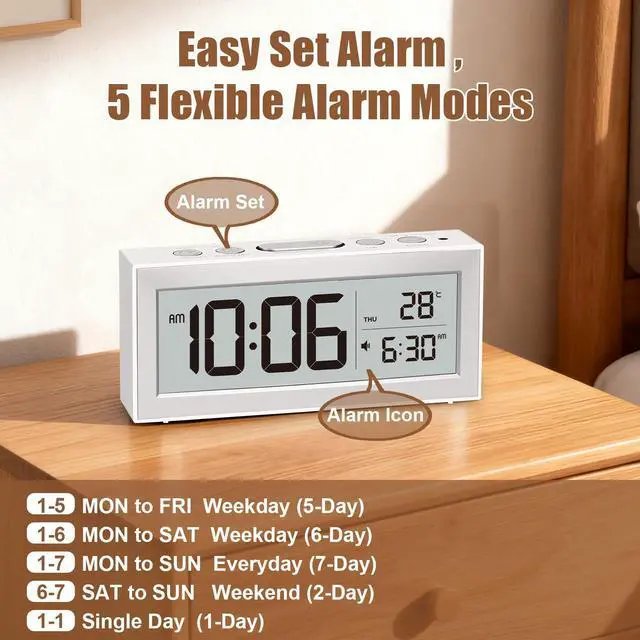
Single Alarm, 5 Flexible Modes,designed to fit different lifestyles—whether you’re a student, professional, or shift worker.

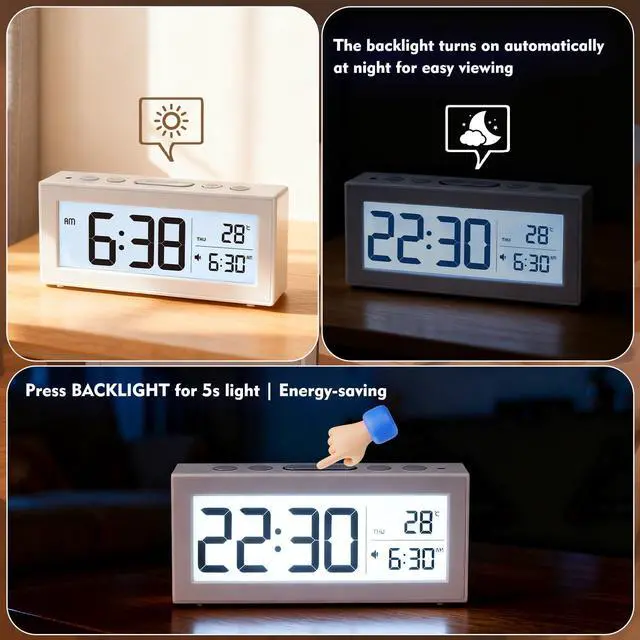
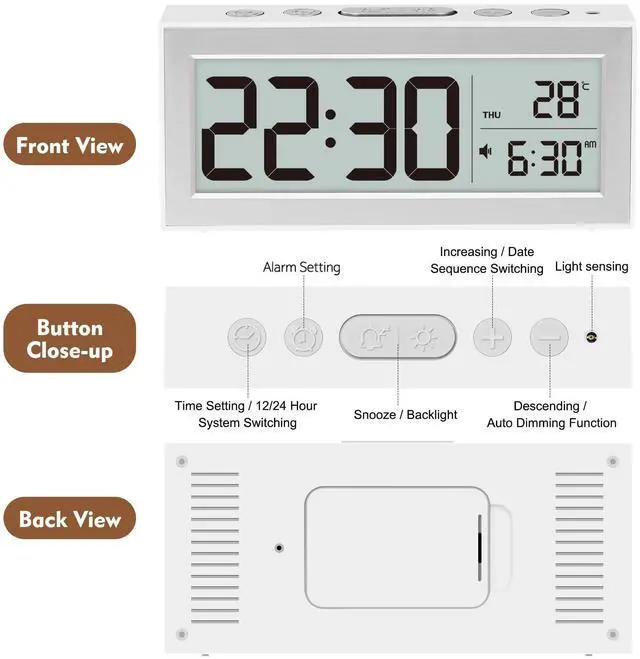
Press LIGHT to illuminate the display for 5 seconds. Ideal for quick nighttime viewing. Auto-off saves power.

The display gently brightens in dark settings for easy viewing. Light-sensitive users can disable this feature.


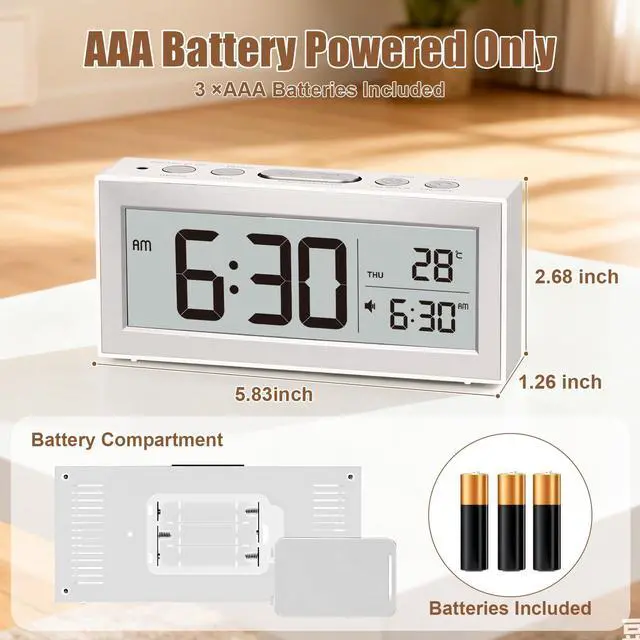
What's Included: Alarm Clock× 1 AAA batteries × 3 Quick Start Guide × 1
How do I switch between 12-hour and 24-hour format?
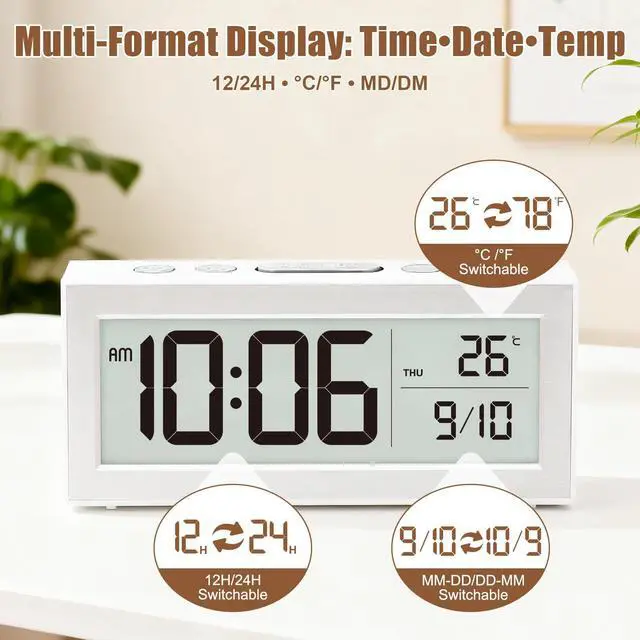
In time display mode, press the TIME SET button to toggle between 12-hour and 24-hour format. When 12-hour format is selected, the AM/PM indicator will appear on the screen.
I set the alarm, but it didn’t go off in the set time . Why?
Please check that the alarm time matches the clock’s display format (12-hour or 24-hour). Also, make sure the alarm is turned on—the alarm icon will appear on the screen when enabled.
Can the alarm volume be adjusted? What if the sound is too loud?
The alarm volume is fixed. If the sound is too loud, we recommend gently applying a small piece of removable tape over the speaker area on the back of the clock. This can help reduce the volume effectively.
Why is the screen not fully bright? It still seems a bit dim?
Our LCD screen is optimized for AAA battery efficiency. Full brightness would drain power quickly, so we balance clarity with longer battery life.
The clock display is blurry or incomplete?
Please remove and reinsert the batteries, or try new ones. If the issue continues, We will send a replacement.


Alanas: Technology That Understands You
In a busy world, your home should be your sanctuary. Alanas creates mindful companions that know when to wake you and how to comfort you.
We transform technology into warmth - with smart alarms that adapt to your rhythm, and calming lights that soothe your space. True innovation feels like an understanding friend.
Alanas: For peaceful mornings and restful nights.
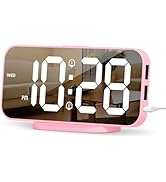
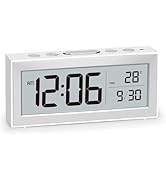
digital alarm clock
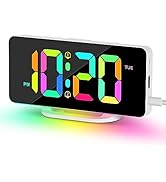
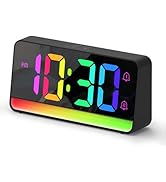
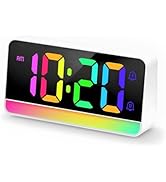
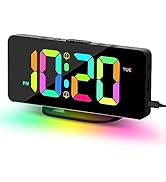
RGB Mood Light Alarm Clock
What problem are we solving?
We help you disconnect to reconnect. Our products combat digital noise and daily stress by creating moments of peace in your home.
What problem are we solving?
Because we believe technology should serve your wellbeing, not disrupt it. We're passionate about creating products that become your silent partners in self-care.
What makes our products unique?
While others sell features, we deliver understanding. From smart alarms to adaptive lighting, every detail is crafted to respond to your needs, not demand from them.
Alanas: Technology That Understands You
In a busy world, your home should be your sanctuary. Alanas creates mindful companions that know when to wake you and how to comfort you.
We transform technology into warmth - with smart alarms that adapt to your rhythm, and calming lights that soothe your space. True innovation feels like an understanding friend.
Alanas: For peaceful mornings and restful nights.
digital alarm clock
RGB Mood Light Alarm Clock
What problem are we solving?
We help you disconnect to reconnect. Our products combat digital noise and daily stress by creating moments of peace in your home.
What problem are we solving?
Because we believe technology should serve your wellbeing, not disrupt it. We're passionate about creating products that become your silent partners in self-care.
What makes our products unique?
While others sell features, we deliver understanding. From smart alarms to adaptive lighting, every detail is crafted to respond to your needs, not demand from them.

Your Trusted Bedside Friend
This battery-powered alarm clock is the faithful companion that never lets you down. Simple to use, familiar in design, and effortlessly portable

Single Alarm, 5 Flexible Modes,designed to fit different lifestyles—whether you’re a student, professional, or shift worker.

Press LIGHT to illuminate the display for 5 seconds. Ideal for quick nighttime viewing. Auto-off saves power.

The display gently brightens in dark settings for easy viewing. Light-sensitive users can disable this feature.

What's Included: Alarm Clock× 1 AAA batteries × 3 Quick Start Guide × 1
How do I switch between 12-hour and 24-hour format?
In time display mode, press the TIME SET button to toggle between 12-hour and 24-hour format. When 12-hour format is selected, the AM/PM indicator will appear on the screen.
I set the alarm, but it didn’t go off in the set time . Why?
Please check that the alarm time matches the clock’s display format (12-hour or 24-hour). Also, make sure the alarm is turned on—the alarm icon will appear on the screen when enabled.
Can the alarm volume be adjusted? What if the sound is too loud?
The alarm volume is fixed. If the sound is too loud, we recommend gently applying a small piece of removable tape over the speaker area on the back of the clock. This can help reduce the volume effectively.
Why is the screen not fully bright? It still seems a bit dim?
Our LCD screen is optimized for AAA battery efficiency. Full brightness would drain power quickly, so we balance clarity with longer battery life.
The clock display is blurry or incomplete?
Please remove and reinsert the batteries, or try new ones. If the issue continues, We will send a replacement.