



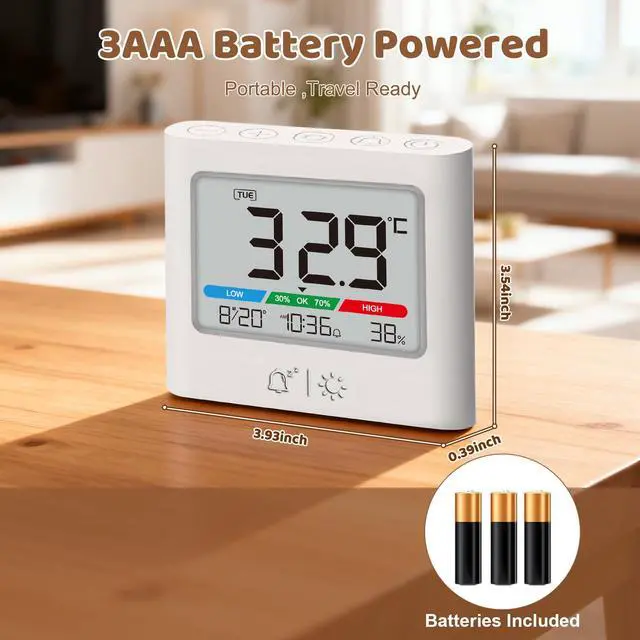


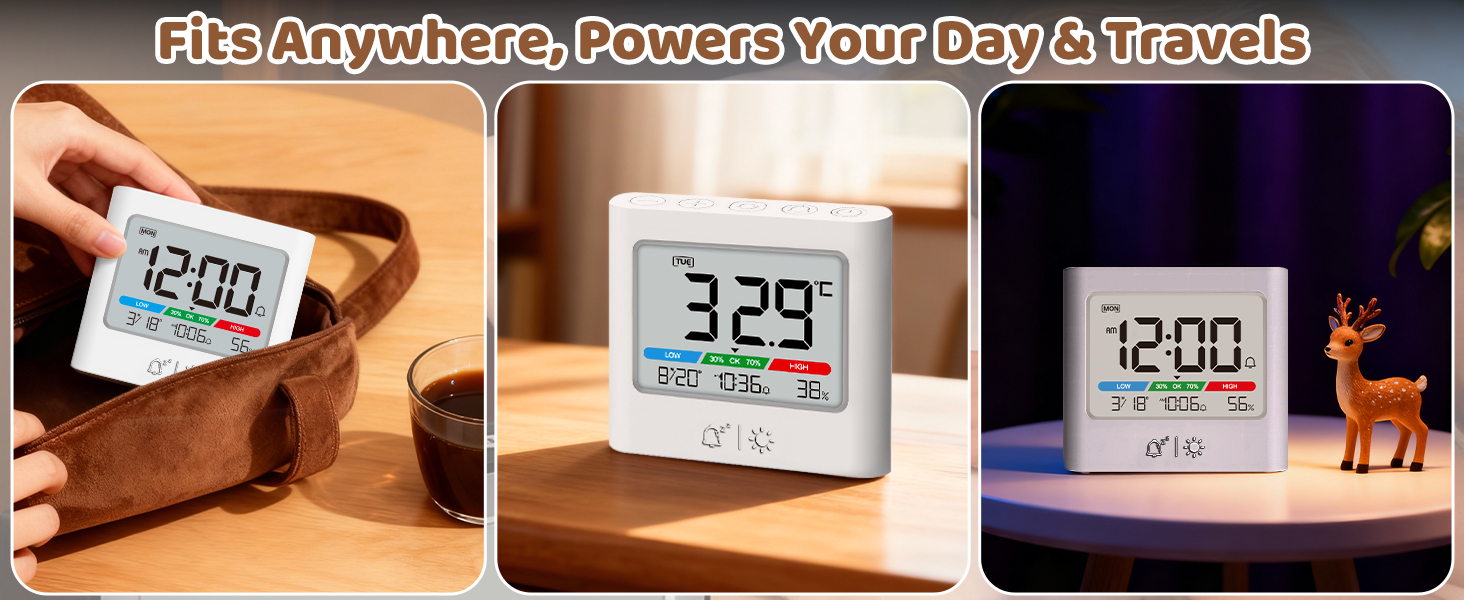
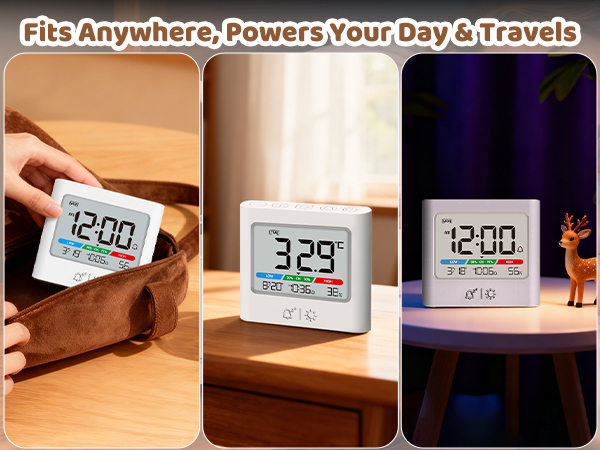
Portable Mini Alarm Clock – Best for Travel: Designed for portability in temporary settings (travel, dorm, desk). Please note: Due to its compact, energy-efficient LCD screen, it is not intended to replace your main bright-display bedside or daily alarm clock.
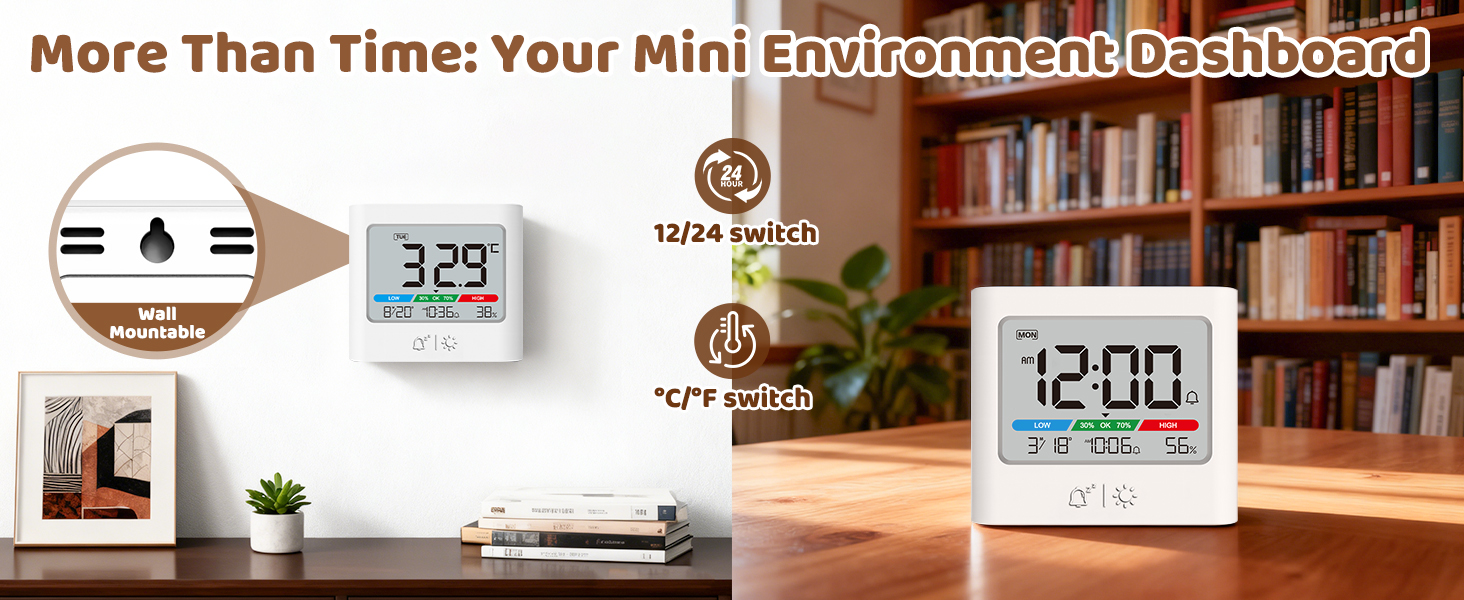
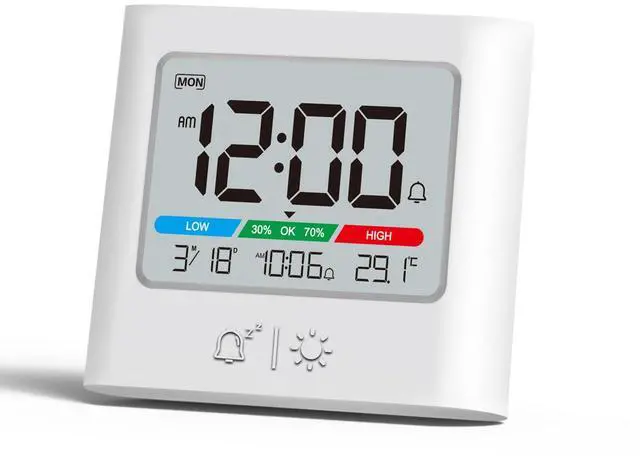
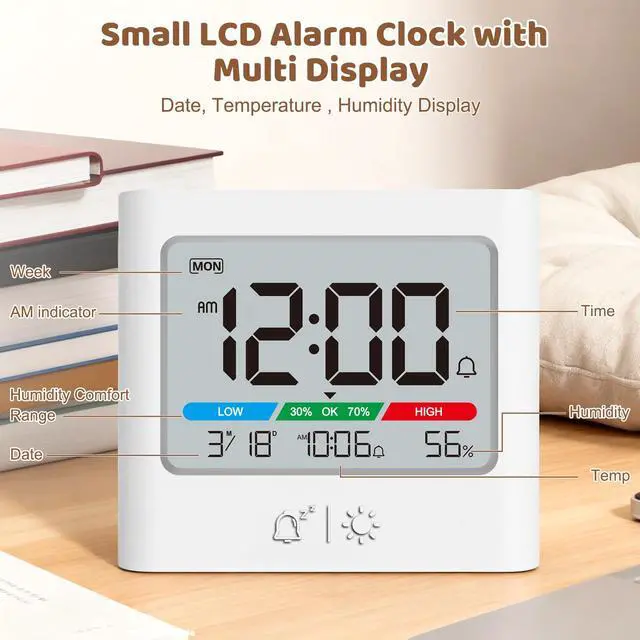
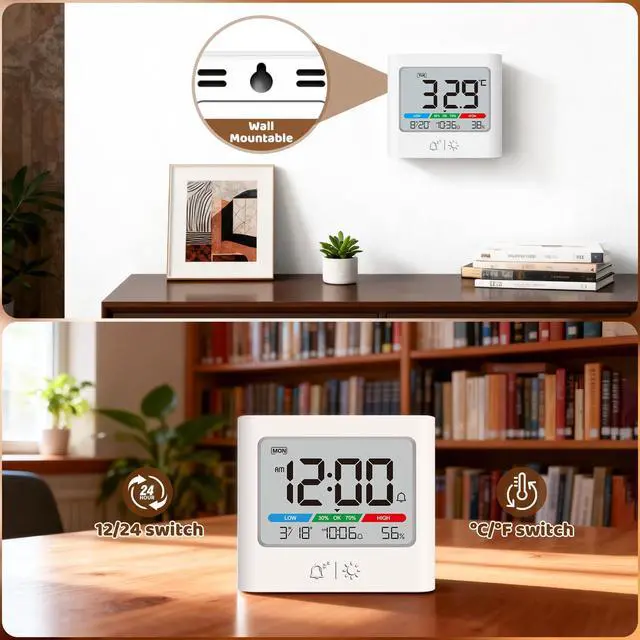
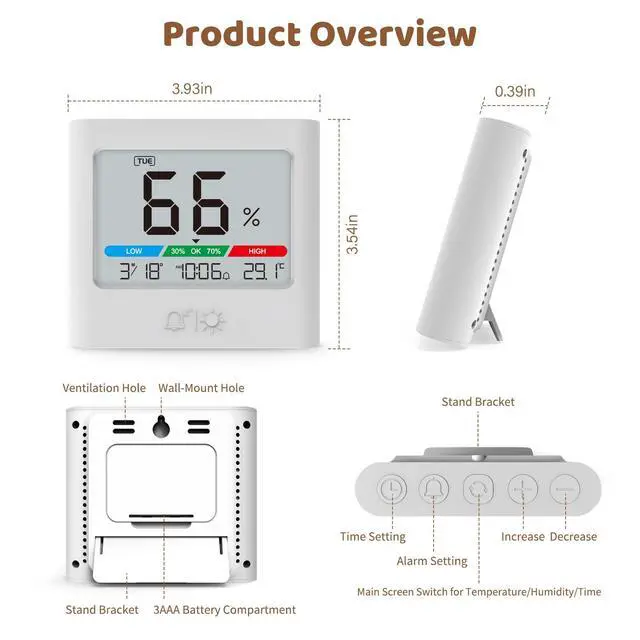
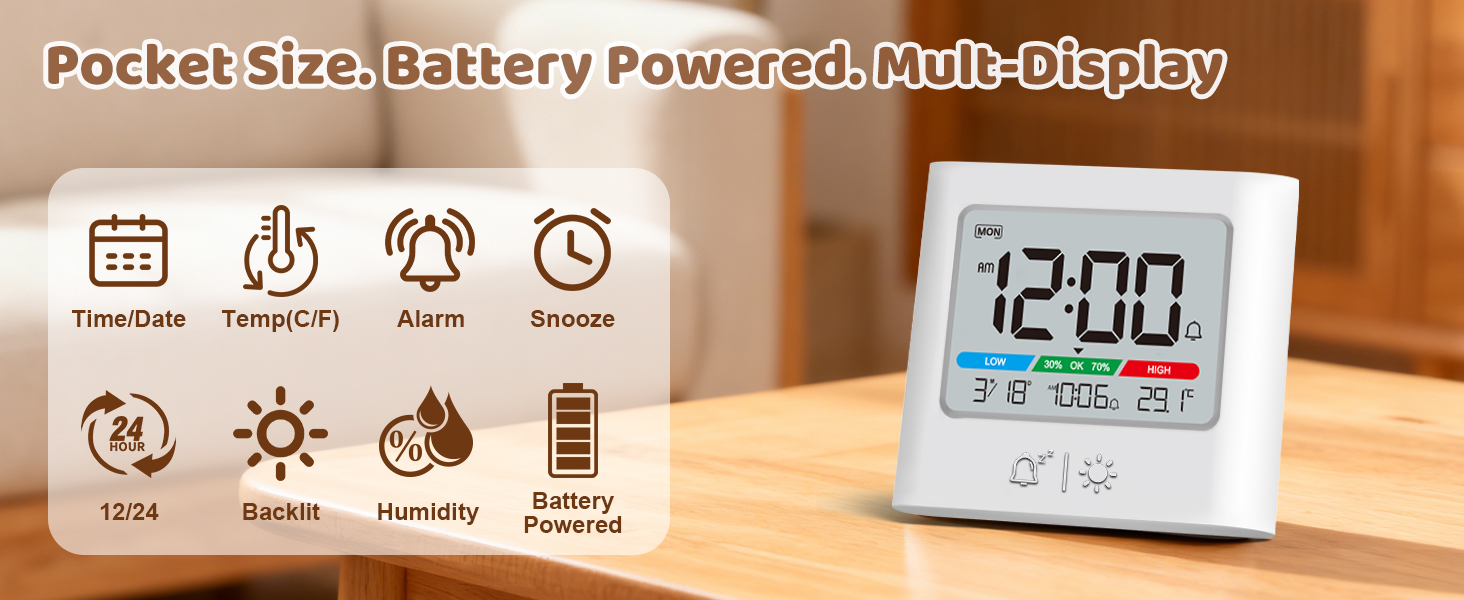
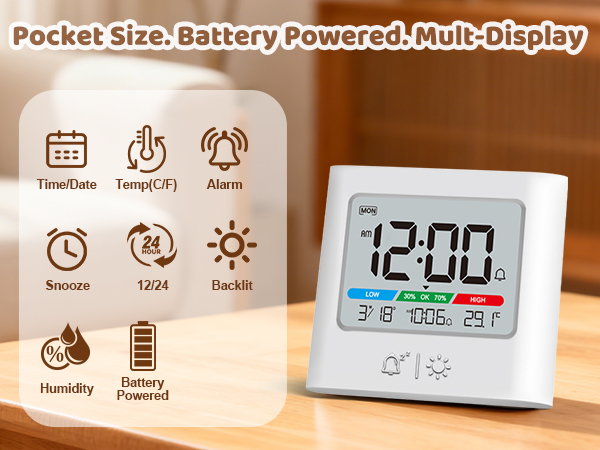
Monitor Your Space, Your Way. This versatile clock displays time, temperature, and humidity. Place it on your desk or hang it on the wall—it’s your simple, all-in-one environment manager for any room.
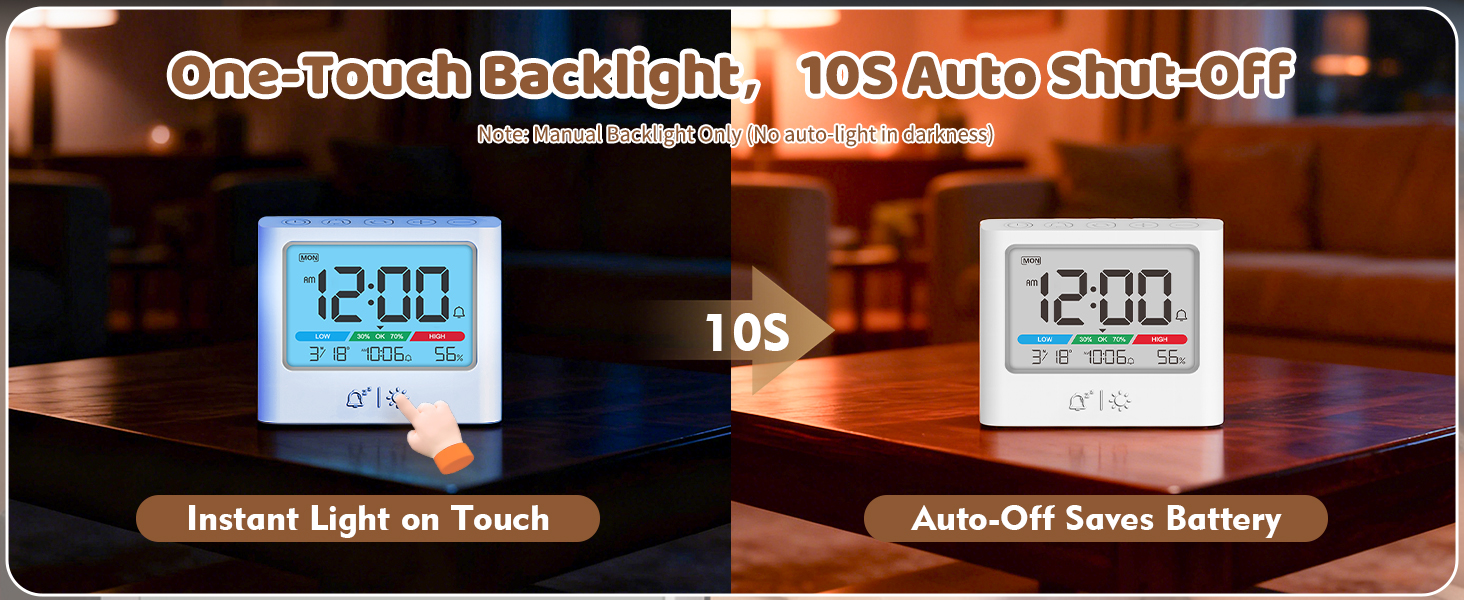
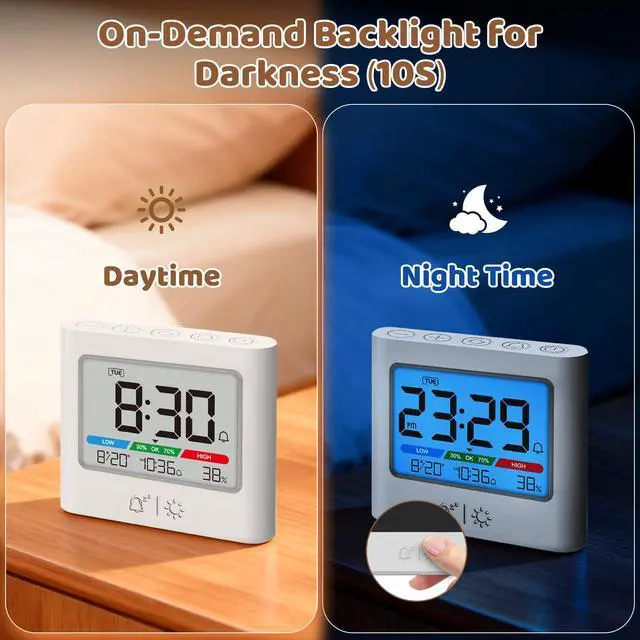
Manual 10-Second Backlight Press the button to illuminate the display for easy viewing at night or in dark areas. Note: There is no auto-dimming night light. The backlight only activates when pressed and automatically turns off after 10 seconds to conserve battery.
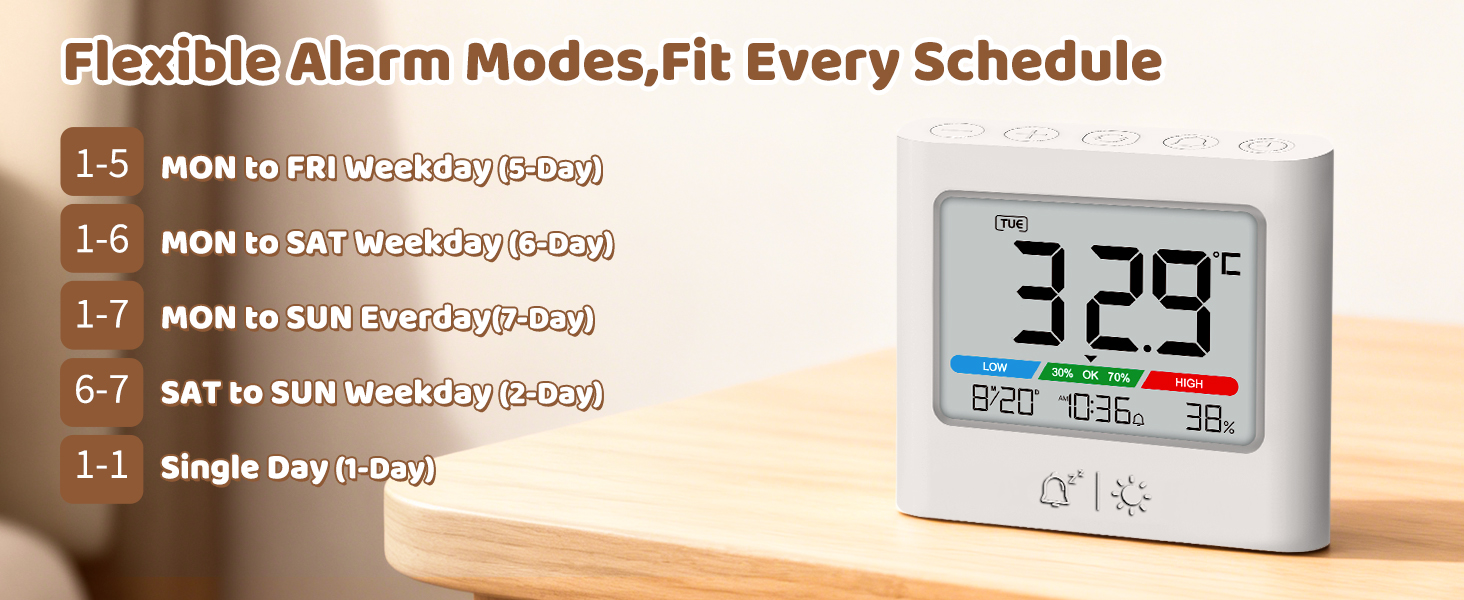
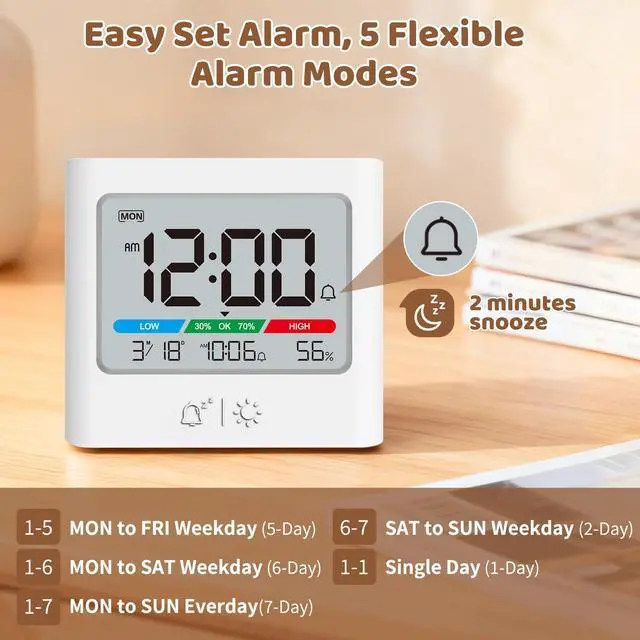
One Alarm, 5 Smart Modes. Set it for weekdays, workdays, or your custom schedule—perfect for any routine.
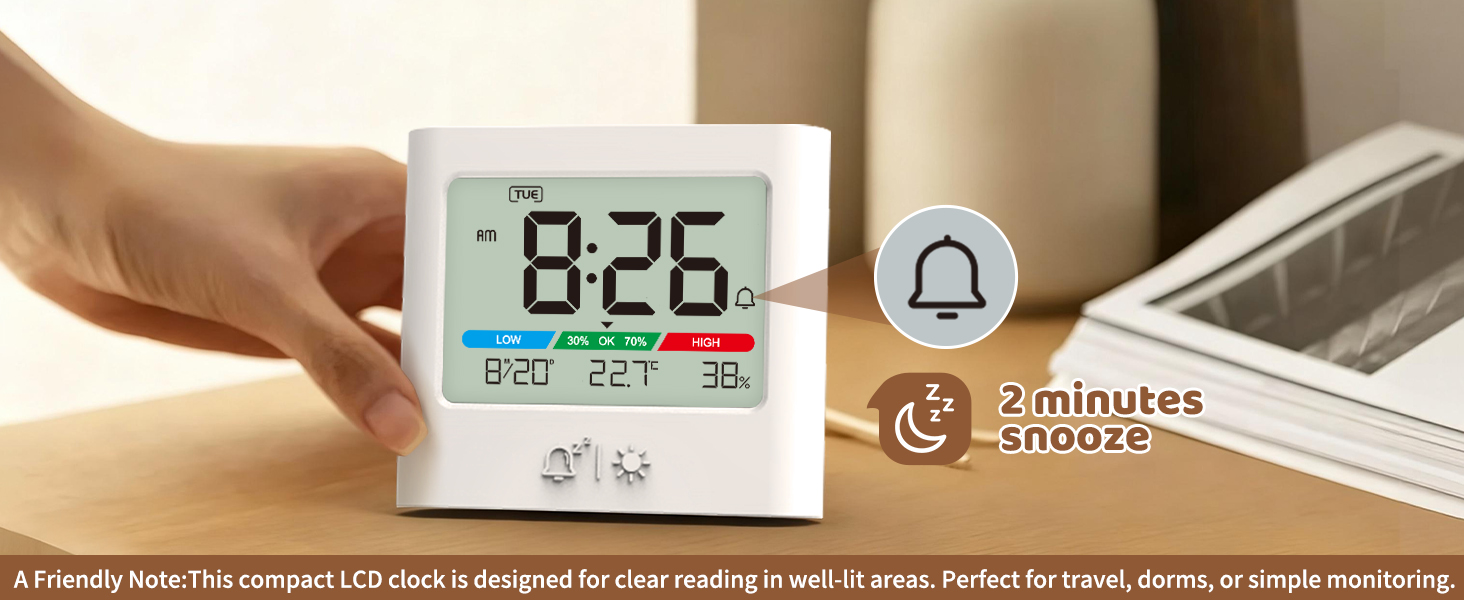
2-Minute Snooze Function. Tap for a bit more rest on those cozy mornings.
What's Included: Alarm Clock× 1 AAA batteries × 3 Quick Start Guide × 1
How do I switch between 12-hour and 24-hour format?
In time display mode, press the TIME SET button to toggle between 12-hour and 24-hour format. When 12-hour format is selected, the AM/PM indicator will appear on the screen.
I set the alarm, but it didn’t go off in the set time . Why?
Please check that the alarm time matches the clock’s display format (12-hour or 24-hour). Also, make sure the alarm is turned on—the alarm icon will appear on the screen when enabled.
Can the alarm volume be adjusted? What if the sound is too loud?
The alarm volume is fixed. If the sound is too loud, we recommend gently applying a small piece of removable tape over the speaker area on the back of the clock. This can help reduce the volume effectively.
Why is the screen not fully bright? It still seems a bit dim.
Our LCD screen is optimized for AAA battery efficiency. Full brightness would drain power quickly, so we balance clarity with longer battery life.
The clock display is blurry or incomplete.
Please remove and reinsert the batteries, or try new ones. If the issue continues, We will send a replacement.
Portable Mini Alarm Clock – Best for Travel: Designed for portability in temporary settings (travel, dorm, desk). Please note: Due to its compact, energy-efficient LCD screen, it is not intended to replace your main bright-display bedside or daily alarm clock.
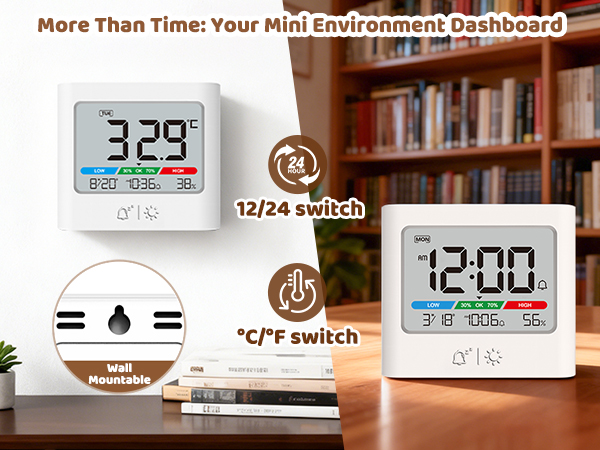
Monitor Your Space, Your Way. This versatile clock displays time, temperature, and humidity. Place it on your desk or hang it on the wall—it’s your simple, all-in-one environment manager for any room.
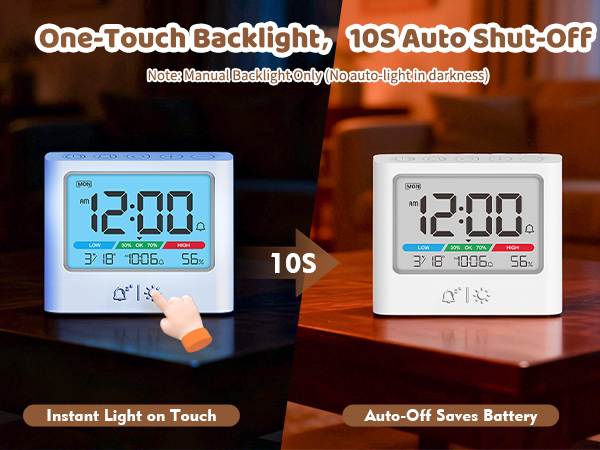
Manual 10-Second Backlight Press the button to illuminate the display for easy viewing at night or in dark areas. Note: There is no auto-dimming night light. The backlight only activates when pressed and automatically turns off after 10 seconds to conserve battery.
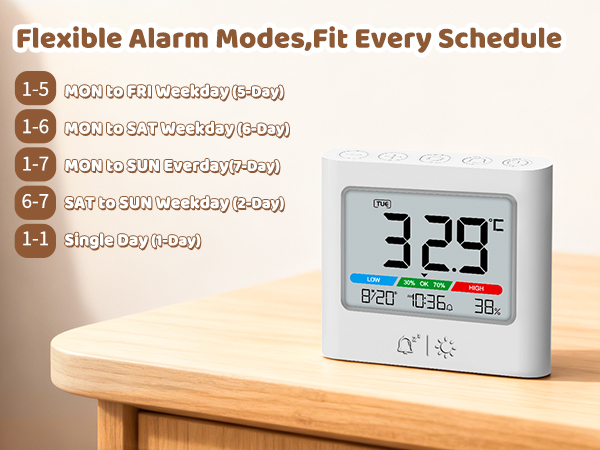
One Alarm, 5 Smart Modes. Set it for weekdays, workdays, or your custom schedule—perfect for any routine.
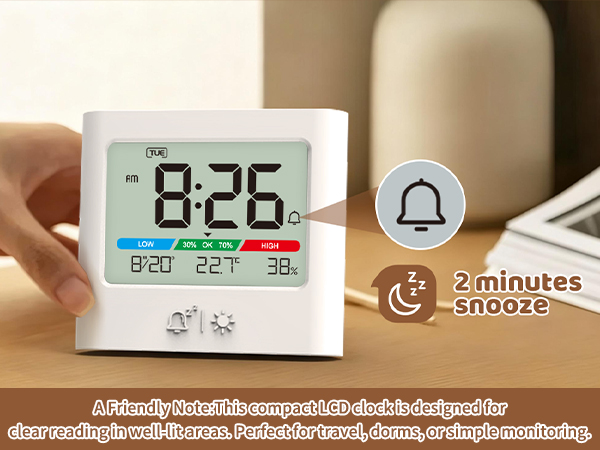
2-Minute Snooze Function. Tap for a bit more rest on those cozy mornings.
What's Included: Alarm Clock× 1 AAA batteries × 3 Quick Start Guide × 1
How do I switch between 12-hour and 24-hour format?
In time display mode, press the TIME SET button to toggle between 12-hour and 24-hour format. When 12-hour format is selected, the AM/PM indicator will appear on the screen.
I set the alarm, but it didn’t go off in the set time . Why?
Please check that the alarm time matches the clock’s display format (12-hour or 24-hour). Also, make sure the alarm is turned on—the alarm icon will appear on the screen when enabled.
Can the alarm volume be adjusted? What if the sound is too loud?
The alarm volume is fixed. If the sound is too loud, we recommend gently applying a small piece of removable tape over the speaker area on the back of the clock. This can help reduce the volume effectively.
Why is the screen not fully bright? It still seems a bit dim.
Our LCD screen is optimized for AAA battery efficiency. Full brightness would drain power quickly, so we balance clarity with longer battery life.
The clock display is blurry or incomplete.
Please remove and reinsert the batteries, or try new ones. If the issue continues, We will send a replacement.