Your Browsing History
Alogic Elements DisplayPort to HDMI Cable - 3.28 ft - 10.2 Gbit/s - Supports up to 1920 x 1080 - 30 AWG - Dark Gray - EL2DPHD-01
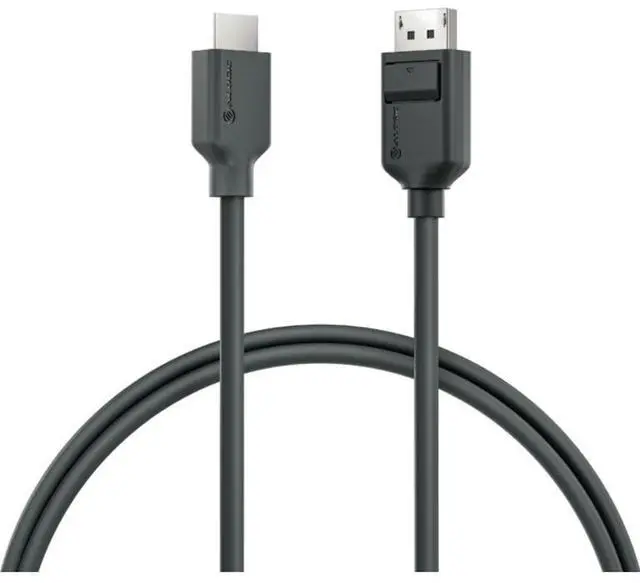
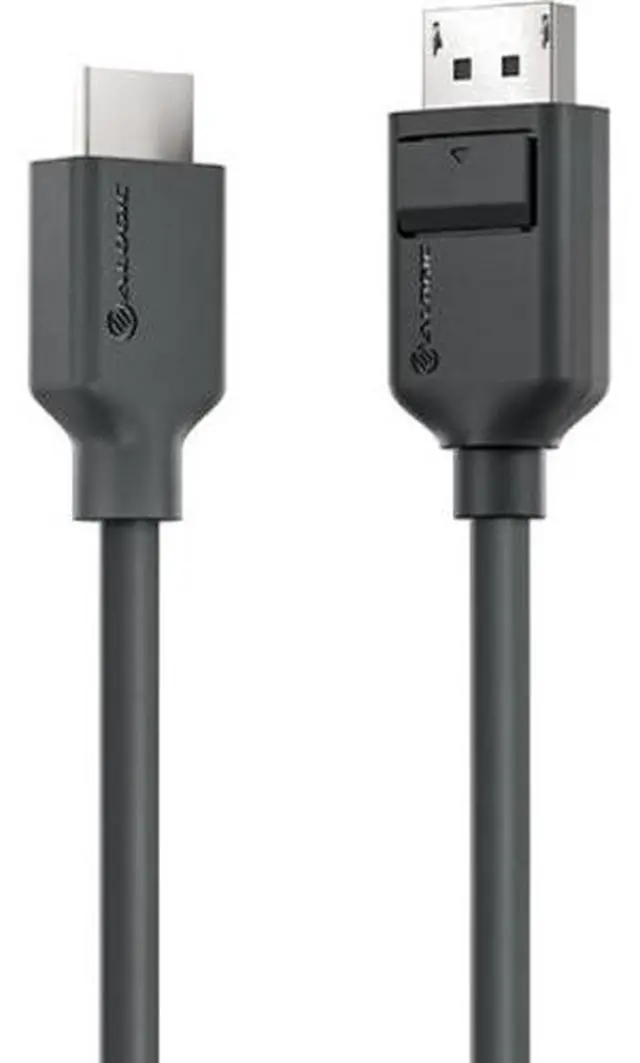
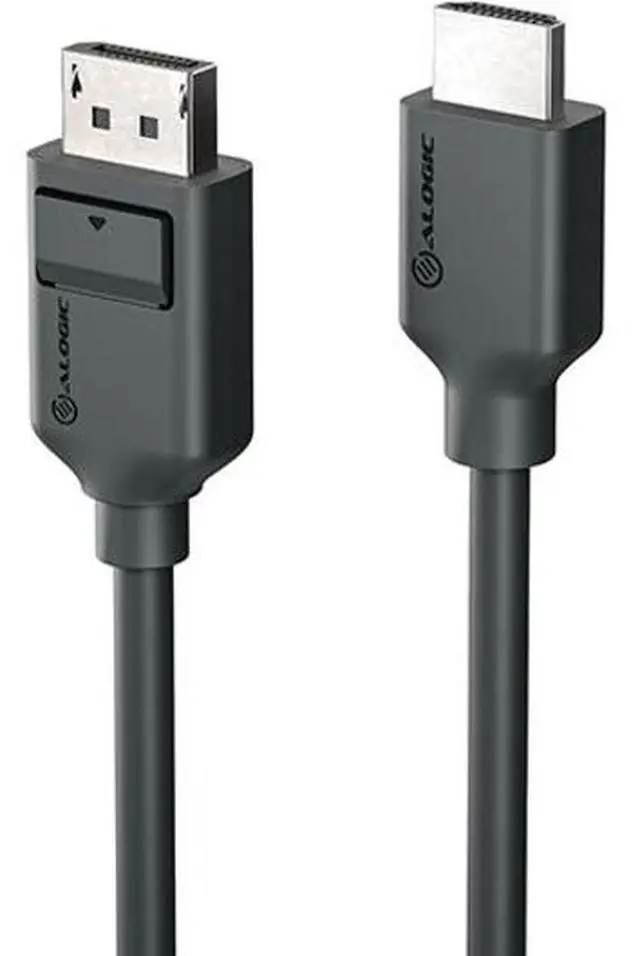
- ALOGIC's Elements Series DisplayPort to HDMI Cable [Male to Male] is the price-friendly cable for homes and businesses that need to marry a DisplayPort source [such as a computer] with an HDMI display [such as a computer monitor or projector].
- Your warranty-backed Elements cables support HDMI resolutions up to the HDMI 1.4 maximum of 4K [30Hz] and Full HD 1920x1080 [144Hz].
- Now you're equipped for crisp and reliable displays when it's time to take a video call, present to your team, scroll visual documents or web pages, or add an additional external display to your desk.
+
+
Learn more about the ALOGIC EL2DPHD-01
| Brand | Alogic |
|---|---|
| Model | EL2DPHD-01 |
| Type | DisplayPort to HDMI |
| Type | DisplayPort to HDMI Cable |
|---|---|
| Color | Black |
| Length | 3.28 ft |
| First Listed on Newegg | June 17, 2026 |
|---|
Warranty & Returns
Warranty, Returns, And Additional Information
Warranty
- Limited Warranty period (parts): Lifetime
- Limited Warranty period (labor): Lifetime
- Read full details
Return Policies
- Return for refund until: January 31, 2026
- Return for replacement until: January 31, 2026
- This item is covered by Newegg.com's Extended Holiday Return Policy.
- Read full return policy for details.
We want to ensure your holiday shopping this year is hassle-free. That’s why we’re automatically extending our return policies on almost every product! For purchases placed between November 1st, 2025 and December 31, 2025 you will have until January 31, 2026 to return your product.
Manufacturer Contact Info
LOADING...
The Alogic Elements EL2DPHD-01 is a 3.28-foot DisplayPort-to-HDMI cable for connecting a DisplayPort-equipped computer to an HDMI monitor or projector, making it suitable for desk setups, video calls, and presentations.
Recommended For
- Office workers connecting a desktop or laptop’s DisplayPort output to an HDMI monitor for video calls, documents, web browsing, or other everyday 1080p work.
- Presenters and meeting-room users who need to connect a DisplayPort computer to an HDMI projector or display for slides and other standard-resolution presentations.
- Desk or equipment-rack installers working in tight spaces, where the cable’s flexible jacket and low-profile connectors can help with routing behind displays.
- Users adding a nearby HDMI screen to a DisplayPort-equipped computer, provided the source supports DP++ and the display connection is HDMI; the cable is 1 m long.
Real-World Use Scenarios
- At a desk, connect a computer’s DisplayPort output to an HDMI monitor to use a larger screen for video calls, documents, and web pages.
- Add an HDMI monitor as a second screen when the computer has an available DisplayPort output, giving you room to keep reference material open while working on another display.
- Connect a DisplayPort-equipped computer to an HDMI projector for a class or workplace presentation, so slides and other computer visuals can be shown on the larger screen.
- Use an open DisplayPort on a desktop graphics card to connect an HDMI-only monitor while the computer’s HDMI port is already used by another display; the computer can then be set to extend or mirror the desktop.
- Connect a computer to an HDMI-equipped television for computer output on a larger home screen, provided the computer’s DisplayPort output and the TV’s supported display mode are compatible.
Spec Summary
| Attribute | Value |
|---|---|
| Best For | Connecting a DisplayPort source, such as a computer, to an HDMI display |
| Connection Type | DisplayPort-to-HDMI cable |
| Cable Length | 3.28 ft |
| Color | Black |
| Model Identifiers | Alogic EL2DPHD-01 |