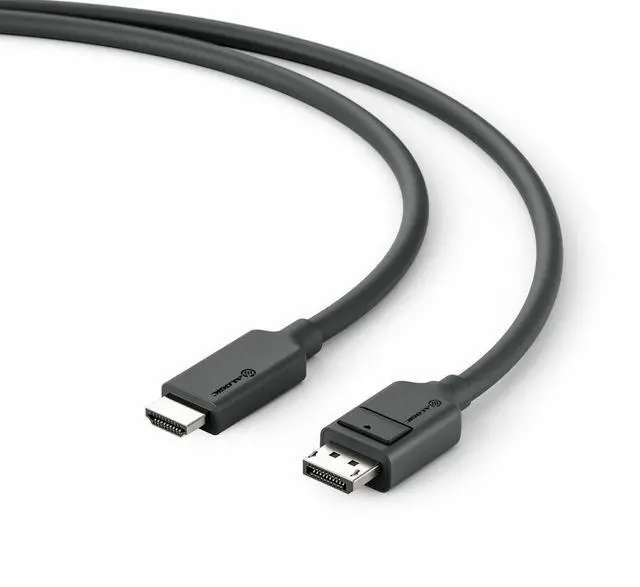
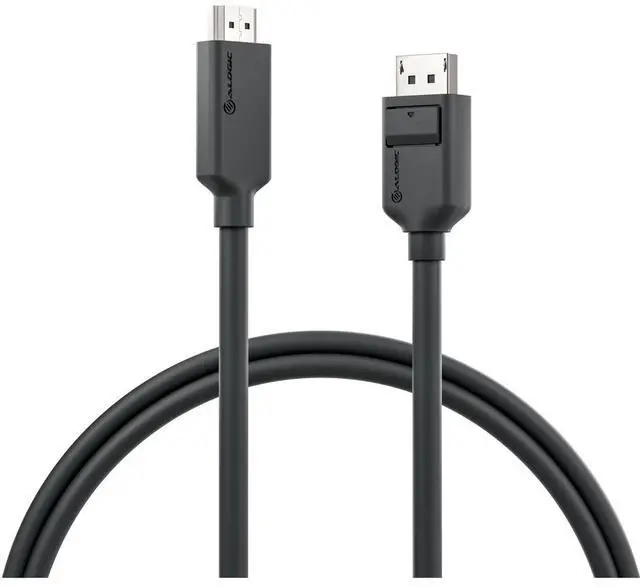
The Alogic Elements EL2DPHD4K-02 is a 6.56 ft DisplayPort-to-HDMI audio/video cable for users connecting a DisplayPort-equipped device to an HDMI display.
Recommended For
- People connecting a computer’s DisplayPort output to an HDMI monitor or TV, when the source and display support a compatible resolution and refresh rate.
- Office or classroom presenters whose computer has DisplayPort and whose HDMI projector or screen is used for slides, documents, or other standard presentation content.
- Home-office users adding an HDMI display to a computer with an available DisplayPort output for everyday desktop work, provided the computer and display support the desired settings.
- Users whose setup fits the cable’s stated limits: up to 4K at 30Hz or Full HD at up to 144Hz, subject to the capabilities of the computer and HDMI display.
Real-World Use Scenarios
- Connect a desktop PC’s DisplayPort output to an HDMI-only monitor to add or extend a workspace; the monitor appears as an external display, with the available resolution and refresh rate depending on the PC and monitor.
- Connect a DisplayPort-equipped computer to an HDMI TV for a larger-screen desktop or PC media playback; the TV can serve as an external display, with picture and audio dependent on the source and TV settings.
- Use a DisplayPort computer output with an HDMI projector for a meeting or class presentation; slides and other screen content can be shown on the projector when its HDMI input and the computer’s display settings are compatible.
- Connect a DisplayPort graphics card to an HDMI display when the computer’s DisplayPort socket is the available output; this cable is designed for that direction, not for sending HDMI from a computer to a DisplayPort monitor.
- Use it for a compatible 4K monitor or TV when you want a single cable from a DisplayPort source; ALOGIC specifies support up to 4K at 60Hz, though the actual mode depends on the connected devices and settings.
Spec Summary
| Attribute | Value |
|---|
| Best For | Connecting a DisplayPort-equipped device to an HDMI display |
|---|
| Cable Type And Length | DisplayPort-to-HDMI audio/video cable, 6.56 ft long |
|---|
| Color | Black |
|---|
| Brand And Model | Alogic EL2DPHD4K-02 |
|---|




 here!