



















Why does my monitor flicker or show a black screen?
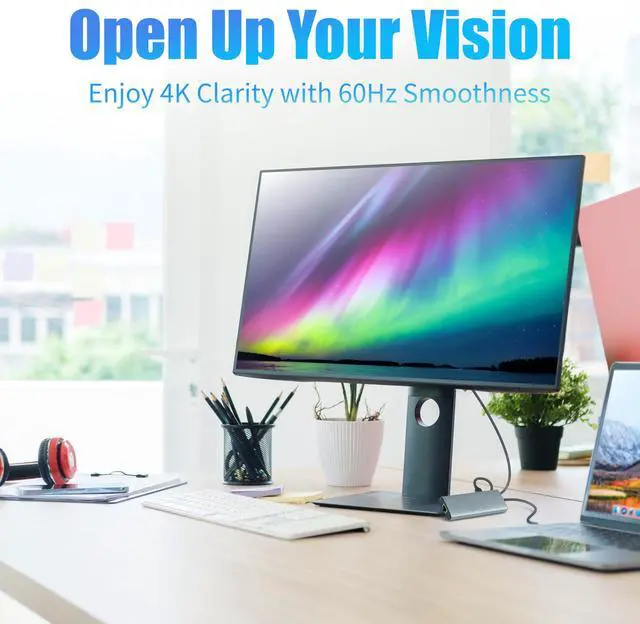
Ensure your laptop supports DP Alt Mode and 4K@60Hz. Some systems may not support advanced monitor features. Lower resolution/refresh rate if stability issues occur.
Why isn’t my device detecting the hub?
The hub may not initialize on some systems. Reconnect and ensure all ports are secure. Supported OS: Windows 10/11, macOS 10.14+, Android 11+, iPadOS 15+.
Why are some USB devices not working with the hub?
Avoid connecting multiple high-power devices (SSDs, webcams) at once. If needed, use a 100W USB-C PD adapter on the PD port to provide extra power.
Why is my laptop not charging or charging slowly via PD port?
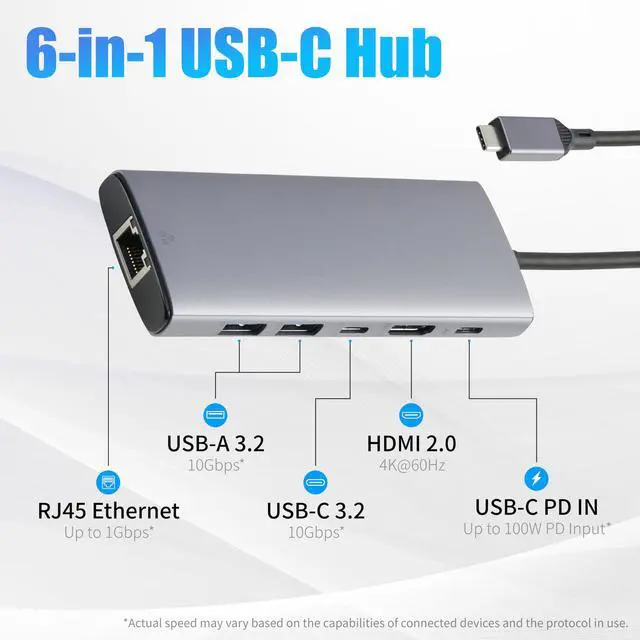
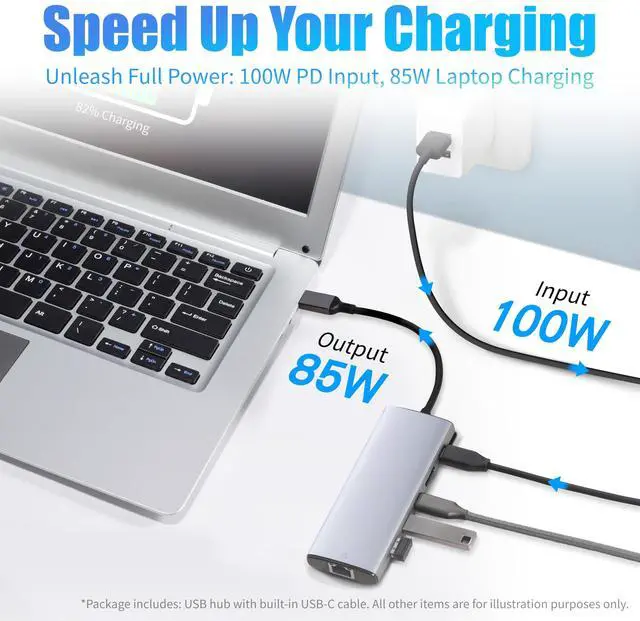
The PD input supports up to 100W. Use a proper 100W-rated USB-C adapter to ensure enough power for charging your laptop.
The hub feels hot during use. Is this normal?
Yes. Tested under full load for 2+ hours, surface stays under 50°C (40°C in AC). The aluminum case aids heat dissipation, so some warmth is expected.
Why does my monitor flicker or show a black screen?
Ensure your laptop supports DP Alt Mode and 4K@60Hz. Some systems may not support advanced monitor features. Lower resolution/refresh rate if stability issues occur.
Why isn’t my device detecting the hub?
The hub may not initialize on some systems. Reconnect and ensure all ports are secure. Supported OS: Windows 10/11, macOS 10.14+, Android 11+, iPadOS 15+.
Why are some USB devices not working with the hub?
Avoid connecting multiple high-power devices (SSDs, webcams) at once. If needed, use a 100W USB-C PD adapter on the PD port to provide extra power.
Why is my laptop not charging or charging slowly via PD port?
The PD input supports up to 100W. Use a proper 100W-rated USB-C adapter to ensure enough power for charging your laptop.
The hub feels hot during use. Is this normal?
Yes. Tested under full load for 2+ hours, surface stays under 50°C (40°C in AC). The aluminum case aids heat dissipation, so some warmth is expected.
Household Needs
Electronics
Pet Supplies
