





Measure Entire Meals

Weigh
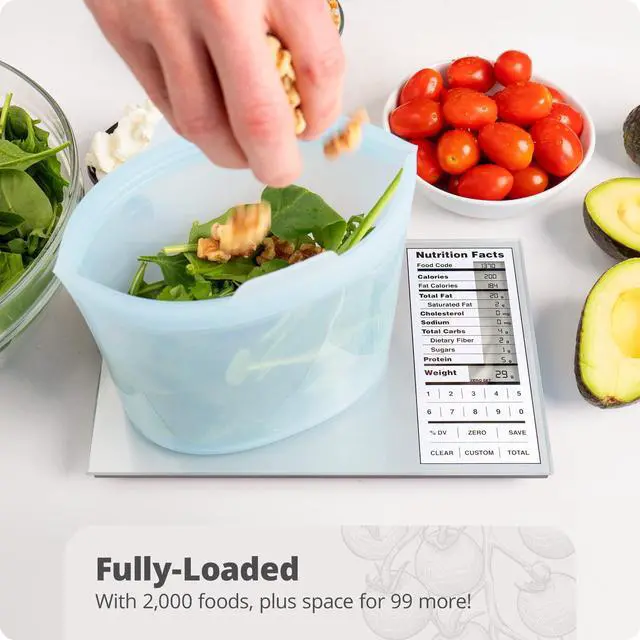
Add your first ingredient directly to the nutrition scale or zero out the weight of a bowl to keep it more contained.

Save
Once weighed, select Save, and the nutrition scale will store the ingredient’s nutrition values.

Weigh More
Repeat steps one and two until each ingredient of your meal has been weighed and saved on the nutrition scale.

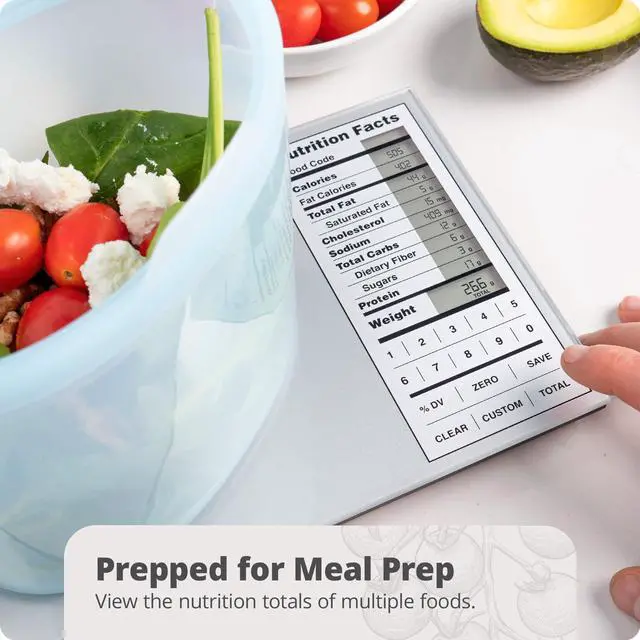
View Total
Press Total to view the ingredients' combined nutritional value, then again to return to weighing, or select Clear to reset your meal prep scale.


Add a Custom Food Code

Select Custom
Don’t see an ingredient? Create a custom food code by holding Custom on the nutrition scale. Just be sure you have the nutrition label on hand.

Choose Digits
After pressing Custom, your calorie counting scale will prompt you to enter a food code. You can choose any 2-digit number between 01 and 99.

Enter Nutrients
Enter the nutrient values as they appear on the food label. Then, press Custom on the nutrition scale and enter the protein and weight per serving.

Use Your New Code
To use your new code, simply select Custom on the macro scale and enter your chosen 2-digit number.
Calculate Calories, Macros, and All the Nutrition Facts You Need!
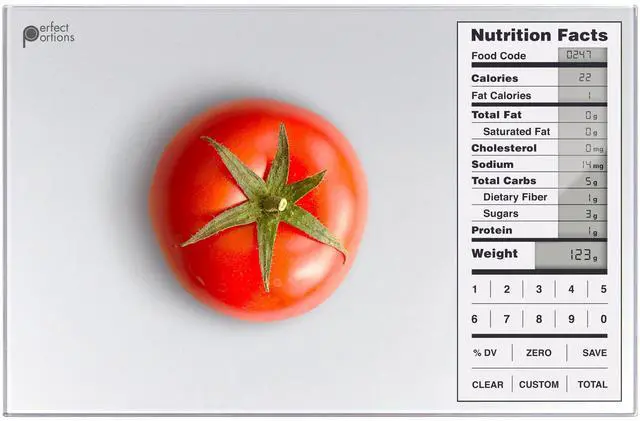
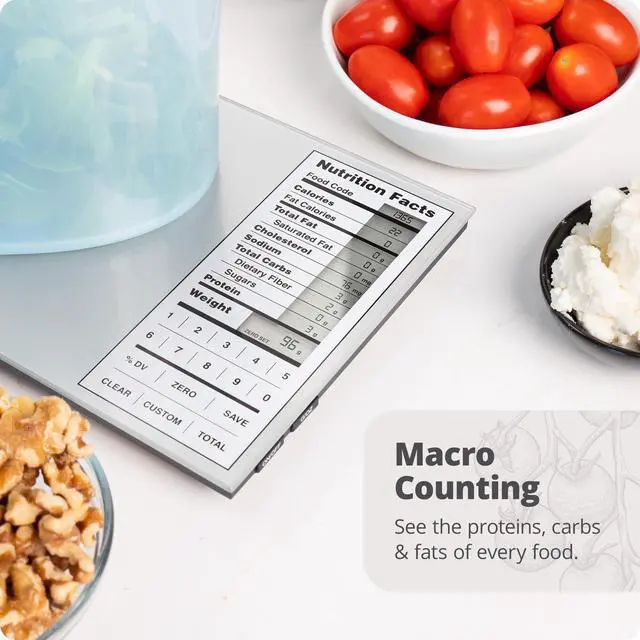
Looking for the perfect meal prep scale? The Greater Goods Nutrition Value Scale is like having a little nutritionist in your kitchen. It contains the nutritional facts on over 2,000 food items and can add and store up to 99 more customized entries. You can also total nutritional information by measuring and saving multiple ingredients, making it the perfect calorie counting scale.

Complete Your Kitchen
 Basic Silver |  Sage Green |  Coral Pink |  Stone Blue |  Silver | |
|---|---|---|---|---|---|
Customer Reviews | — | — | — | — | — |
Price | — | — | — | — | — |
Backlit | ? | ? | ? | ? | ? |
2,000 Food Codes | ? | ? | ? | ? | ? |
99 Custom Entries | ? | ? | ? | ? | ? |
Resolution | 1g | 1g | 1g | 1g | 1g |
Max Capacity | 11lbs | 11lbs | 11lbs | 11lbs | 11lbs |
I just got my scale and it won’t turn on. Help!
Make sure you’ve removed the plastic pull tab from the battery compartment on the back of your scale. Your scale won’t turn on until you activate the batteries. If you’ve done this and it still doesn’t work, reach out to us so we can help.
If I want to measure ingredients in a container, how do I subtract the weight of the container from the total?
Turn the scale on and place your container on the weighing surface first. Then, press the ZERO button once. When you're done, remove all items from the scale and press ZERO again, or just turn your scale off to reset the tare function.
My scale keeps saying “HHHH” in the weight area. What can I do?
Unfortunately, that code means your scale is broken and needs to be replaced. While we never want a defective scale to get to a customer, occasionally it can happen--which is why we'll replace defective scales for up to five years after purchase!
My scale says “UNST” in the weight area. What does this mean?
The scale is “Unstable” and needs to settle before use. The whole surface of the scale is a weighing mechanism, anything touching it will keep it from settling completely. Place the scale on a hard, flat surface and quickly press the ON/OFF button.
Where does the nutritional information come from?
The scale contains data derived directly from a U.S. Department of Agriculture database. The data given is presumed to be accurate for the sample the government tested, but there can be significant variability in samples of the same types of food.

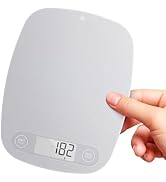
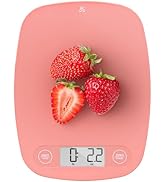
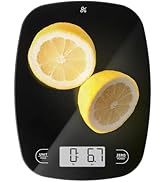
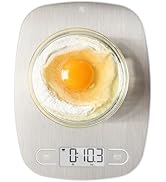
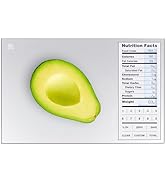
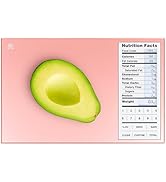
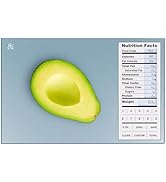
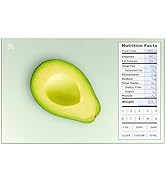
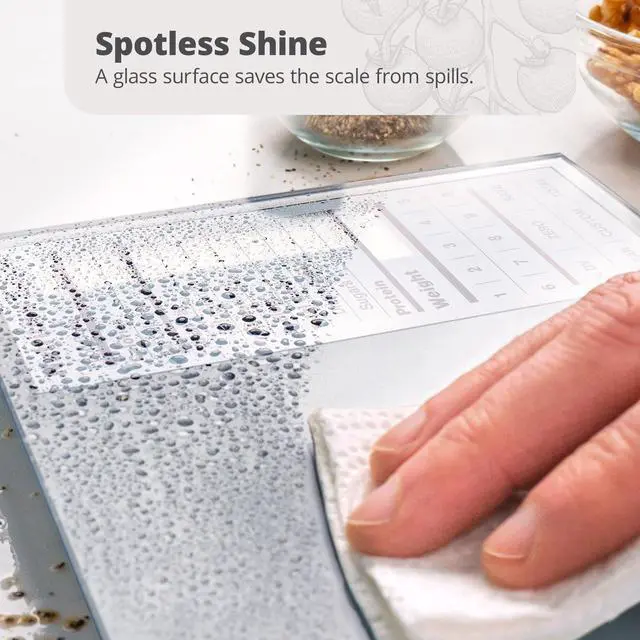
Hygienic Glass Surface
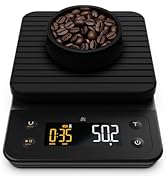
The nutrition scale is made with high-quality, food-grade glass to protect it from spills and make cleanup a breeze.
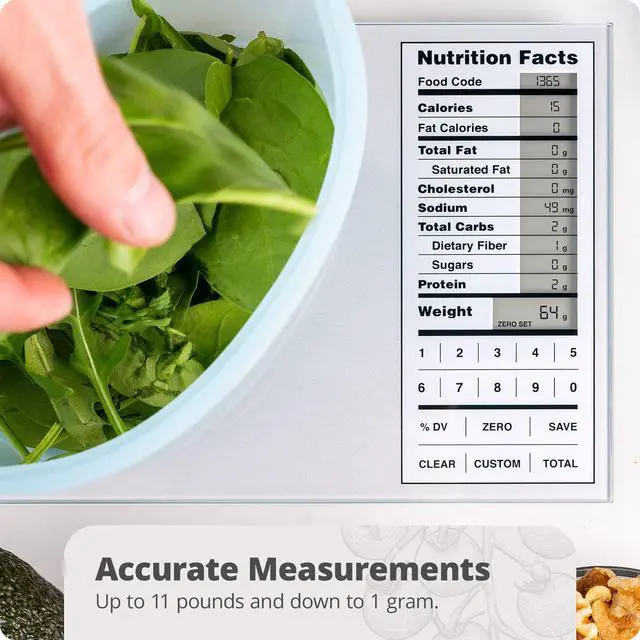
Hyper-Accurate Measurements
Weigh with precision up to 11 lbs or down to 1g.
Multiple Units of Measure
Toggle between imperial and metric systems to weigh in lb/oz or grams.
Count Macros
Keep track of proteins, carbs, and fats all on one easy-to-read screen.
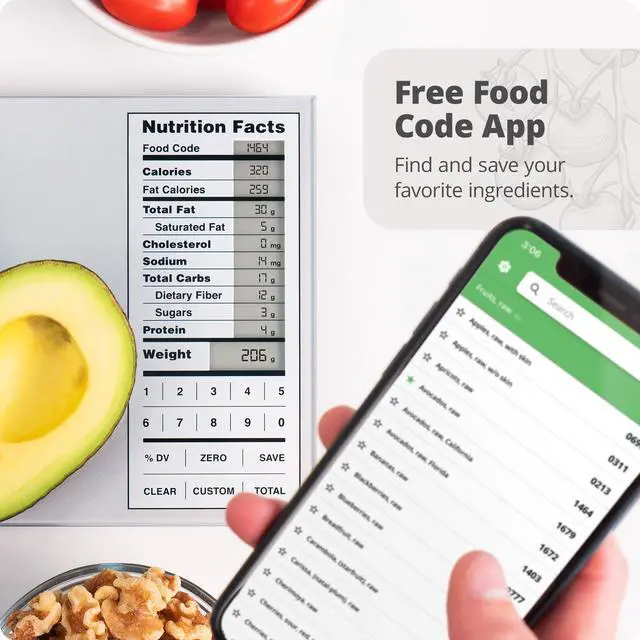
Pre-programmed Foods
The scale comes with 2,000 pre-programmed food codes. So, it’s ready to weigh out of the box.
Customizable
Using a unique ingredient? You can create & customize up to 99 additional food codes!
Measure Entire Meals
Weigh
Add your first ingredient directly to the nutrition scale or zero out the weight of a bowl to keep it more contained.
Save
Once weighed, select Save, and the nutrition scale will store the ingredient’s nutrition values.
Weigh More
Repeat steps one and two until each ingredient of your meal has been weighed and saved on the nutrition scale.
View Total
Press Total to view the ingredients' combined nutritional value, then again to return to weighing, or select Clear to reset your meal prep scale.


Add a Custom Food Code
Select Custom
Don’t see an ingredient? Create a custom food code by holding Custom on the nutrition scale. Just be sure you have the nutrition label on hand.
Choose Digits
After pressing Custom, your calorie counting scale will prompt you to enter a food code. You can choose any 2-digit number between 01 and 99.
Enter Nutrients
Enter the nutrient values as they appear on the food label. Then, press Custom on the nutrition scale and enter the protein and weight per serving.
Use Your New Code
To use your new code, simply select Custom on the macro scale and enter your chosen 2-digit number.
Calculate Calories, Macros, and All the Nutrition Facts You Need!
Looking for the perfect meal prep scale? The Greater Goods Nutrition Value Scale is like having a little nutritionist in your kitchen. It contains the nutritional facts on over 2,000 food items and can add and store up to 99 more customized entries. You can also total nutritional information by measuring and saving multiple ingredients, making it the perfect calorie counting scale.
Complete Your Kitchen
Basic Silver | Sage Green | Coral Pink | Stone Blue | Silver |
|---|---|---|---|---|
| Customer Reviews | ||||
| — | — | — | — | — |
| Price | ||||
| — | — | — | — | — |
| Backlit | ||||
| ? | ? | ? | ? | ? |
| 2,000 Food Codes | ||||
| ? | ? | ? | ? | ? |
| 99 Custom Entries | ||||
| ? | ? | ? | ? | ? |
| Resolution | ||||
| 1g | 1g | 1g | 1g | 1g |
| Max Capacity | ||||
| 11lbs | 11lbs | 11lbs | 11lbs | 11lbs |
I just got my scale and it won’t turn on. Help!
Make sure you’ve removed the plastic pull tab from the battery compartment on the back of your scale. Your scale won’t turn on until you activate the batteries. If you’ve done this and it still doesn’t work, reach out to us so we can help.
If I want to measure ingredients in a container, how do I subtract the weight of the container from the total?
Turn the scale on and place your container on the weighing surface first. Then, press the ZERO button once. When you're done, remove all items from the scale and press ZERO again, or just turn your scale off to reset the tare function.
My scale keeps saying “HHHH” in the weight area. What can I do?
Unfortunately, that code means your scale is broken and needs to be replaced. While we never want a defective scale to get to a customer, occasionally it can happen--which is why we'll replace defective scales for up to five years after purchase!
My scale says “UNST” in the weight area. What does this mean?
The scale is “Unstable” and needs to settle before use. The whole surface of the scale is a weighing mechanism, anything touching it will keep it from settling completely. Place the scale on a hard, flat surface and quickly press the ON/OFF button.
Where does the nutritional information come from?
The scale contains data derived directly from a U.S. Department of Agriculture database. The data given is presumed to be accurate for the sample the government tested, but there can be significant variability in samples of the same types of food.
Food Scales
Nutrition Scales
Sous Vide Family
Cast Iron Family
Coffee Family
