




Weigh Ingredients in a Bowl

Add Your Bowl
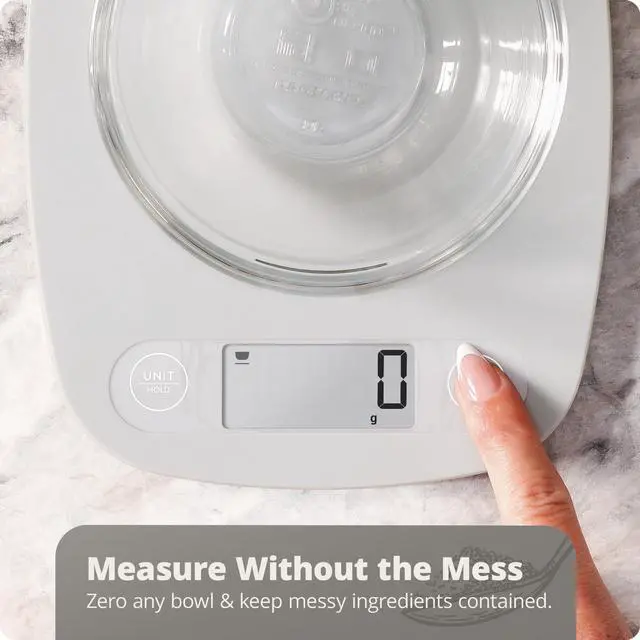
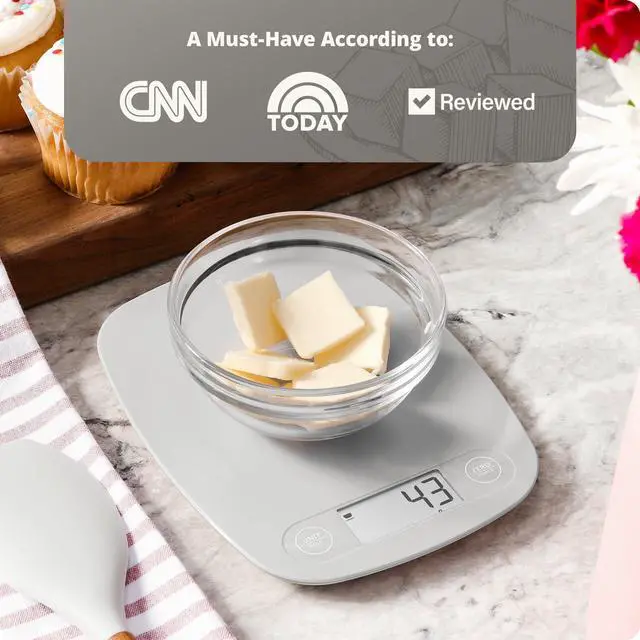
Need to weigh something messy or hard to contain? Start by setting an empty bowl, or container, on the weighing surface of your digital food scale.

Press Zero
Press the “ZERO/POWER” button only one time. The weight will reset to 0, and a tare symbol will appear on the food scale.

Add Ingredients
Now, you can add items to the bowl, and the digital food scale will display only the weight of those ingredients.

Weigh
Weigh precise amounts of flour, sugar, coffee, and more. When you're finished, simply turn off the food scale to reset the tare function.
Get to Know the Essential Kitchen Scale
Explore the array of features provided by this kitchen scale! Need to weigh something messy or hard to contain? Zero out the weight of a bowl or container! Do you want to make an international recipe? Set the food scale to weigh in either metric or imperial units. When you're done weighing, let the digital scale turn off automatically or use the hold function to extend its awake time. There's nothing this little scale can't do!
Get to Know the Essential Kitchen Scale
Merchant VideoComplete Your Kitchen
 Nutrition Scale |  Non-Stick Cookware |  Sous Vide |
|---|---|---|
Track Every Nutrient View the proteins, carbs, and fats of each ingredient and count macros. | Nonstick, Nontoxic Free of PTFEs, PFOAs, lead, and other hard-to-pronounce, harmful chemicals. | Superior Precision and Ease The 1100-watt motor heats in under 5 minutes with near-silent circulation. |
Meal Prep Made Easy Easily plan & portion meals with this accurate, easy-to-clean nutrition scale. | For Every Heat Source All pieces are induction compatible, gas-ready, electric-capable, and oven-safe. | Effortless Restaurant Quality Simple twist and push controls for perfect temperature and timer control. |

Capacitive Touch Buttons
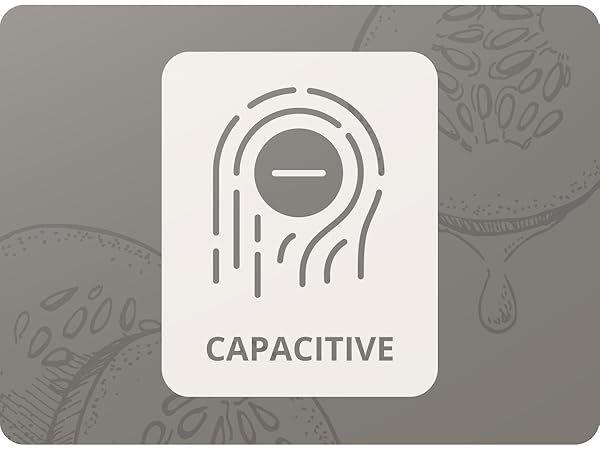
The buttons sit flush with the surface of the digital food scale, so there is no space for spills to seep in.
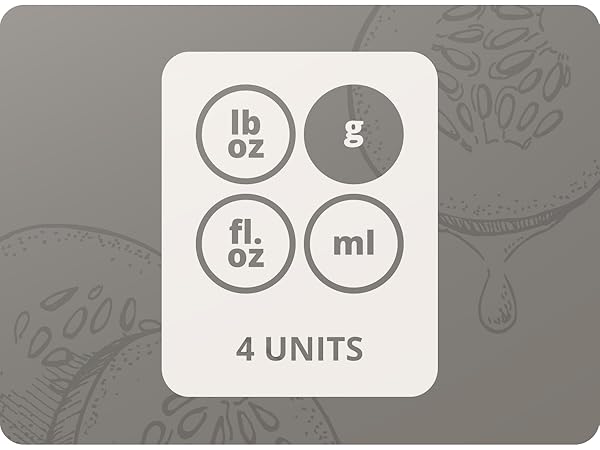
Units
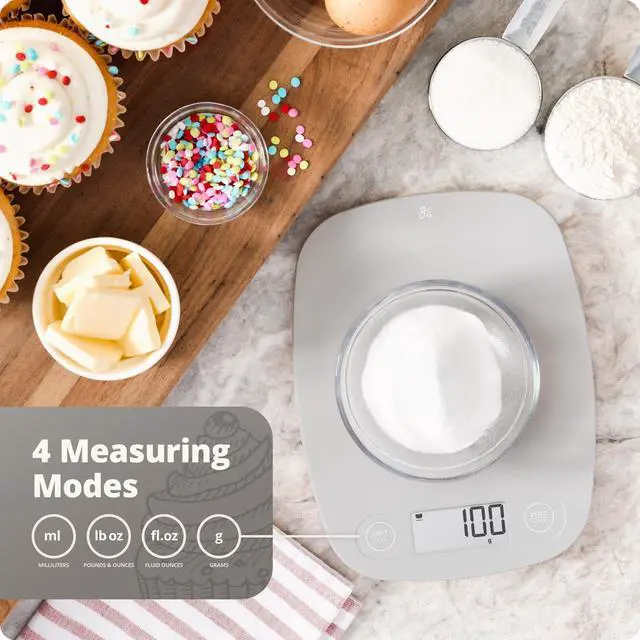
With four units of measurement, you can easily travel between imperial and metric systems with just the touch of a button. Perfect for international recipes!
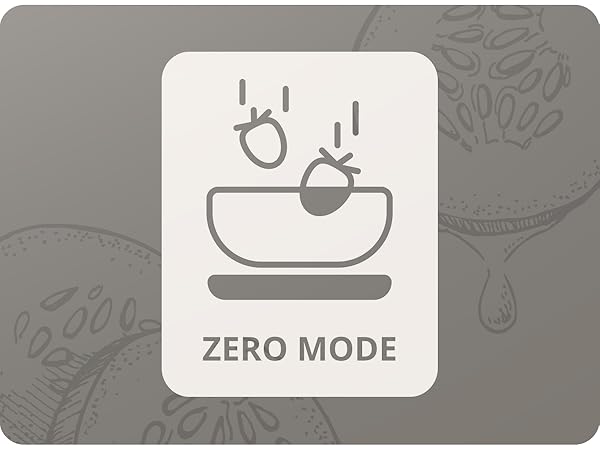
Zero
Press "zero" to remove the weight of a bowl or container and weigh only the ingredients inside.
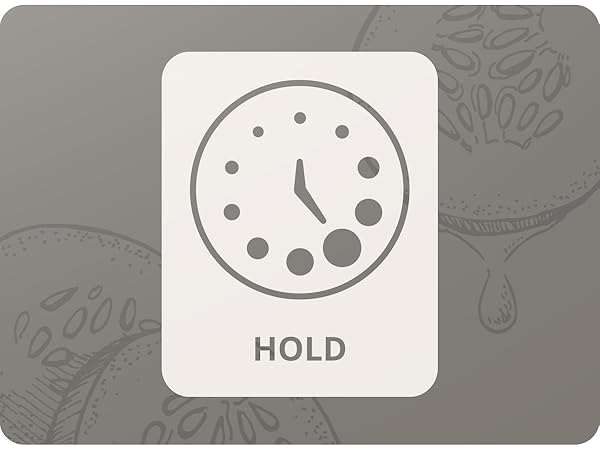
Hold
Extend the food scale's awake time to 5 minutes by pressing "hold," and a clock icon will appear to let you know the function is activated.
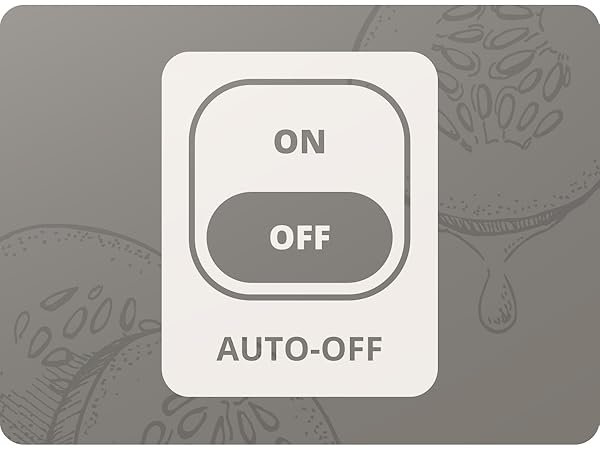
Auto-Off
Don’t worry about forgetting to turn it off. The food scale will shut off automatically after two minutes of inactivity.
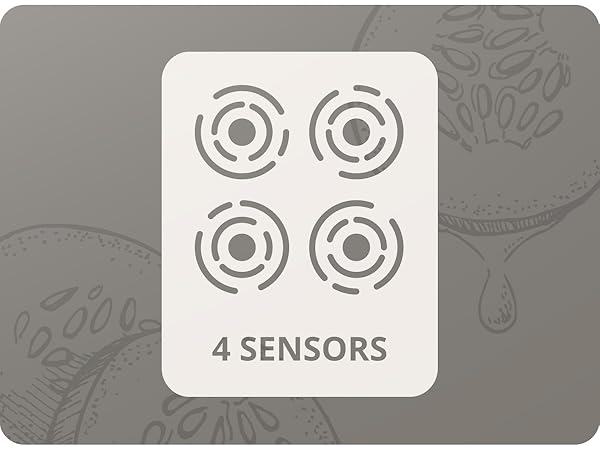
Precision Sensors
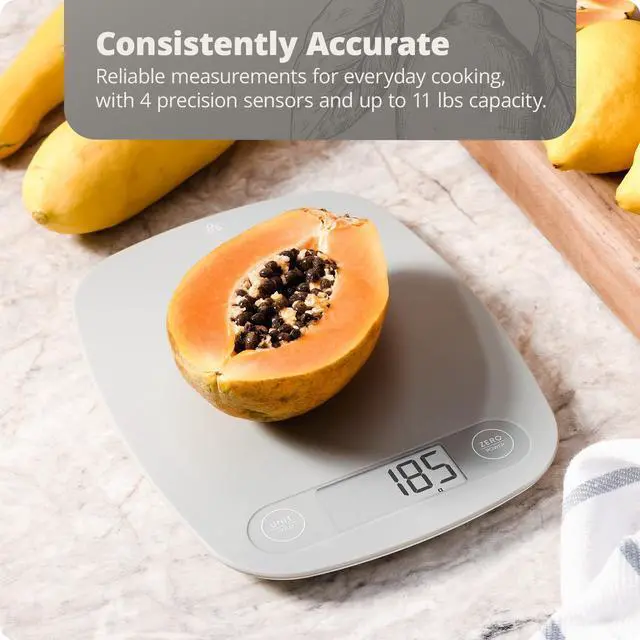
Four precision sensors lay under the kitchen scale's weighing platform to ensure easy and accurate measurements.


Weigh Ingredients in a Bowl
Add Your Bowl
Need to weigh something messy or hard to contain? Start by setting an empty bowl, or container, on the weighing surface of your digital food scale.
Press Zero
Press the “ZERO/POWER” button only one time. The weight will reset to 0, and a tare symbol will appear on the food scale.
Add Ingredients
Now, you can add items to the bowl, and the digital food scale will display only the weight of those ingredients.
Weigh
Weigh precise amounts of flour, sugar, coffee, and more. When you're finished, simply turn off the food scale to reset the tare function.
Get to Know the Essential Kitchen Scale
Merchant VideoGet to Know the Essential Kitchen Scale
Explore the array of features provided by this kitchen scale! Need to weigh something messy or hard to contain? Zero out the weight of a bowl or container! Do you want to make an international recipe? Set the food scale to weigh in either metric or imperial units. When you're done weighing, let the digital scale turn off automatically or use the hold function to extend its awake time. There's nothing this little scale can't do!