


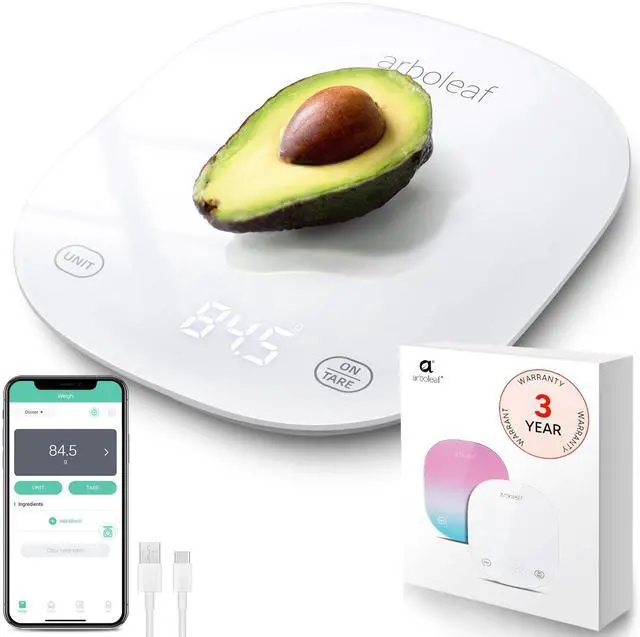
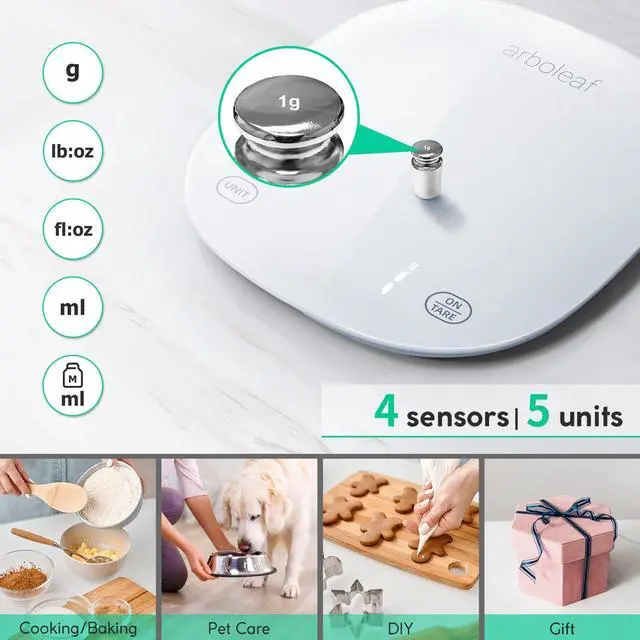
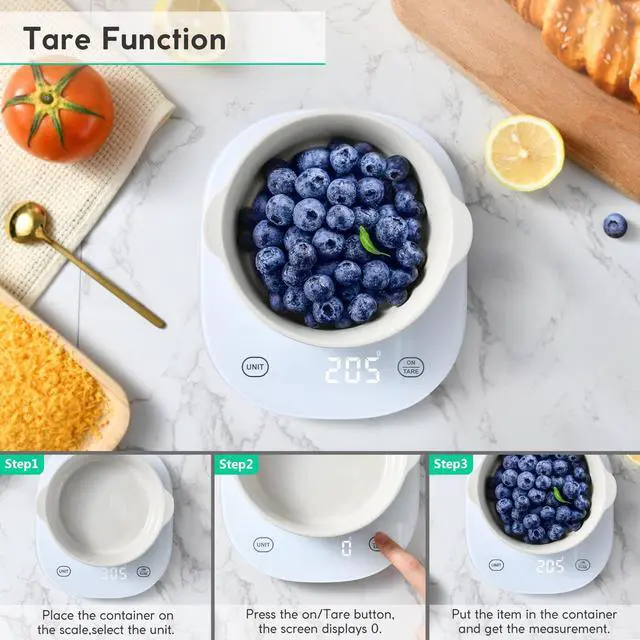
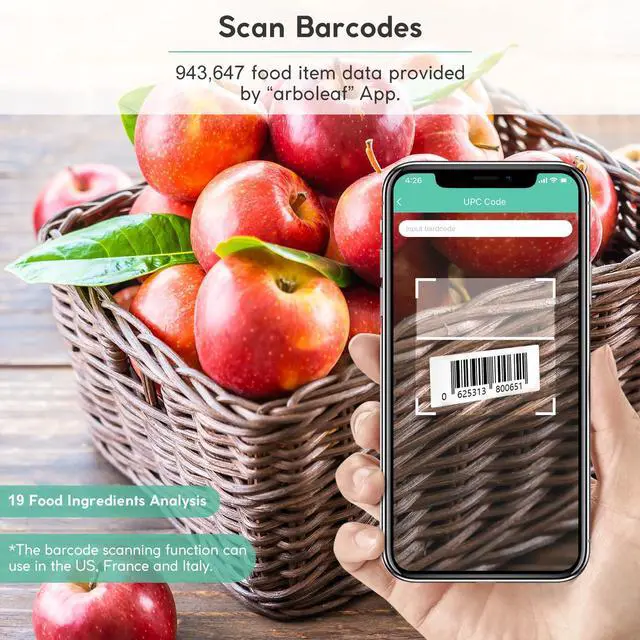


arboleaf smart food scale
 CK10G-white |  CK10G-colorful |  CK10A-black |  Other - food scale | |
|---|---|---|---|---|
Customer Reviews | — | — | — | — |
Price | — | — | — | — |
Rechargeable | ? | ? | ? | ? |
App - Tracking of intake | ? | ? | ? | ? |
Easy to clean | ? | ? | ? | ? |
Portable - Easy to store | ? | ? | ? | ? |
Glass panels - Waterproof | ? | ? | ? | ? |
Why my phone cannot connect the digital baking scale via Bluetooth?
The app connects automatically when Bluetooth is on. For the first connection, select "CK10G." Android users need to enable LOCATION services for Bluetooth access. If not connected, please check the user manual for help.
Why doesn't my kitchen scale respond when charging or won't switch on after charging?
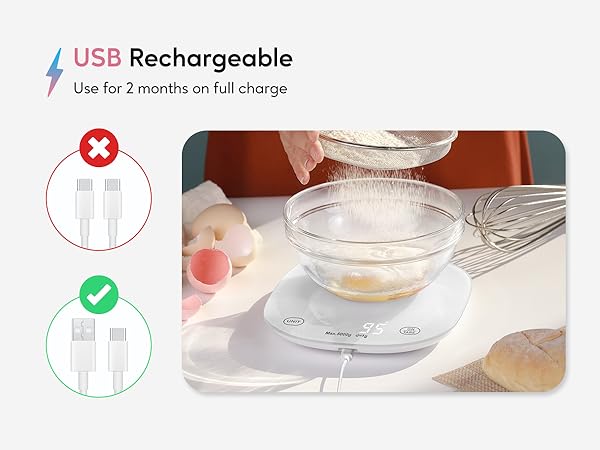
Please use the USB-C cable for charging. This product does not support charging cables with a Type C connector on both sides.
What should I do if the a button does not work during the use of the food scale?
There will be a reset button on the bottom of the food scale, please use a pin or needle to poke the reset button to restart the machine.
What should I do if I can't turn on my kitchen scale when I get it?
Step 1 : The food scale has no power, please charge it with the cable, make sure the red charging indicator to the right of the UNIT button stays on while charging. Step 2 : Poke the reset button at the bottom of the scale and restart the machine
What should I do if the indicator light does not light up when charging the kitchen scale?
Please replace the power adapter and use the USB cable that comes with the scale to charge it. The input voltage of this kitchen scale is 5V, if you do not have a suitable power adapter, Pls try to use the Type-a connector of the laptop to charge it.


The story of Arboleaf starts in Texas. Our philosophy is to advocate healthier lifestyles in today’s smart age. We introduce products for your health, we add mobile apps to make your weight loss journey smarter, so you can do better to achieve your goals in an easier fashion.
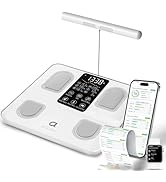
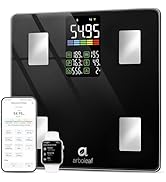
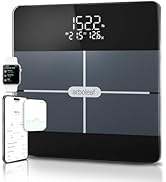
Wellness Tracking Solution
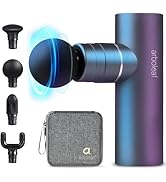
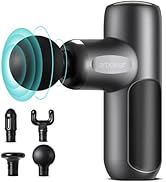
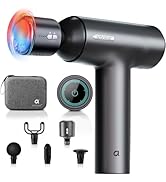
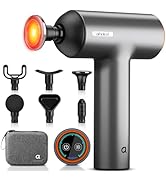
Experience a Relaxing
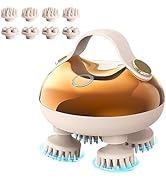
Available Now
The story of Arboleaf starts in Texas. Our philosophy is to advocate healthier lifestyles in today’s smart age. We introduce products for your health, we add mobile apps to make your weight loss journey smarter, so you can do better to achieve your goals in an easier fashion.
Wellness Tracking Solution
Experience a Relaxing
Available Now
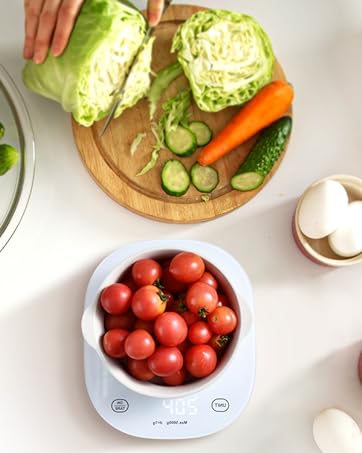

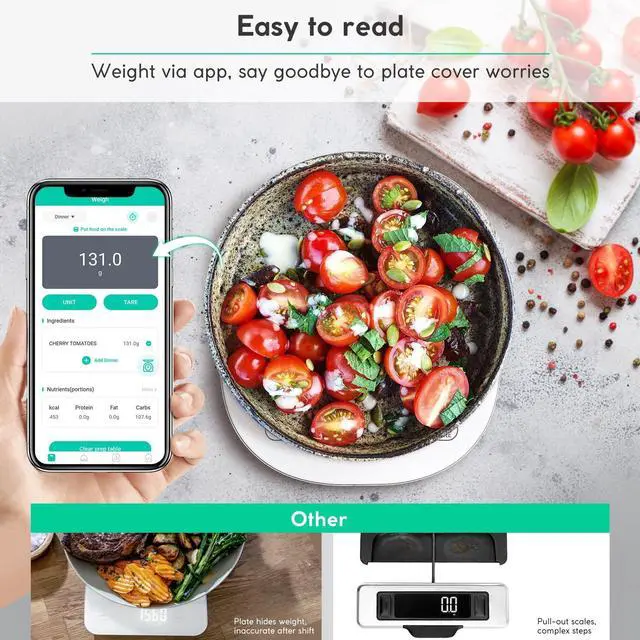
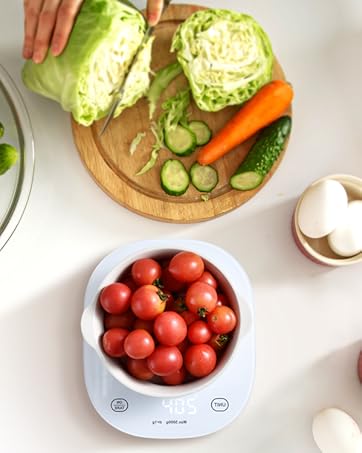
Easy to read
Customize shutdown time
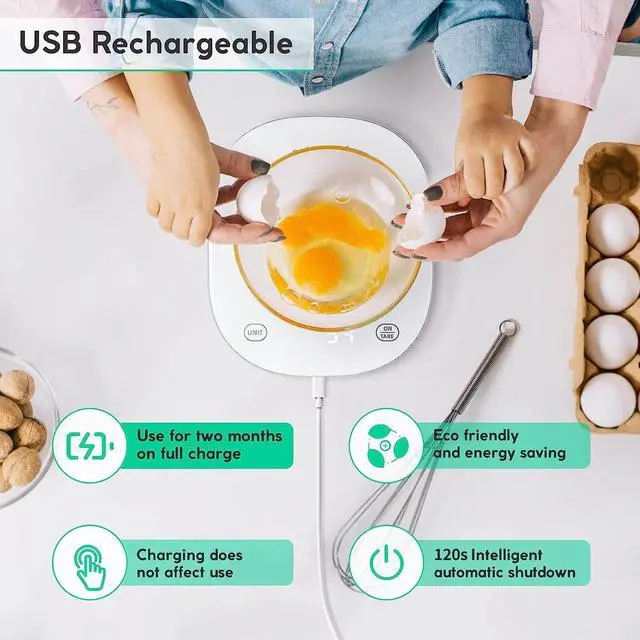
USB Rechargeable
Small size



Easy to read-No need to pull out
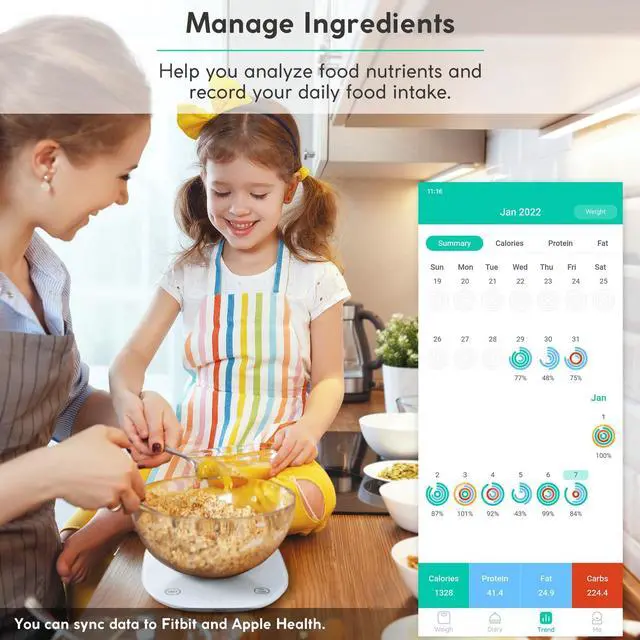
Convenient, flexible and smart kitchen scale
Say goodbye to frequent battery replacements
Easy to store, carry for travel
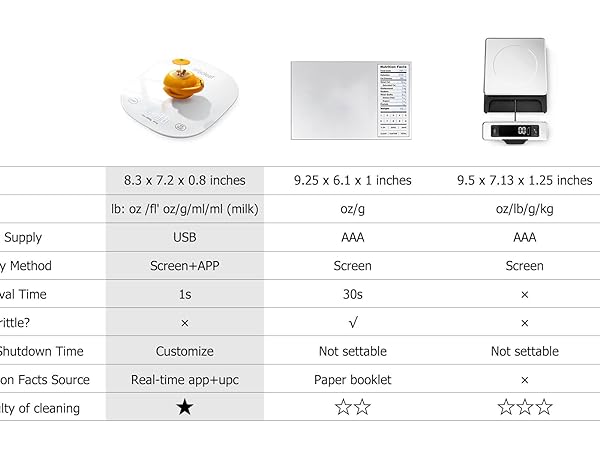
Why choose our smart scales?
It will give you and your family an unexpected surprise!
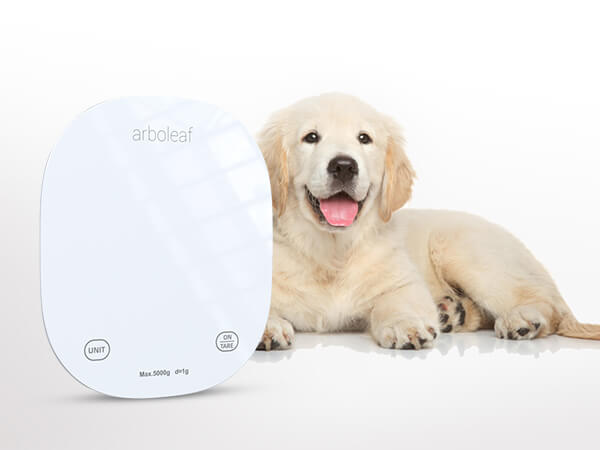
Care more about your puppy
Knowing how much it eats each day is better for its health!
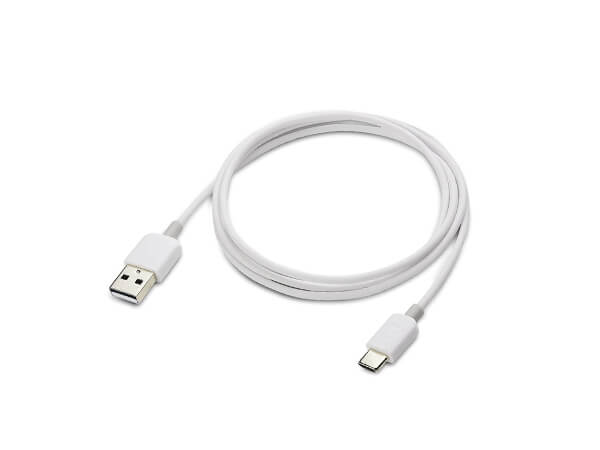
Equipped with charging cable
When you get the product, you can use it immediately, reducing the waste of buying batteries
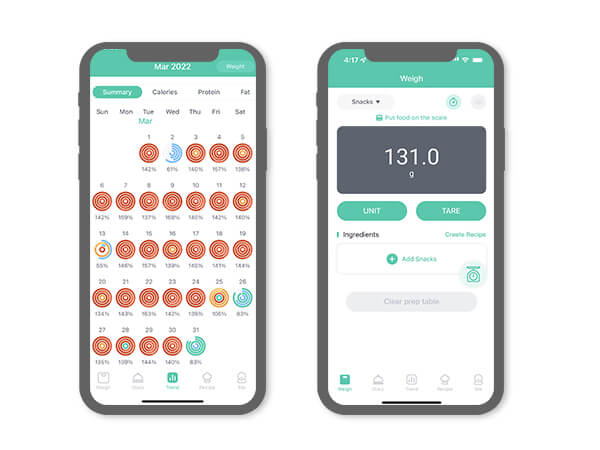
App Control Kitchen Scale
Never worry about your plate blocking your scale's display again!
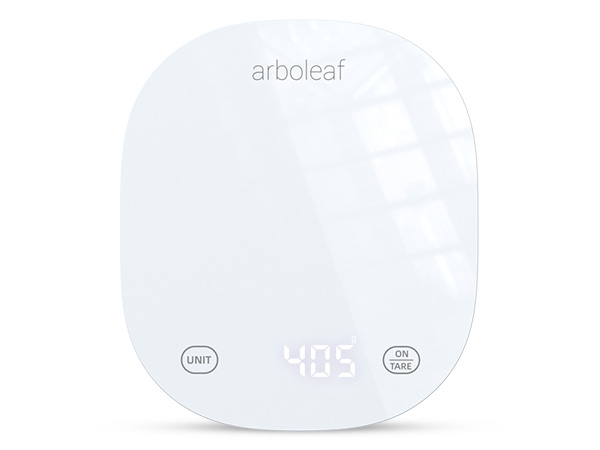
Easy to Clean
White Compression Glass Kitchen Scale Perfect for Organizer and Cleaning
USB Rechargeable


arboleaf smart food scale
CK10G-white | CK10G-colorful | CK10A-black | Other - food scale |
|---|---|---|---|
| Customer Reviews | |||
| — | — | — | — |
| Price | |||
| — | — | — | — |
| Rechargeable | |||
| ? | ? | ? | ? |
| App - Tracking of intake | |||
| ? | ? | ? | ? |
| Easy to clean | |||
| ? | ? | ? | ? |
| Portable - Easy to store | |||
| ? | ? | ? | ? |
| Glass panels - Waterproof | |||
| ? | ? | ? | ? |
Why my phone cannot connect the digital baking scale via Bluetooth?
The app connects automatically when Bluetooth is on. For the first connection, select "CK10G." Android users need to enable LOCATION services for Bluetooth access. If not connected, please check the user manual for help.
Why doesn't my kitchen scale respond when charging or won't switch on after charging?
Please use the USB-C cable for charging. This product does not support charging cables with a Type C connector on both sides.
What should I do if the a button does not work during the use of the food scale?
There will be a reset button on the bottom of the food scale, please use a pin or needle to poke the reset button to restart the machine.
What should I do if I can't turn on my kitchen scale when I get it?
Step 1 : The food scale has no power, please charge it with the cable, make sure the red charging indicator to the right of the UNIT button stays on while charging. Step 2 : Poke the reset button at the bottom of the scale and restart the machine
What should I do if the indicator light does not light up when charging the kitchen scale?
Please replace the power adapter and use the USB cable that comes with the scale to charge it. The input voltage of this kitchen scale is 5V, if you do not have a suitable power adapter, Pls try to use the Type-a connector of the laptop to charge it.