








We're here for you. Always.
- Forget repair hassles. We offer the industry’s strongest promise: The 365-Day No-Questions Replacement. If your station fails in the first year, we ship you a new one—immediately.
- Plus, get True U.S. Local Support—a dedicated team ready to help, with zero delays.
- Choose the brand trusted by thousands for reliability, and service that’s always there.
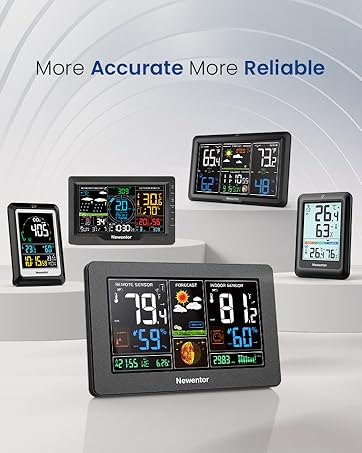
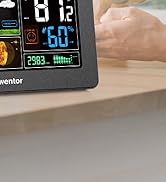
Popular Choice #1 Best Seller
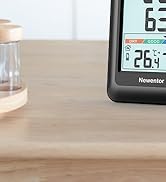
Convenient Choice

Make Life Quality Higher
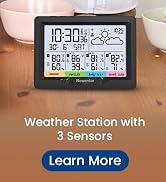
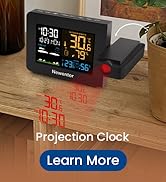
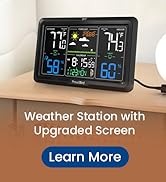
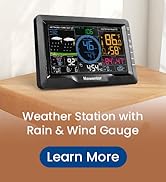
Home Weather Station Series


365-DAY No Hassle Replacement
If your unit fails within 12 months, we replace it immediately—guaranteed. No repairs, no long waits. Simple, fast protection from a top seller.

Lifetime Sensor
We protect the most critical component, ensuring your sensor always delivers accurate, reliable data for the long term. Trust your readings.

Premium Support
Our U.S.-based experts provide continuous, personalized help whenever you need it. Fast, friendly assistance is always available.

No Robots
Human Support, Always On Call. Senior-trained Technicians.
Newentor: Comprehensive Weather Solutions for Every Need
 Q3 Weather Station |  Q10 Projector Alarm Clock |  Z1 Weather Station |  Q8 Thermometer |  Q5 Weather Station |  Q6 Projection Clock |  Q9 Weather Station | |
|---|---|---|---|---|---|---|---|
Customer Reviews | — | — | — | — | — | — | — |
Price | — | — | — | — | — | — | — |
Sensor Included | 1 | 1 | 3 | 1 | 3 | 1 | 1 |
Screen Size | 7.5 inches | 4.74 inches | 7.5 inches | 4 inches | 6 inches | 4.5 inches | 7.5 inches |
Atomic Clock WWVB | ? | ? | ? | ? | ? | ? | ? |
Power Source | Adapter, 2 AA (not included) | Adapter | Adapter, 3 AA (not included) | 3 AAA (not included) | 2 AA (not included) | Adapter, CR2032 (included) | Adapter, 2 AA (not included) |
Backlight | ? | ? | ? | ? | ? | ? | ? |
Daylight Saving Time | ? | ? | ? | ? | ? | ? | ? |
Special Feature | Guaranteed Life Reliability | Colorful Projection Clock | Whole-Home 3 Sensor Kit | Simple Indoor/Outdoor Temp | Wireless power, place as wish | Projection Clock | Rainfall, Wind Direction/Speed |
What to Know Before Buying Weather Station?
1. Accurate and Reliable
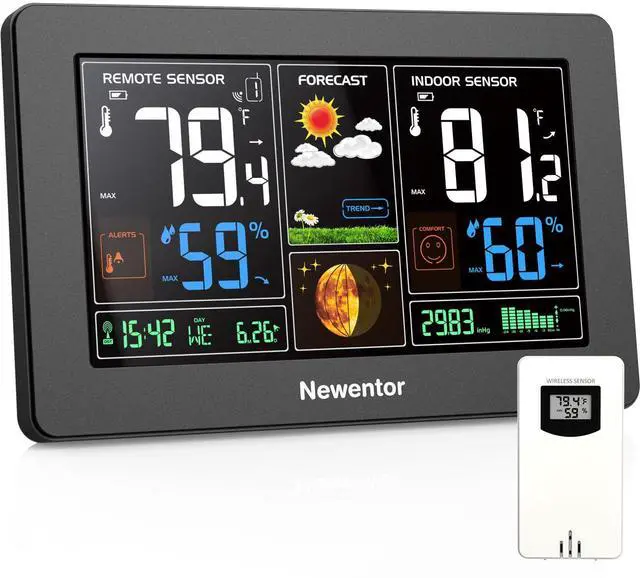
Enjoy a full-color display with adjustable brightness, and wireless monitoring of both indoor and outdoor temperature and humidity. With MIN/MAX recorded data, you'll always have the most accurate readings.
2. Real-Time Features
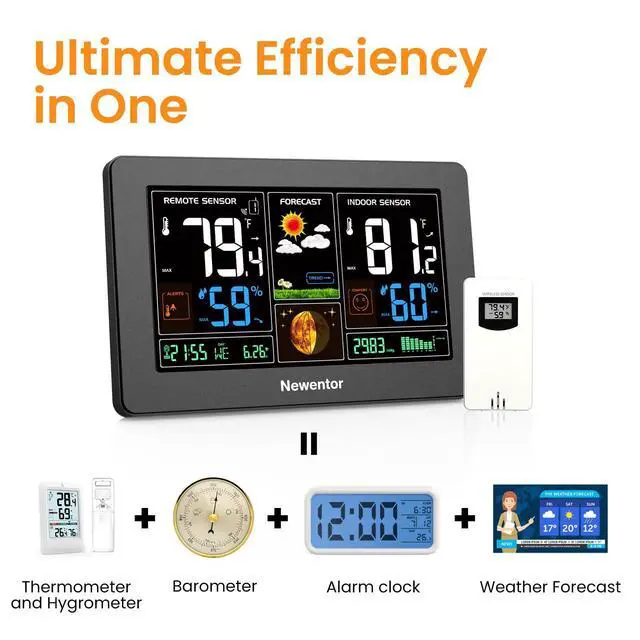
Our weather station includes a self-setting atomic clock, alarm clock, weather forecast, barometric pressure, temperature alerts, and more. It’s a one-stop solution for all your home weather needs.
3. No Gimmicks, Just Quality
We focus on real-world accuracy—not misleading test conditions. Our station gives you trustworthy data to help you plan your day, from indoor comfort levels to moon phases.
4. Wireless Convenience
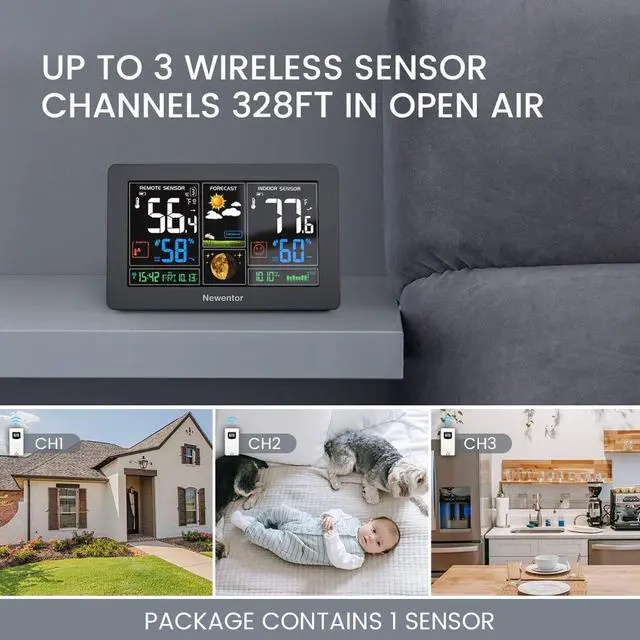
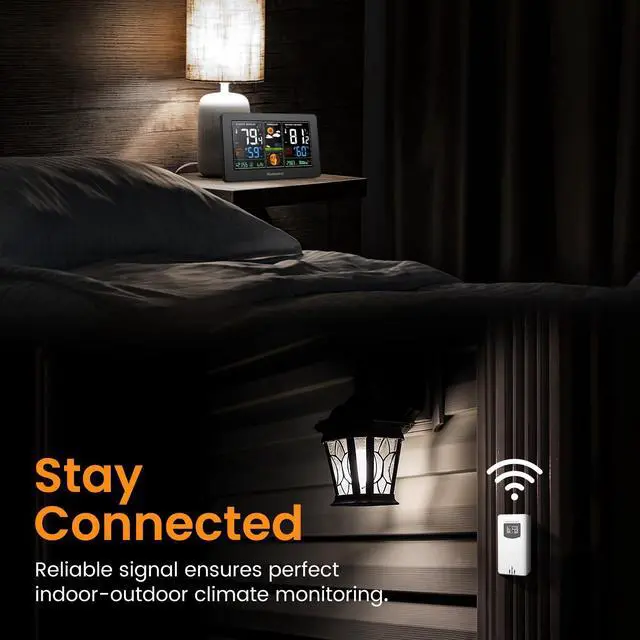
The weather station supports wireless connection to the remote sensor (1 sensor included). While wireless refers to the connection method, a power cable is still required for operation.
How long does the weather clock take to calibrate when used for the first time?
1) Calibration typically takes 7-10 days.
2) If moved between environments (e.g., bringing the sensor indoors during winter), it may take a few hours to recalibrate.
Why does my outdoor sensor lose connection or show "--" on the main unit?
Signal loss is usually due to distance or interference:
Distance: Max range is 200ft (60m) in open areas.
Obstacles: Each wall/floor equals ~50ft of signal loss.
Shielding: Keep units away from large metal objects.
Vertical mounting helps.
Why does the clock show the wrong time automatically?
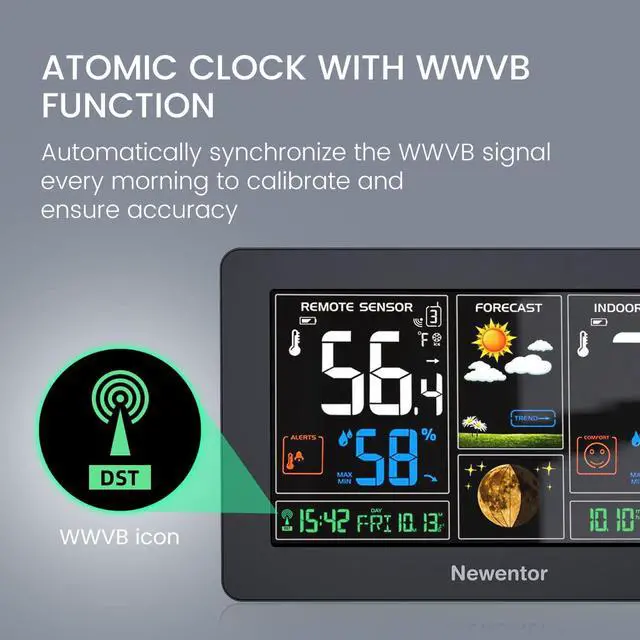
By default, the weather clock is set to PST with DST turned off. Simply set your correct time zone and adjust the DST setting according to the instructions when you first use it. This will ensure the clock displays the correct time.
Why does the screen auto-dim for 7 minutes or 15 seconds?
1. 7m Dimming (Atomic Sync): Normal during WWVB signal search. The dimming reduces interference for a successful, accurate time sync.
2.15s Dimming (Battery Mode): This is the Power Saver Mode. For continuous light, always use the power cord/adapter.
Why Does My Screen Keep Dimming when plugged in?
1. Atomic Clock Sync: Temporarily dims during WWVB signal reception? Let it auto-restore brightness or hold butter to cancel.
2. Low Brightness Setting: Adjustable backlight levels? Tap butter to adjust screen clarity.


365-DAY No Hassle Replacement
If your unit fails within 12 months, we replace it immediately—guaranteed. No repairs, no long waits. Simple, fast protection from a top seller.
Lifetime Sensor
We protect the most critical component, ensuring your sensor always delivers accurate, reliable data for the long term. Trust your readings.
Premium Support
Our U.S.-based experts provide continuous, personalized help whenever you need it. Fast, friendly assistance is always available.
No Robots
Human Support, Always On Call. Senior-trained Technicians.
Newentor: Comprehensive Weather Solutions for Every Need
Q3 Weather Station | Q10 Projector Alarm Clock | Z1 Weather Station | Q8 Thermometer | Q5 Weather Station | Q6 Projection Clock | Q9 Weather Station |
|---|---|---|---|---|---|---|
| Customer Reviews | ||||||
| — | — | — | — | — | — | — |
| Price | ||||||
| — | — | — | — | — | — | — |
| Sensor Included | ||||||
| 1 | 1 | 3 | 1 | 3 | 1 | 1 |
| Screen Size | ||||||
| 7.5 inches | 4.74 inches | 7.5 inches | 4 inches | 6 inches | 4.5 inches | 7.5 inches |
| Atomic Clock WWVB | ||||||
| ? | ? | ? | ? | ? | ? | ? |
| Power Source | ||||||
| Adapter, 2 AA (not included) | Adapter | Adapter, 3 AA (not included) | 3 AAA (not included) | 2 AA (not included) | Adapter, CR2032 (included) | Adapter, 2 AA (not included) |
| Backlight | ||||||
| ? | ? | ? | ? | ? | ? | ? |
| Daylight Saving Time | ||||||
| ? | ? | ? | ? | ? | ? | ? |
| Special Feature | ||||||
| Guaranteed Life Reliability | Colorful Projection Clock | Whole-Home 3 Sensor Kit | Simple Indoor/Outdoor Temp | Wireless power, place as wish | Projection Clock | Rainfall, Wind Direction/Speed |
What to Know Before Buying Weather Station?
1. Accurate and Reliable
Enjoy a full-color display with adjustable brightness, and wireless monitoring of both indoor and outdoor temperature and humidity. With MIN/MAX recorded data, you'll always have the most accurate readings.
2. Real-Time Features
Our weather station includes a self-setting atomic clock, alarm clock, weather forecast, barometric pressure, temperature alerts, and more. It’s a one-stop solution for all your home weather needs.
3. No Gimmicks, Just Quality
We focus on real-world accuracy—not misleading test conditions. Our station gives you trustworthy data to help you plan your day, from indoor comfort levels to moon phases.
4. Wireless Convenience
The weather station supports wireless connection to the remote sensor (1 sensor included). While wireless refers to the connection method, a power cable is still required for operation.
How long does the weather clock take to calibrate when used for the first time?
1) Calibration typically takes 7-10 days.
2) If moved between environments (e.g., bringing the sensor indoors during winter), it may take a few hours to recalibrate.
Why does my outdoor sensor lose connection or show "--" on the main unit?
Signal loss is usually due to distance or interference:
Distance: Max range is 200ft (60m) in open areas.
Obstacles: Each wall/floor equals ~50ft of signal loss.
Shielding: Keep units away from large metal objects.
Vertical mounting helps.
Why does the clock show the wrong time automatically?
By default, the weather clock is set to PST with DST turned off. Simply set your correct time zone and adjust the DST setting according to the instructions when you first use it. This will ensure the clock displays the correct time.
Why does the screen auto-dim for 7 minutes or 15 seconds?
1. 7m Dimming (Atomic Sync): Normal during WWVB signal search. The dimming reduces interference for a successful, accurate time sync.
2.15s Dimming (Battery Mode): This is the Power Saver Mode. For continuous light, always use the power cord/adapter.
Why Does My Screen Keep Dimming when plugged in?
1. Atomic Clock Sync: Temporarily dims during WWVB signal reception? Let it auto-restore brightness or hold butter to cancel.
2. Low Brightness Setting: Adjustable backlight levels? Tap butter to adjust screen clarity.
We're here for you. Always.
- Forget repair hassles. We offer the industry’s strongest promise: The 365-Day No-Questions Replacement. If your station fails in the first year, we ship you a new one—immediately.
- Plus, get True U.S. Local Support—a dedicated team ready to help, with zero delays.
- Choose the brand trusted by thousands for reliability, and service that’s always there.
Popular Choice #1 Best Seller
Convenient Choice
Make Life Quality Higher
Home Weather Station Series