



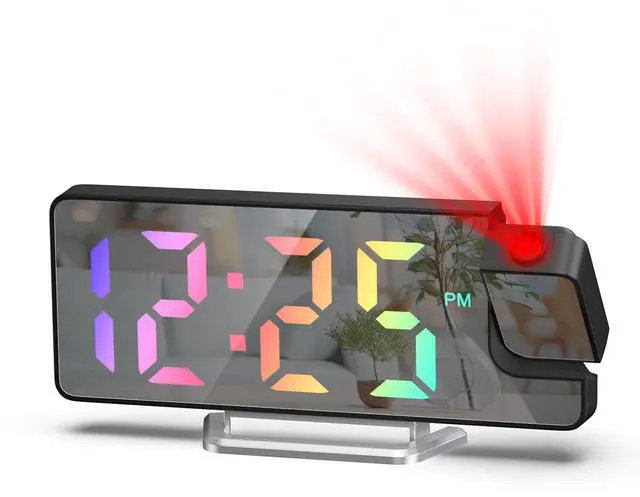
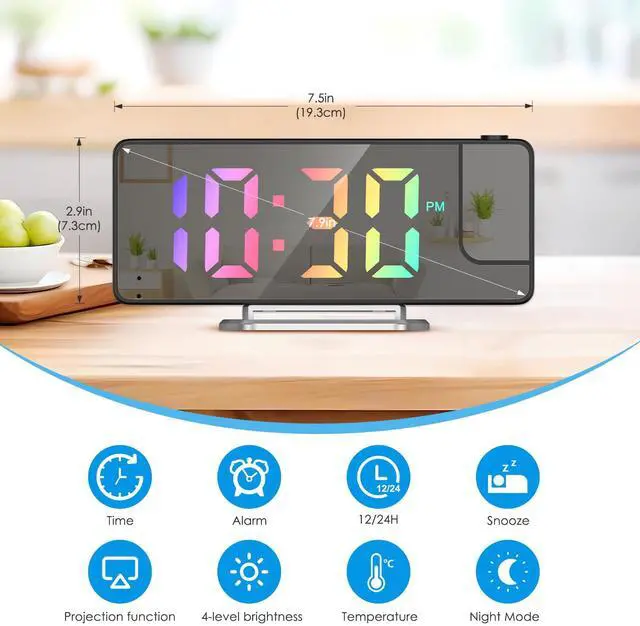


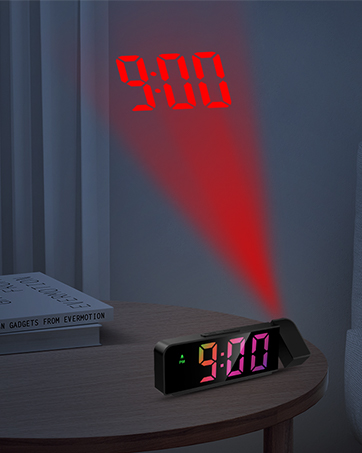
Multifuntional projection clock makes your life more comfortable & convenient!
Projection Alarm Clock for Bedrooms
Merchant VideoUSB: Screen remains constantly on
Power Supply:3 AAA batteries: Provide time memory function, the screen will automatically turn off after 30 seconds


Time setting:
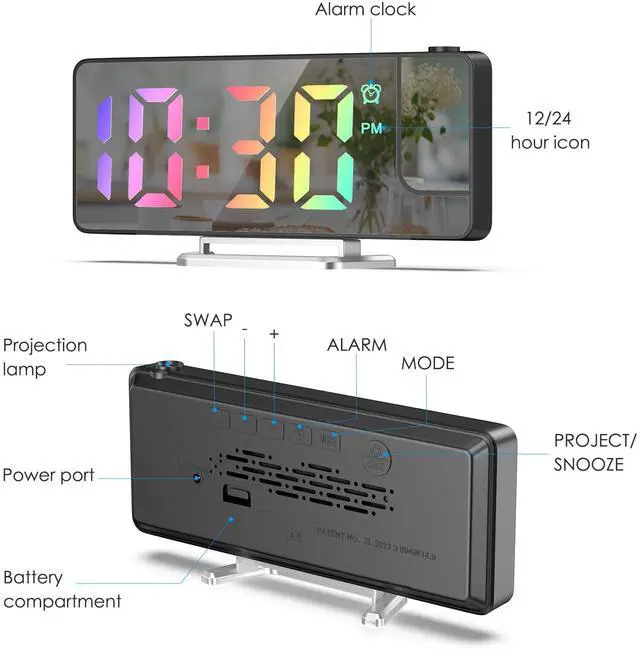
Press the MODE button to enter the time setting mode, combine +/- Button to adjust
The setting sequence is: 12/24 hours-time-minute

Alarm Setting:
Press the Alarm button to display the alarm mode, and the default alarm time is 6:00; Press the Alarm button to turn on/off the alarm in alarm mode
Press and hold the Alarm button to enter the alarm setting status
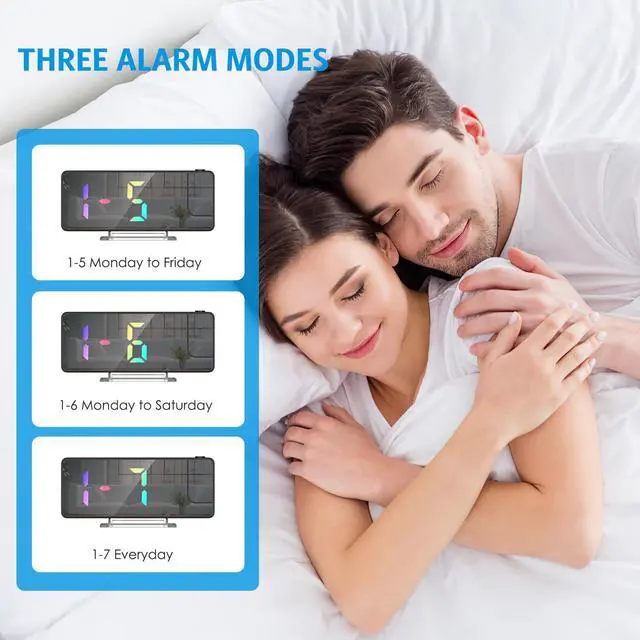
The setting sequence is: Hour?Minute?Snooze?Workday Mode (1-7/1-6/1-5)

How to set the alarm?
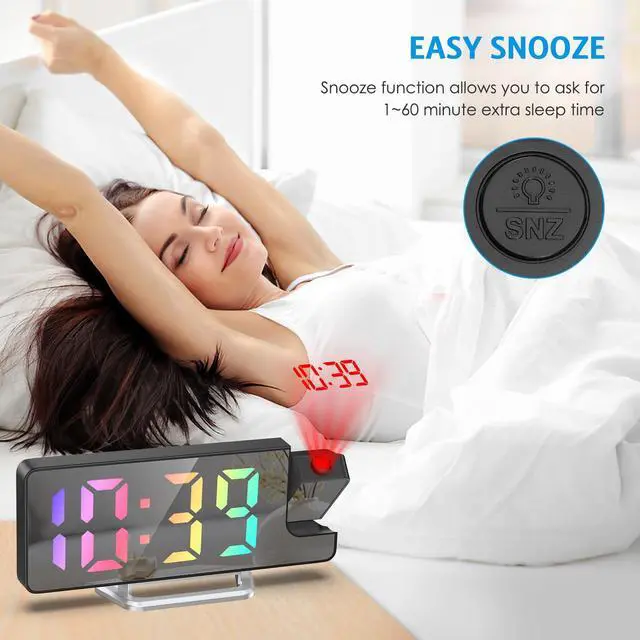
In any mode, long press the Alarm key to enter the alarm setting, Setting sequence: "hour setting ? minute setting ? snooze time - select weekday alarm (1-7/1-6/1-5). Snooze time range: default 5 minutes.
How to set the time?
When you press the "MODE" button switch to time mode, then long press the "MODE " to enter the time settings mode, and complete the settings with the UP/DOWN Button. The setting sequence is: 12/24 hours-Hour-Minute
How to keep the LED light always on?
This bedside alarm clock must be plugged in and the LED screen will always be on.
How to adjust the brightness of the clock?
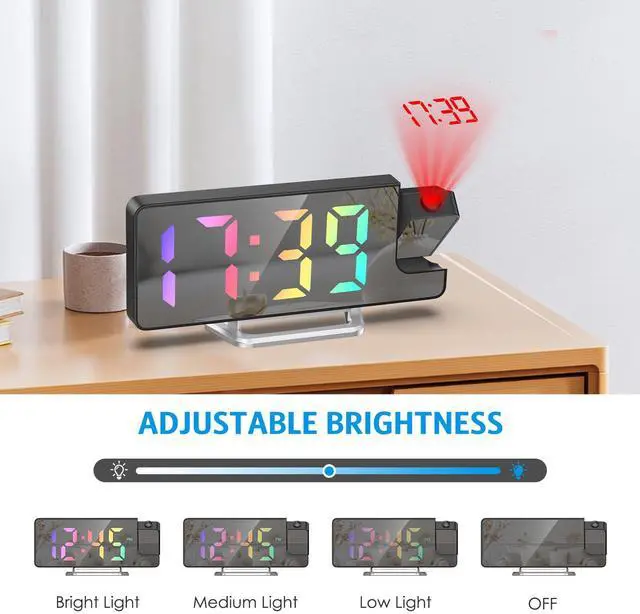
Normal time, date, temperature mode, single press the snooze button to directly adjust the brightness, from high?medium?low?OFF.




Popular Alarm Clock




Hot Projection Alarm Clock
![AMIR Digital Alarm Clock, [Upgraded Version] LED Clock for Bedroom, Electronic Desktop Clock with...](//c1.neweggimages.com/sellingpilot/modules/product/a-plus/7fbeeddc90d9e65eafdd8dbba156420194a8752d060c75739ddd44dcdd690885.jpg)
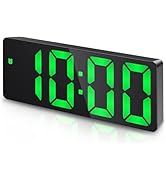
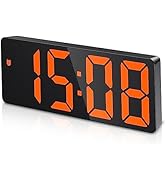
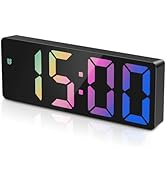
Hot Sale Digital Alarm Clock
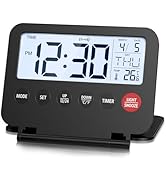
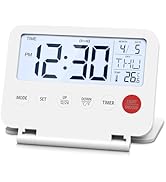
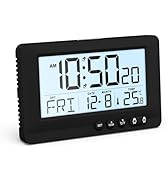
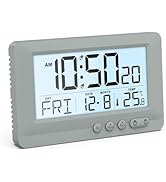
New Alarm Clock
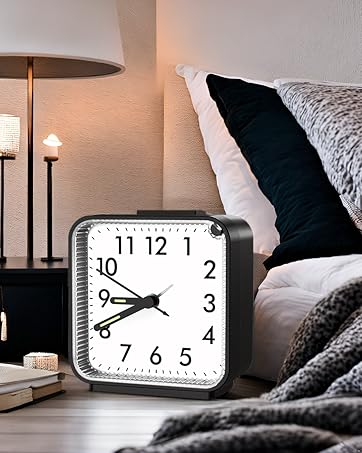
Hot Sale Analog Clocks

The Best Holiday Gifts


7*24H Professional Support
36M Exclusive Services
How we got our start?
AMlR is a professional manufacturer and supplieron Home Improvement items. We specialize inoverseas import and export products. We havebeen working hard to explore and provide ourconsumers with higher quality products.
What makes our product unique?
Our Digital Alarm Clock displays time, date, indoortemperature & humidity and works the alarmclock functions.
Why we love what we do?
AMlR is dedicated to providing the high qualityproducts of Home Improvement for worldwideconsumers. We will never stop trying and creating.
![AMIR Digital Alarm Clock, [Upgraded Version] LED Clock for Bedroom, Electronic Desktop Clock with...](http://c1.neweggimages.com/sellingpilot/modules/product/a-plus/7fbeeddc90d9e65eafdd8dbba156420194a8752d060c75739ddd44dcdd690885.jpg)
Popular Alarm Clock
Hot Projection Alarm Clock
Hot Sale Digital Alarm Clock
New Alarm Clock
Hot Sale Analog Clocks
The Best Holiday Gifts
7*24H Professional Support
36M Exclusive Services
How we got our start?
AMlR is a professional manufacturer and supplieron Home Improvement items. We specialize inoverseas import and export products. We havebeen working hard to explore and provide ourconsumers with higher quality products.
What makes our product unique?
Our Digital Alarm Clock displays time, date, indoortemperature & humidity and works the alarmclock functions.
Why we love what we do?
AMlR is dedicated to providing the high qualityproducts of Home Improvement for worldwideconsumers. We will never stop trying and creating.
Multifuntional projection clock makes your life more comfortable & convenient!
Projection Alarm Clock for Bedrooms
Merchant VideoUSB: Screen remains constantly on
Power Supply:3 AAA batteries: Provide time memory function, the screen will automatically turn off after 30 seconds
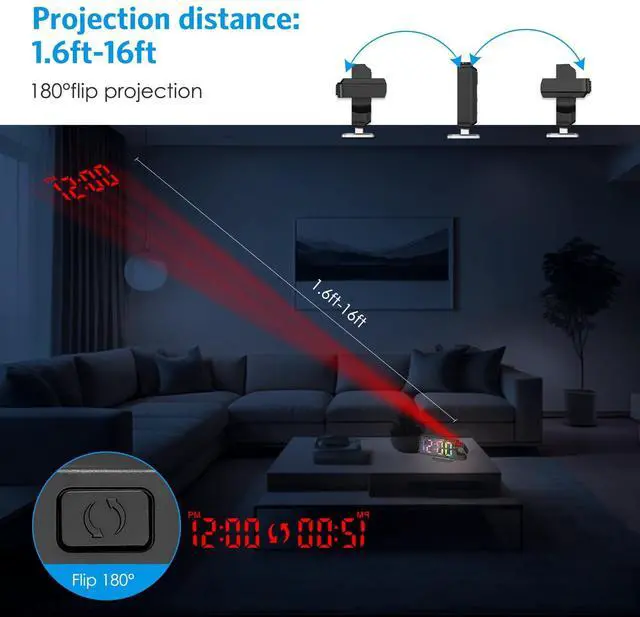
It can be projected from both front and back
Push the button to flip the digit forward
Press the MODE button to enter the night settings 3 times,
press +/- button to open/close


Temperature display:
Press the MODE button to enter the temperature mode twice, and press "-" button to switch temperature unit.
Measurement range: -10 ? ~ 50 ? (14 ? ~ 122 ?).

Time setting:
Press the MODE button to enter the time setting mode, combine +/- Button to adjust
The setting sequence is: 12/24 hours-time-minute

Alarm Setting:
Press the Alarm button to display the alarm mode, and the default alarm time is 6:00; Press the Alarm button to turn on/off the alarm in alarm mode
Press and hold the Alarm button to enter the alarm setting status
The setting sequence is: Hour?Minute?Snooze?Workday Mode (1-7/1-6/1-5)

How to set the alarm?
In any mode, long press the Alarm key to enter the alarm setting, Setting sequence: "hour setting ? minute setting ? snooze time - select weekday alarm (1-7/1-6/1-5). Snooze time range: default 5 minutes.
How to set the time?
When you press the "MODE" button switch to time mode, then long press the "MODE " to enter the time settings mode, and complete the settings with the UP/DOWN Button. The setting sequence is: 12/24 hours-Hour-Minute
How to keep the LED light always on?
This bedside alarm clock must be plugged in and the LED screen will always be on.
How to adjust the brightness of the clock?
Normal time, date, temperature mode, single press the snooze button to directly adjust the brightness, from high?medium?low?OFF.