



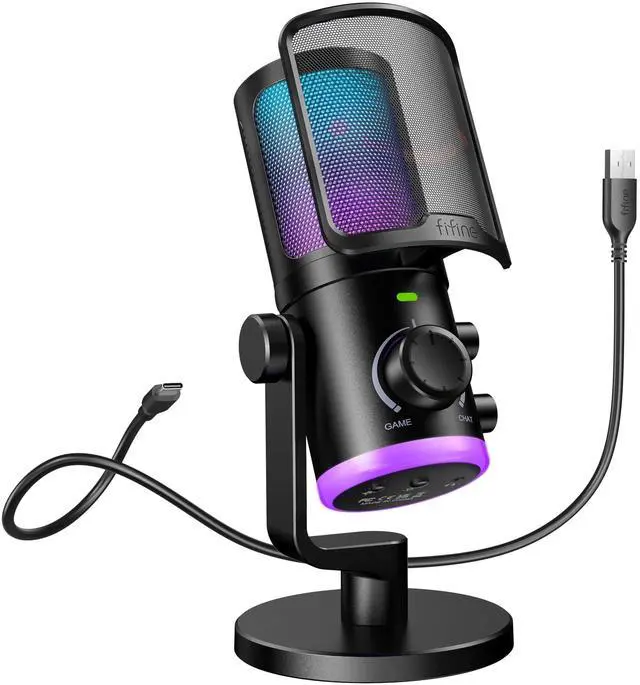










How to use the Game/Chat Balance knob in Game and Chat applications?
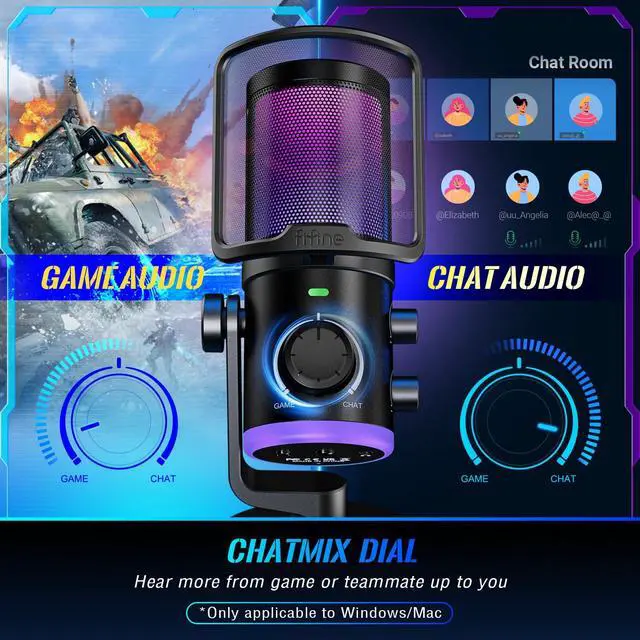
Firstly, please select "fifine Chat" as the input device in both apps. Then select "fifine Chat" as output device in Chat app and "fifine Game" in Game app. Turn the knob more to the right and get louder sound from Chat app. The same in Game app.
Does it have noise suppression?
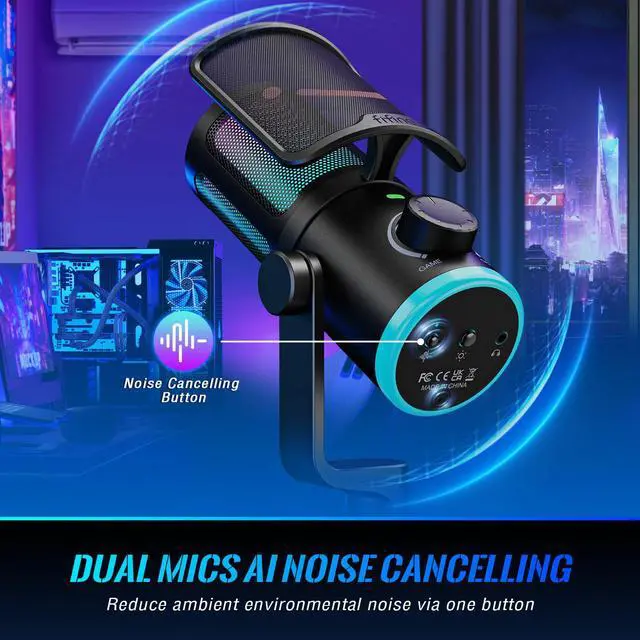
Yes, this microphone has a dual mics denoise system and a noise canceling button. You could press the button to eliminate surrounding noise.
How to monitor my real-time voice in Windows?
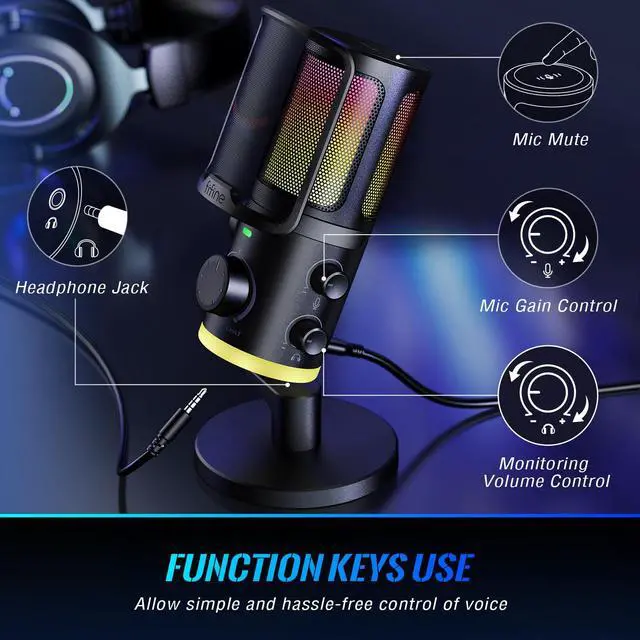
The monitoring feature of the mic is turned off in default. Please search "sound control panel", double click the "fifine chat" under "playback devices", under the "level" tab, and unmute the microphone level option (Windows).
Does it work with Xbox?
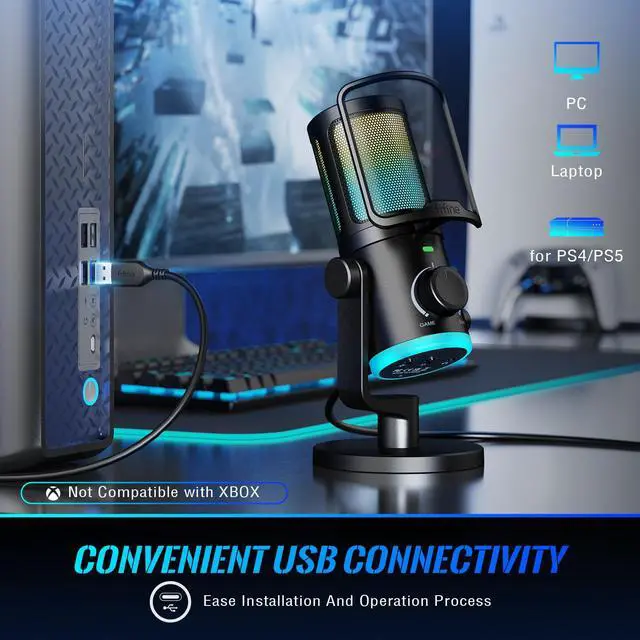
No. This PC USB microphone is not compatible with Xbox but works with desktop, laptop, PS4/PS5.
Can I control RGB light?
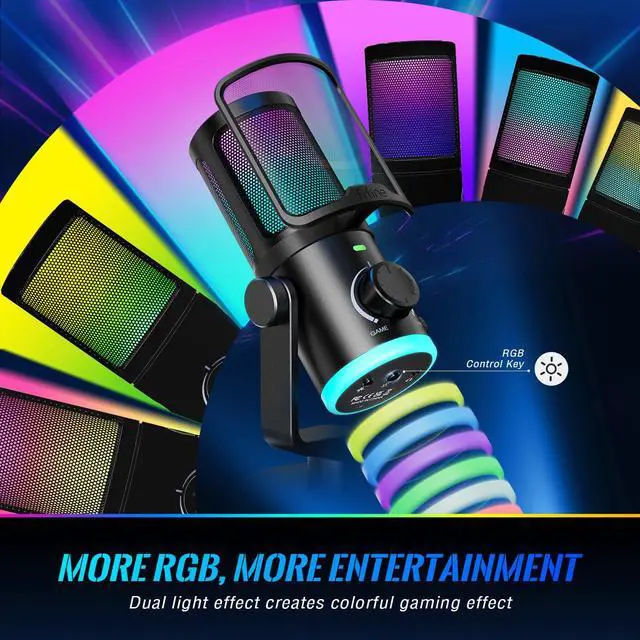
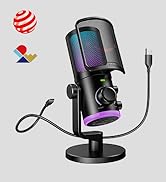
Yes, you can long press and hold for 3 seconds to turn on or off RGB lighting without affecting the work of the mic. And short press to select 4 kinds of RGB mode and over 10 colors of RGB light.
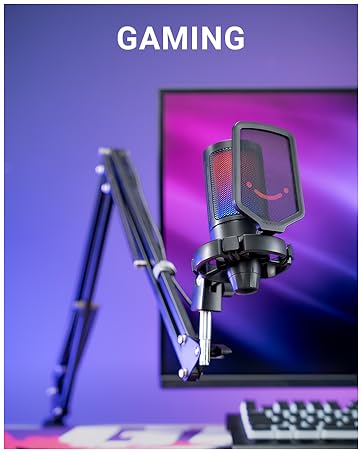
Gaming Microphone Series
 Game Chat USB Mic-AM6 |  Game/Chat Mic Kit-AM6T |  USB Computer Game Mic-A6V |  RGB Condenser Mic-A8 |  Gaming PC Mic Kit-A6T |  RGB Condenser Mic Kit-A8T |  XLR/USB Dynamic Mic-AM8 | |
|---|---|---|---|---|---|---|---|
Customer Reviews | — | — | — | — | — | — | — |
Price | — | — | — | — | — | — | — |
Mic Connector | USB | USB | USB | USB | USB | USB | XLR or USB |
Acoustic Principle | Condenser | Condenser | Condenser | Condenser | Condenser | Condenser | Dynamic |
Game:Chat Balance | ? | ? | ? | ? | ? | ? | ? |
Noise Cancellation Button | ? | ? | ? | ? | ? | ? | ? |
Tap-to-Mute | ? | ? | ? | ? | ? | ? | ? |
Gain Knob | ? | ? | ? | ? | ? | ? | ? |
Headphones Vol. Control | ? | ? | ? | ? | ? | ? | ? |
3.5mm Headphones Jack | ? | ? | ? | ? | ? | ? | ? |
RGB | On/Off/Controllable | On/Off/Controllable | Automatically Changing | On/Off/Controllable | Automatically Changing | On/Off/Controllable | On/Off/Controllable |
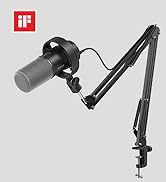
Mic Stand Included | Based Stand | Boom Arm Stand | Tripod Stand | Based Stand | Boom Arm Stand | Boom Arm Stand | Based Stand |
Suitable Scenes | Game Chat/Stream/Video/Podcast | Game Chat/Stream/Video/Podcast | Game Chat/Stream/Video/Podcast | Game Chat/Stream/Video/Podcast | Game Chat/Stream/Video/Podcast | Game Chat/Stream/Video/Podcast | Vocal/Stream/Game Chat/Video |



ChatMix Dial
Intense Game Performance
More Precise Conversation


Offer the flexibility to fine-tune the audio balance according to your preference.
Enjoy an unrivaled gaming experience with enhanced audio clarity.
Take your game communication efficiency with teammates to the next level.
Eliminate background disturbances to focus solely on your game and communication.
Say goodbye to frustrating interruptions and resulting in a smoother gaming sessions.
Dampen the noises likes puffs of air or harsh consonant sounds.


Easily adjust and change colors to match your gaming aura.
Create a visually stunning atmosphere while you are gaming.


Provide a satisfying tactile feedback, ensuring every command is completed accurately.
No need for tedious settings and start using with a quick and immediate setup process.
Allow to position mic at the optimal distance and angle for clear audio capture.


How to use the Game/Chat Balance knob in Game and Chat applications?
Firstly, please select "fifine Chat" as the input device in both apps. Then select "fifine Chat" as output device in Chat app and "fifine Game" in Game app. Turn the knob more to the right and get louder sound from Chat app. The same in Game app.
Does it have noise suppression?
Yes, this microphone has a dual mics denoise system and a noise canceling button. You could press the button to eliminate surrounding noise.
How to monitor my real-time voice in Windows?
The monitoring feature of the mic is turned off in default. Please search "sound control panel", double click the "fifine chat" under "playback devices", under the "level" tab, and unmute the microphone level option (Windows).
Does it work with Xbox?
No. This PC USB microphone is not compatible with Xbox but works with desktop, laptop, PS4/PS5.
Can I control RGB light?
Yes, you can long press and hold for 3 seconds to turn on or off RGB lighting without affecting the work of the mic. And short press to select 4 kinds of RGB mode and over 10 colors of RGB light.
Gaming Microphone Series
Game Chat USB Mic-AM6 | Game/Chat Mic Kit-AM6T | USB Computer Game Mic-A6V | RGB Condenser Mic-A8 | Gaming PC Mic Kit-A6T | RGB Condenser Mic Kit-A8T | XLR/USB Dynamic Mic-AM8 |
|---|---|---|---|---|---|---|
| Customer Reviews | ||||||
| — | — | — | — | — | — | — |
| Price | ||||||
| — | — | — | — | — | — | — |
| Mic Connector | ||||||
| USB | USB | USB | USB | USB | USB | XLR or USB |
| Acoustic Principle | ||||||
| Condenser | Condenser | Condenser | Condenser | Condenser | Condenser | Dynamic |
| Game:Chat Balance | ||||||
| ? | ? | ? | ? | ? | ? | ? |
| Noise Cancellation Button | ||||||
| ? | ? | ? | ? | ? | ? | ? |
| Tap-to-Mute | ||||||
| ? | ? | ? | ? | ? | ? | ? |
| Gain Knob | ||||||
| ? | ? | ? | ? | ? | ? | ? |
| Headphones Vol. Control | ||||||
| ? | ? | ? | ? | ? | ? | ? |
| 3.5mm Headphones Jack | ||||||
| ? | ? | ? | ? | ? | ? | ? |
| RGB | ||||||
| On/Off/Controllable | On/Off/Controllable | Automatically Changing | On/Off/Controllable | Automatically Changing | On/Off/Controllable | On/Off/Controllable |
| Mic Stand Included | ||||||
| Based Stand | Boom Arm Stand | Tripod Stand | Based Stand | Boom Arm Stand | Boom Arm Stand | Based Stand |
| Suitable Scenes | ||||||
| Game Chat/Stream/Video/Podcast | Game Chat/Stream/Video/Podcast | Game Chat/Stream/Video/Podcast | Game Chat/Stream/Video/Podcast | Game Chat/Stream/Video/Podcast | Game Chat/Stream/Video/Podcast | Vocal/Stream/Game Chat/Video |
FIFINE AmpliGame Series
Keep Leveling Up for Your Game Victory
FIFINE Gaming Products
FIFINE Streaming Microphone
FIFINE Podcasting Microphone
More from AmpliGame Series